
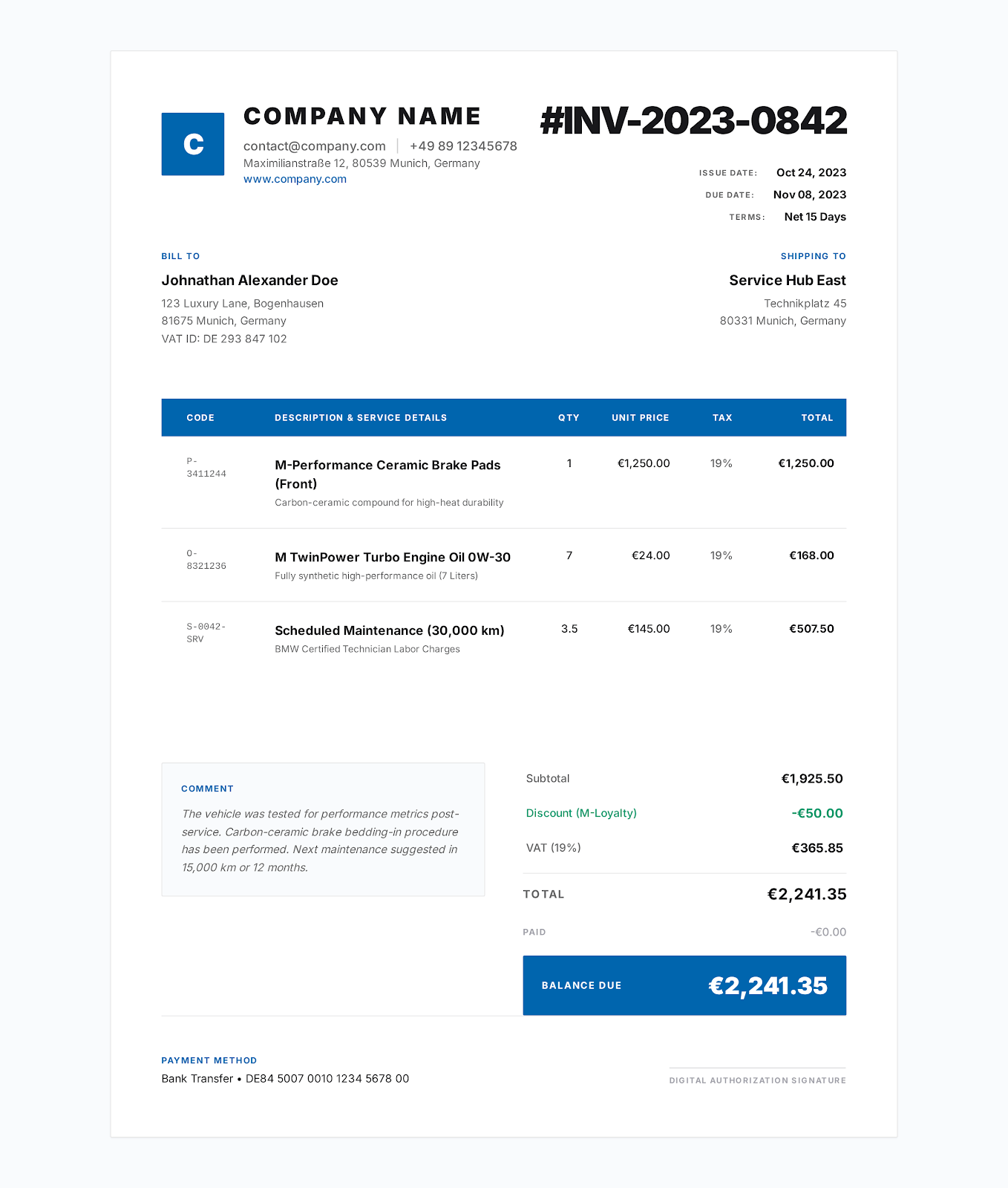
Modern Blue style
Contractor Invoice Template
Import the DOCX into Google Docs or the formula XLSX into Google Sheets, then verify the finished invoice.
Google Docs and Google Sheets compatible
Use an editable DOCX as a Google Docs invoice template or a formula-driven XLSX as a Google Sheets invoice template. Upload the file to Google Drive, open it with the matching editor, and review formatting, formulas and print output before sending the invoice.
Choose an industry
DOCX is intended for Google Docs text editing. XLSX is intended for Google Sheets calculations. Neither file requires access to a shared Pocket Invoice drive.
Modern Blue style
Import the DOCX into Google Docs or the formula XLSX into Google Sheets, then verify the finished invoice.
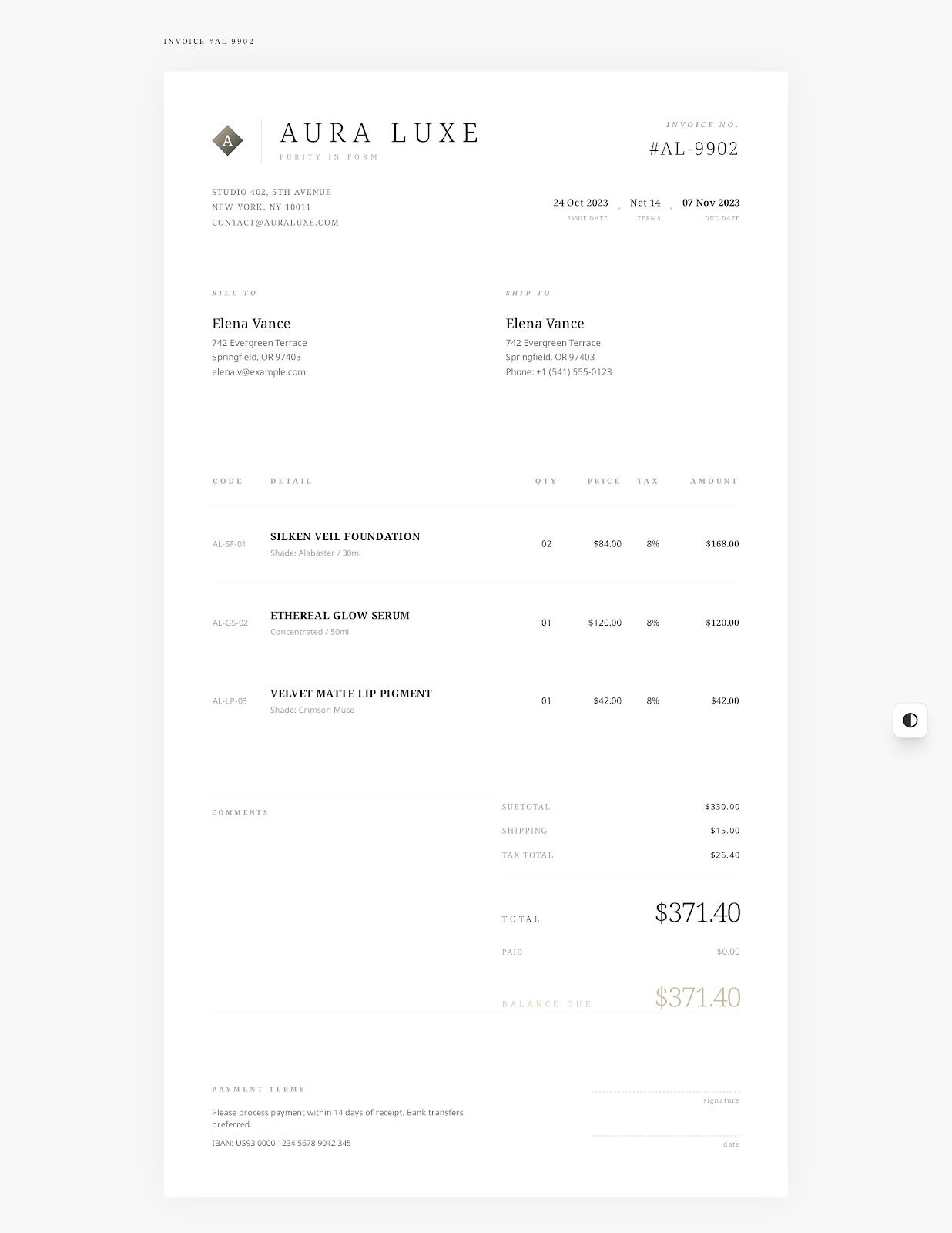
Elegant Minimal style
Import the DOCX into Google Docs or the formula XLSX into Google Sheets, then verify the finished invoice.
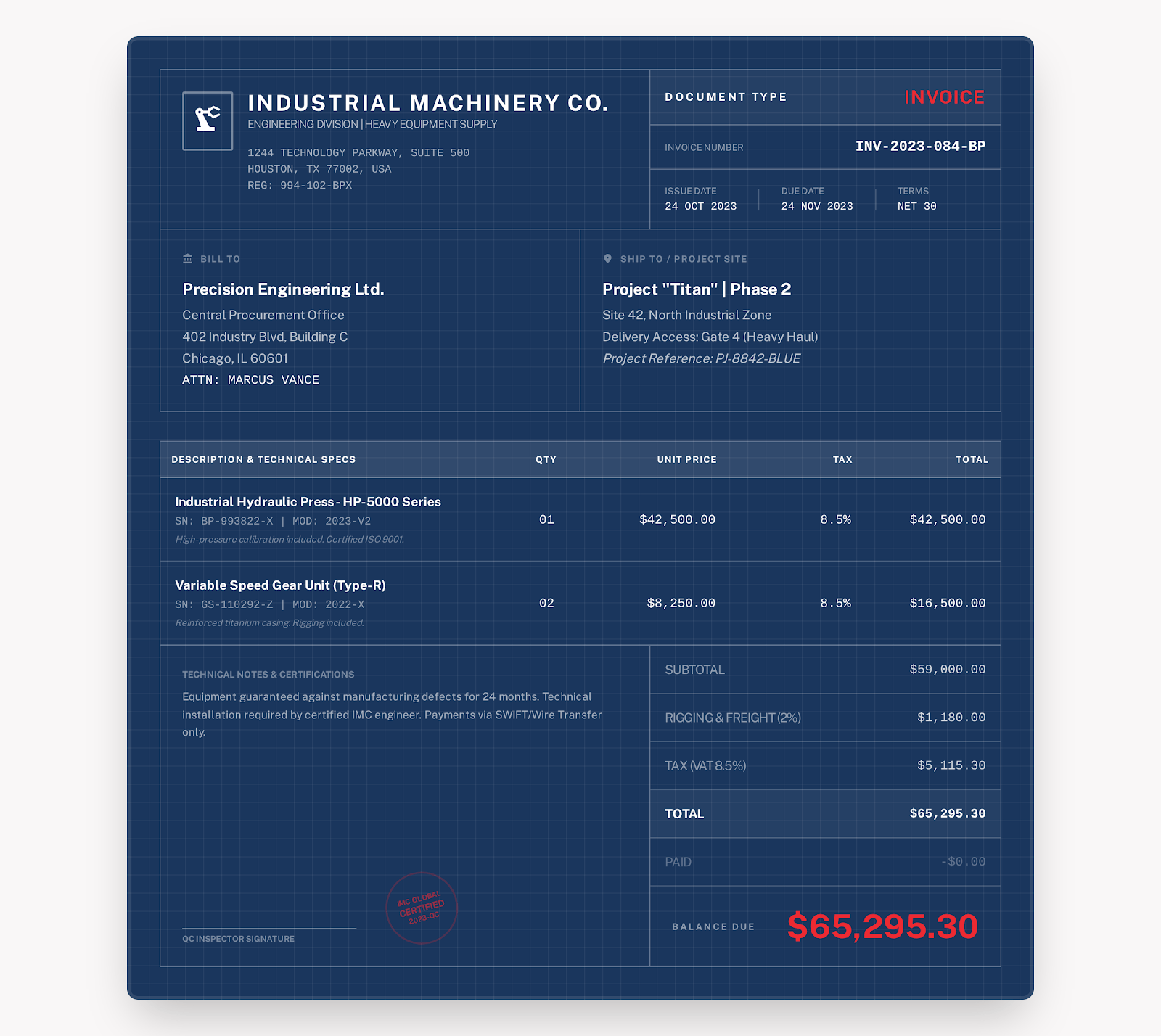
Industrial style
Import the DOCX into Google Docs or the formula XLSX into Google Sheets, then verify the finished invoice.
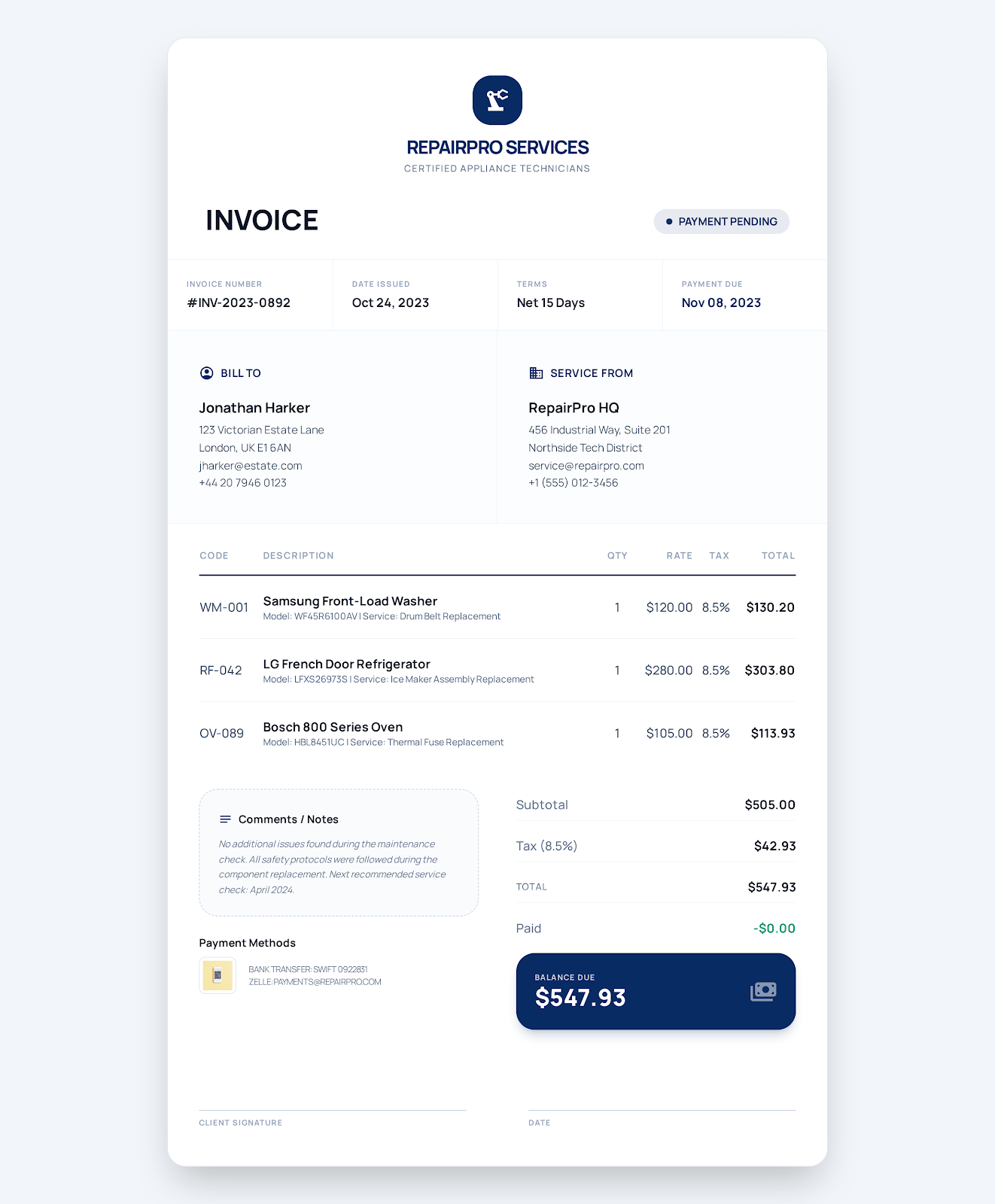
Service Business style
Import the DOCX into Google Docs or the formula XLSX into Google Sheets, then verify the finished invoice.
Elegant Minimal style
Import the DOCX into Google Docs or the formula XLSX into Google Sheets, then verify the finished invoice.
Service Business style
Import the DOCX into Google Docs or the formula XLSX into Google Sheets, then verify the finished invoice.
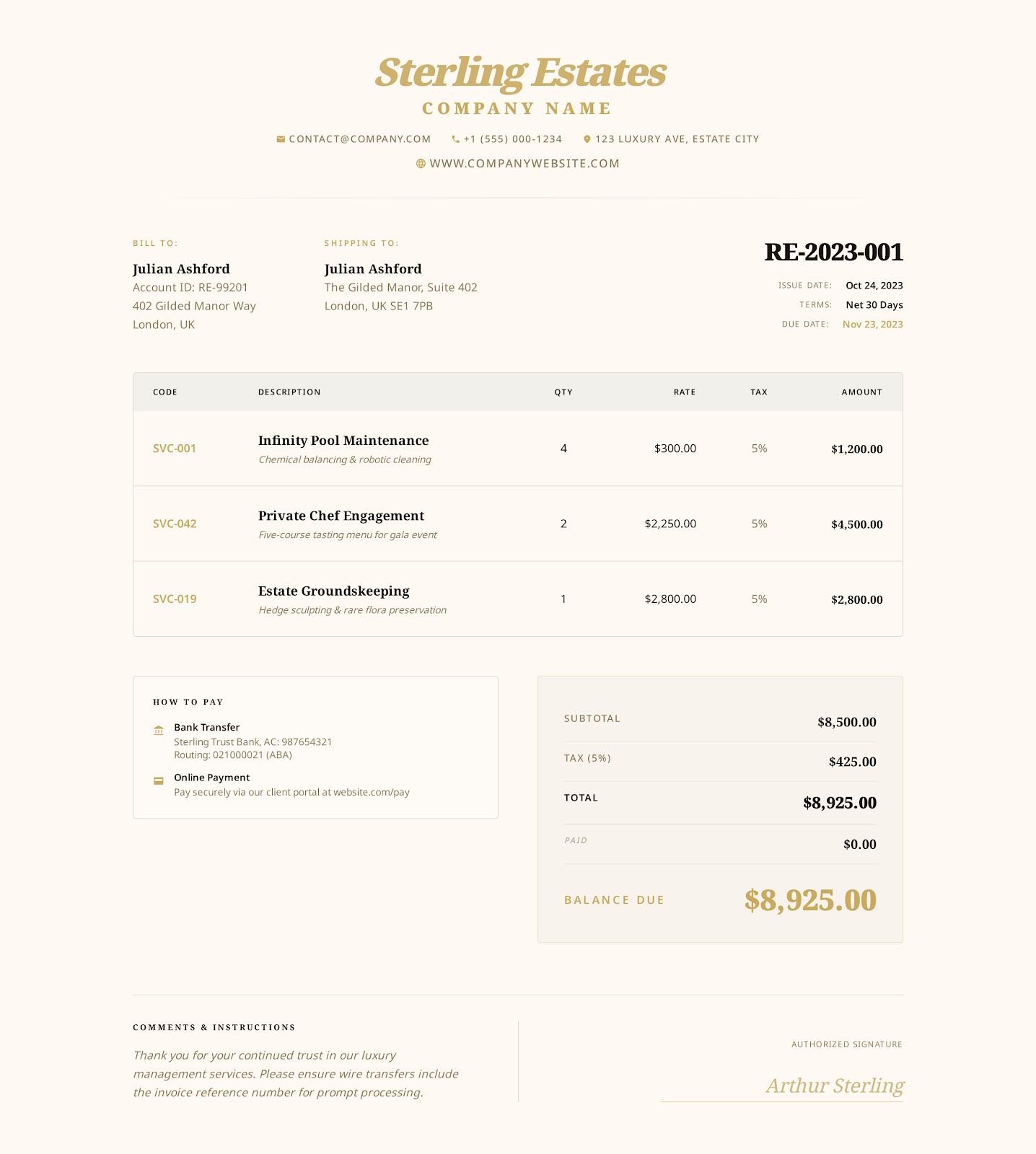
Luxury Gold style
Import the DOCX into Google Docs or the formula XLSX into Google Sheets, then verify the finished invoice.
Service Business style
Import the DOCX into Google Docs or the formula XLSX into Google Sheets, then verify the finished invoice.
Industrial style
Import the DOCX into Google Docs or the formula XLSX into Google Sheets, then verify the finished invoice.
Modern Blue style
Import the DOCX into Google Docs or the formula XLSX into Google Sheets, then verify the finished invoice.
Elegant Minimal style
Import the DOCX into Google Docs or the formula XLSX into Google Sheets, then verify the finished invoice.
Service Business style
Import the DOCX into Google Docs or the formula XLSX into Google Sheets, then verify the finished invoice.
Elegant Minimal style
Import the DOCX into Google Docs or the formula XLSX into Google Sheets, then verify the finished invoice.
Modern Blue style
Import the DOCX into Google Docs or the formula XLSX into Google Sheets, then verify the finished invoice.
Professional style
Import the DOCX into Google Docs or the formula XLSX into Google Sheets, then verify the finished invoice.
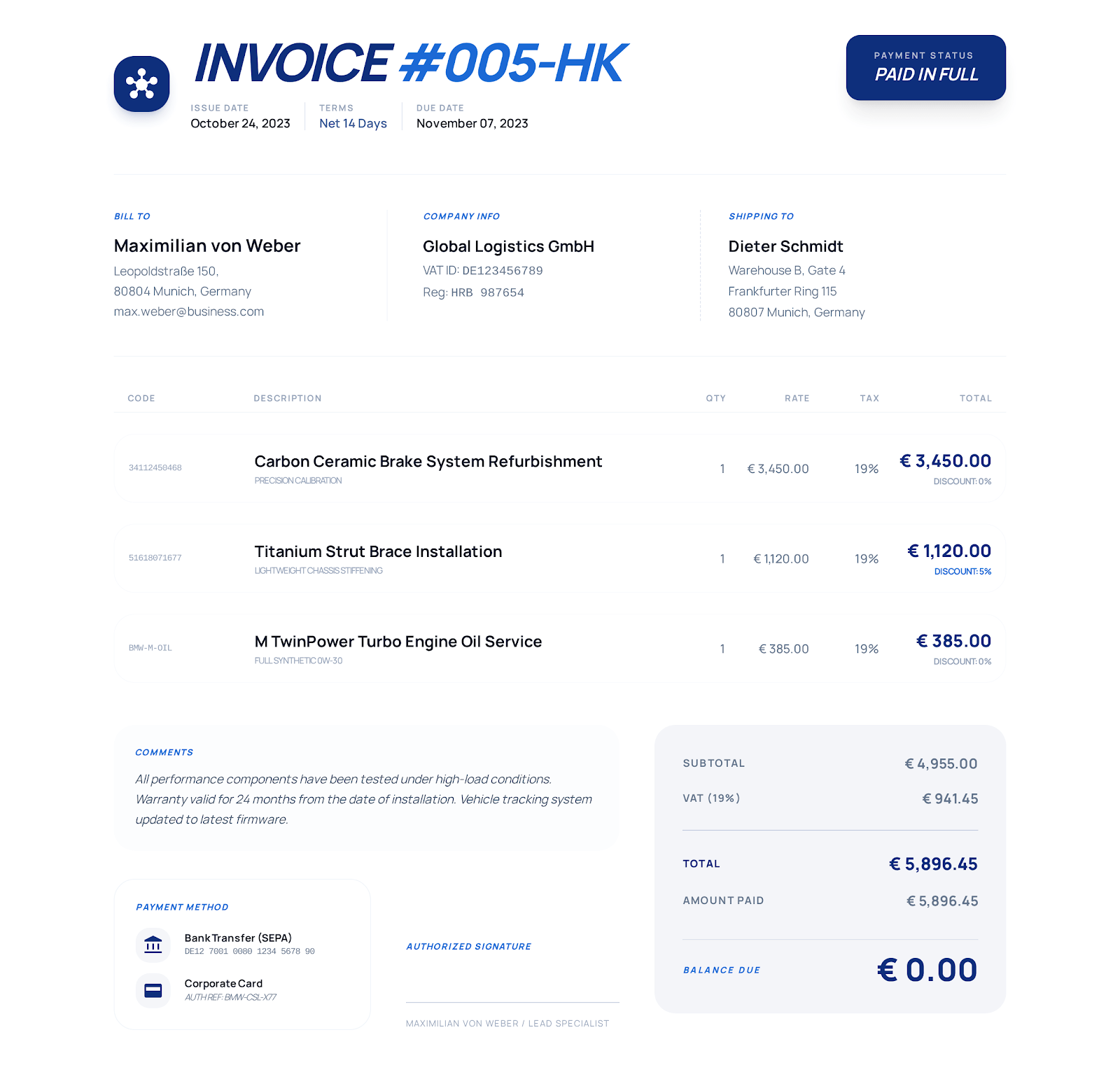
Detailed Business style
Import the DOCX into Google Docs or the formula XLSX into Google Sheets, then verify the finished invoice.
Service Business style
Import the DOCX into Google Docs or the formula XLSX into Google Sheets, then verify the finished invoice.
Import and verify
Choose an industry and download its DOCX or XLSX file.
Upload the file to Google Drive.
Open DOCX with Google Docs or XLSX with Google Sheets.
Replace the examples, verify totals and formatting, then download or print the completed invoice as PDF.
Frequently asked questions
The files are editable DOCX and XLSX downloads designed for import into Google Docs and Google Sheets. They are not shared Google Drive files, so you keep control of the copy you upload.
Use the DOCX version when you want document-style editing. Google Docs can import it, although fonts and spacing can change.
Use the XLSX version when automatic line totals, subtotal, discount, tax, payment and balance calculations matter.
Yes. All listed DOCX and XLSX invoice templates are free to download, and the online invoice creator is also free without sign-up.