
- Your business info
- Client info
- Invoice number
- Service period
- Payment due date
- Services
- Unit rate
- Total amount
- Payment instructions
Elegant Minimal style · Free Download!
Freelance Invoice Template
How do you complete the invoice?
You can have a combination of fixed project fees and hourly consultation. Make sure you specify the quantity, unit and rate for each clearly. You can also list the client-approved reimbursable expenses separately. Let the client know the prepayment received. They'll know how much is left to pay. You should specify your payment timing, payment methods, and usage rights as agreed.
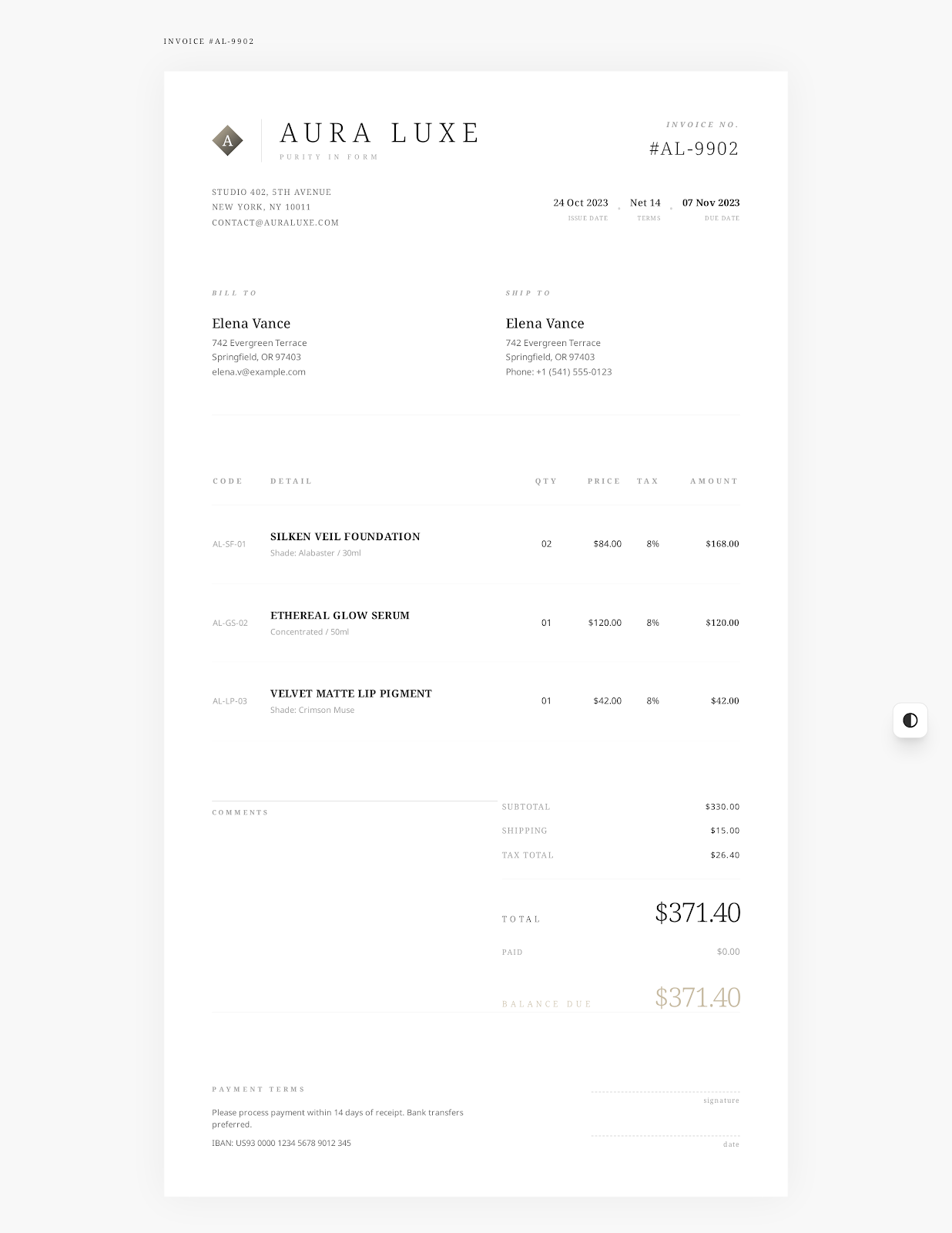 Try Elegant Minimal online →
Freelancer's billing records
Enter details of this engagement
- Contract or project reference
- Fixed project fee
- Billable hours
- Client-approved expenses
- Prepayment received
- Usage rights or delivery notes
- Your business and client info
- Project reference
- Dates
- Services
- Hours
- Rate
- Expenses
- Tax
- Payments received
- Notes
- Terms
File contents
1 fixed-fee item. 1 hourly item.
Brand design. Consulting hours. Reimbursement for a typeface license fee. All 3 things are listed on separate lines in the file. It's a sample of how you can fill in the template. Just insert the actual work and numbers instead of these samples. And then you're ready to invoice a client.
| Item | Quantity | Rate | Details |
|---|---|---|---|
| Brand identity direction | 1 project | $2,400.00 | Design concept approved. Logo refinements. Color system. |
| Creative consulting | 8 hours | $145.00 | Review sessions with project stakeholders. Guidance for implementation. |
| Reimbursement for typeface license fee | 1 license | $180.00 | Project expense approved by the client. |
Usage
Replace the samples. Double-check invoice details.
Select Elegant Minimal style online or download a Word, Excel or fillable PDF invoice template.
Update business, client, project, dates and payment details.
Compare quantities, rates, tax, discounts, received payments and outstanding amounts with the agreement and applicable rules. Also make sure expenses and billable hours match the agreement.
Save the final invoice. Open the saved invoice and confirm the content. And deliver the invoice using a method you've agreed with the client.
Related invoice templates
Other charging items.
For consulting services, hourly services or on-site services. Select an appropriate template for the billing agreement for this project.
Consulting Invoice Template
Align charges with the service period, project phase and deliverables. Differentiate between consultation hours and accepted fixed-fee milestones. Provide records of agreements, acceptance and payments.
See Template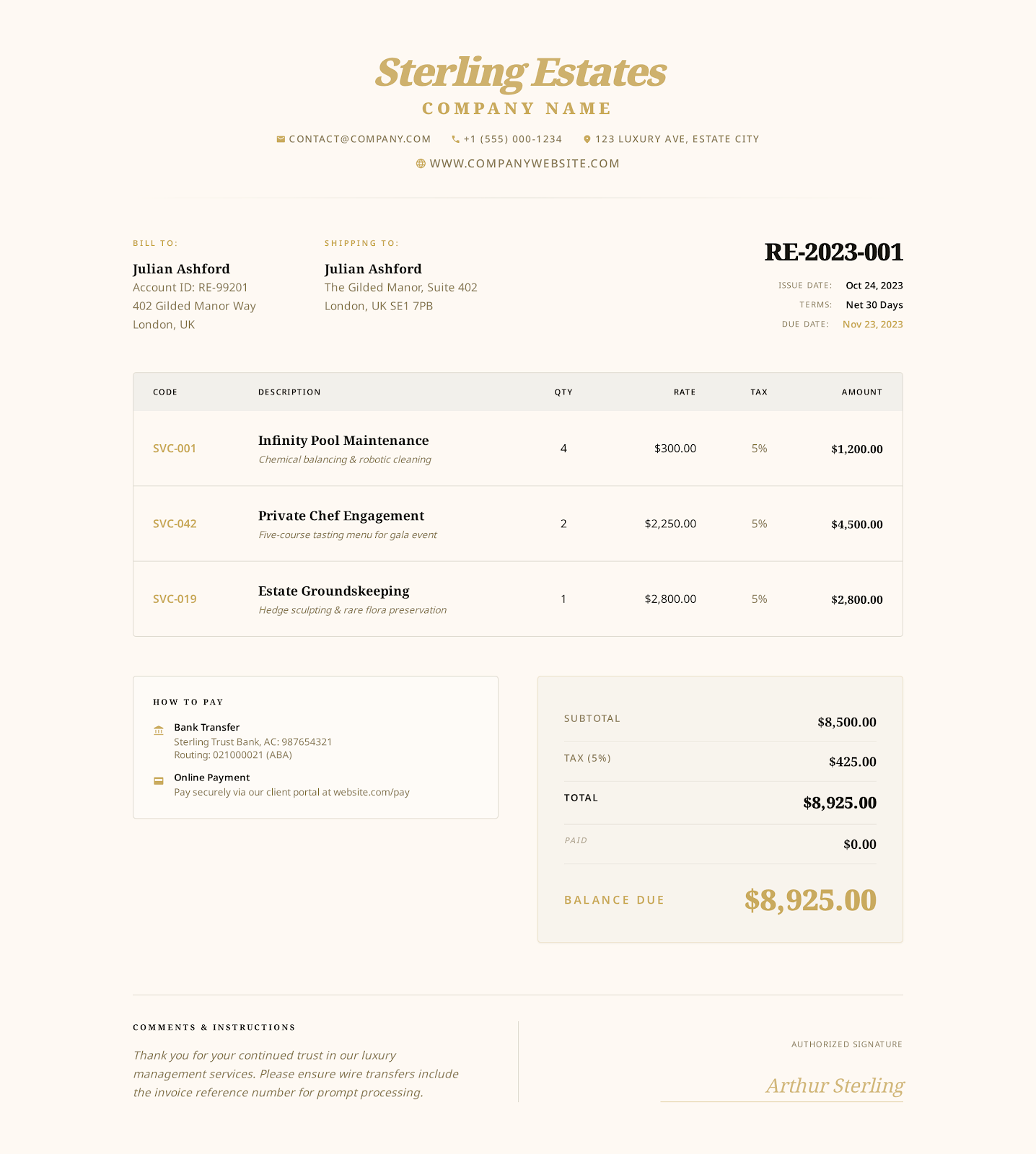
Hourly Service Invoice Template
Itemize approved tasks, service period, billable hours, hourly rates. Confirm time records, reimbursable expenses, payments received, outstanding balances.
See Template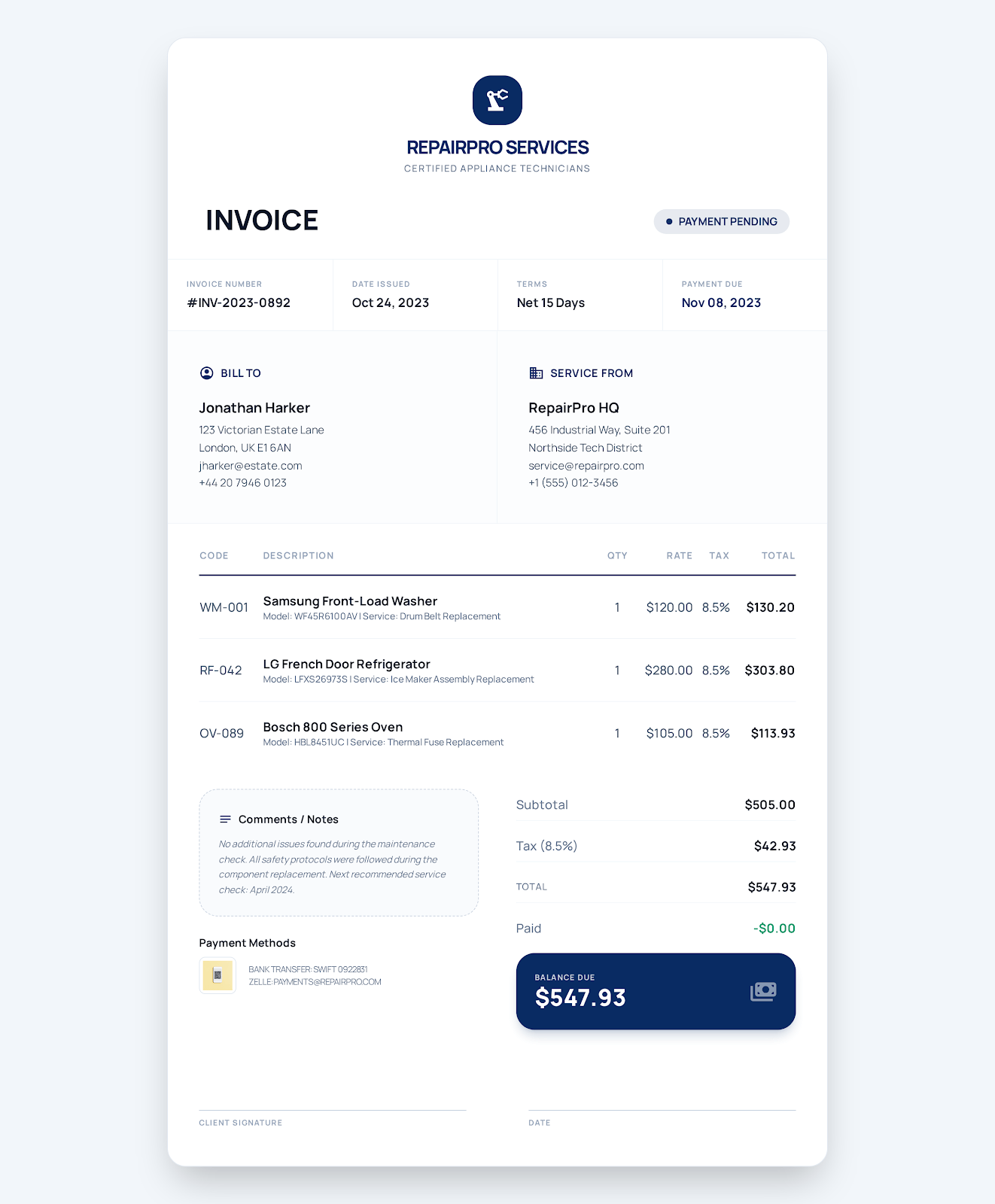
Service Business Invoice Template
Capture the service address and completed work in the work order. Detail labor, parts and callout fees. Add tax, payment due date, payment status.
See TemplateFAQ
How to fill in a freelance invoice?
What details do I need to fill in?
Your business and client information; contract or project reference; service period; fixed or hourly charges; client-approved reimbursable expenses, if any; payment due date; payment method.
Can I include fixed project fees and hourly charges in the same invoice?
Yes. Each line has a quantity, unit and rate. Use projects, hours or the number of licenses, as applicable. You can also include client-approved reimbursable expenses as separate lines.
Do I need to register to download these files?
No. You can download and edit the Word, Excel and fillable PDF files directly.
Create a freelance invoice online
Select the invoice style, fill in your business, client and charge info. Review your invoice and export the PDF.