
- service provider
- customer
- invoice number
- service date
- work description
- rates
- tax
- total
- due date
Service Business style · free downloads
Service Business Invoice Template
What this template covers
A service invoice template should connect charges to a work order, separate labor, parts and service-call fees, and record the service location, completion notes, tax, due date and payment status.
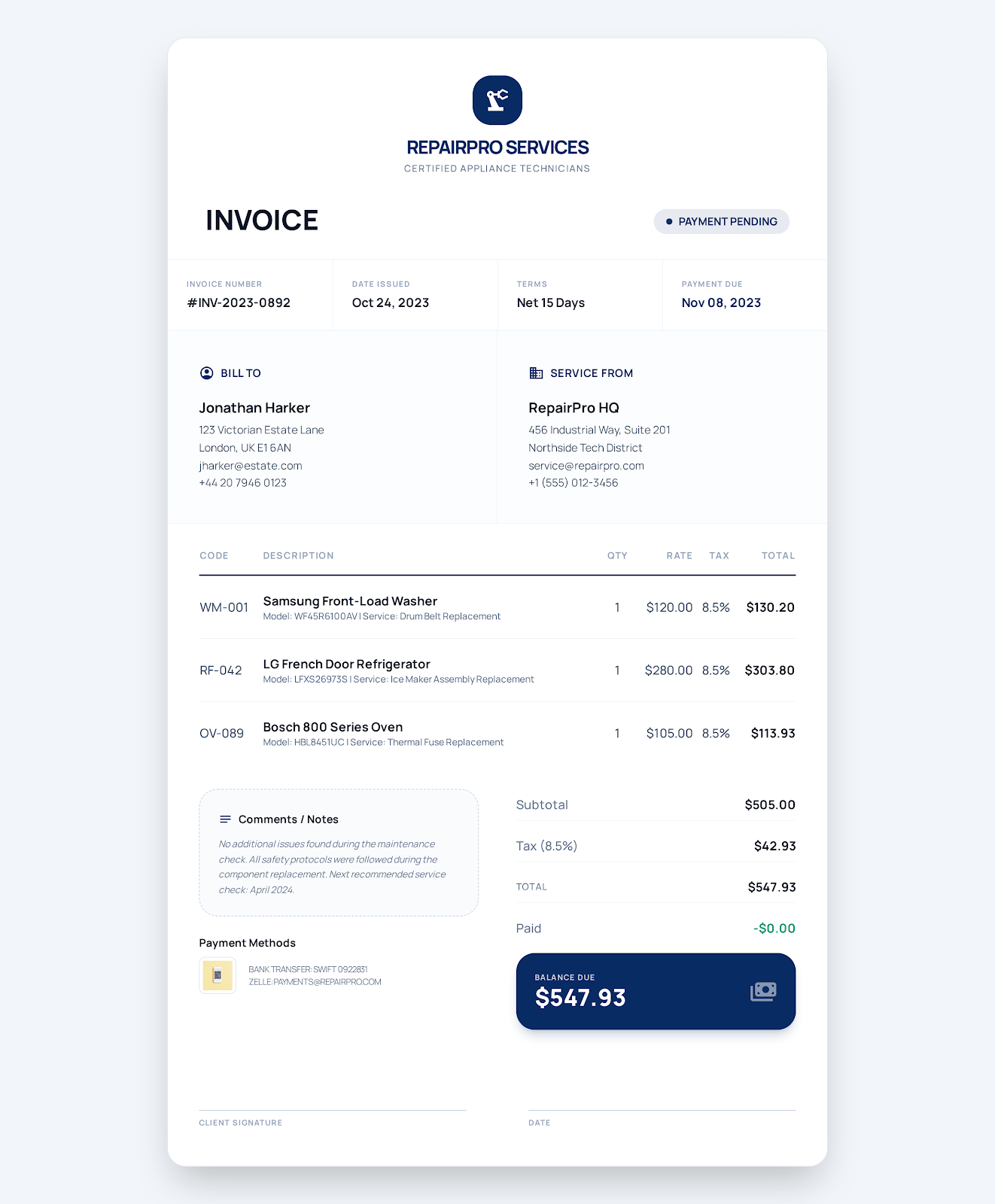 Use Service Business online →
Built for service business work
Fields that match the invoice workflow
- work order
- service site
- technician labor
- parts
- travel or call-out fee
- maintenance note
- warranty note
- all business and customer details
- work order and PO
- dates
- services
- parts
- hours
- rates
- tax
- discount
- notes
- terms
Example line items in the download
| Item | Quantity | Rate | Details |
|---|---|---|---|
| Diagnostic and technician labor | 3 hours | $120.00 | Inspection, testing and preventive maintenance |
| Condenser fan motor | 1 part | $285.00 | Approved replacement part with installation |
| Service call and travel | 1 visit | $75.00 | On-site dispatch within the standard service area |
How to use it
From example file to customer-ready invoice
Choose the Service Business online style or download Word, Excel or fillable PDF.
Replace every example business, customer, project, date and payment field with the real transaction details.
Review quantities, rates, tax, discounts, payments and the balance against the agreement and applicable rules.
Save a final copy, reopen it to verify the content and send it through the agreed customer channel.
Related invoice templates
Compare templates for similar work.
Choose the page that most closely matches how you describe, price and deliver the work.
Cleaning Service Invoice Template
A cleaning service invoice template should identify the property and visit date, show the contracted cleaning areas, separate recurring service from add-ons and supplies, and record completion, tax and payment terms.
View industry template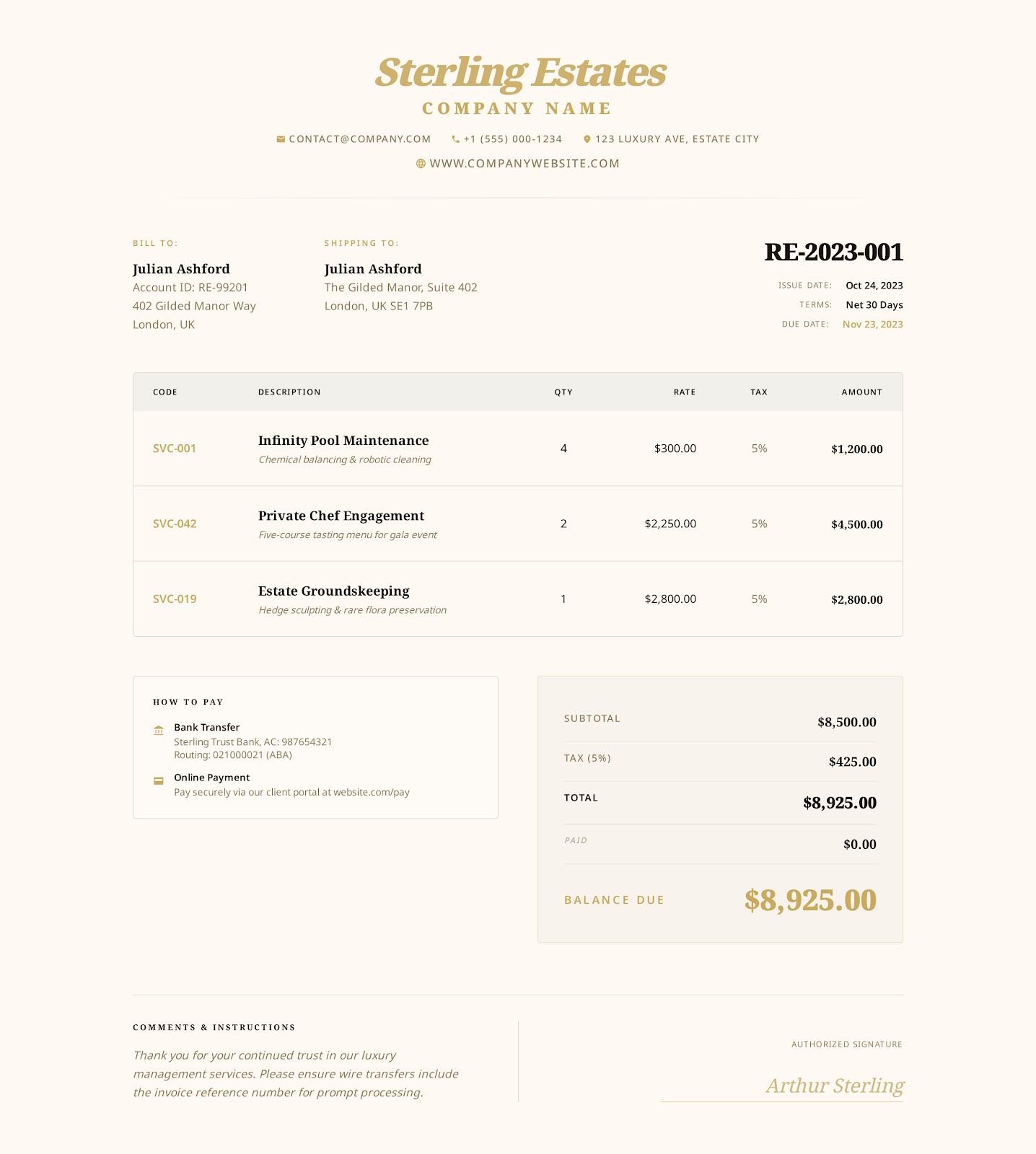
Hourly Service Invoice Template
An hourly service invoice template should tie every charge to an approved task, service period, number of hours and rate, then reconcile the timesheet, expenses, payments and remaining balance.
View industry template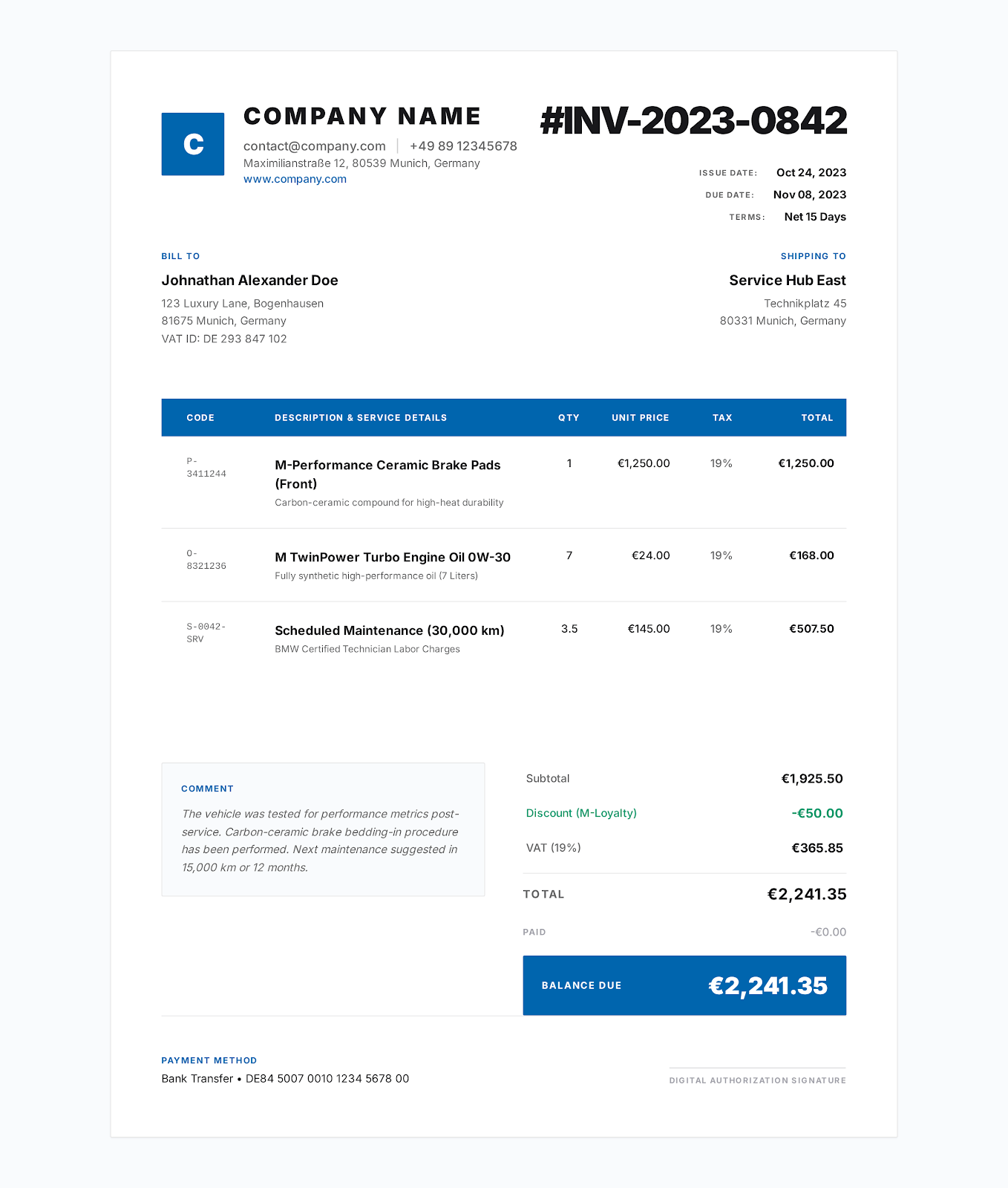
Contractor Invoice Template
A contractor invoice template should separate labor, materials and equipment, identify the jobsite and approved scope, and clearly show tax, payments received and the remaining balance.
View industry templateFrequently asked questions
Questions about service business invoice template
What should a service business invoice include?
Include the service date and location, work-order reference, labor, parts, travel fees, tax, maintenance or warranty notes and clear payment terms.
Can I list labor and parts separately?
Yes. Each item includes a code, description, quantity, unit and rate, so labor, parts and service-call charges remain clear.
Is the PDF an interactive form?
Yes. It contains fillable AcroForm fields and remains interactive after download.
No sign-up required
Create a service business invoice online.
Choose a visual style, enter your business and customer details, and export the finished invoice as a PDF.