
Free estimate generator
Give your customer a clear breakdown of the expected cost before work begins. Add labor, materials and any conditions, then download your estimate as a PDF.
- No sign-up required
- Automatic calculations
- Download PDF
Your details are sent securely to our PDF service only when you preview or download. This tool does not save documents to an account.
How to create an estimate online
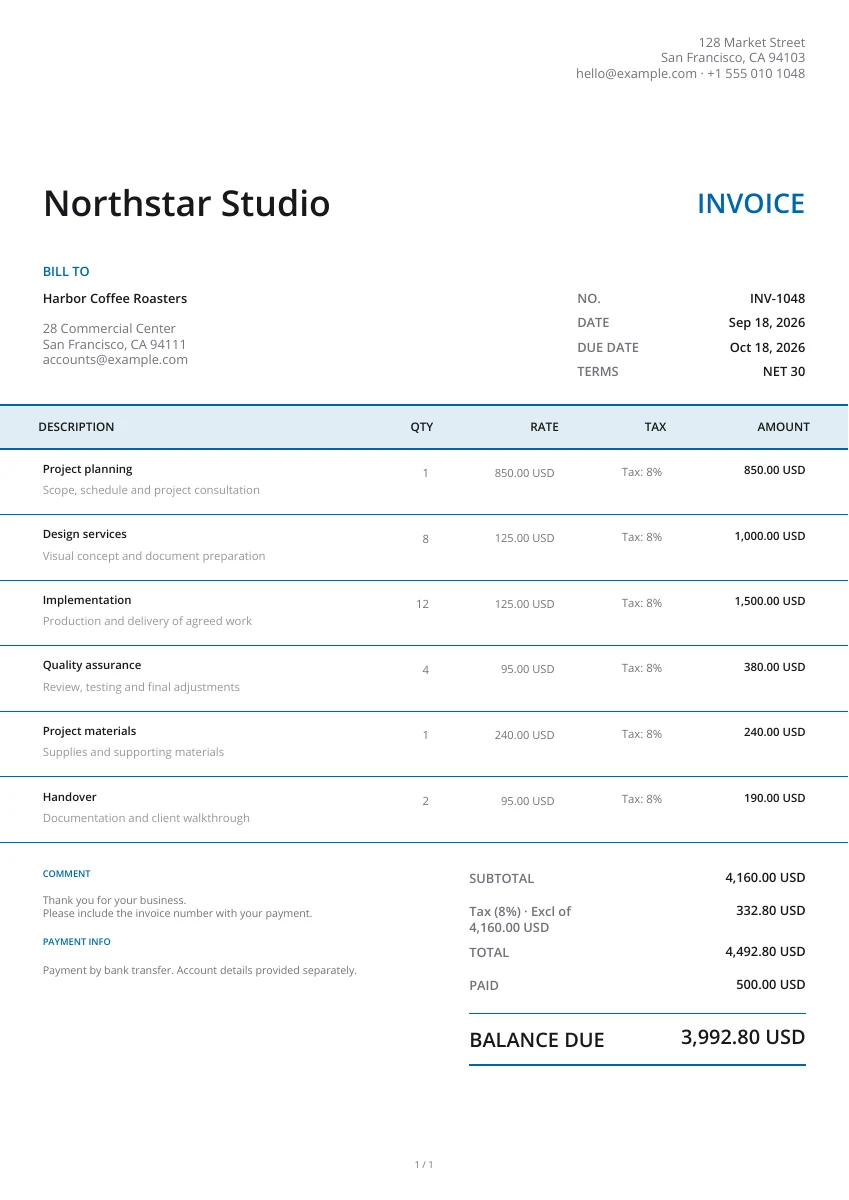
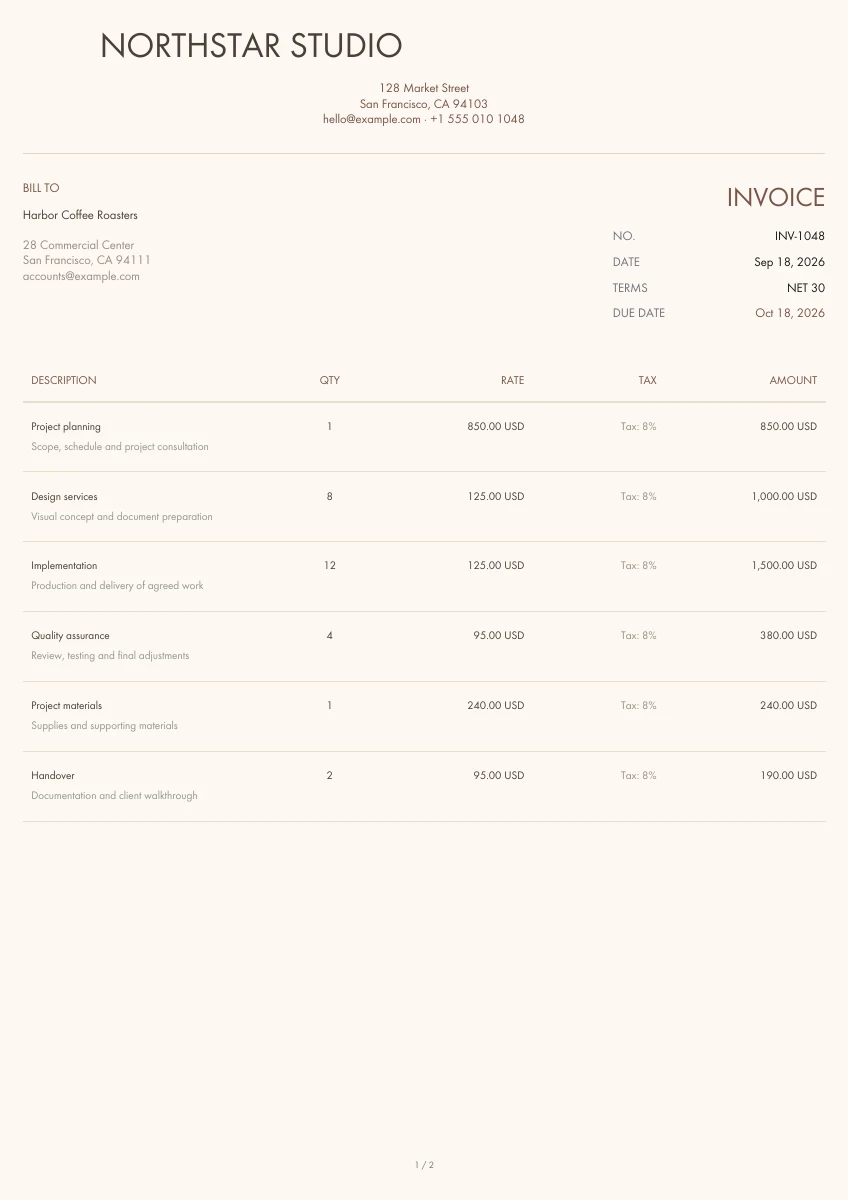
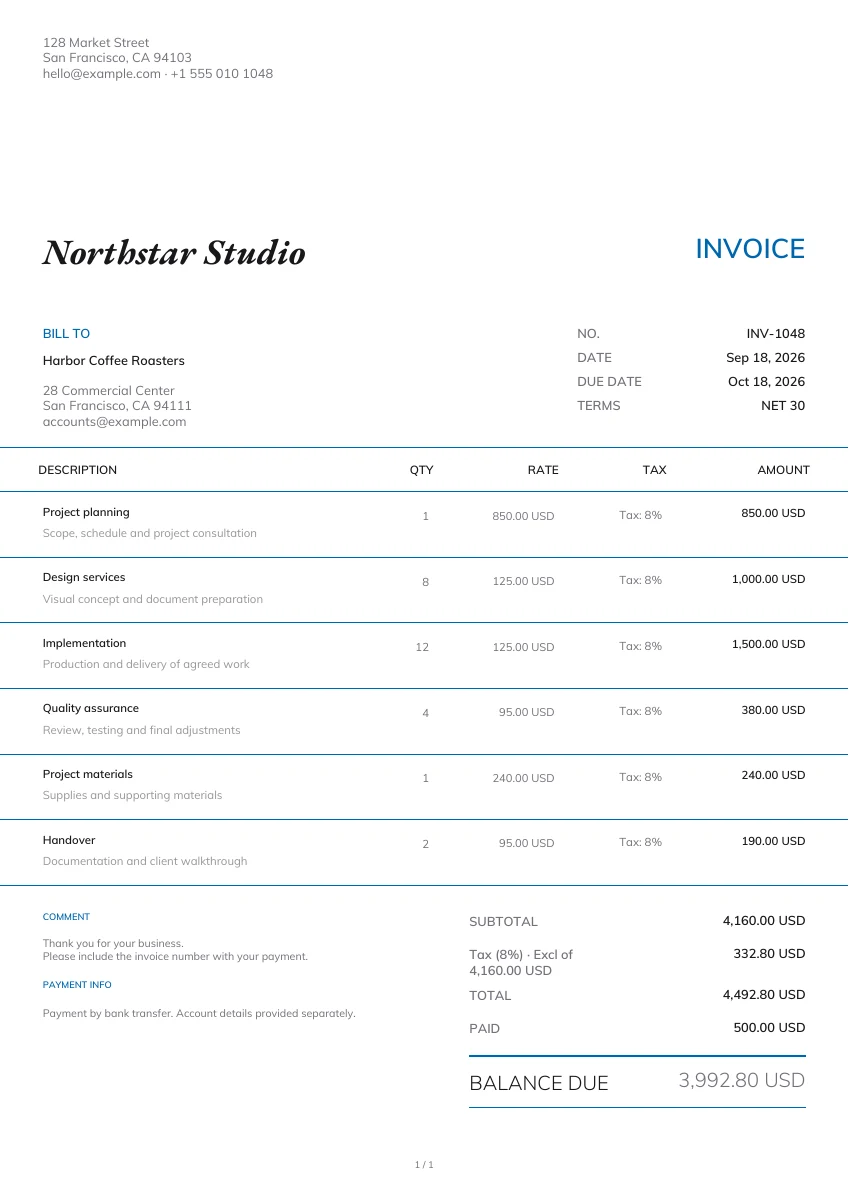
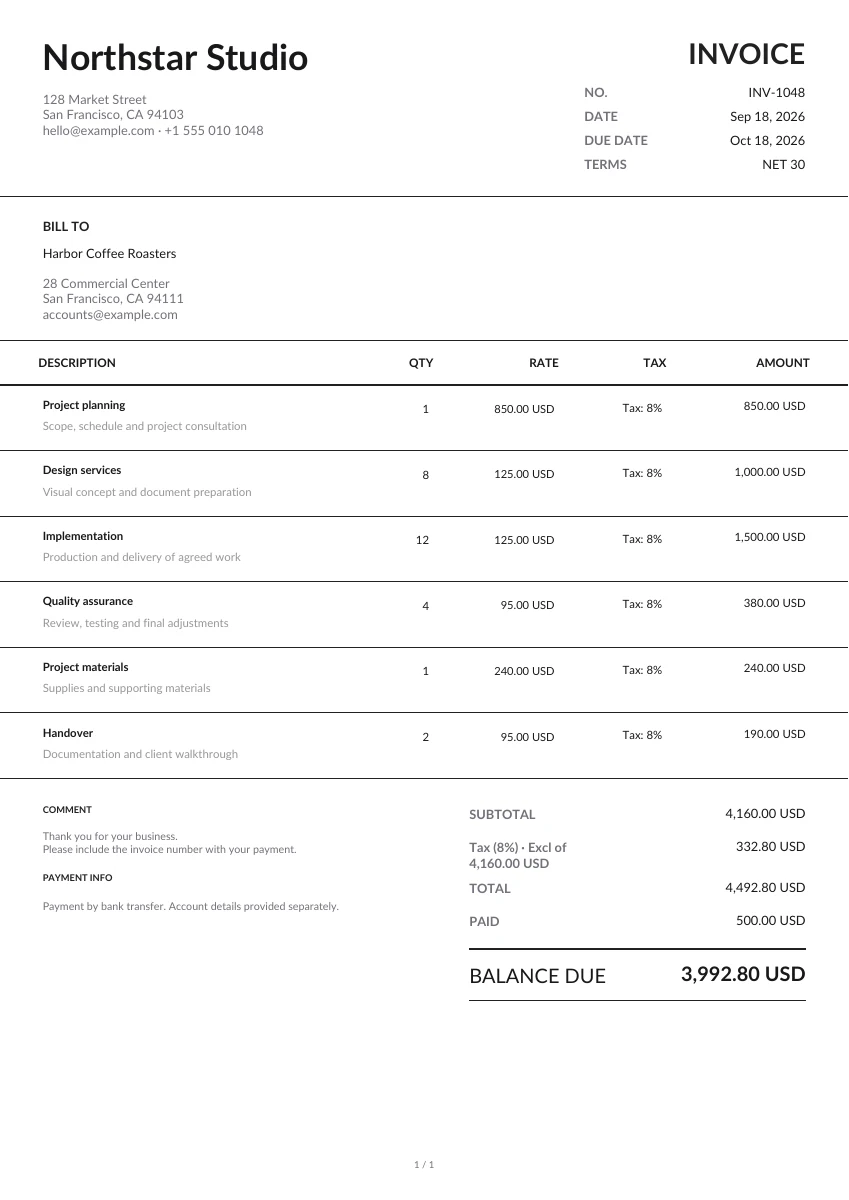
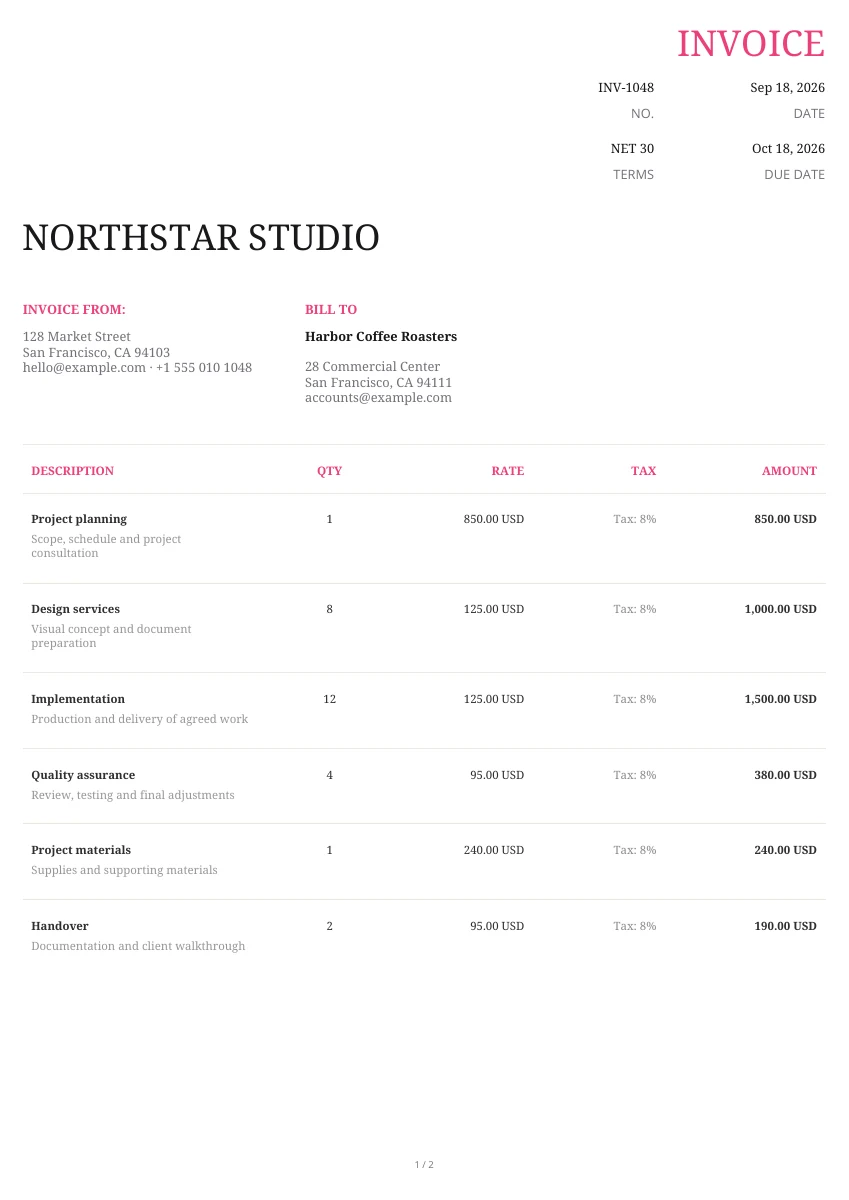
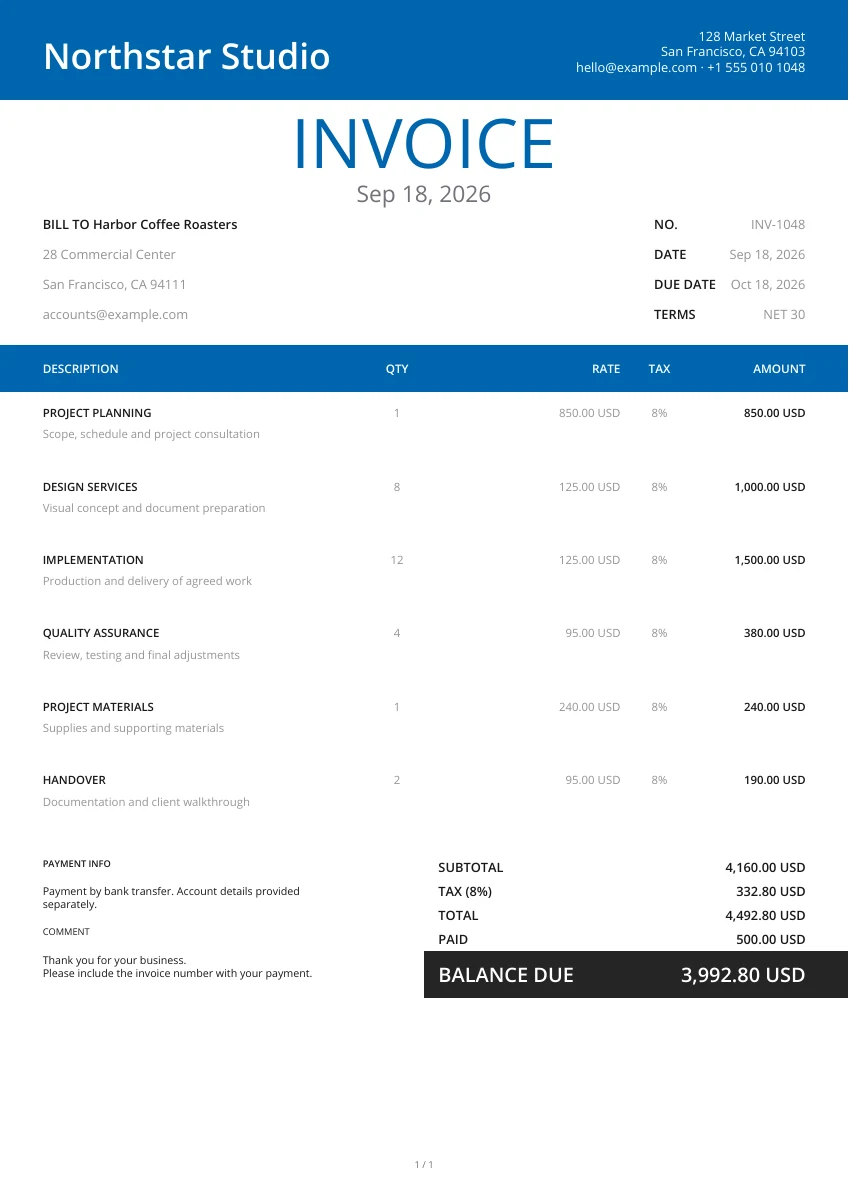
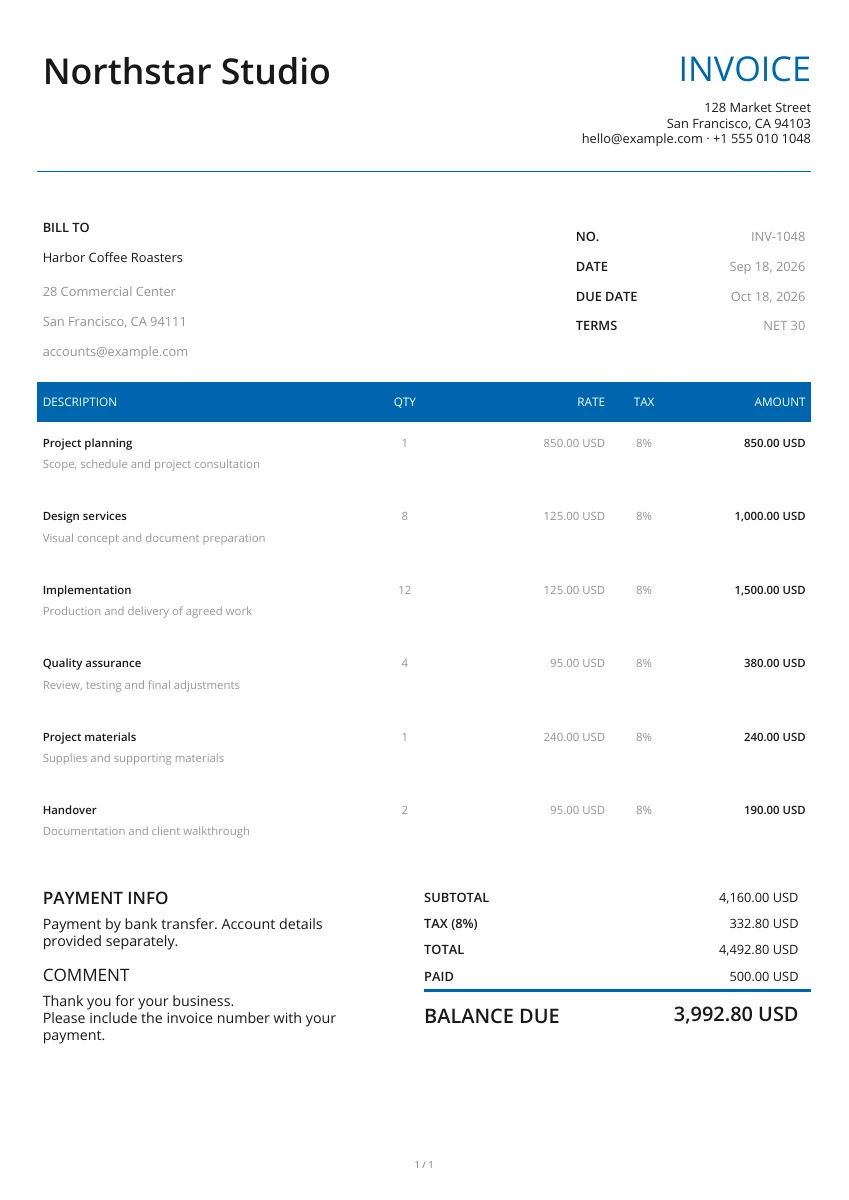
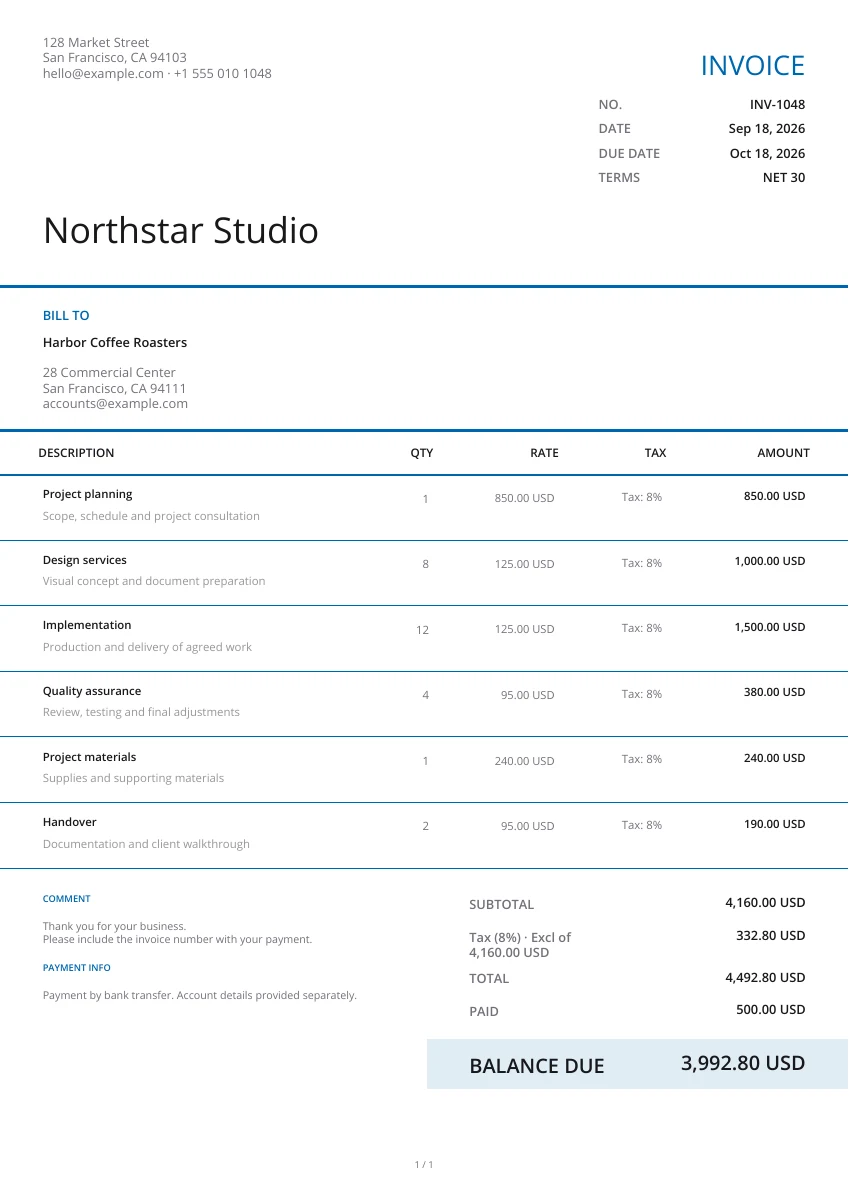
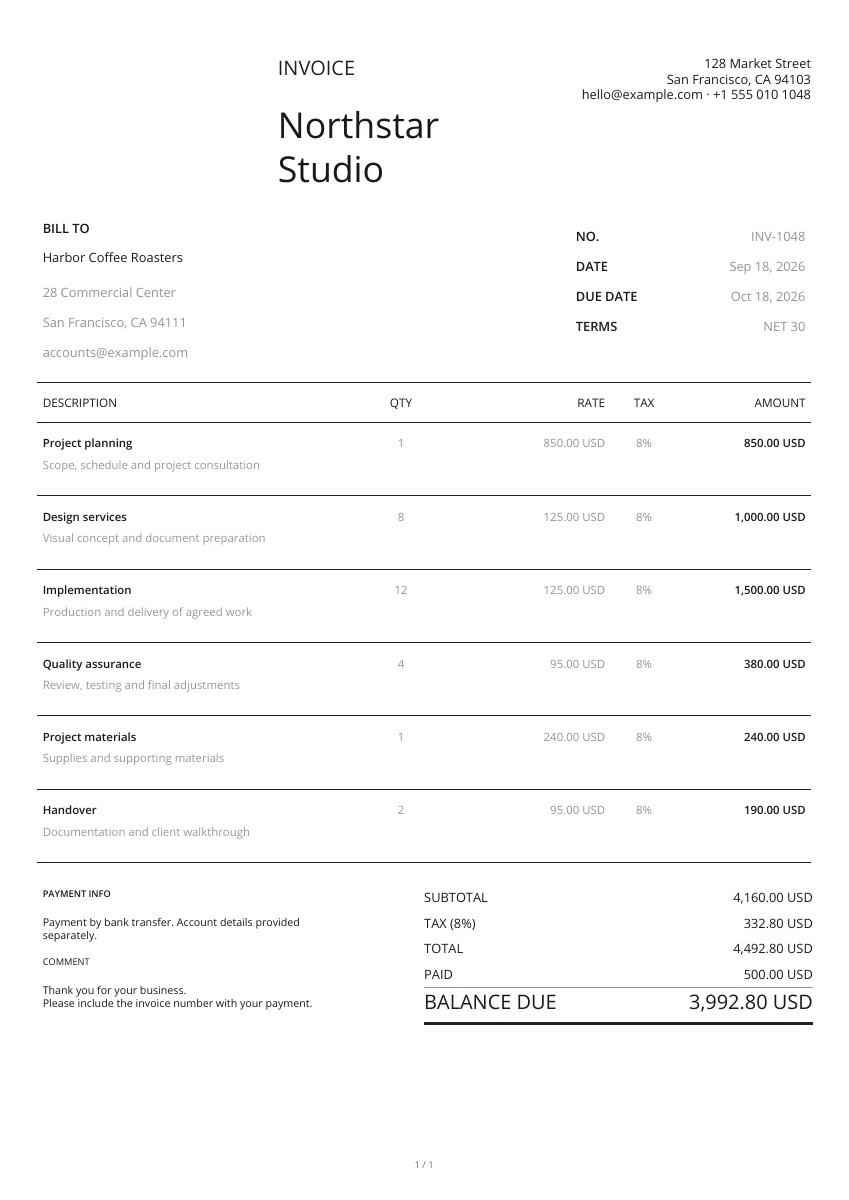
Start with a layout from the gallery. Add your logo and pick a header and color; you can change the design without retyping your details.
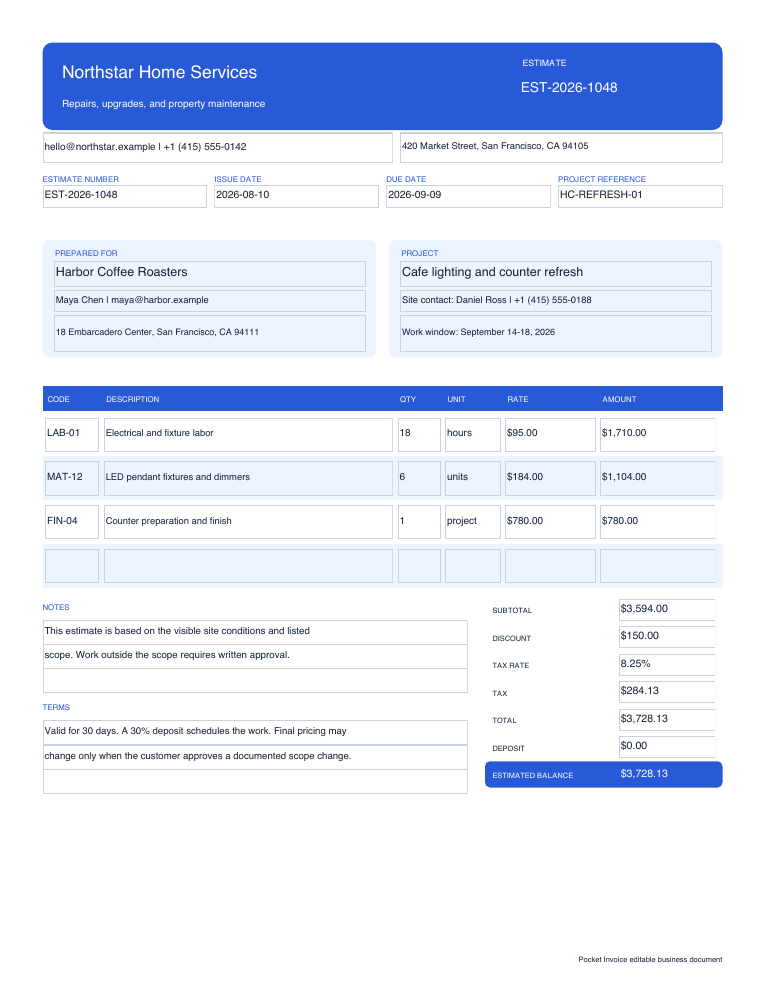
Enter the customer and project details, then list each task or material with its expected quantity and price. Use the notes to explain assumptions and work that is excluded.
Open the PDF preview to check the finished pages, not just the form. Download the file when it is ready, then attach it to your own email or print a copy.
Choose how your estimate looks
21 estimate layouts
Compare layouts, then choose a color and header. Switching the design keeps the estimate details you have entered.
Add your logo
Add your logo so the customer can identify the business providing the estimate. Adjust its size in the design settings.
Preview PDF
Check the item breakdown, notes and total in the PDF preview. Attach site photos when they help explain the proposed work.
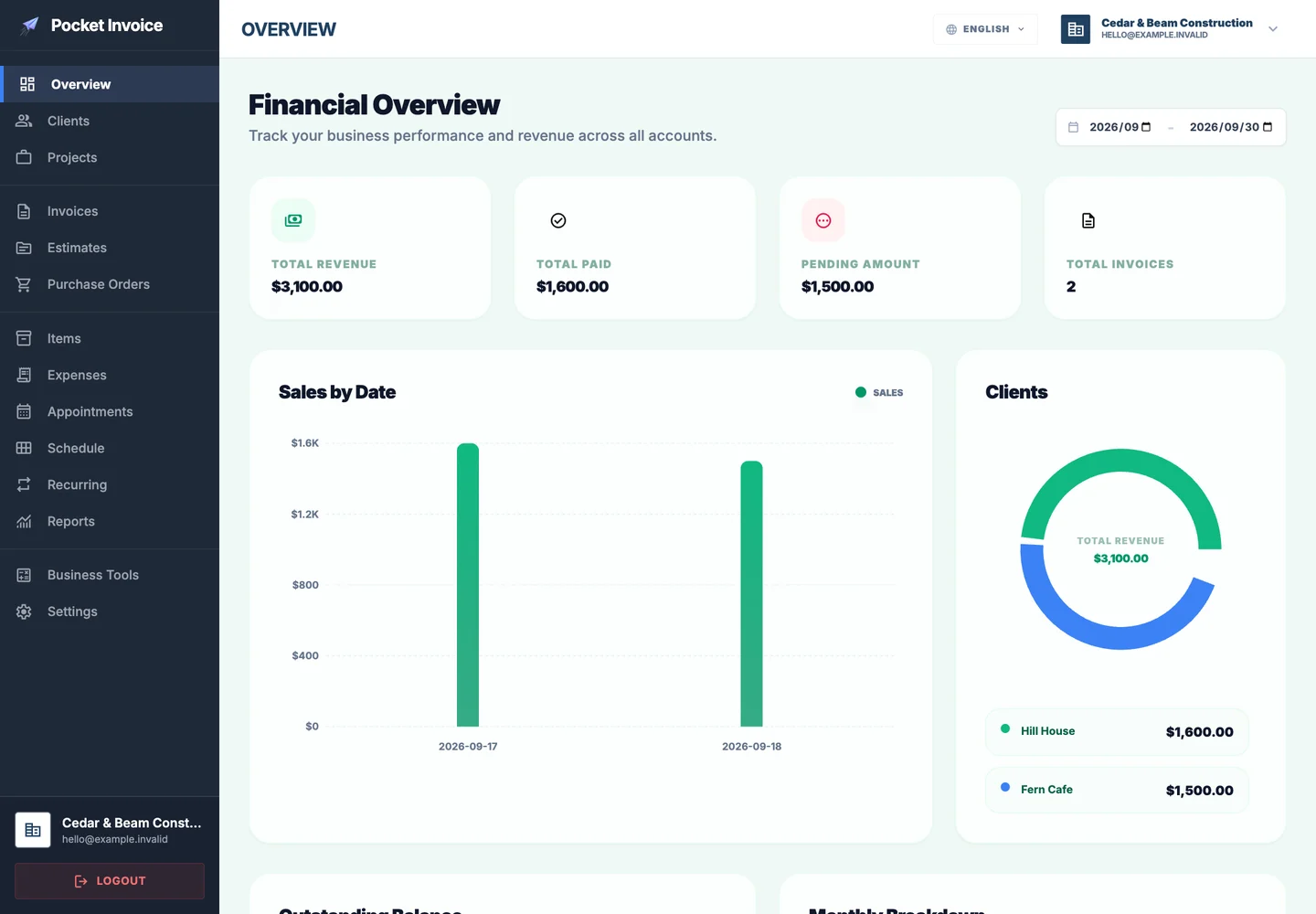
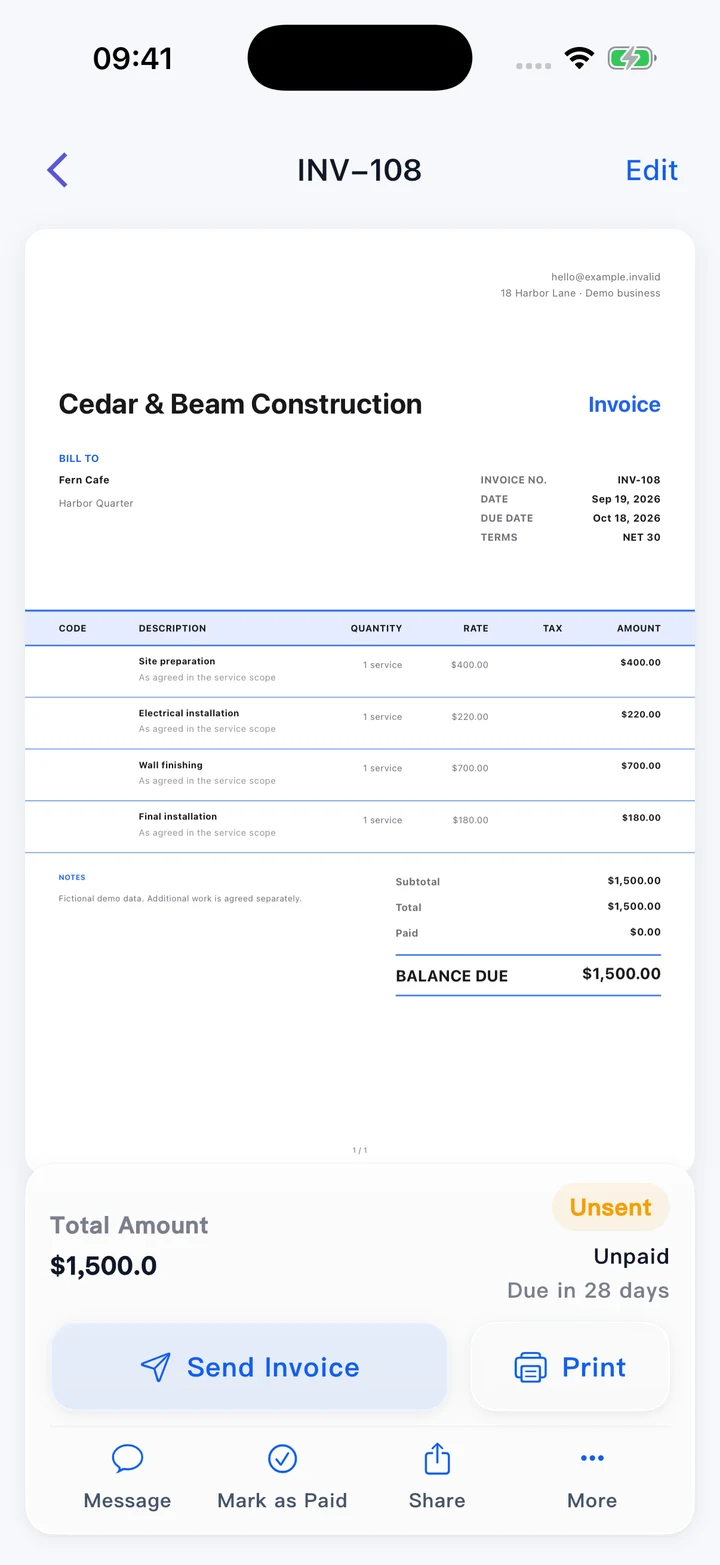
Keep project estimates and invoices together
On your phone or computer
Download the estimate before leaving this page. You can attach the PDF to your own email or print it for the customer.
Refer back to the agreed estimate
Keep the version the customer agreed to. When you prepare an invoice, record the actual work and refer to the estimate number.
Manage ongoing work in the app
Use the Pocket Invoice app to keep customer, estimate, invoice and expense records for ongoing jobs. Documents created here are not saved to your account.
What to include in an estimate
An estimate explains the likely cost of a job before all details are final. Show what the budget covers and which quantities or conditions still need to be confirmed.
- 01
Business and customer details
Include your business name and contact details, the customer’s name and the project address where relevant.
- 02
Estimate number and date
Give this estimate a unique reference. The date helps identify the version used in later discussions.
- 03
Scope of work
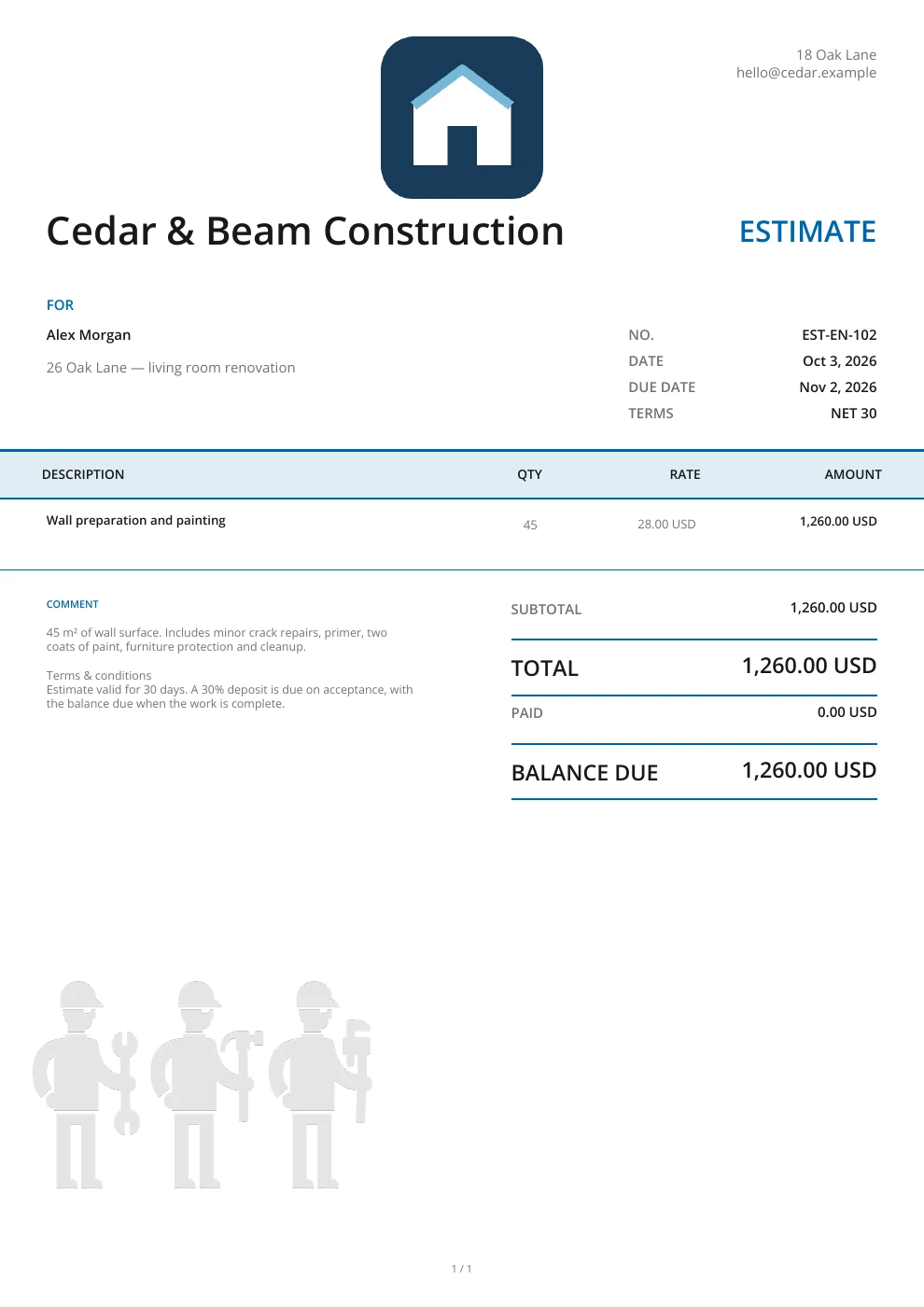
Describe the tasks you expect to complete, such as repairing a wall and repainting it. Avoid vague items like “project cost.”
- 04
Labor and materials
List labor hours, material quantities and unit prices separately when they help the customer understand the budget.
- 05
Assumptions and exclusions
Explain what the estimate is based on and what it excludes, such as hidden damage, removal work or additional visits.
- 06
Total and currency
Review the subtotal, discount, tax and shipping where applicable. Select the currency you will use with the customer.
- 07
Validity and price changes
State how long the estimate is valid and how changes in quantities, materials or site conditions will be agreed.
- 08
Payment arrangements
Set out any proposed deposit or payment stages in the terms. An estimate explains expected costs; it does not confirm payment.
Choose an estimate template
Enlarge a preview to inspect the layout, or choose Use template to start an estimate with that design.
Browse templatesDownload a blank estimate template
Prefer to work in a file? Download a blank Word, Excel or fillable PDF estimate. Excel includes formulas; check the totals yourself in Word and the fillable PDF.
Frequently asked questions
Is the estimate generator free?
Yes. You can create, preview and download an estimate PDF without an account.
What is the difference between an estimate and a quote?
An estimate gives an expected cost based on the information available. A quote presents a price for a defined scope. Make any conditions or possible changes clear in either document.
Can I download an estimate in Word or Excel?
The editor downloads your completed estimate as a PDF. The Word, Excel and fillable PDF links below are separate blank templates; they do not contain entries from the editor.
Will this page remember my draft?
No. The form stays in this open page and is not saved as an account document. Download your PDF before leaving; use the Web app for saved records.
Can I turn this estimate into an invoice?
Create an invoice for the actual work and agreed charges, and include the estimate reference. This free editor does not automatically convert or save your estimate.
How are my details used?
Your details are sent securely to our PDF service only when you preview or download. This tool does not save documents to an account.
Create another document
Create your estimate
List the work, check the expected cost and download a clear estimate for your customer.