
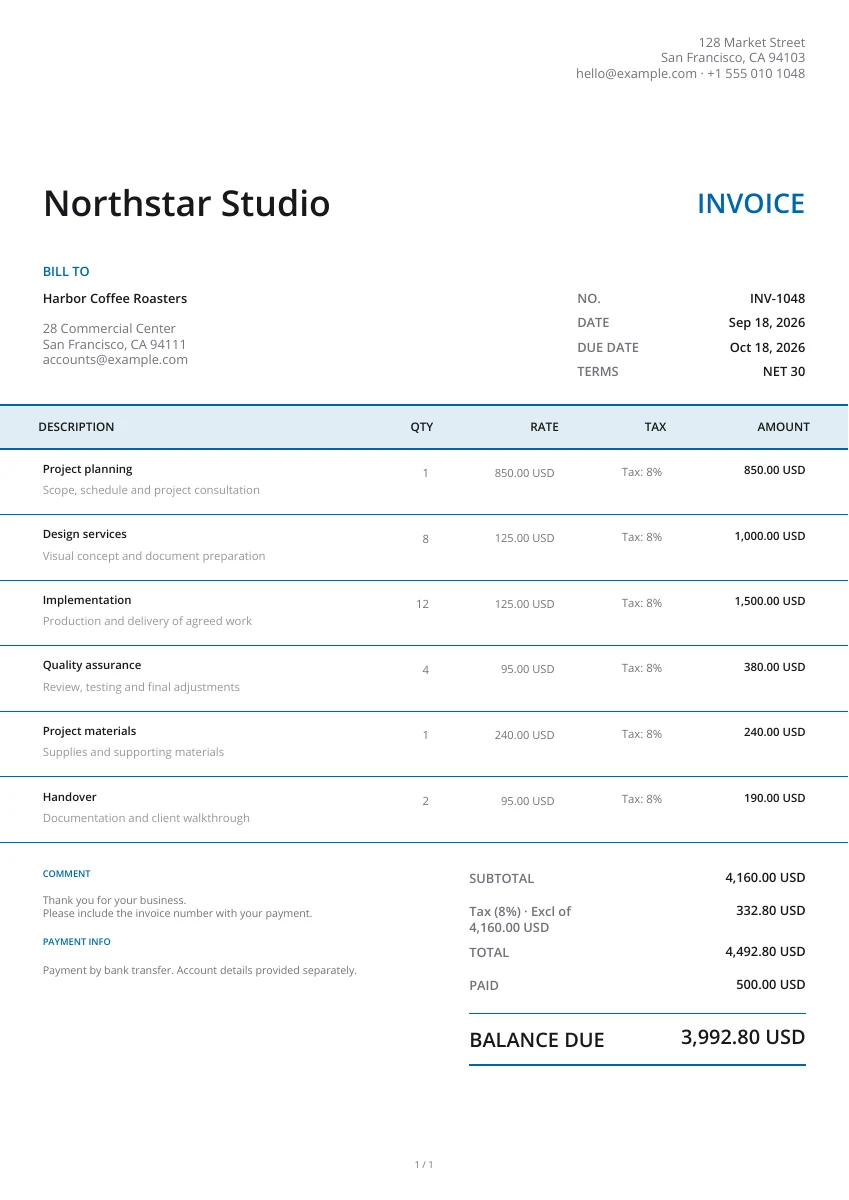
Classic
Classic
Select your document, view templates and edit for free. Fill in your business, customer or supplier information and add your line items. Preview the file and download the PDF. Generate invoices, estimates, quotes, receipts, purchase orders and more. Customize with your logo and change the color.
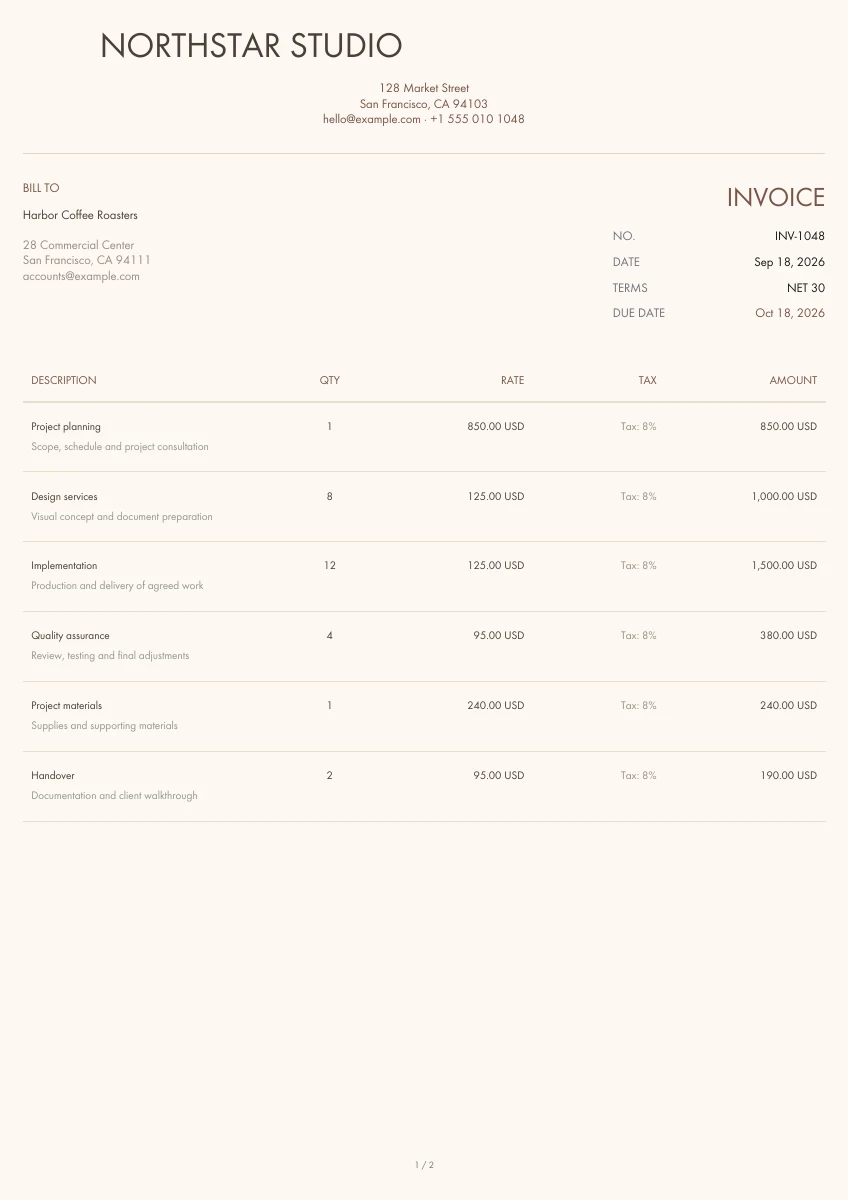
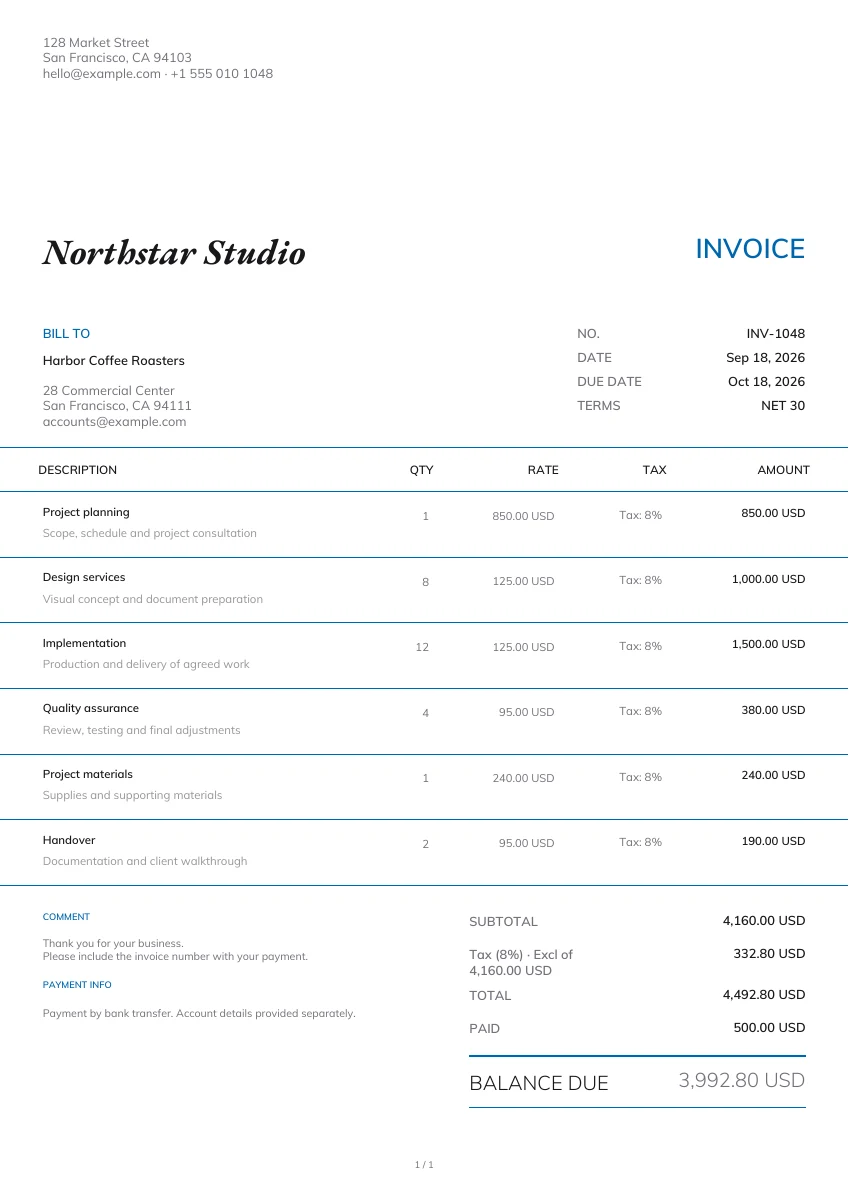
Request payment for goods or services. Include customer information, itemized charges, the due date, payment instructions and current balance. Download your invoice PDF.
21 templates
Classic
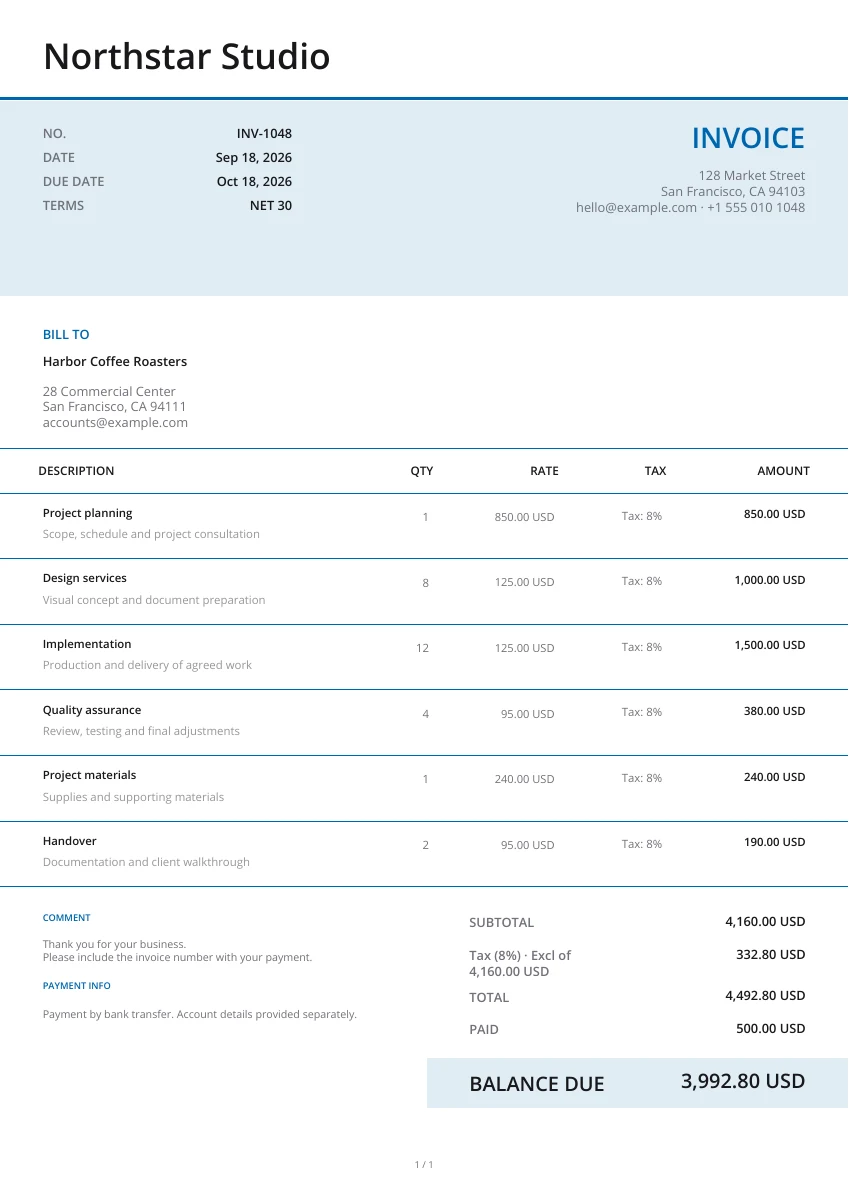
Modern
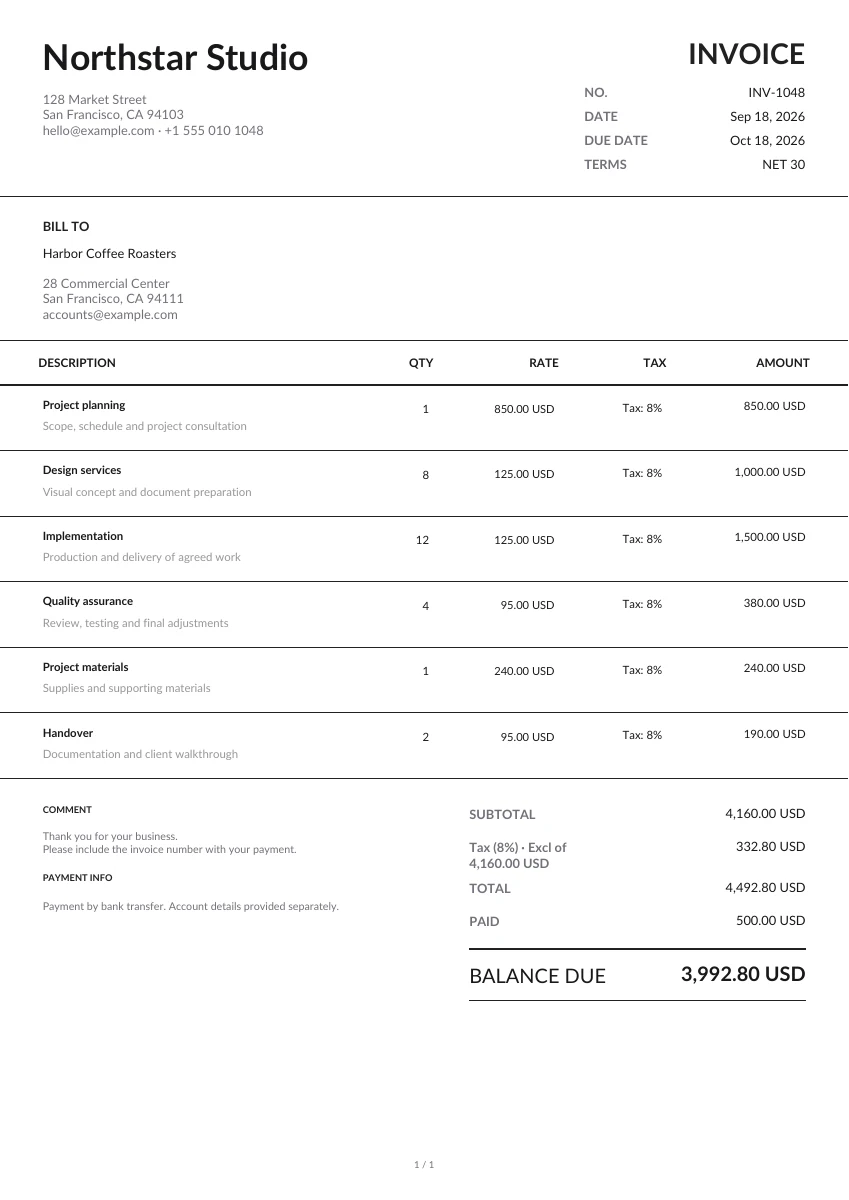
Minimal
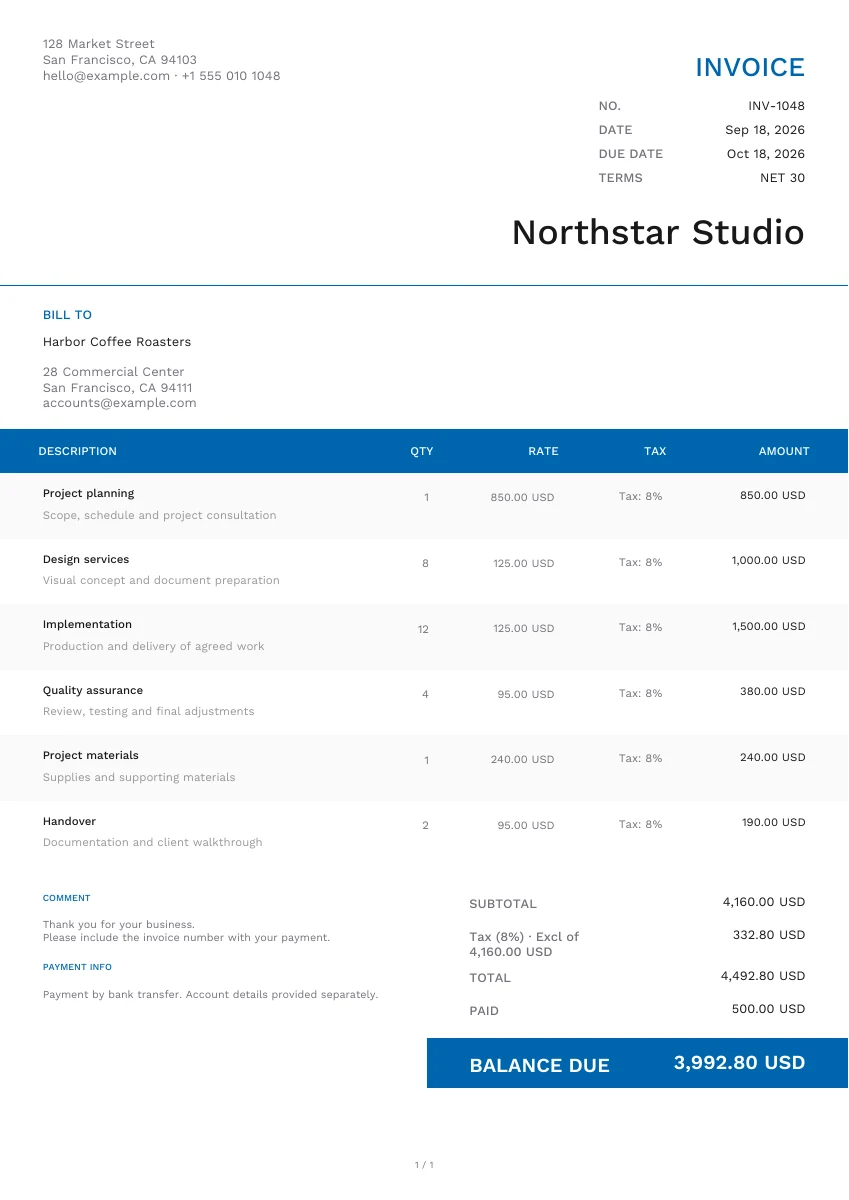
Modern
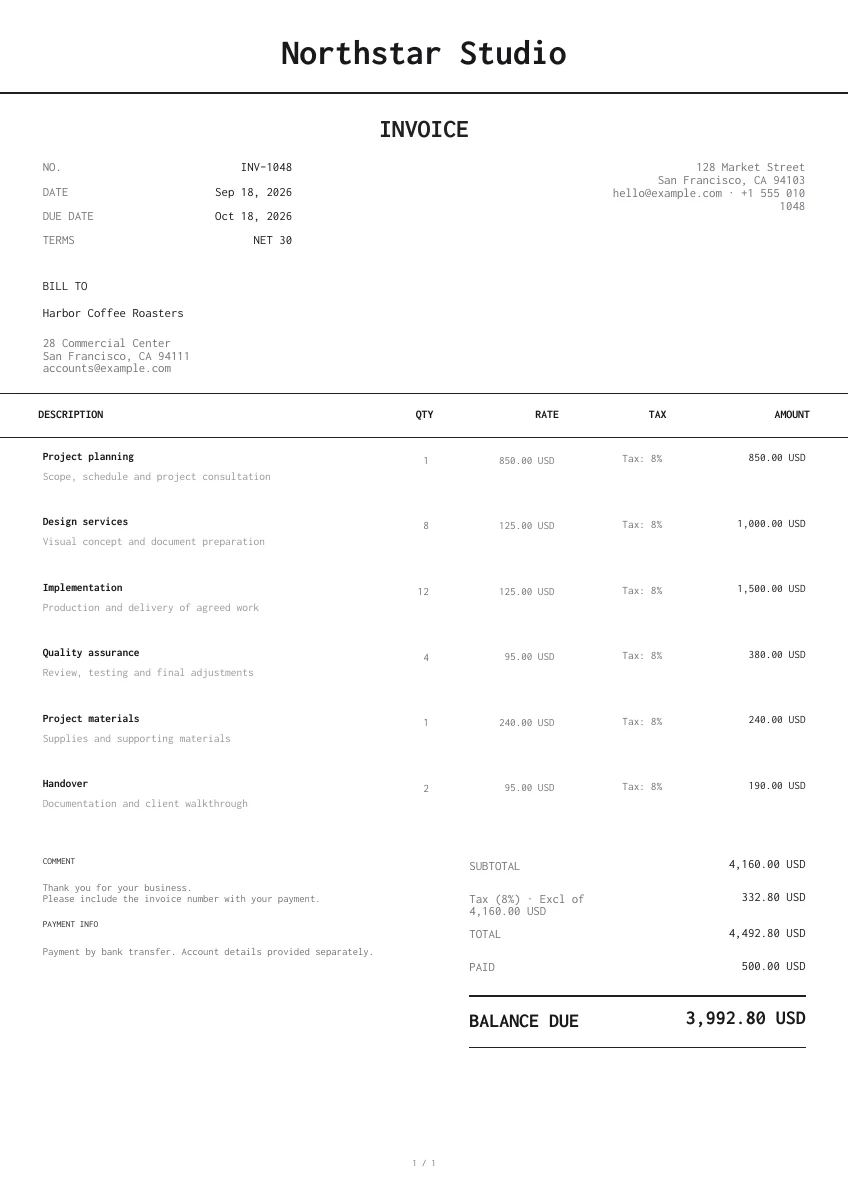
Minimal
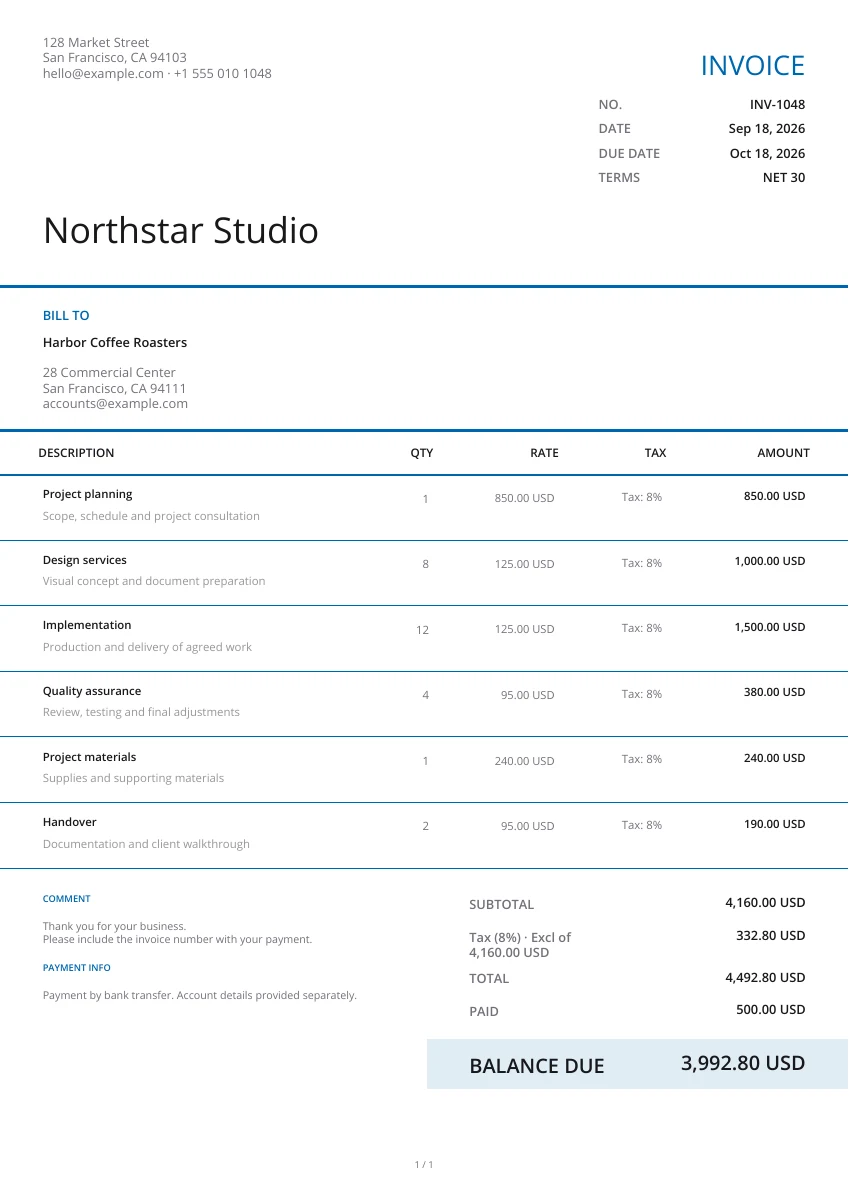
Modern
Creative
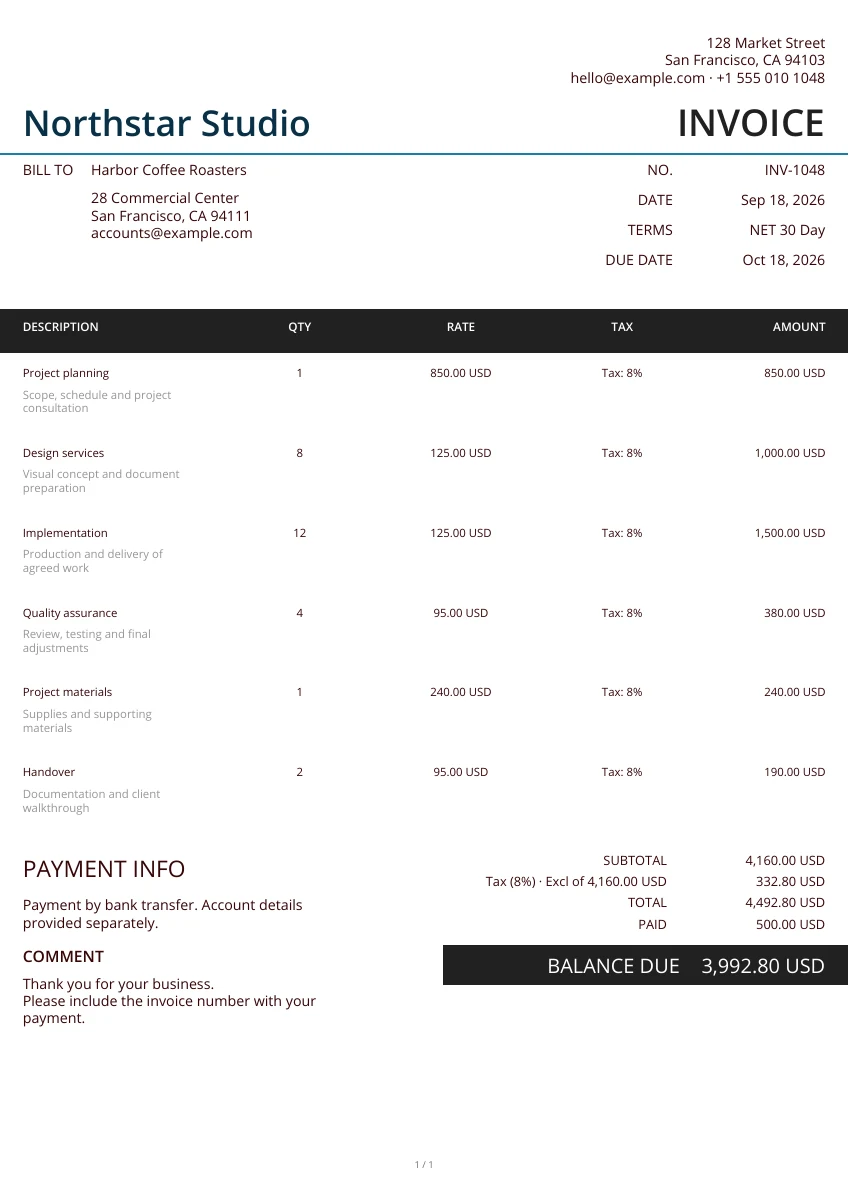
Minimal
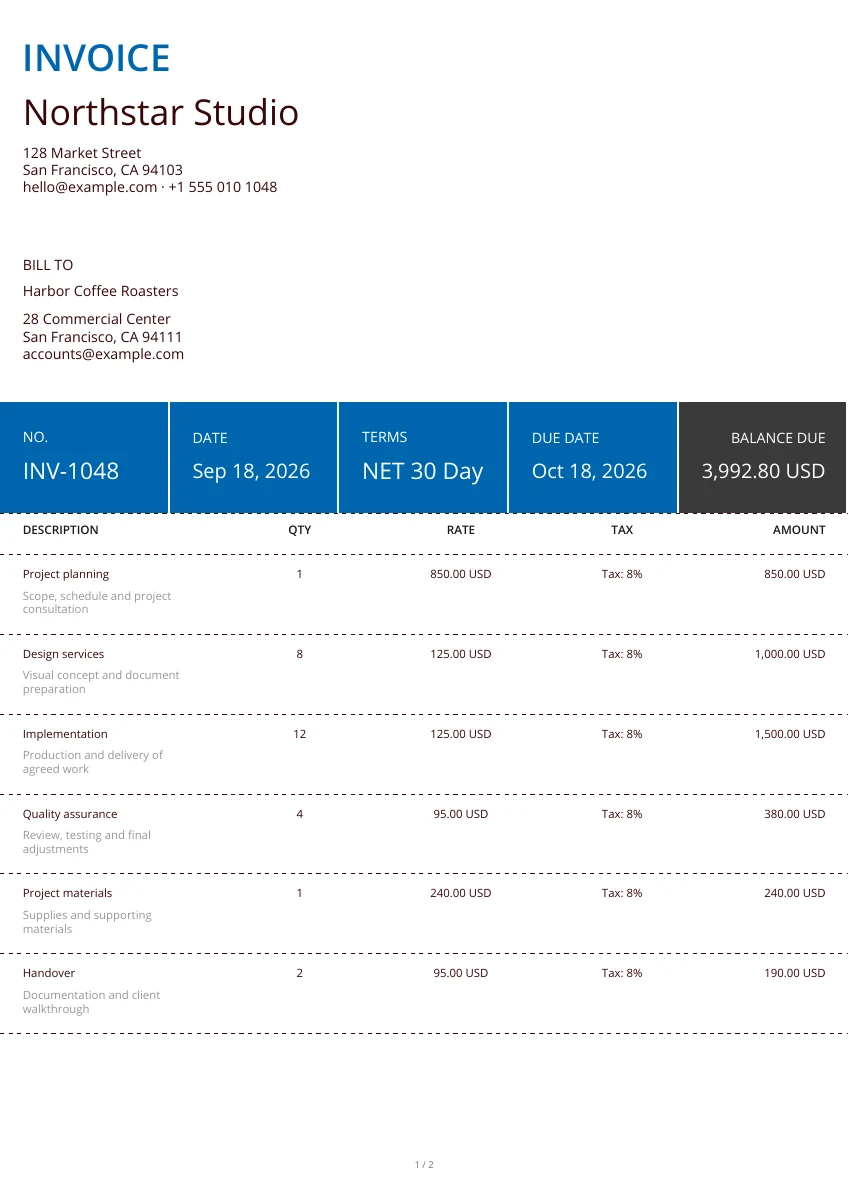
Classic
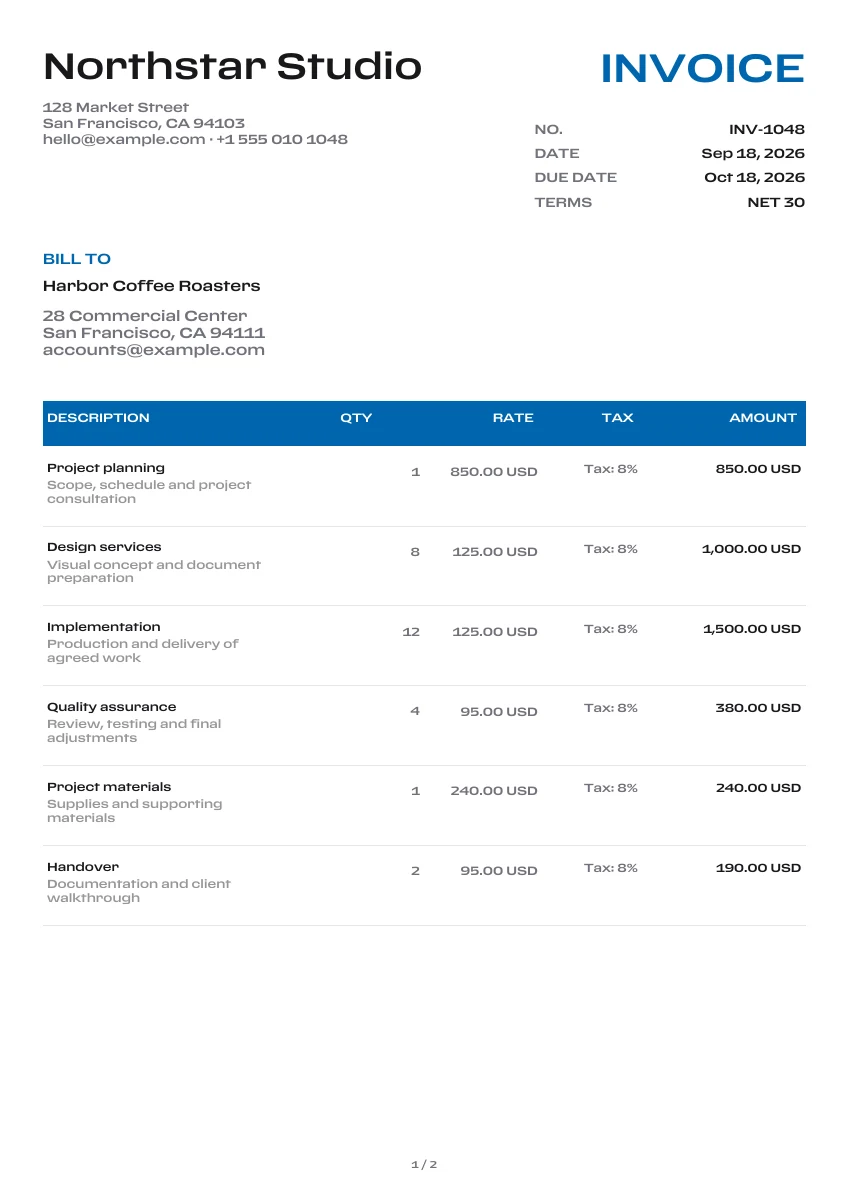
Classic
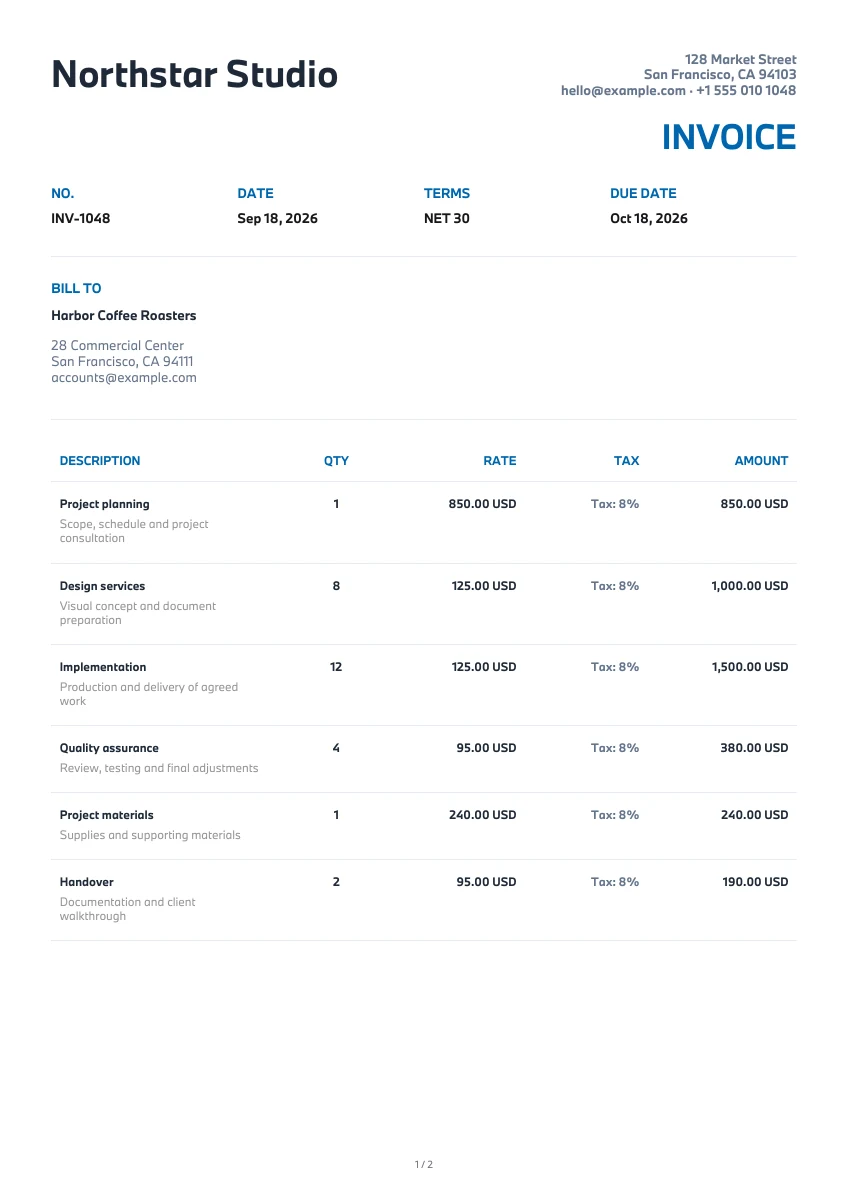
Modern
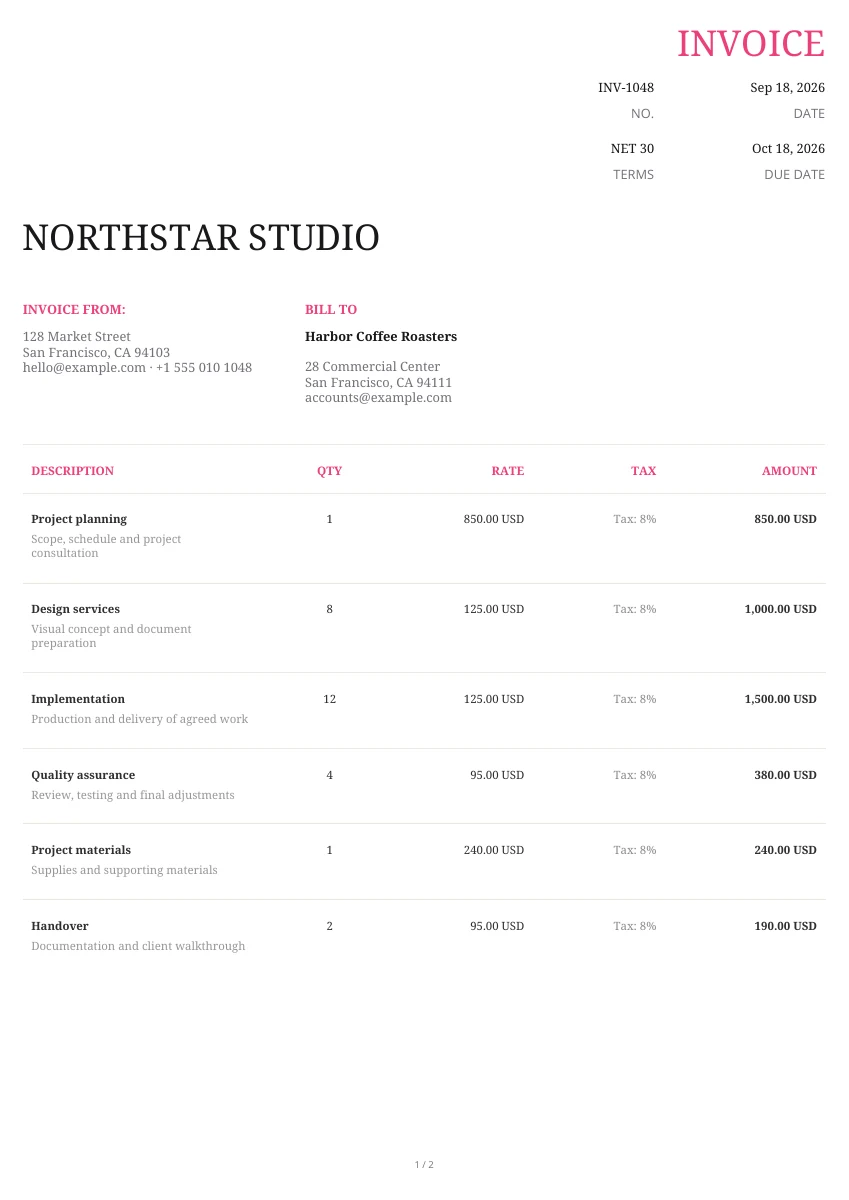
Creative
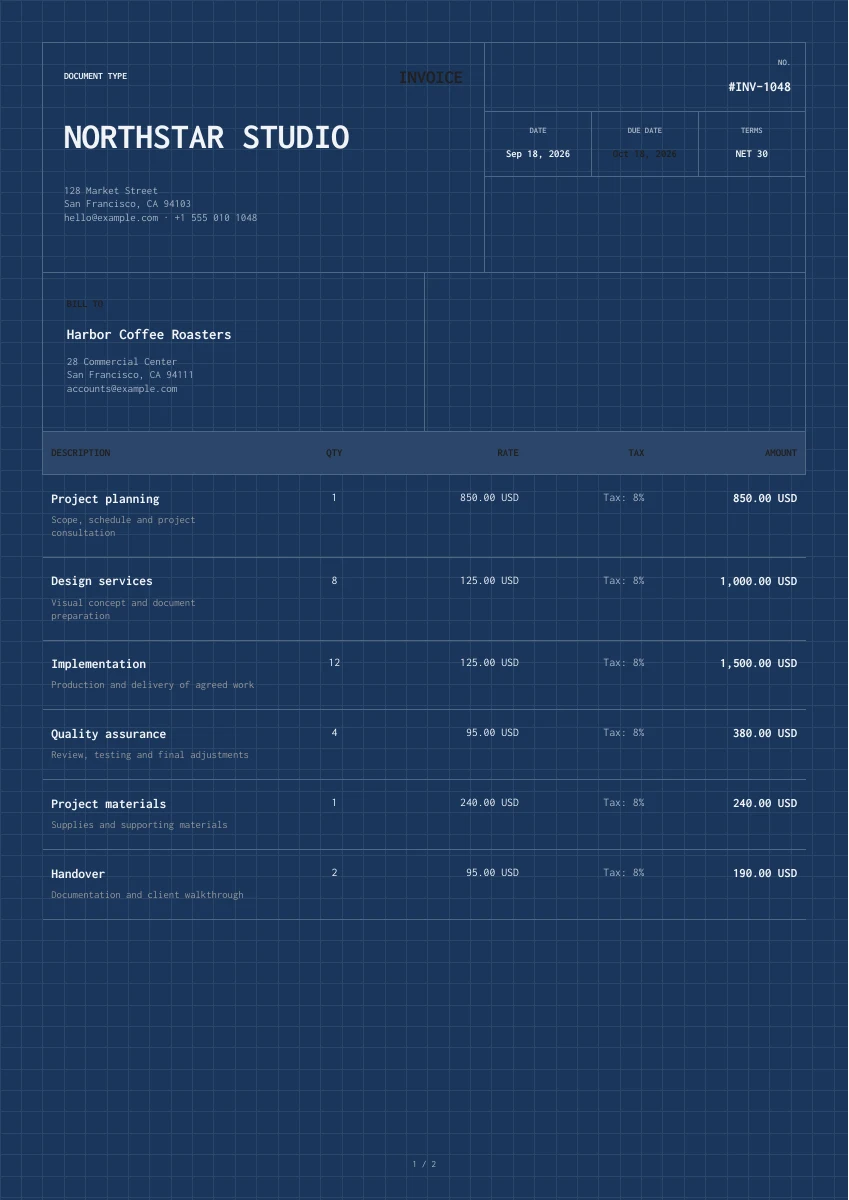
Classic
Creative
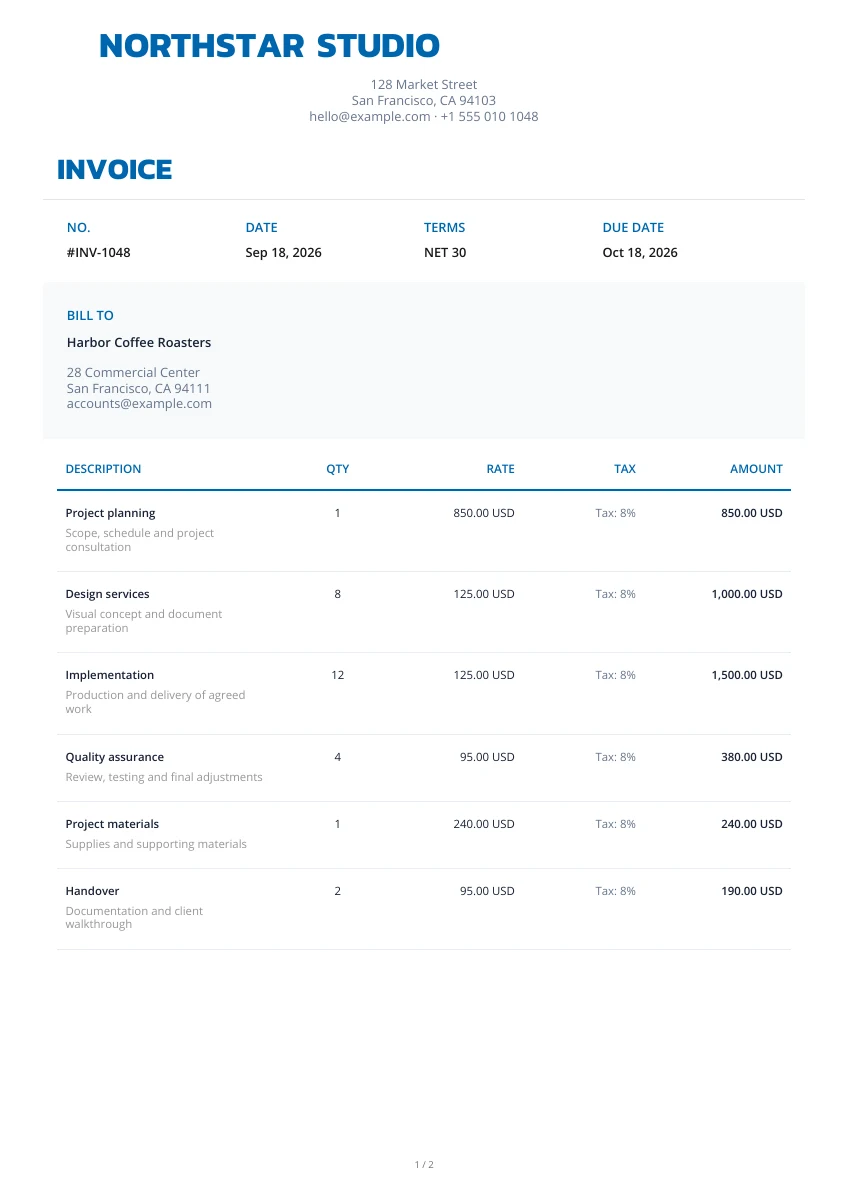
Classic
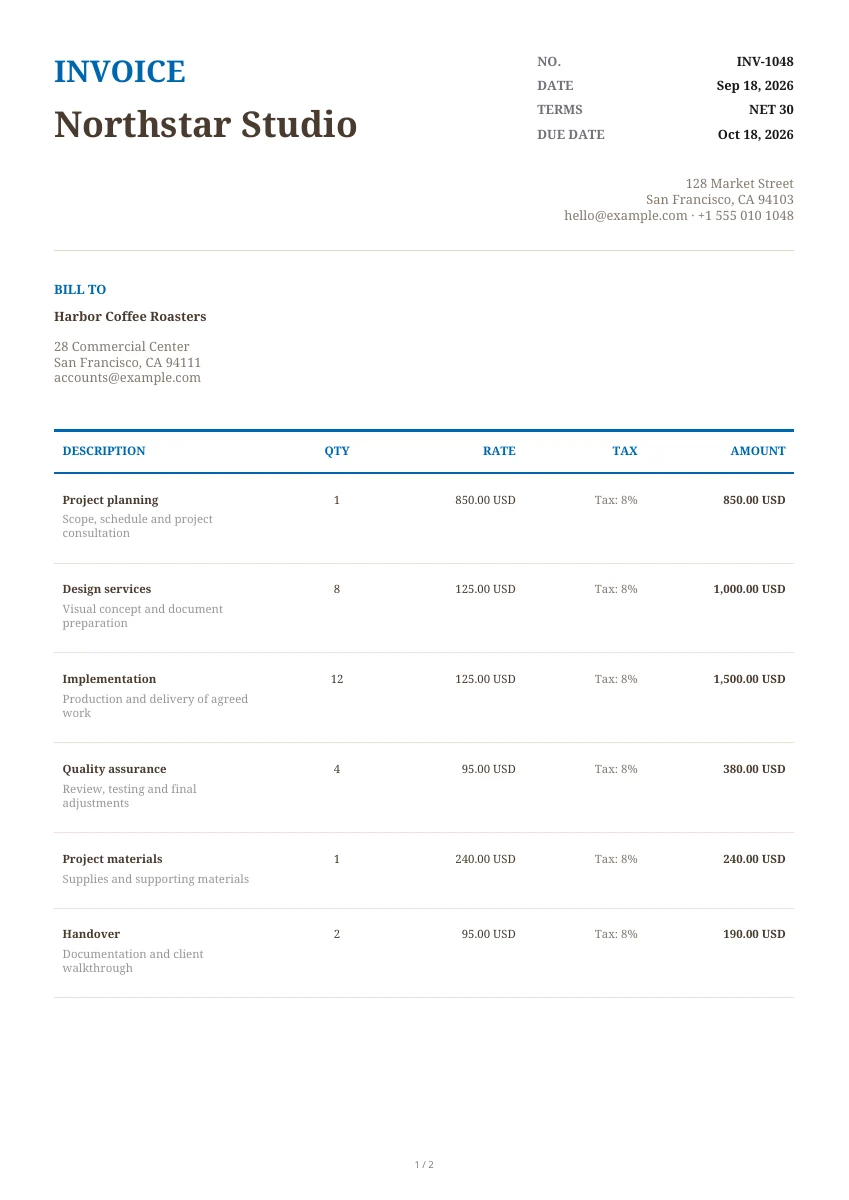
Classic
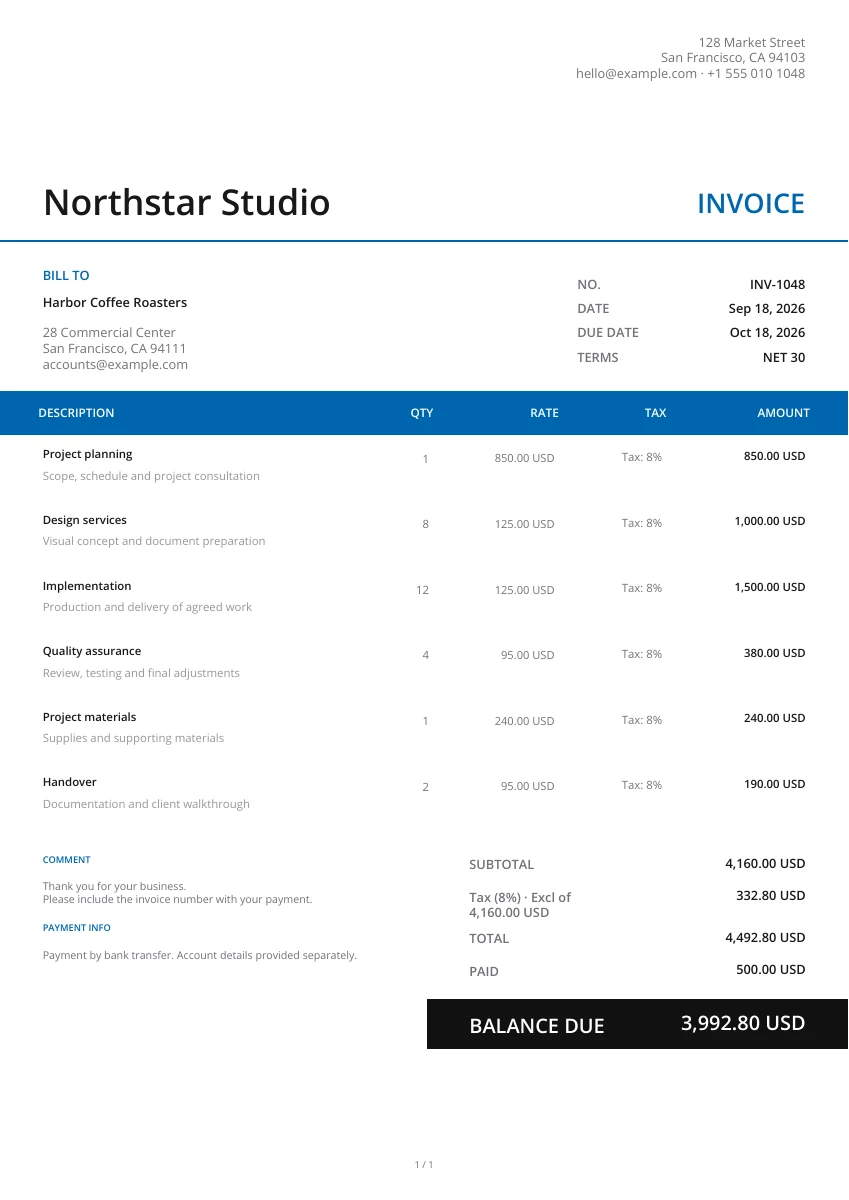
Modern
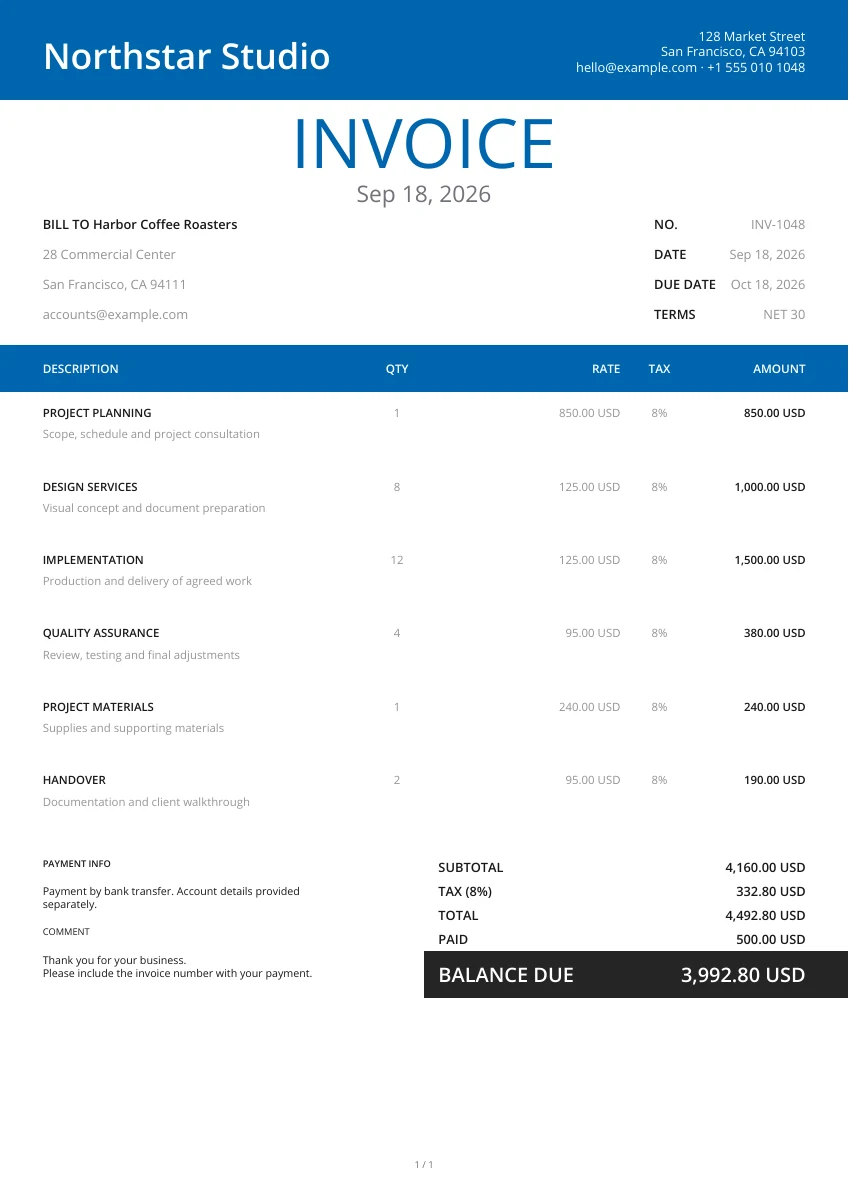
Modern
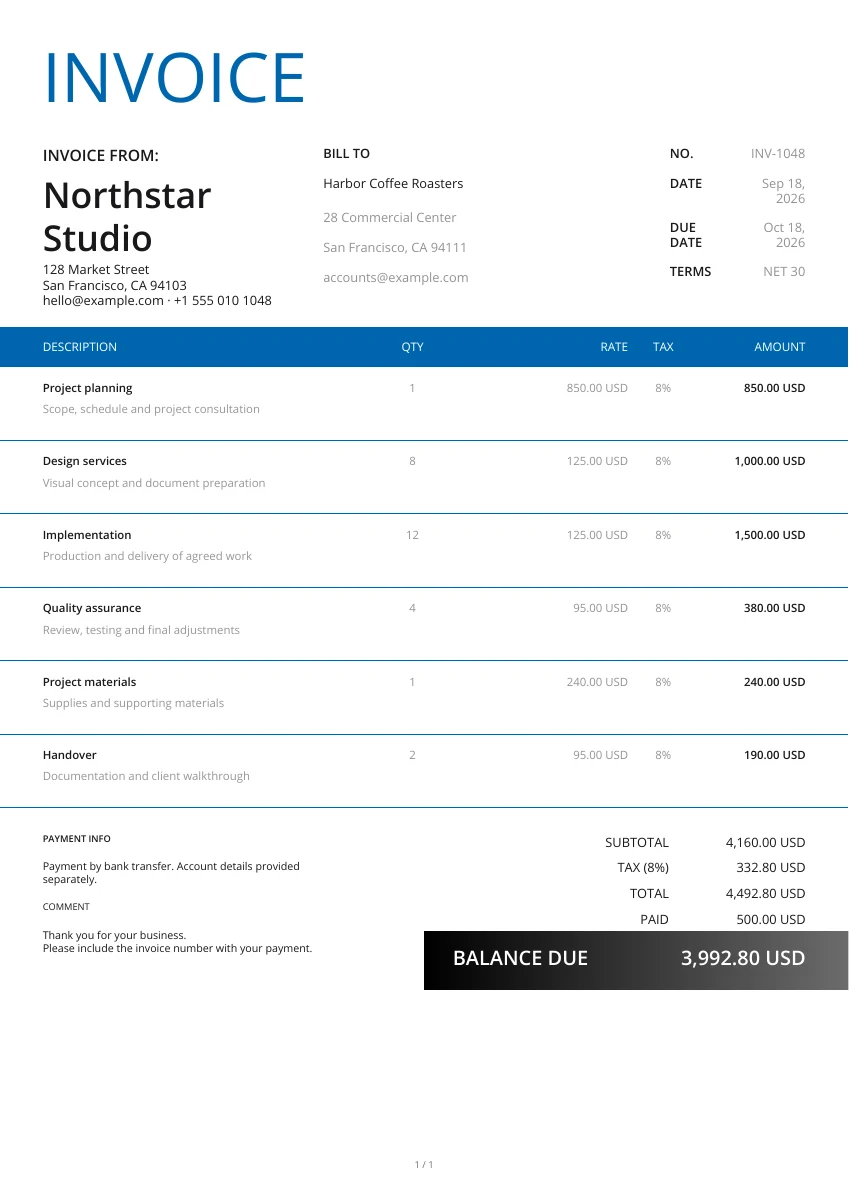
Classic
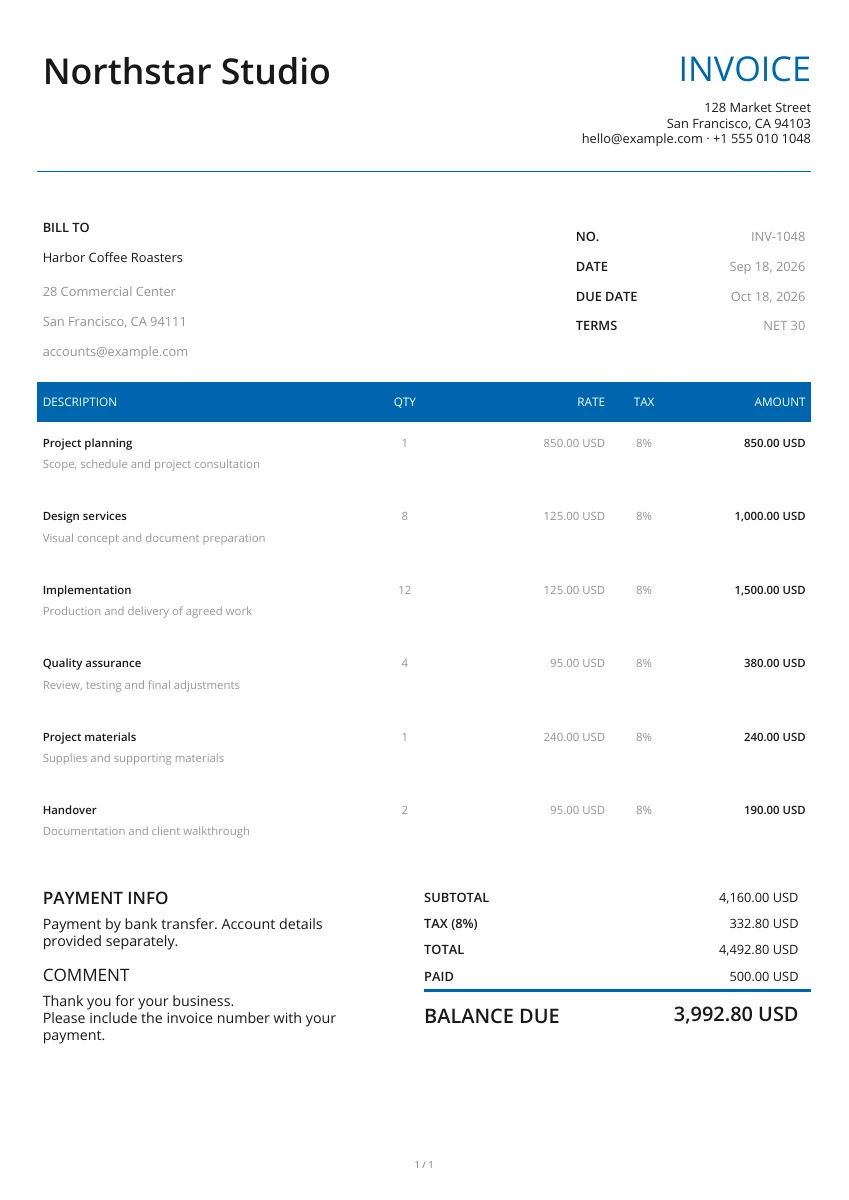
Minimal
Minimal
No matching templates. Try another search or clear the filters.
Yes. Editing, entering information, previewing and downloading the PDF are free, with Use the Pocket Invoice app to keep customer and document records in your account.
Choose the document type and layout. Click “Enlarge preview” to inspect the layout and “Use template” to open the corresponding editor with the selected design. Fill in the information and line items, preview the document and download the PDF.
The online editor creates a PDF. For blank documents, go to the Word or Excel template pages. The estimate, quote, receipt and purchase order tool pages have separate blank Word, Excel and fillable PDF downloads. They are not converted from the current form.
Yes. Select a document type above the gallery, then pick a layout. The editor opens the selected invoice, estimate, quote, receipt or other document.
Yes. Choose any of the 21 layouts, add your company logo and change the color, header or watermark. Changing the layout keeps the information you entered, so you do not have to retype it.
The free editor does not automatically store the document in your account. Download the PDF before you leave, then save, print or send it yourself. To keep and manage customer and document records, create the document in the Pocket Invoice app.
Information entered in the online editor is sent to our PDF service only during preview or download. The free editor does not save the document to an account.
Select a document and layout, add customer or supplier information, and download the PDF.