
Free receipt generator
Give your customer a record of a payment you have received. Add the payer, what the payment covers and the amount received, then download the receipt PDF.
- No sign-up required
- Automatic calculations
- Download PDF
Your details are sent securely to our PDF service only when you preview or download. This tool does not save documents to an account.
How to create a payment receipt
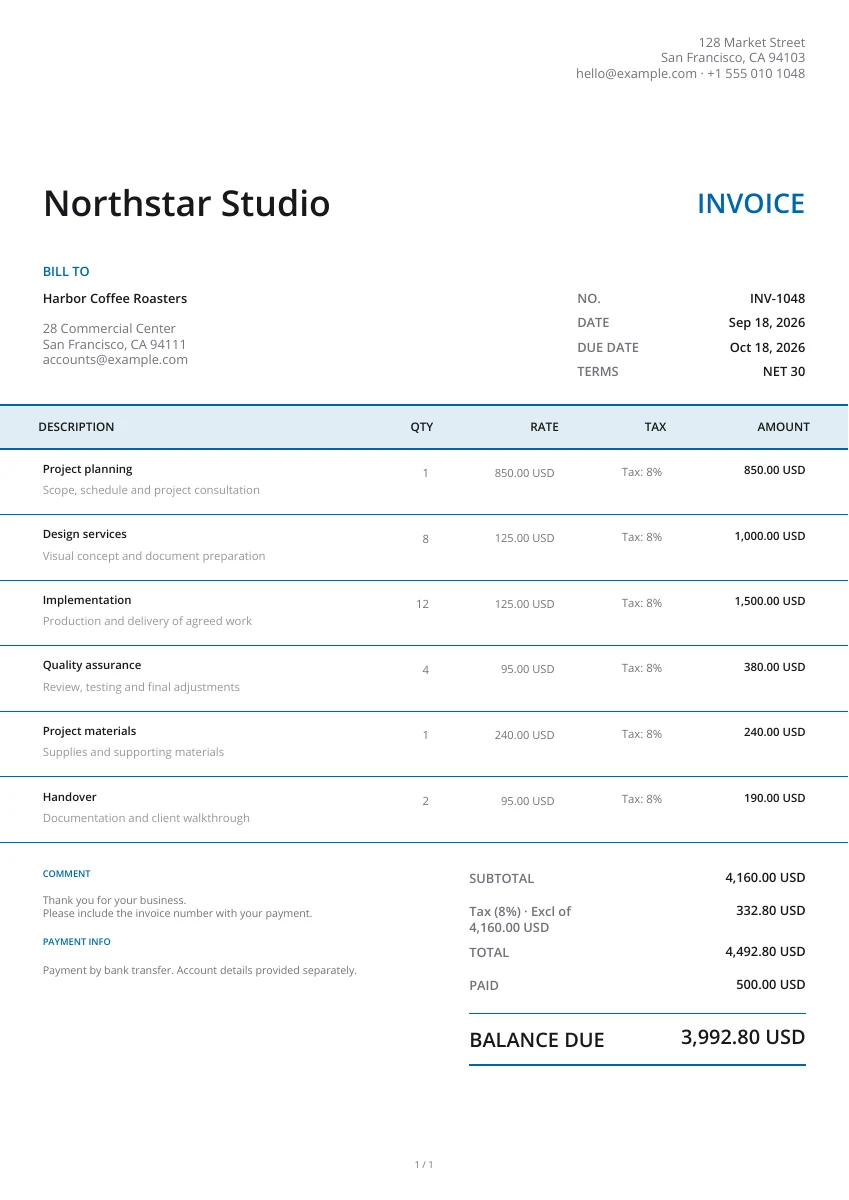
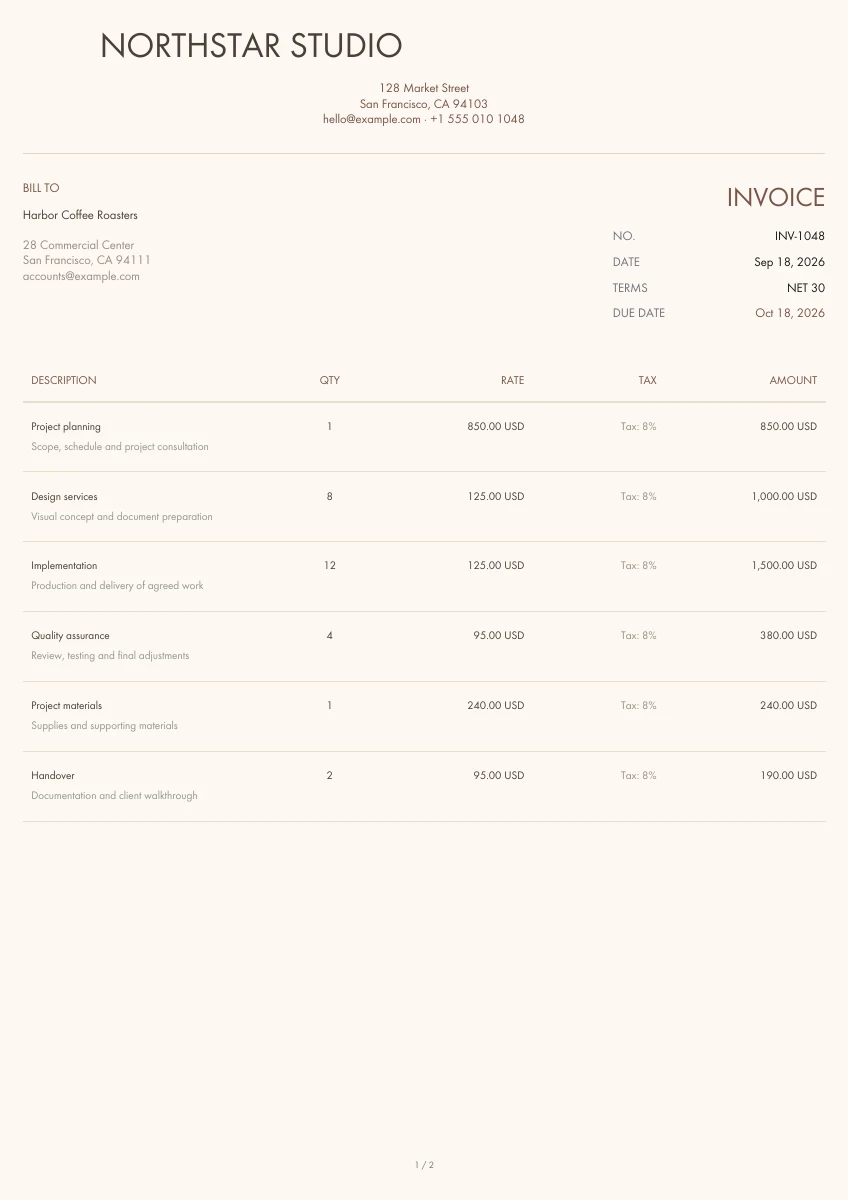
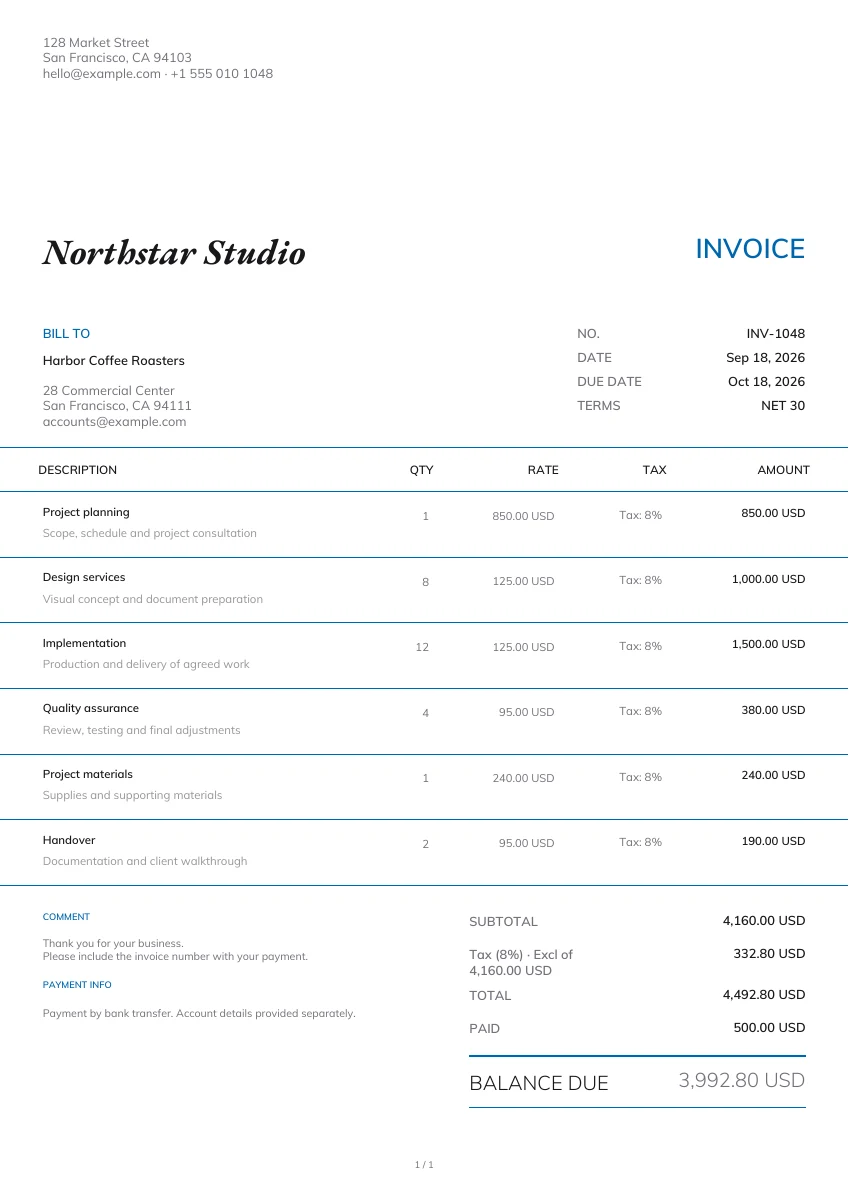
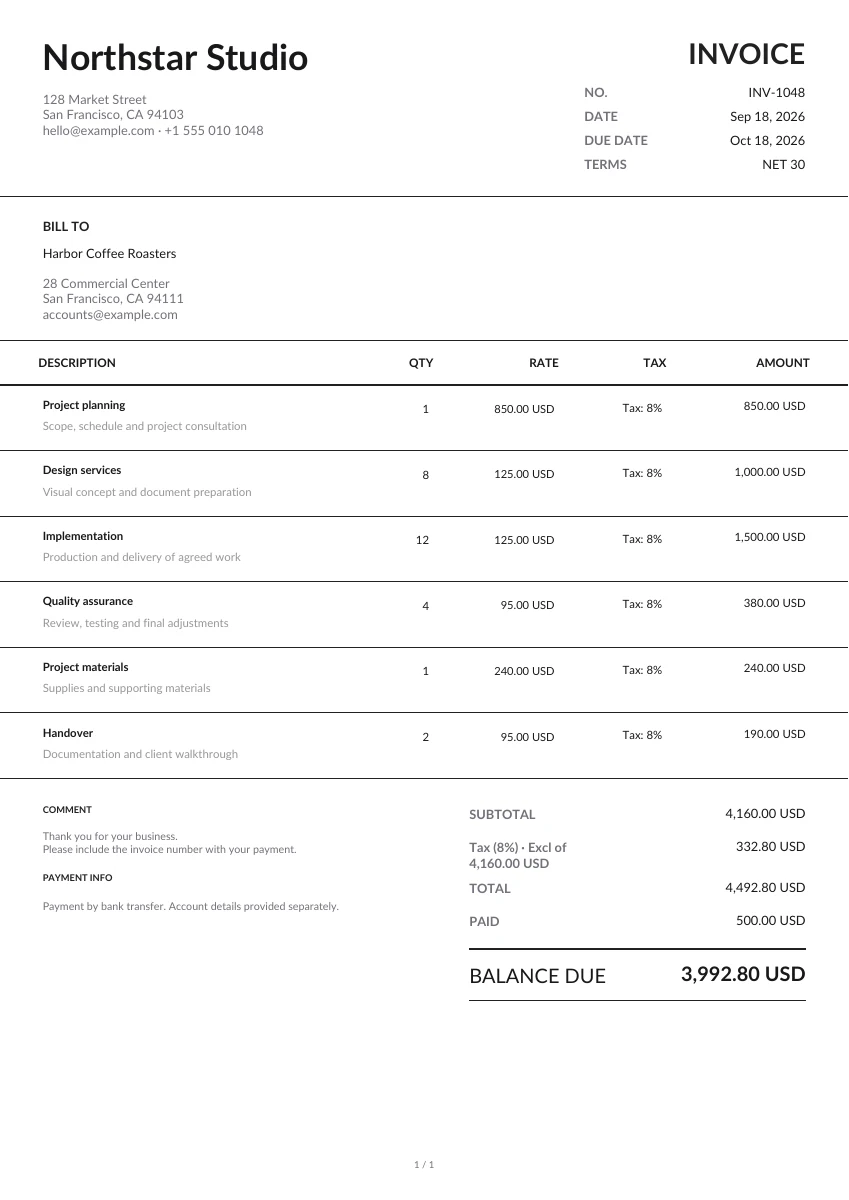
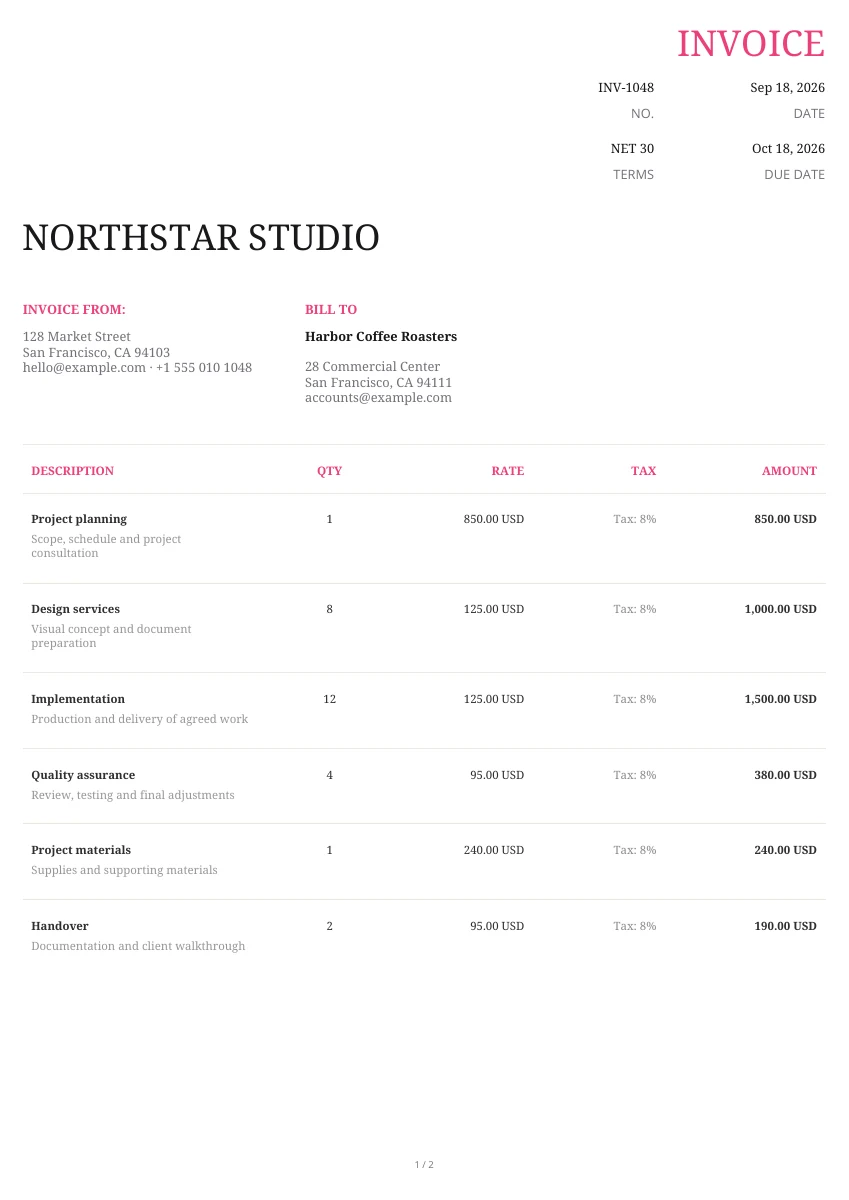
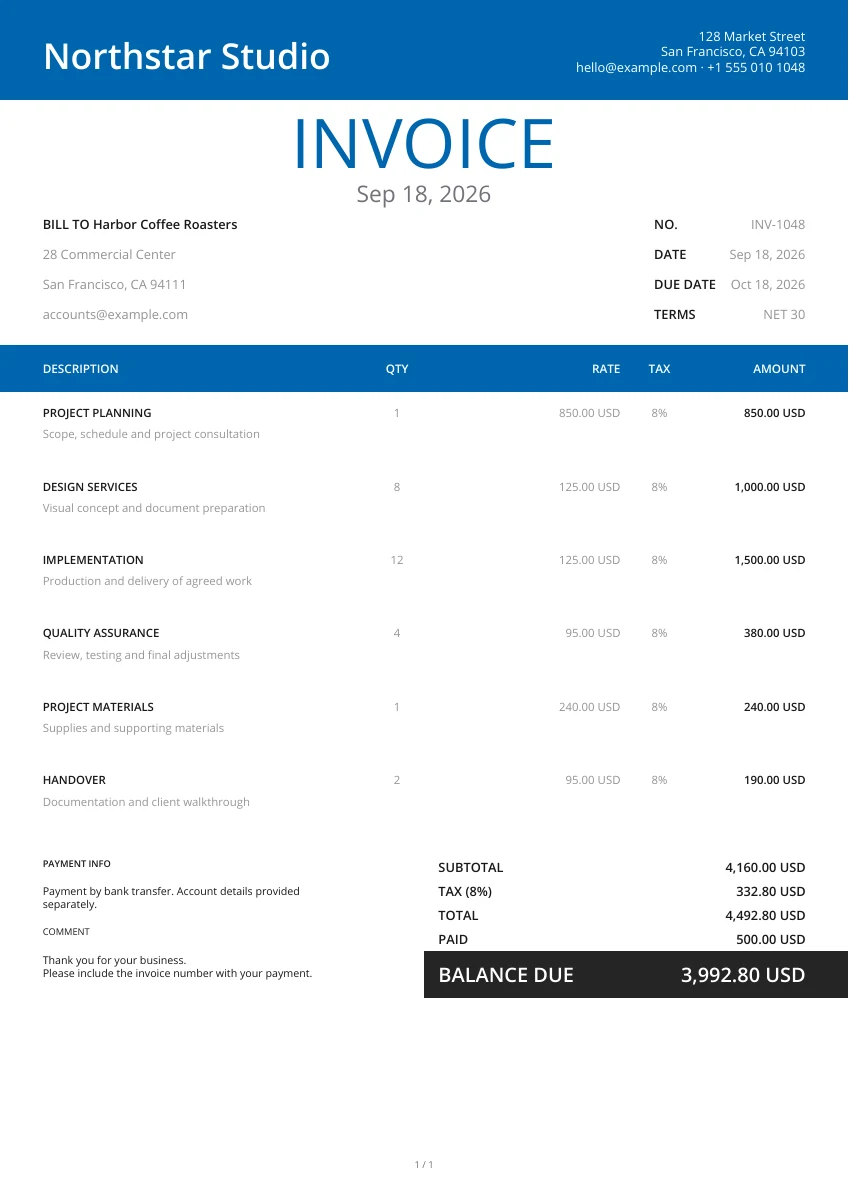
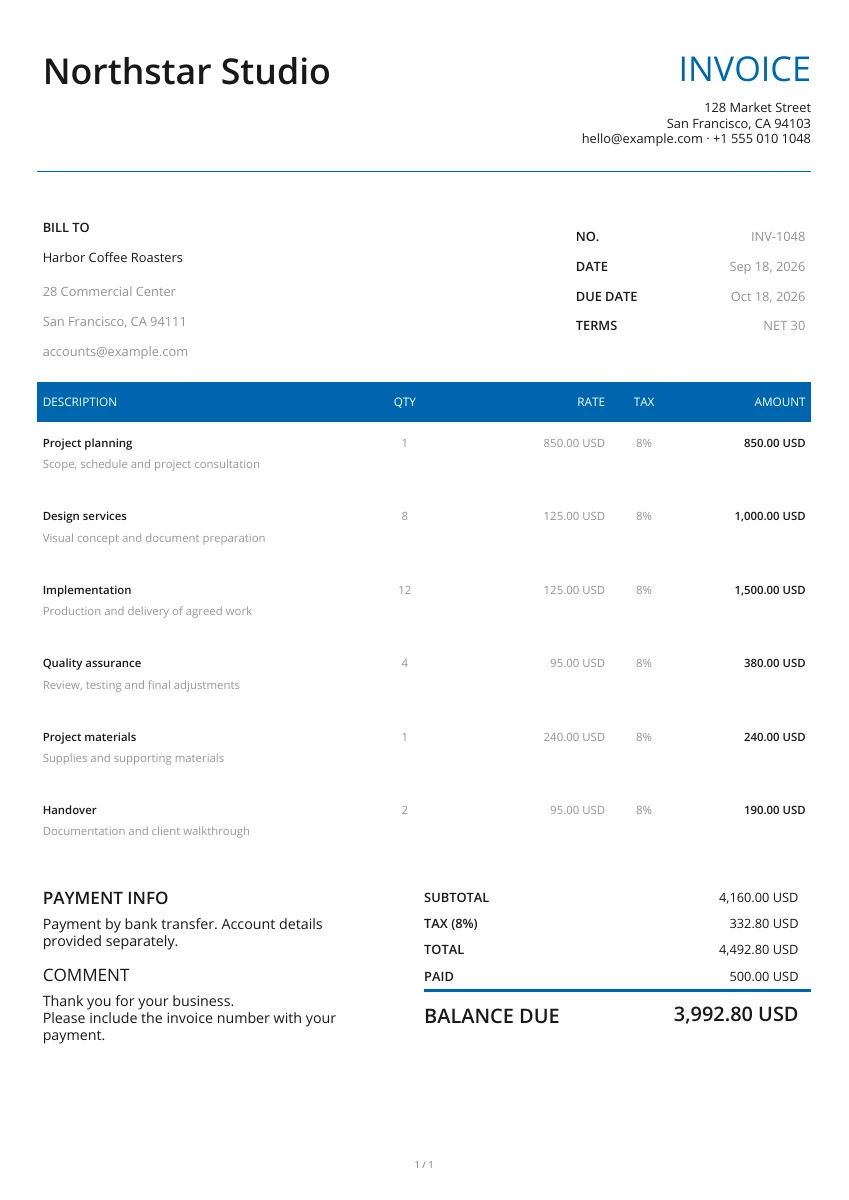
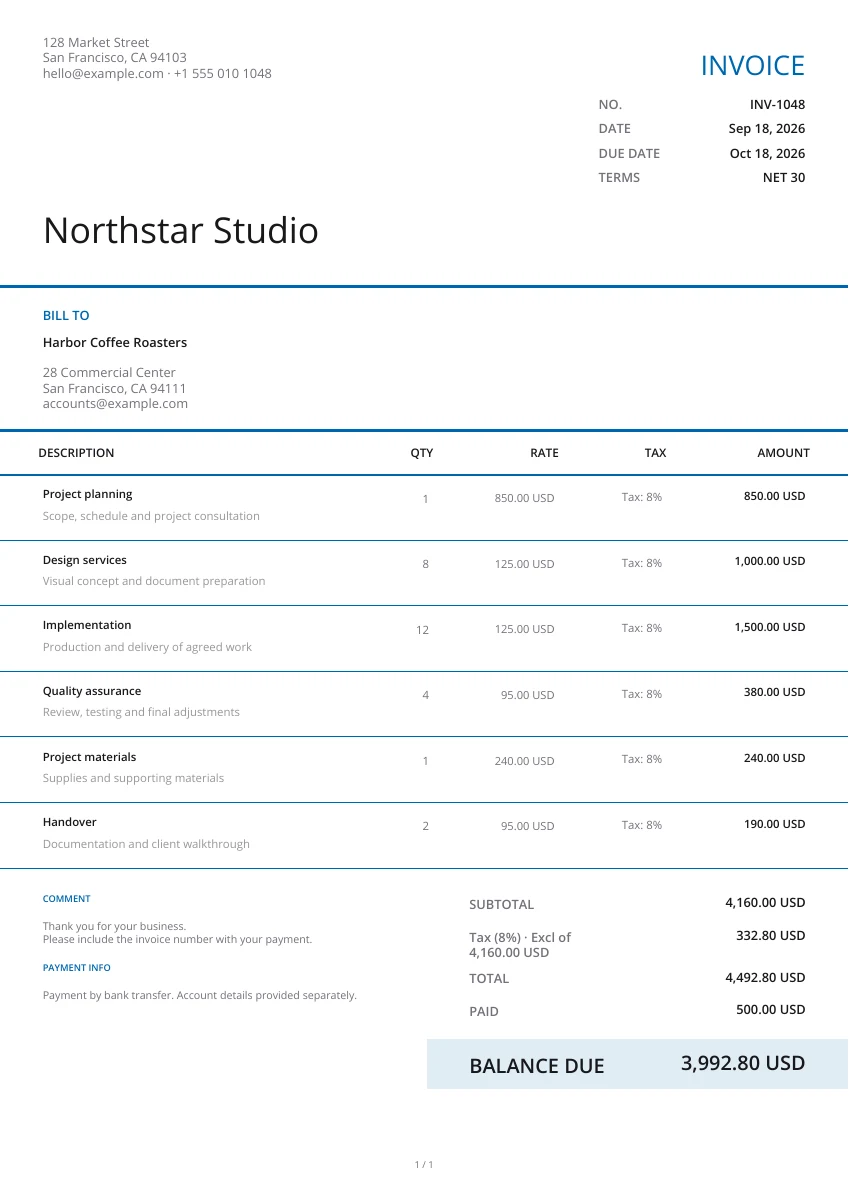
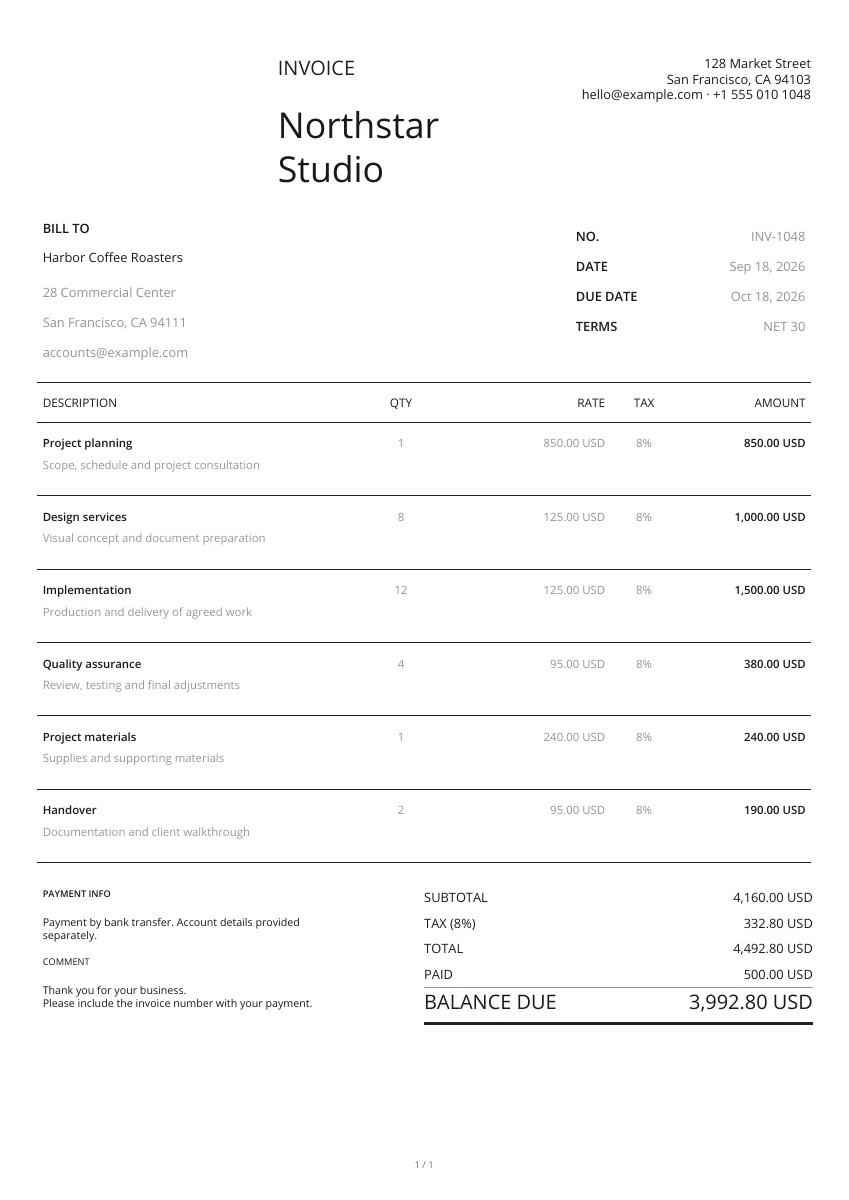
Start with a layout from the gallery. Add your logo and pick a header and color; you can change the design without retyping your details.
Enter your business and the payer’s details, list what the payment covers and check Amount paid. Add the payment date, method and transaction reference in the notes.
Open the PDF preview to check the finished pages, not just the form. Download the file when it is ready, then attach it to your own email or print a copy.
Prepare a recognizable payment receipt
Header design
Choose a receipt layout and set the header and color. Your payment entries stay in place when you switch designs.
Add your logo
Add your logo and contact details so the payer can identify who issued the receipt.
Preview PDF
Check the payer, payment reference and amount received in the PDF before downloading a copy.
Keep receipts with the payments they record
On your phone or computer
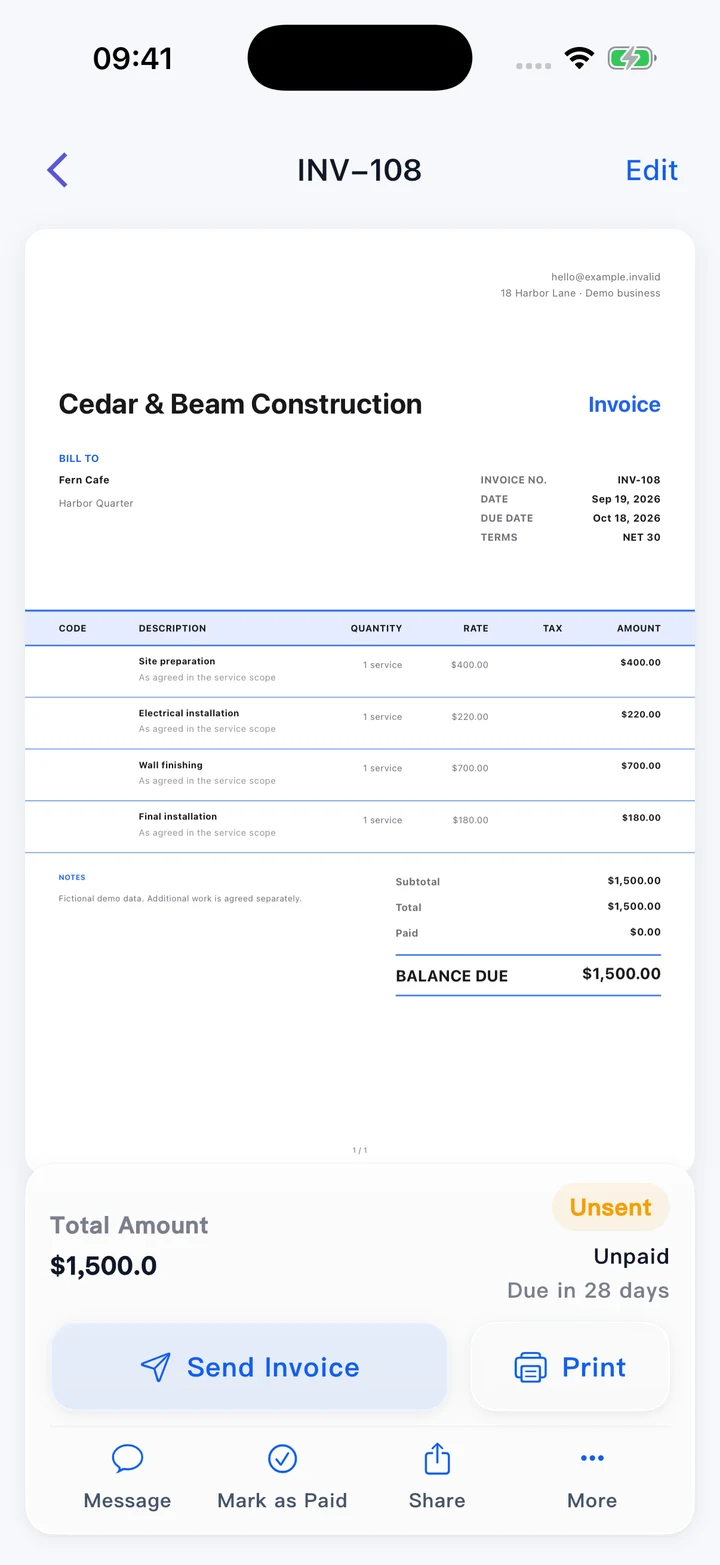
Use this editor in your browser. A downloaded PDF keeps its page layout when viewed on a phone, opened on a computer or printed.
Match the receipt to the invoice
Use the invoice or order number as a reference. Keep the receipt and payment confirmation together so the transaction can be checked later.
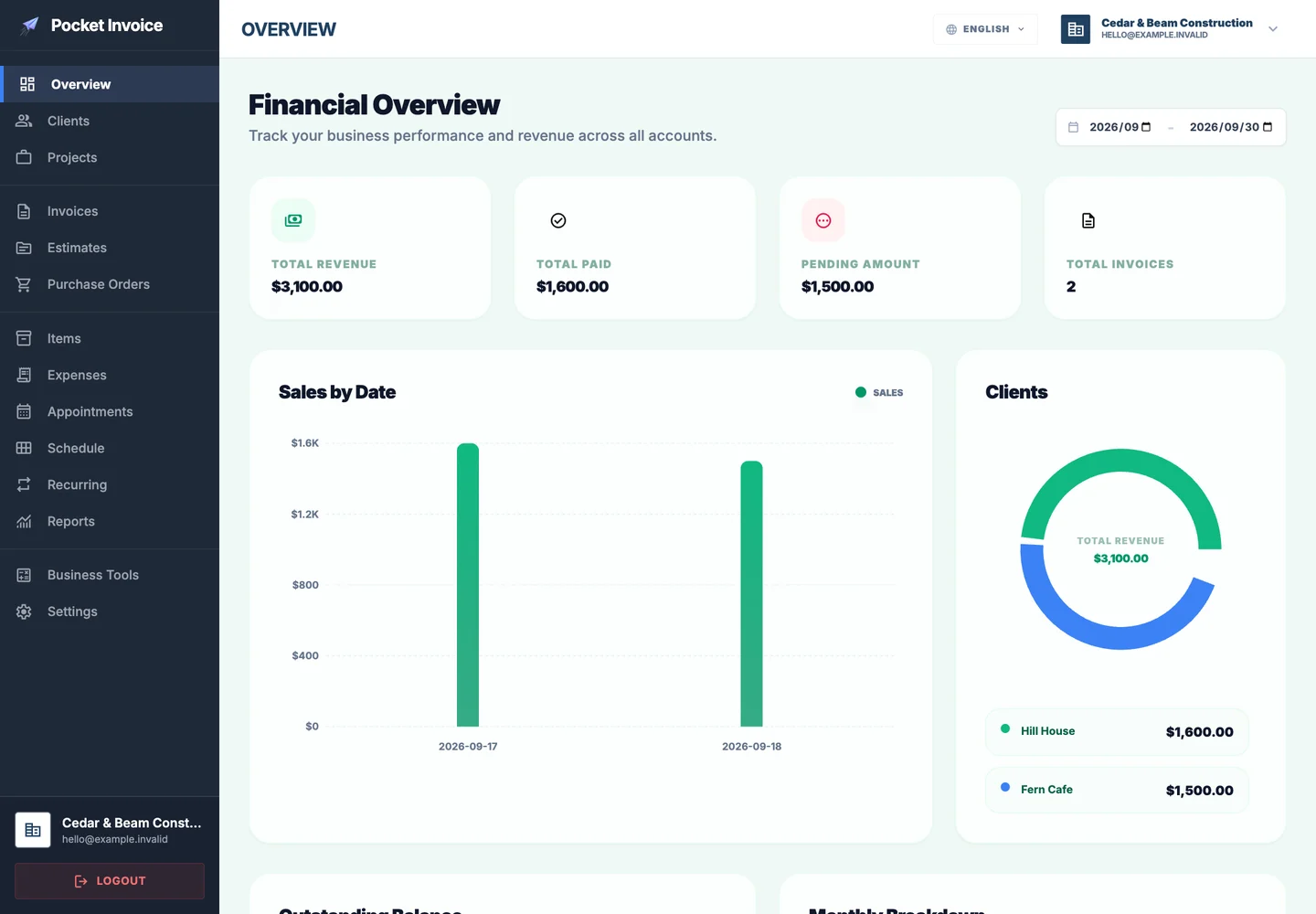
Record payments in the app
The Pocket Invoice app lets you keep customer, invoice and payment records. This free receipt page creates a PDF without saving a record to your account.
What to include in a payment receipt
A receipt records money already received. It should identify the payment and what it covers, including any balance left after a partial payment.
- 01
Recipient and payer
Enter the business receiving the money and the person or customer who made the payment.
- 02
Receipt number and payment date
Give the receipt a unique number. If payment and issue dates differ, record the payment date in the notes.
- 03
What the payment covers
List the goods, services or invoice being paid. Include the original invoice number when the receipt relates to an existing bill.
- 04
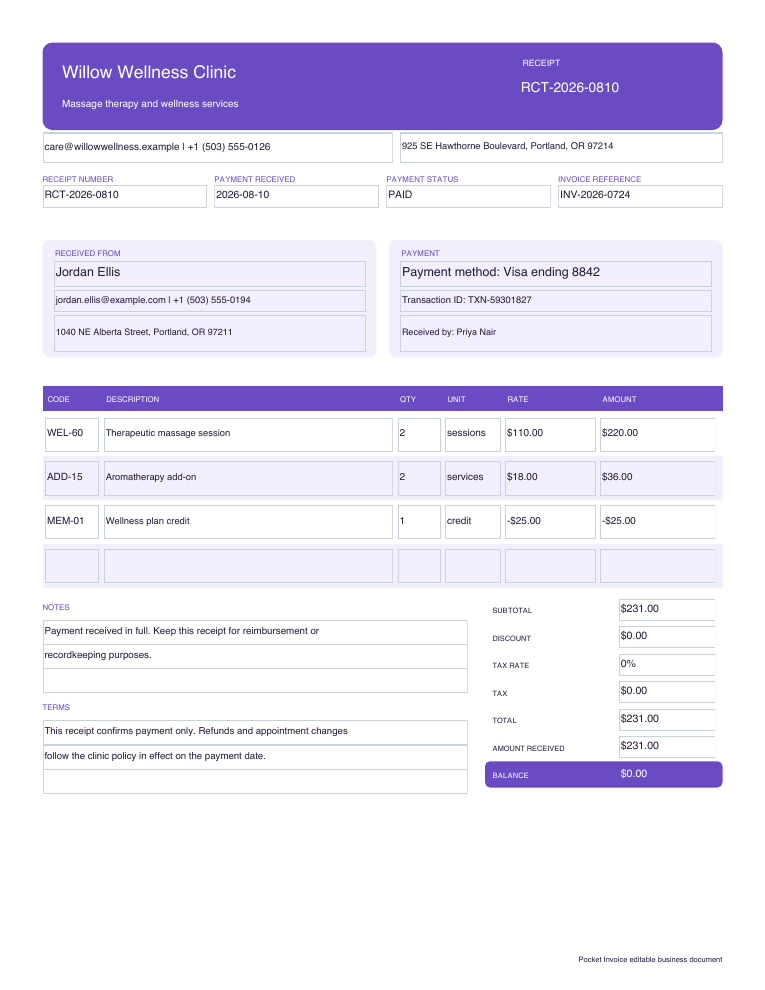
Amount received and currency
Check Amount paid against the payment you actually received. For a deposit or partial payment, enter that amount rather than the full total.
- 05
Payment method and reference
Record cash, card, bank transfer or another method in the notes, with a transaction reference where available.
- 06
Remaining balance
If the payment only covers part of the bill, keep the full total and amount paid clear so the unpaid balance can be seen.
Choose a receipt template
Enlarge a preview to compare receipt layouts. Choose Use template to enter the payment details in that design.
Browse templatesDownload a blank payment receipt
Download a blank Word, Excel or fillable PDF receipt to complete in a file. Excel includes formulas; check the totals manually in Word and the fillable PDF.
Frequently asked questions
Is the receipt generator free?
Yes. Create, preview and download a receipt PDF without an account.
What is the difference between an invoice and a receipt?
An invoice requests payment for goods or services. A receipt records money already received. Use a receipt after checking the payment, and reference the invoice where relevant.
Can I issue a receipt for a partial payment?
Yes. Enter the full bill total and change Amount paid to the payment actually received. The receipt can show both the payment and the remaining balance.
Will this page remember my draft?
No. The form stays in this open page and is not saved as an account document. Download your PDF before leaving; use the Web app for saved records.
Does the receipt verify that a payment arrived?
No. The tool creates a receipt from your entries and does not check bank or card transactions. Confirm the payment yourself before issuing the receipt.
How are my details used?
Your details are sent securely to our PDF service only when you preview or download. This tool does not save documents to an account.
Create another document
Create a receipt for the payment
Check the payment details and amount received, then download a copy for your customer.