
Free credit note generator
Need to reduce the original bill? Specify the original invoice number, items and amount for a reduction. Explain the cause of this reduction to your customer. Look at the PDF view and download the file. Keep it with the original invoice.
- Automatic totals
- Download PDF
The PDF service will process entered information to generate the file. Your document will not be stored in an account by this tool.
How to create a credit note
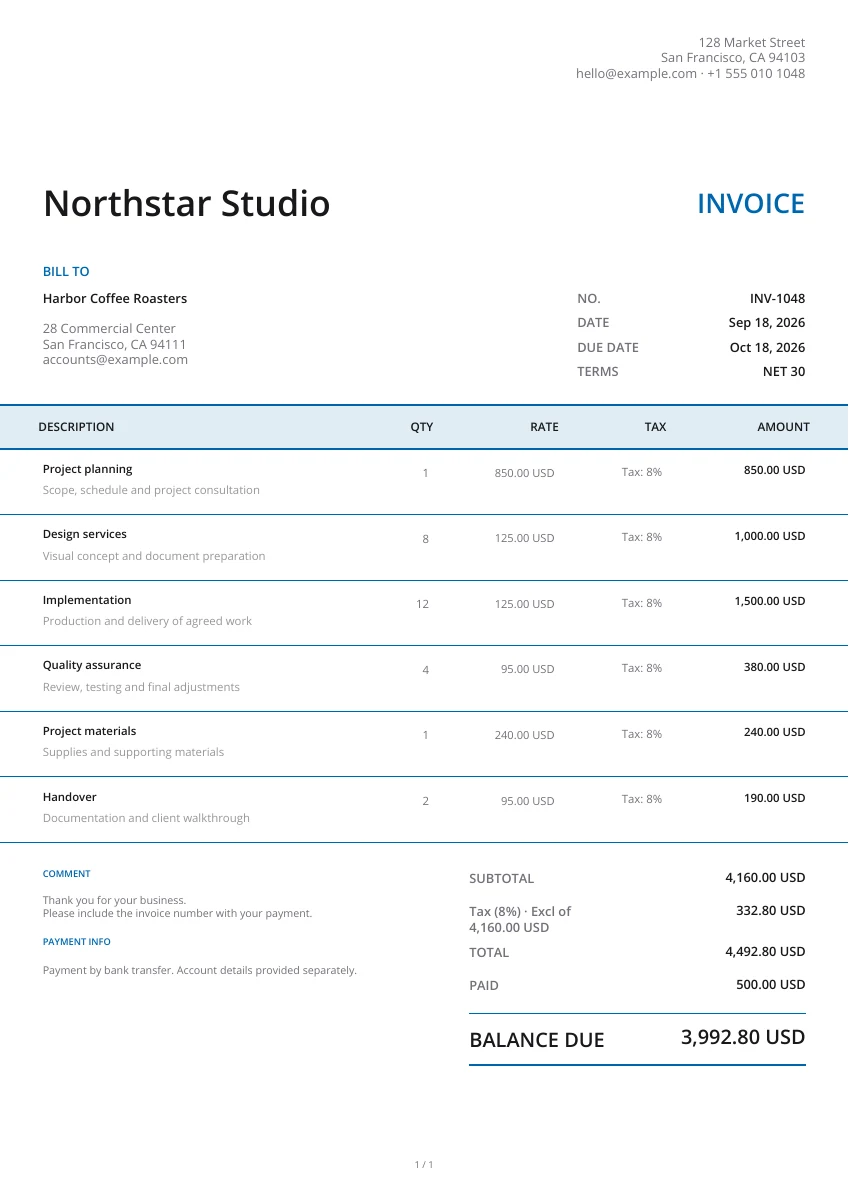
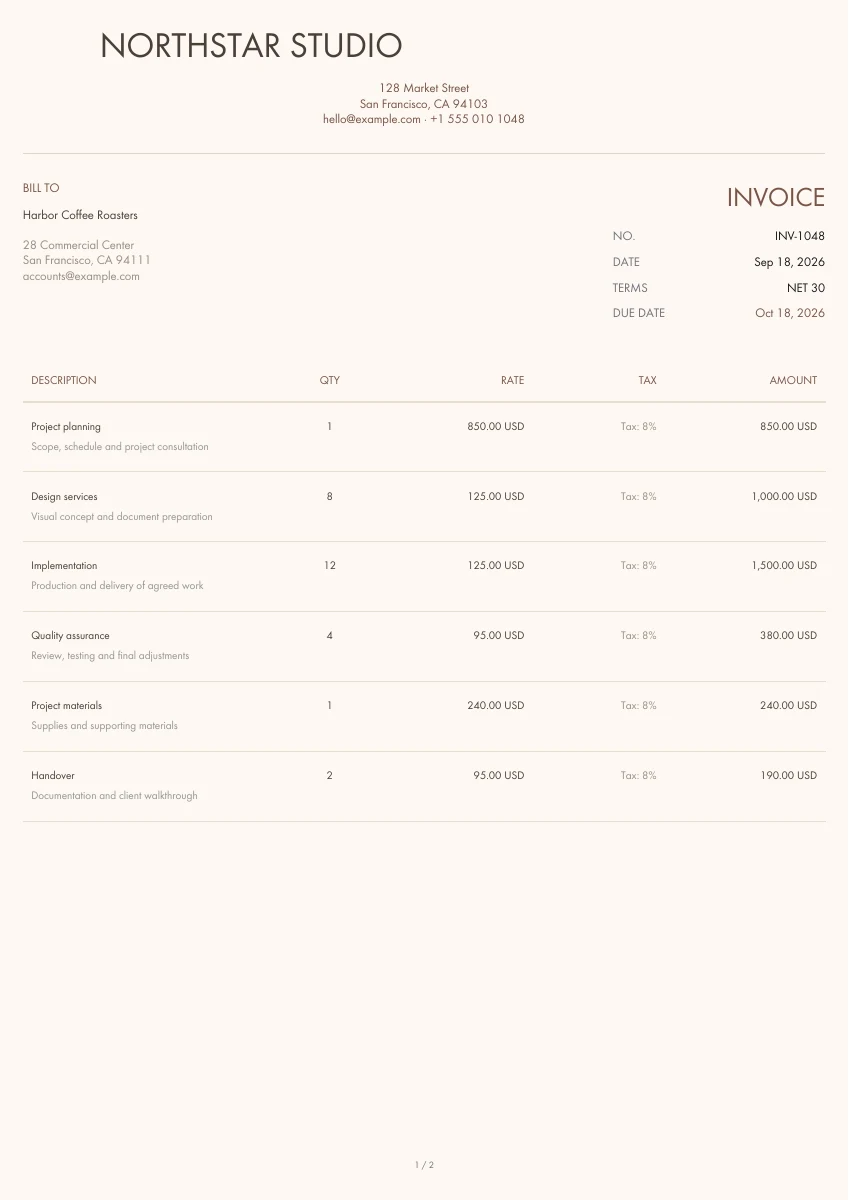
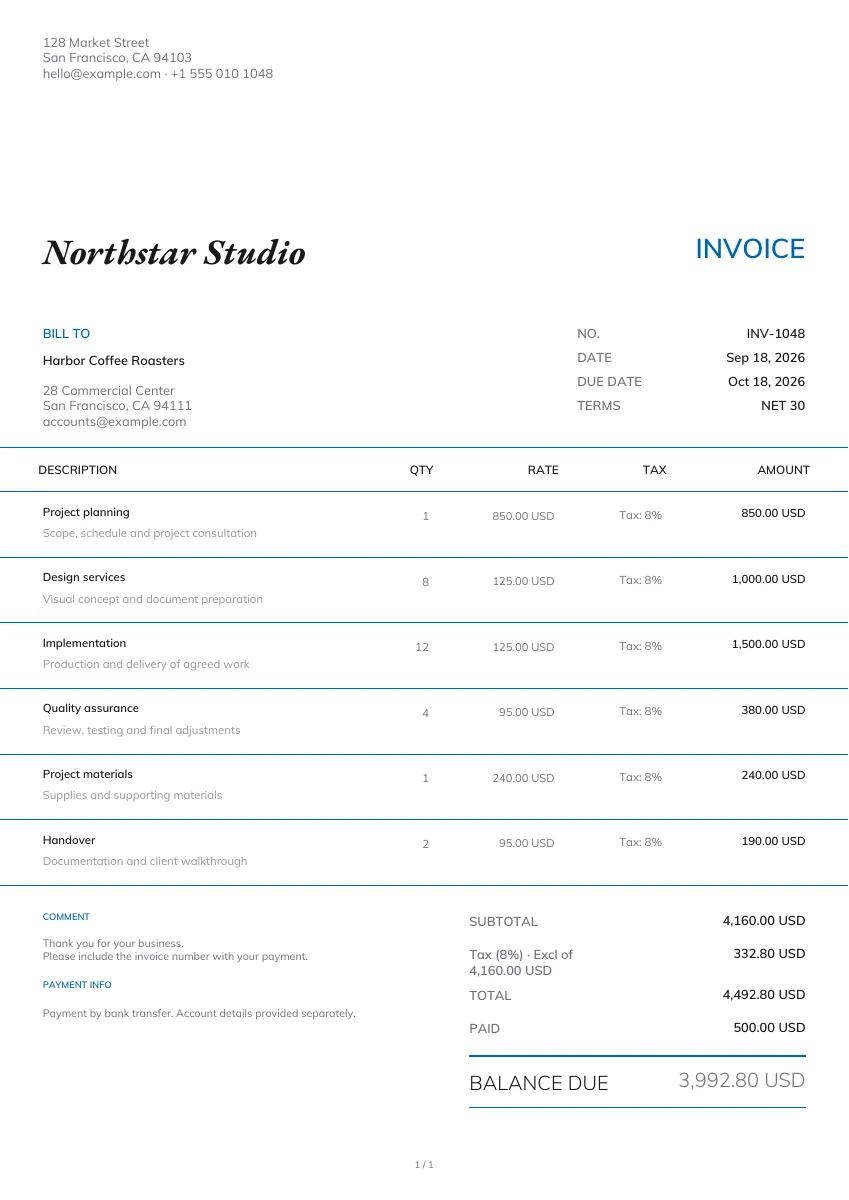
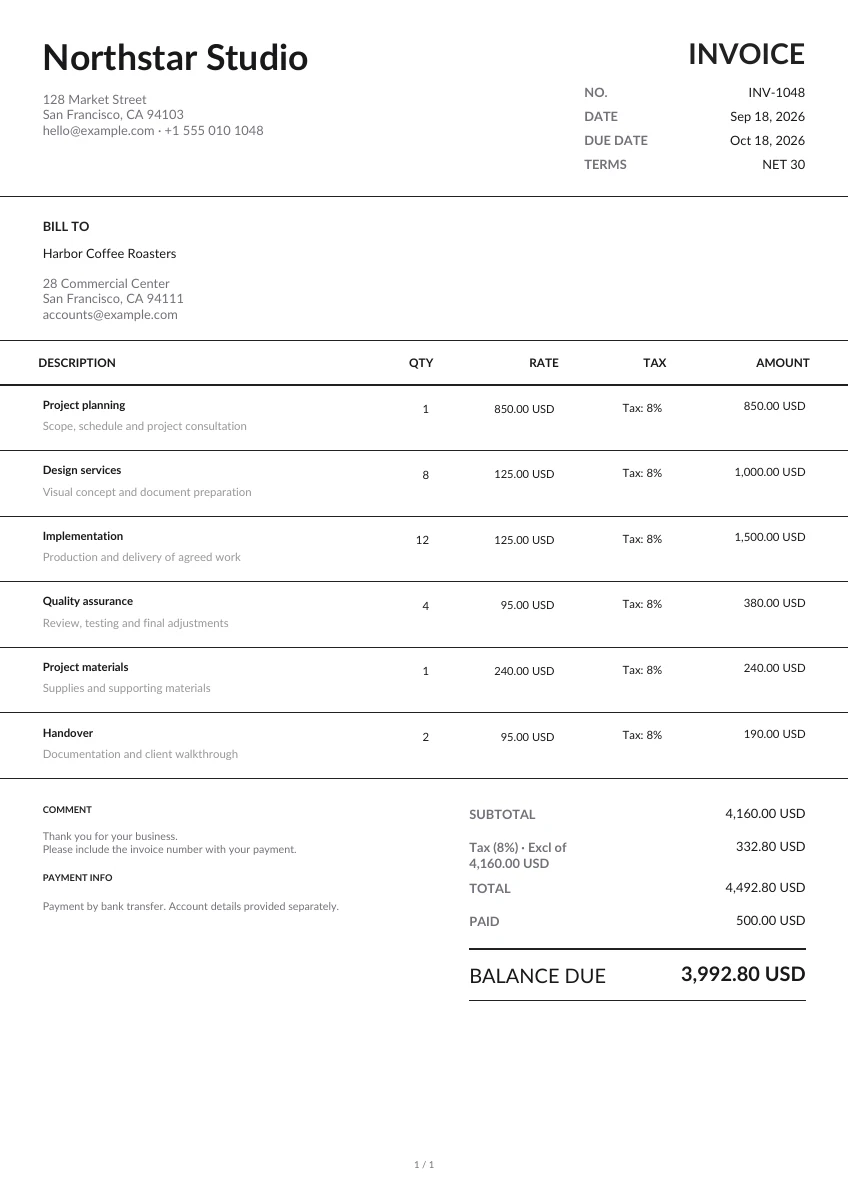
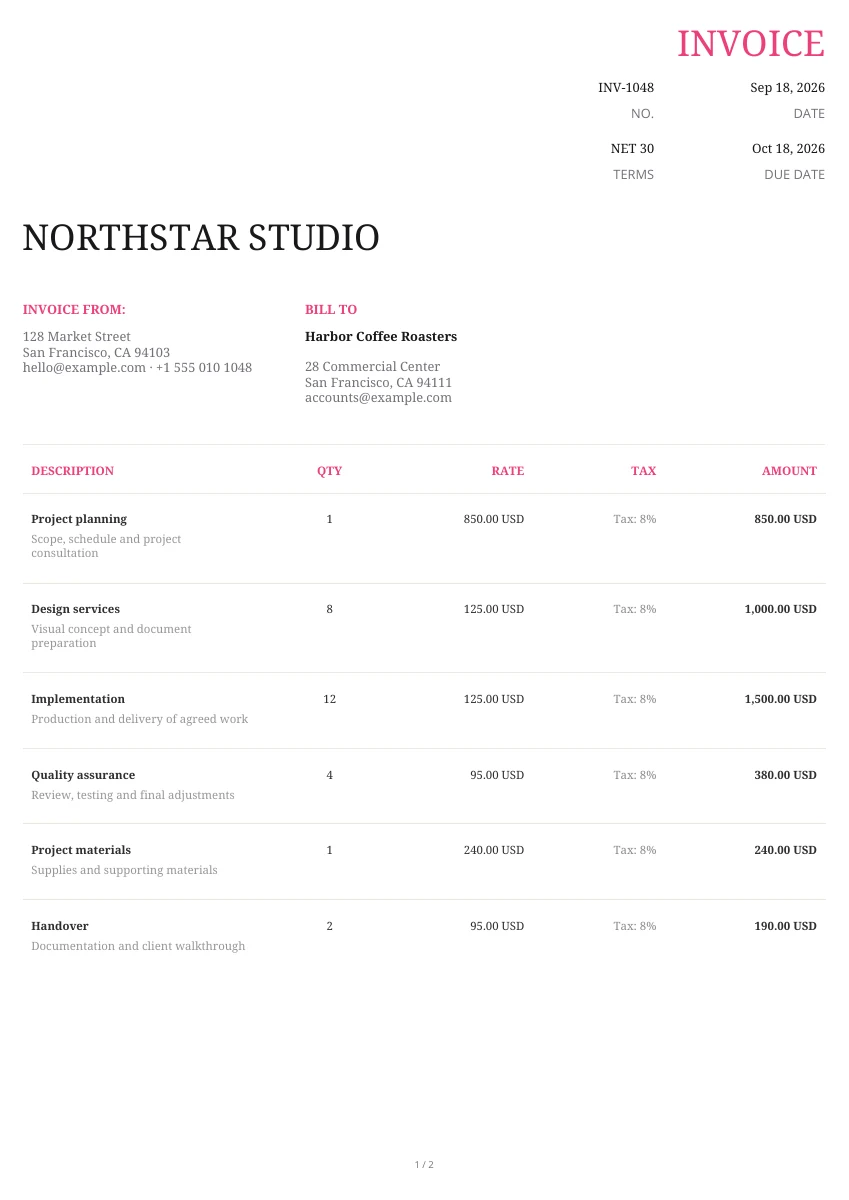
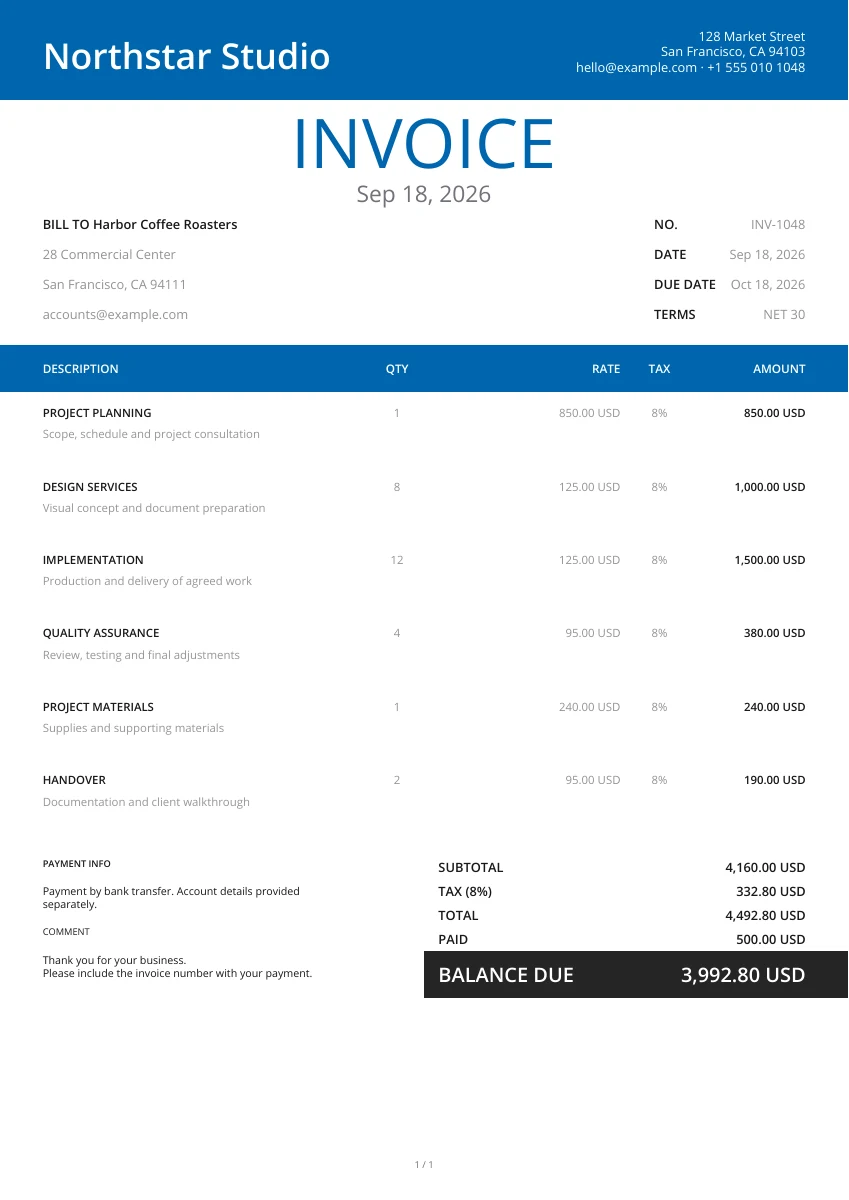
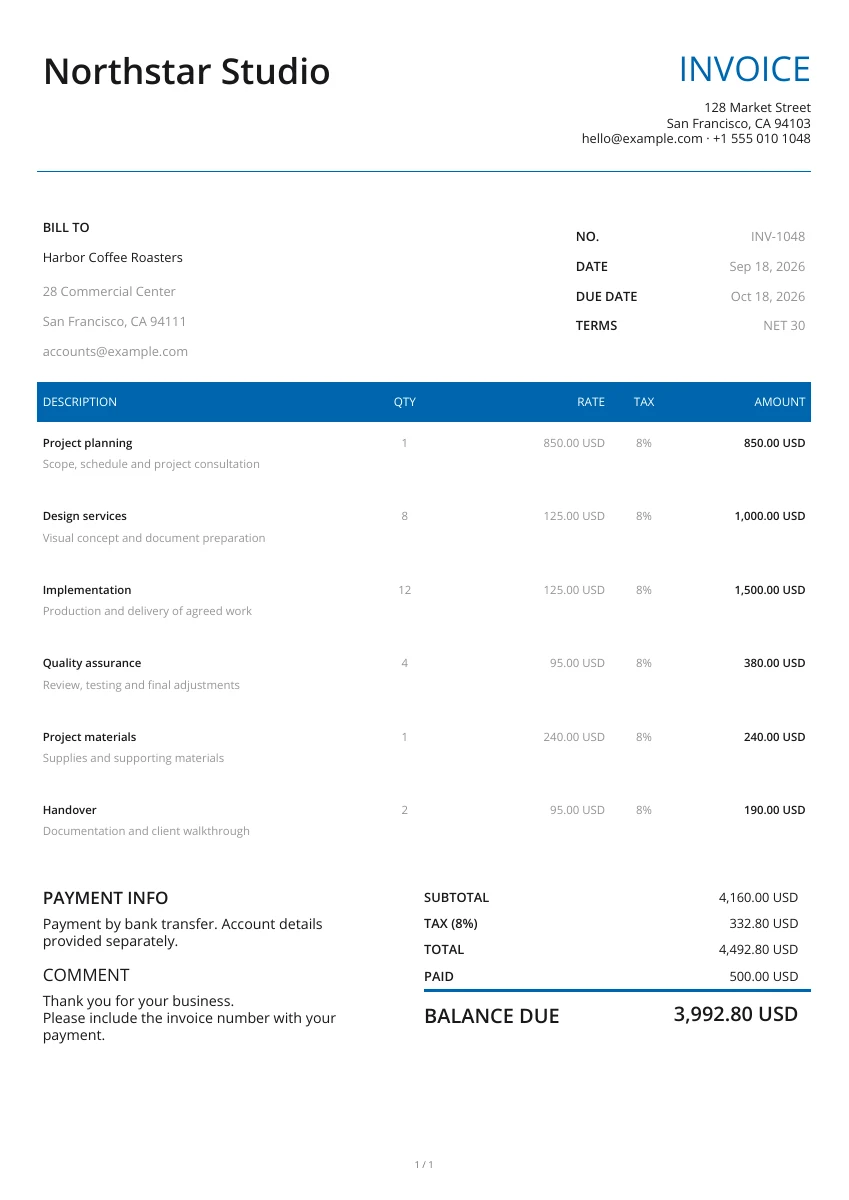
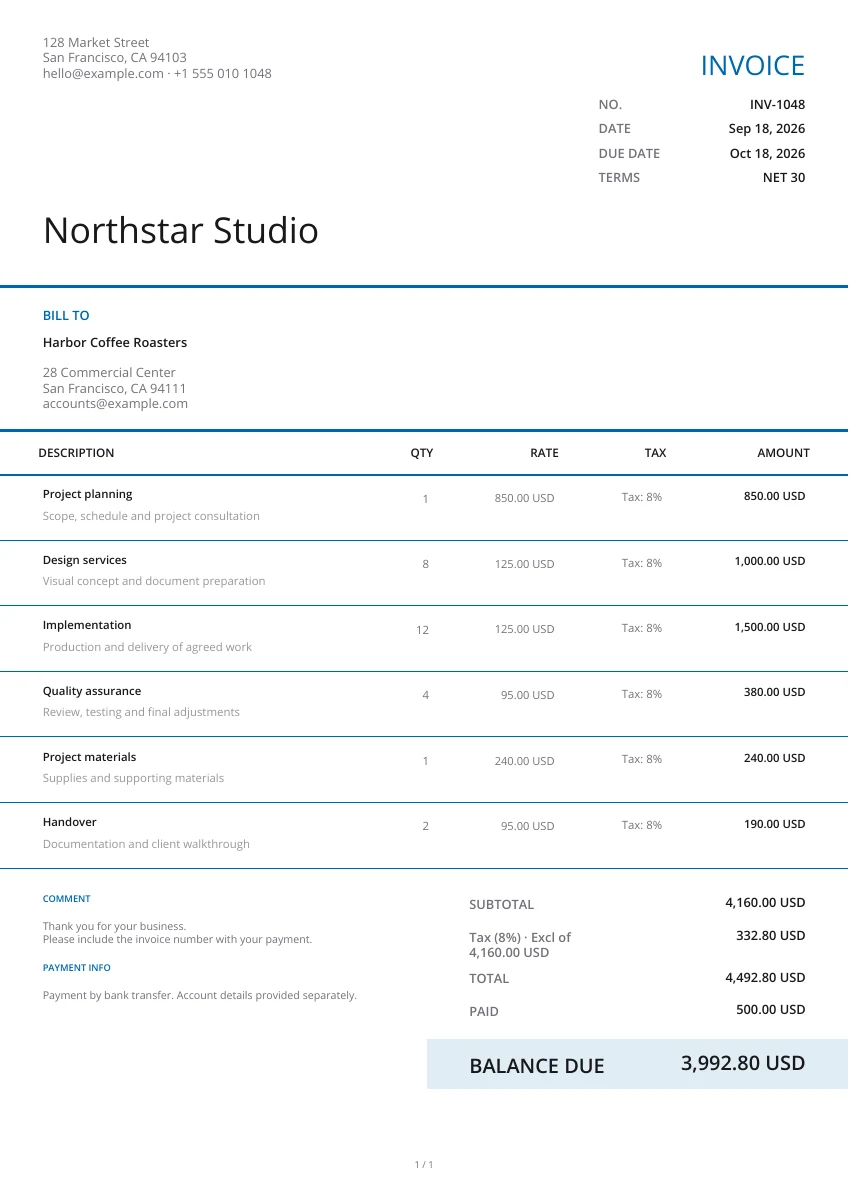
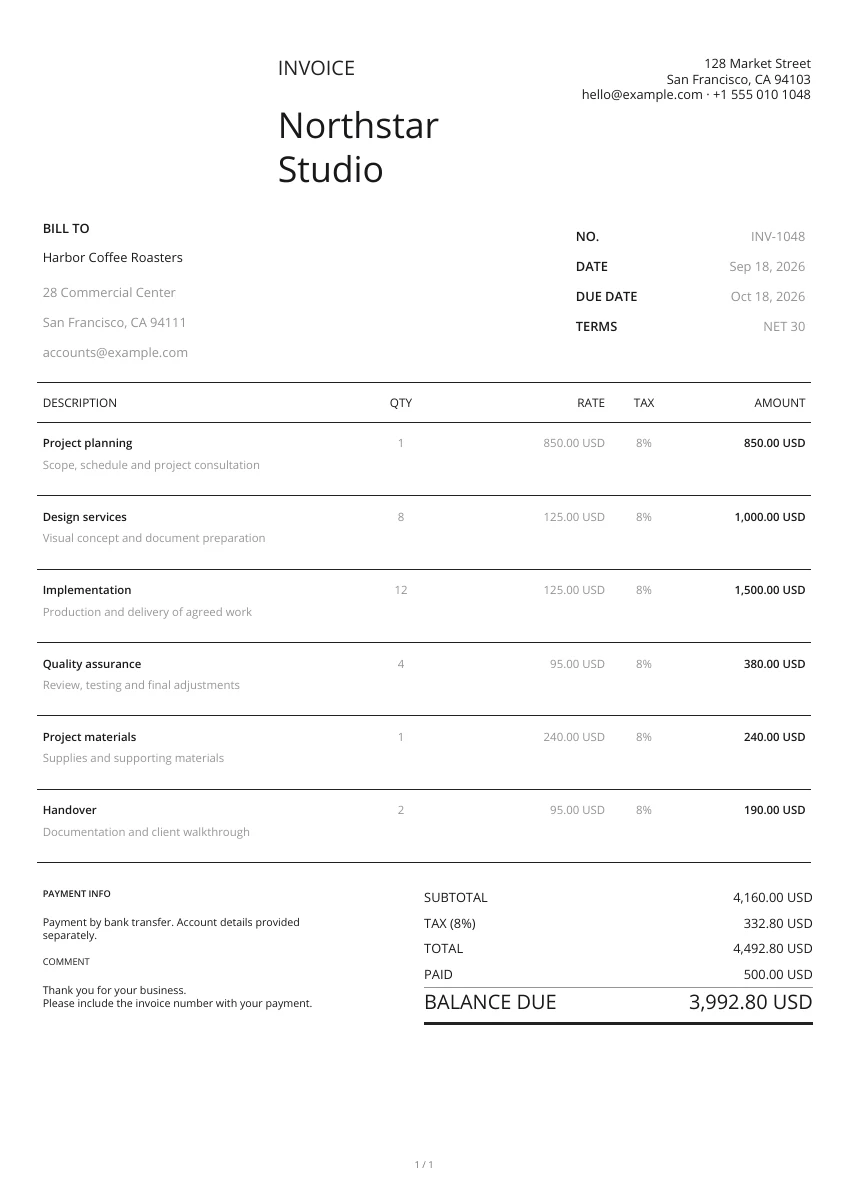
Select a layout. Set the title "Credit note". Upload your business logo. Select a header and color. Specify the credit note's own number. Specify the date of issue. Specify both parties' details. Specify the original invoice number. You will not have to enter data again if you change the design in the editor.
Enter only items and services covered by the current return or charge reduction. Specify quantity and price per unit. Match them to the customer and original invoice. Add notes if this is a return, or overcharge, or the price correction, or the agreed reduction. Specify the refund or credit arrangements agreed by both sides.
Check items for adjustment. Check the tax and total amount. Open the preview. See the full page (not only the input form). After downloading you can attach the file to your email. Or print it out. Give a copy to your customer. Store the file yourself.
What is being adjusted - assist the customer in locating the bill being adjusted.
Identify the original invoice by the reference number and notes.
The title, layout, header and color of the credit note assist the customer in identifying the bill being adjusted. Modifying the layout within the editor keeps your entered details.
Itemize the amount being adjusted.
If the adjustment is a partial return or reduction, enter quantities and prices. Allow the tool to sum the lines. Include the logo and contact information of the issuing business so the customer can match it to the original invoice.
Provide the reason and settlement details.
Utilize the notes to detail the adjustment and any agreed-upon refund, credit against an outstanding bill or other settlement. Once again, verify the original invoice reference, items, and total in the PDF. Attach any explanatory images for the return, if any.
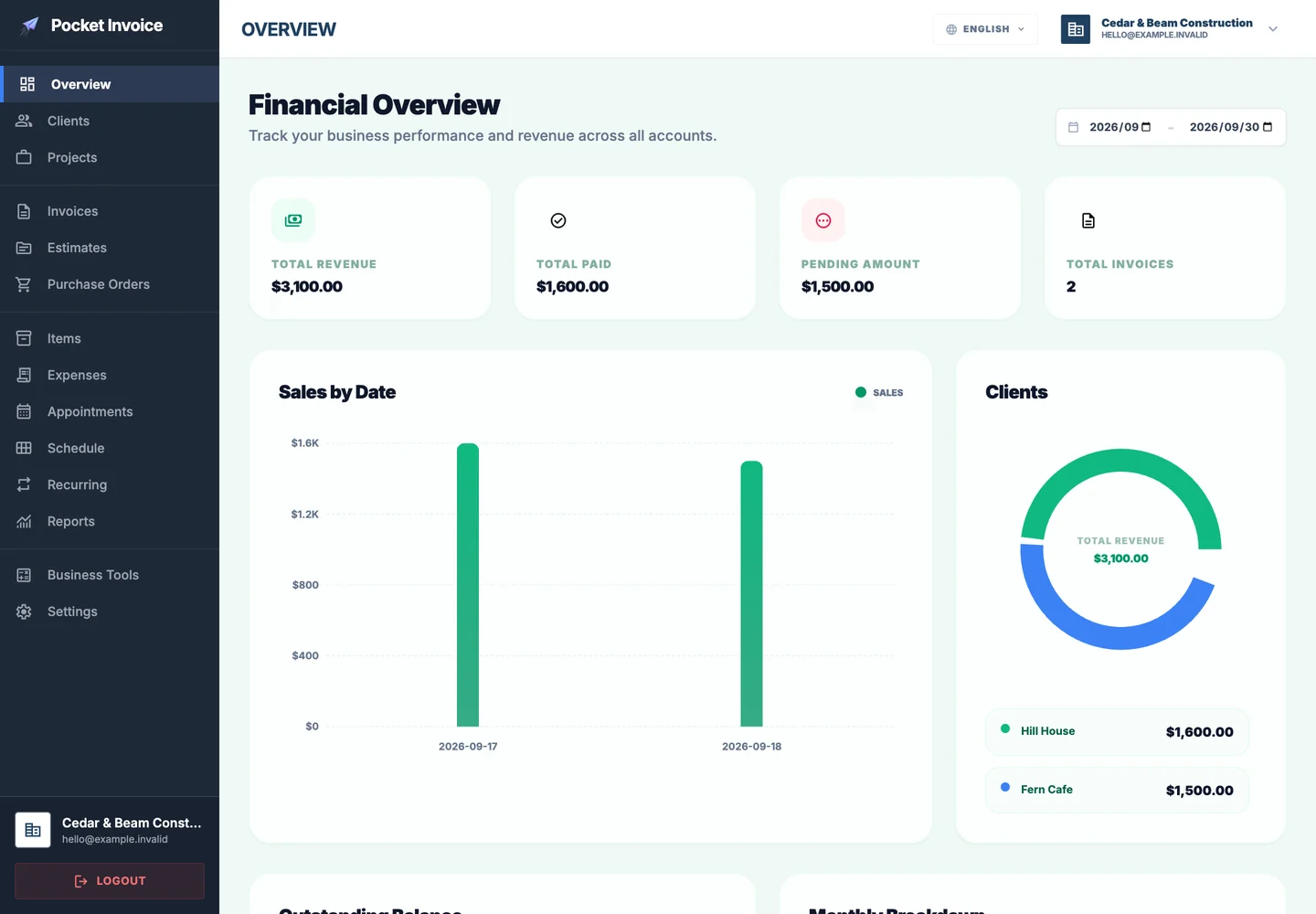
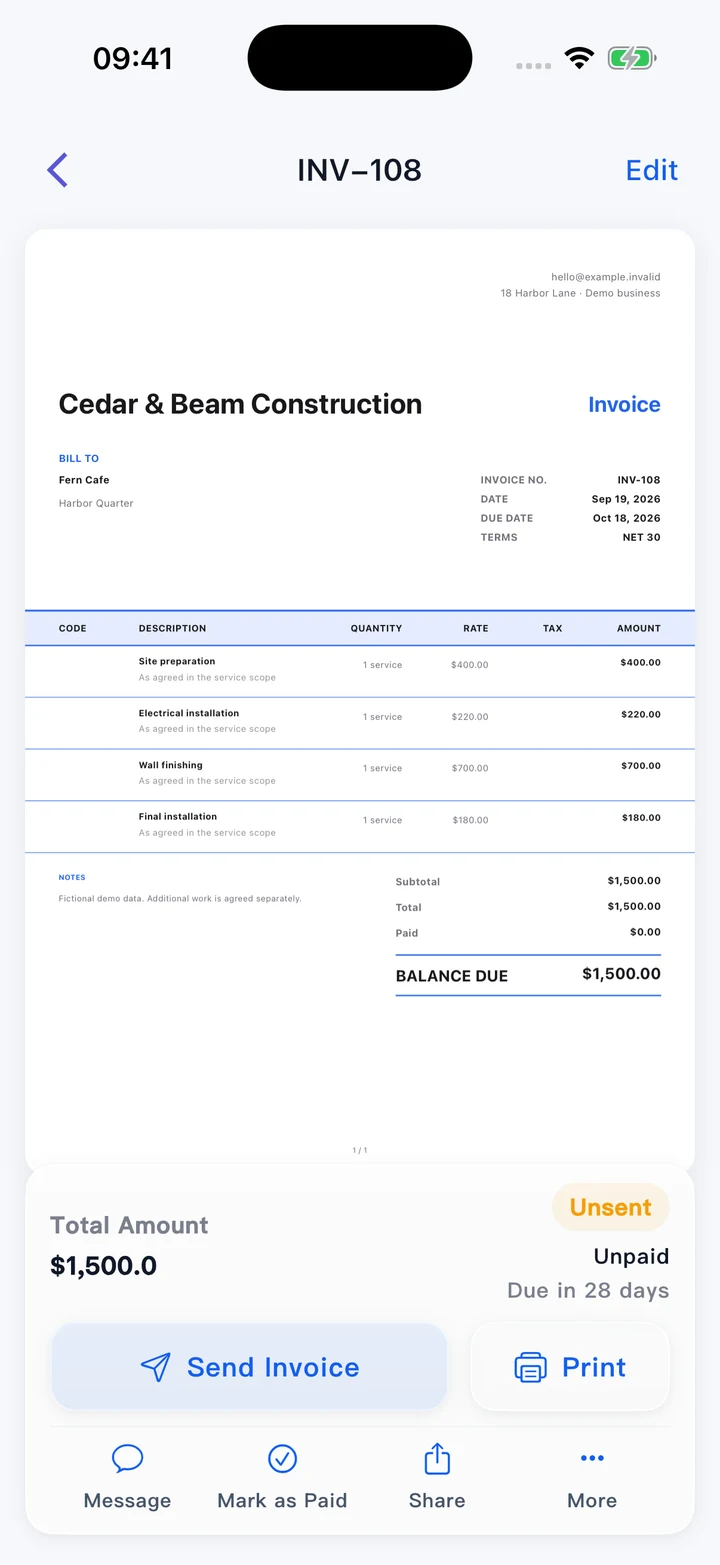
Keep both the original bill and credit note.
Use a phone or a computer.
Complete the document in the browser. The downloaded PDF maintains a consistent page layout that can be viewed on a phone, computer, or printed.
Save two files and keep them together.
Save the original invoice and credit note. Cross-reference them by number to view what was returned or corrected. Handle any refund or account credit separately. Keep the settlement details together for review.
Save your daily documents within the app.
The Pocket Invoice app allows you to save customers, invoices, payment records, and expenses. This page creates a credit note, but it does not automatically adjust the original invoice or make adjustments within the app's bills, nor does it initiate a refund.
What should go in a credit note?
Provide the customer with an invoice reference, a list of items being reduced, the amount and reason for the reduction. Make sure the reference to the original invoice is distinct from this change.
- 01
Original issuer and customer: business information
Include the name, address and contact details of both the businesses. A logo and title give a clear indication of what this is and who it's from.
- 02
Number, date
This is a new credit note, with its own number and issue date. Don't just copy the original invoice number for the credit note number.
- 03
Original invoice / reference
Include the reference to the original invoice. Enter the number of the original invoice in the field "Original invoice / reference". If there's additional information you need to find the transaction, include the original invoice date or order number or return reference.
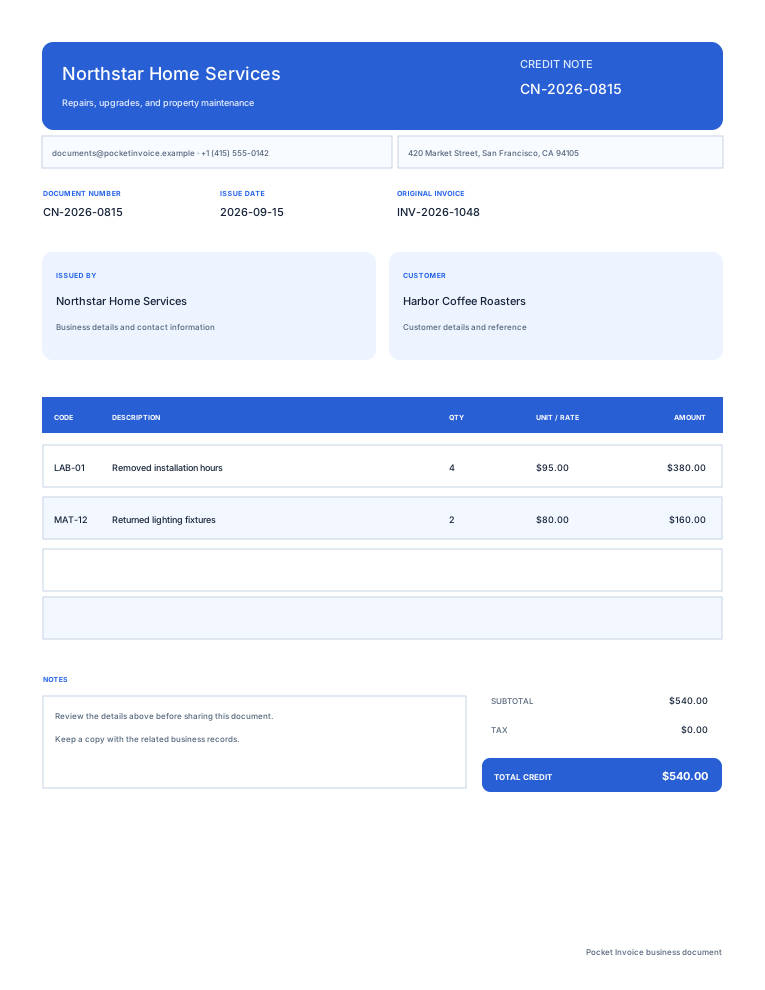
- 04
Items and quantity changes
If there's a return of goods or a reduction in the service charge, include details on the quantities and unit price of items affected by this change. (Add more info if necessary.) Don't include any items that aren't being affected for the credit total.
- 05
Credit / Currency
Make sure that this discount, tax and amounts are correct. Refer back to the original transaction. Use the currency of the original transaction. Confirm the total for this change (you're not reproducing the entire invoice here).
- 06
Reason, settlement
Detail the return or price correction/reduction and the agreed refund, credit against an unpaid invoice or other settlement.
Find a credit note template
Click on a preview to see a larger version of the layout, then click "Use template" to add the original invoice reference and details of the change. Change business branding, colour and the header and notes if you wish.
Browse templatesCredit note questions
What's a credit note?
A credit note represents an agreed reduction to an original invoice, such as returning goods, correcting an overcharge or decreasing service fees. You should indicate the original invoice reference, adjustment item(s), reason and amount.
How can I connect it to the original invoice?
Give it its own number, then enter the original invoice number into 'Original invoice / reference'. Write down the original date/order/return reference in the notes, if needed. This tool will not open/read the original invoice.
I only want a partial return. Do I need to fill all that again?
Just fill in the items, quantities and amounts returned or adjusted, and reference the original invoice number. Items that are not changed are not included in the credit amount.
How do I fill in amounts and tax?
Refer to the original invoice, just fill in the quantity/price/discount/tax of affected items. Then check the total amount. This tool uses one tax rate that you fill in. This tool does not read/calculate backward from the original invoice. Also, this tool does not automatically select a tax rate.
What's the effect after I create this note?
Nothing changes on the original invoice. The page creates an independent PDF based on your input. This page does not open/change the original invoice or an existing account record.
Does it automatically refund money?
No, it only indicates an adjustment. You still need to process the refund/credit separately. Keep the records for settlement along with the original invoice and credit note.
Will my draft disappear when I exit the page?
This page does not save your inputs as an account document. Remember to download your PDF before you exit. Create records in the Pocket Invoice app to save them for long-term management.
How do you use my details for the PDF?
We use your details from this page through the PDF service to create a preview/downloadable file. This tool does not store the document in an account.
Create another document
Make your credit note
First check the original invoice ref, adjusted items and amount of credit. Now, download and save the record of this adjustment.