

Skip to content
Pocket Invoice: Free Invoice MakerFree Invoice Maker

Cleaning business software

Use Pocket Invoice to keep your cleaning business running smoothly. Send estimates and invoices, and save hours of work by automating your workflows.

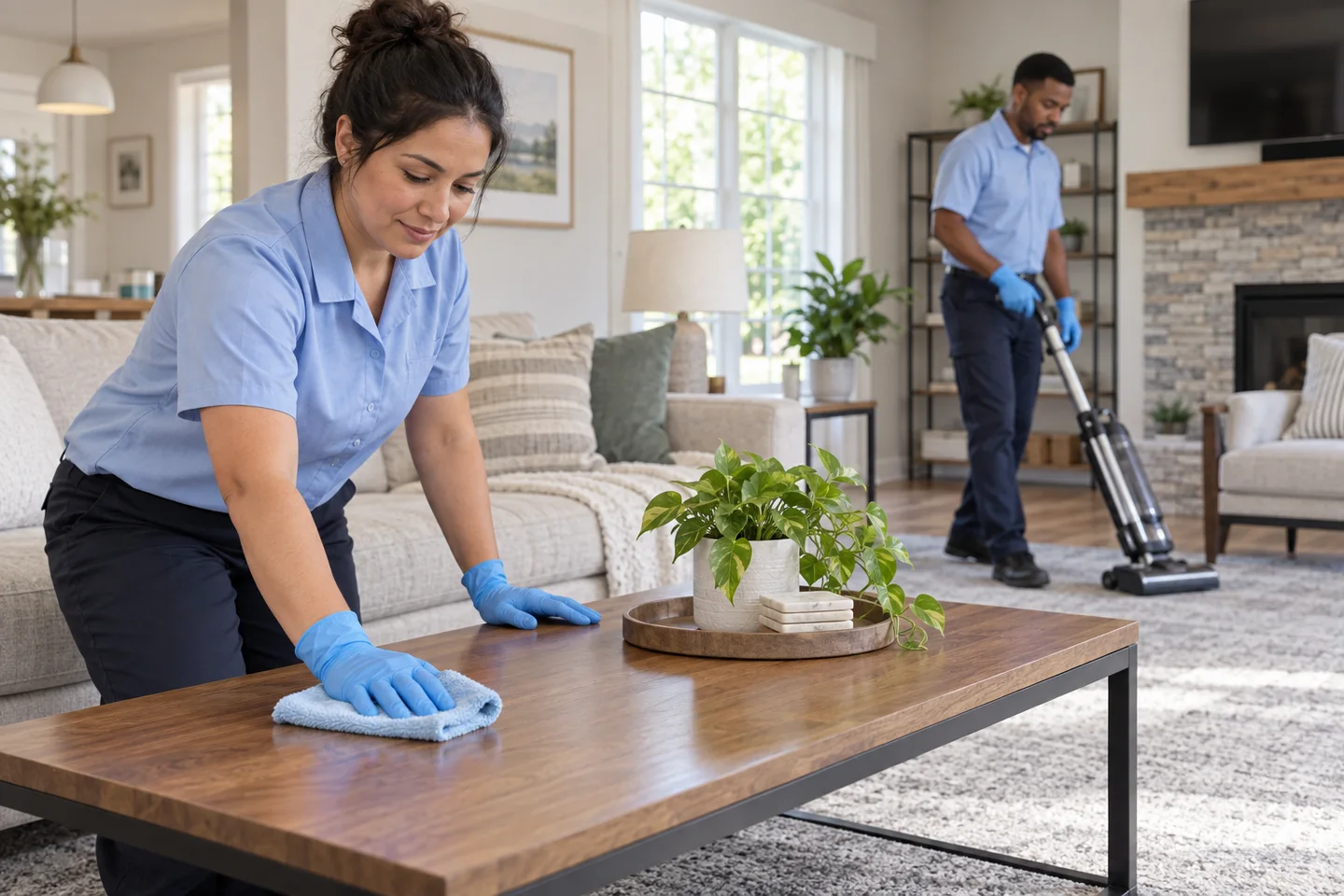
Cleaners working indoors
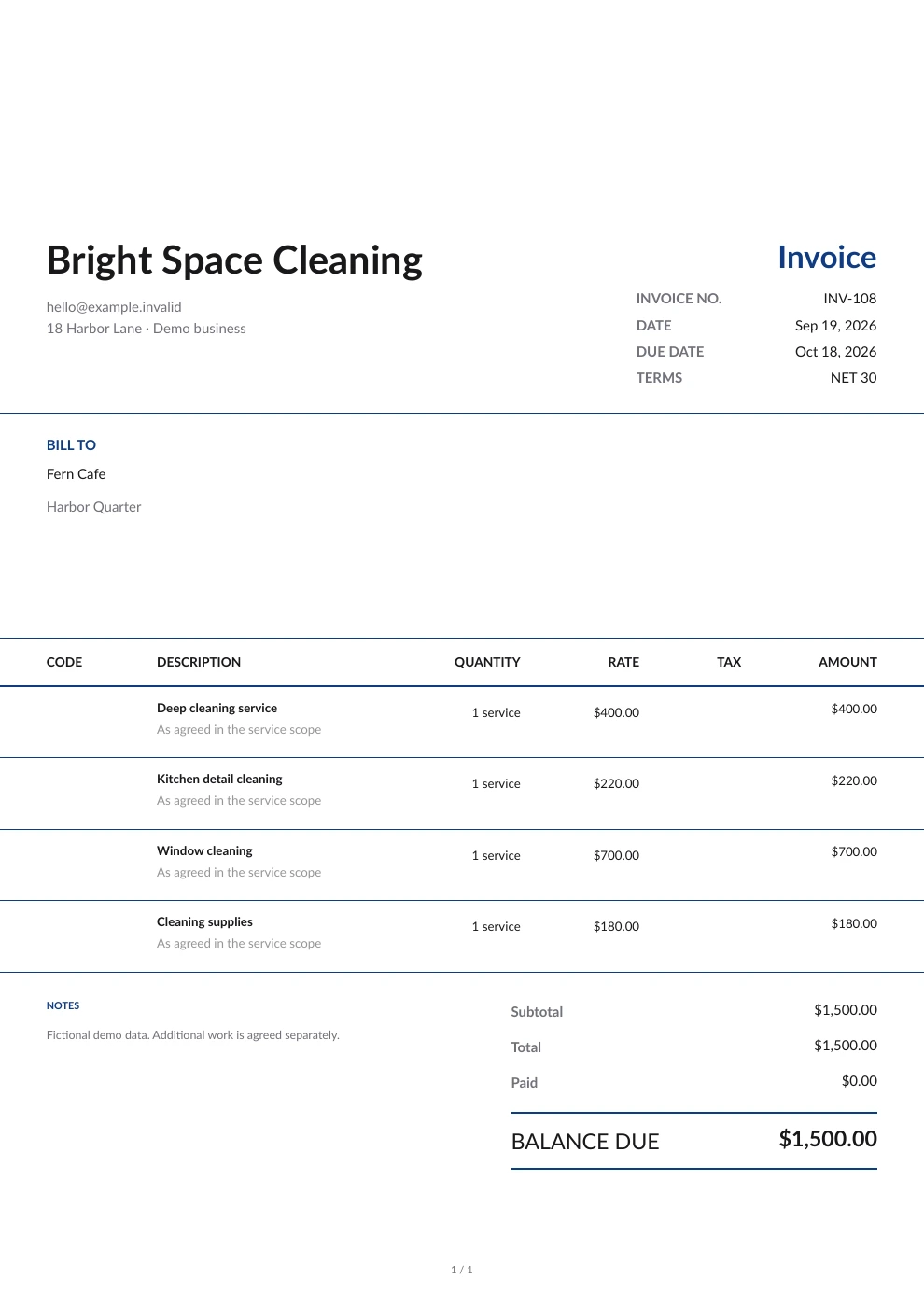
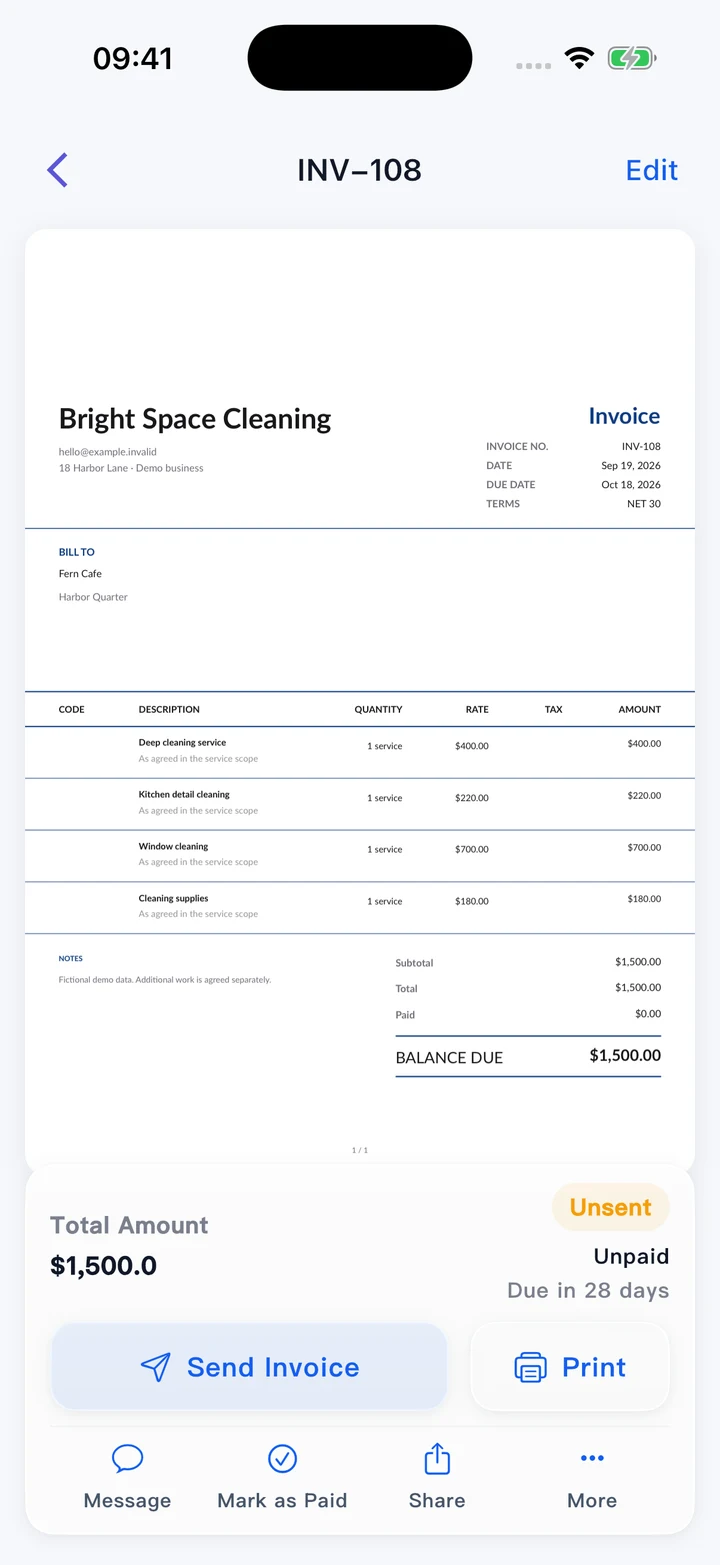
Cleaning service invoice on a phone
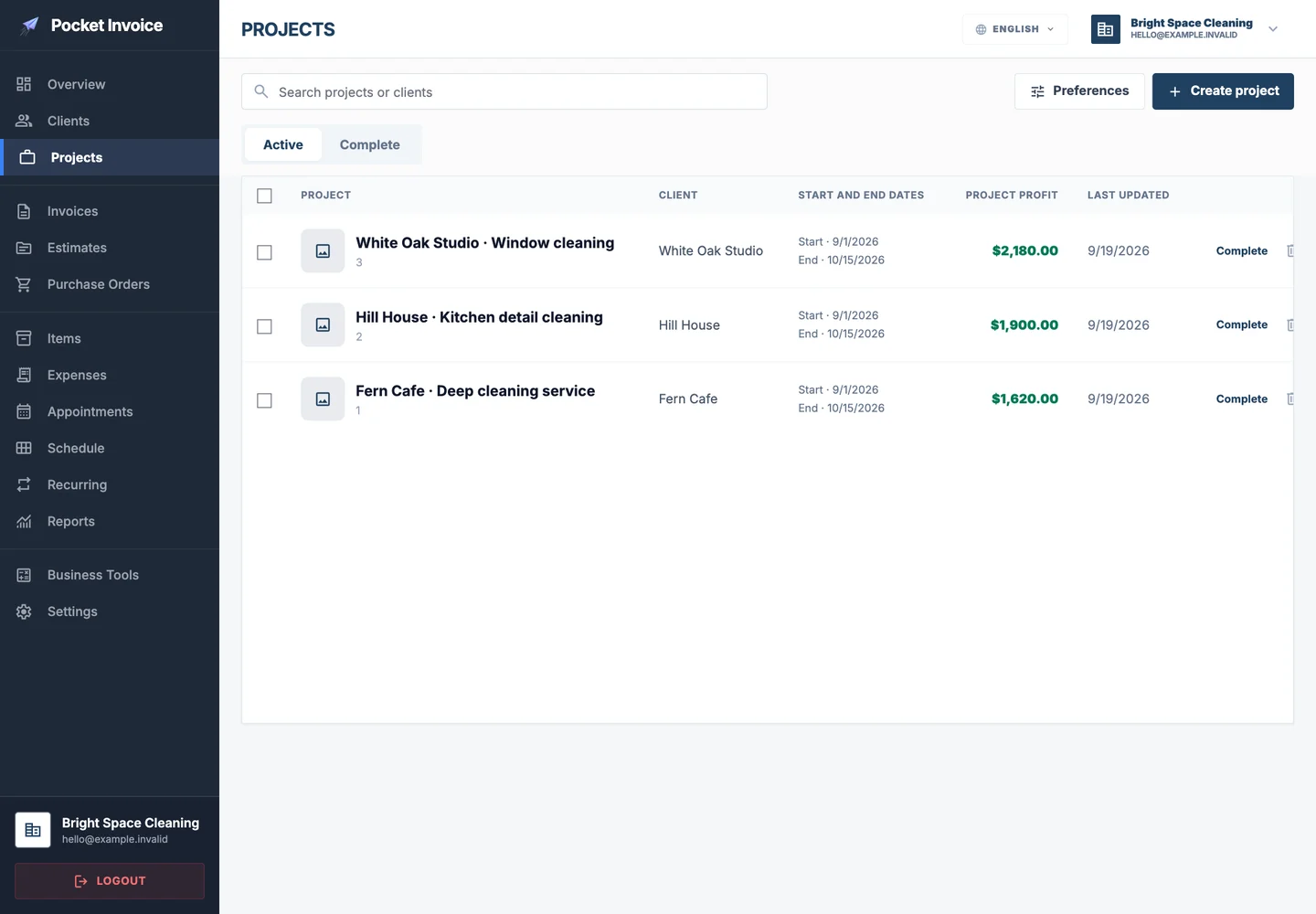
Cleaning projects in the Web app
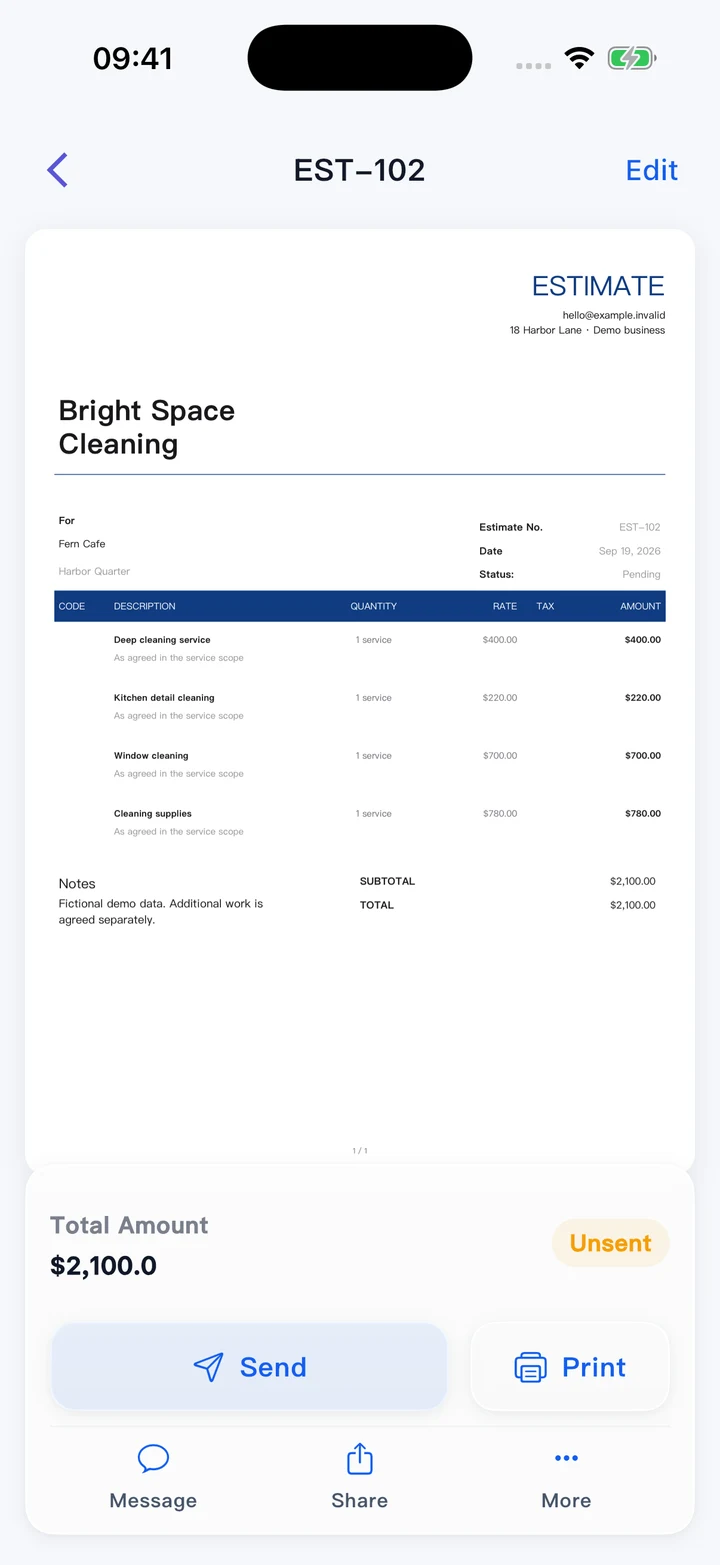
Cleaning estimate in the mobile app

Keep your cleaning business running smoothly

With Pocket Invoice, you can keep track of customer information, whether you are in the office or on site. Send quotes, estimates and invoices, and quickly download customer statements.

What is cleaning business software?

Cleaning business software is a digital tool that helps cleaning contractors streamline their invoicing process, job scheduling and overall business management.

Running a cleaning business presents plenty of challenges, from coordinating appointments for several customers to accurately billing for different cleaning services. Each needs careful management.

Cleaning business tools like Pocket Invoice offer a simple way to deal with invoicing, estimating and payment tracking. In addition, you also get detailed logs of work performed.

Estimate house cleaning costs →
Cleaning team working inside a property

Why do cleaning contractors prefer Pocket Invoice to other software?

Cleaning contractors prefer Pocket Invoice because it provides a comprehensive, easy-to-use solution for contractors and small-business owners.

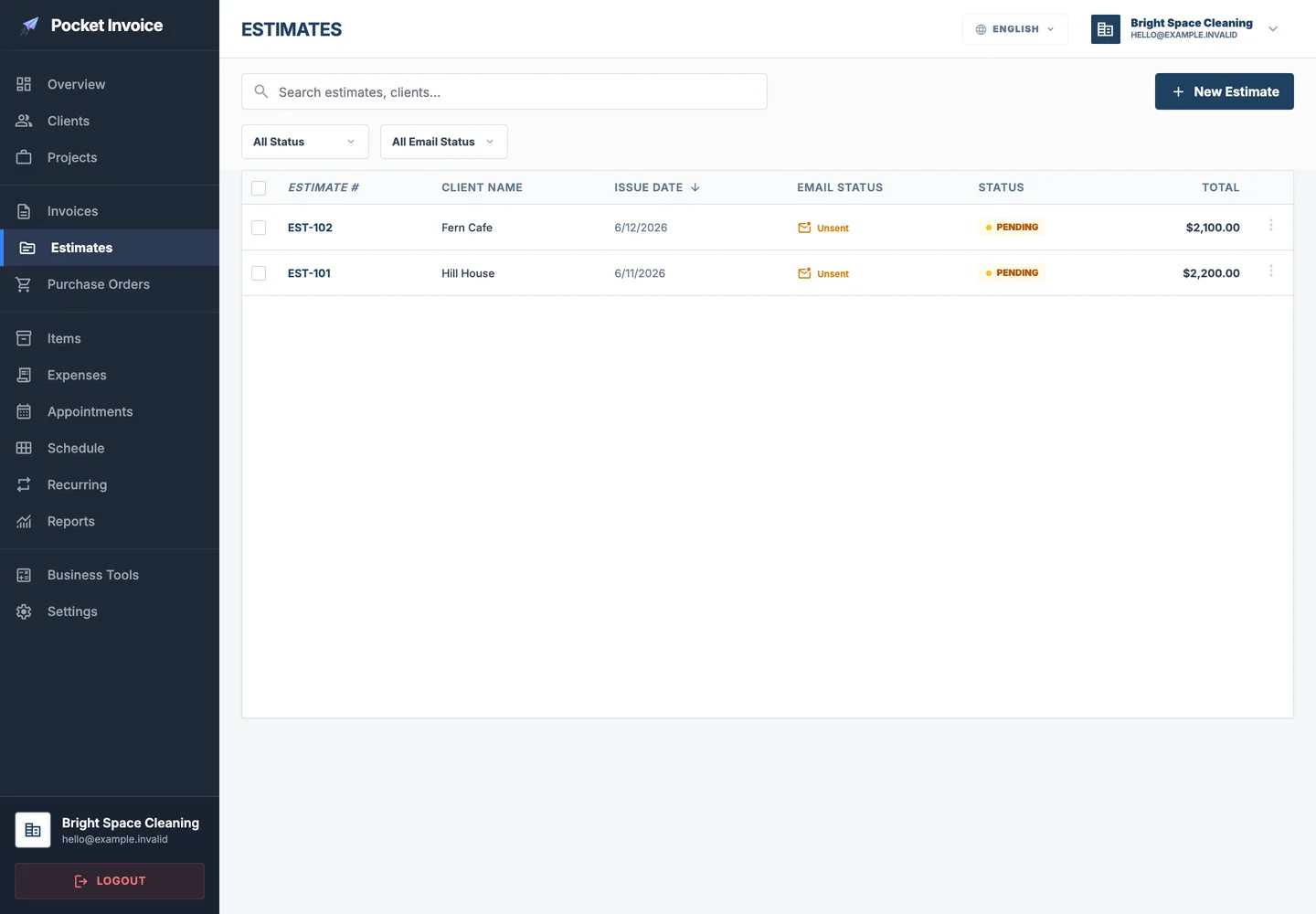
Estimates for different cleaning services

Simple to use

Cleaning contractors want to focus on serving customers rather than spending time figuring out complicated software. Pocket Invoice has a clear, easy-to-use interface. With very little training, contractors can quickly create and send invoices, track payments and manage customer information, without the lengthy learning process associated with other tools. This simplicity lets cleaning professionals focus on growing their businesses with fewer technical frustrations.
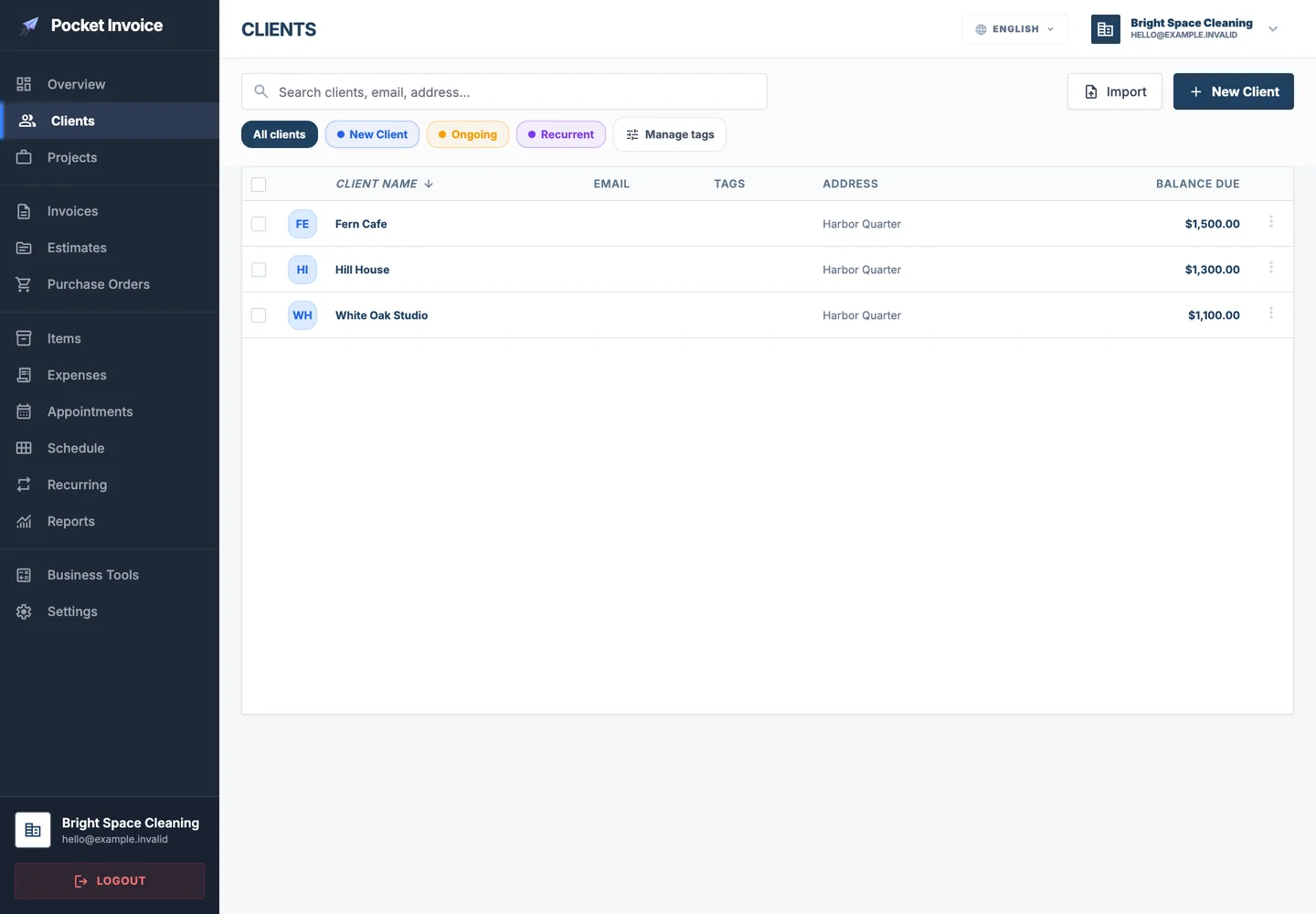
Regular customer information

Designed for cleaning businesses

Unlike general-purpose invoicing software, Pocket Invoice is designed for service businesses such as cleaning contractors. It supports customized billing for different cleaning services, supply tracking and customer management, helping contractors create accurate invoices easily and review past work records. Its industry-focused design keeps cleaning businesses running smoothly and ensures every customer's bill is calculated accurately.

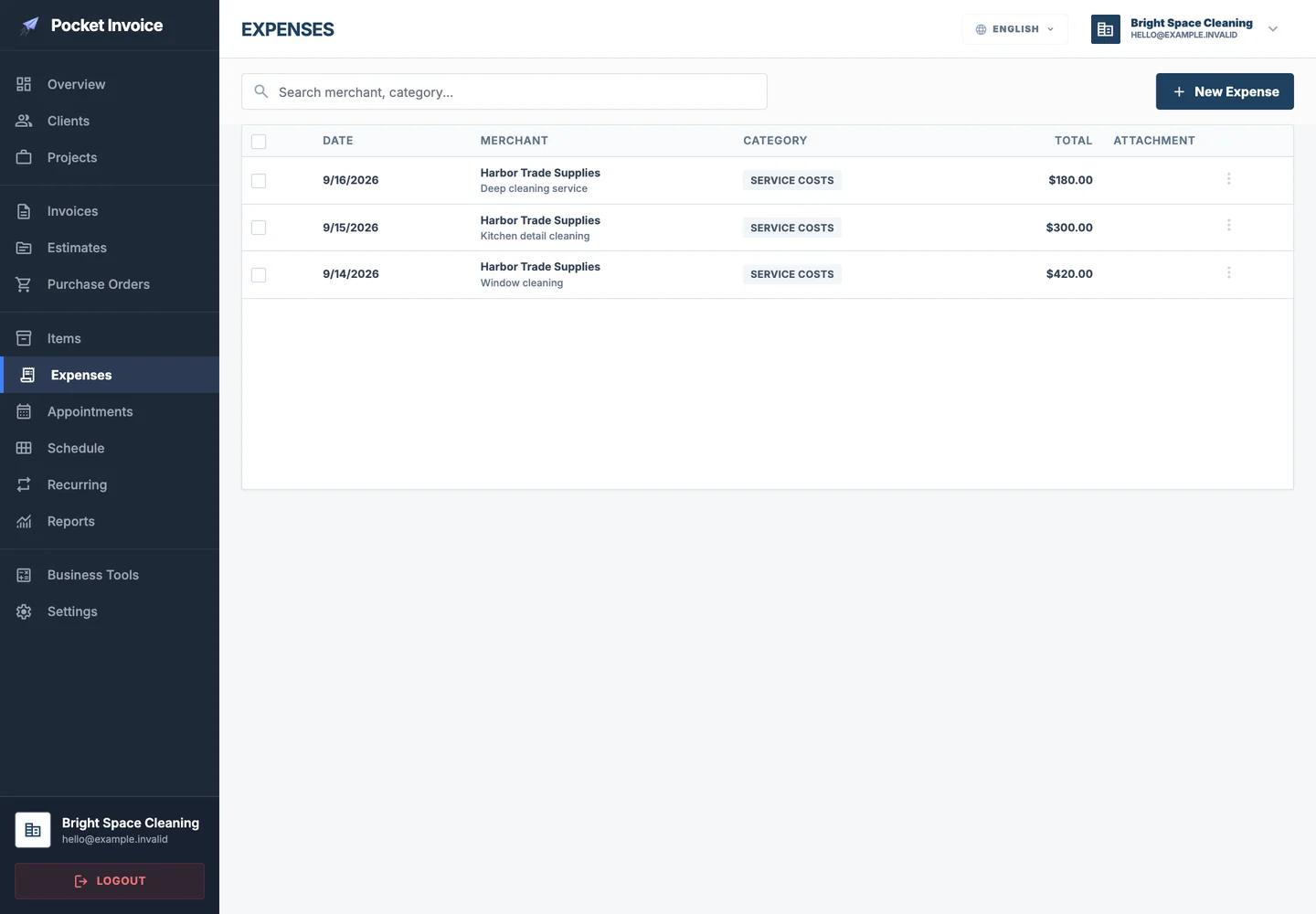
Cleaning supply and equipment expenses

Mobile and desktop apps

Cleaning contractors are often on the move, whether visiting a new customer or managing teams at different locations. Pocket Invoice's mobile features let contractors create invoices, update job details and check payment statuses directly from a smartphone or tablet. They can manage their businesses flexibly and efficiently, wherever they work.

Simplify tasks and save time

Administrative tasks such as chasing overdue payments and sending invoices regularly take up valuable time. Pocket Invoice can automate these processes, allowing cleaning contractors to set up reminders and invoices and track overdue payments. With less manual work, contractors can focus more on delivering quality service, spend less time following up and work more efficiently.

Cleaning business software

Manage cleaning work easily, from bookings to final invoices. Powerful cleaning business software helps you keep work organized, save time and impress customers with clean, reliable, professional service every time.

Create a free cleaning estimate →
Complete cleaning invoice with customer, services and total

How much do cleaning contractors earn? Wages, costs and taxes

May 2025 data from the US Bureau of Labor Statistics put the median hourly wage for janitors and building cleaners at $17.71. This primarily reflects building cleaners' wages; it cannot be said to cover all residential cleaning, nor can it be used directly as a service price elsewhere.

Experience, location, local demand and business size all affect income. Earnings may differ between entry-level cleaners and experienced contractors managing larger teams. Income may also be higher in cities with strong demand or high living costs, such as New York and San Francisco, but operating costs must be included as well.

A cleaning company should also factor in their supply costs, equipment costs, travel costs and prep time when giving a quote. If multiple people are working together, don't just factor in the time you're on site at your customer's location, but everyone's working hours.

Use the house cleaning cost calculator to estimate a quote based on area, service rates and extras, then check the working hours, supplies and transport costs needed for the job. Once payment arrives, deduct actual operating costs to calculate earnings. Independent business owners also need to consider applicable self-employment tax, federal income tax, state and local taxes, account for deductible business expenses such as supplies, travel and equipment, and set aside the tax due.

Wage source: US Bureau of Labor Statistics: janitors and building cleaners.

Cleaners working inside a home

Free cleaning business resources

Cleaning business software FAQs

How do I list cleaning supplies or equipment separately from labor on an invoice?

To charge customers for both labor and cleaning supplies or equipment, follow these steps:

  1. Open the invoice you want to create or edit.
  2. Add separate line items for labor and each cleaning supply or piece of equipment used on the job.
  3. Enter the cost of each item and service so the customer can clearly understand every charge.
How do I use the app to track time spent on cleaning jobs?

Accurate time tracking is important for billing customers correctly and managing your cleaning team's productivity. You can use Client Time Tracking to record time spent on cleaning work. This feature is in Tools and lets you record the hours spent on each cleaning task to ensure fair billing for the actual service provided.

Can I collect customer signatures on cleaning service agreements or invoices?

Yes. Collecting customer signatures helps formally confirm a cleaning service agreement and ensures both parties share the same understanding. To collect a customer signature:

  1. Select the invoice or estimate related to the cleaning service that needs a signature.
  2. Tap More and choose Collect Client Signature.

This confirms that the customer has agreed to the service terms, including the scope of work and payment conditions.

How do I add before-and-after photos to cleaning service invoices?

Adding before-and-after photos to a cleaning service invoice can show the results of your work and support your charges. Here is how:

  1. Open the cleaning job invoice you want to create or edit.
  2. You can add photos directly below Payment Information and above Notes.

This is especially useful for showing the property's condition before and after the cleaning service and providing visual evidence of its results.

Start managing your invoices now