
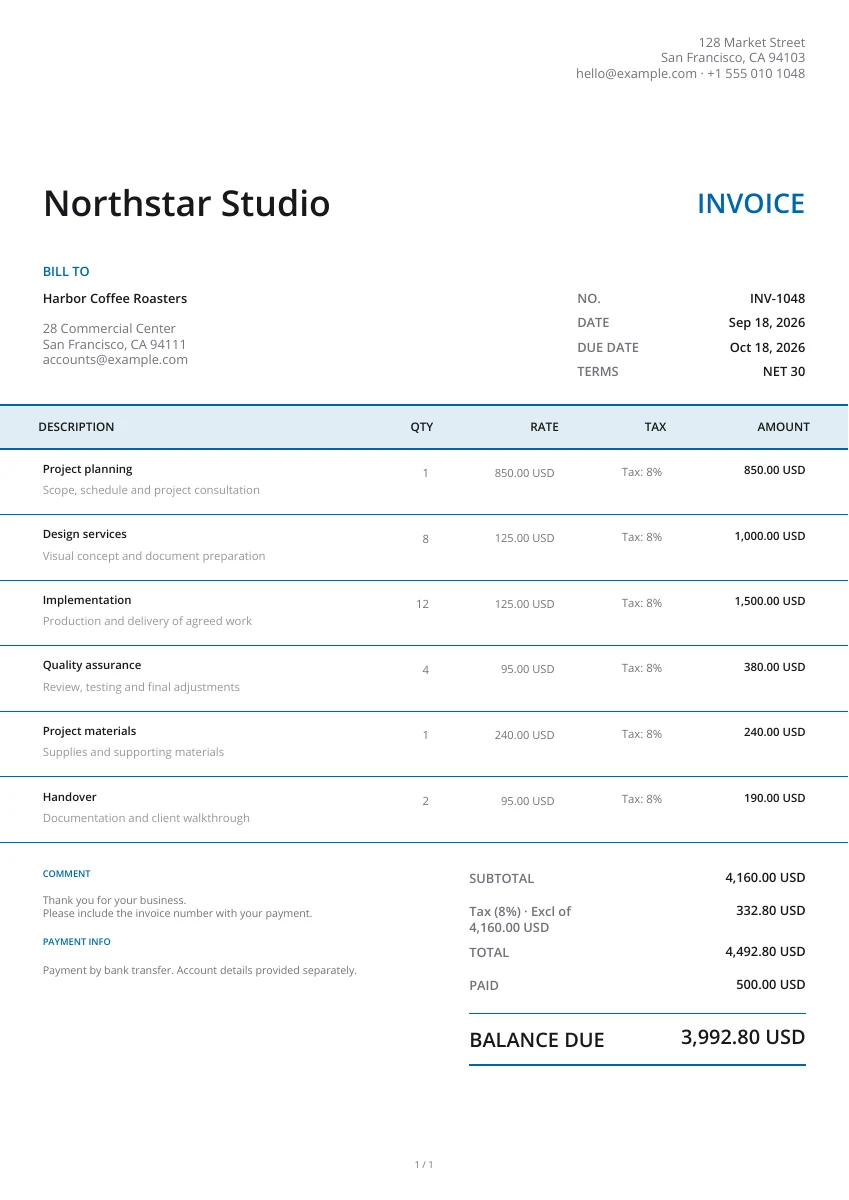
Classic
Classic
Start with a professional template for your invoices, estimates, quotes, receipts or purchase orders. Make it your own with a logo, brand colors, a header and a watermark. Add your services, prices and payment terms, then preview and download a PDF ready to share with your customer.
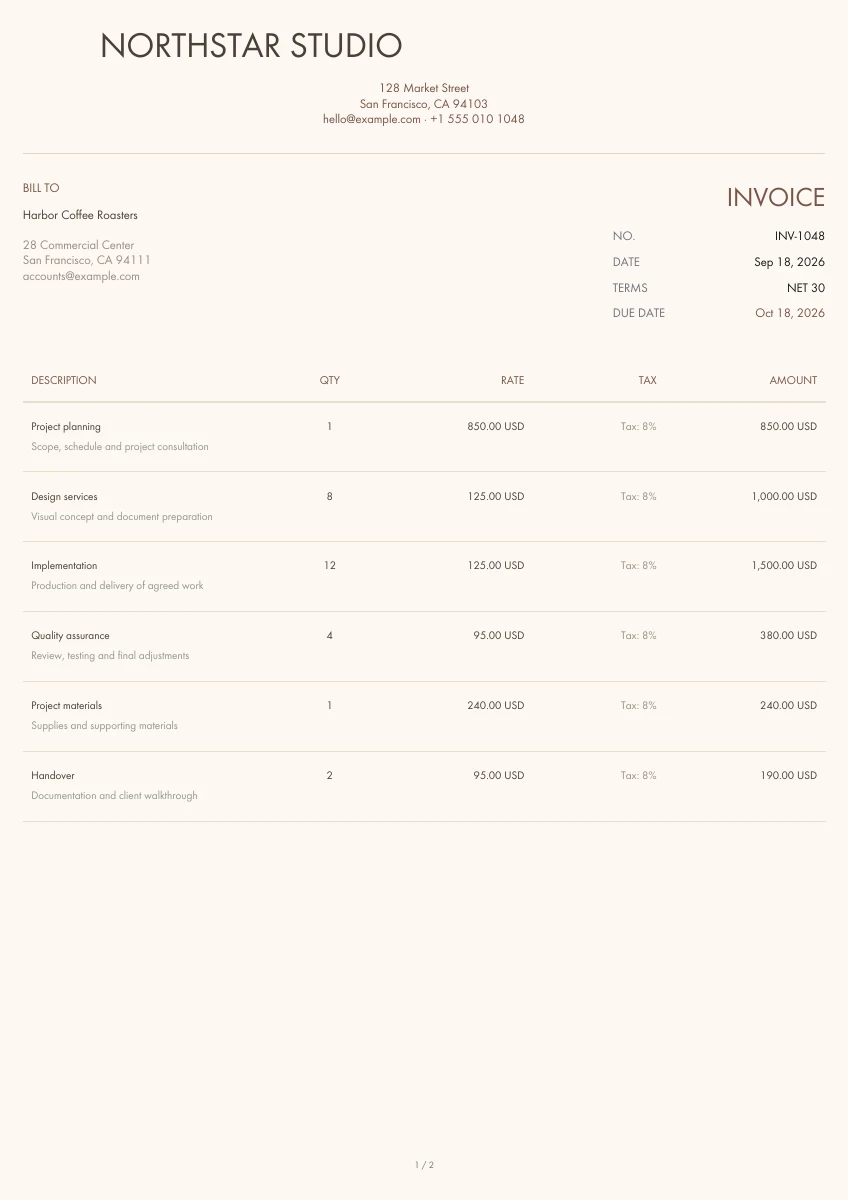
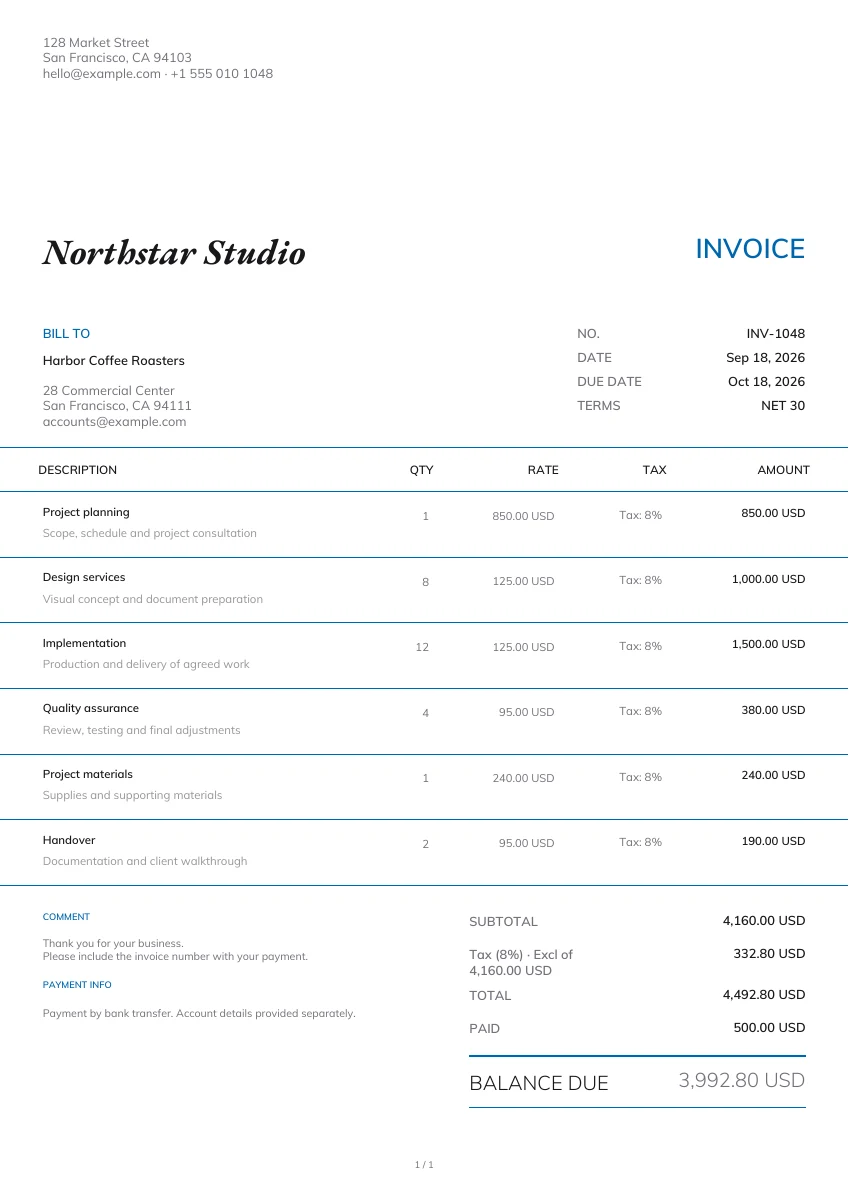
Bill for completed work or delivered products. Add the items, agreed prices and payment terms, then review the amount still due before sending your PDF.
21 templates
Classic
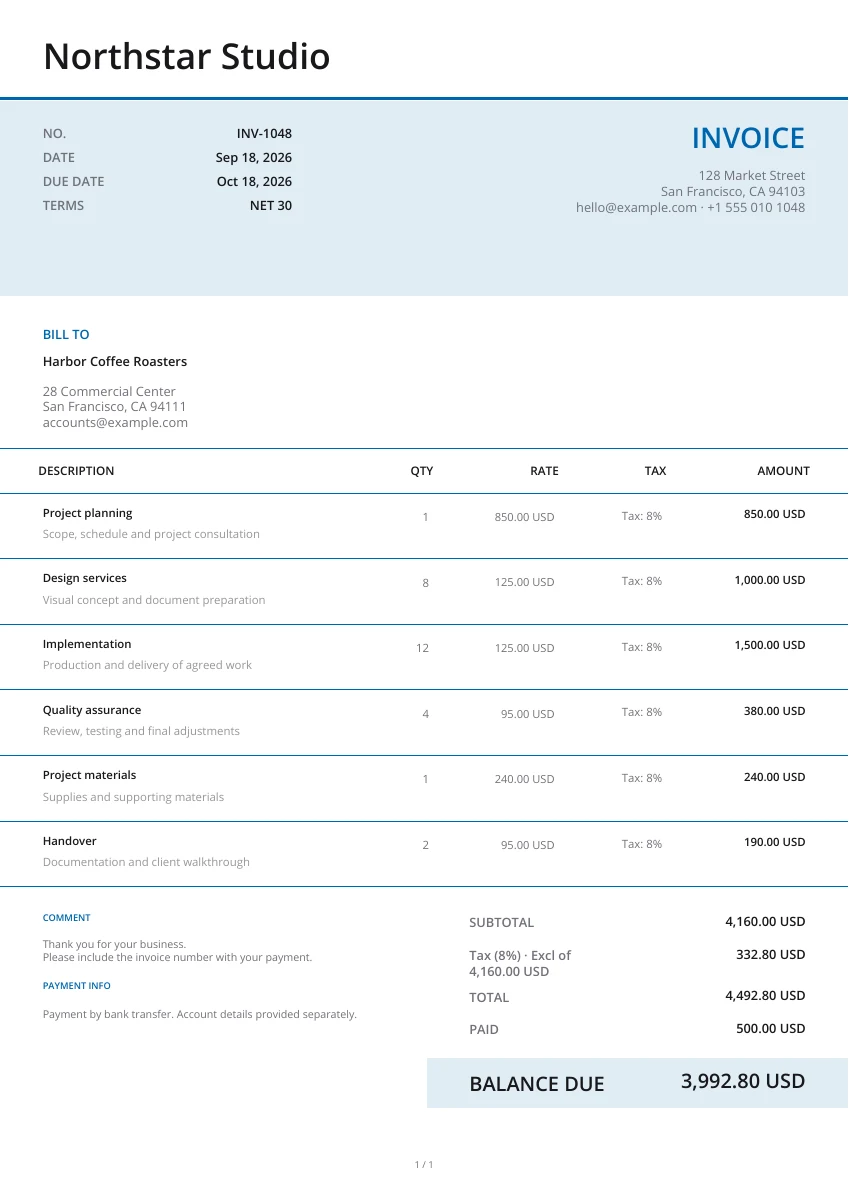
Modern
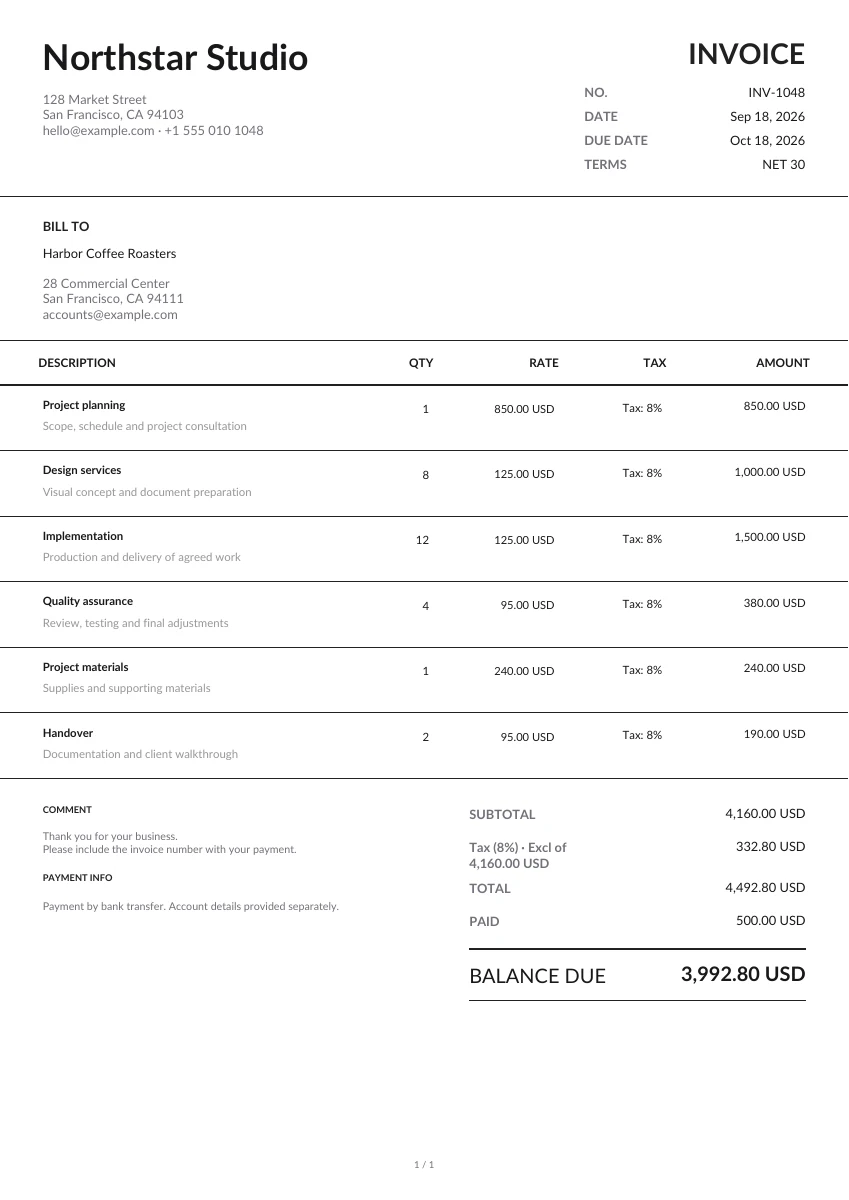
Minimal
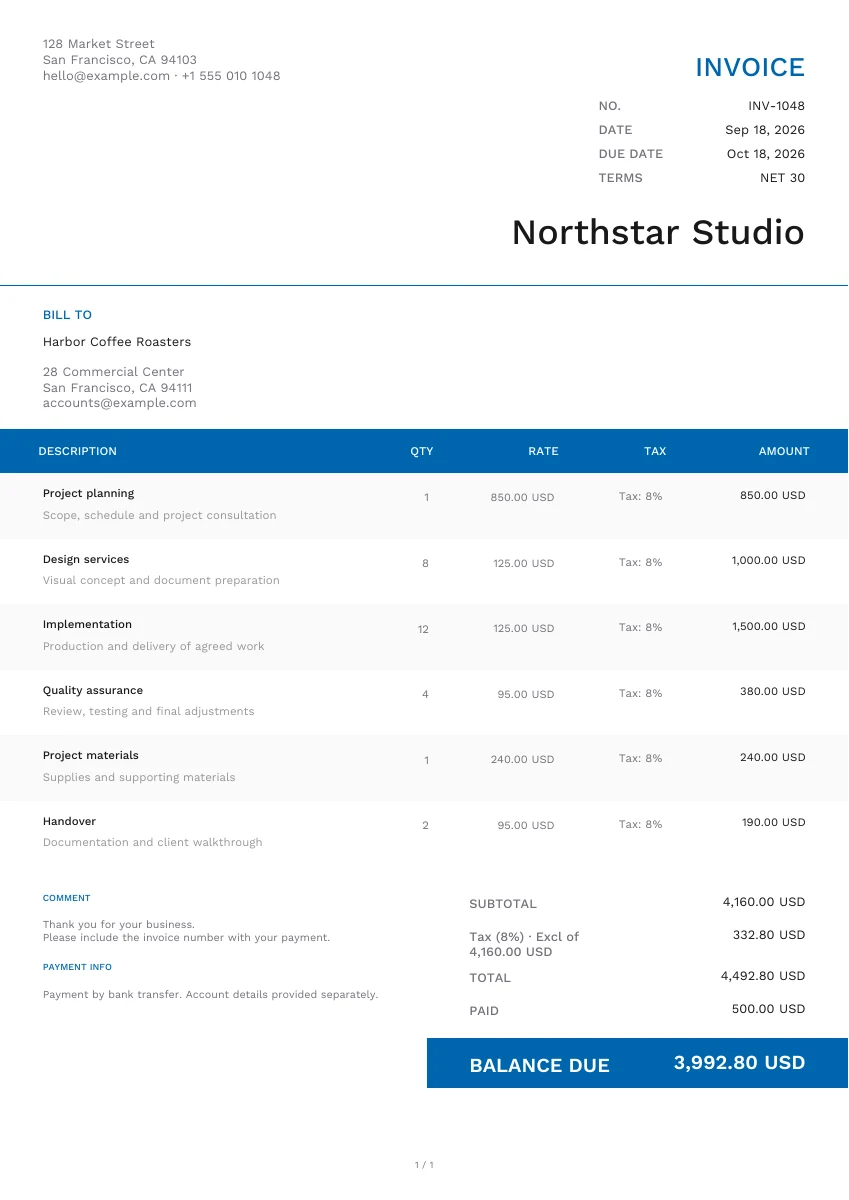
Modern
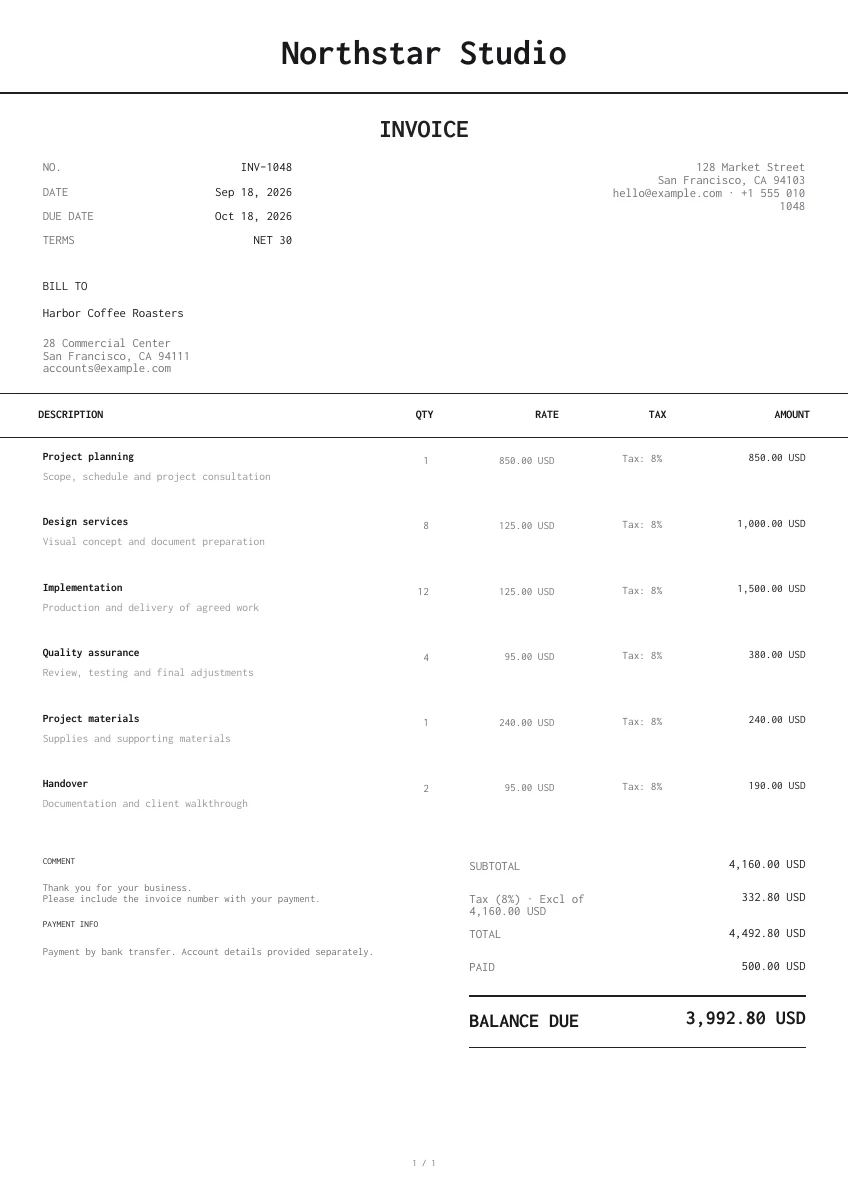
Minimal
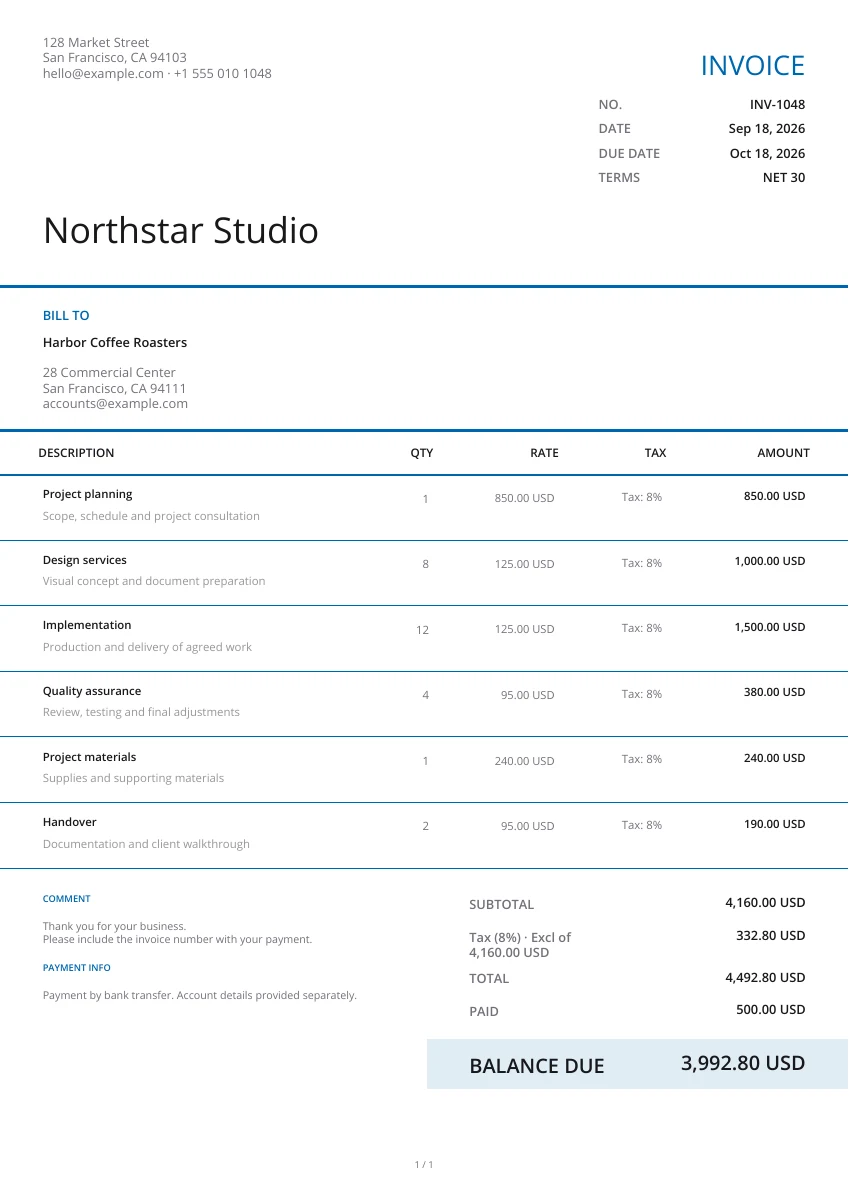
Modern
Creative
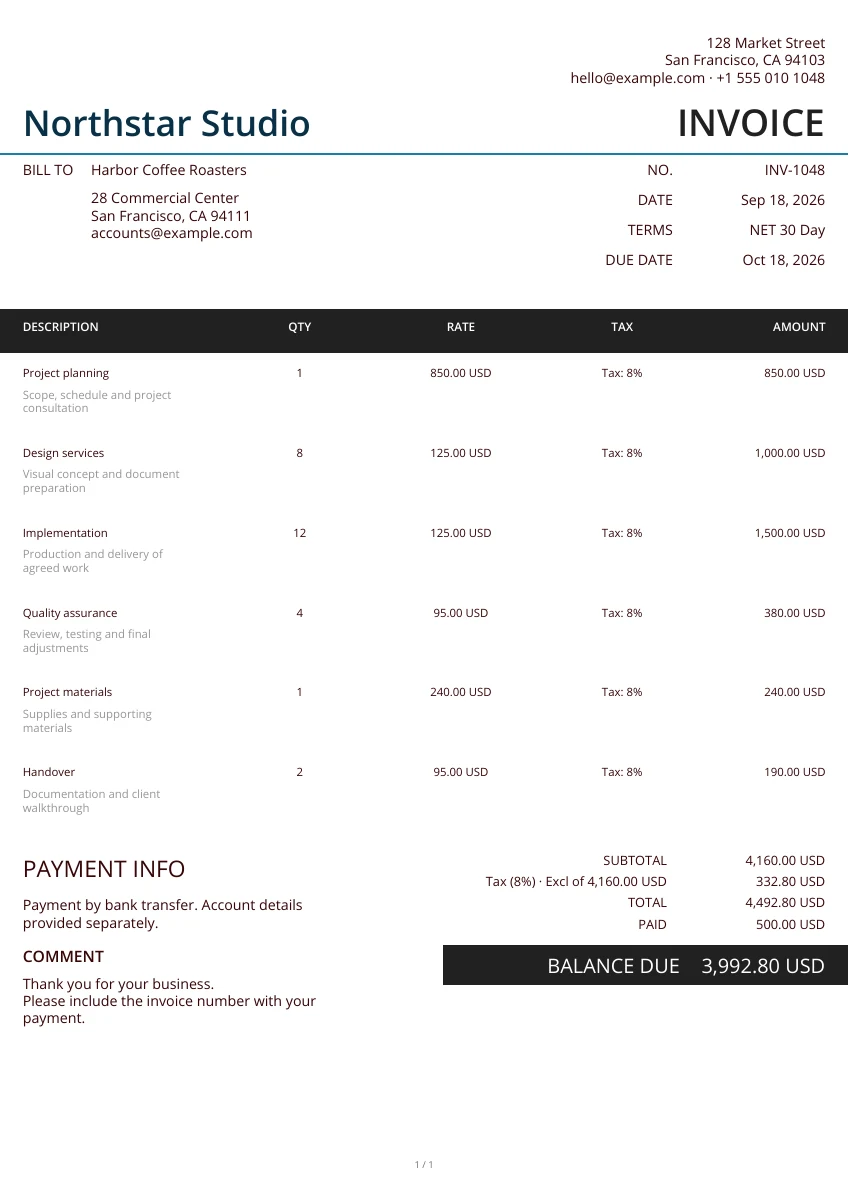
Minimal
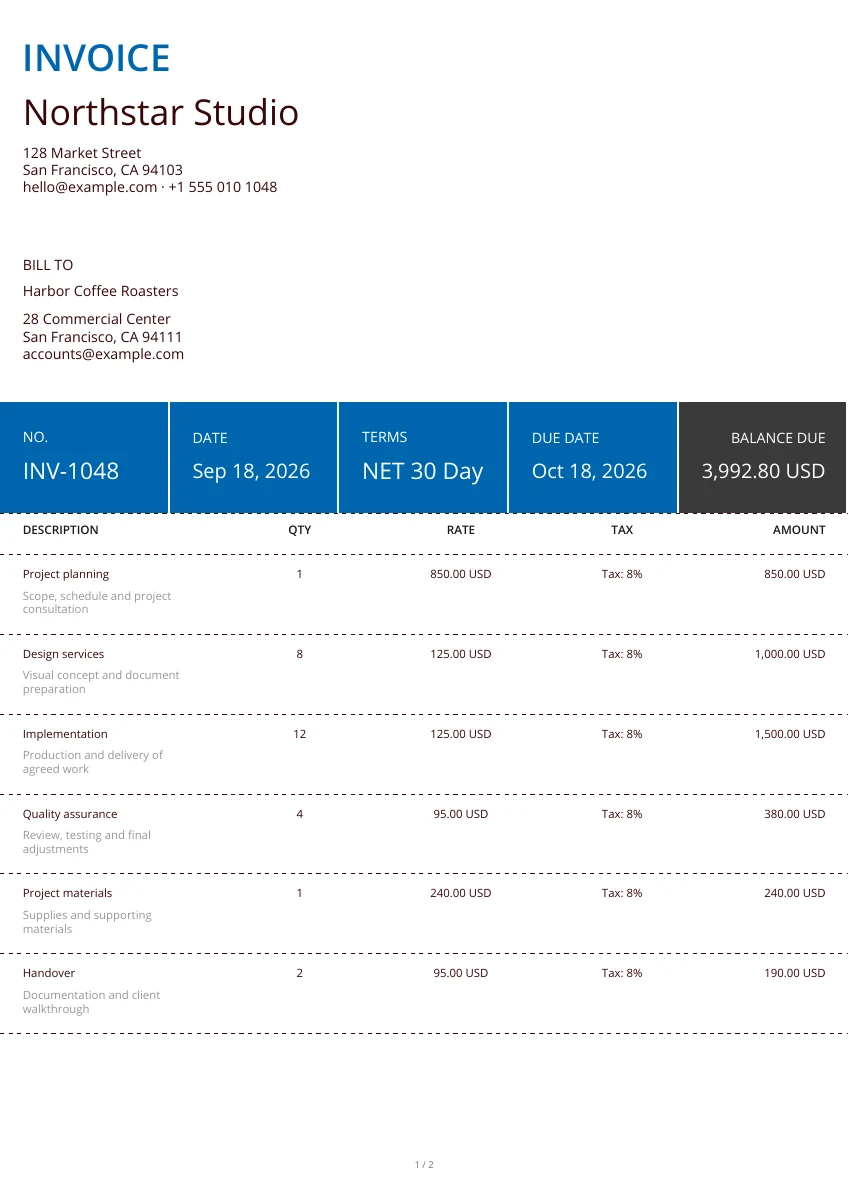
Classic
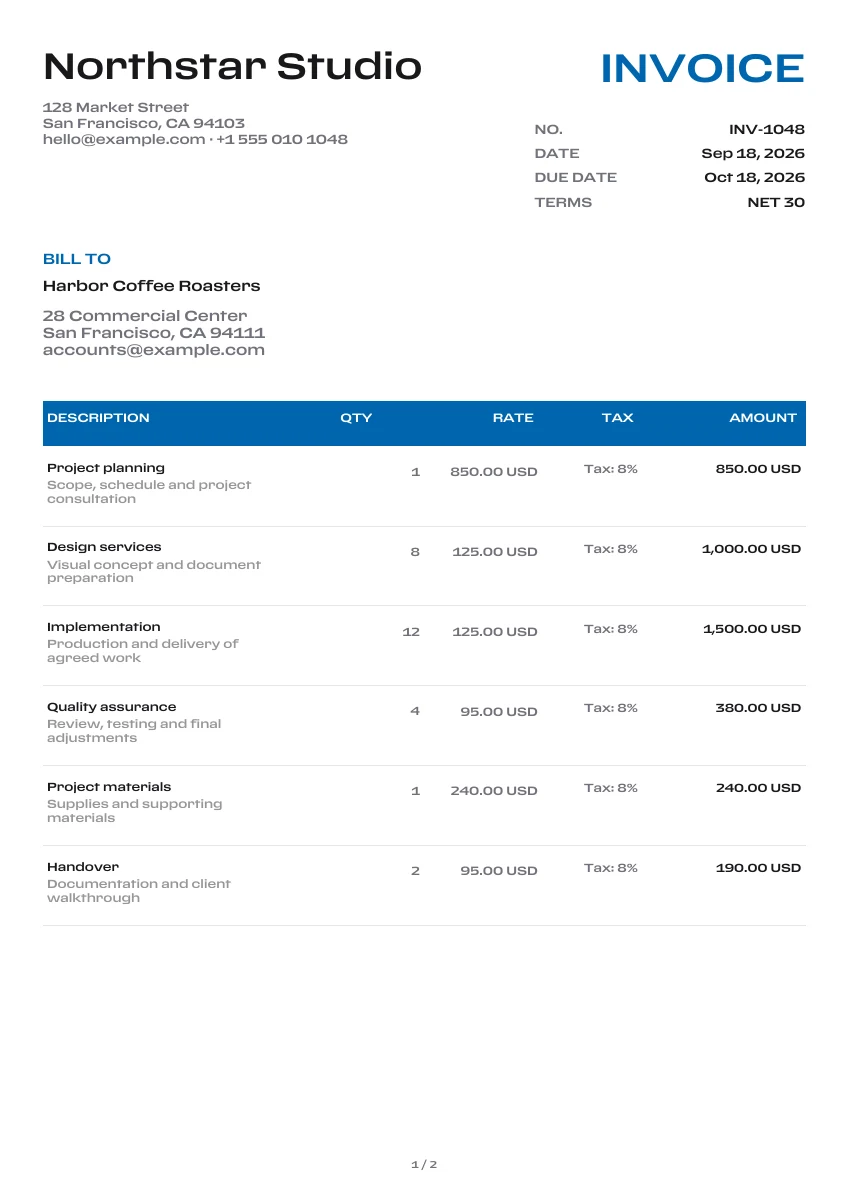
Classic
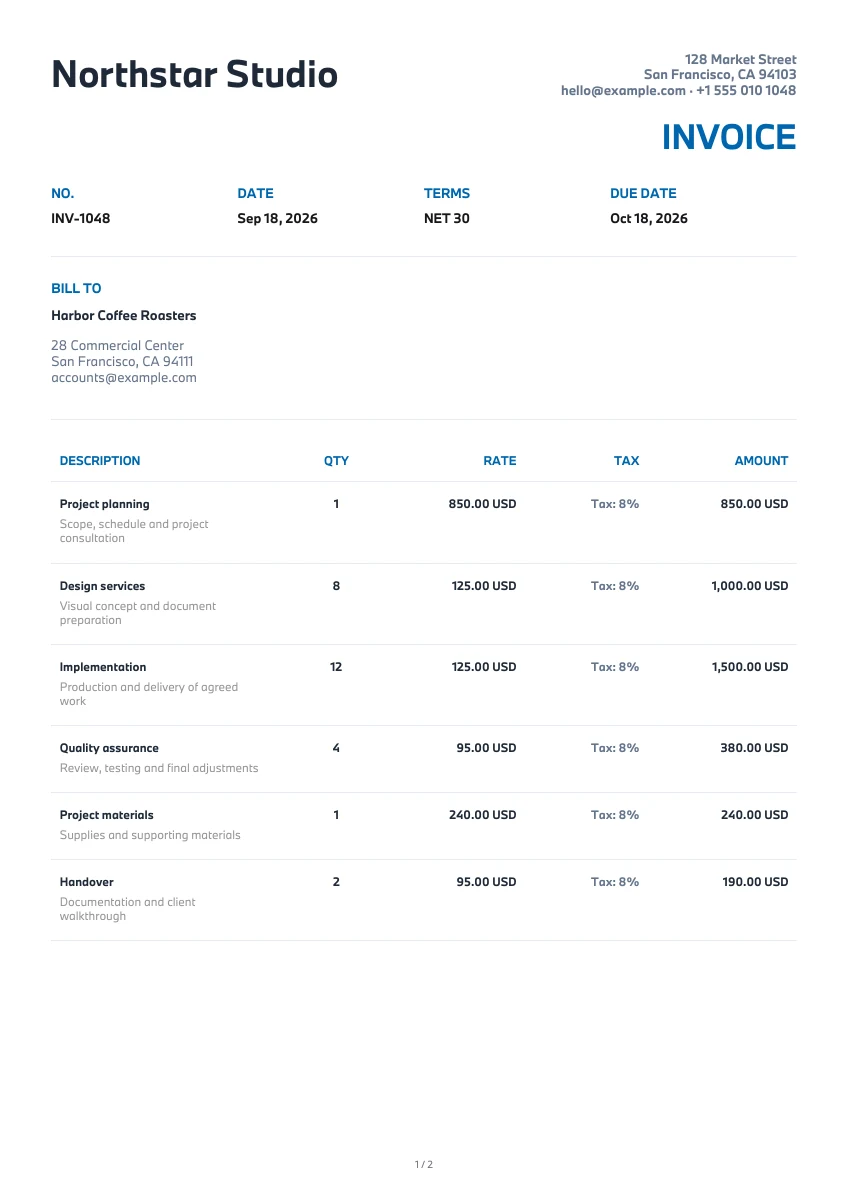
Modern
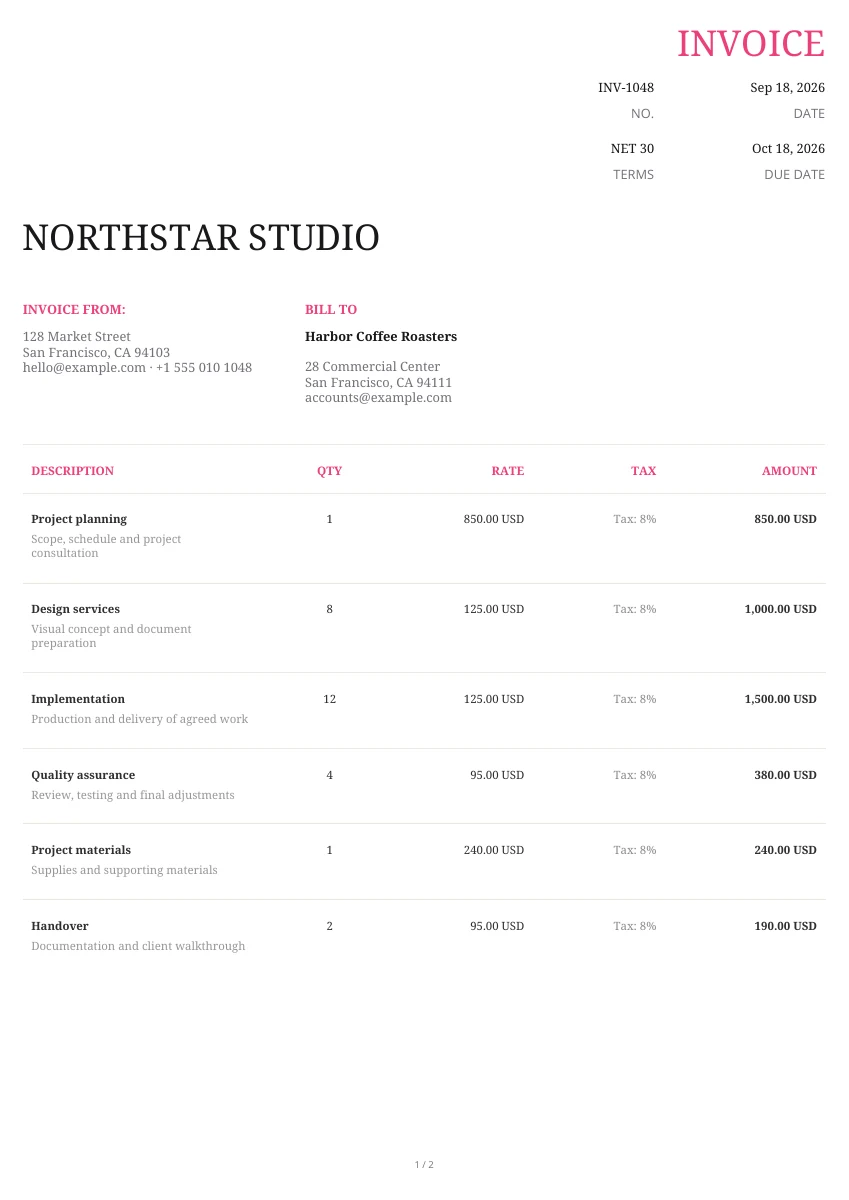
Creative
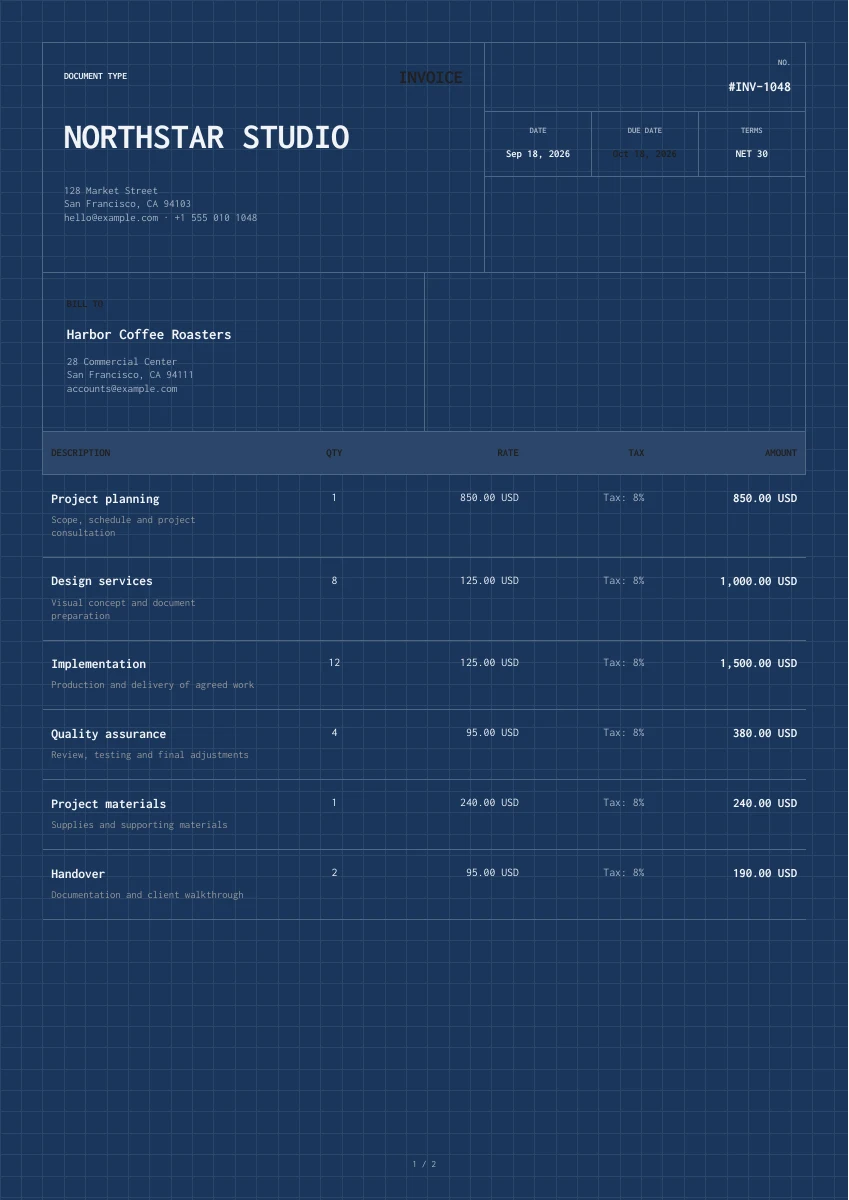
Classic
Creative
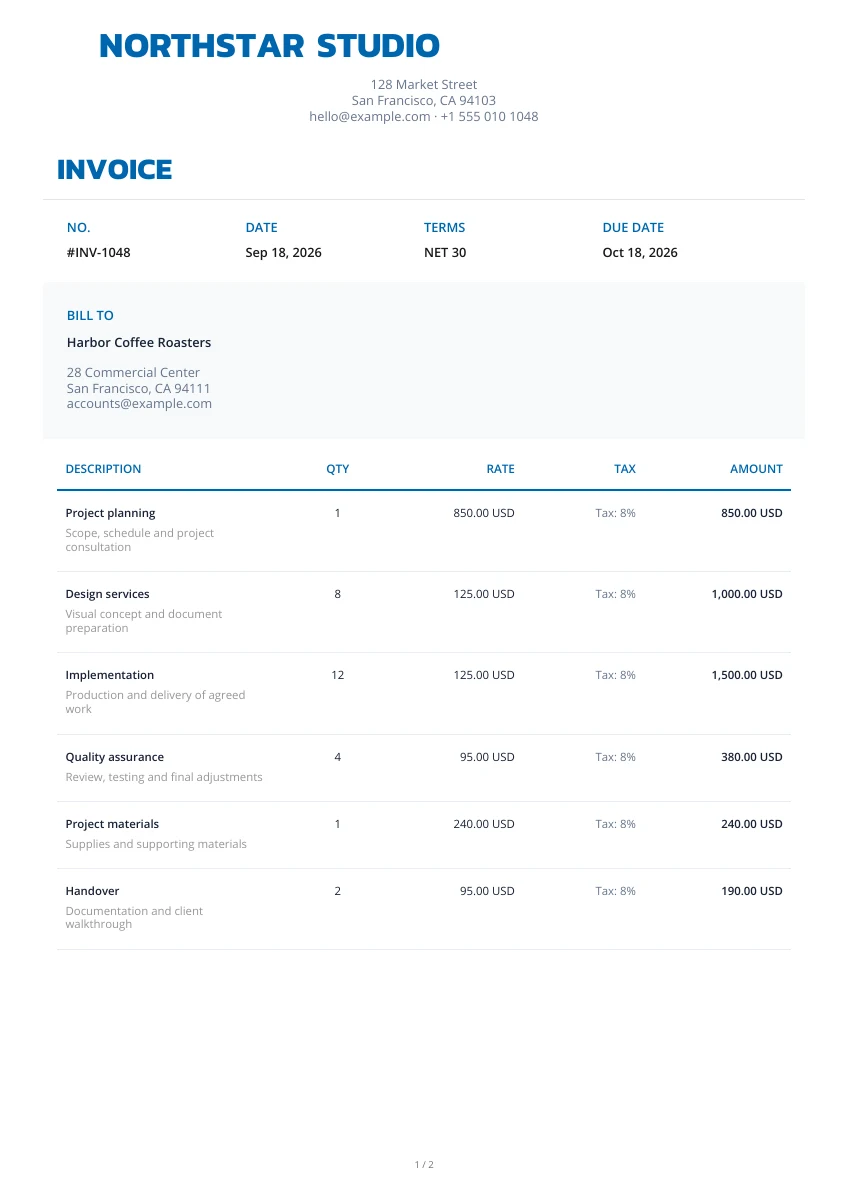
Classic
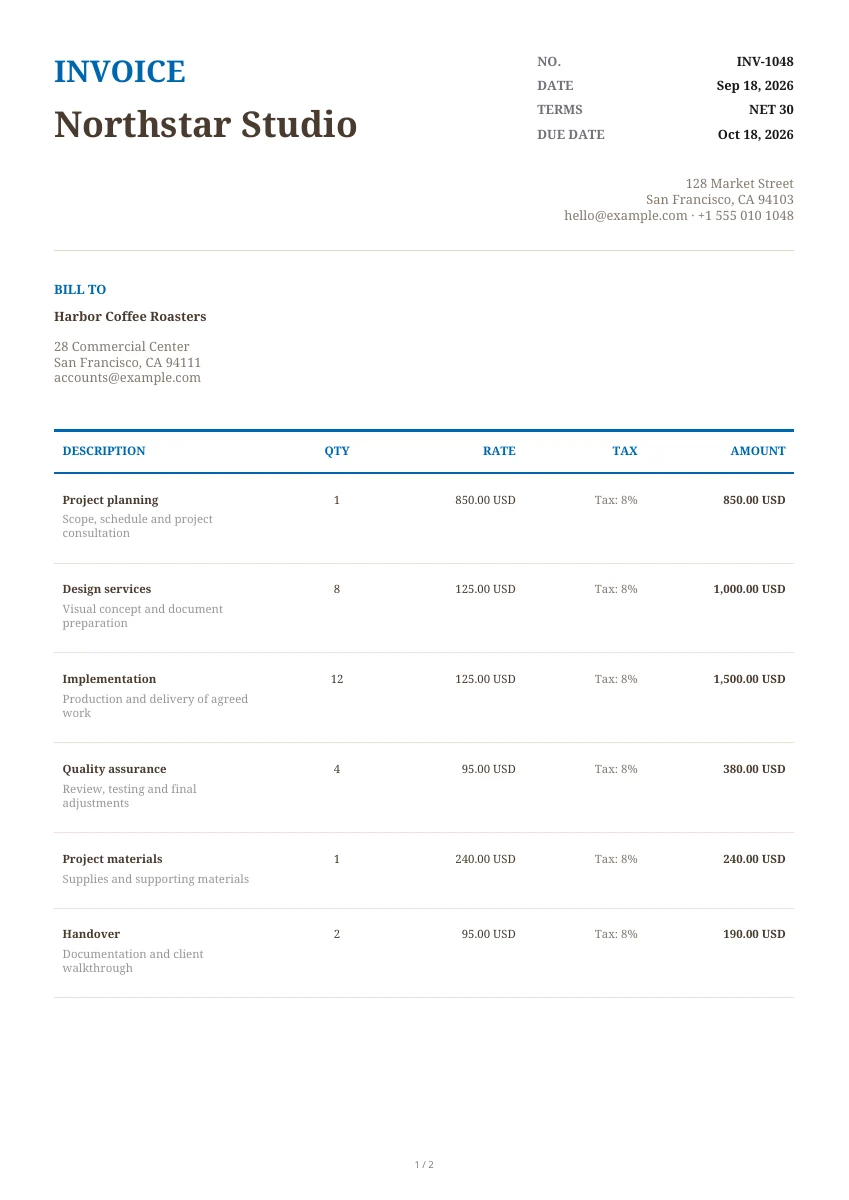
Classic
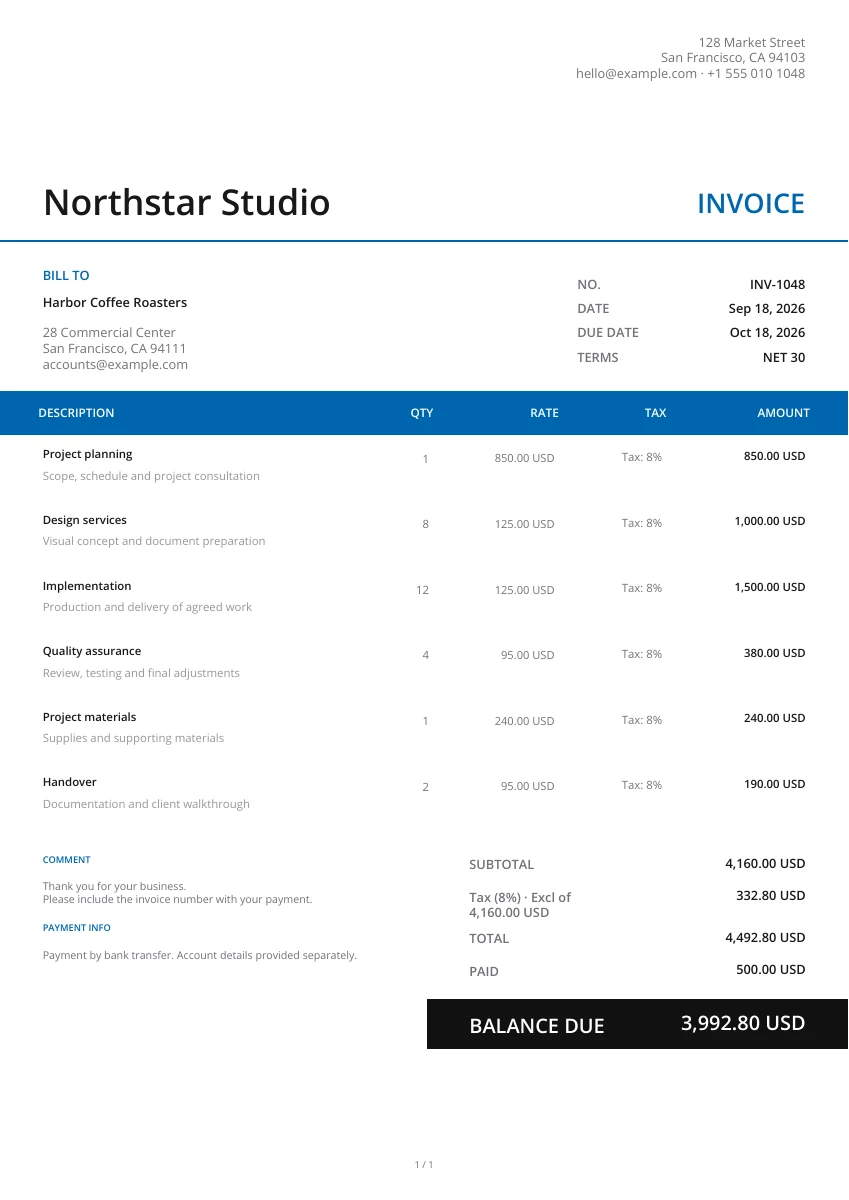
Modern
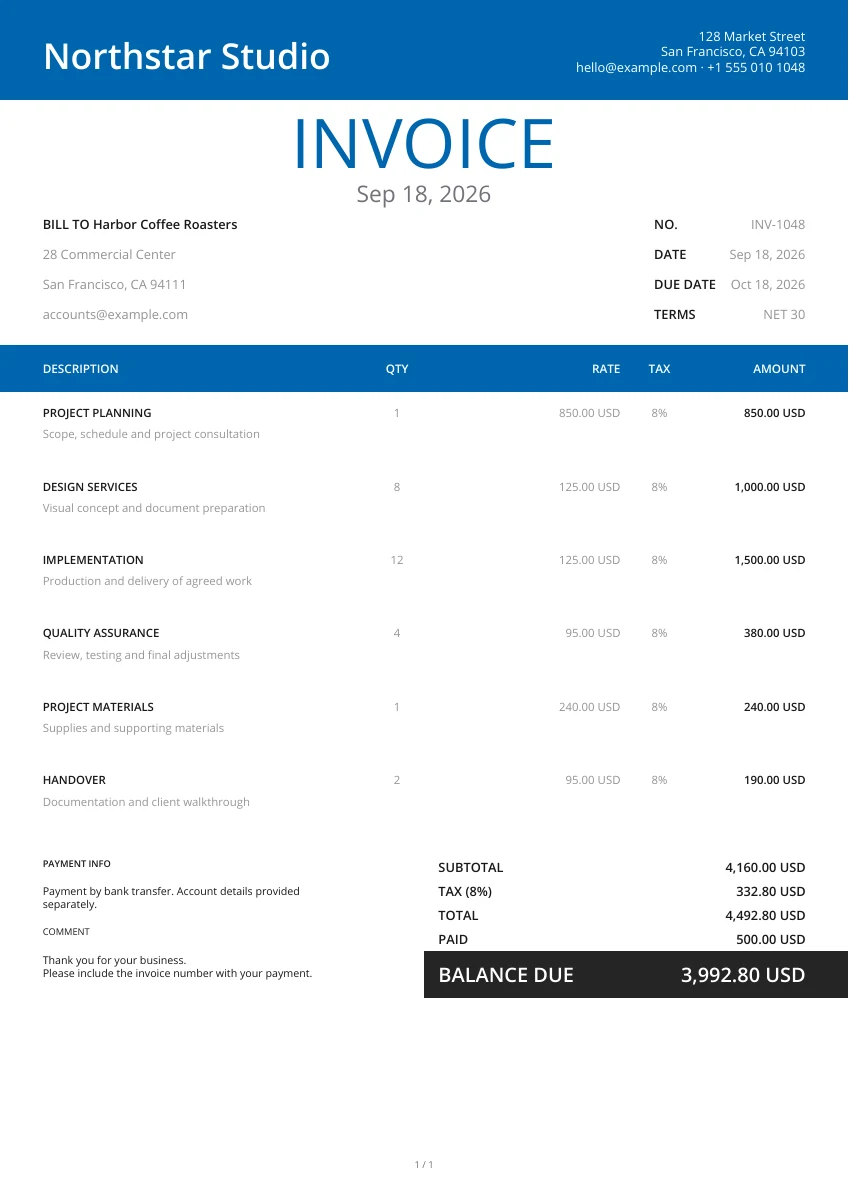
Modern
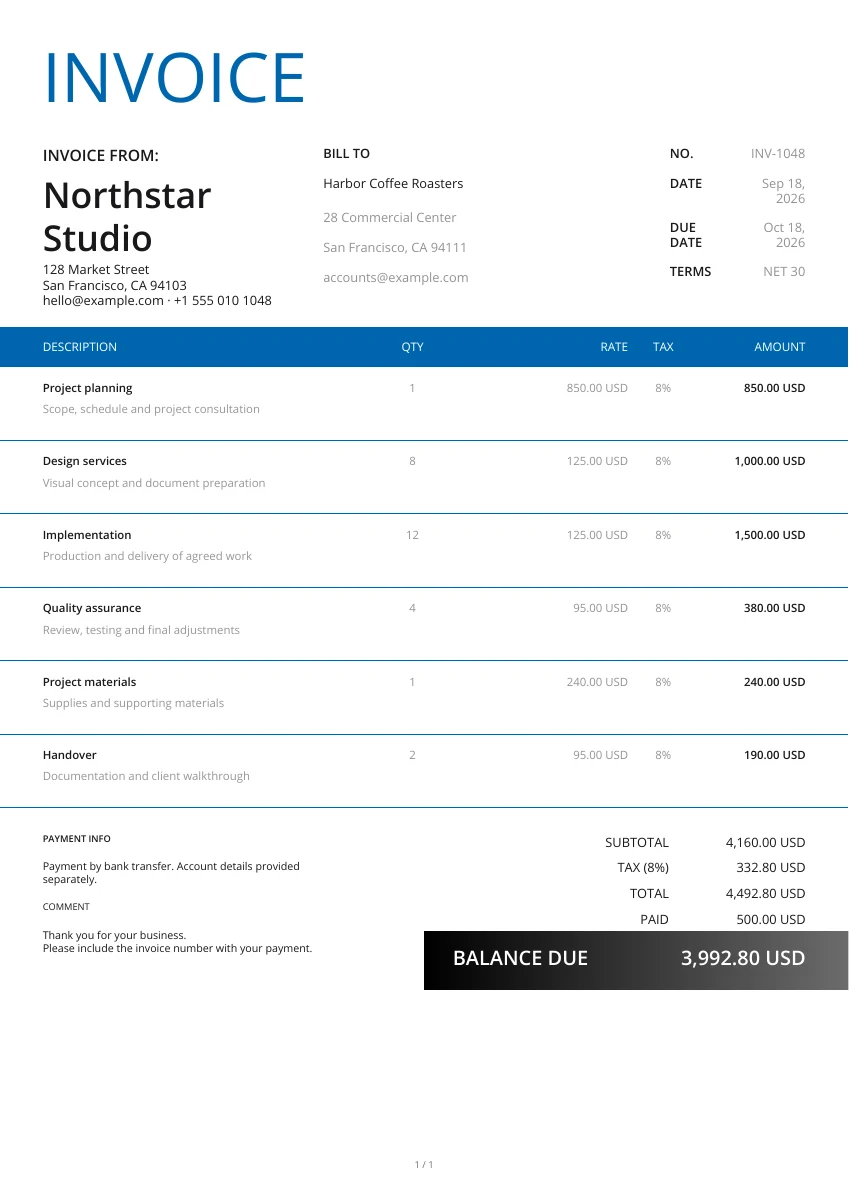
Classic
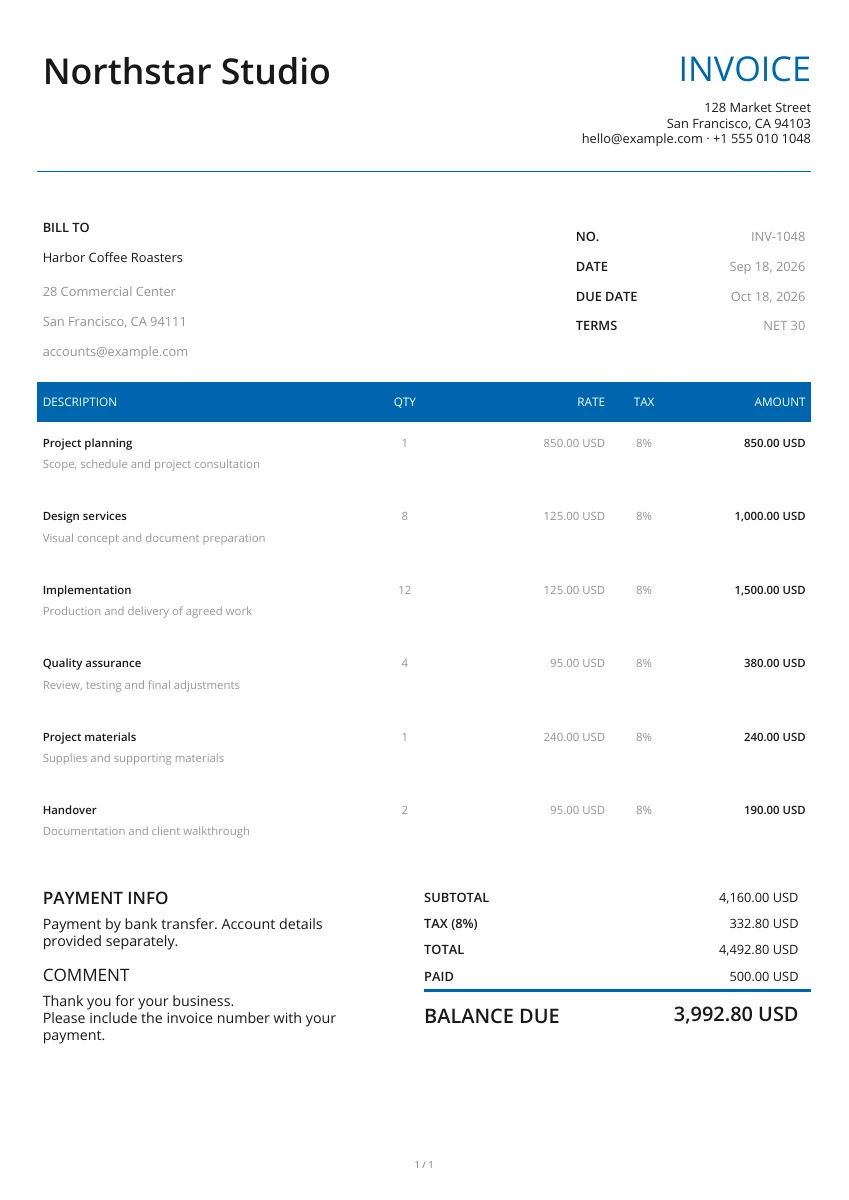
Minimal
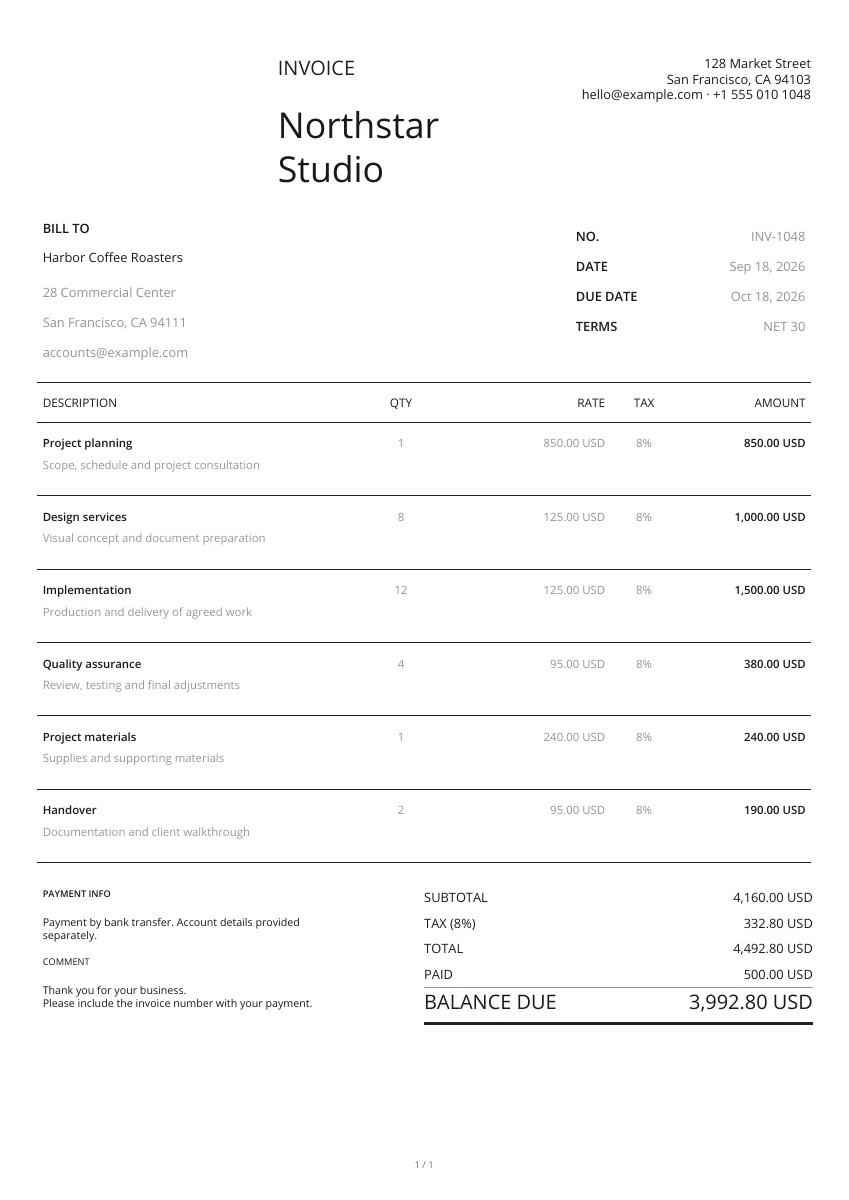
Minimal
No matching templates. Try another search or clear the filters.
No. Edit, preview and download your PDF without signing up. Use the Web app when you want to save and manage your documents.
Yes. Choose from 21 PDF layouts, add your logo, choose a brand color and select a header. Your entered details stay in place when you switch layouts.
The online editor generates a PDF. Word, Excel and fillable-PDF template downloads, where offered, are separate ready-made files rather than exports of the form.
No. The form stays in this open page and is not saved as an account document. Download your PDF before leaving; use the Web app for saved records.
This free page creates and downloads PDFs; it does not send email. Attach the downloaded file to your own message, or use the document-sharing features in the app.
Your details are sent securely to our PDF service only when you preview or download. This tool does not save documents to an account.
Make a PDF now, or open Pocket Invoice to manage your business documents in one place.