
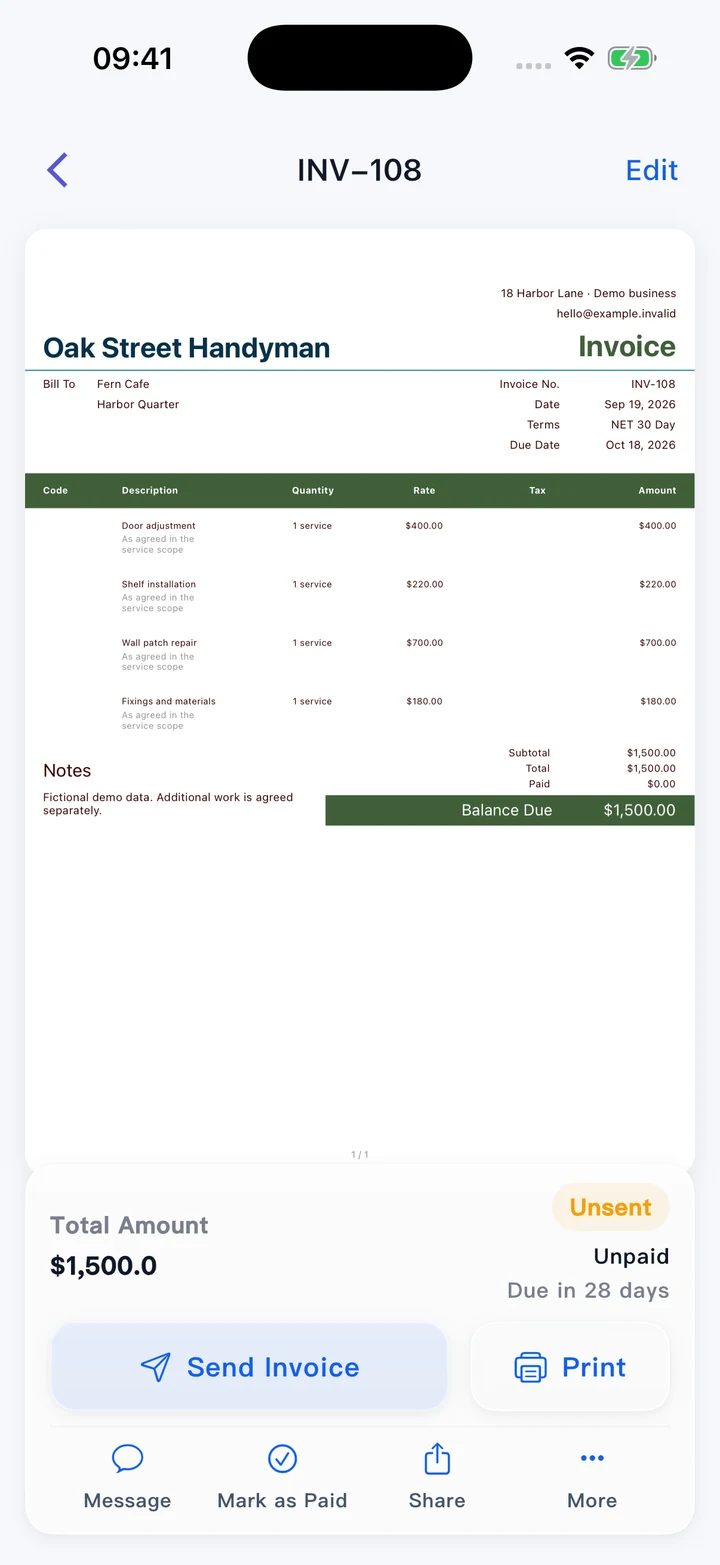
Professional invoices
Present your work clearly and keep invoice and payment records in one account.
Explore in the Web appSeveral small tasks can turn into one complicated bill. Pocket Invoice helps you keep repair jobs, materials and customer payments clear, with professional estimates and invoices that suit the variety of work you actually do.
Available on Web, iPhone and Android
Prepare the documents, keep customer records close and understand the money behind the work.
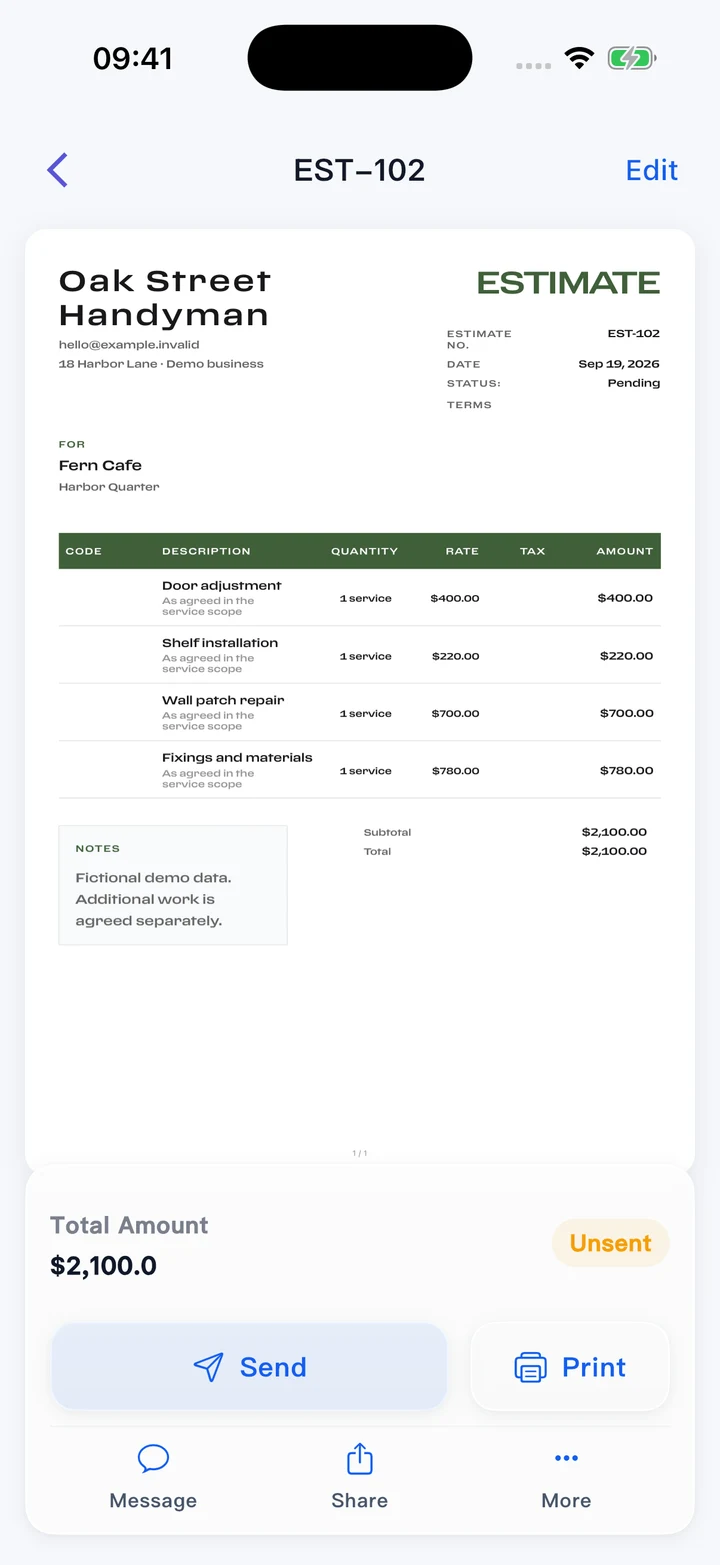
Present your work clearly and keep invoice and payment records in one account.
Explore in the Web appGive customers a considered proposal. Approved details can continue into an invoice.
Explore in the Web app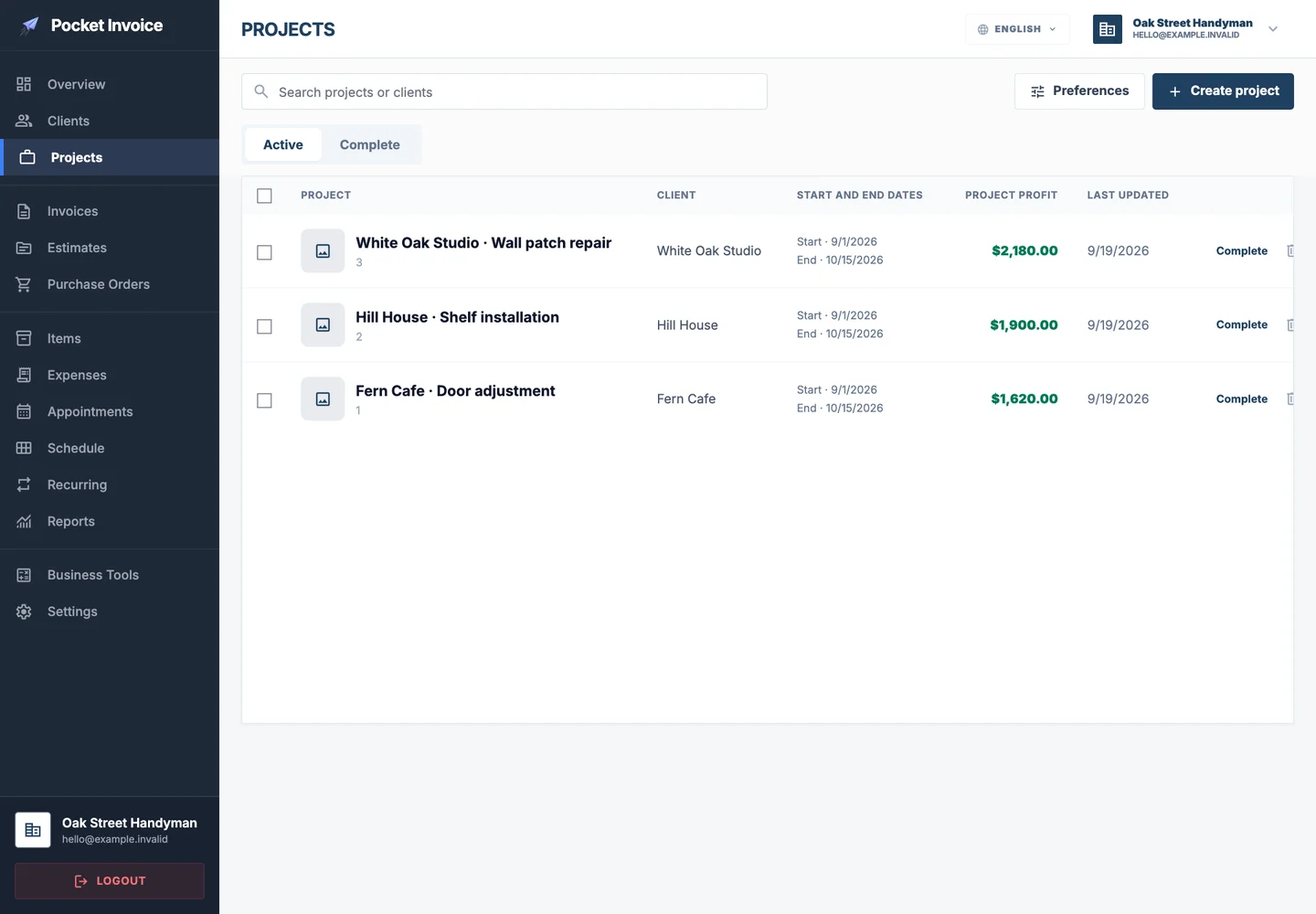
Bring customer details, documents and expenses together for the relevant job.
Explore in the Web app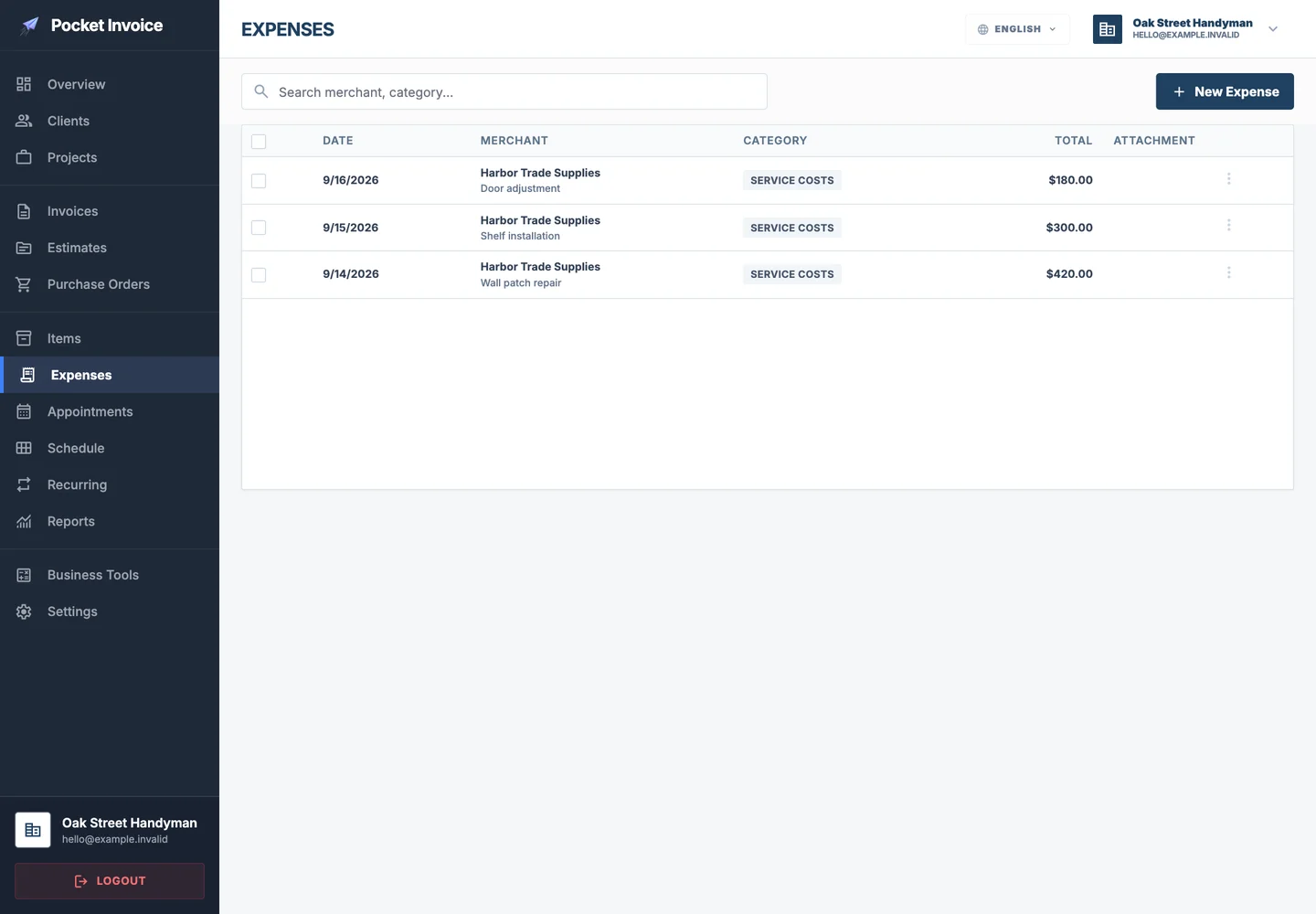
Keep business spending and supporting receipts available for later review.
Explore in the Web app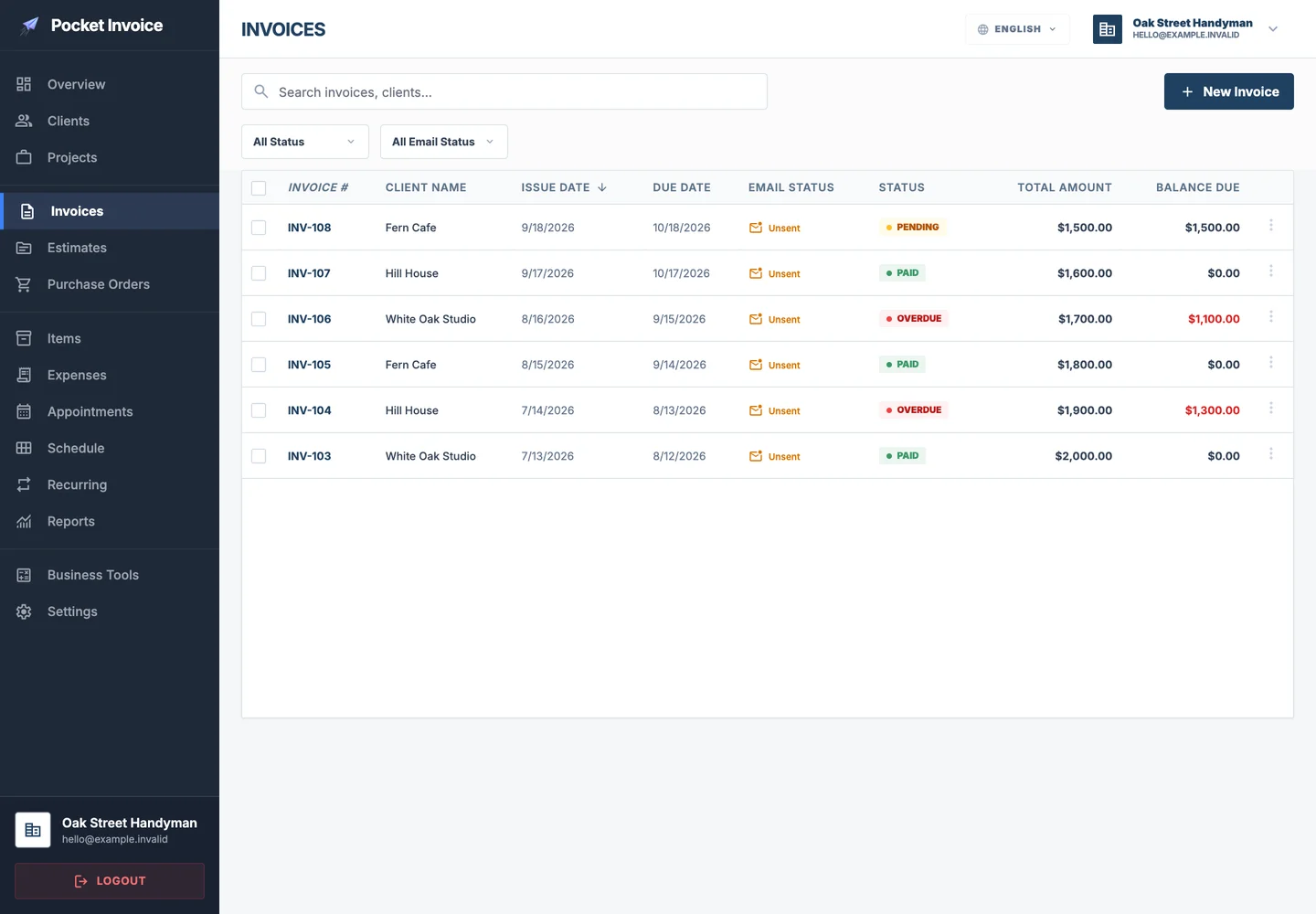
Copy familiar invoices or estimates and update the details for the next job.
Explore in the Web appUse your business information and choose from the application's PDF designs.
Explore in the Web app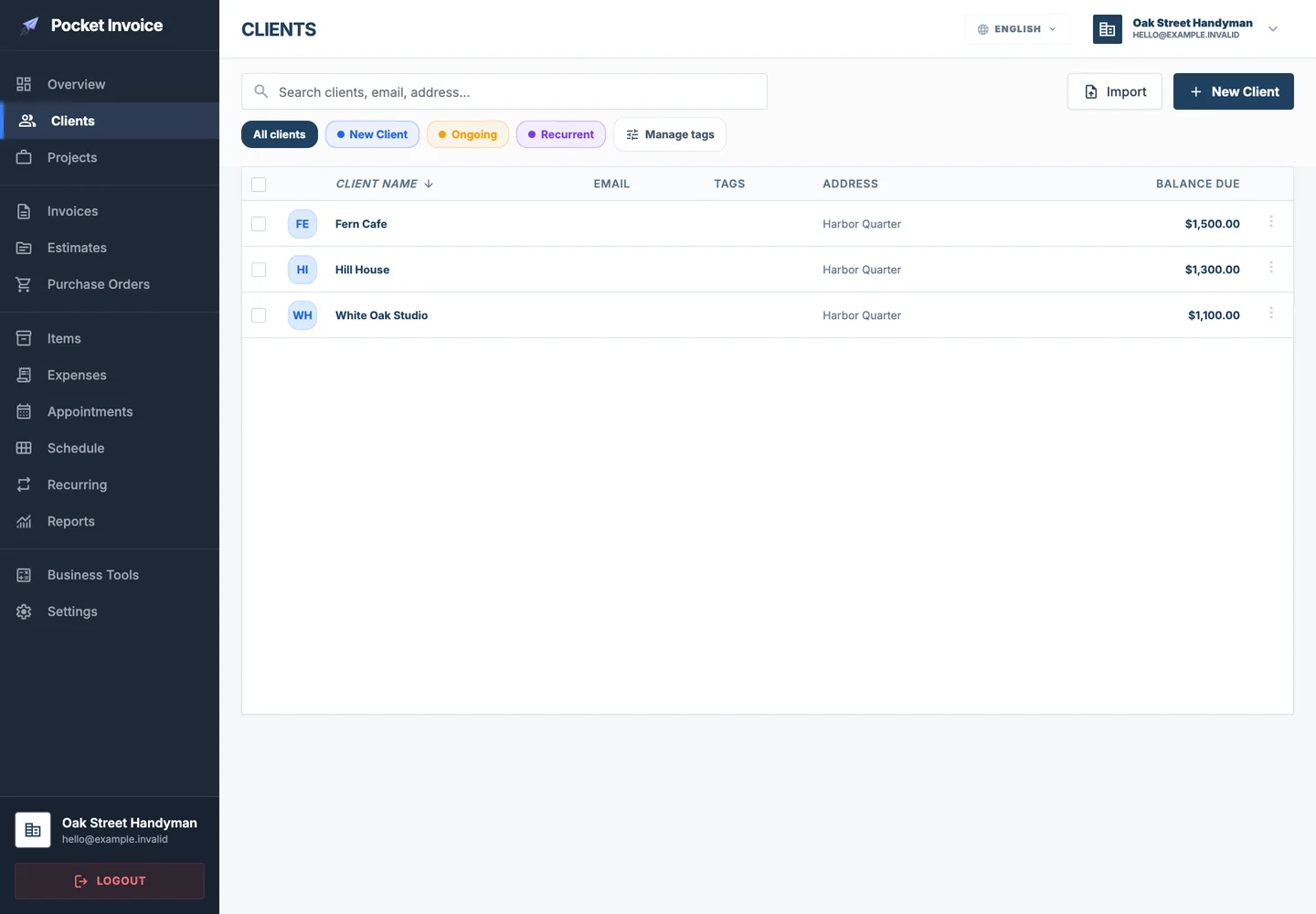
Save customer details once and use them again for future work.
Explore in the Web app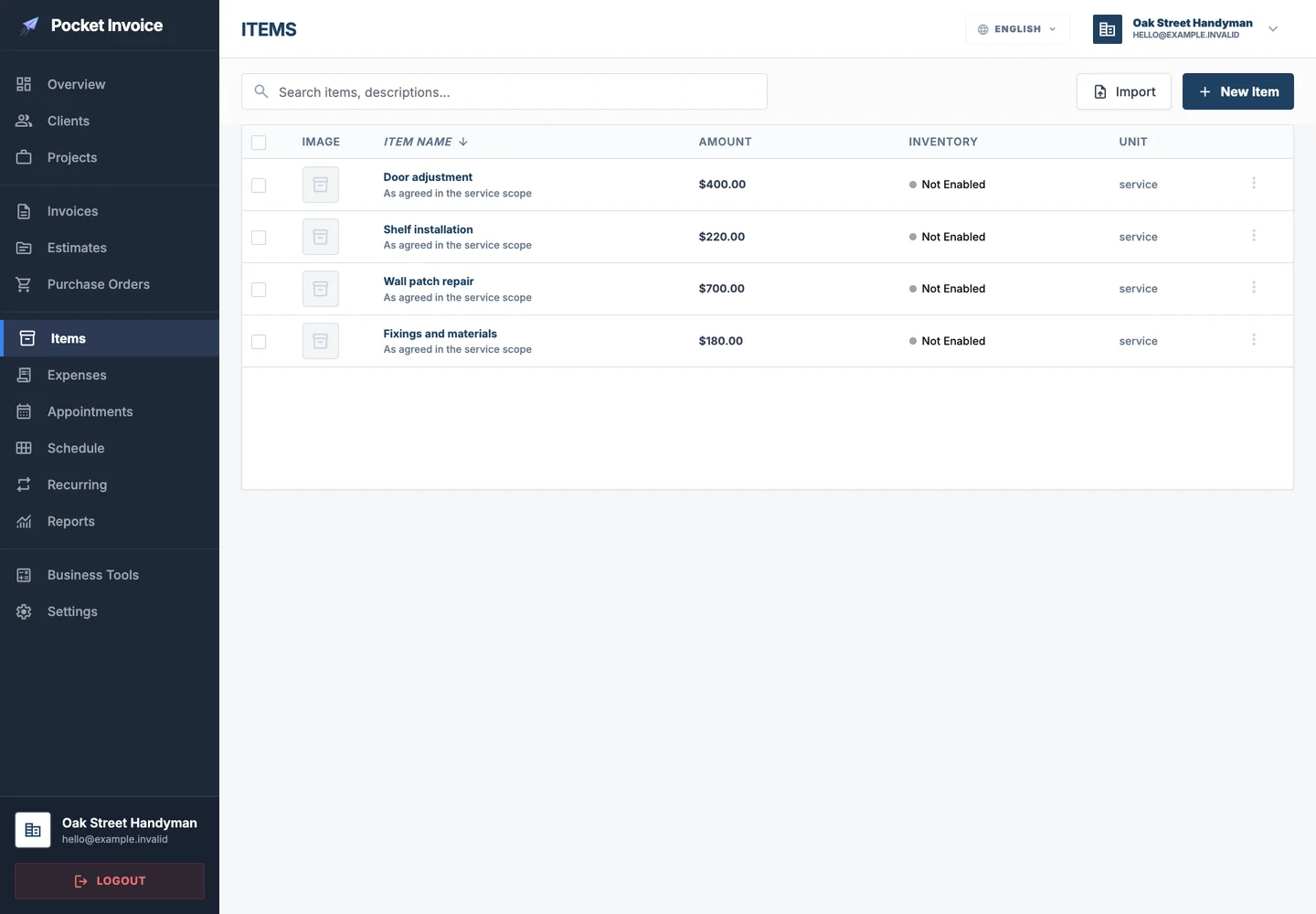
Keep frequently used items ready, with descriptions, quantities and rates.
Explore in the Web app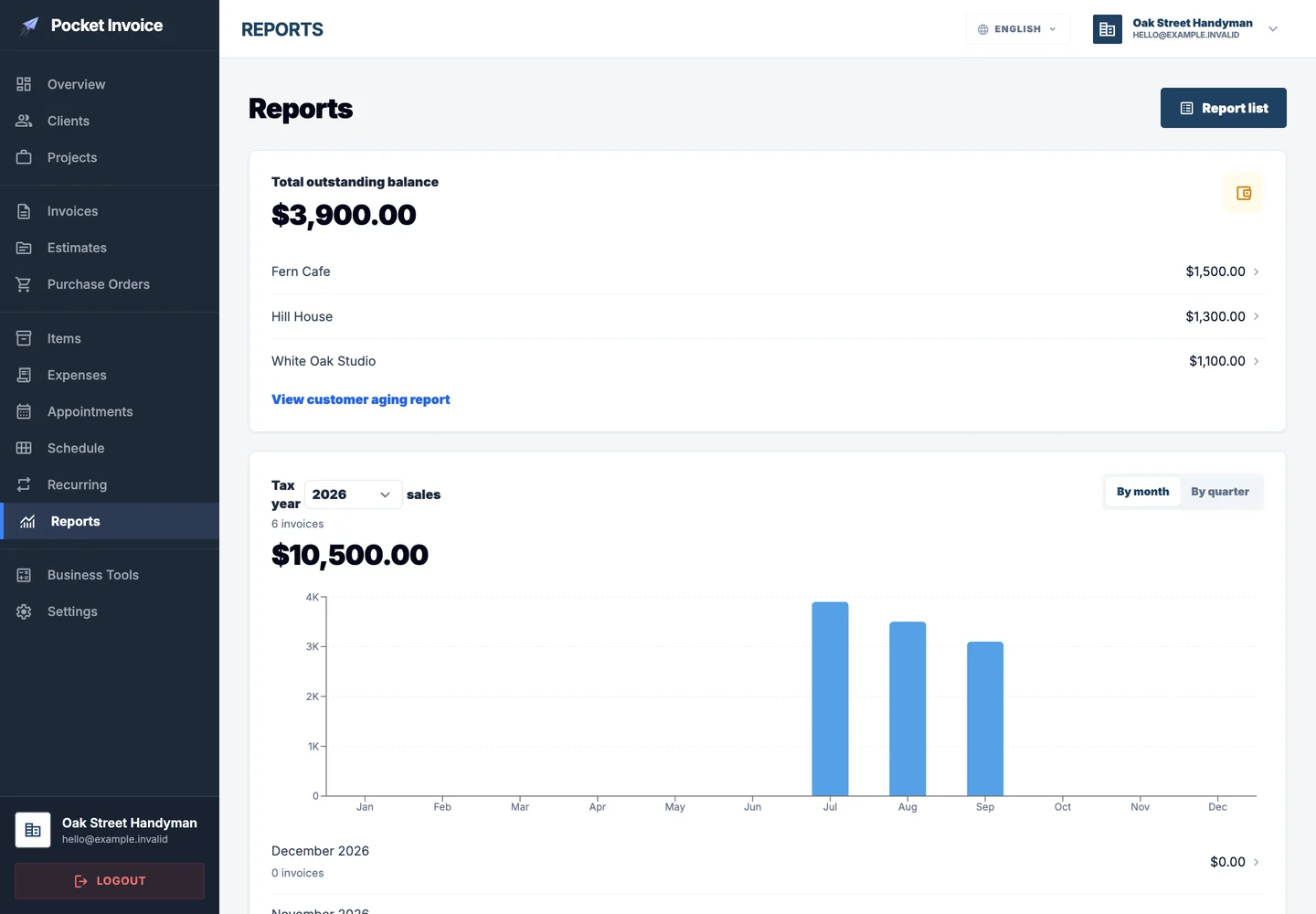
Review recorded sales, payments and expenses to understand business performance.
Explore in the Web app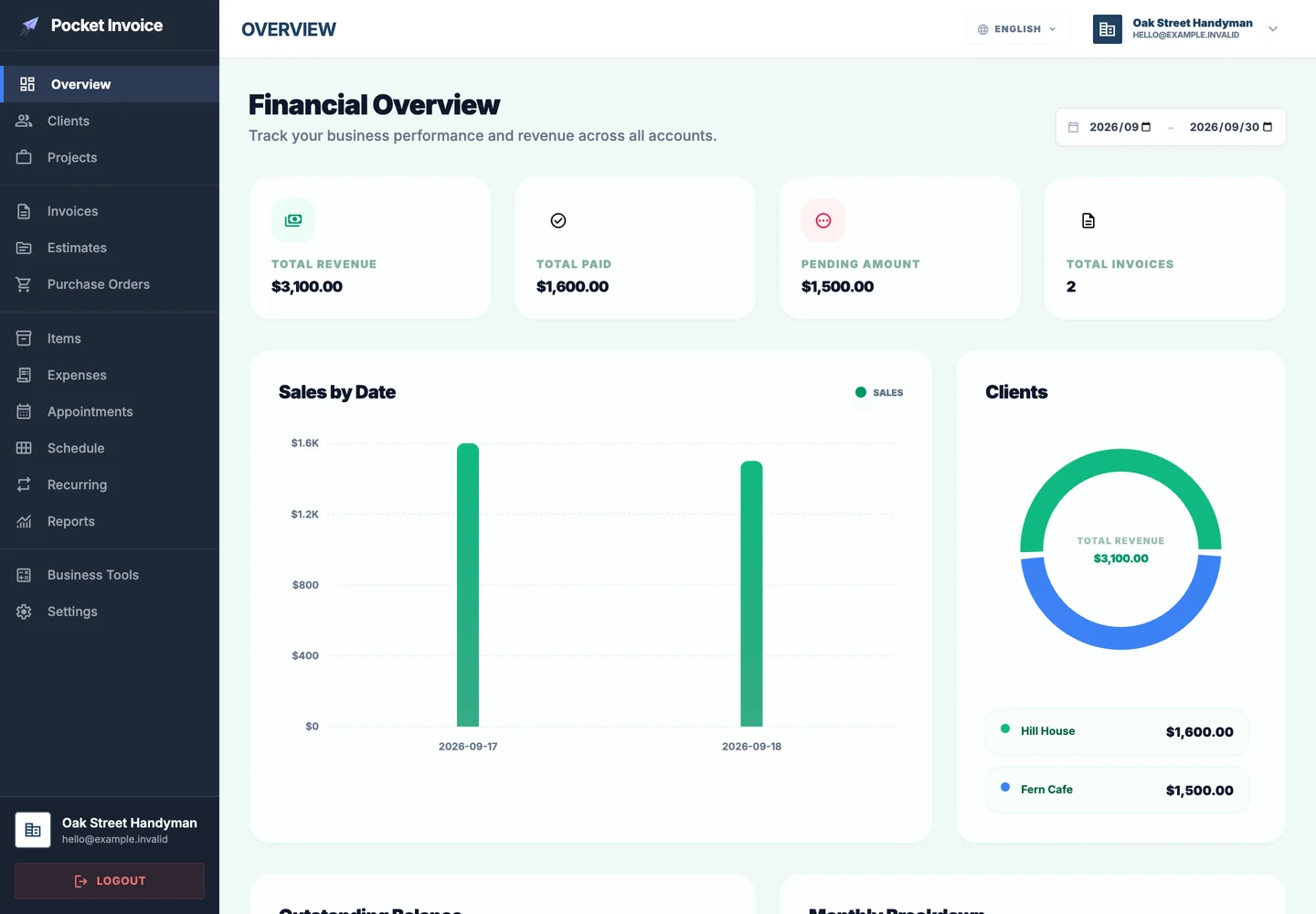
Use the phone app for the document a customer needs today, then the Web workspace for a broader review. Choose the device that suits the moment while keeping business records with the same account.
Get started · Web loginHandyman business software organizes the administration around small repairs and property improvements. A single visit can include fitting, patching and adjustments; each task can have a clear description without creating a separate document for every item.
Explore in the Web app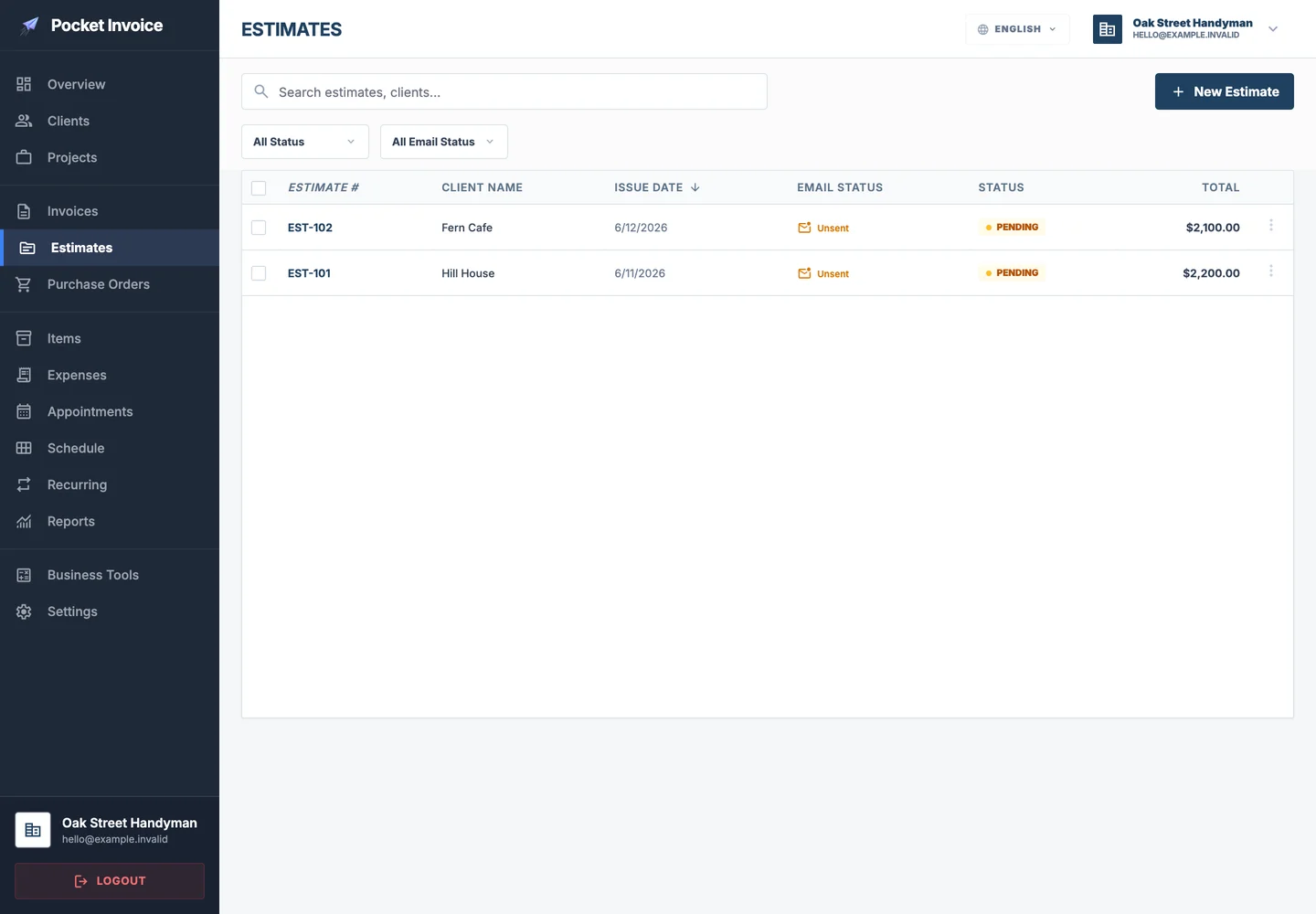
Keep the customer's request, the agreed work and the payment record connected throughout the job.
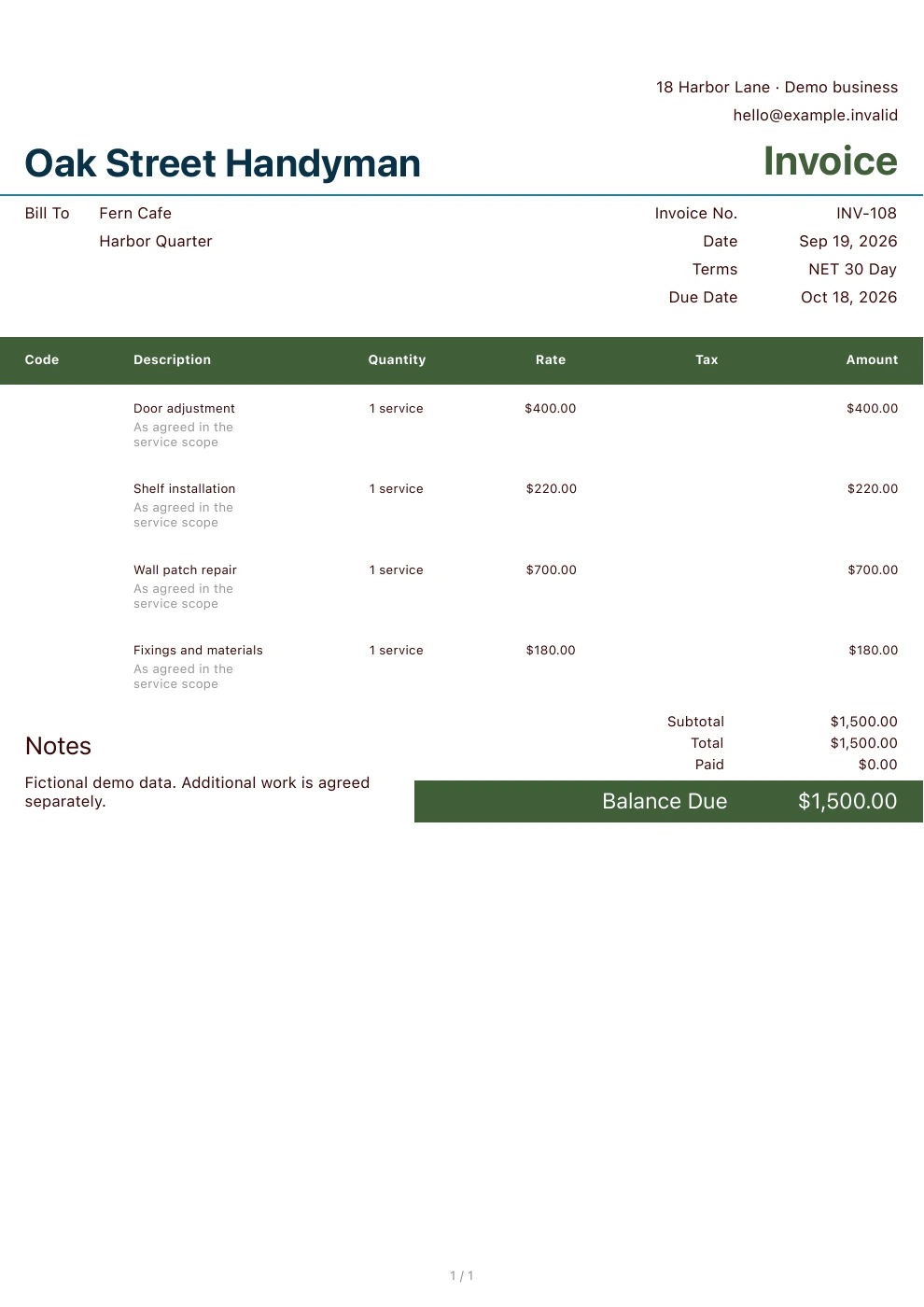
List door adjustments, shelf fitting and wall repairs separately on the same document. The customer sees the work completed and the basis of the charges.
Explore in the Web appFixings, fittings and replacement parts are easy to overlook when several jobs share a day. Record expenses while the details are available and associate them with the relevant project.
Explore in the Web appSave the tasks you quote frequently and reuse them for the next enquiry. Adjust the rate and description to the actual job rather than assuming every repair is identical.
Explore in the Web appPrepare an invoice on your phone after the work and use the Web workspace to review outstanding balances later. Keep customer details ready for the next request.
Explore in the Web appShow customers a clear proposal with your own details and a real document design. These examples are generated by Pocket Invoice using fictional business data.
Saved clients and items give new documents a useful starting point.
Document amounts follow the quantities and rates you enter.
Choose a PDF design and use your own business information.
Continue with approved details without entering the same work again.
Visit the app stores to read users' own experiences.
Small jobs still carry travel, preparation and material costs. A long list of completed tasks is not the same as collected income. Review both expenses and payments to understand which types of work fit your business.
Keep the commercial context alongside the work, from the customer's first request to the latest payment.
Start with saved customer and service details, then focus on what is different about this job.
Review what has been received and what remains outstanding before following up.
Keep the relevant documents and expenses with the customer and project.
Sign in on the Web or download the mobile app to explore documents, customers and project records.
Get started · Web loginKeep the commercial context alongside the work, from the customer's first request to the latest payment.
Continue in the Web app to work with documents and records in one place.
Present the proposed scope and price.
Explore in the Web appDocument completed work and amounts due.
Explore in the Web appOrganize planned material purchases.
Explore in the Web appKeep spending and supporting records.
Explore in the Web appReuse details for the next engagement.
Explore in the Web appReview recorded business activity.
Explore in the Web appYes. Add each task as a separate item with its own description and rate. Materials can be shown separately where that reflects your agreement.
Yes. Enter the hours worked as the quantity and your hourly rate as the unit price. This records a charge; it does not imply an automatic time clock or payroll integration.
No. You can sign in through the Web entry on this page, or download the iOS or Android app. Choose the option that fits your work.
Yes. Use your company information, logo and the application's available PDF design settings. Preview the document before sharing it.
Yes. Record payments against invoices and review the remaining balance. Reports reflect the business records saved in your account.
Keep estimates, invoices and customer records organized with Pocket Invoice.