
Quotes and invoices
for your industry
A repair visit and a construction project need different records. Use Pocket Invoice to save customer details, create quotes and invoices, and record expenses and payments. Choose an industry close to your business to explore ways to organize your documents and project information.
Building and construction
Construction
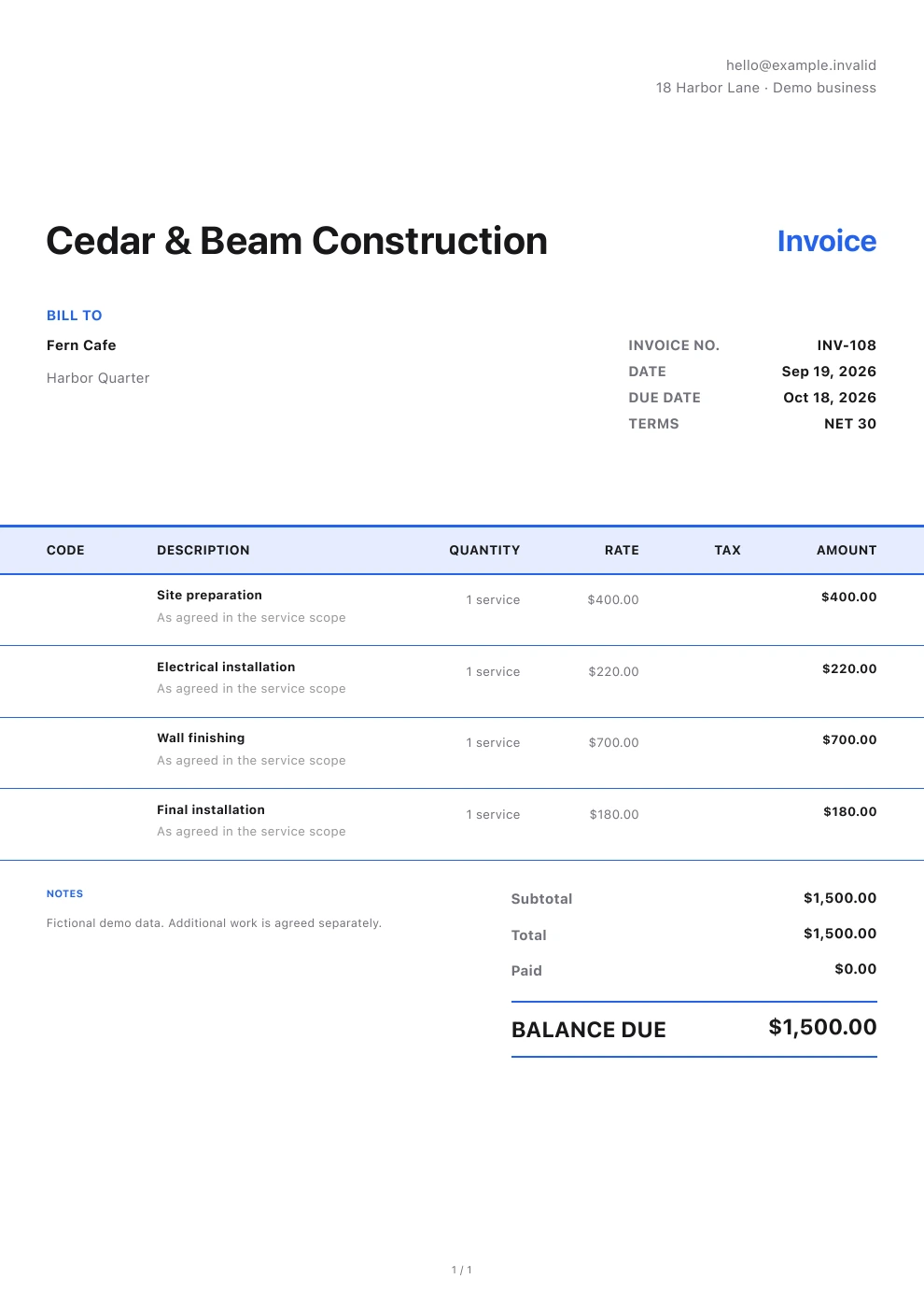
Quote materials, labor and equipment rental separately. Once the customer approves, invoice at the agreed stages. Show the work covered by each bill, keep purchase documents and site photos with the project, and record each payment as it arrives.
Explore this industry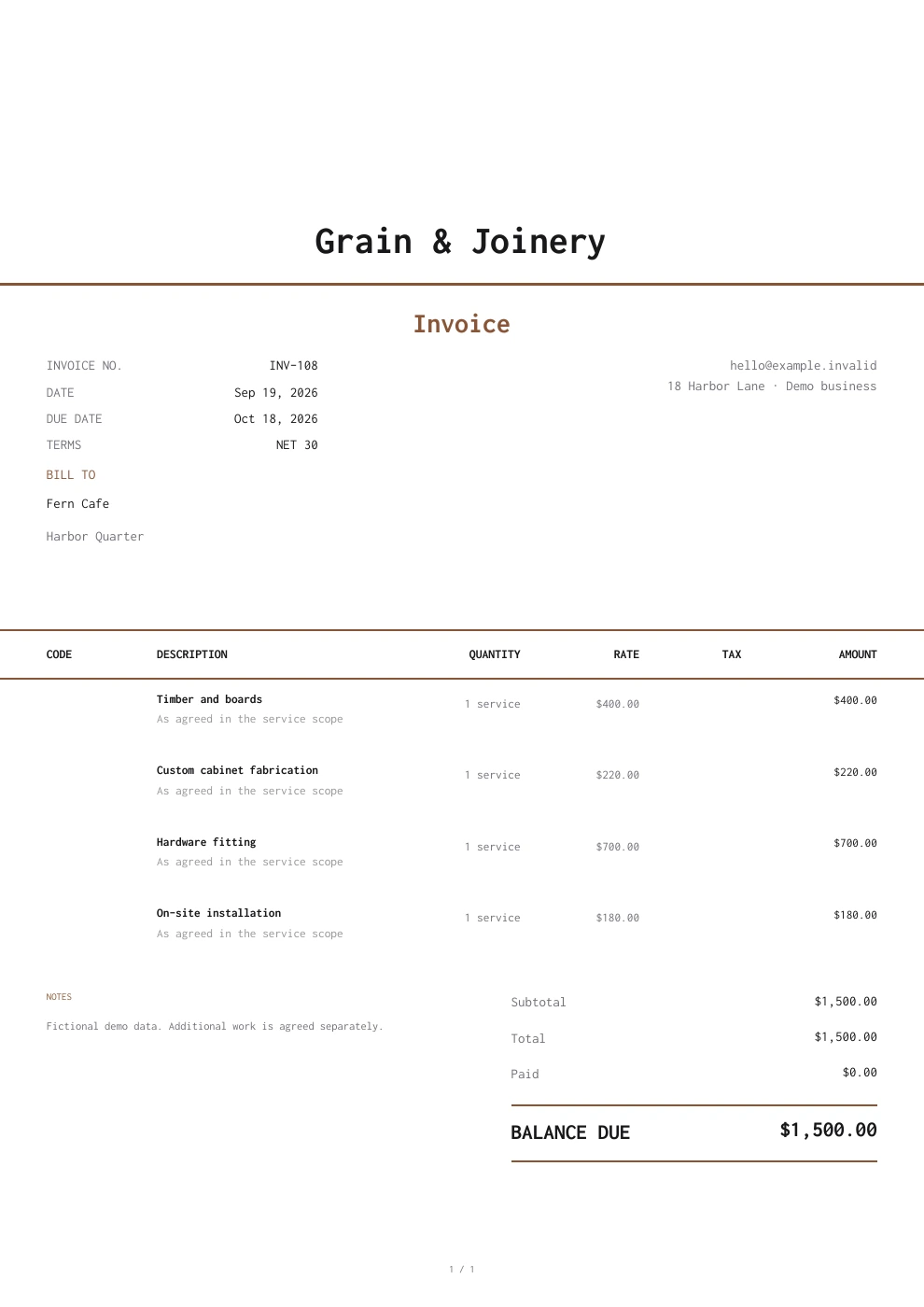
Carpentry
Specify dimensions, boards, hardware and finishes for custom cabinets, furniture and on-site carpentry, along with the scope of fabrication and installation. Update the estimate when the design changes, then invoice once it is approved. Keep material purchases and customer payments with the job.
Explore this industry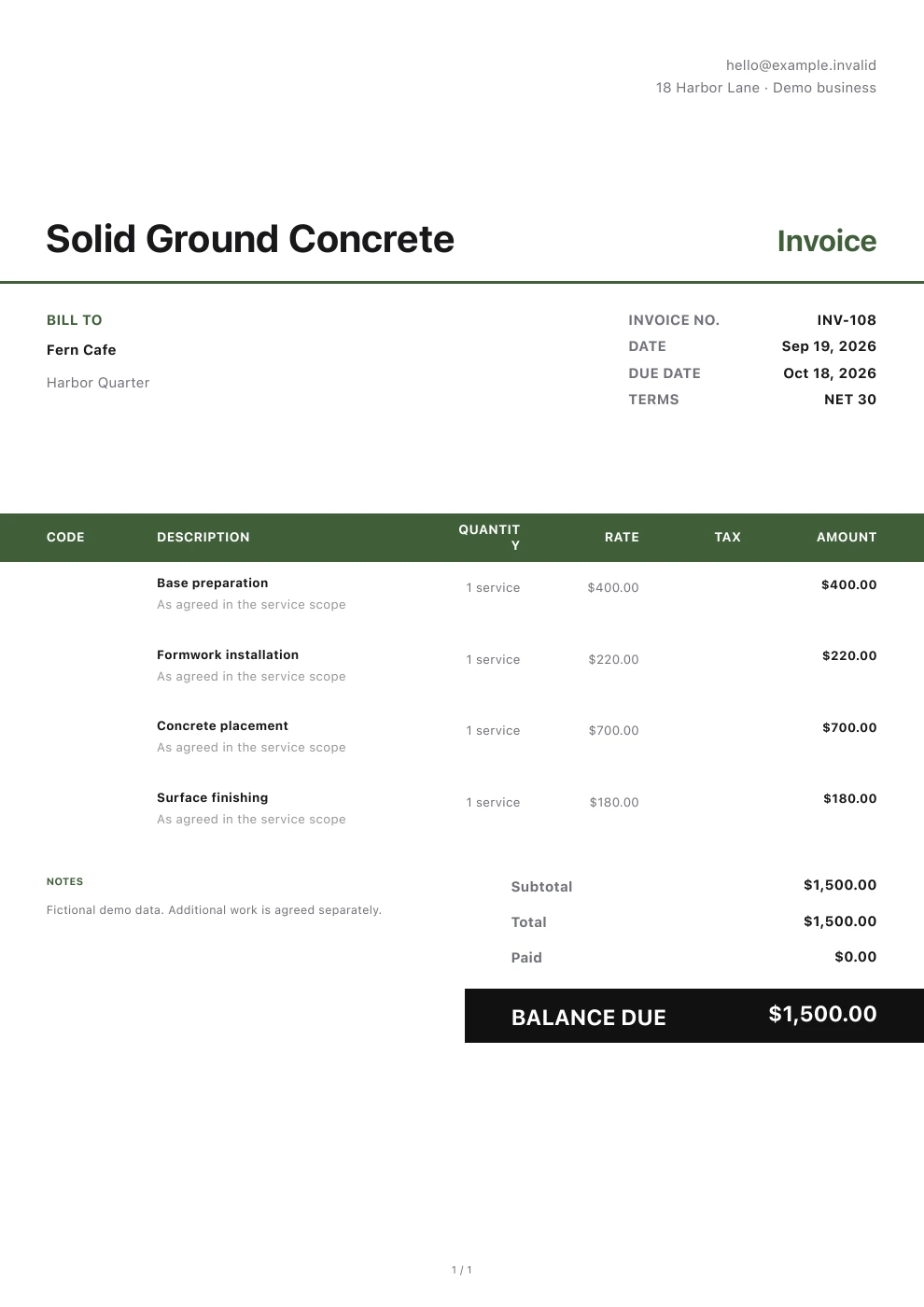
Concrete
Quote base preparation, concrete supply, pumping, pouring and finishing work separately. Indicate what is included in the quote. Track material and equipment expenses during construction. Then reconcile the invoice to the work performed.
Explore this industryRoofing
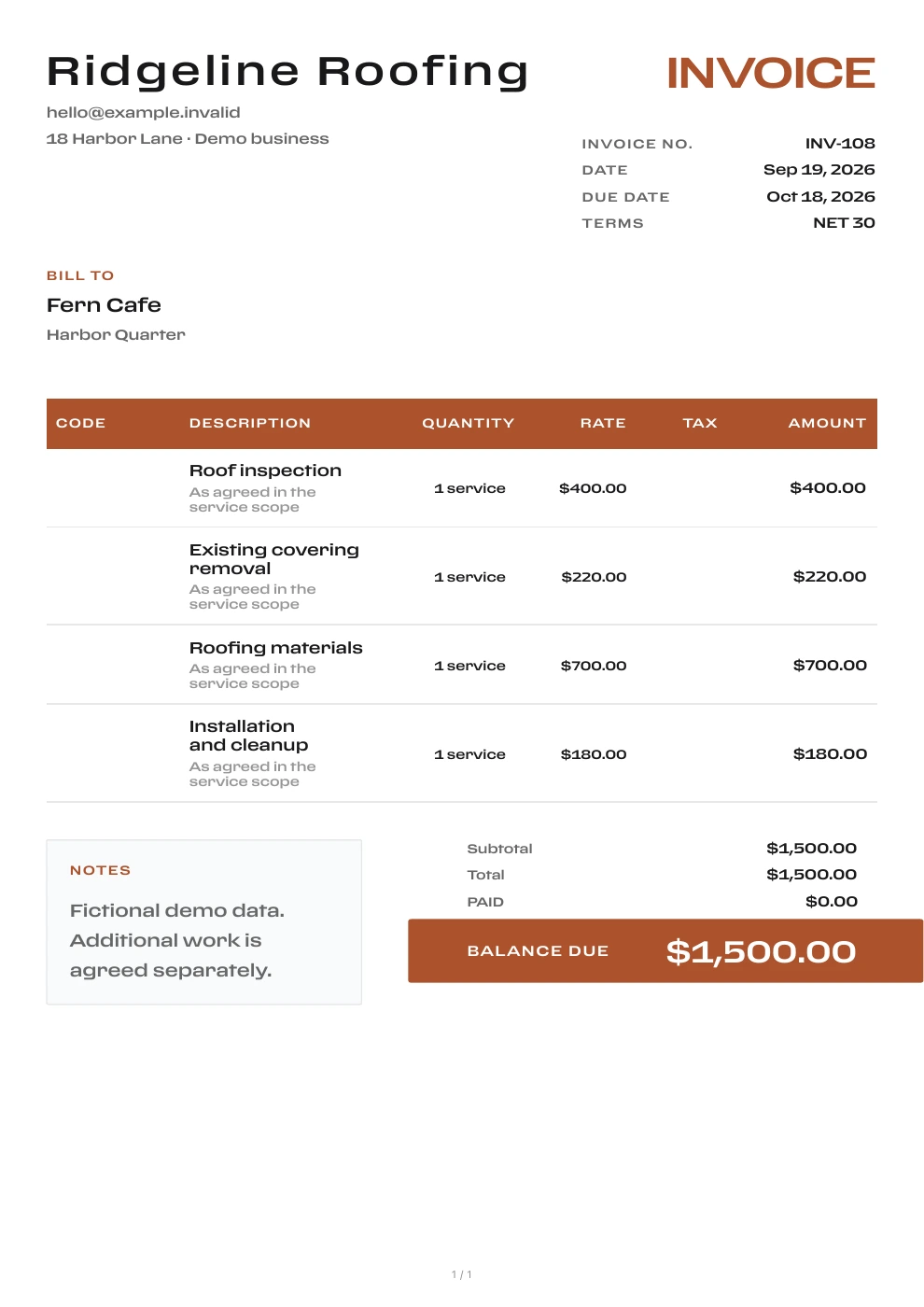
Include old-roof removal, materials, waterproofing, installation and waste removal in the quote. Confirm any deck repairs needed after the old roof comes off. Record purchases and equipment rental during the job, then reconcile the advance payment and remaining balance at settlement.
Explore this industryEquipment and building systems
HVAC
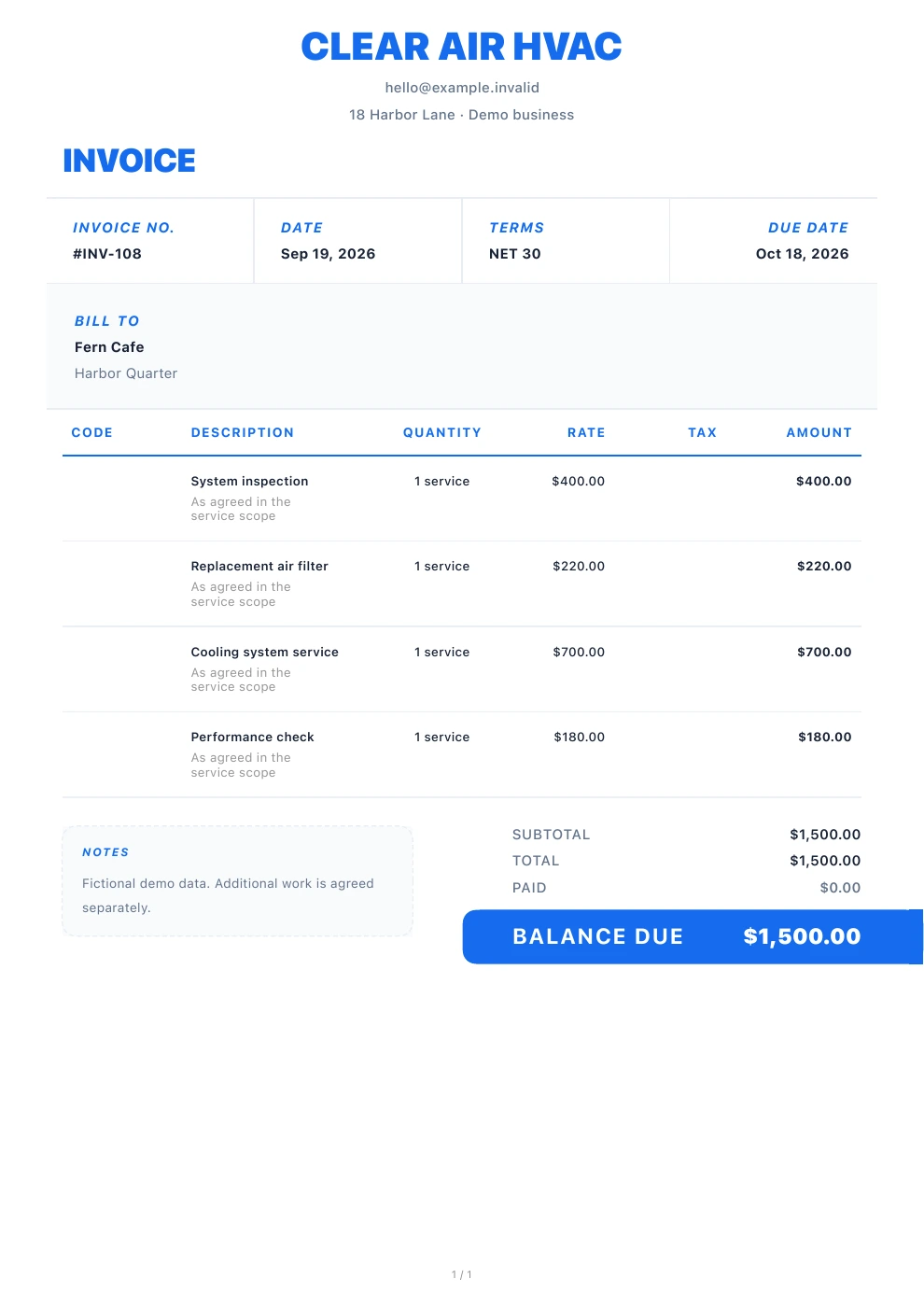
Quote diagnostics, equipment, parts, installation and commissioning separately. Once the fault is identified, confirm the scope and price of the repair or replacement. Save the equipment model in the notes so you can find previous documents at the next maintenance visit.
Explore this industry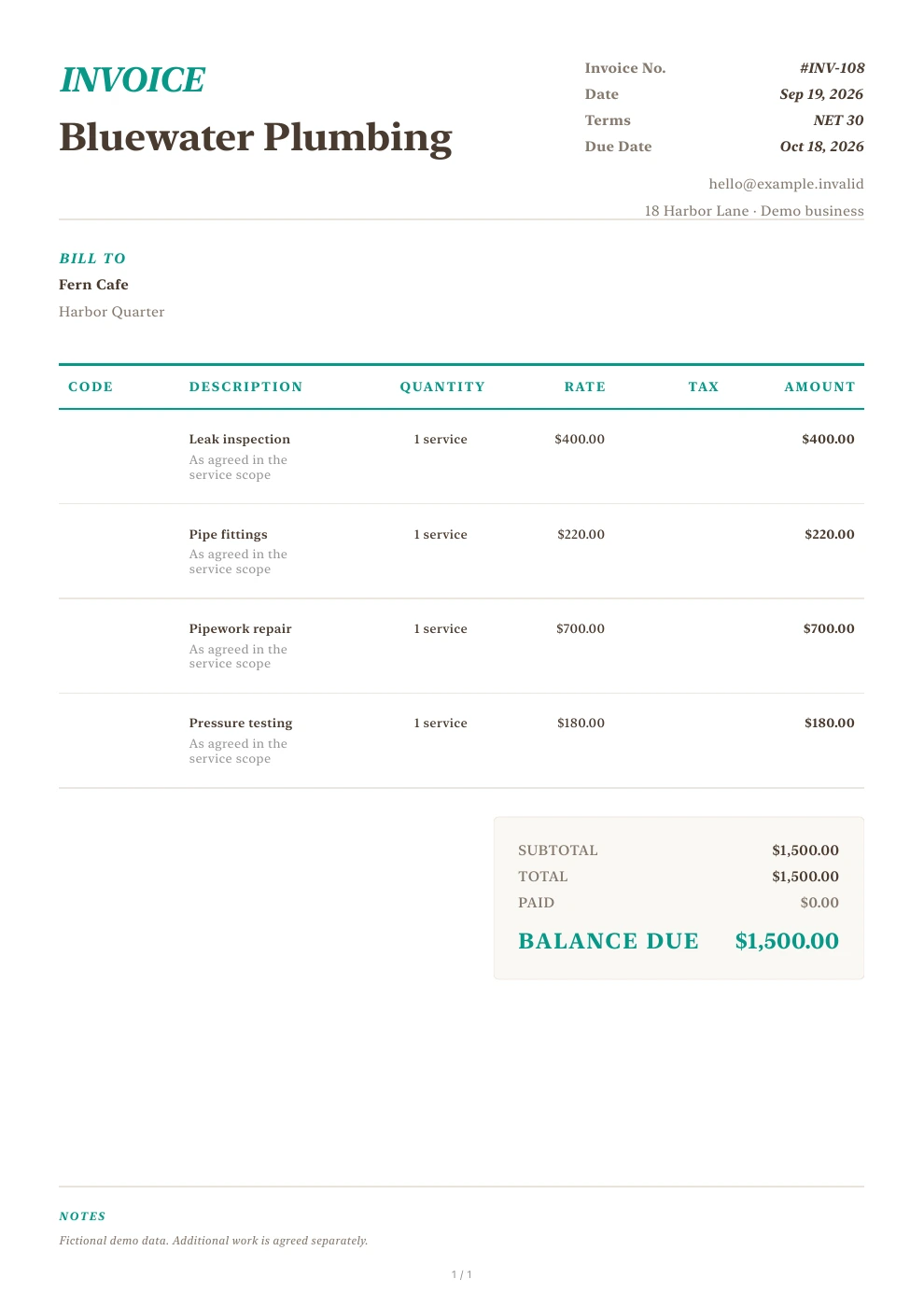
Plumbing
Price call-out inspections, leak detection, replacement fittings and repair labor separately. If opening a wall reveals more damage, update the estimate and confirm it with the customer first. Then invoice for the actual repairs and record the customer's payment.
Explore this industry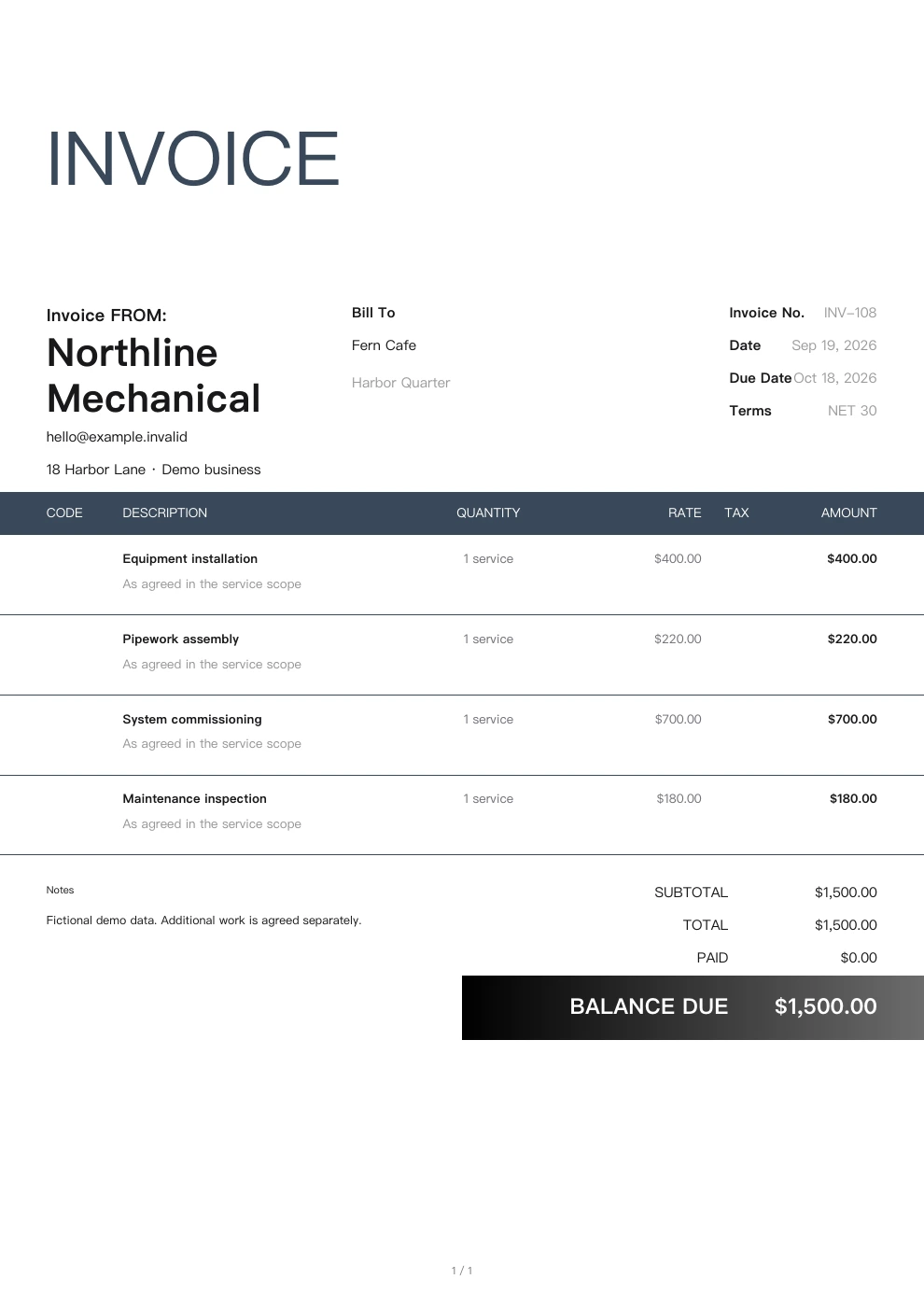
Mechanical contracting
Charge separately for equipment supply, connection materials, installation and testing. Keep purchase expenses and documents within the project, invoice at the agreed milestones, and record each customer payment.
Explore this industry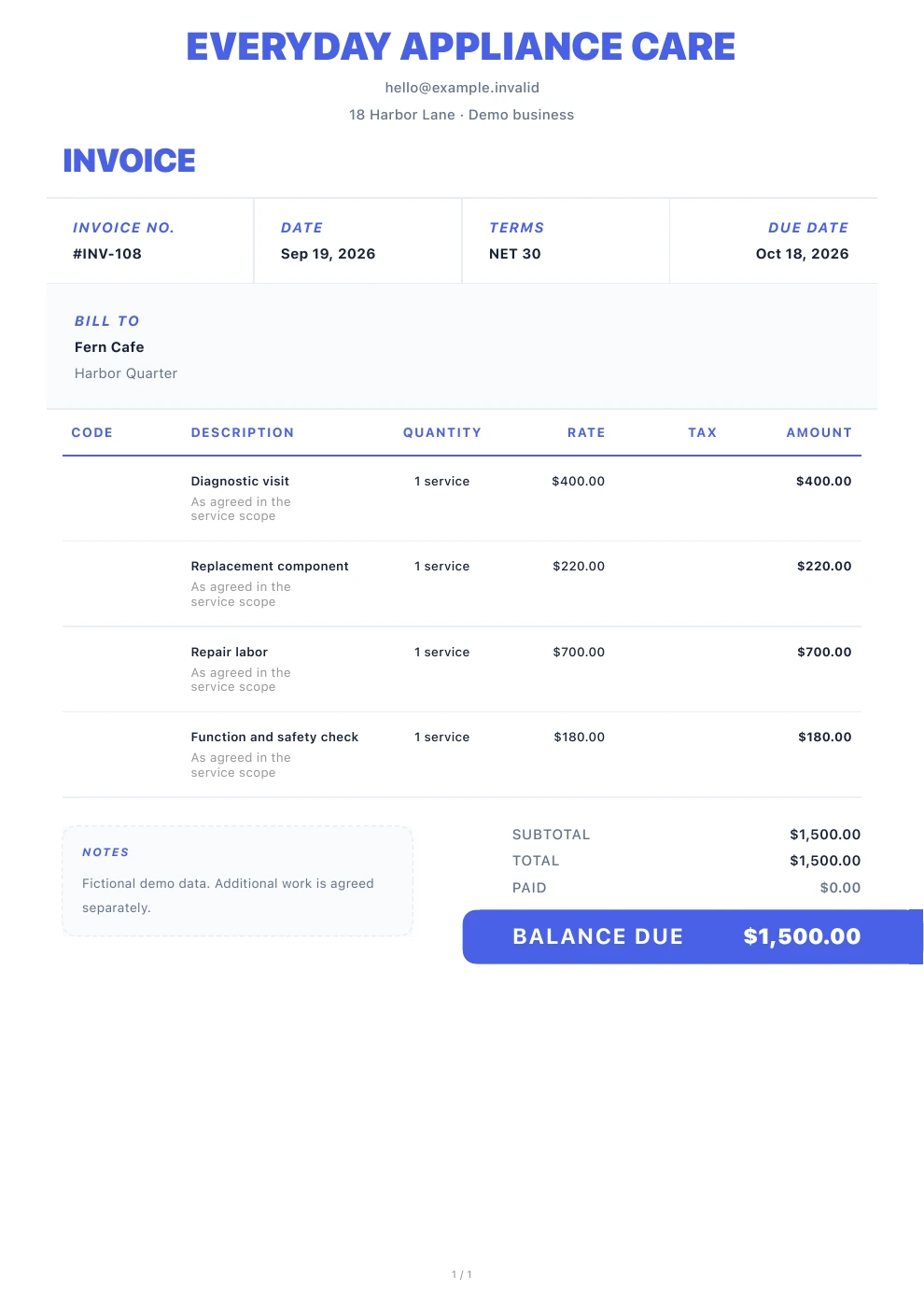
Appliance repair
Explain the diagnostic fee before the visit, then quote parts and labor once the fault is confirmed. Save the appliance model, site photos and purchase details so you can refer to the agreed work when ordering parts or returning for another visit.
Explore this industry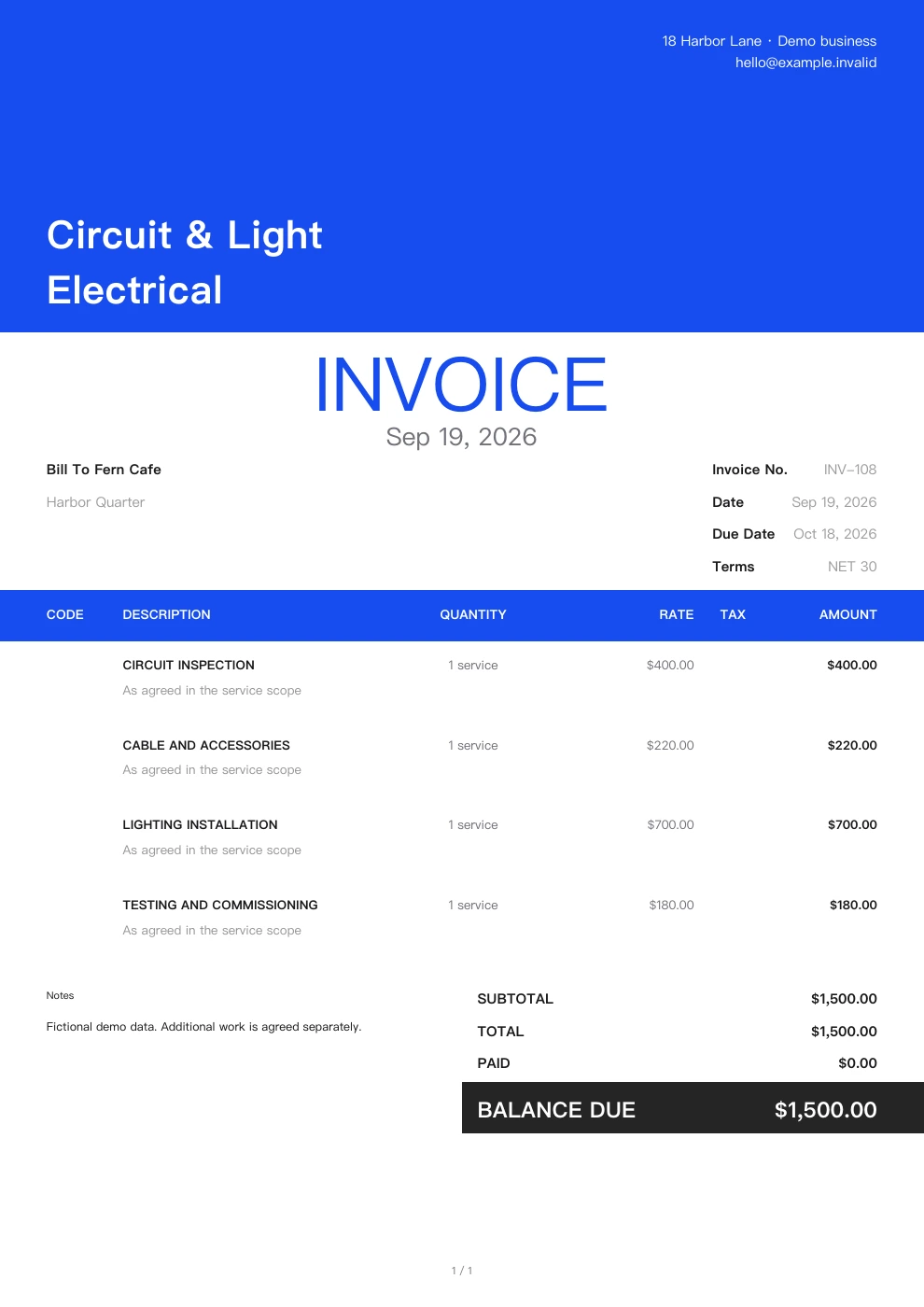
Electrical
List cables, lighting, distribution equipment, installation and testing separately. If the customer supplies equipment or adds circuits during the job, describe the corresponding work in the quote. Invoice for the work both parties have confirmed.
Explore this industryInterior and property services
Cleaning
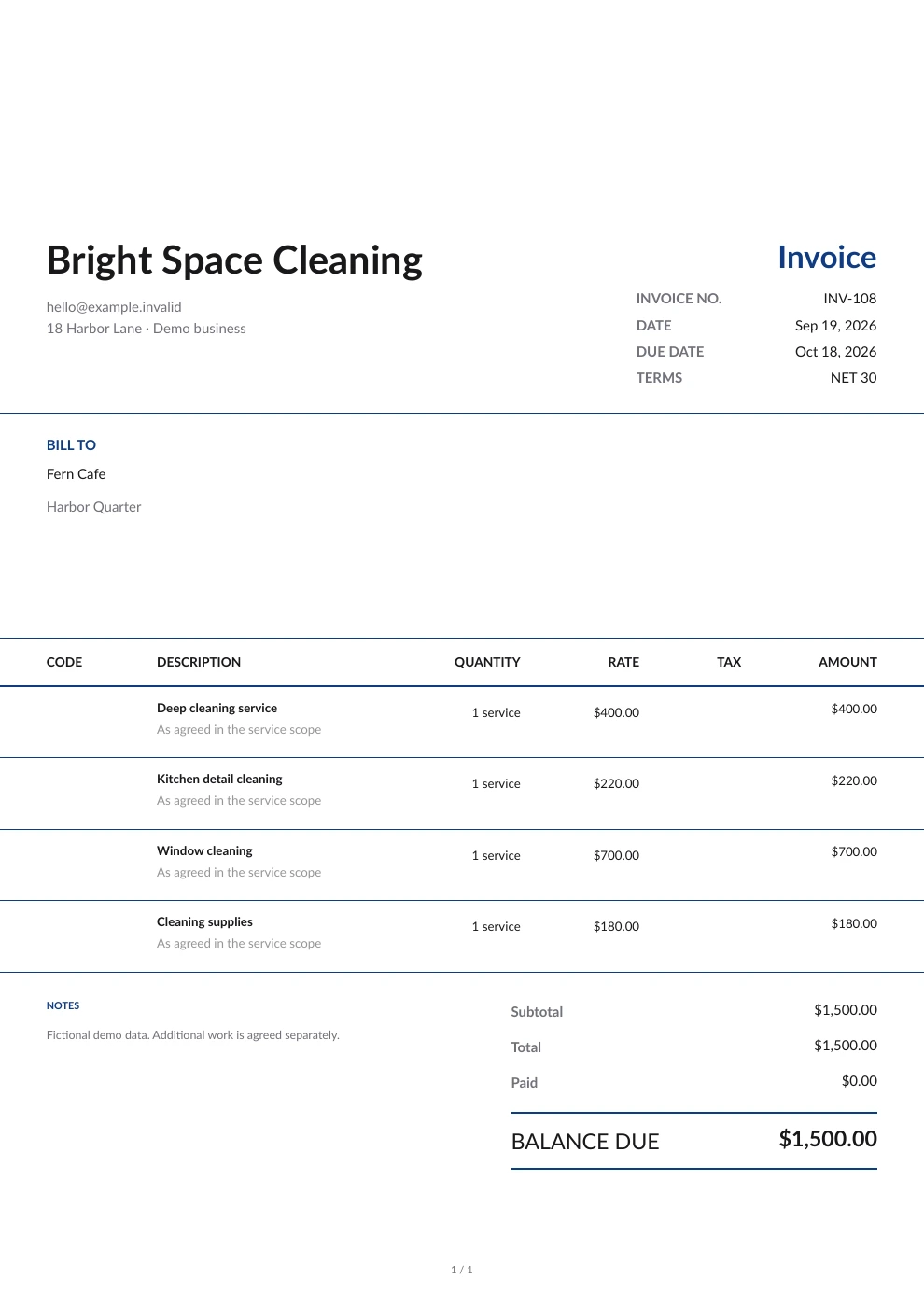
End-of-tenancy deep cleaning and weekly cleaning cover different services. Specify the rooms, number of visits and extras such as windows or oven cleaning. Reuse saved customer details, invoice for the services actually provided, and check outstanding balances.
Explore this industry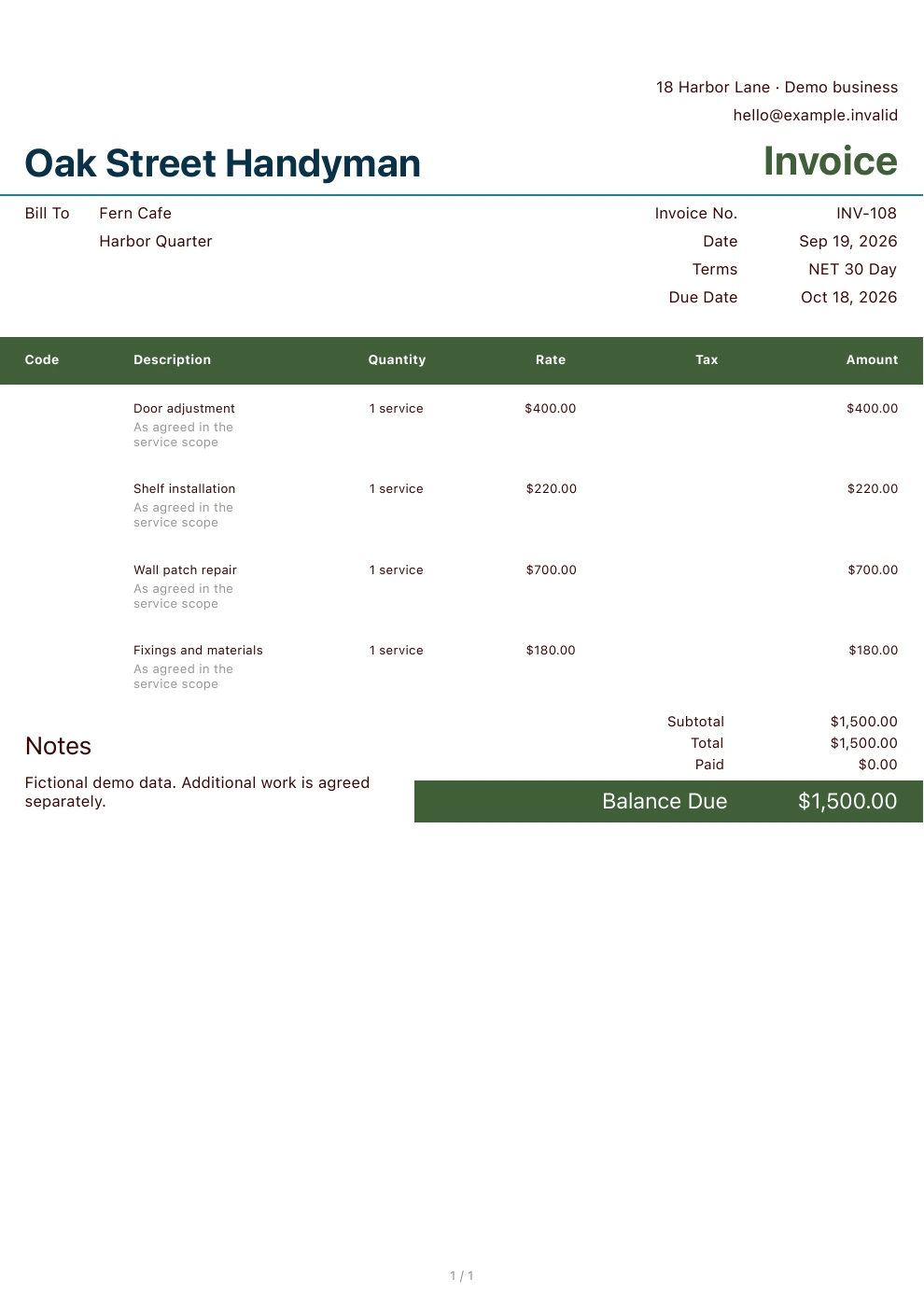
Handyman
List door repairs, faucet replacement and wall patching in one quote. Show materials and labor for each task, and add on-site extras once they are approved, so the bill matches the repairs made during the visit.
Explore this industry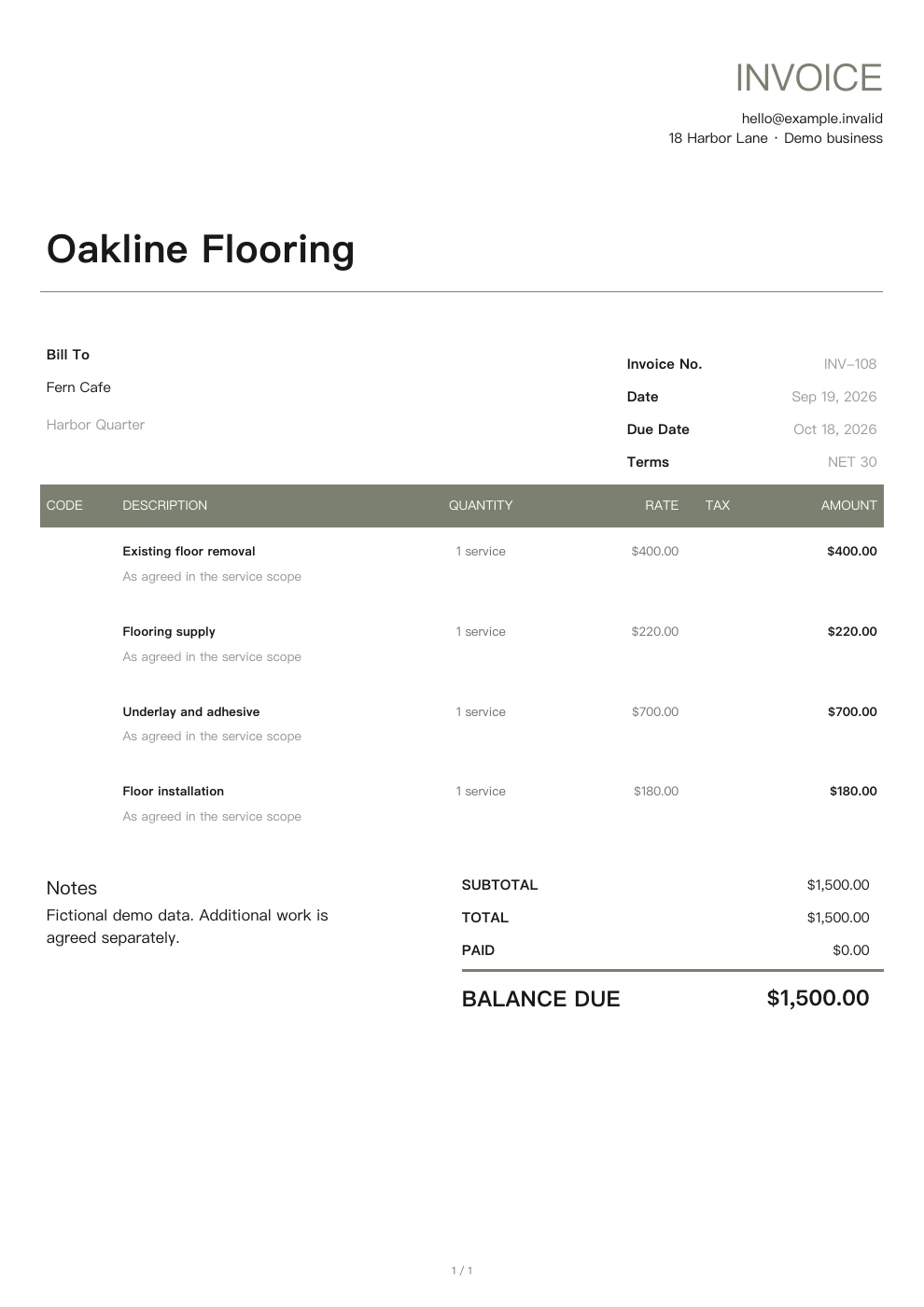
Flooring
Use the measured area to list flooring materials, subfloor preparation, installation and skirting boards. If removing the old floor reveals a need for leveling or additional work, update the quote and keep purchase and expense records.
Explore this industry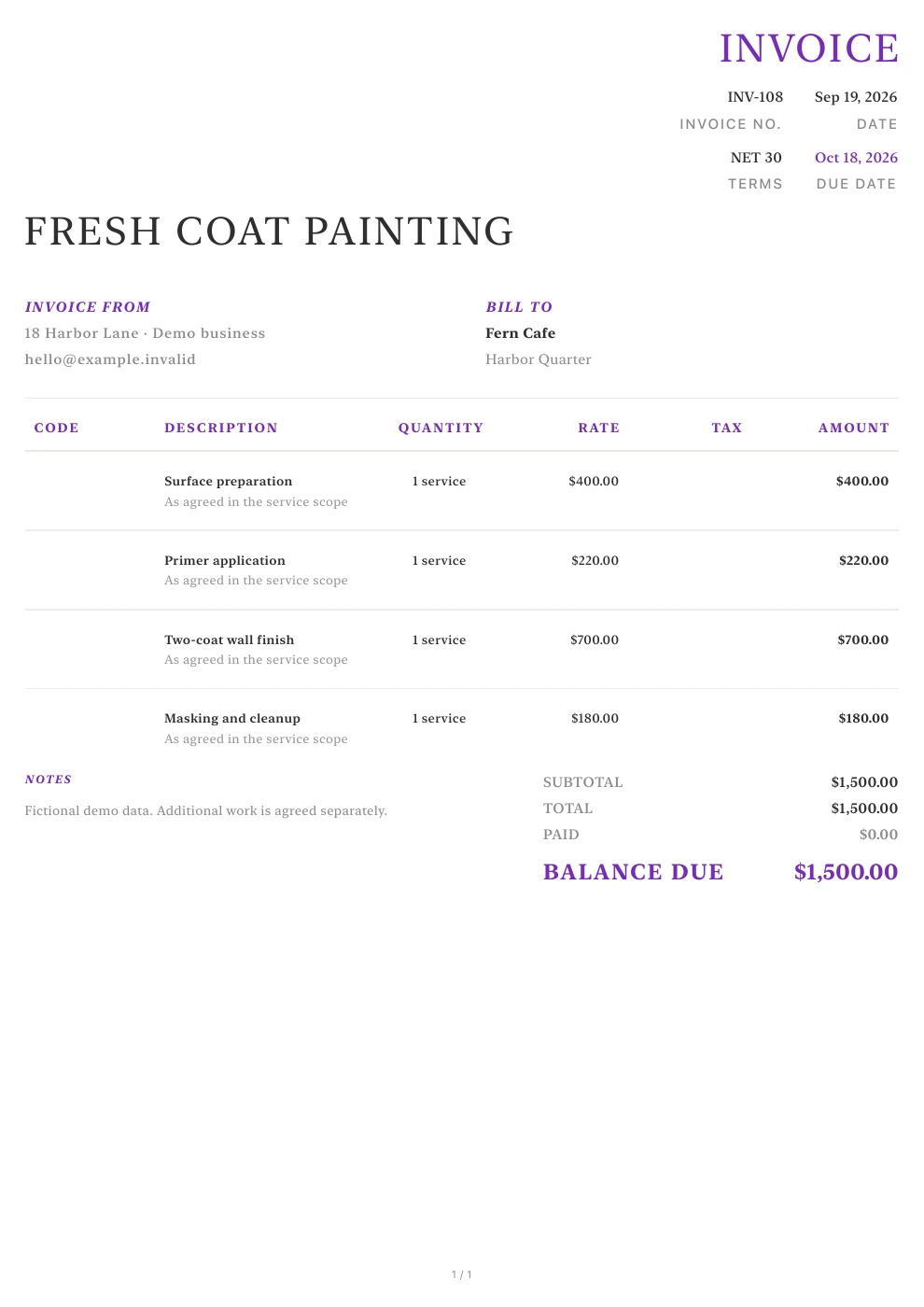
Painting
Quote wall repairs, primer, topcoat and labor separately, specifying colors, products and the number of coats. Save material purchase details and invoice for completed work. Record the advance payment and final payment separately.
Explore this industryOutdoor services
Landscaping
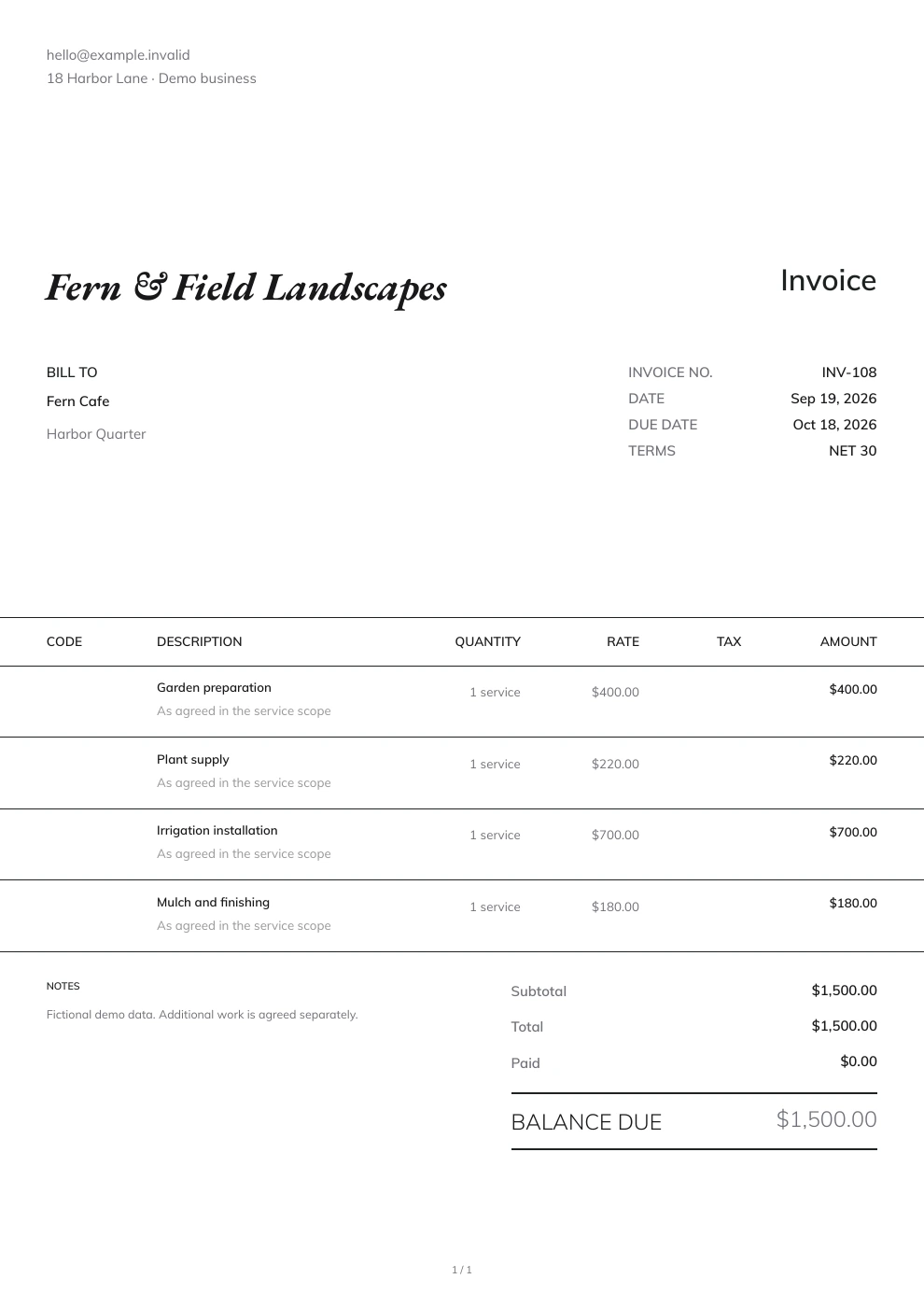
Quote site preparation, plants, soil, paving materials and on-site work separately. Adjust the estimate if the customer changes the planting or material plan. Keep purchase details, photos and payment records with the corresponding project.
Explore this industry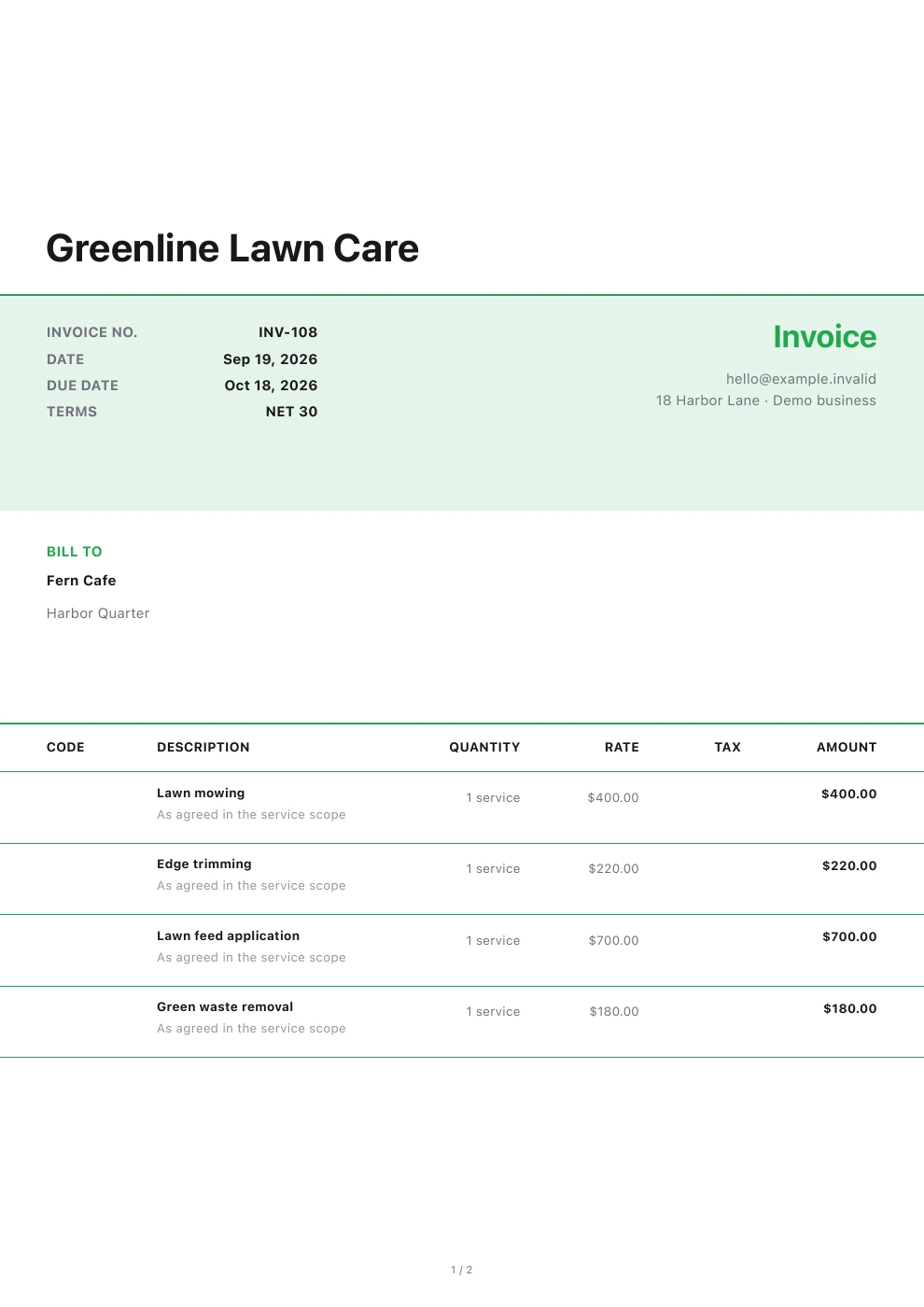
Lawn care
Charge for mowing, edging and seasonal cleanup per visit or over an agreed period. Base each bill on the visits actually made during that period, and record fuel expenses, equipment expenses and customer payments separately.
Explore this industry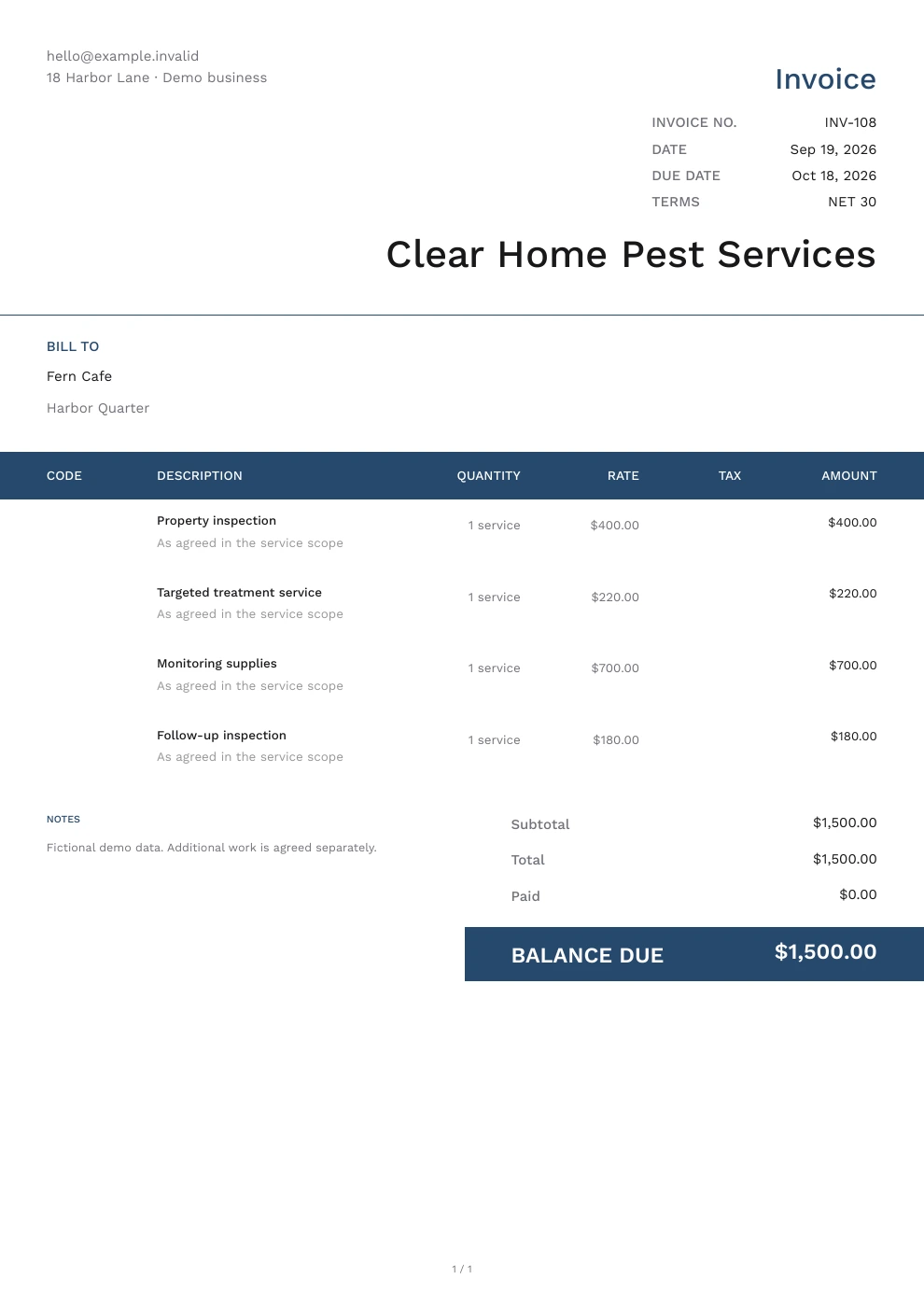
Pest control
Confirm the areas to inspect and the number of treatments and follow-up inspections, then inform the customer. State the agreed scope in the quote, and organize site records, consumable expenses and payments for each service by location.
Explore this industry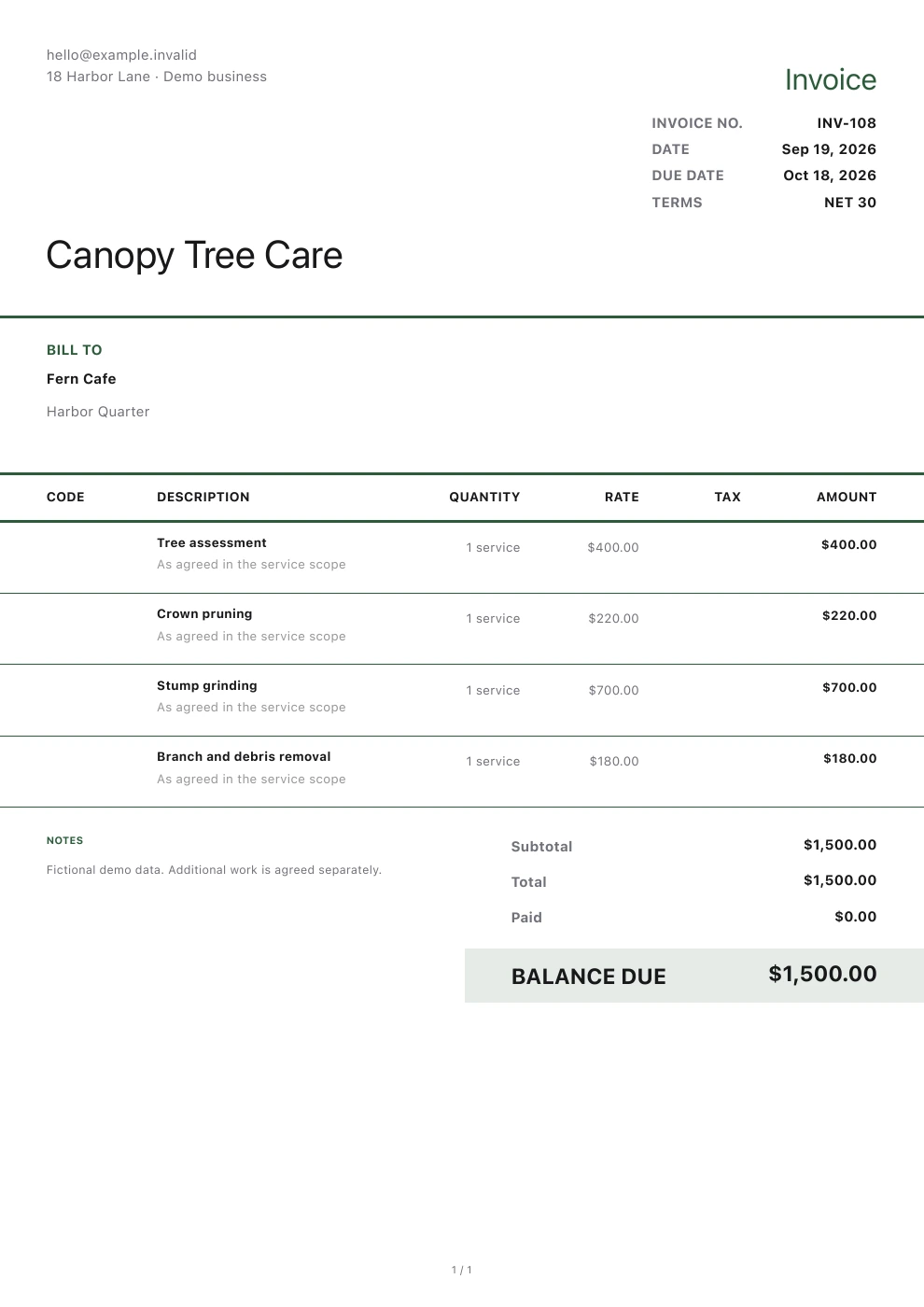
Tree service
Use each tree's location to describe the scope of pruning or removal, and quote stump work and hauling separately. Agree on any additional costs in advance if access conditions or equipment requirements change, then record equipment costs and customer payments.
Explore this industrySmall businesses
Before you get started
Which industries can I find here?
You'll find construction, equipment services, interior services, outdoor maintenance and small businesses. Each page explains how to use Pocket Invoice for that type of work. Start with the one closest to your business.
What can I use Pocket Invoice for?
Use Pocket Invoice to create business documents and manage customers, projects, expenses and payment records. Engineering design, technical certification, route optimization and statutory filings require the appropriate specialist tools.
Where do I start my first document?
Each industry page has online tools and templates for making a document when you need one. To keep customer and project records over time, sign in to the Web app or download the app.
Start with the job in front of you
List the agreed work in a quote, then invoice and record payments once it is confirmed. Reuse the saved details the next time you create a document for the same customer.