
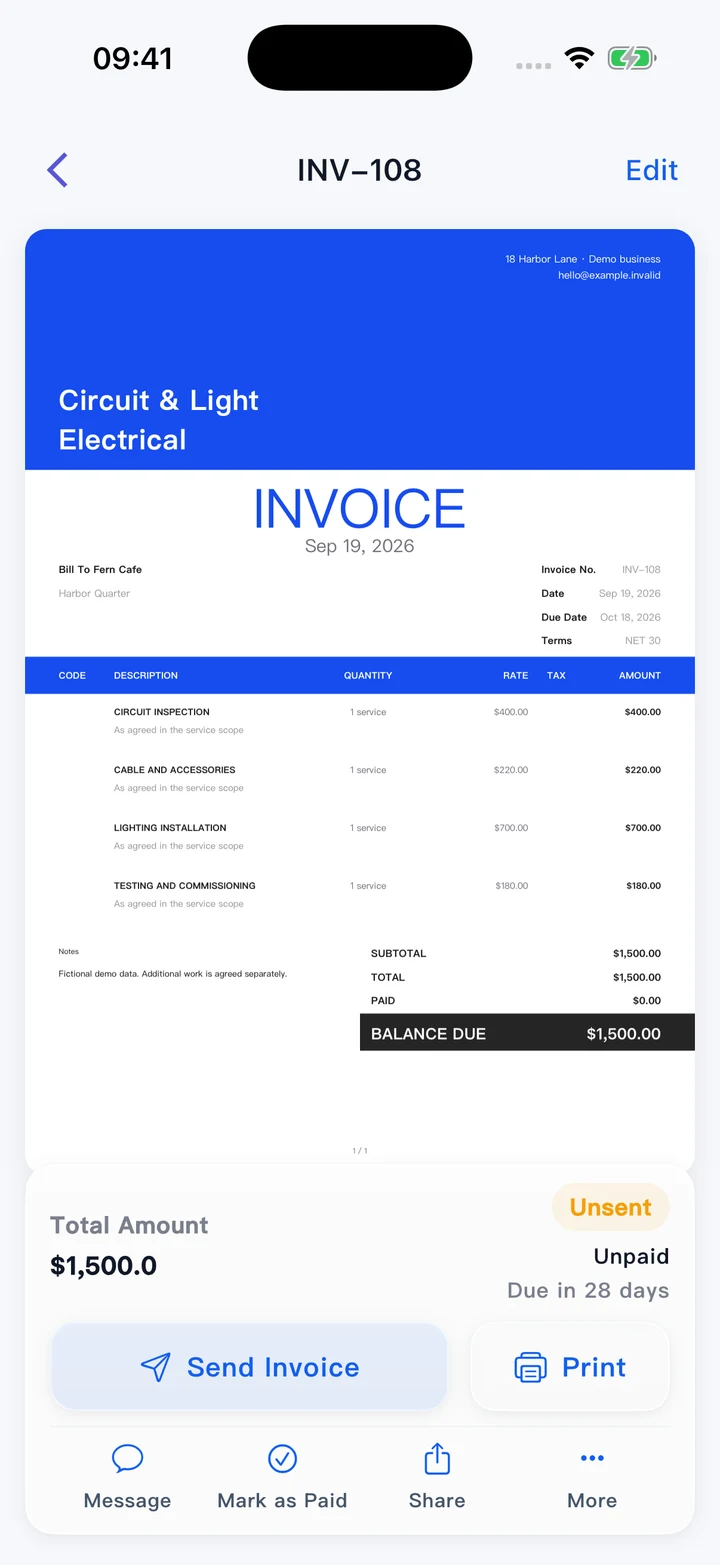
Professional invoices
Present your work clearly and keep invoice and payment records in one account.
Explore in the Web appKeep estimates and accounts as orderly as the work itself. Pocket Invoice helps electrical contractors manage material and labor charges, project documents and customer payments across inspections, installations and upgrades.
Available on Web, iPhone and Android
Prepare the documents, keep customer records close and understand the money behind the work.
Present your work clearly and keep invoice and payment records in one account.
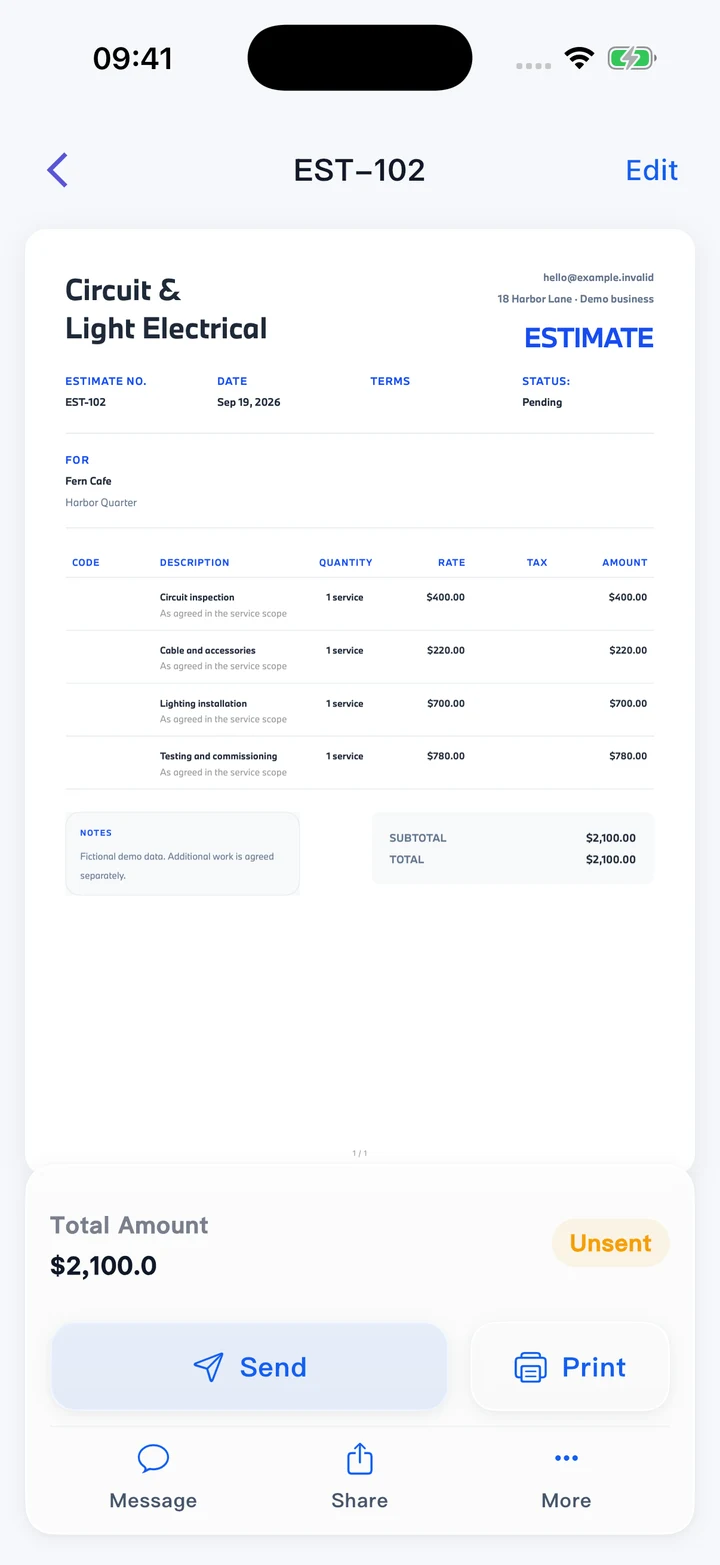
Explore in the Web appGive customers a considered proposal. Approved details can continue into an invoice.
Explore in the Web app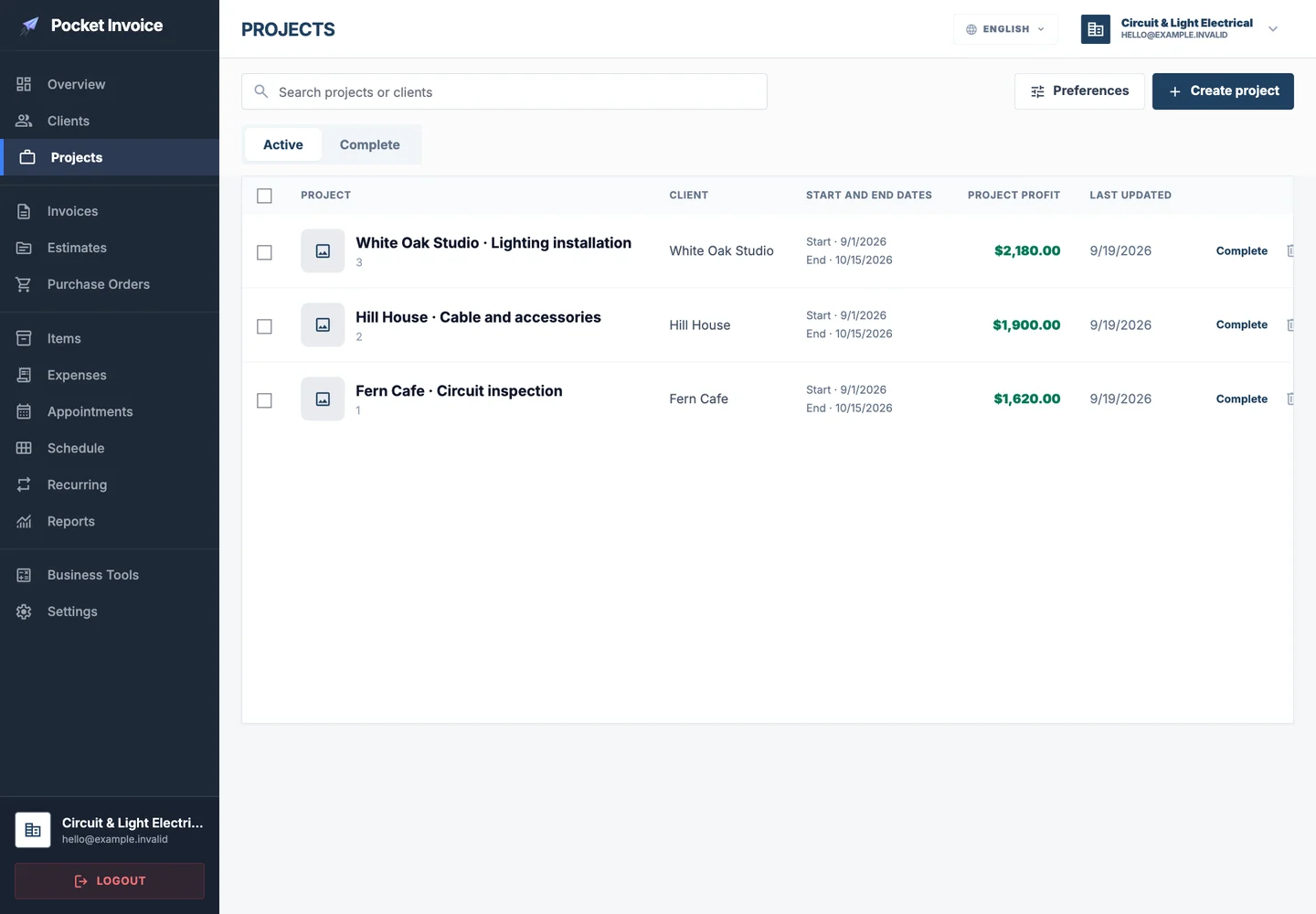
Bring customer details, documents and expenses together for the relevant job.
Explore in the Web app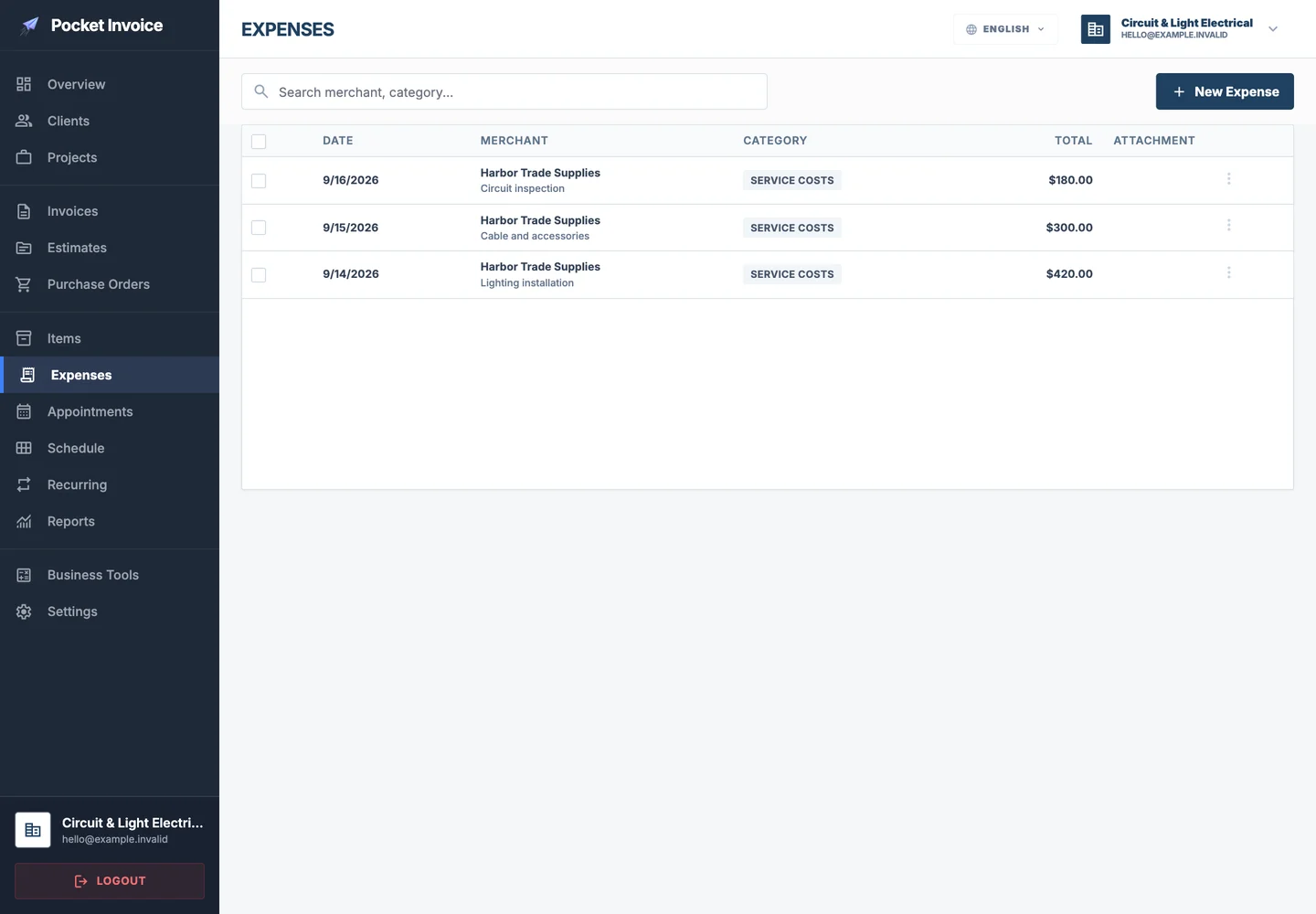
Keep business spending and supporting receipts available for later review.
Explore in the Web app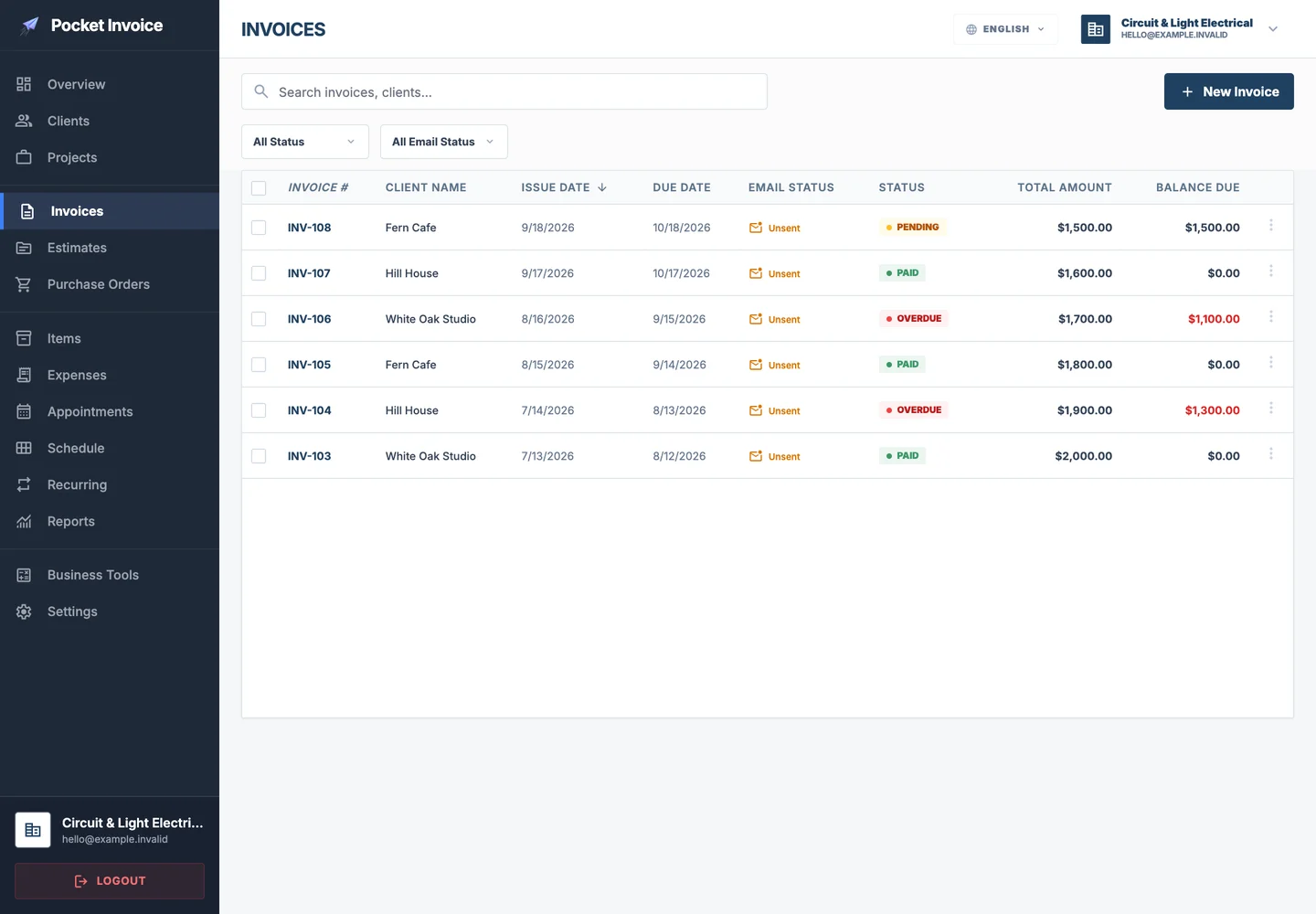
Copy familiar invoices or estimates and update the details for the next job.
Explore in the Web appUse your business information and choose from the application's PDF designs.
Explore in the Web app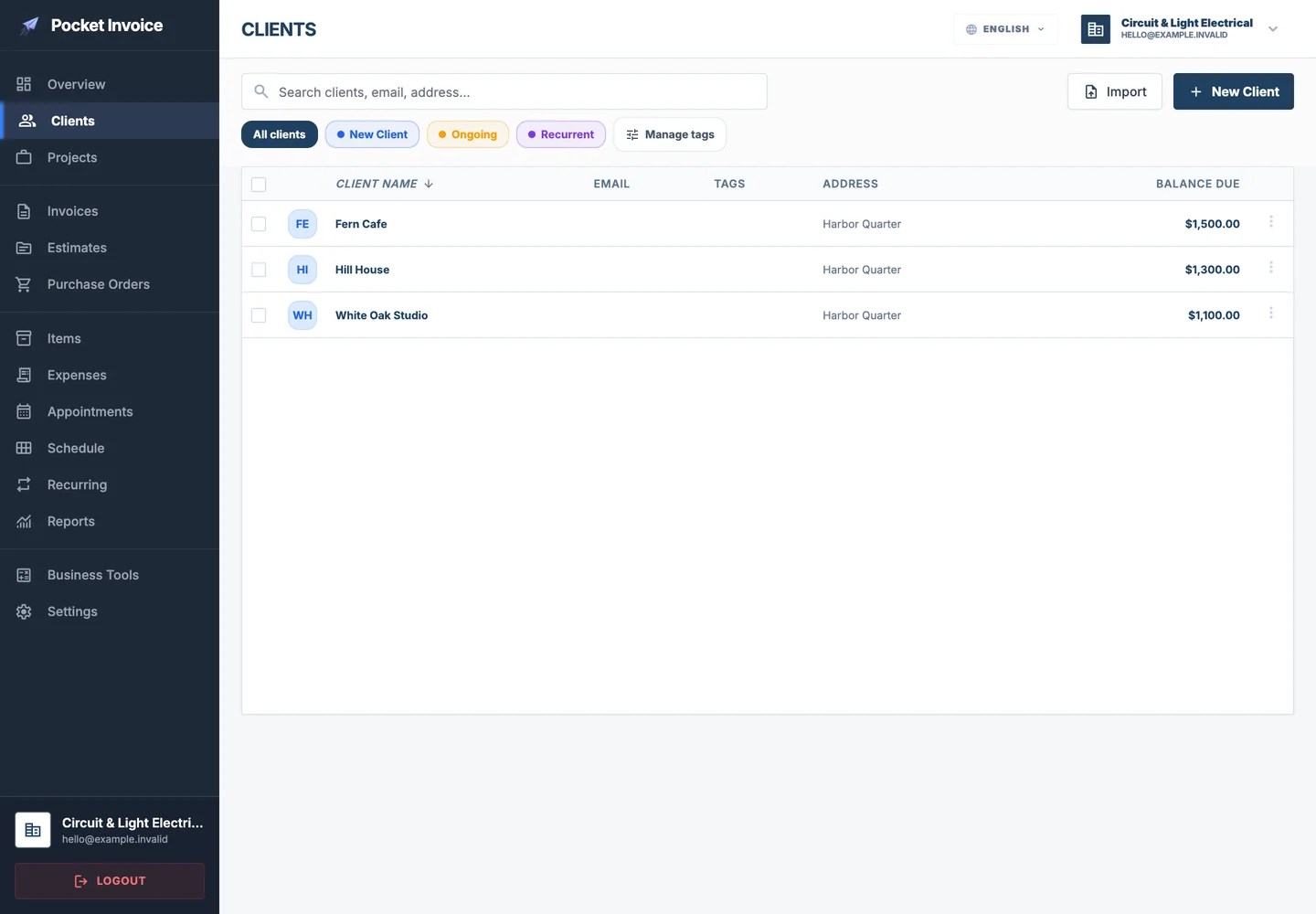
Save customer details once and use them again for future work.
Explore in the Web app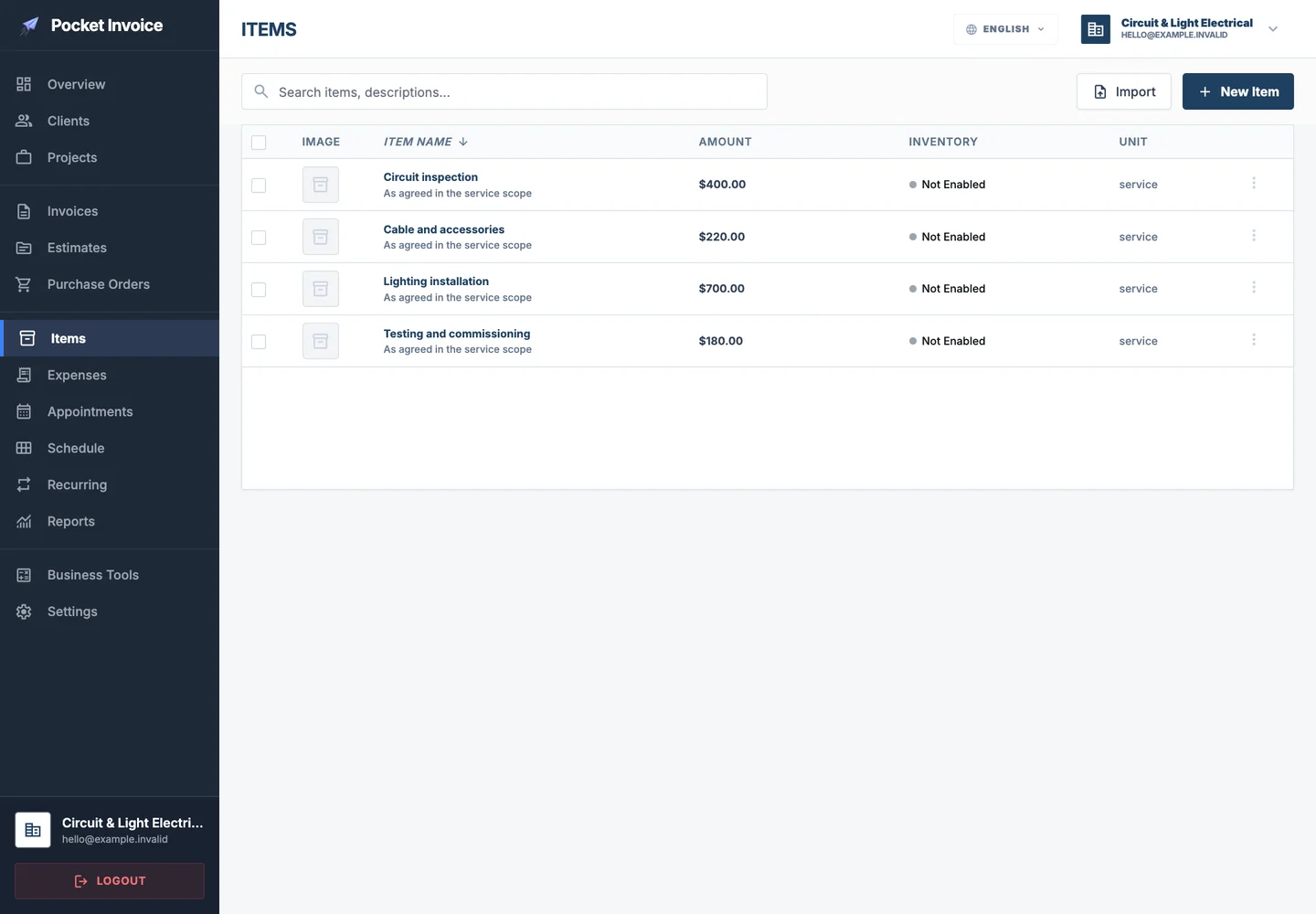
Keep frequently used items ready, with descriptions, quantities and rates.
Explore in the Web app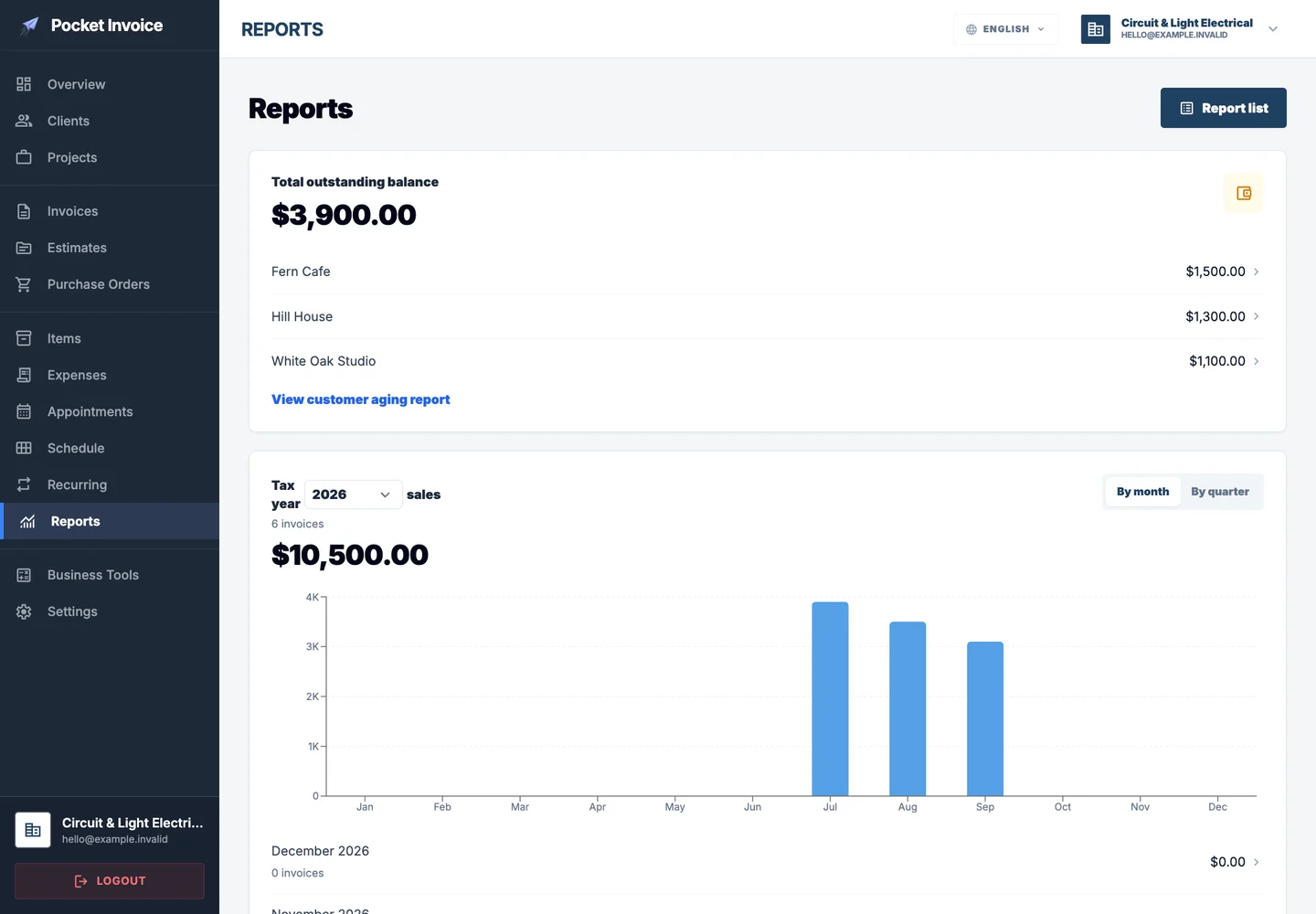
Review recorded sales, payments and expenses to understand business performance.
Explore in the Web app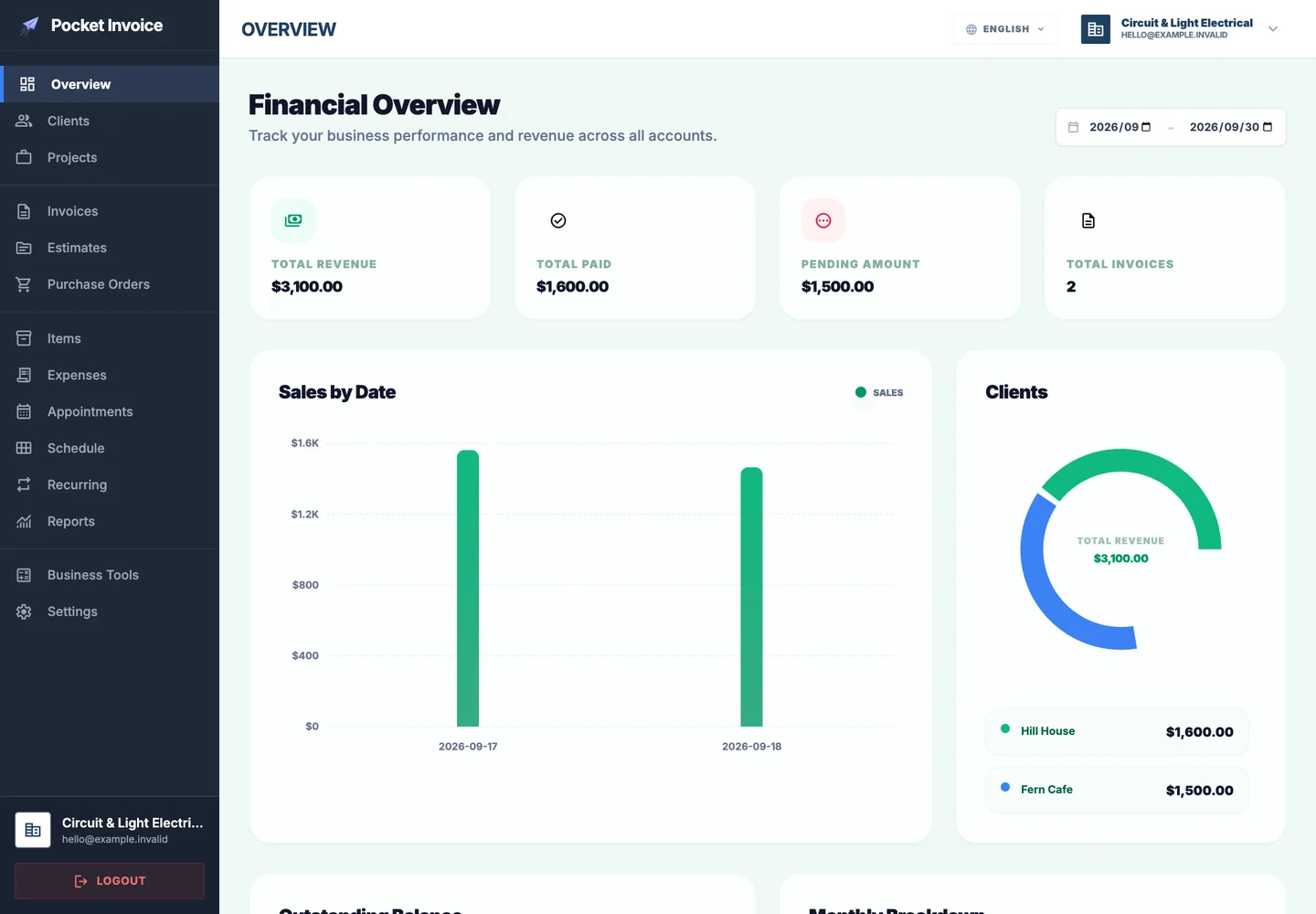
Use the phone app for the document a customer needs today, then the Web workspace for a broader review. Choose the device that suits the moment while keeping business records with the same account.
Get started · Web loginElectrical business software organizes the administrative records surrounding electrical work. It connects priced services and materials with estimates, invoices and expenses, while technical designs and statutory certificates remain separate professional records.
Explore in the Web app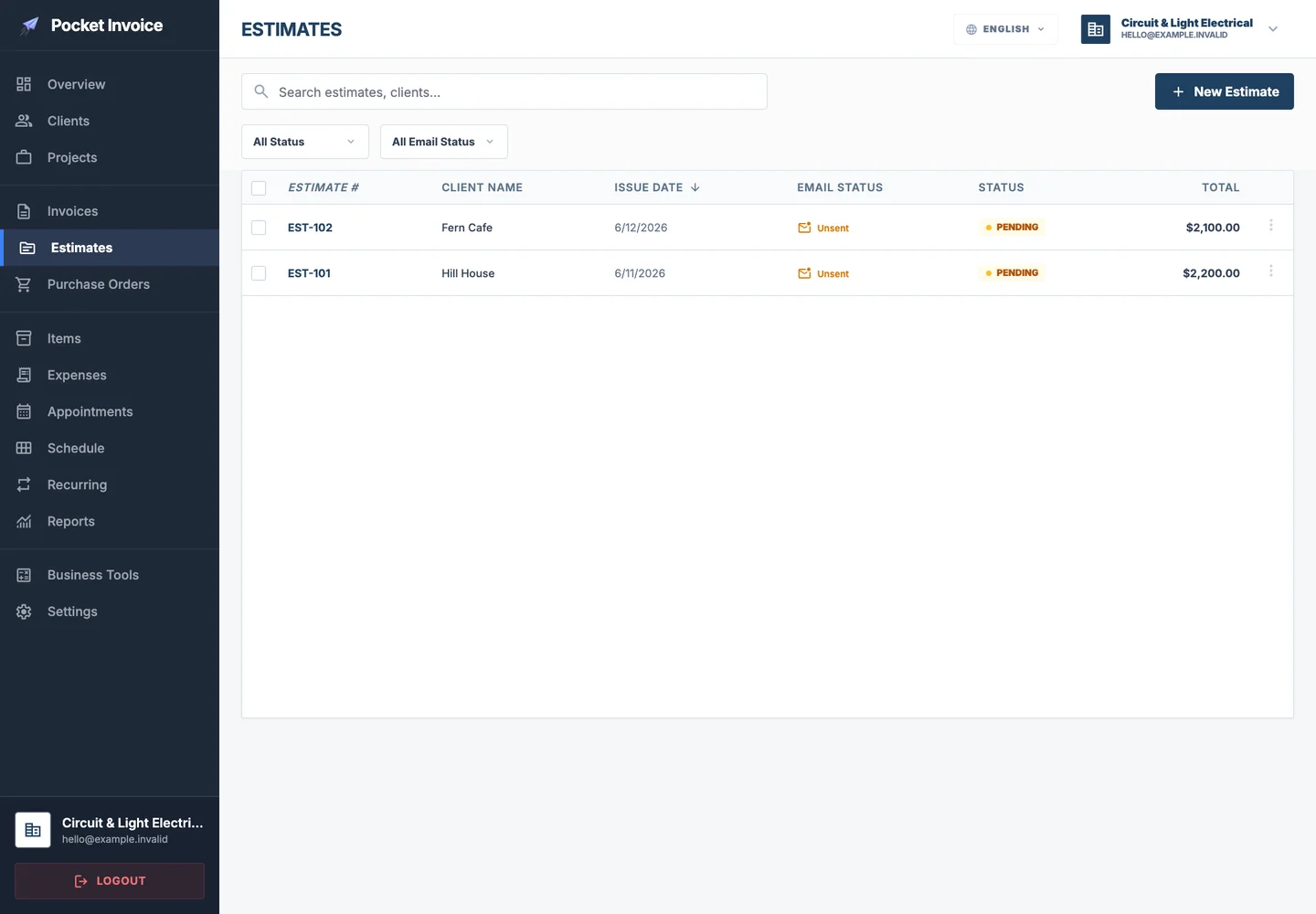
Keep the customer's request, the agreed work and the payment record connected throughout the job.
List cables, accessories, fixtures and installation services separately. A clear estimate helps the client understand the proposed scope and the basis of the price.
Explore in the Web appBring the customer's documents and related expenses together for each site. Different installation stages can be described on separate invoices without losing the overall project context.
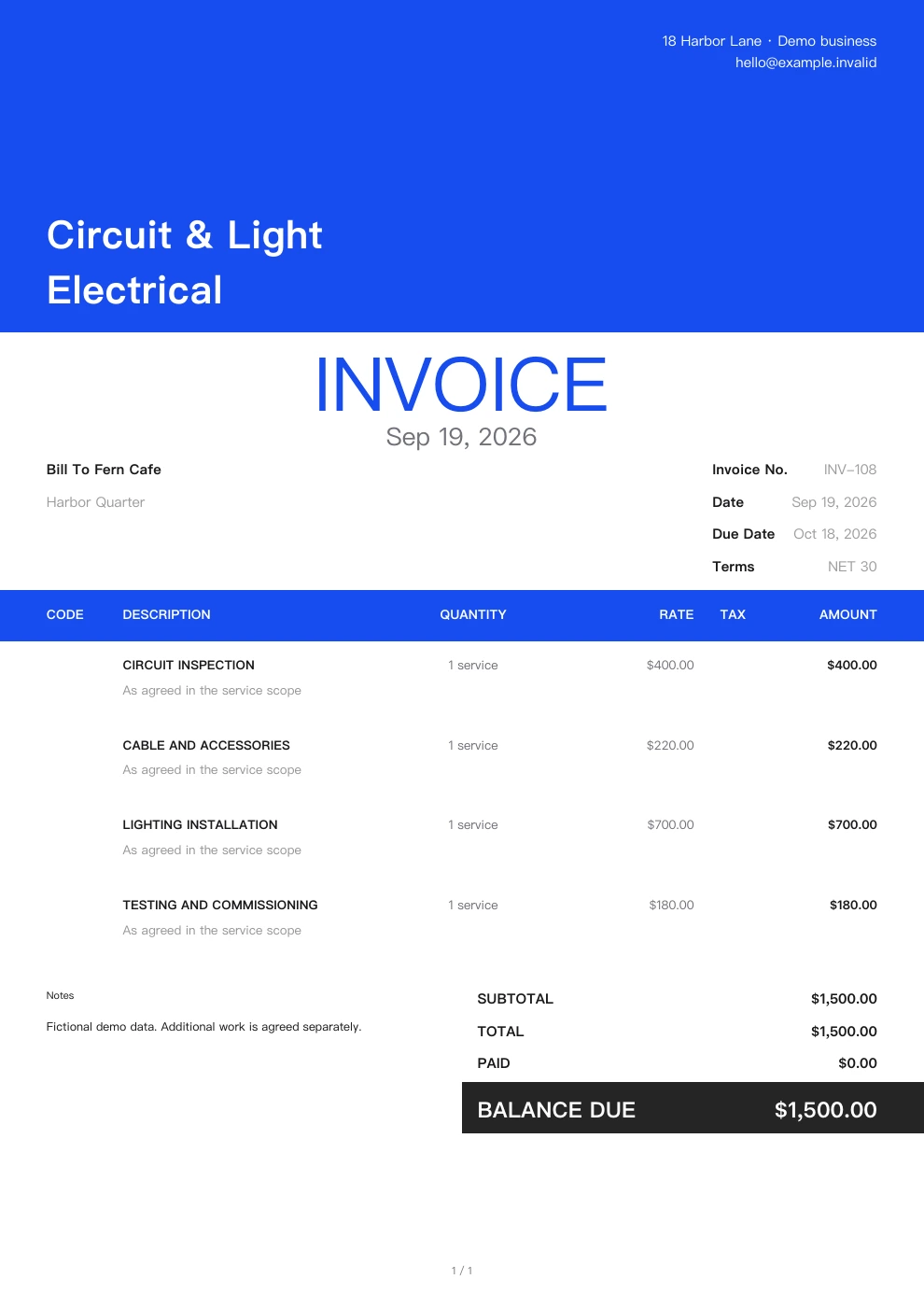
Explore in the Web appInclude agreed testing or commissioning charges as their own items. If the scope changes, describe the additional work explicitly rather than hiding it in the final total.
Explore in the Web appPrepare documents on your phone between site visits and review account balances on the Web. Reuse common service items while retaining the details specific to each job.
Explore in the Web appShow customers a clear proposal with your own details and a real document design. These examples are generated by Pocket Invoice using fictional business data.
Saved clients and items give new documents a useful starting point.
Document amounts follow the quantities and rates you enter.
Choose a PDF design and use your own business information.
Continue with approved details without entering the same work again.
Visit the app stores to read users' own experiences.
Material purchases, specialist equipment and subcontracted work can make an installation costly before payment is complete. Review recorded costs and outstanding balances together to understand the project's commercial position.
Keep the commercial context alongside the work, from the customer's first request to the latest payment.
Start with saved customer and service details, then focus on what is different about this job.
Review what has been received and what remains outstanding before following up.
Keep the relevant documents and expenses with the customer and project.
Sign in on the Web or download the mobile app to explore documents, customers and project records.
Get started · Web loginKeep the commercial context alongside the work, from the customer's first request to the latest payment.
Continue in the Web app to work with documents and records in one place.
Present the proposed scope and price.
Explore in the Web appDocument completed work and amounts due.
Explore in the Web appOrganize planned material purchases.
Explore in the Web appKeep spending and supporting records.
Explore in the Web appReuse details for the next engagement.
Explore in the Web appReview recorded business activity.
Explore in the Web appYes. Use separate service items or invoices to reflect the agreement. Keep technical certification separate from the invoice itself.
Yes. Add relevant work descriptions and notes to the document. This provides billing context without replacing an electrical inspection report.
No. You can sign in through the Web entry on this page, or download the iOS or Android app. Choose the option that fits your work.
Yes. Use your company information, logo and the application's available PDF design settings. Preview the document before sharing it.
Yes. Record payments against invoices and review the remaining balance. Reports reflect the business records saved in your account.
Keep estimates, invoices and customer records organized with Pocket Invoice.