
Free invoice generator
Add your details, choose a template and download your PDF. No account needed.
- No sign-up required
- Automatic calculations
- Download PDF
Your details are sent securely to our PDF service only when you preview or download. This tool does not save documents to an account.
From a blank page to your INVOICE
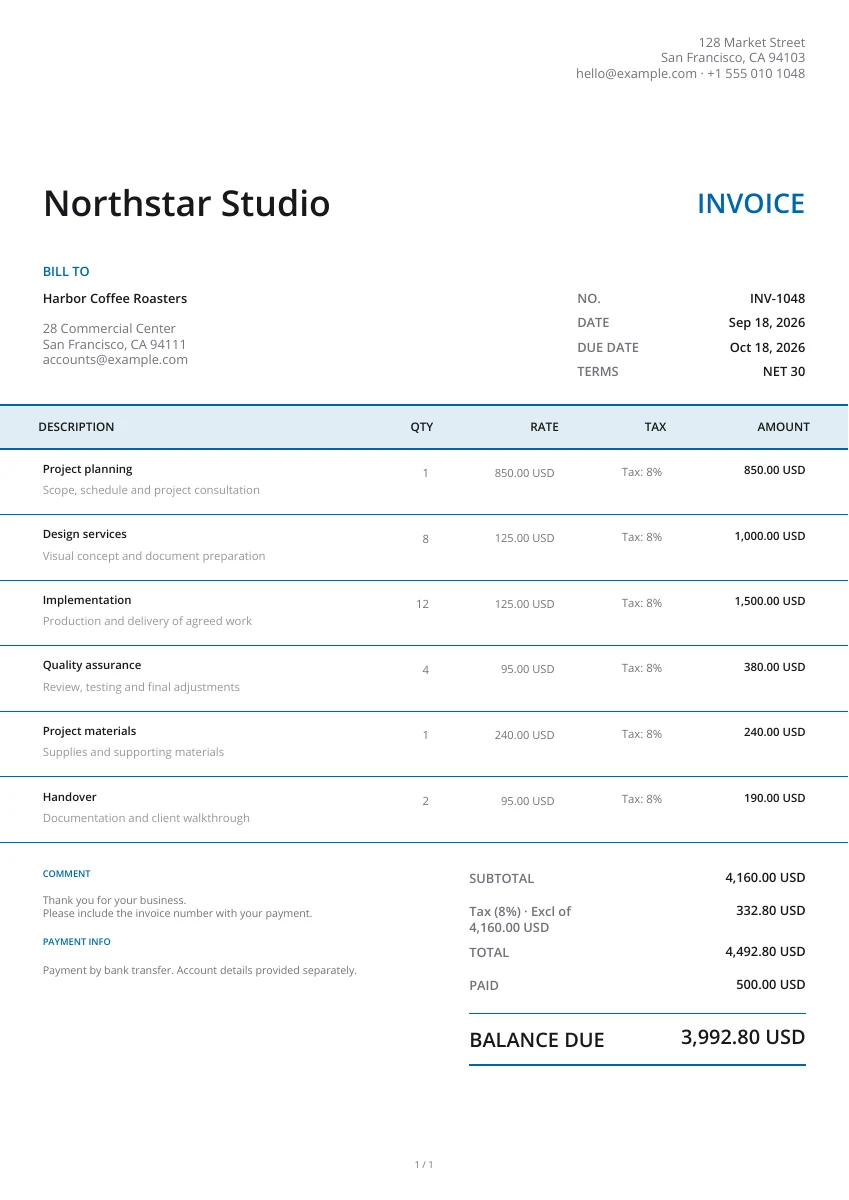
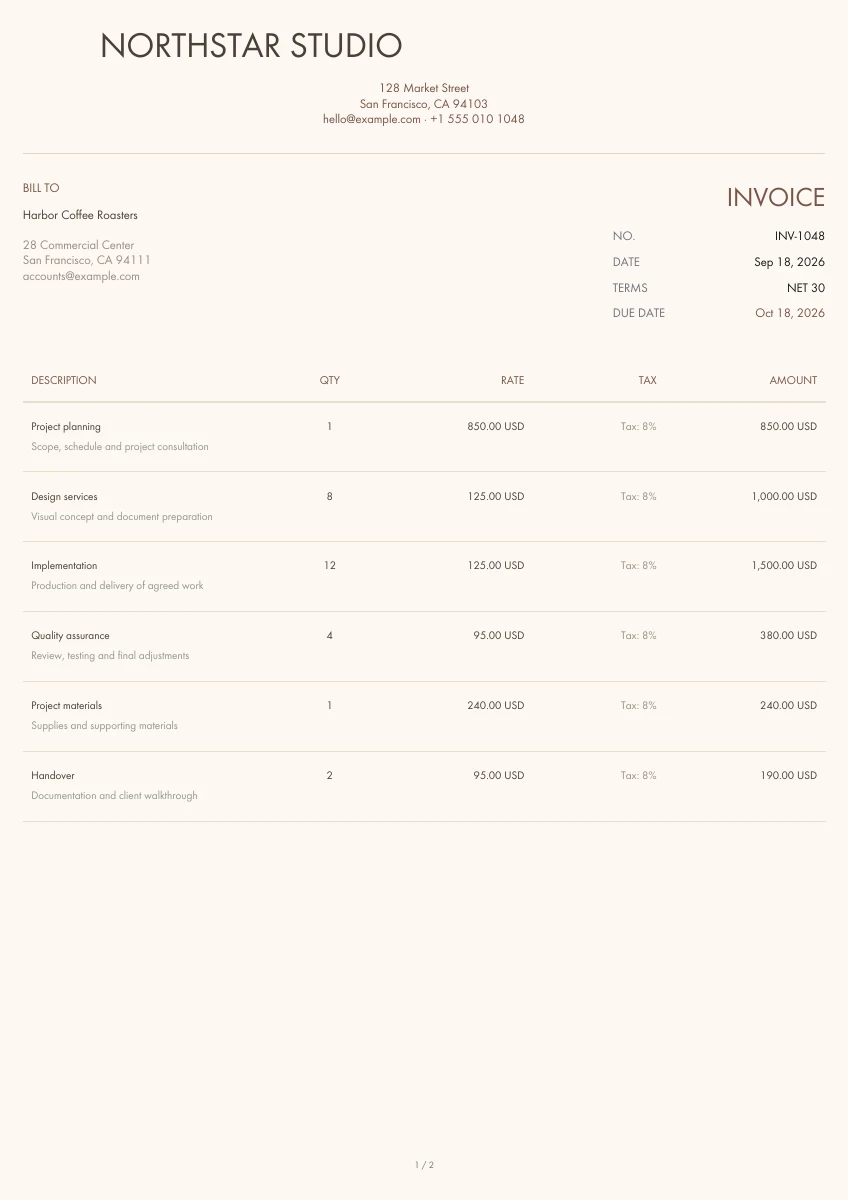
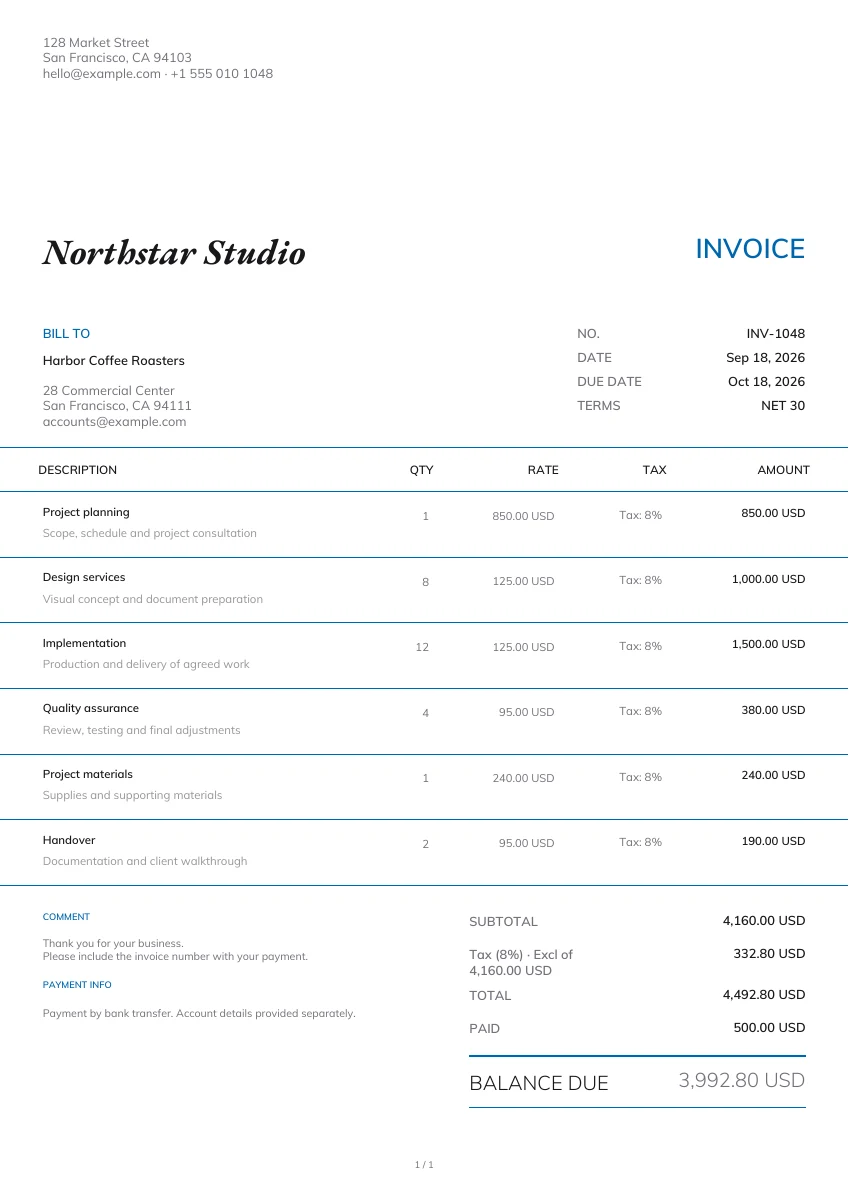
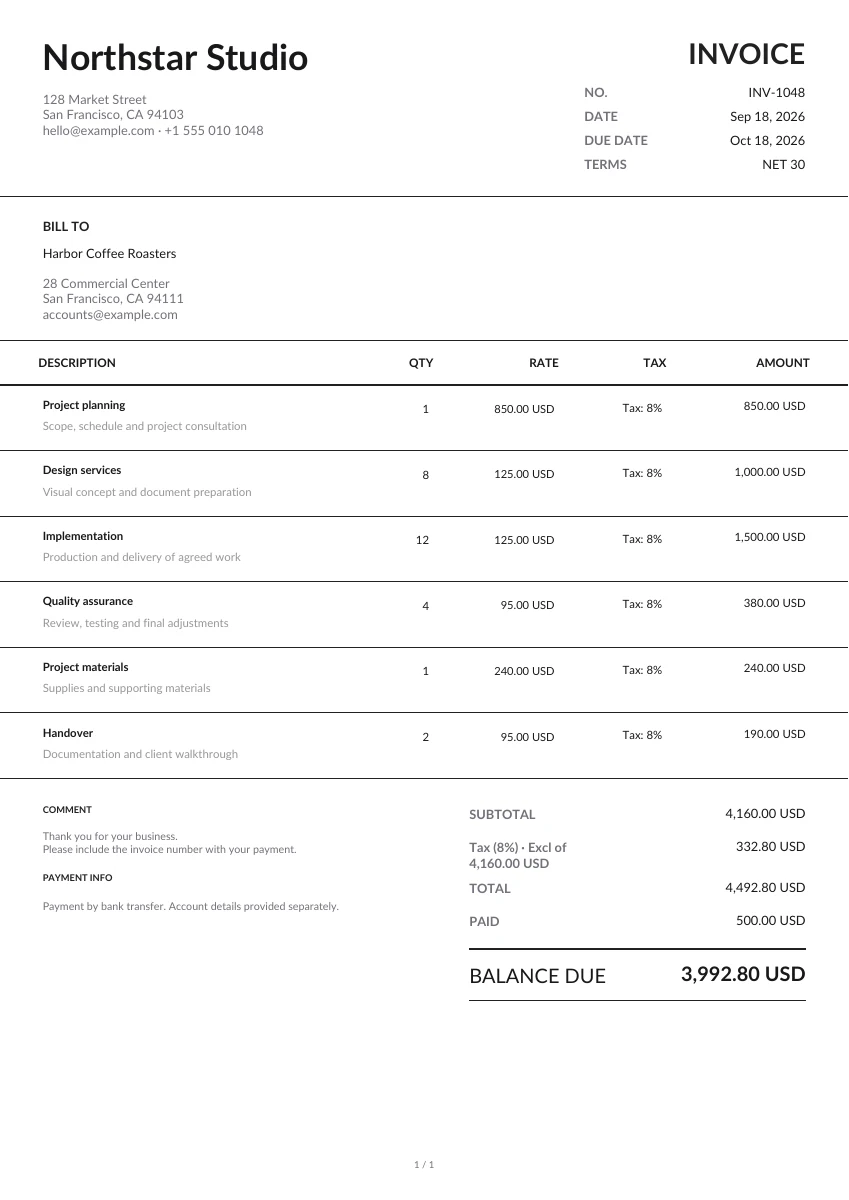
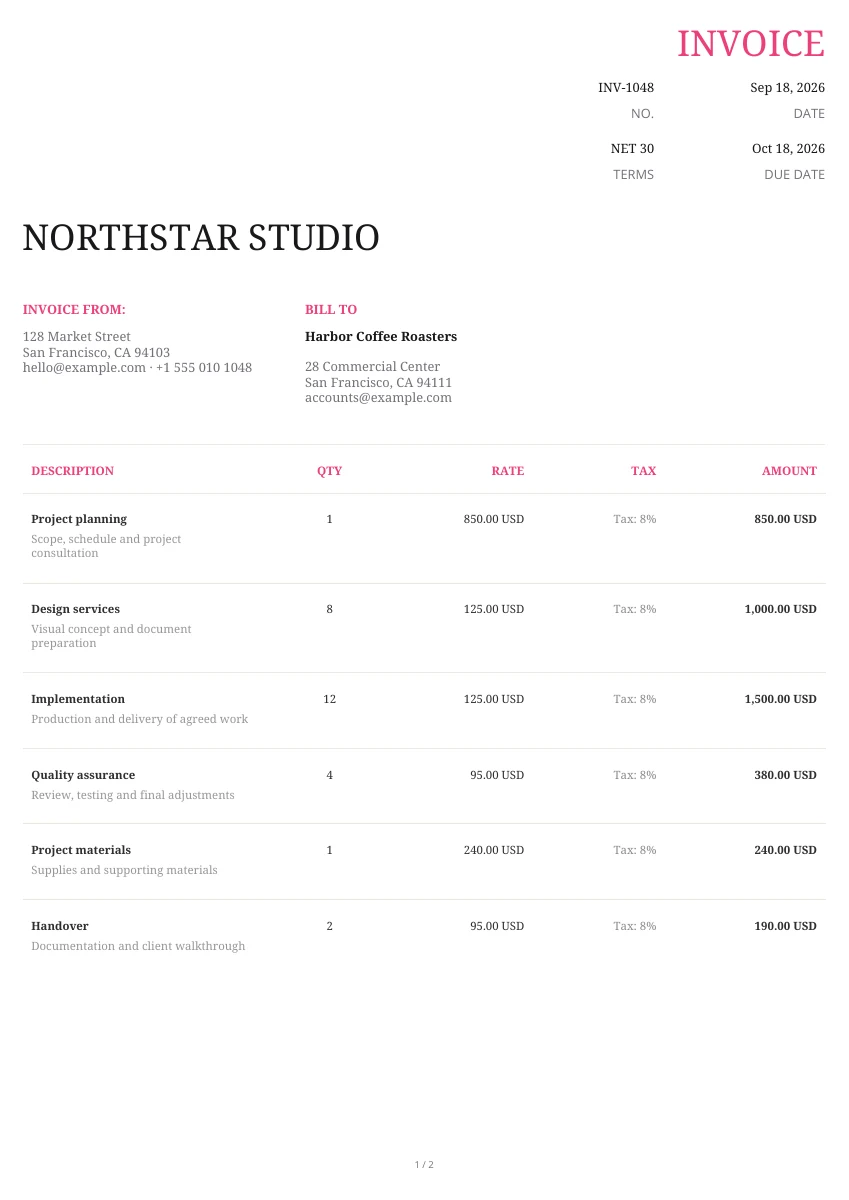
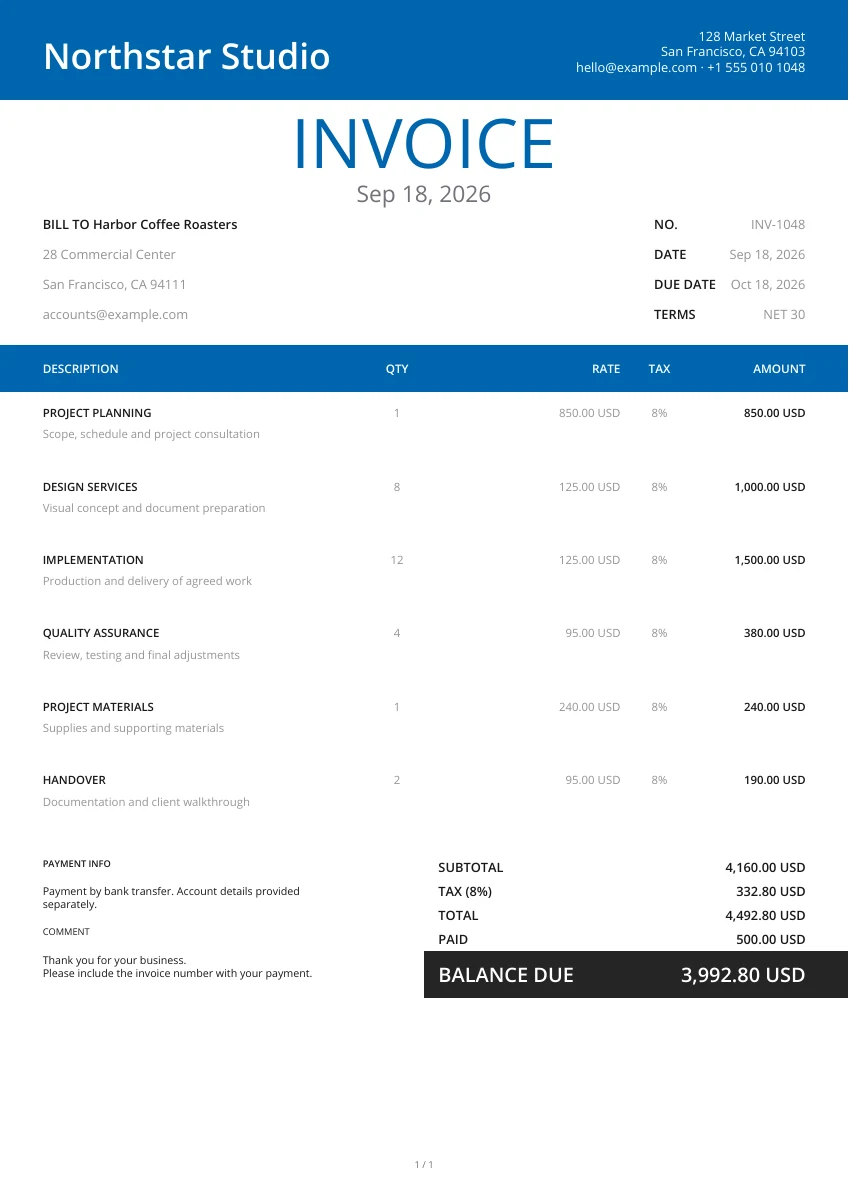
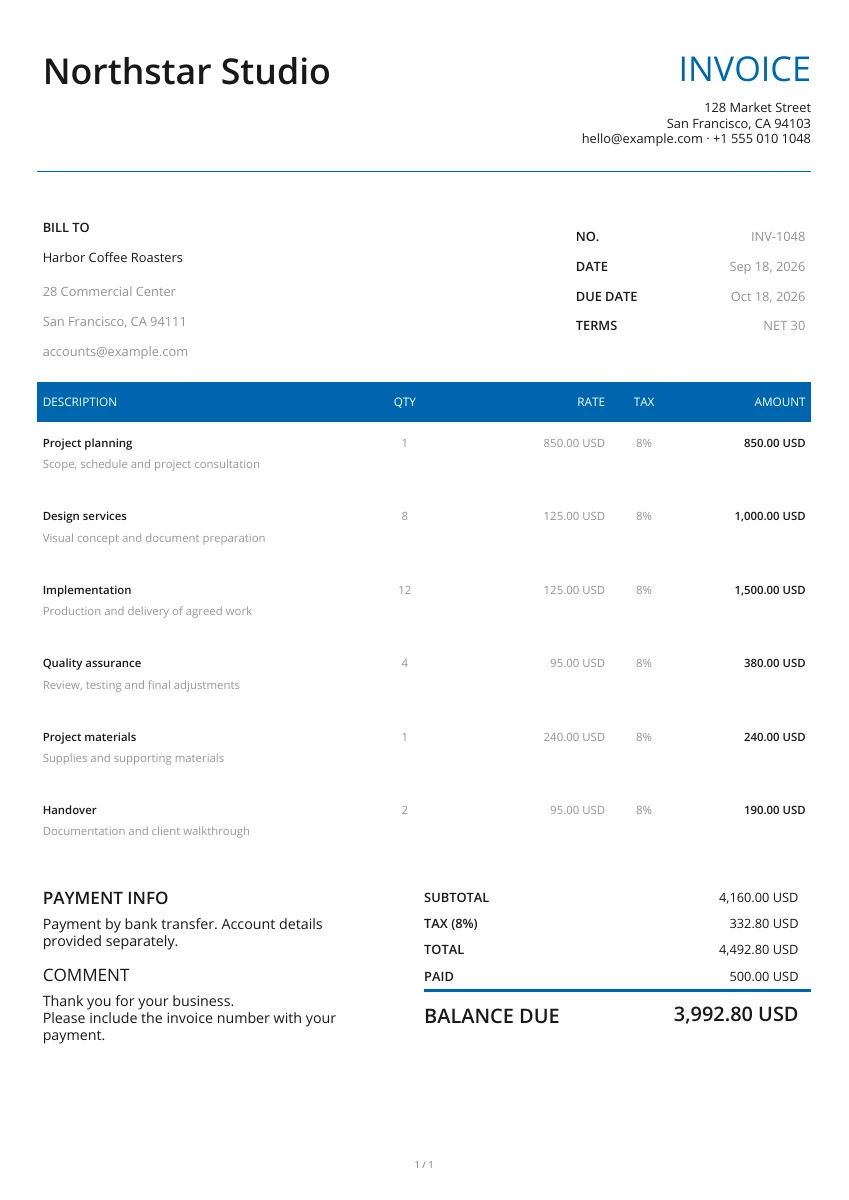
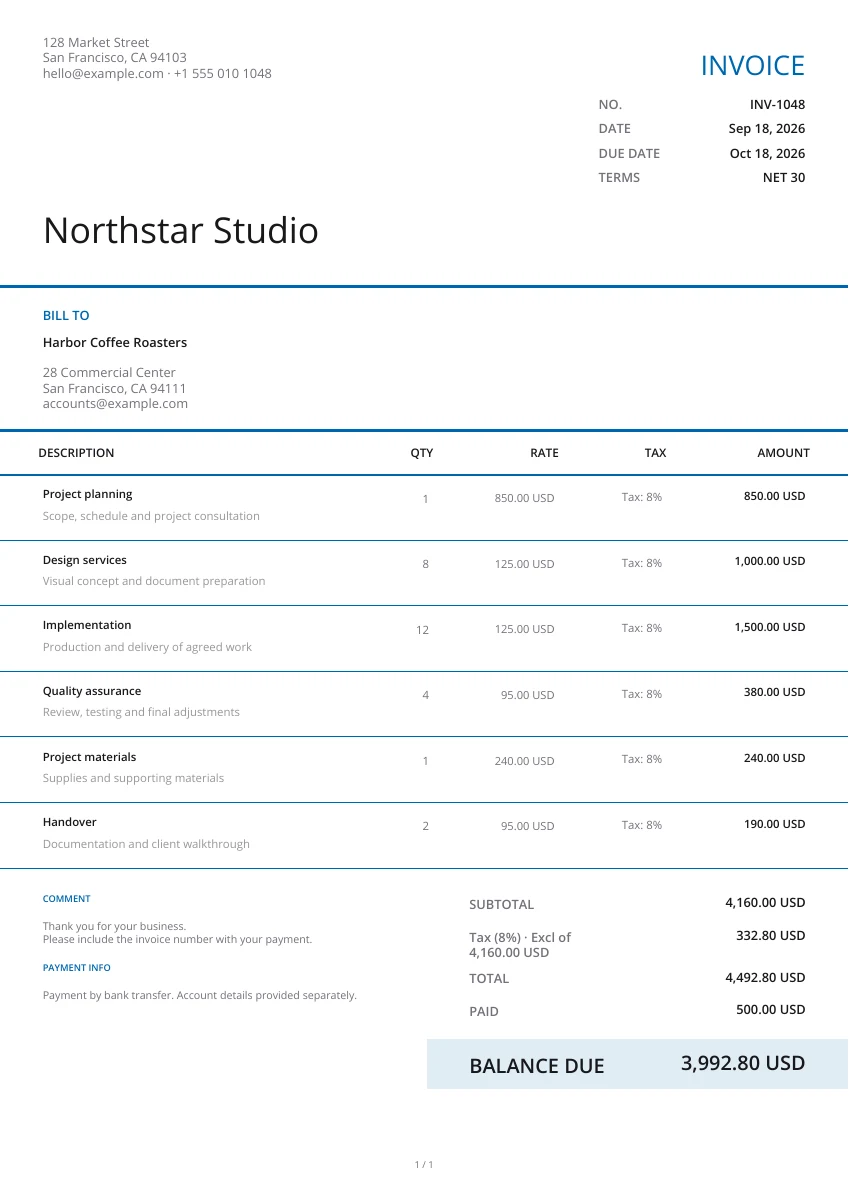
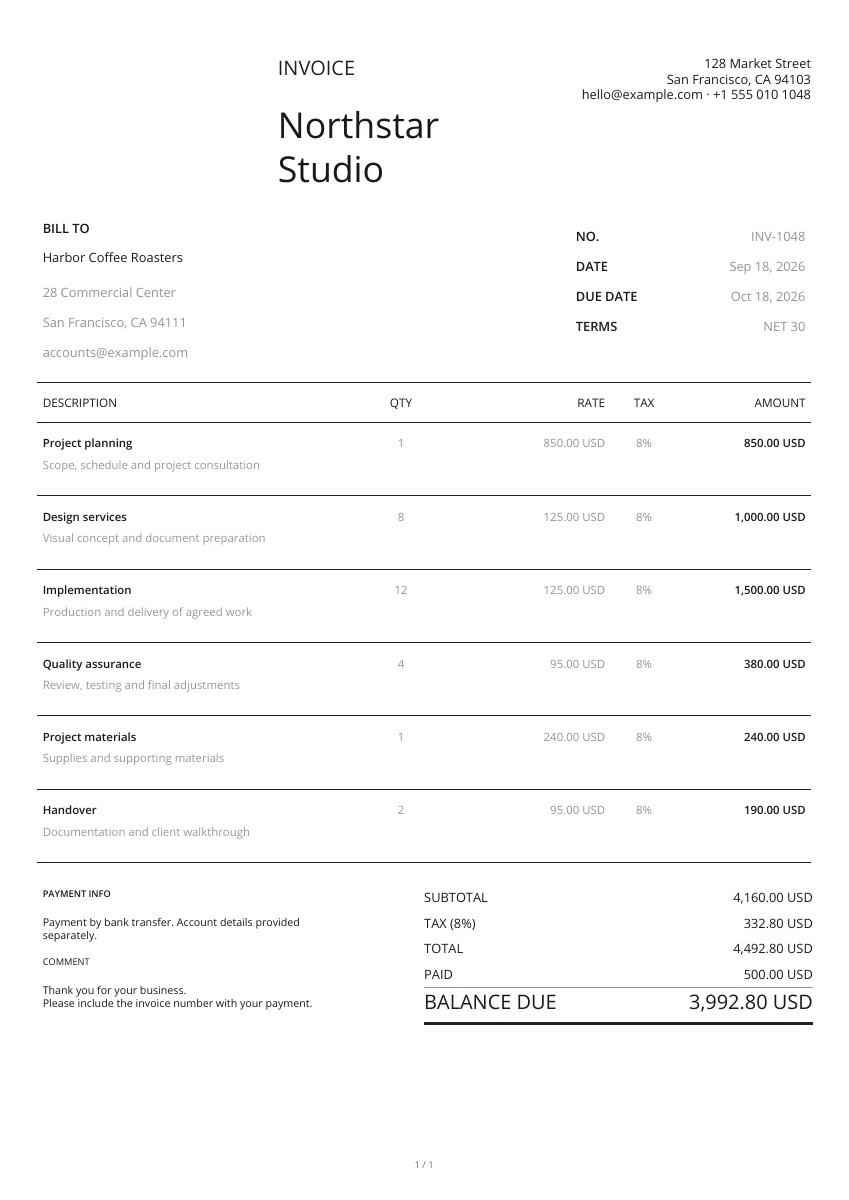
Start with a layout from the gallery. Add your logo and pick a header and color; you can change the design without retyping your details.
Bill for completed work or delivered products. Add the items, agreed prices and payment terms, then review the amount still due before sending your PDF.
Open the PDF preview to check the finished pages, not just the form. Download the file when it is ready, then attach it to your own email or print a copy.
For ongoing work, sign in to the Web app to manage clients, documents and expenses. This free editor does not save drafts to your account; create saved documents in the app.
Make the document your own
Header design
Pair a real PDF layout with a header image and your brand color. The same details can take on a different look without rebuilding the document.
Add your logo
Upload your business logo and choose its size. Your company details, customer information and document title remain editable.
Preview PDF
Use the PDF preview to see the rendered layout before downloading. Photos added as attachments are included in the document.
From a single document to everyday business
On your phone or computer
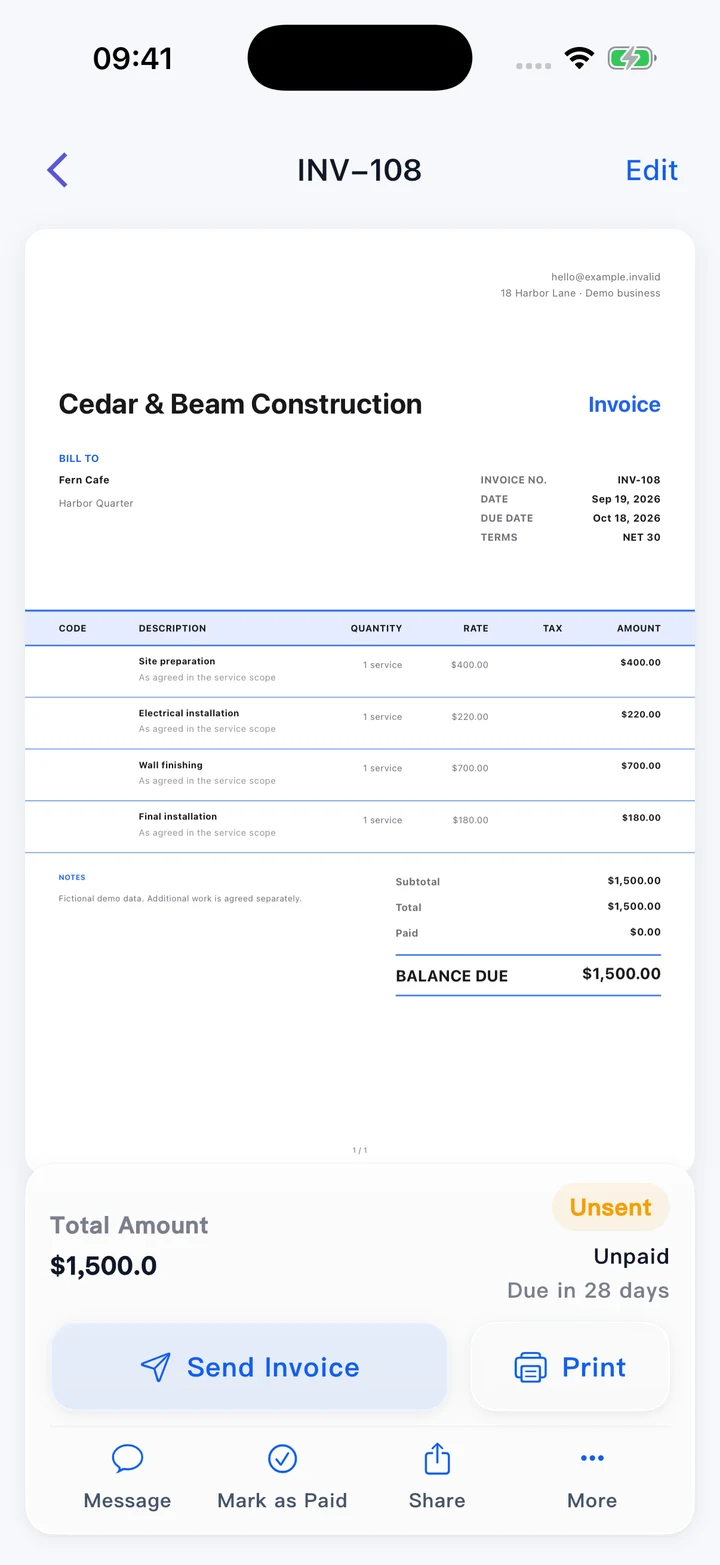
Use this editor in your browser. A downloaded PDF keeps its page layout when viewed on a phone, opened on a computer or printed.
Make every detail easy to find
Use consistent document numbers, clear item descriptions and relevant dates. Add references and notes so the recipient has the context alongside the figures.
More than a one-off PDF
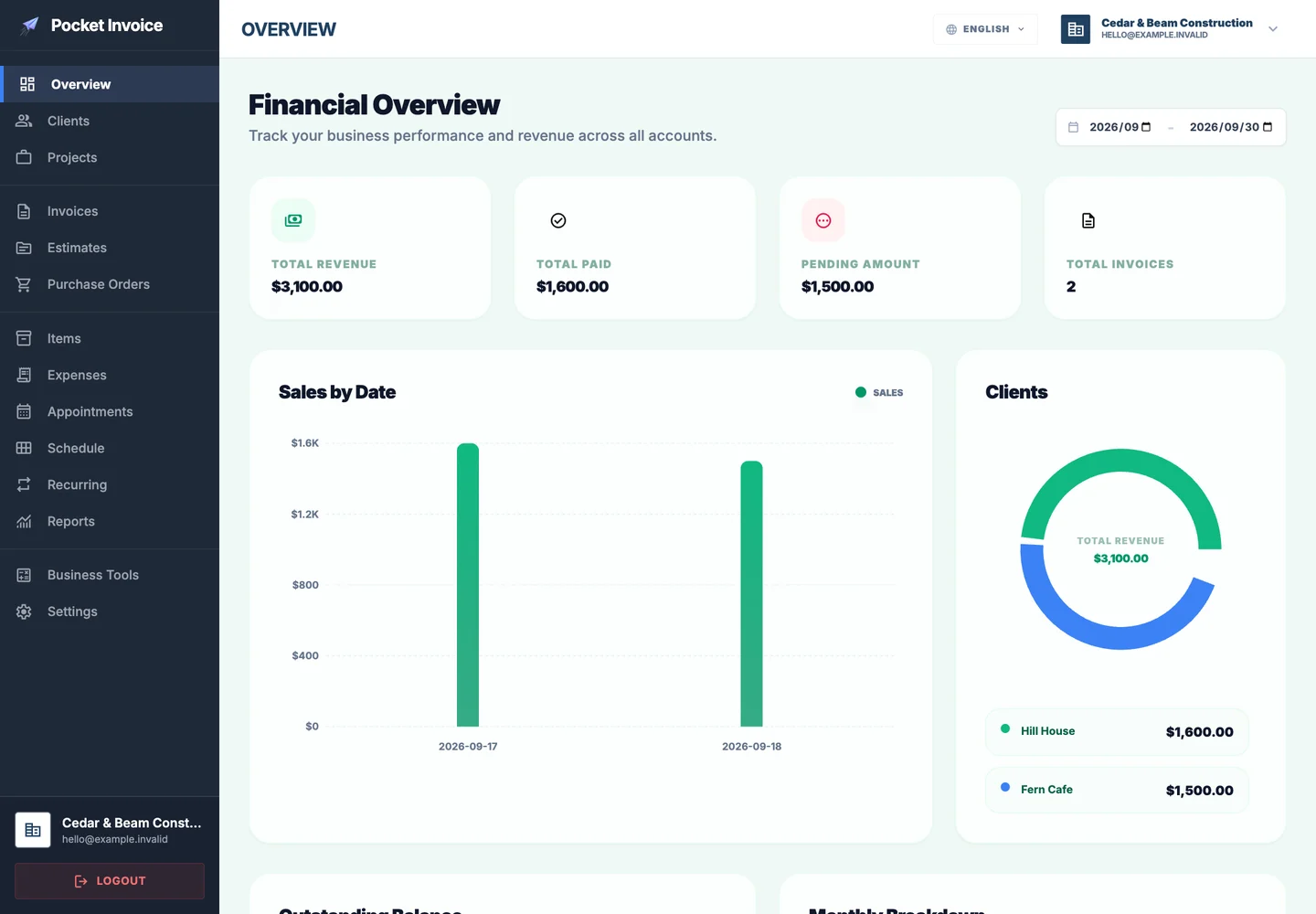
Pocket Invoice brings clients, invoices, estimates, expenses and reports into one app. Sign in when you need records you can return to, not just a file to download.
The details to include in your INVOICE
Bill for completed work or delivered products. Add the items, agreed prices and payment terms, then review the amount still due before sending your PDF.
- 01
Document type
A recognizable title and logo help the recipient identify the document and its sender.
- 02
Document number
Give the document its own reference and include the issue date for later follow-up.
- 03
From
Include the business name and the address or contact information relevant to this transaction.
- 04
Bill to
Check the recipient’s name and address, including a separate delivery address when needed.
- 05
Description
Describe each product or service clearly, with the quantity and any useful supporting detail.
- 06
Total
Review unit prices and any tax, discount or shipping adjustment before confirming the final total.
- 07
Currency
Select the currency agreed for this transaction and check how amounts appear in the PDF.
- 08
Terms & conditions
Add the agreed terms, reference details and any instructions the recipient needs to act on.
Prefer to start with a template?
Try a different layout with the same editor. Choose a template to open this document type with that design selected.
Browse templatesFrequently asked questions
Do I need an account?
No. Edit, preview and download your PDF without signing up. Use the Web app when you want to save and manage your documents.
Can I change the design?
Yes. Choose from 21 PDF layouts, add your logo, choose a brand color and select a header. Your entered details stay in place when you switch layouts.
Which file can I download here?
The online editor generates a PDF. Word, Excel and fillable-PDF template downloads, where offered, are separate ready-made files rather than exports of the form.
Will this page remember my draft?
No. The form stays in this open page and is not saved as an account document. Download your PDF before leaving; use the Web app for saved records.
Can I send the document from here?
This free page creates and downloads PDFs; it does not send email. Attach the downloaded file to your own message, or use the document-sharing features in the app.
How are my details used?
Your details are sent securely to our PDF service only when you preview or download. This tool does not save documents to an account.
Create another document
Your next document starts here.
Make a PDF now, or open Pocket Invoice to manage your business documents in one place.