Skip to content
Pocket Invoice: Free Invoice MakerFree Invoice Maker

XLSX downloads

Free Excel Invoice Templates

Easily change quantity and unit rate; amounts are auto-calculated

For some invoices, you have many quantities and unit rates. Fill in the quantities and unit rates one row at a time with Excel. See if the formula calculation is correct. And don't forget to fill in discount, tax rate and payments received. The formulas use your entries to calculate line amounts, subtotal, tax, total and balance. Pale-yellow cells are for input; calculated amounts use formulas. Don't overwrite the formulas while entering information. See print preview before sending the file.

Type of job

Download the file for this type of job

They're all calculated the same way. Here are examples of work done as well as notes for each of them. Notice the arrangement of line items. Change the customer, work and prices to match your agreement.

Contractor Invoice Template preview

Contractor Invoice Template

Example: Separate labor hours and materials (by lot) and daily rental of equipment. Verify the scope of the work done, payments received and the balance to be paid.

Download Excel
Freelance Invoice Template preview

Freelance Invoice Template

Fixed project fee and consultation time. Notice the separate record of the customer's approved typeface-license expense. Also, enter the payment date and usage rights according to your agreement.

Download Excel
Construction Invoice Template preview

Construction Invoice Template

Labor for demolition, subfloor panels and floor installation. Each has a unit of measure. Verify the phase, progress payments, contract holdbacks and change records against the notes.

Download Excel
Service Business Invoice Template preview

Service Business Invoice Template

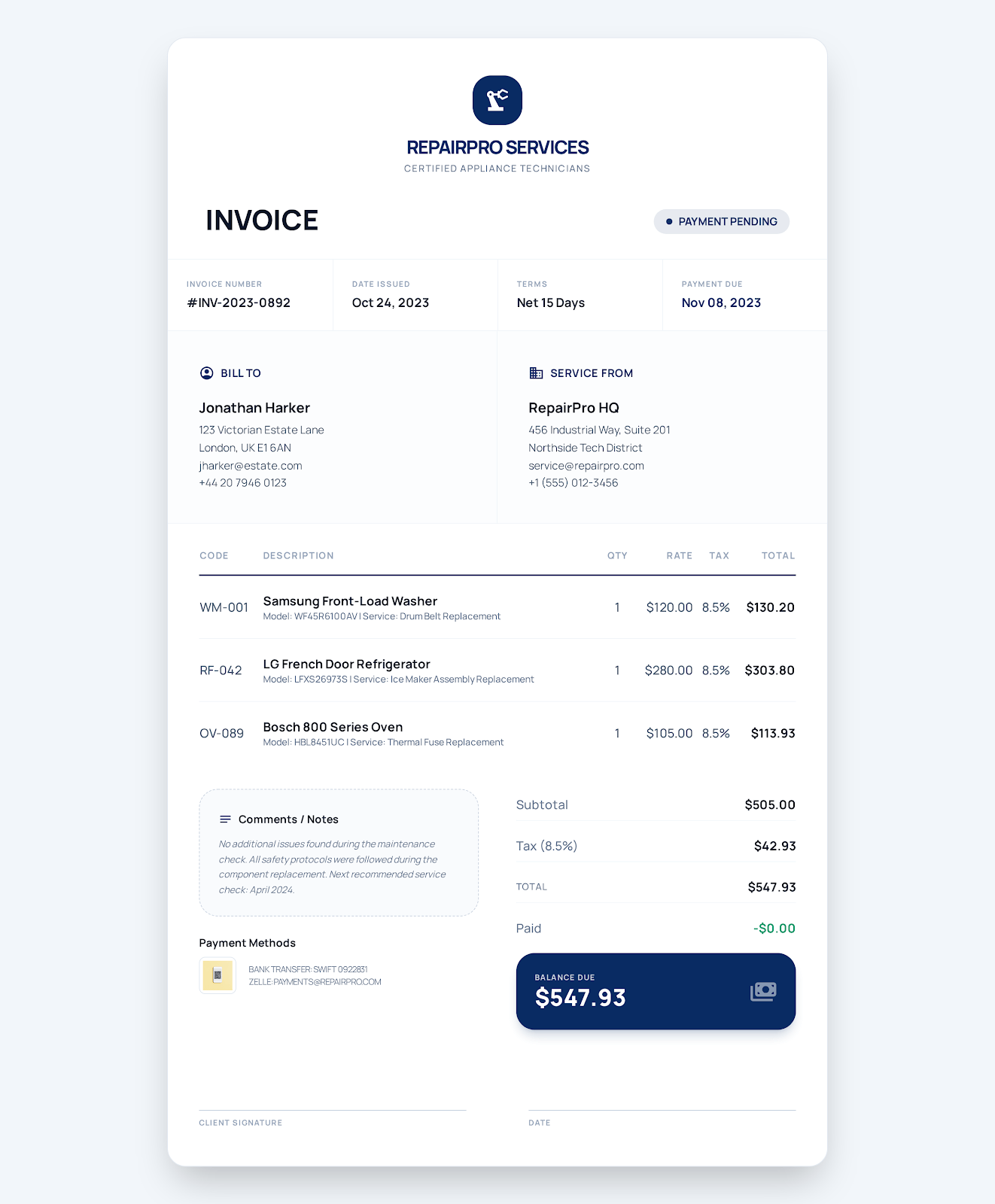
Separate labor for diagnosis, replacement parts and callout travel. With explanations for the work order and work done.

Download Excel
Consulting Invoice Template preview

Consulting Invoice Template

Meetings, hours for analysis. Separate fees for the implementation plan (deliverable). Describe the period of service and phase and relevant records of agreement and acceptance.

Download Excel
Cleaning Service Invoice Template preview

Cleaning Service Invoice Template

Separately indicate visits for cleaning. And area for spot treatment on carpets. And supplies. Notice location, date and checklist.

Download Excel
Hourly Service Invoice Template preview

Hourly Service Invoice Template

Separate approved on-site coordination and preparation hours. Separate reimbursable travel. Make sure the charges match the time records.

Download Excel
Plumbing Invoice Template preview

Plumbing Invoice Template

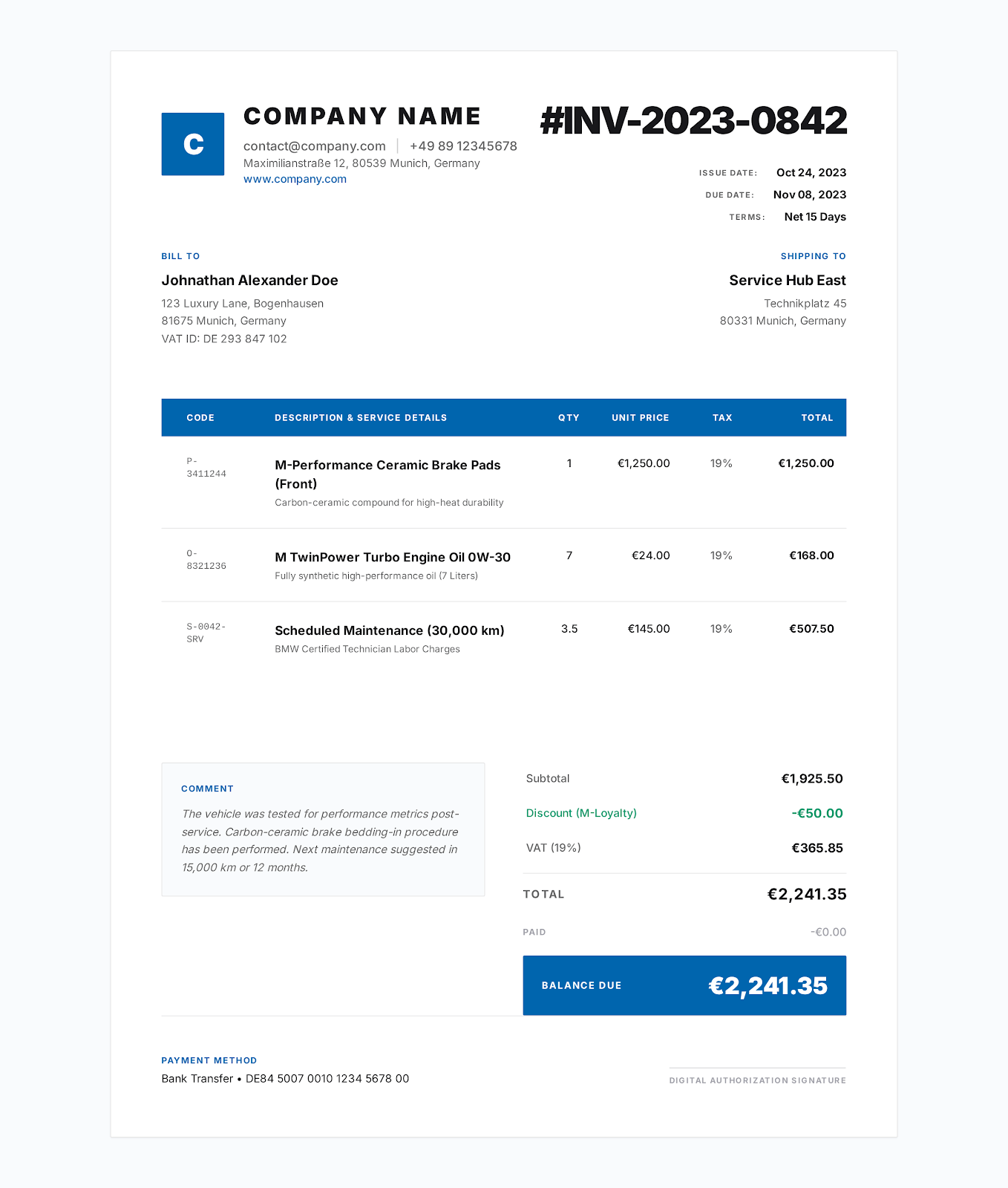
Separately indicate labor for repairing valves, replacement parts and removal of the old parts. Keep the work order and applicable written warranty details.

Download Excel
Electrician Invoice Template preview

The invoice for an electrician

Record electrical labor, materials and documented permit/inspection fees separately. Make sure charges match the approved scope and agreement.

Download Excel
Landscaping Invoice Template preview

The invoice for landscaping

Make sure you use different units for maintenance visits, mulch, crew labor. Specify property, dates, work performed.

Download Excel
Photography Invoice Template preview

The invoice for photography

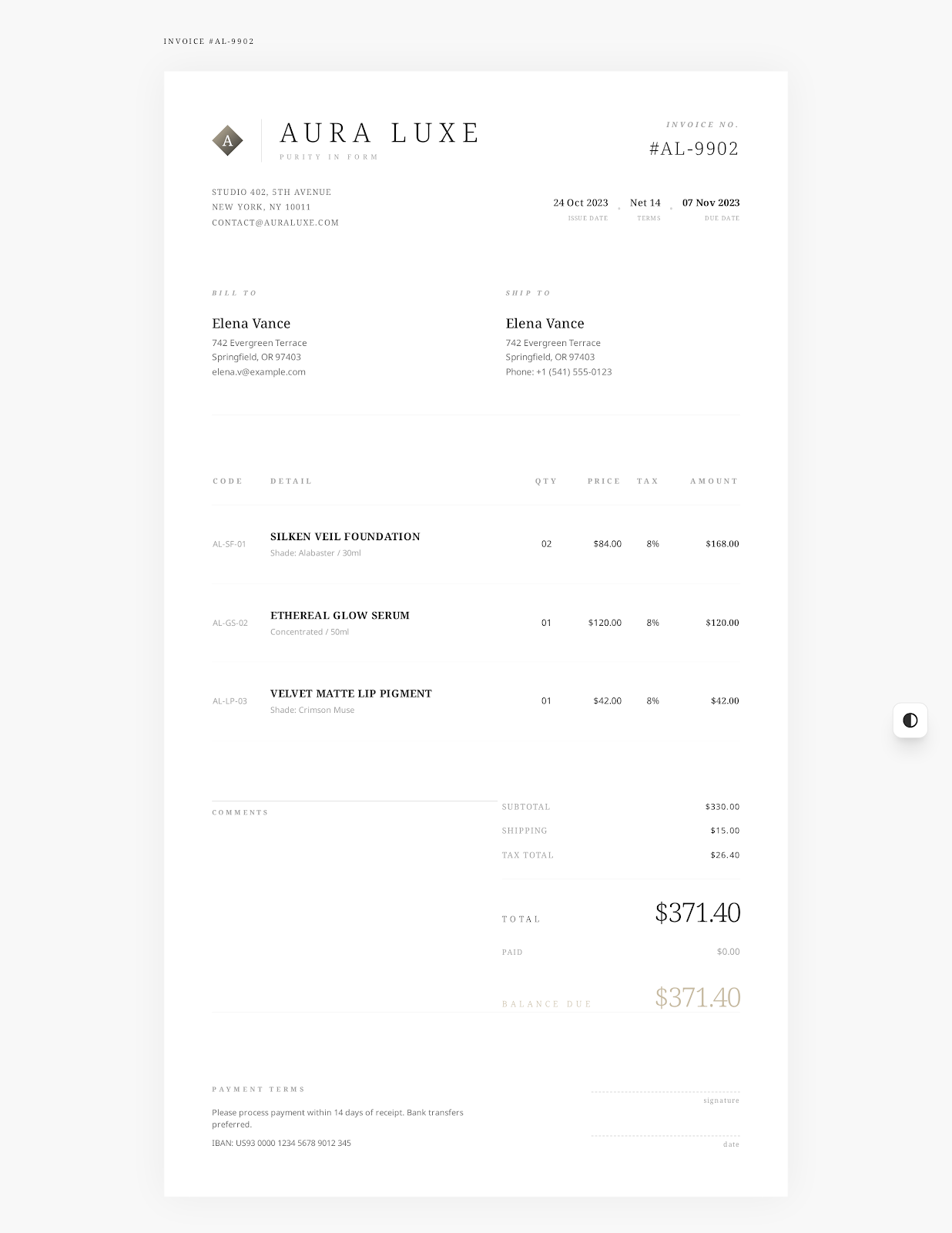
Specify separate shooting time, number of retouched images, commercial licensing. Enter prepayment received. Confirm balance and agreed usage rights.

Download Excel
Auto Repair Invoice Template preview

The invoice for auto repair

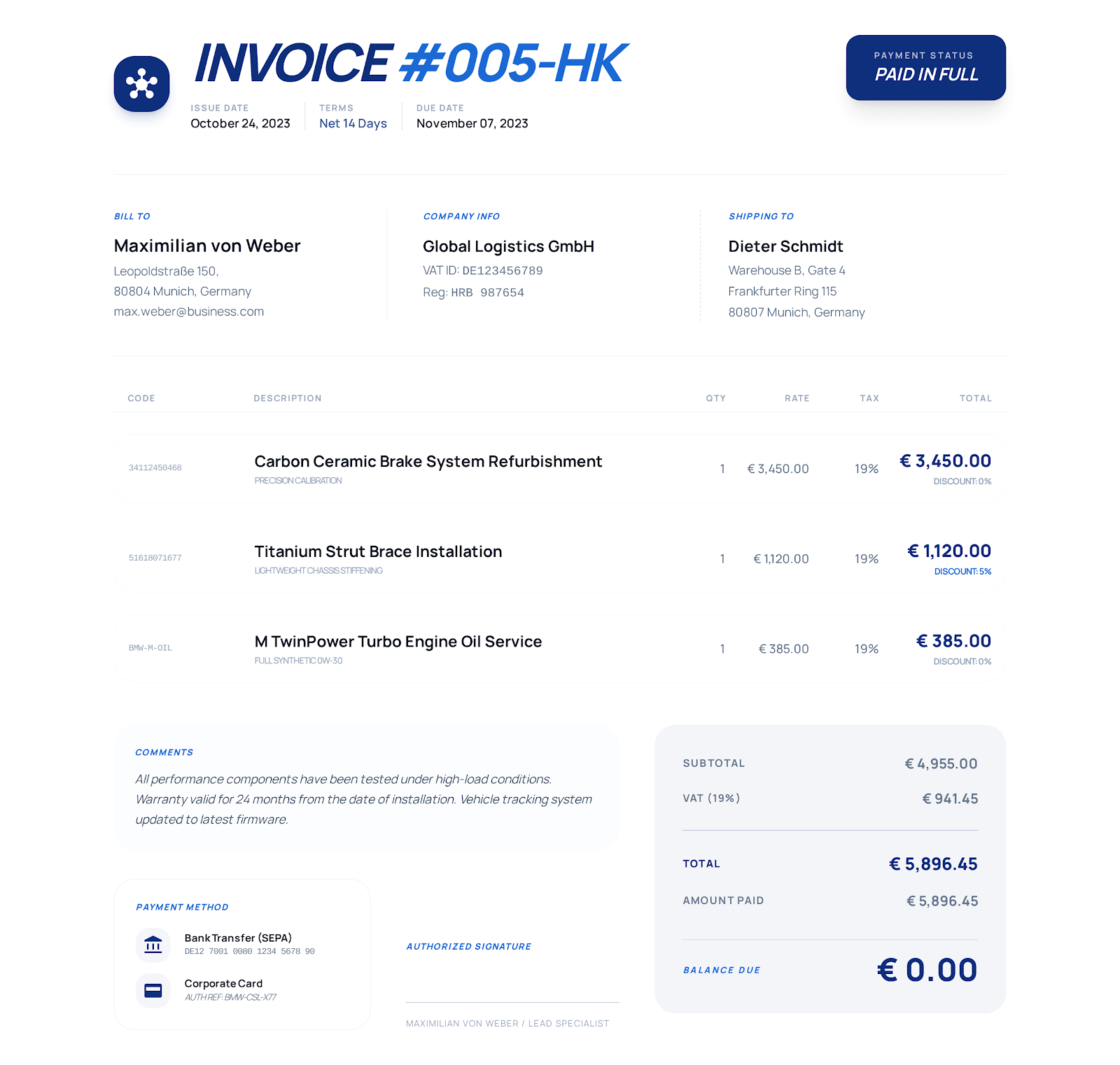
Cross-check car, repair order, customer authorization. Break out diagnostics, parts and repair labor separately. State warranty details according to the written terms.

Download Excel
Simple Invoice Template preview

Simple invoice

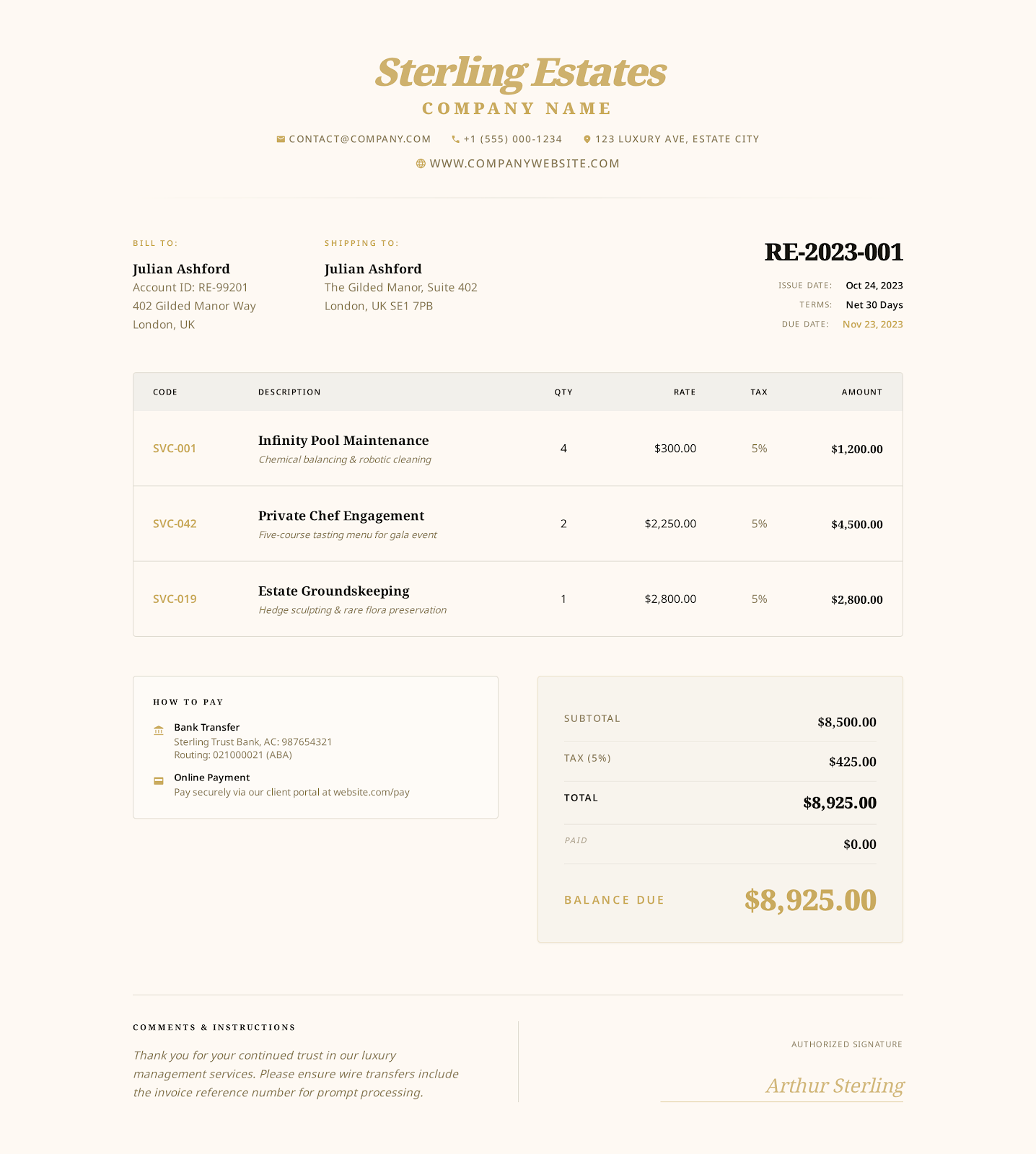
Company, customer, dates, line items, payment instructions. Make sure you customize the sample routine services, additional hours, approved expenses to your job.

Download Excel
Blank Printable Invoice Template preview

Printable blank invoice template

Use placeholders to set aside the space for company, customer, product/service details. Input your quantities, rates, dates, payment instructions. Print.

Download Excel
Self-Employed Invoice Template preview

Self-employed invoice template

Specify consulting hours, written recommendations, approved travel. Match them to the customer agreement. Specify payments received and outstanding balance.

Download Excel
Sales Invoice Template preview

The invoice for sales

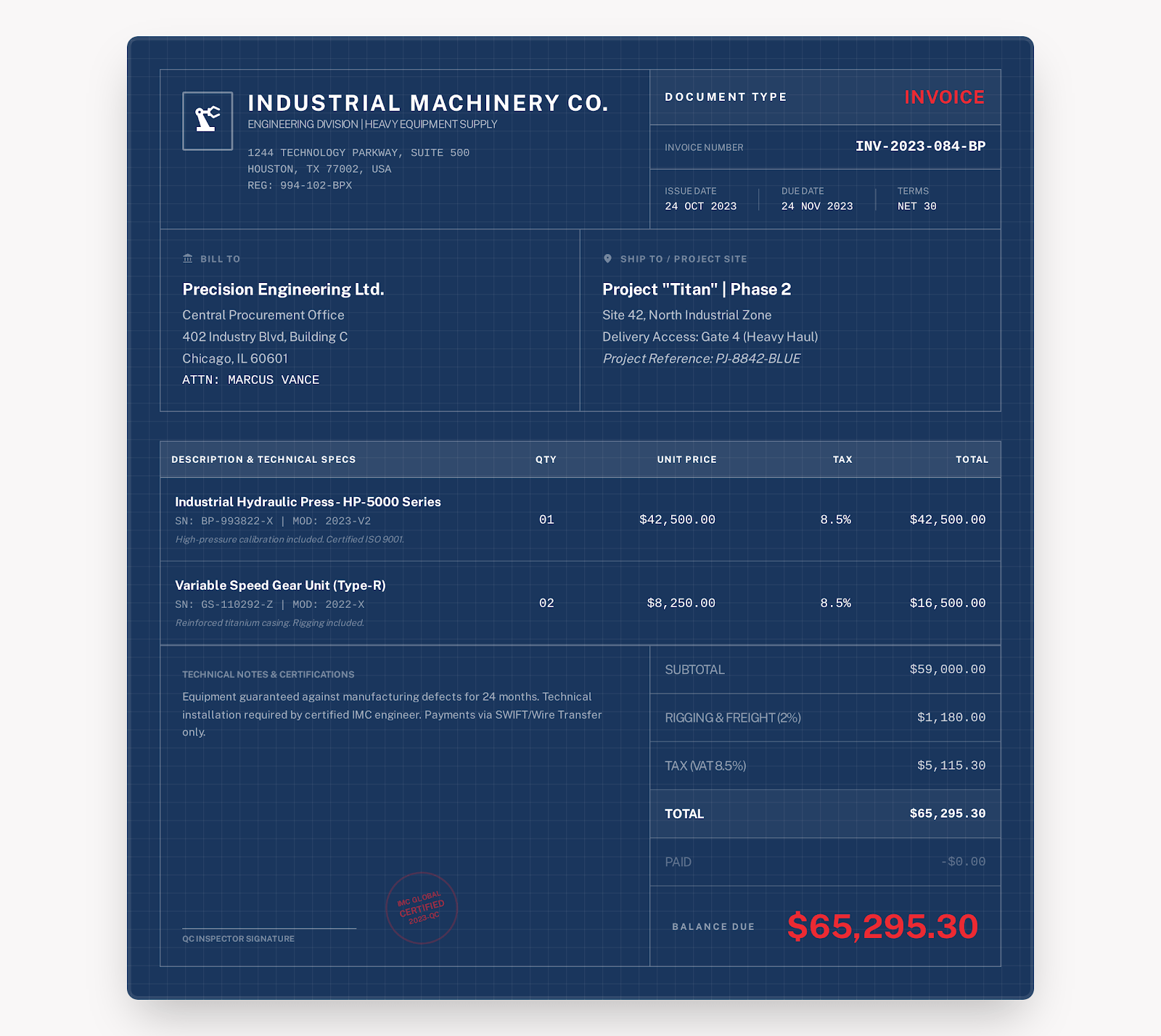
Break out product quantities, rates, freight separately. Cross-check sales/purchase order numbers. Specify shipment, discount, tax, payment info.

Download Excel
HVAC Invoice Template preview

HVAC Invoice Template

Break out diagnostics, tech labor, replacement parts separately. Specify equipment location, maintenance records, relevant warranty terms.

Download Excel

When is it useful?

You want to compare quantities, rates, and amounts accurately

  • Calculate line amounts using quantity × unit rate
  • Add discount, tax rate, received payments. Verify tax, balance
  • Mix quantities, units, and rates in one invoice
  • Preview how subtotal, total, balance are calculated before export

Double-check before you send!

Leave the formulas in when you enter the data

  • Don't overwrite formula cells with text, numbers
  • Verify currency format, applicable taxes and the tax rate for this transaction
  • Preview print after editing

How do you pick a format?

Word vs Excel vs PDF

Text edits mostly? Check out Word. Formula calculations? Excel. Enter info in a fixed form? Check out PDF.

FormatWhat you can doWhat you should checkDownloads
WordModify longer text descriptionsVerify amounts yourself in these templatesView Word templates
ExcelCalculate line amounts with quantities, ratesKeep formula cells intactView Excel templates
PDFFill in and print a fixed formFillable PDF does not automatically calculate amountsView PDF templates

How to use

Four-step template completion

1

Download the XLSX template file for your business.

2

Fill in the business, customer, project, dates and line items in the pale-yellow input cells. Enter actual quantities, unit rates, discount, tax rate and payments received.

3

Review your input entries and the formula-based subtotal, tax, total and unpaid balance results.

4

Go to print preview to make sure it's the right width and the content is complete, then export the invoice PDF.

FAQ

About Excel invoice templates

Are the totals automatically calculated?

The line amounts, subtotal, tax, total and balance are calculated by formulas. You need to fill in the quantities, rates, discount, tax rate and payments received. Those are not automatic calculation results.

What do I need to modify?

Modify the pale-yellow input cells. Don't modify the formulas used to calculate amounts. After you've modified the entries, be sure to check the results. Then go to print preview.

Can I import it into Google Sheets?

Google Sheets can import XLSX files. When you import a file, check the formulas, format and print results. Then decide whether to use this template for your invoice.

You can also create an invoice directly online

Select the style, fill in the business, customer and charge details, and export the invoice PDF.