
Best for
Use PDF when…
- Stable print layout
- Typing into clearly placed form fields
- Sending a finished document without layout shifts
- Working without Word or Excel
Real .PDF downloads
A fillable PDF invoice template is best when the page design should stay fixed while you type business, customer, project, line-item and total information. These downloads contain real interactive AcroForm fields and remain printable after completion.
Choose an industry
Every file shares the same verified format but uses fields, notes and example line items for the selected type of work.
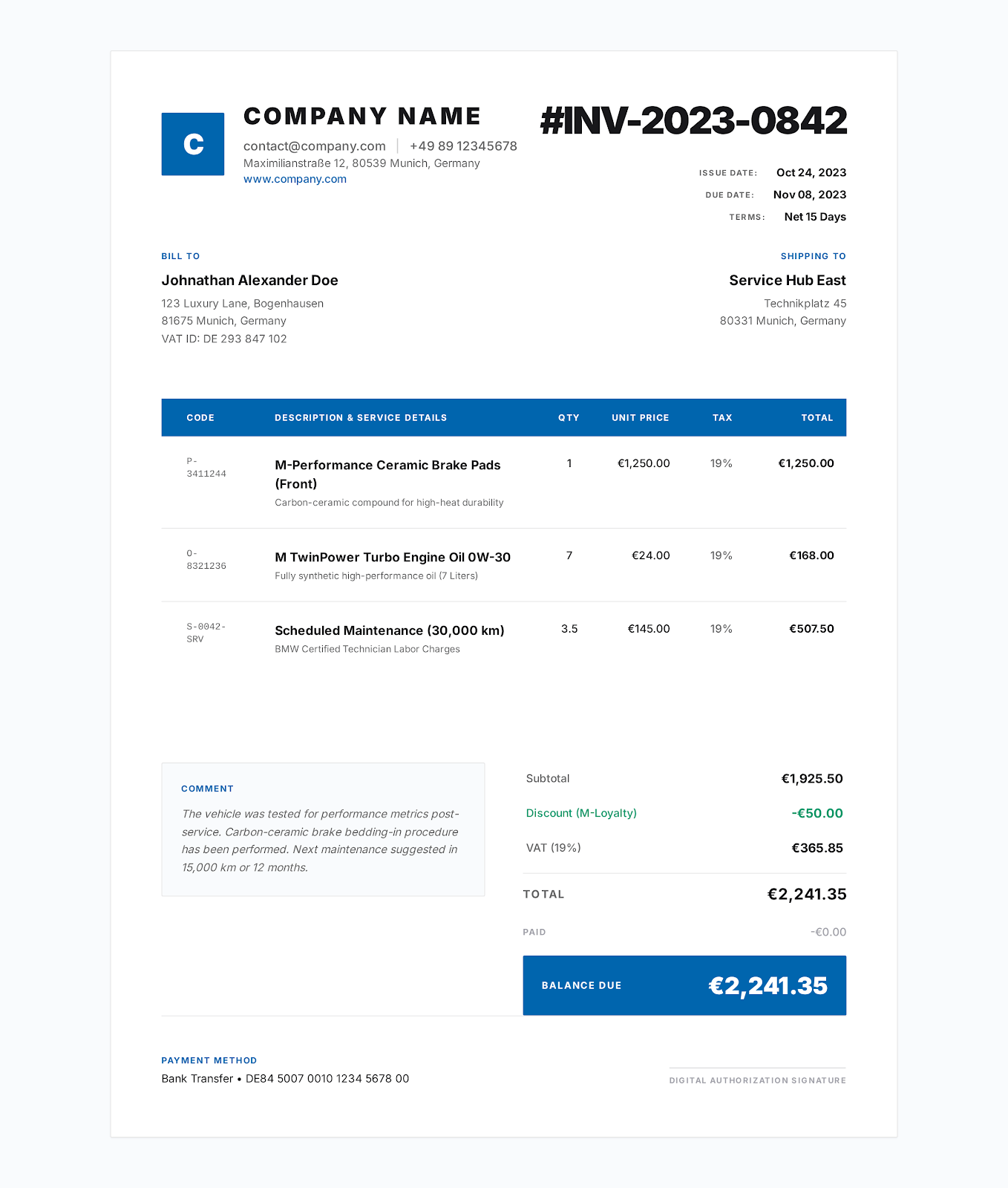
A contractor invoice template should separate labor, materials and equipment, identify the jobsite and approved scope, and clearly show tax, payments received and the remaining balance.
Download PDF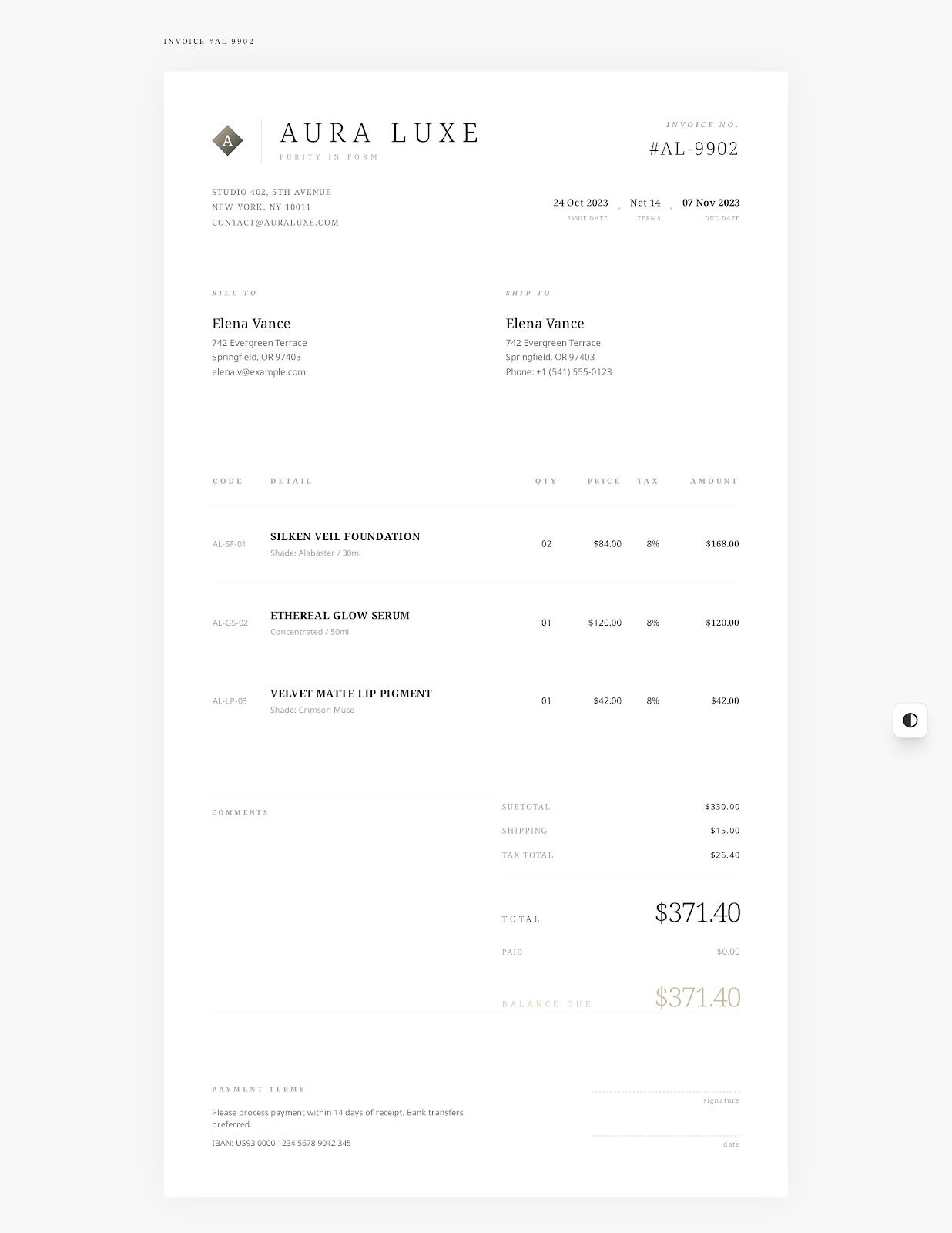
A freelance invoice template should connect charges to a client agreement, support fixed fees and billable hours, list approved expenses, and state when and how the client should pay.
Download PDF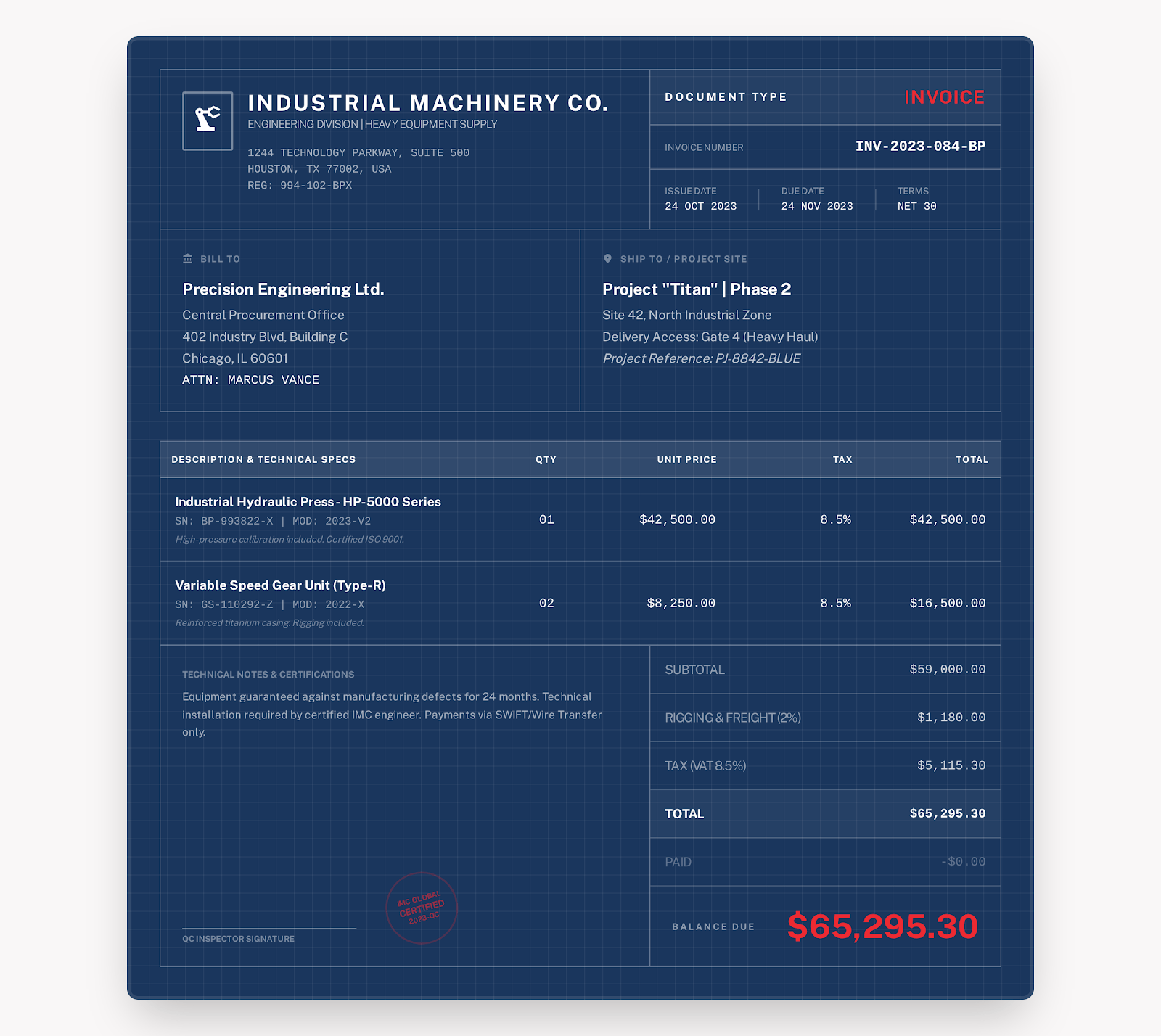
A construction invoice template should identify the project phase and site, itemize labor and materials by unit, and document progress payments, retainage, change orders, tax and the balance due.
Download PDF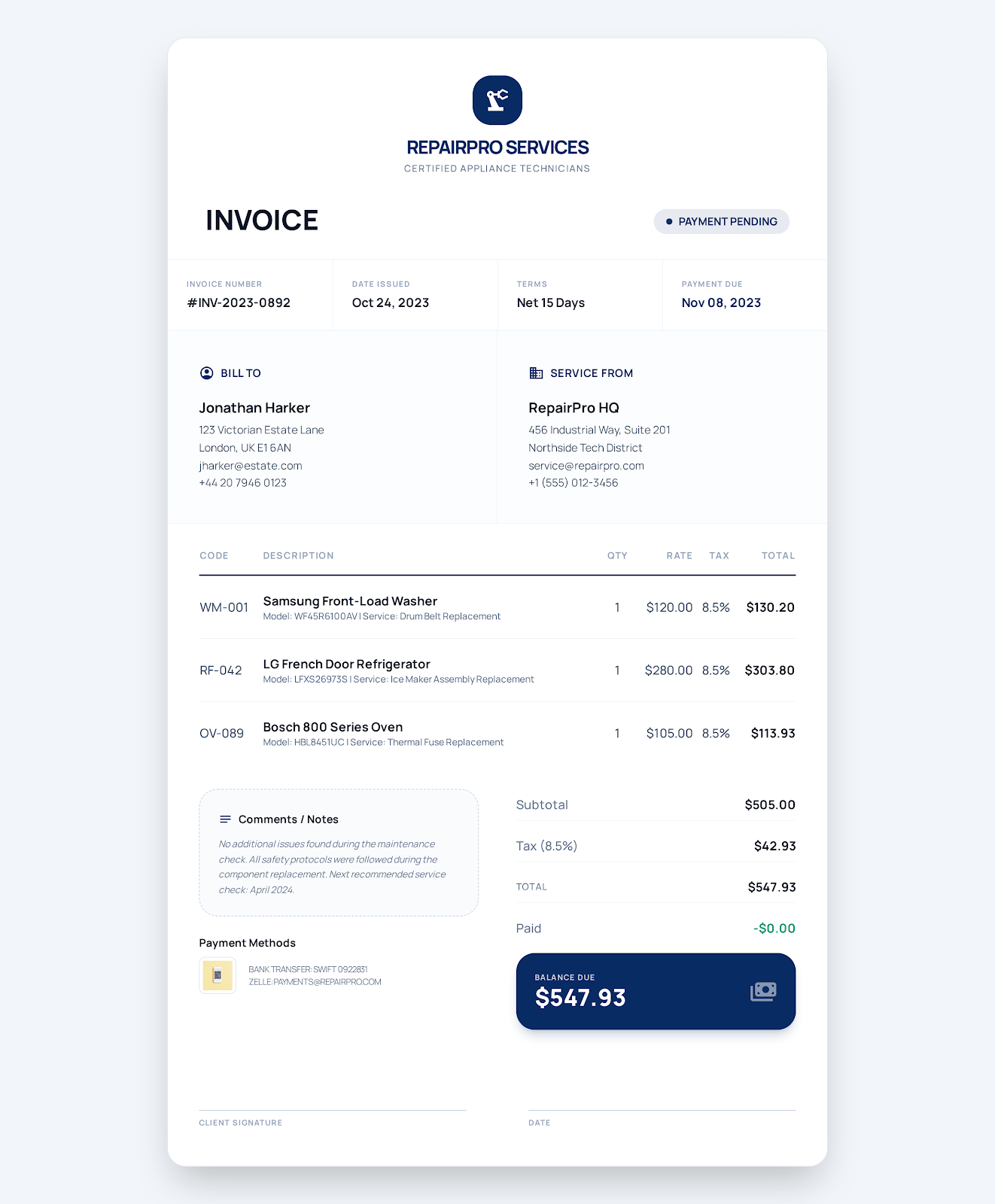
A service invoice template should connect charges to a work order, separate labor, parts and service-call fees, and record the service location, completion notes, tax, due date and payment status.
Download PDF
A consulting invoice template should connect each charge to the engagement, phase and service period, separate hourly work from fixed milestones, and reference the agreement, acceptance record and payment terms.
Download PDF
A cleaning service invoice template should identify the property and visit date, show the contracted cleaning areas, separate recurring service from add-ons and supplies, and record completion, tax and payment terms.
Download PDF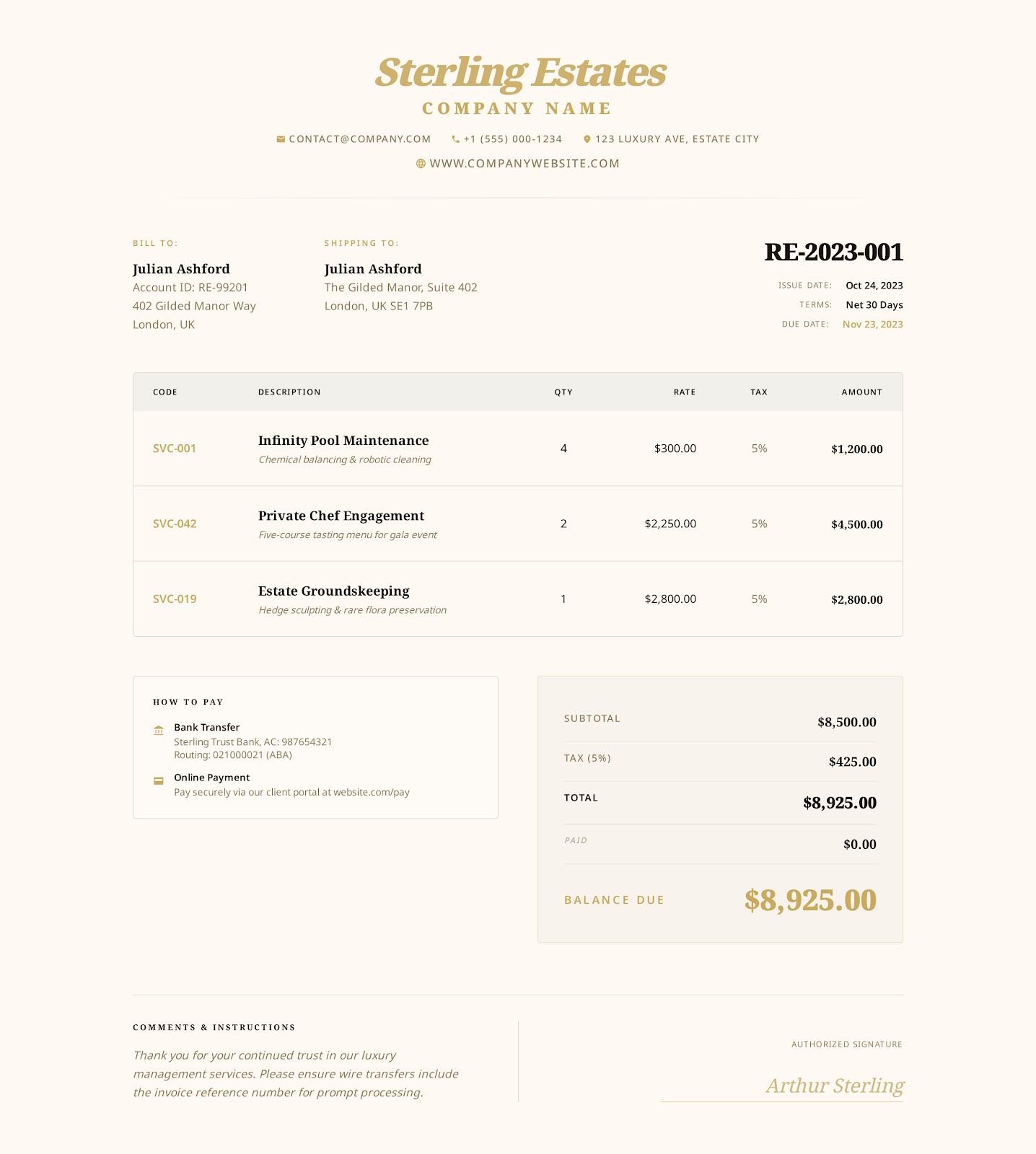
An hourly service invoice template should tie every charge to an approved task, service period, number of hours and rate, then reconcile the timesheet, expenses, payments and remaining balance.
Download PDF
A plumbing invoice template should identify the service address and work order, separate diagnostic or repair labor from installed parts, and record call-out fees, tax, payments and warranty information.
Download PDF
An electrician invoice template should connect every charge to the jobsite and approved scope, separate labor from materials, and document permits, inspections, change orders, tax and the remaining balance.
Download PDF
A landscaping invoice template should identify the serviced property and dates, separate recurring visits from project work, and itemize crew labor, materials, delivery, disposal, tax and the remaining balance.
Download PDF
A photography invoice template should connect charges to the shoot and deliverables, separate session time from editing and licensing, and clearly reconcile travel, deposits, usage rights and the remaining balance.
Download PDF
An auto repair invoice template records the vehicle and repair order, separates parts from labor, documents authorization and warranty terms, and shows tax, payments and the remaining balance clearly.
Download PDF
A simple invoice template provides the essential billing fields in a clean one-page layout: seller and customer details, invoice number, dates, line items, totals and payment instructions.
Download PDF
A blank printable invoice template gives you an ink-friendly billing form with open fields for business and customer details, dates, line items, totals and payment instructions.
Download PDF
A self-employed invoice template should identify the independent business and client, connect charges to the agreed work, and clearly show hours, project fees, expenses, tax, payments and balance due.
Download PDF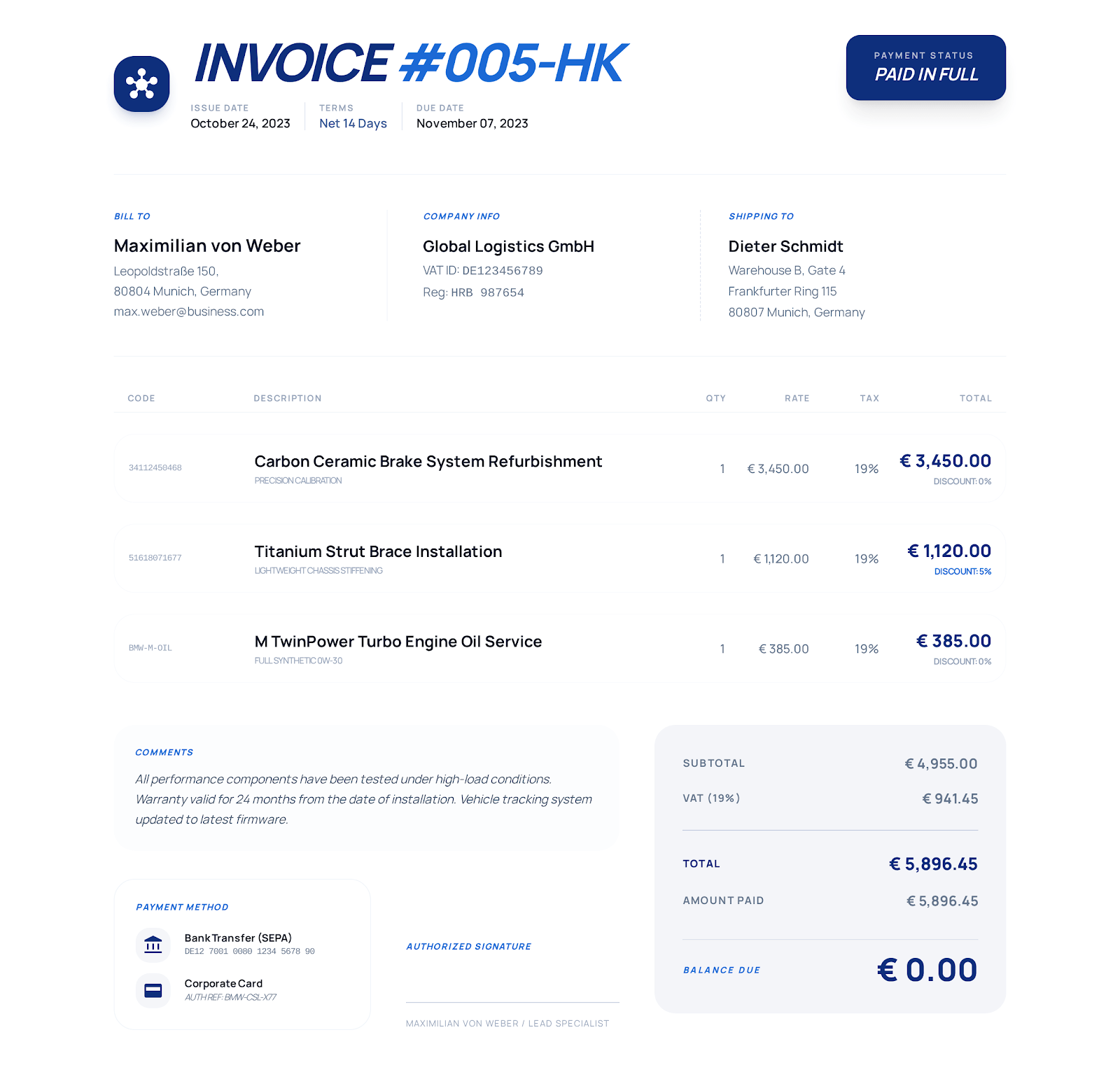
A sales invoice template records products sold to a buyer and connects quantities and prices to sales-order, purchase-order, shipping, discount, tax and payment details.
Download PDF
An HVAC invoice template should identify the serviced equipment and location, separate diagnostics, labor and parts, and document maintenance, tax, payments and warranty terms.
Download PDFBest for
Review before sending
Format comparison
The best file depends on whether flexible text editing, formulas or fixed form layout matters most.
| Format | Best at | Main limitation | Downloads |
|---|---|---|---|
| Word | Editing text-heavy invoices | Word does not automatically recalculate every total | View Word templates |
| Excel | Automatic line-total calculations | Do not overwrite formula cells | View Excel templates |
| Stable print layout | Calculations are not automatic in the PDF | View PDF templates |
How to use it
Download the fillable PDF for your industry.
Open it in a PDF viewer that supports interactive form fields.
Complete the business, client, project, item, total, note and payment fields.
Save a new completed copy, reopen it to confirm the values and then send or print it.
Frequently asked questions
Yes. Each PDF contains interactive AcroForm fields for invoice information and remains editable after download.
No. Enter and verify the subtotal, tax, total, paid amount and balance manually. Use the Excel version when automatic calculation is required.
Use a current PDF viewer that supports AcroForm fields, then save and reopen the completed file to confirm the values remain visible.
No sign-up required
Choose a visual style, enter your business and customer details, and export the finished invoice as a PDF.