
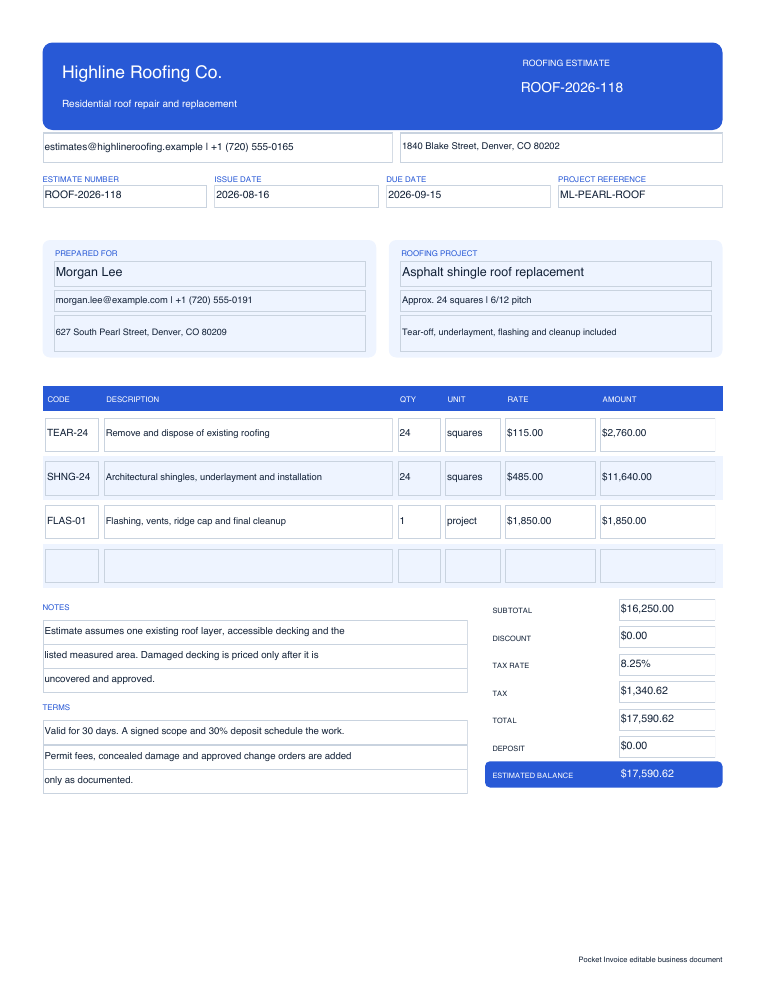
Before work is approved
Estimate Template
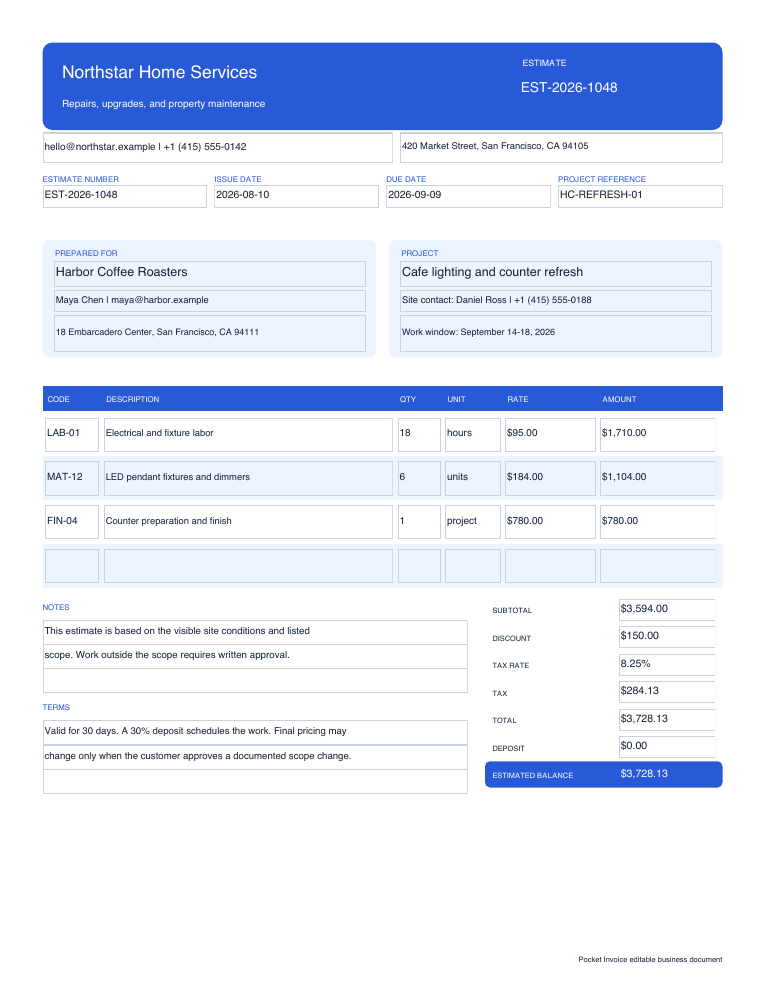
Use this estimate template to describe proposed work, expected quantities, prices, tax, discounts, deposits, validity and scope assumptions before a customer approves the job.
Free Word, Excel and PDF files
Download real Word, Excel and fillable PDF files for general and roofing estimates, quotes, payment receipts and purchase orders. Each page also links to a free browser tool for calculations and printable results without signing up.
Choose by workflow
Choose an estimate or quote before work begins, a receipt after payment, or a purchase order when ordering from a supplier. Download an editable file or use the linked online tool.
Before work is approved
Use this estimate template to describe proposed work, expected quantities, prices, tax, discounts, deposits, validity and scope assumptions before a customer approves the job.
A clear price for defined work
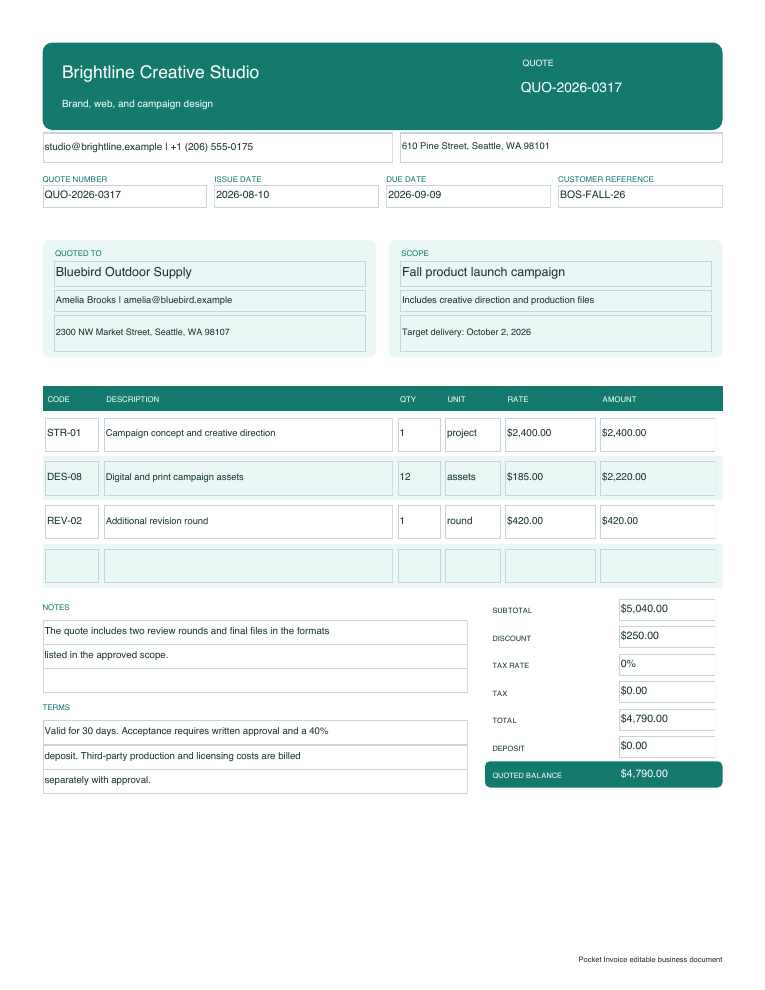
Use this quote template to present a defined scope and price with itemized services, quantities, tax, discounts, deposits, an expiration date and acceptance terms.
Proof of payment received
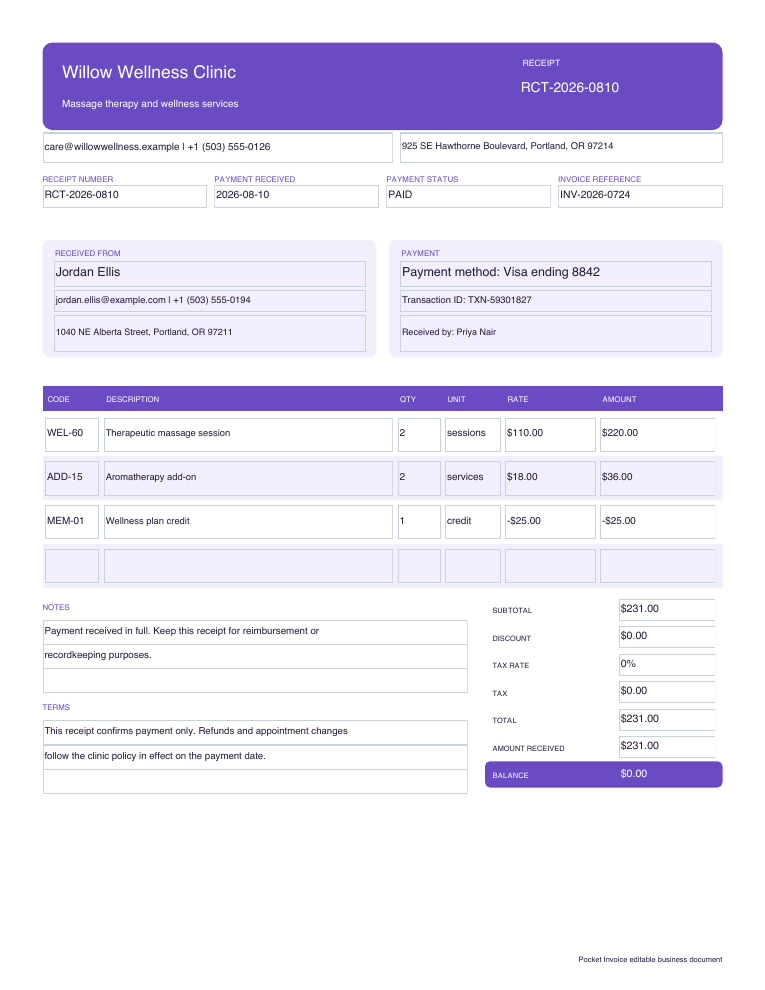
Use this receipt template after receiving a full or partial payment. It records the seller, customer, receipt number, payment date, itemized sale, tax, amount received, balance and payment method.
Authorize a supplier purchase
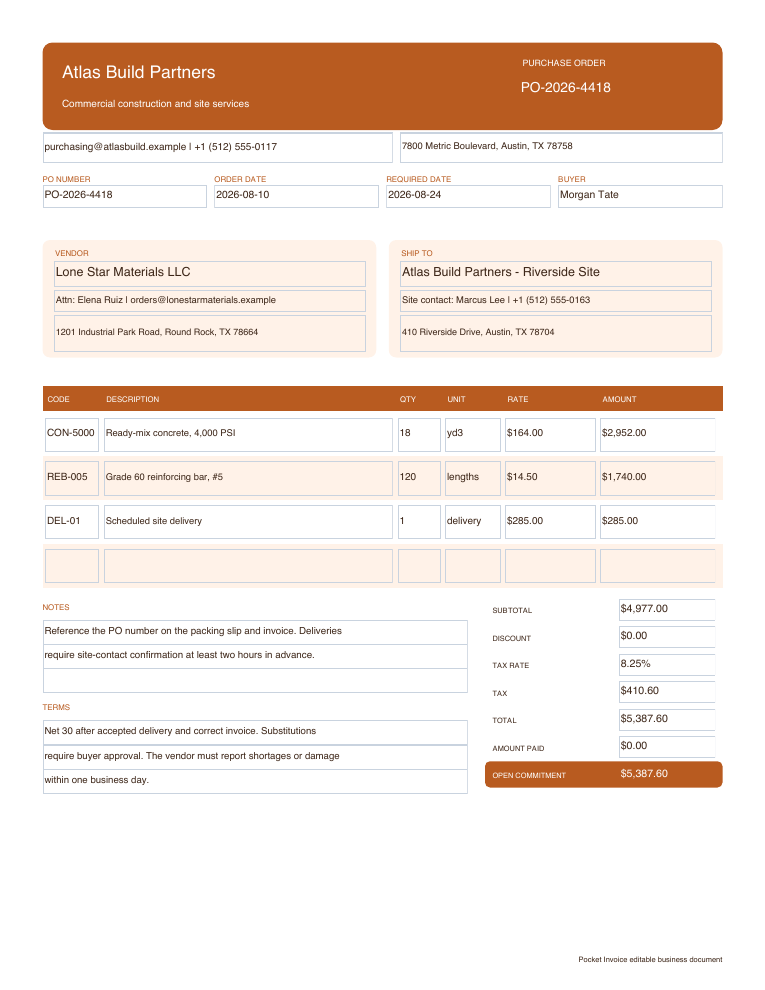
Use this purchase order template to identify the buyer, vendor and ship-to location, authorize item quantities and prices, state delivery and payment terms, and give the transaction a unique PO number.
Price a roof before work begins
Use this roofing estimate template to record roof measurements and pitch, itemize tear-off, materials, labor, flashing, disposal and permits, and state exclusions, validity, deposit and change-order terms.
Specific jobs and payment records
These Word forms have distinct fields for accommodation, work assignments, cleaning visits and painting. Each download page includes the actual file preview and a filling guide.
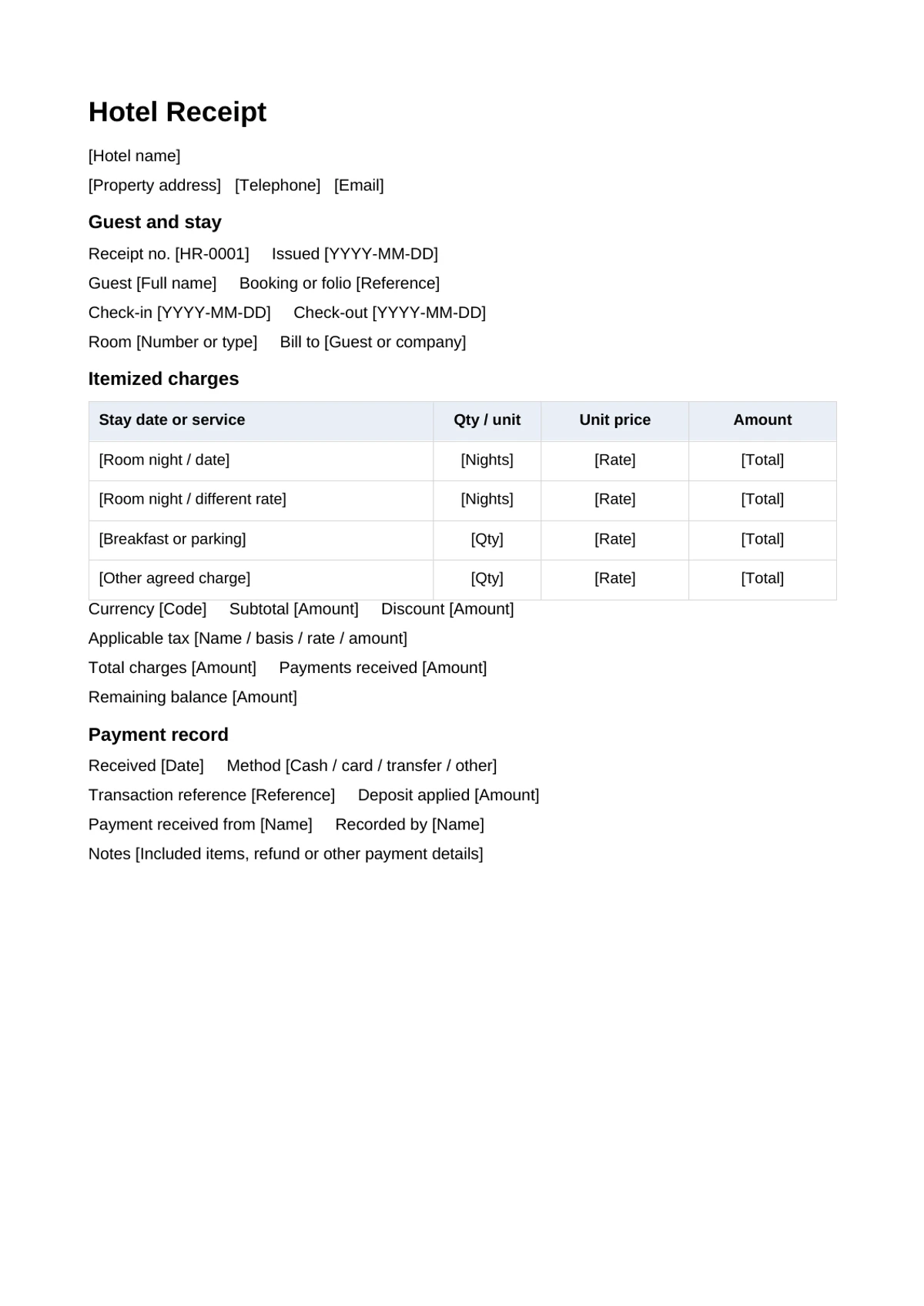
Record the guest, stay dates, room nights, extras, payments and remaining balance.
View Word download →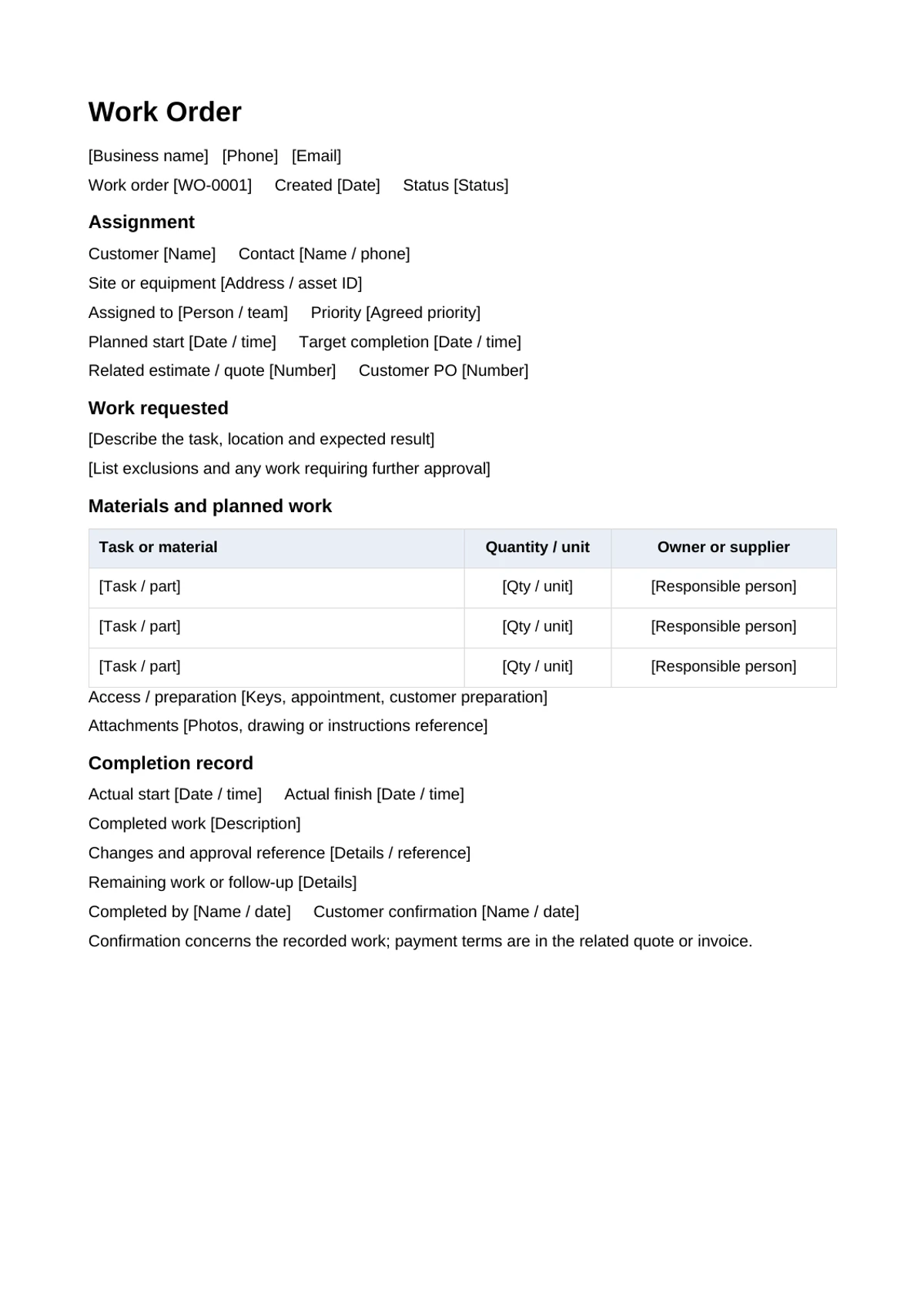
Write the task, site, responsible person, materials, changes and completion record.
View Word download →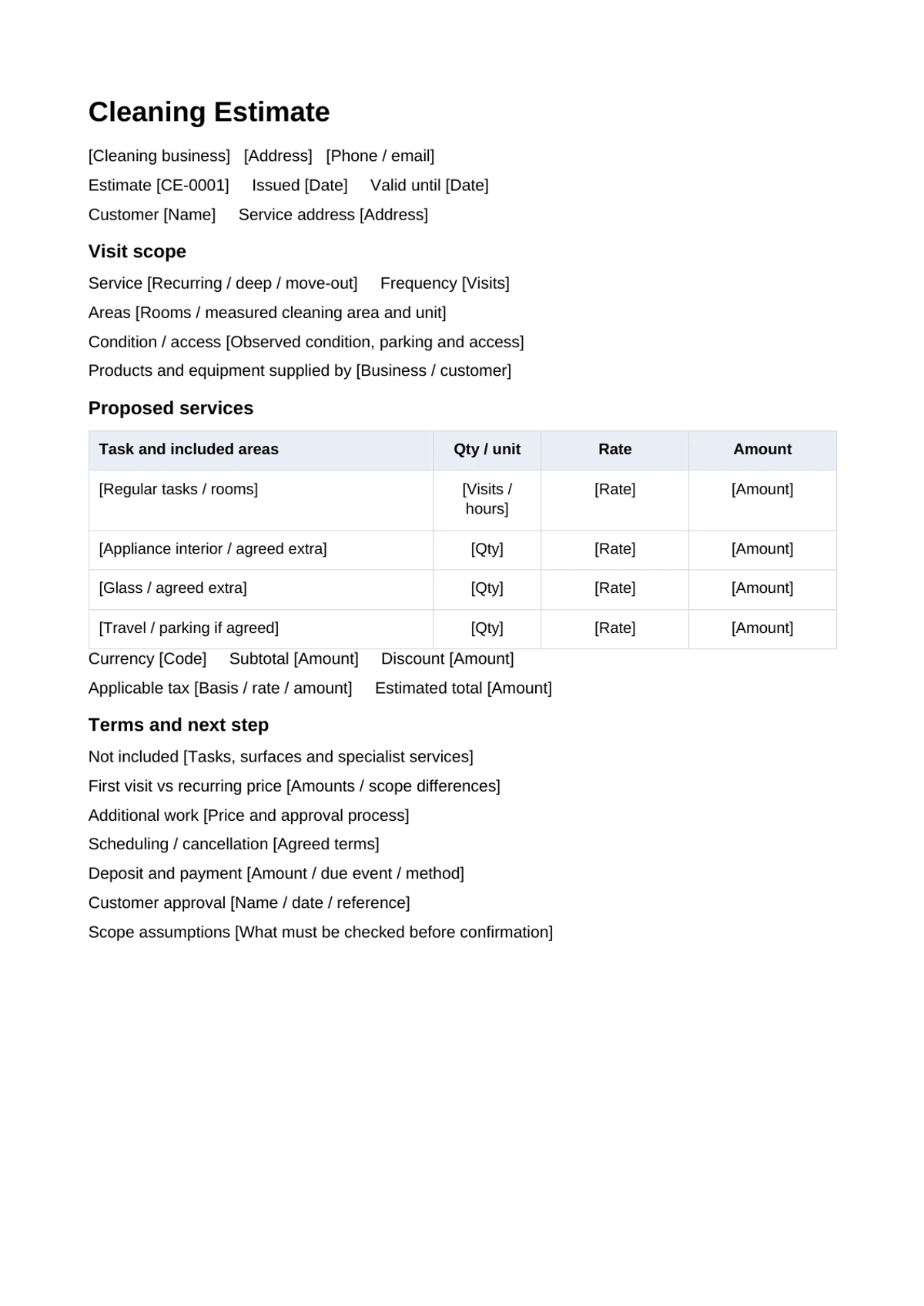
Separate routine tasks, visit frequency, extra cleaning and first-visit conditions.
View Word download →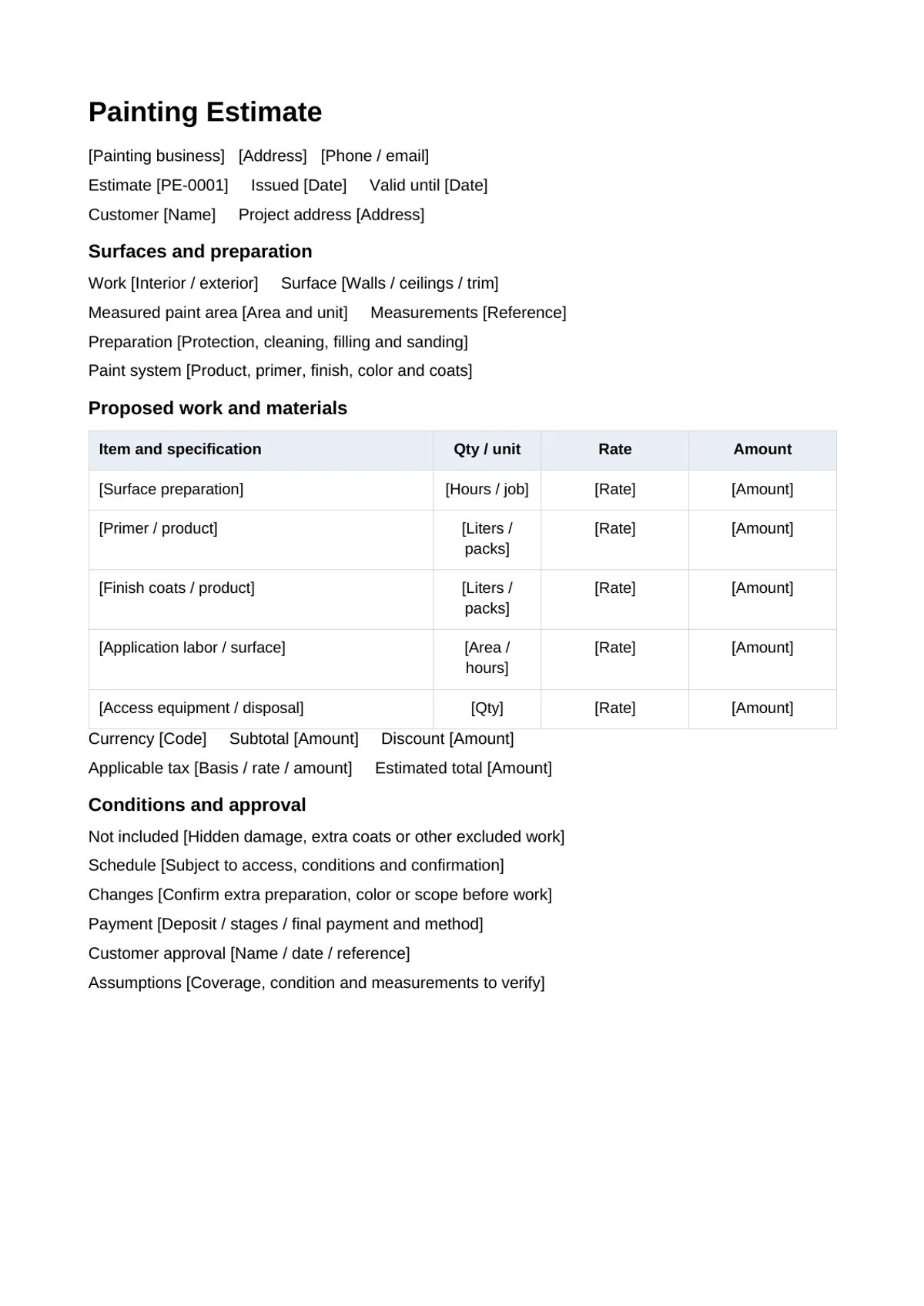
State painted area, preparation, products, coats, labor and excluded work.
View Word download →Adapt the receipt download for cash actually received, including partial payments and the balance.
Word, Excel and PDF options →Import DOCX into your Drive, edit scope and terms, check amounts and export a PDF.
Files and import guide →Import XLSX and understand the actual formulas for item amounts, tax, discount and deposit.
Files and formula guide →Frequently asked questions
Yes. Every Word, Excel and fillable PDF file on this page is free to download, and the matching browser tools are free to use without an account.
Use Word when text editing matters most, Excel for formula-driven calculations, fillable PDF for a stable form layout, or the online generator for live totals and browser printing.
Yes. The DOCX files contain editable paragraphs and tables, the XLSX files contain editable inputs and formulas, and the PDFs contain interactive form fields.
The document editing and calculations run in the browser. The public tool pages do not send the entered document data to Pocket Invoice.
No account required
Open a free estimate, quote, receipt or purchase-order tool and calculate the document before printing or saving it as PDF.