
Free Proforma Invoice Generator
If you need the customer to review your goods, amounts and terms of delivery, create a proforma invoice. Fill out your details, currency and payment conditions. Download the PDF for review, then make a separate commercial invoice based on the confirmed transaction.
- Automatic calculations
- Download PDF
The PDF service processes the contents of your document during PDF preview and download. The document is not stored in your account on this page. Remember to download a copy.
How to create a proforma invoice?
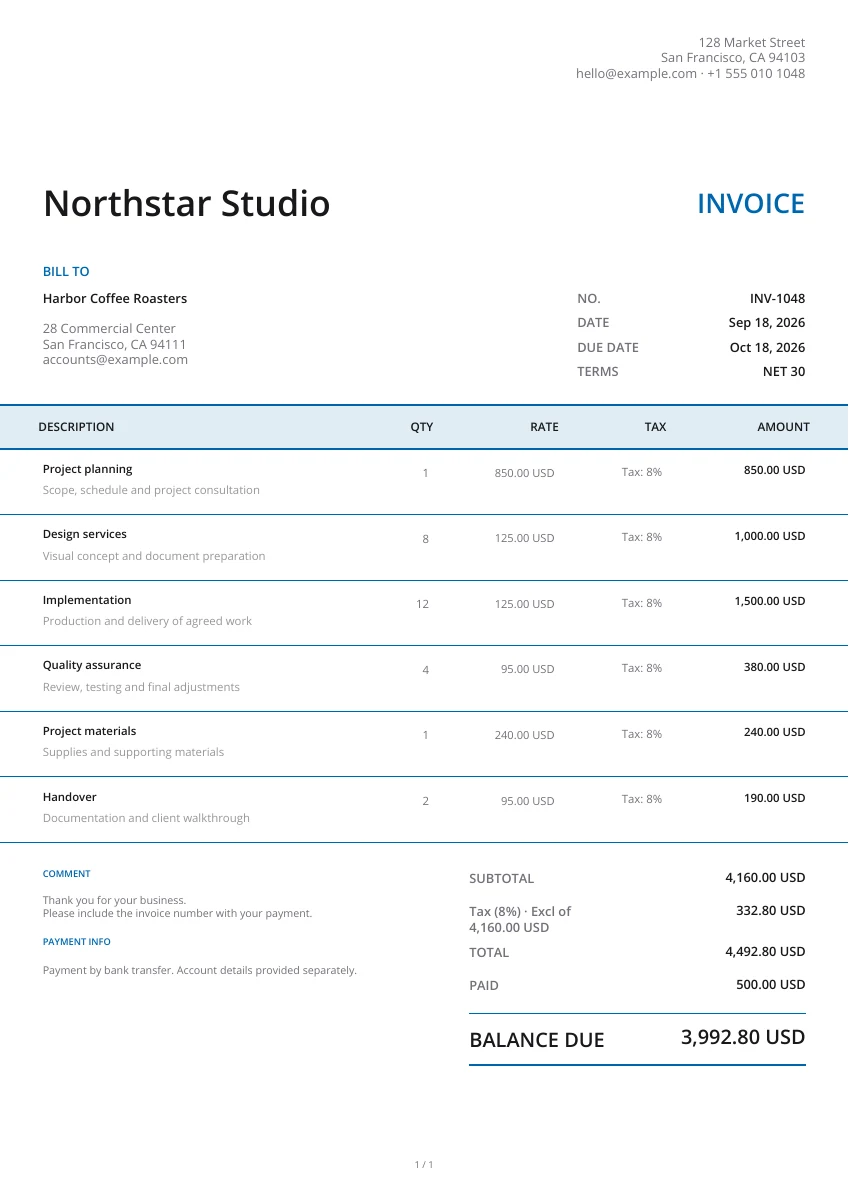
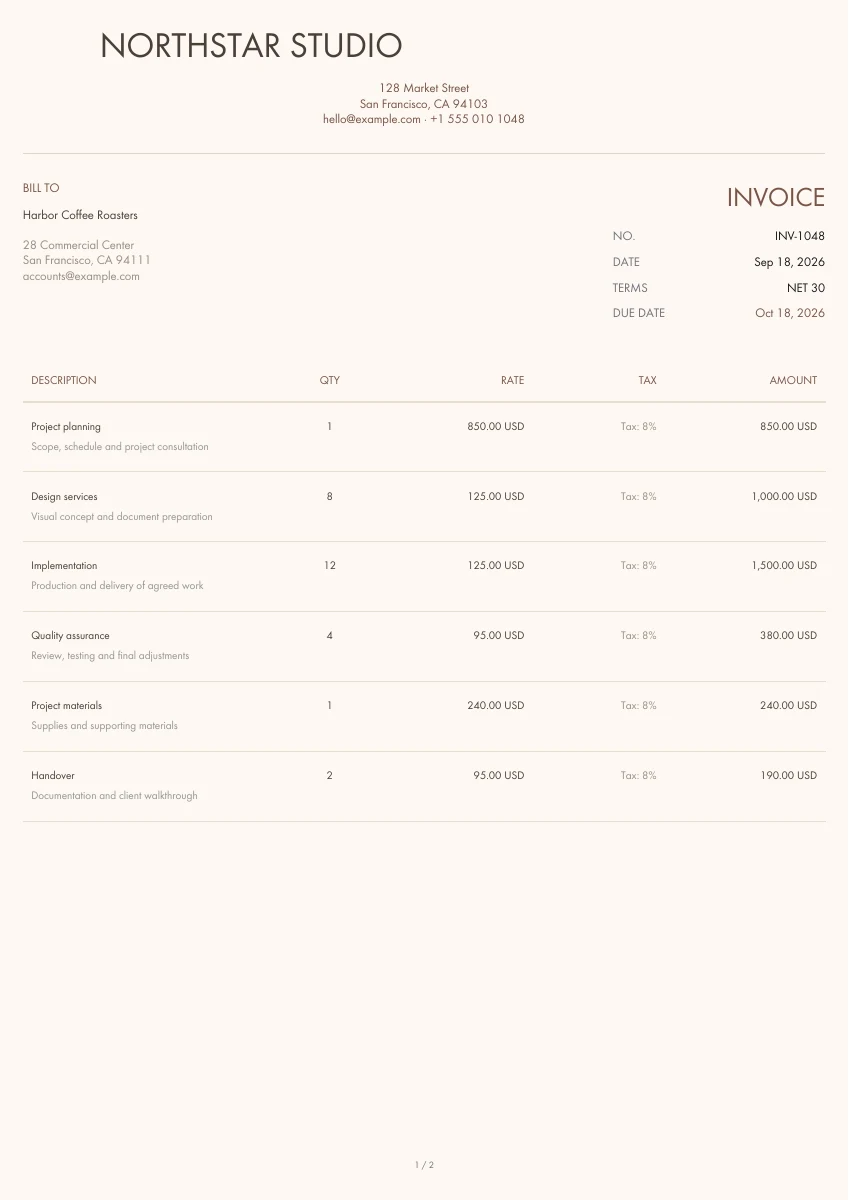
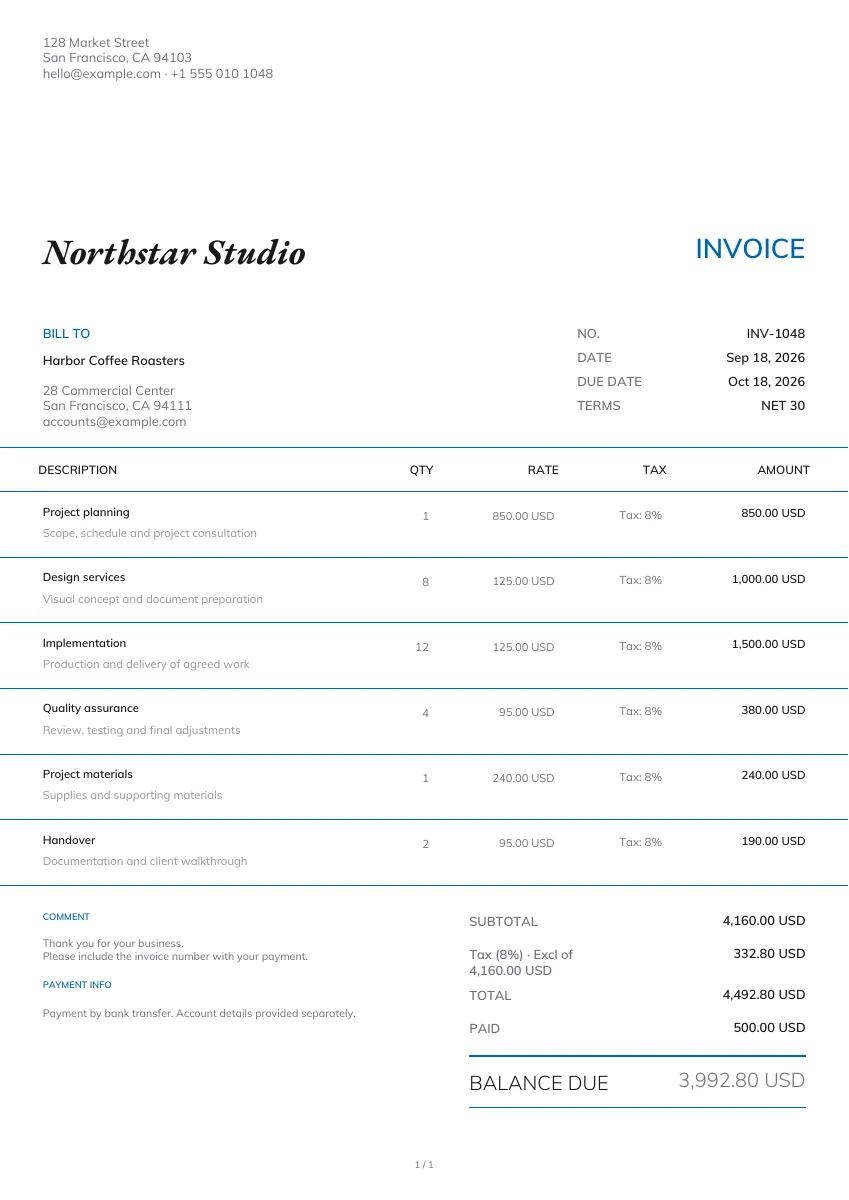
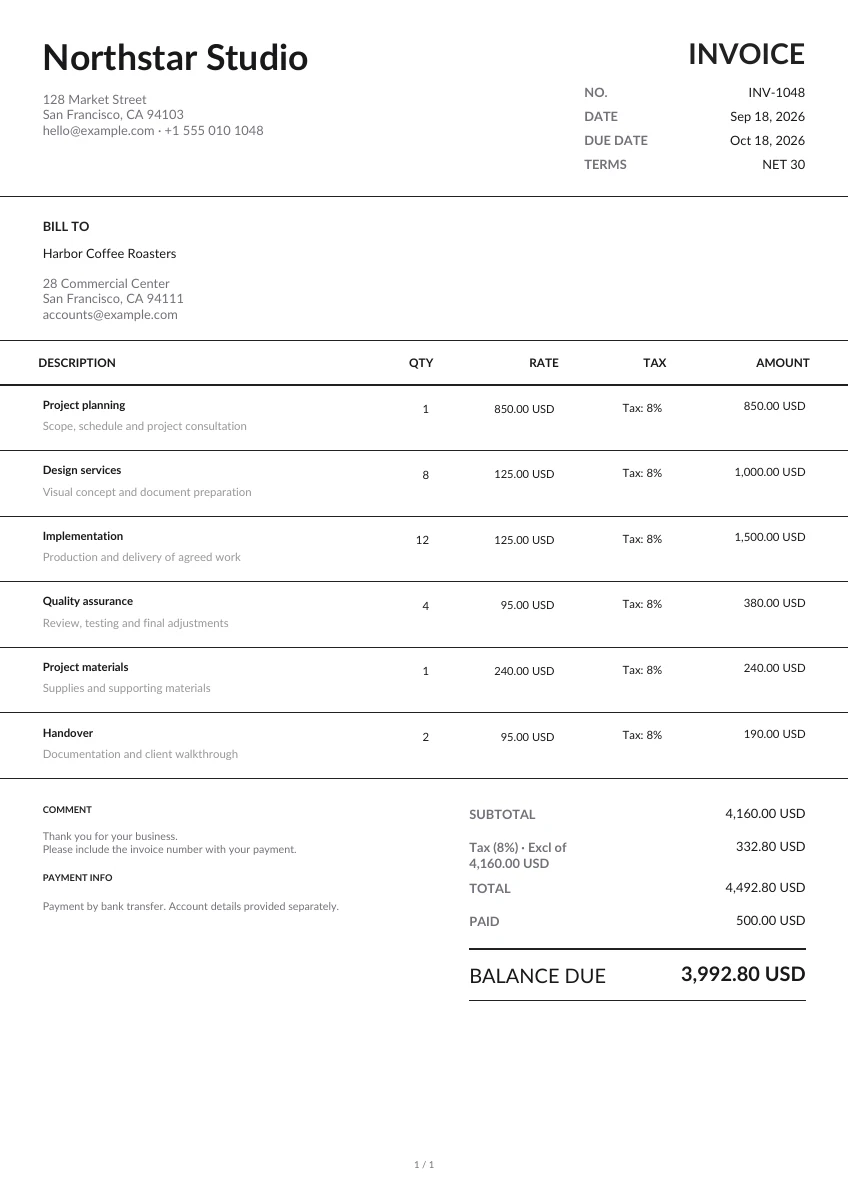
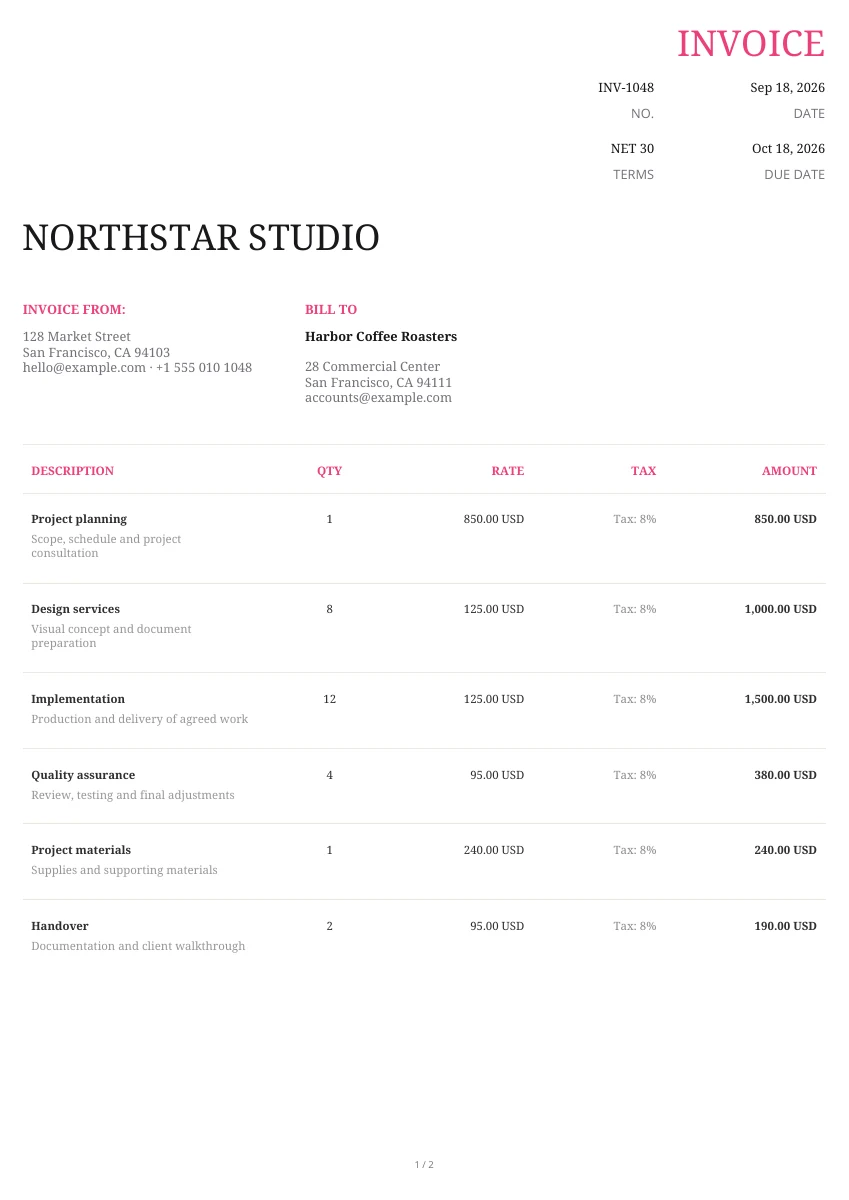
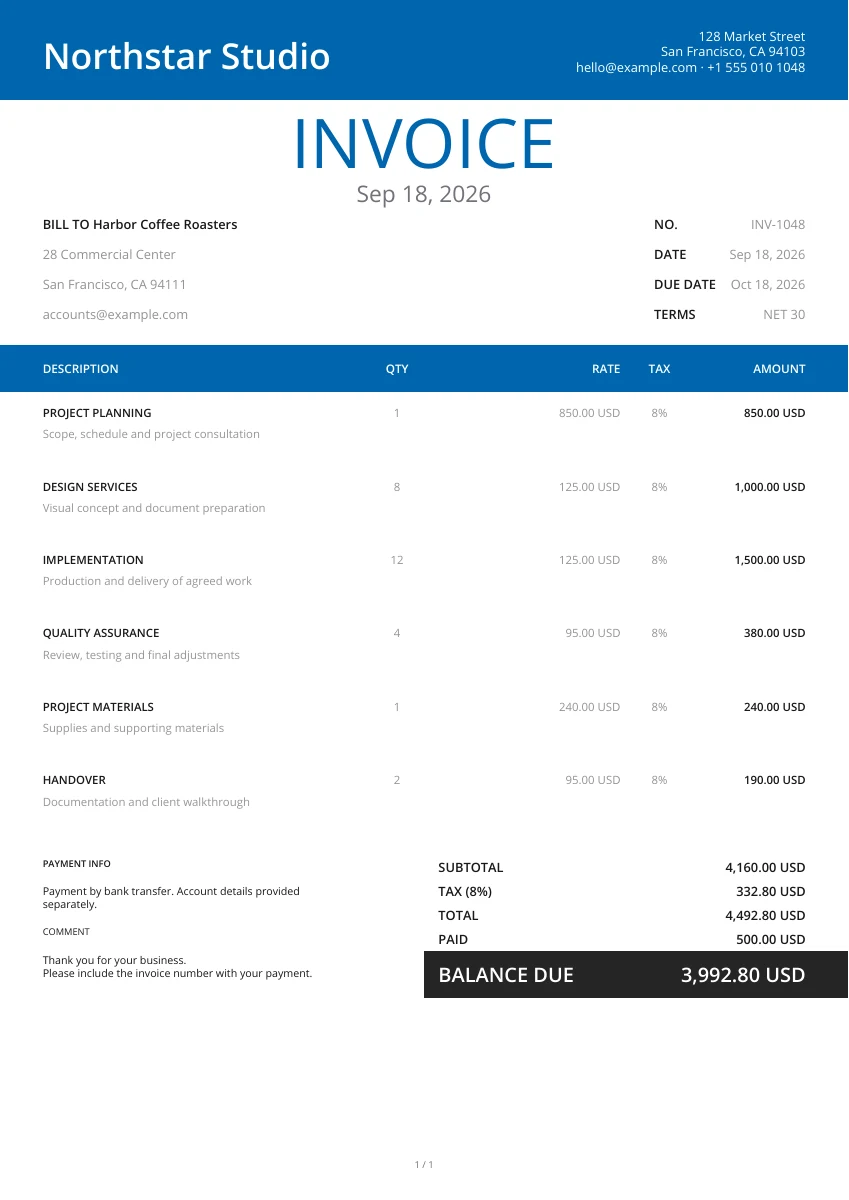
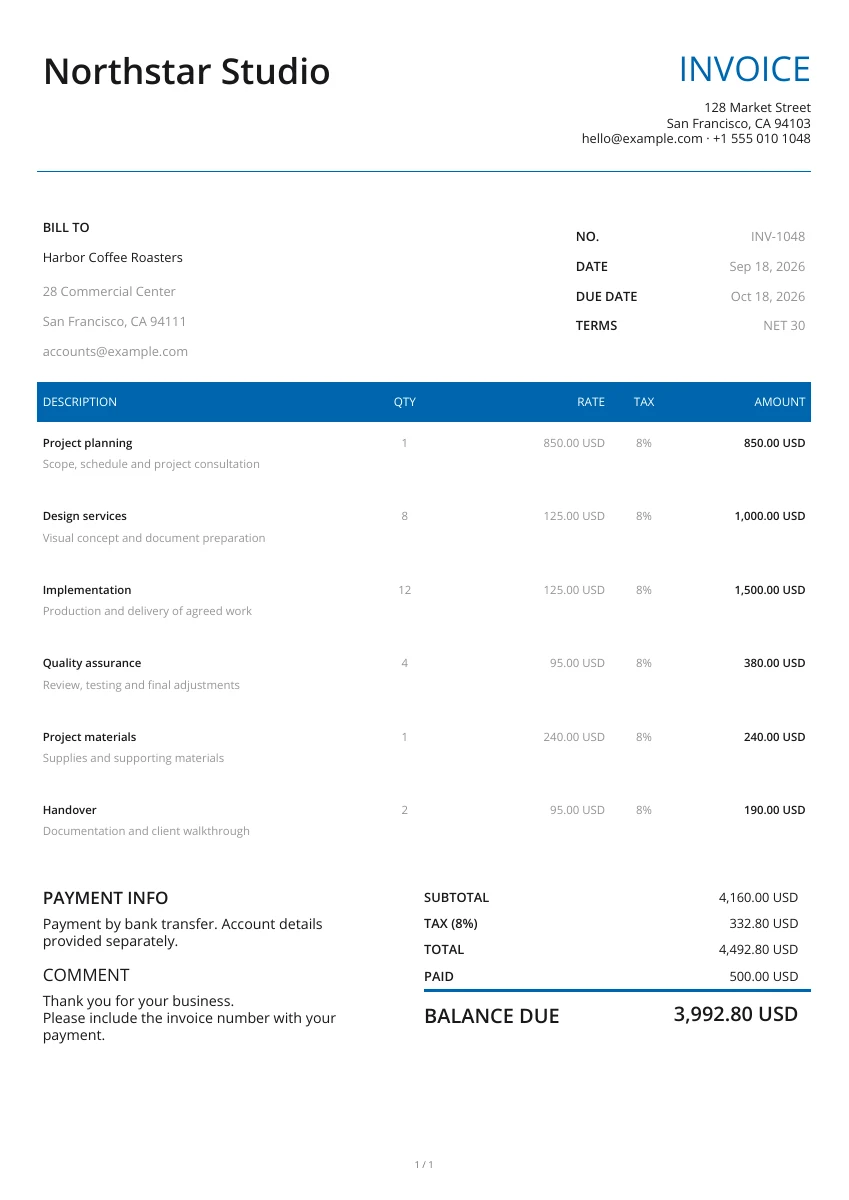
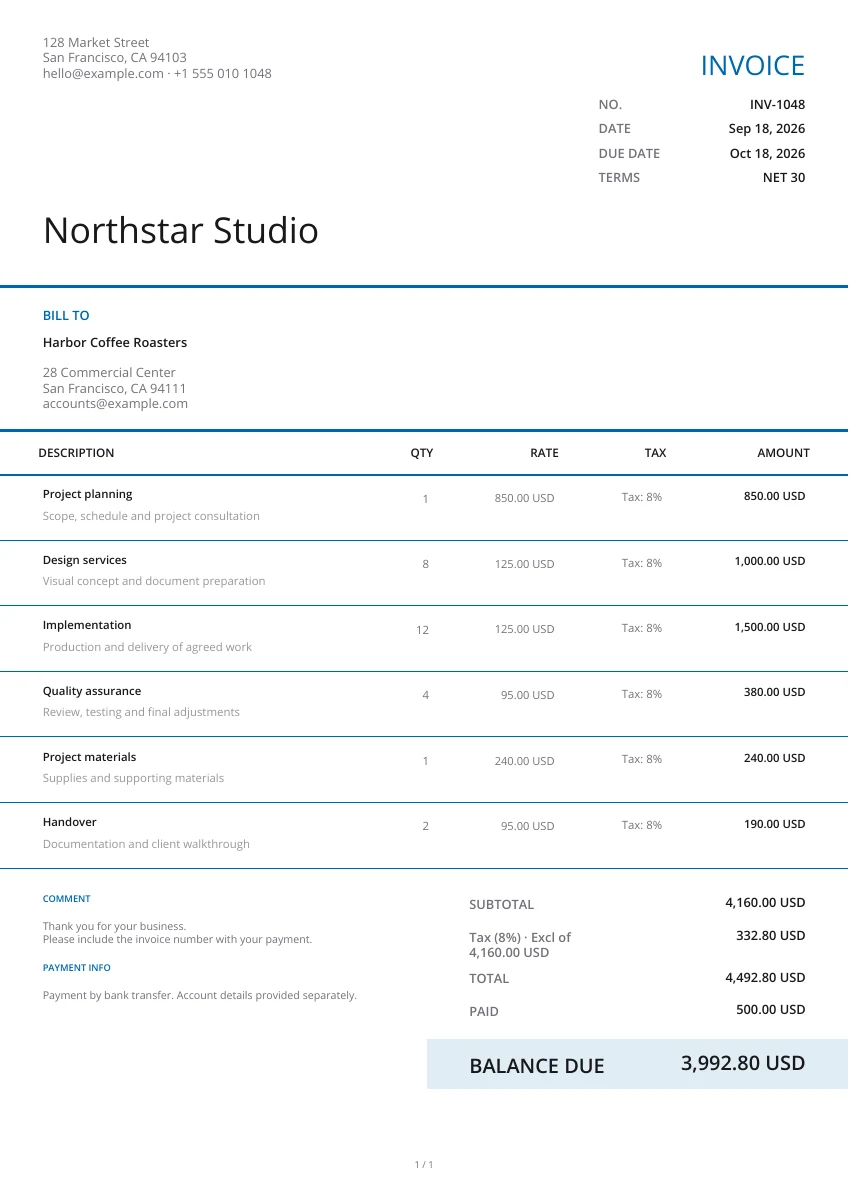
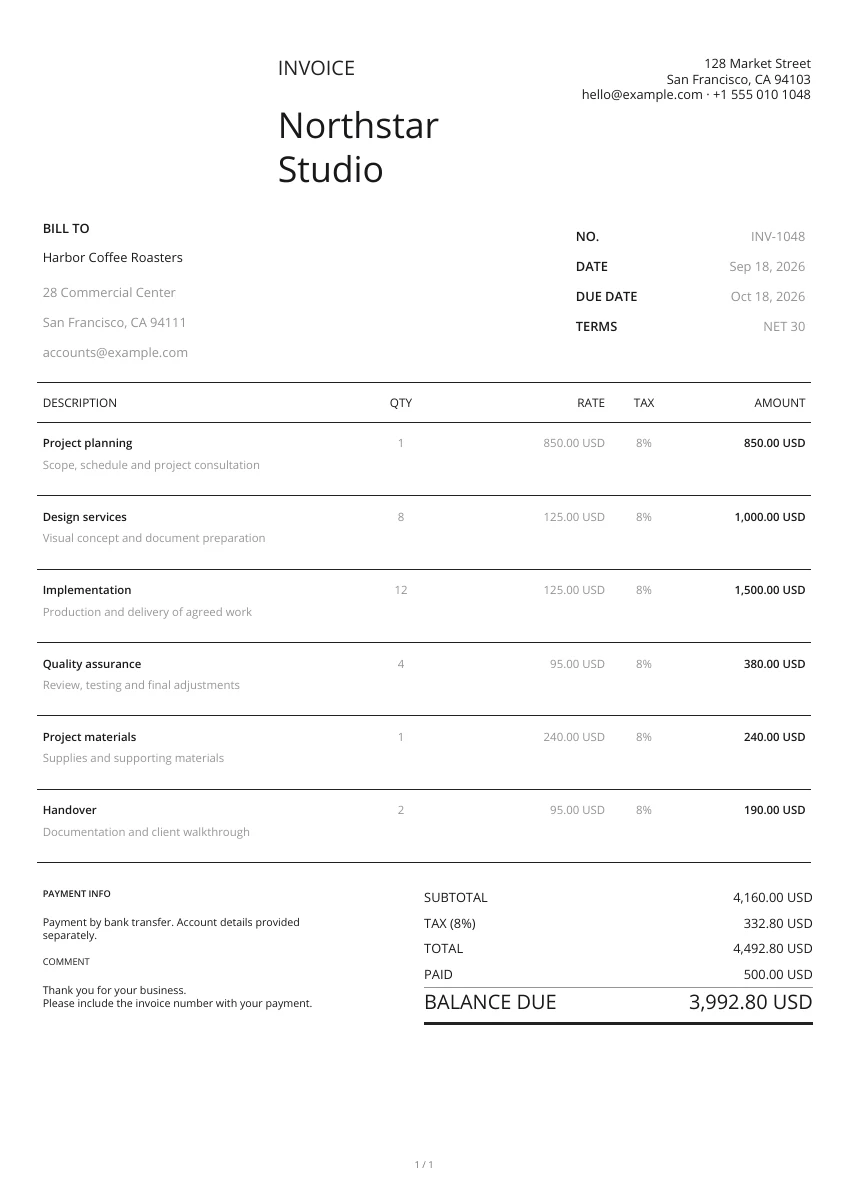
Select from 21 layouts. Keep the title Proforma Invoice. Fill in the seller and buyer, a separate reference number and issue date. Add your logo, header and colours. If you later change the design, it is not necessary to re-enter the details.
Specify the goods or services offered, their characteristics, quantity, unit price and currency. Indicate validity, delivery and payment arrangements in the terms. Fill in the notes about points that need to be clarified.
Open the actual pages generated. Check the title, parties, products, amount and terms, including any image attachments. Download the file to attach to your email, or print it for the recipient.
Show items and the expected amount
Set the price for each item
Provide item specifics, quantity and price per unit. The tool calculates line totals automatically. Fill in the discount, tax rate and shipping cost in the totals field. Tax is calculated by applying the entered rate to the subtotal after discount. Shipping cost is then added. Local tax treatment is not automatically determined.
Use the agreed transaction currency
Select the agreed transaction currency. If the shipping address differs from the buyer's address, provide it separately. Describe delivery timing and conditions in the terms. Switching currency does not convert amounts.
Add your logo and product images
Use your own logo, colour, header, watermark and format. Attach product images if required. Preview their location in the PDF.
Make a separate document after confirmation
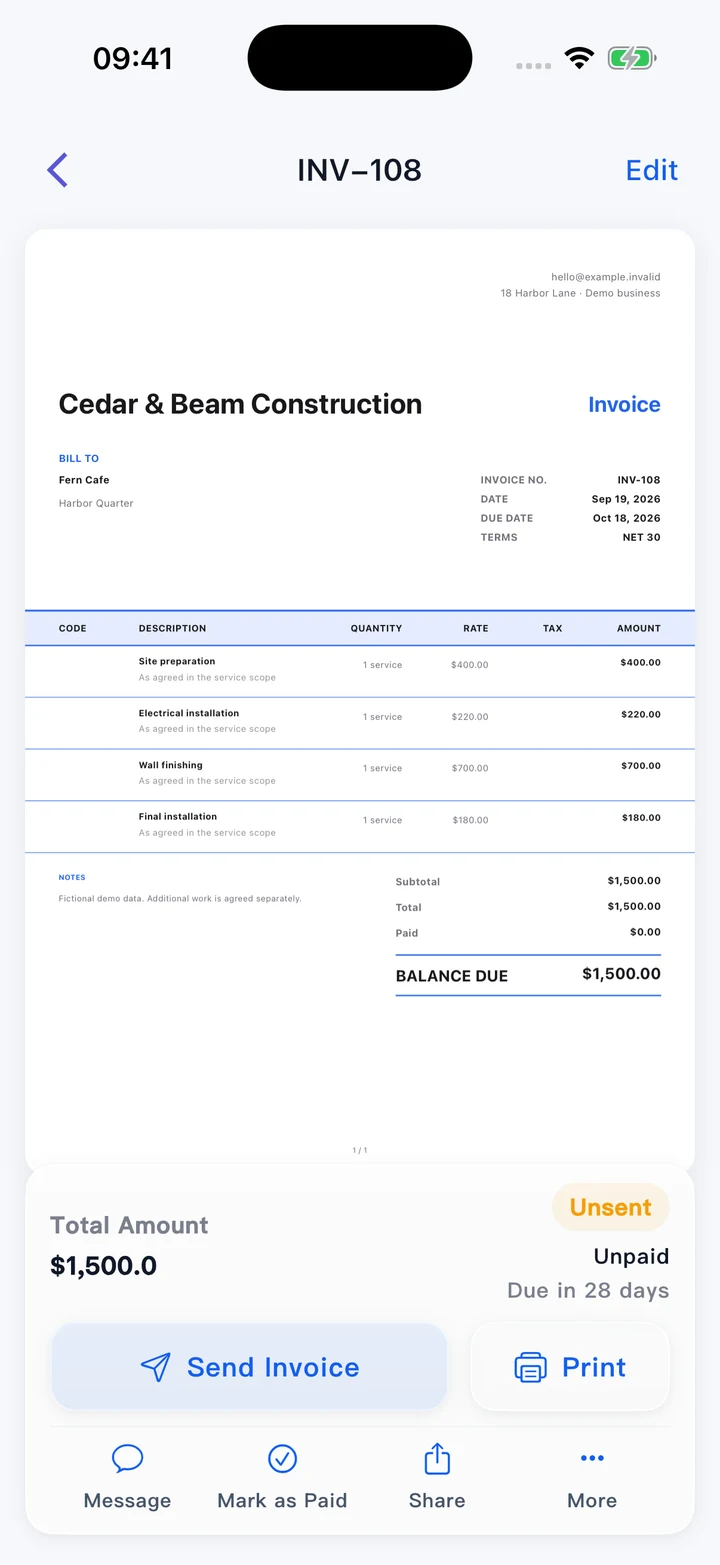
Open the PDF on a phone or PC
Use the editor through your browser. The downloaded PDF keeps a fixed page format and can be opened on a phone or PC, or printed.
Make a separate commercial invoice
Keep the proforma reference. Confirm any changes to goods, quantities, prices or delivery. When you issue the bill, open the invoice generator and create a commercial invoice based on the confirmed information. Include the original reference. There is no one-click conversion on this page. Filling in the form alone does not confirm an order.
Use the app to handle your business
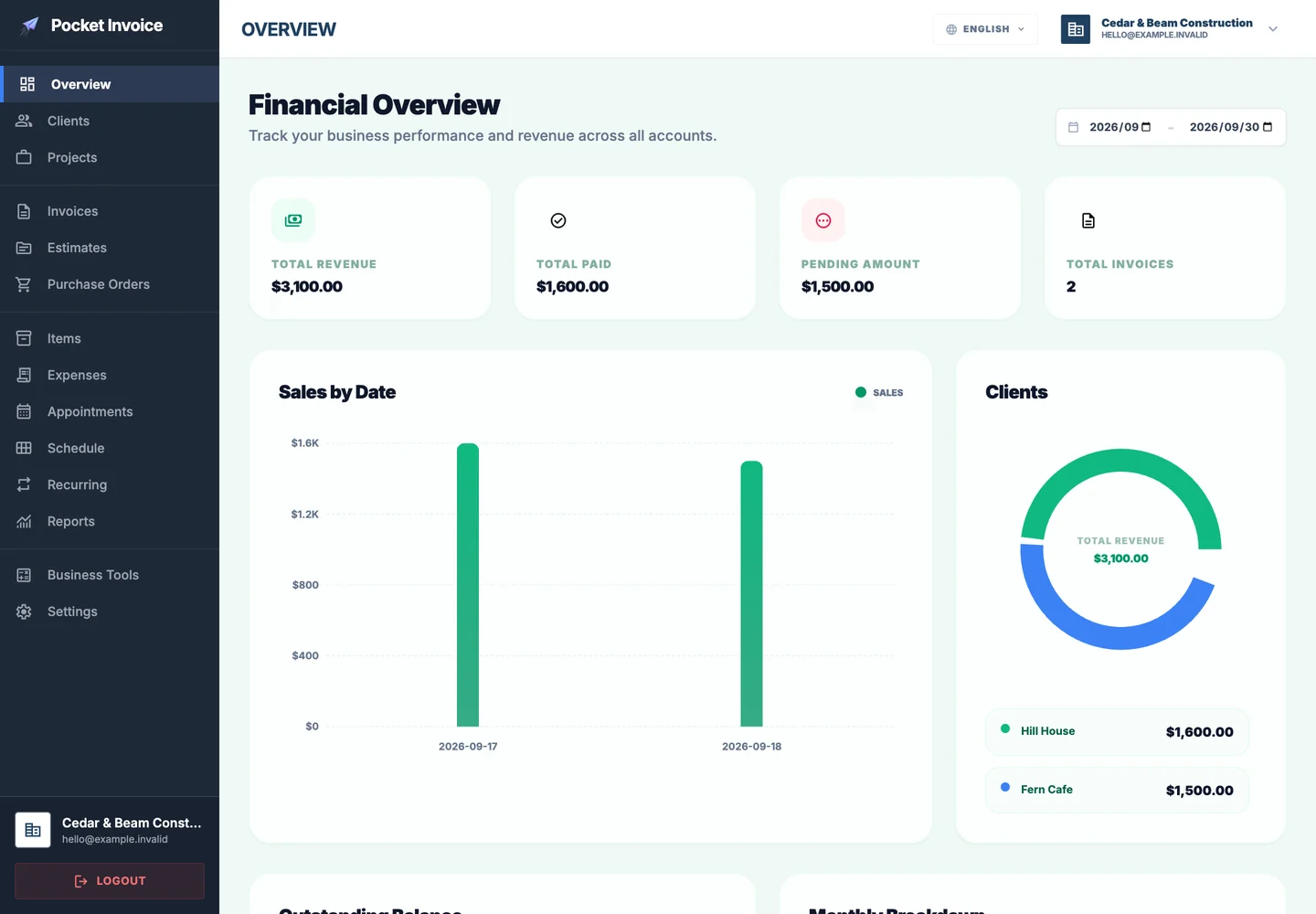
Handle customers, invoices, recorded payments and expenses in the Pocket Invoice app. Download proforma invoices created here yourself; they are not automatically saved to your account. Create records in the app for continuing business management.
Proforma invoice: what should be included?
Use the title, items and conditions to describe the planned transaction, distinct from a final payment request or proof of money received.
- 01
Title/reference/date
Use a clear Proforma Invoice label, a separate reference number and issue date for both parties to reference and check.
- 02
Seller/buyer
Input names, addresses and contact details. Add a separate delivery address if the receiving location differs.
- 03
Goods/services
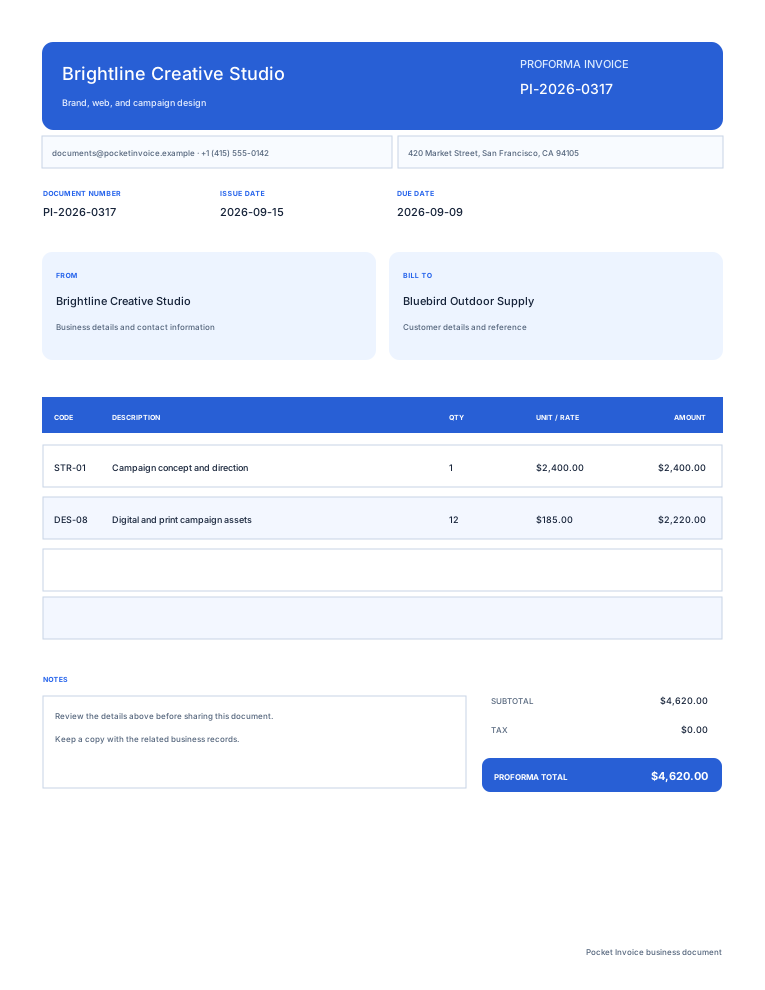
List names, specifications, quantities and unit prices to describe the planned products or work.
- 04
Total and currency
Specify the currency and check subtotal, discount, tax, shipping and total. Only write money actually received in Amount paid. Do not consider an expected advance payment received; entering an amount does not collect money.
- 05
Delivery time/advance payment
Specify the time and place of delivery, advance-payment information, payment schedule and conditions to confirm before proceeding, as actually agreed by both parties.
- 06
Valid-until date/notes
Specify the valid-until date for this proposal. Describe uncertain products, quantities and conditions without presenting things under discussion as confirmed.
Select a proforma format
Enlarge the preview to see how information is displayed. Choose a format and input transaction details. When changing the format, the entered information remains available.
Preview templatesProforma invoice questions
What is a proforma invoice?
It's a summary of what you're proposing to sell or provide to the customer, including goods or services, quantities, prices and commercial conditions, before formal billing. It lets the customer check the proposal and discuss advance payments. Make it clear that it's a proforma invoice, without giving the impression that it's a final invoice or evidence of payment.
How to create an online proforma invoice?
Select the design. Fill out the title, parties, separate number and date. Enter items, quantities, price and currency, followed by delivery, validity and payment terms. Check the actual PDF and then download it.
Is it proof of the customer's payment?
No. The proforma invoice outlines the planned transaction and payment conditions. After actually receiving an advance payment, create a separate receipt for the amount paid. Fill in the payment date and reference. Don't treat the transaction as paid because the customer received a proforma invoice.
Can I change the currency or make cross-border deals?
Select an available currency. Fill in the buyer's information, shipping address and agreed delivery conditions. Selecting a currency does not convert any amounts. Check what documents and information the overseas recipient needs. The Proforma Invoice title alone doesn't prove that every requirement has been met.
How to issue an invoice after the order is confirmed?
Go to the invoice generator and make a separate commercial invoice with the confirmed goods, quantities, prices and actual payments received. Enter the proforma reference. This page cannot automatically convert documents or issue official Chinese tax invoices.
Is there any charge to create or download?
No charge. Edit, preview and download the PDF. Add a logo, template, brand colour, header and watermark. Export the current form to PDF and keep the file yourself.
If I leave this page, can the document still be saved as a draft?
This document is not automatically saved to your account. Download the PDF before leaving. For long-term customer and document management, create corresponding records in the Pocket Invoice app.
How does the content I enter become a PDF?
During preview or download, the PDF service processes the document content and makes a file. This page does not save your proforma invoice to your account or send email directly. Download it and share it yourself.
Use other documents
Save the transaction as a proposal in PDF
Review products, prices, currency and terms. Then download and share the proforma invoice with your customer for review.