
- contractor identity
- client billing details
- invoice number
- issue date
- due date
- line items
- subtotal
- tax
- amount due
Modern Blue style · free downloads
Contractor Invoice Template
What this template covers
A contractor invoice template should separate labor, materials and equipment, identify the jobsite and approved scope, and clearly show tax, payments received and the remaining balance.
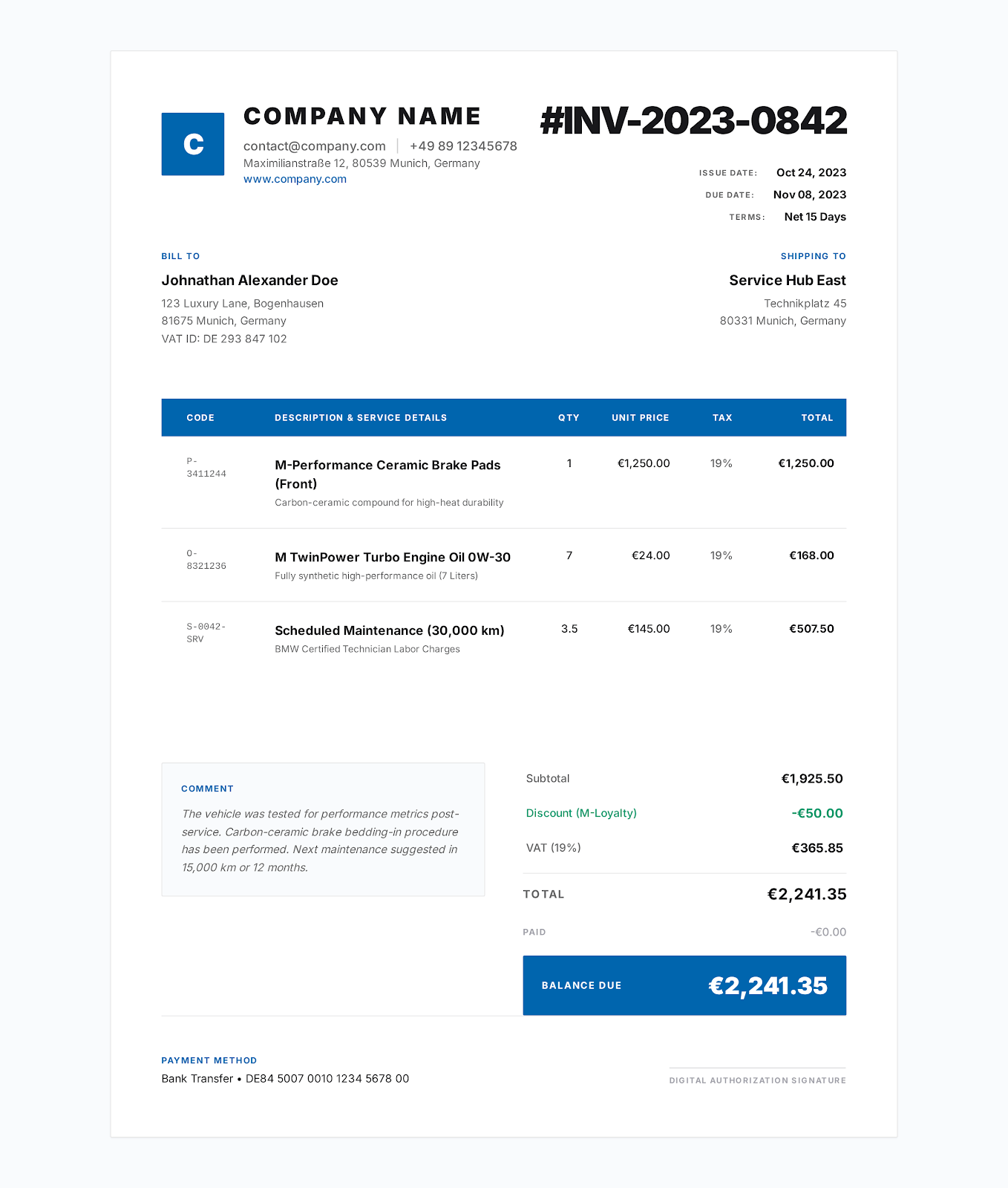 Use Modern Blue online →
Built for contractor work
Fields that match the invoice workflow
- job reference
- project site
- purchase order
- labor
- materials
- equipment
- approved changes
- deposit or amount paid
- all business and customer details
- project references
- dates
- items
- rates
- tax rate
- discount
- payments
- notes
- terms
Worked example
Example line items in the download
The files contain realistic example values so the structure is clear. Replace every example before issuing an invoice.
| Item | Quantity | Rate | Details |
|---|---|---|---|
| Carpentry and finish labor | 42 hours | $85.00 | Approved field hours for framing and trim |
| Framing and finish materials | 1 lot | $2,840.00 | Lumber, fasteners, trim and consumables |
| Equipment rental | 3 days | $240.00 | Scissor lift and dust-control equipment |
How to use it
From example file to customer-ready invoice
Choose the Modern Blue online style or download Word, Excel or fillable PDF.
Replace every example business, customer, project, date and payment field with the real transaction details.
Review quantities, rates, tax, discounts, payments and the balance against the agreement and applicable rules.
Save a final copy, reopen it to verify the content and send it through the agreed customer channel.
Related invoice templates
Compare templates for similar work.
Choose the page that most closely matches how you describe, price and deliver the work.
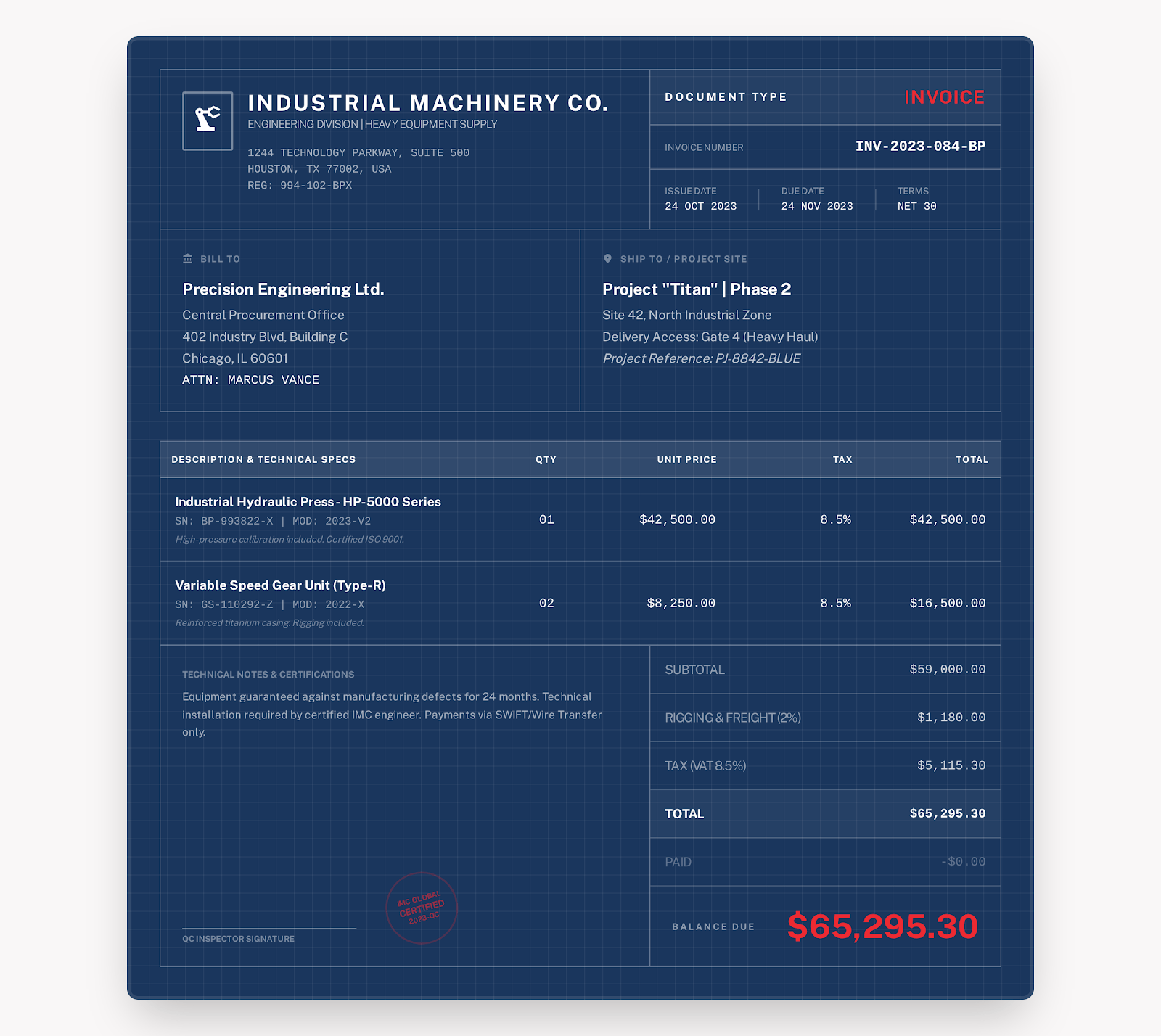
Construction Invoice Template
A construction invoice template should identify the project phase and site, itemize labor and materials by unit, and document progress payments, retainage, change orders, tax and the balance due.
View industry template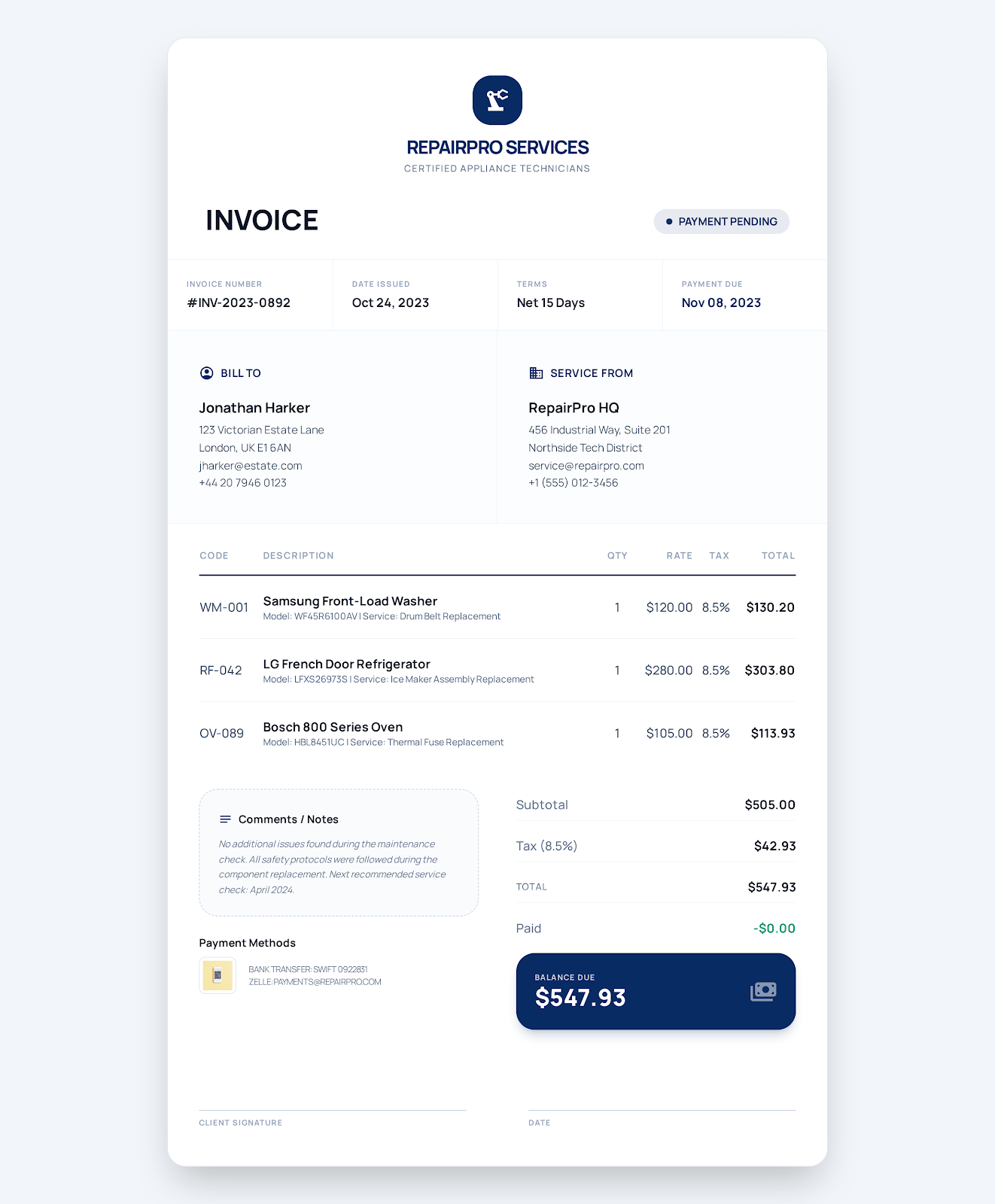
Service Business Invoice Template
A service invoice template should connect charges to a work order, separate labor, parts and service-call fees, and record the service location, completion notes, tax, due date and payment status.
View industry template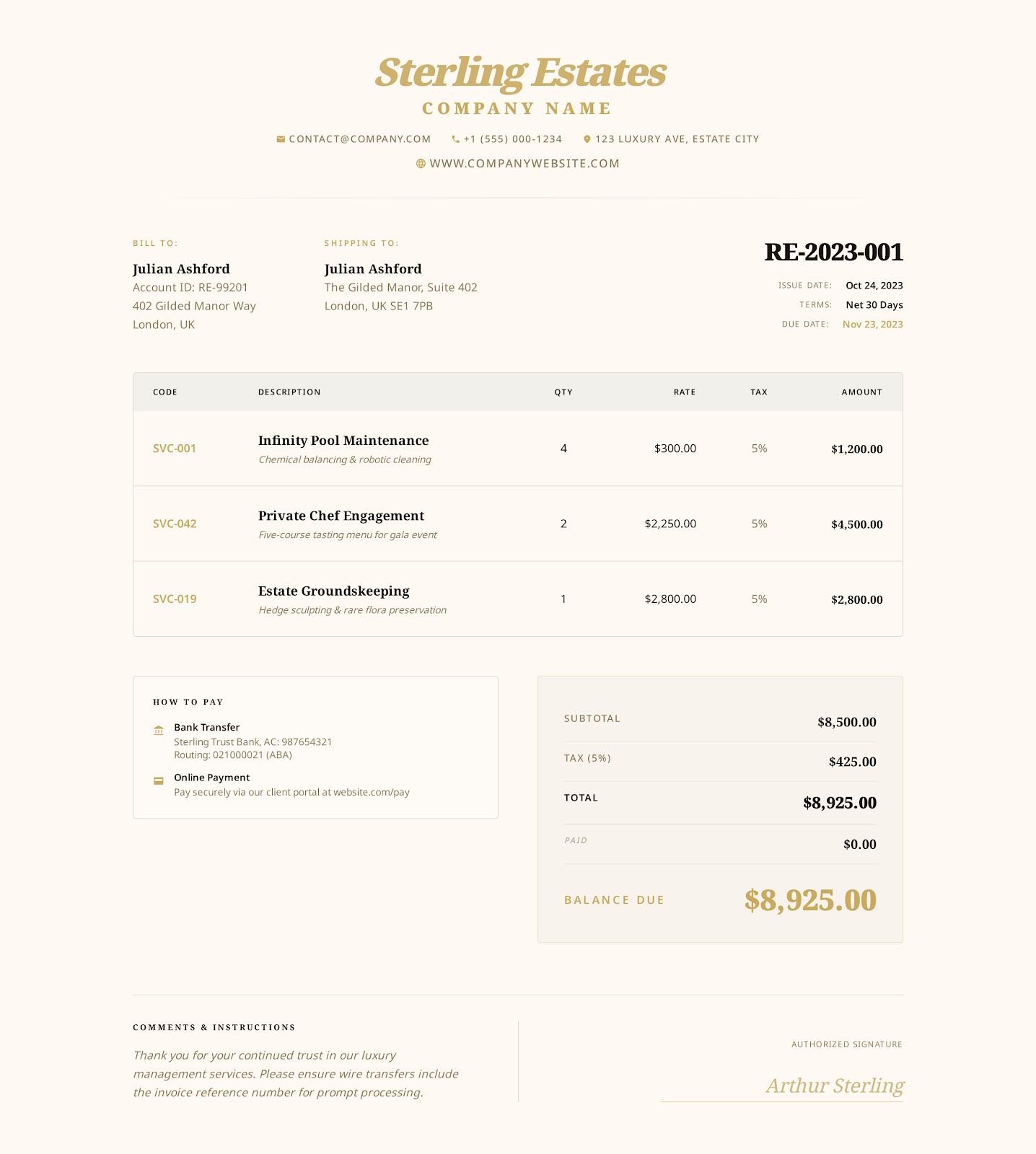
Hourly Service Invoice Template
An hourly service invoice template should tie every charge to an approved task, service period, number of hours and rate, then reconcile the timesheet, expenses, payments and remaining balance.
View industry templateFrequently asked questions
Questions about contractor invoice template
What should a contractor invoice include?
Include the contractor and client, jobsite, scope reference, labor, materials, equipment, approved changes, tax, payments received, balance due and payment terms.
Can I edit this contractor invoice in Word and Excel?
Yes. The DOCX contains editable Word tables, and the XLSX contains editable input cells with formulas for totals.
Does the PDF support typing into fields?
Yes. The PDF contains AcroForm fields for the business, project, items, totals, notes and payment terms.
No sign-up required
Create a contractor invoice online.
Choose a visual style, enter your business and customer details, and export the finished invoice as a PDF.