
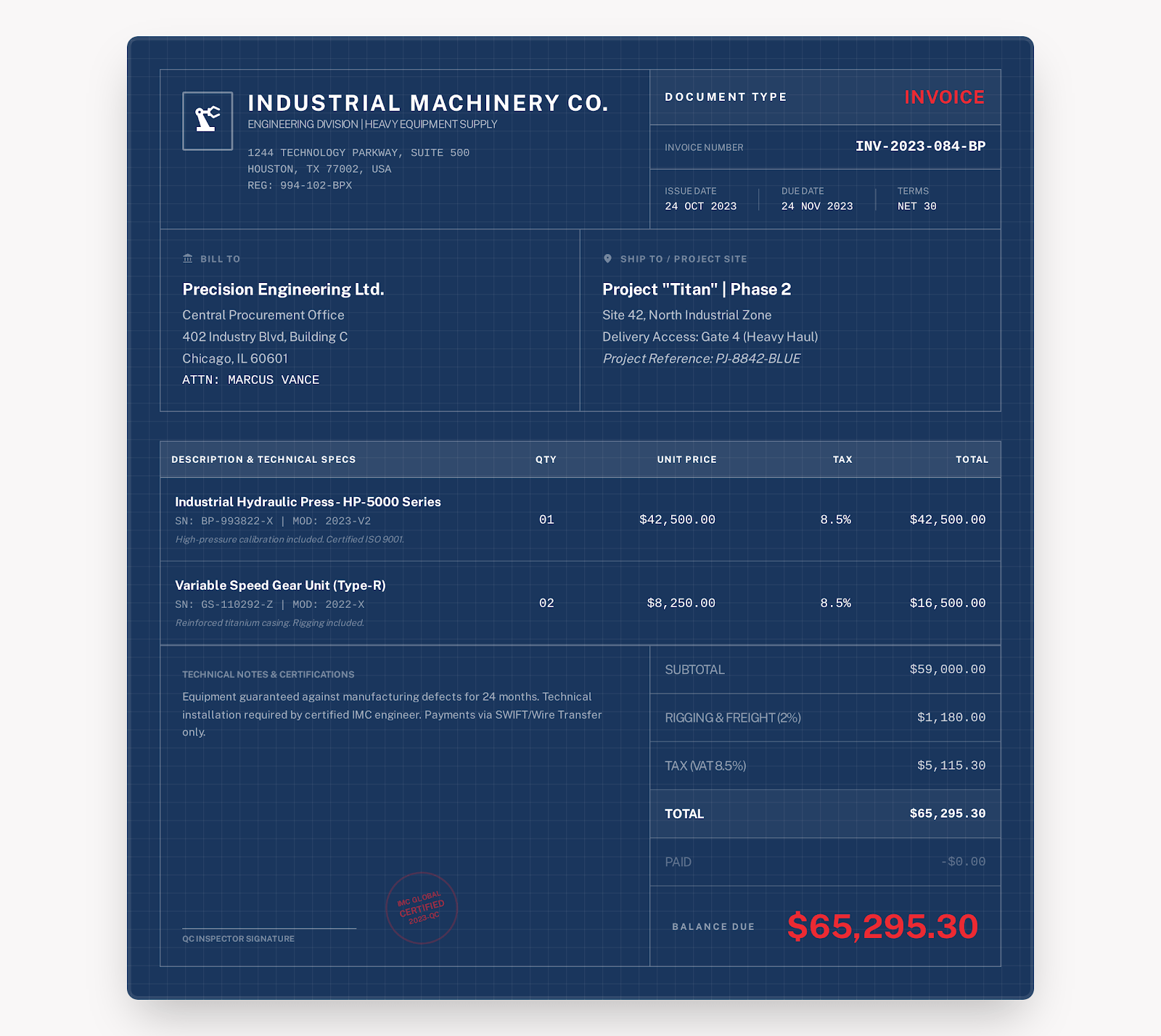
- Contractor information
- Owner/customer information
- Project location
- Invoice number
- Billing period
- Charges information
- Taxes
- Amount received
- Balance due
Industrial style - Download for free
Construction Invoice Template
Track what's finished and still owed
Track by phase. Include the work done in the current phase and the billing period on your invoice. Include charges for labor and materials in the appropriate units. Include amounts received to date. Include any note about retainage. Also note approved change orders. Be sure to review the taxes and balance due against your contract.
 Use the Industrial style online →
Construction Invoice Checklist
Make sure your invoice aligns with your project, line items and payments
- Project phase
- Purchase order
- Labor
- Materials
- Billing units
- Progress payments
- Retainage notes
- Approved change orders
- Business/customer info
- Project/purchase order number
- Dates
- Quantities
- Units
- Unit rates
- Taxes
- Amount received
- Notes
- Payment terms
Example
Unitizing hours, panels and floor area
The examples in the downloads are for billing based on different units. Whatever you type in for your project should reflect your quantity, units and rates based on what you're billing this phase for.
| Item | Quantity | Unit rate | Notes |
|---|---|---|---|
| Selective demolition and disposal | 16 hours | $65.00 | Approved demolition area. HAULING/DISPOSAL records. |
| Subfloor panels | 12 sheets | $45.00 | DELIVERED to site. 12 approved sheets. |
| Floor installation | 240 SqFt | $8.00 | COMPLETED Phase 2 installation of the retail area. |
How to use it
Completing the invoice for this period's work
Use the Industrial style online or download Word or Excel with formulas. Or a fillable PDF.
Replace the sample information with your business, customer, project, date and payment details for this period's work.
Review quantities, unit rates, taxes and discounts, payments received and the balance. Review retainage and change orders against the contract and applicable requirements.
Save the final file. And reopen it to check the contents, then send it to the customer in the way you have agreed.
Find more invoice templates
Continue with the jobs you handle
Charges for each job (contract work, one-time repairs and cleaning after construction) are different.
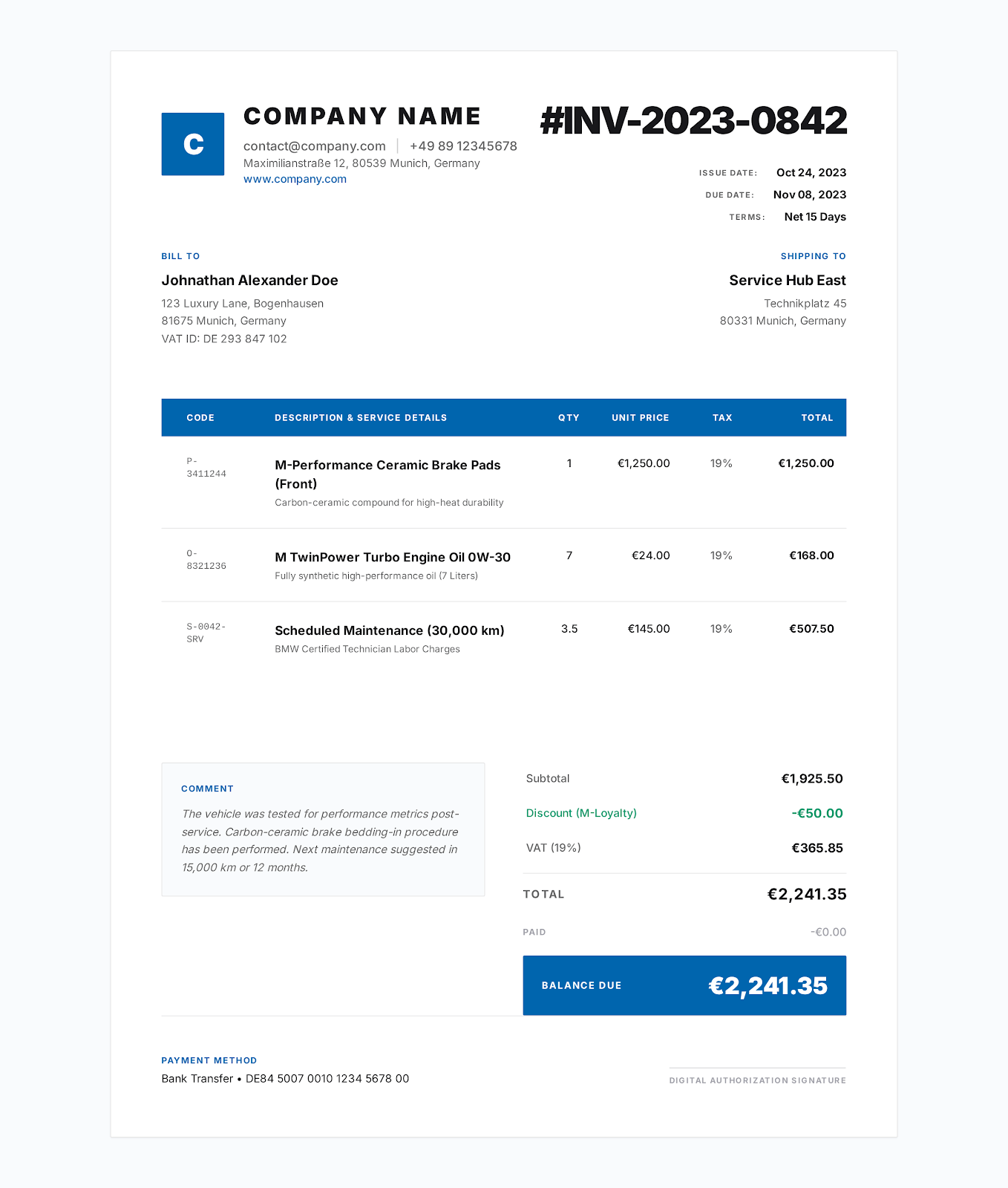
Contractor Invoice Template
Break down the job into labor, materials and equipment. List the job location, the approved work scope, tax, payments received and the unpaid balance. Check the template for the contract job details.
View industry template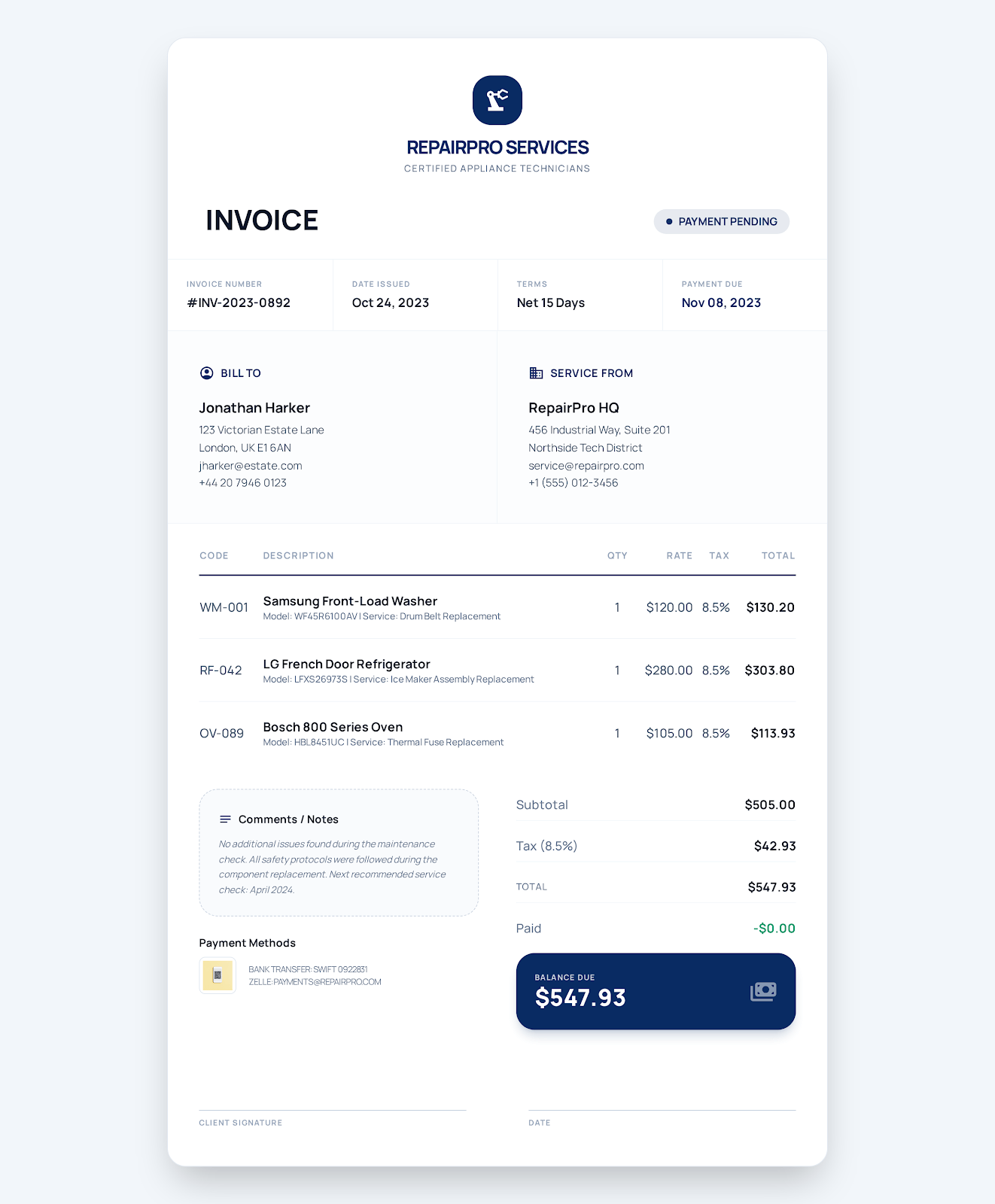
Service Business Invoice Template
For one-time repairs or on-site services, link the charges to the work order. Break down the charges for labor, parts and call-out fees. Provide completion information, tax, due date and payment status.
View industry template
Cleaning Service Invoice Template
Log your cleaning services by service place, date and scope. Detail routine services, extra services and consumables separately. Include completion information, tax and payment terms.
View industry templateFAQ
Construction Invoice Questions
What should be included on a construction invoice?
Project name, location, billing period, labor and material quantities. Approved scope changes. Also, progress payments, tax, retainage and the unpaid balance should be based on the current billing period.
Is it possible to manage progress payments?
Use this to record the project phase, billing period and amount received. Add notes for retainage and change orders. Make sure the actual amounts are consistent with your contract for the project.
Is it possible to modify quantities and totals?
You can modify Word tables and PDF text fields. Excel formulas calculate line amounts, tax and the balance based on the input cells. Ensure the accuracy of calculations after modification.
Online invoice for construction
Select a style for your invoice. Add business information, customer information and project information, then export as PDF.