
- Service provider
- Client
- Invoice number
- Service period
- Approved billable hours
- Hourly rate
- Line amounts
- Payments received
- Balance due
Luxury Gold style · Free downloads
Free Hourly Service Invoice Template
From time records to charges
Line up service date, task, approved billable hours and hourly rate together to let your client have a look at your charge. You can charge different prices for different tasks. If you need a different charge rate, just add another line. Make a separate list of reimbursable expenses. Don't forget to record payments received. Otherwise, the balance due will be unclear.
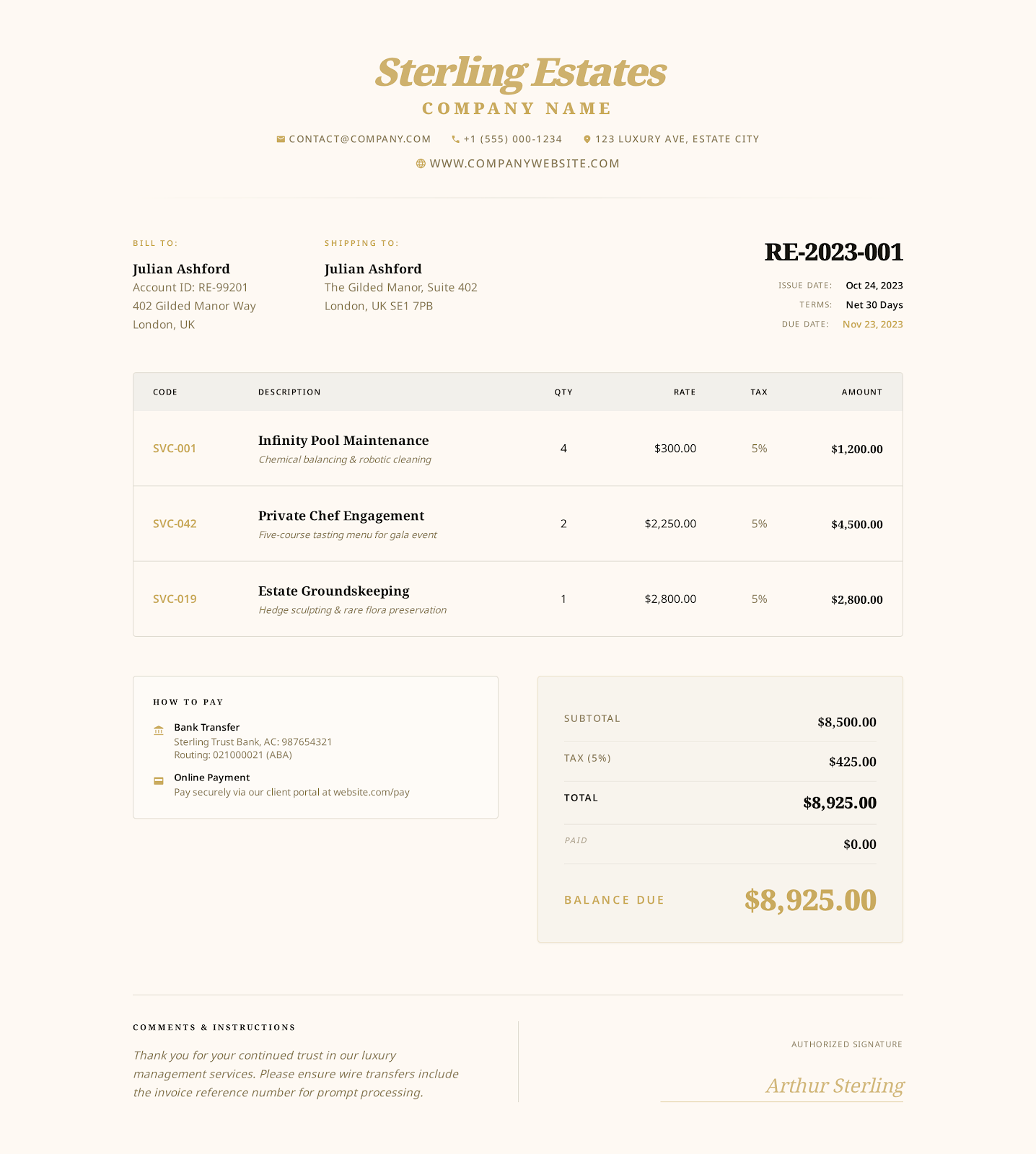 Try Luxury Gold online →
Hourly billing info
Describe your work and the number of hours you bill
- Timesheet reference
- Task or service role
- Agreed billing increment
- Time approval status
- Various hourly rates
- Reimbursable expenses
- Service location
- Service provider and client details
- Timesheet and project references
- Dates
- Tasks
- Hours
- Hourly rates
- Expenses
- Tax
- Payments received
- Notes
- Terms
File examples
Separate on-site work, prep calls and travel
On-site work and prep calls have separate hours recorded in the file. Travel is a single expense, backed by receipts. Replace the example with your own services before sending it to your client. Just because it's in the time log doesn't mean it's within the agreed billing scope.
| Item | Quantity | Rate | Notes |
|---|---|---|---|
| On-site event coordination | 12.5 hrs. | $110.00 | Approved hours for setup, vendor coordination and the launch event |
| Planning/production calls | 4 hrs. | $110.00 | Approved hours for prep/review. Total 4 hours |
| Local travel (approved) | 1 expense | $96.00 | Approved reimbursable travel for the project, backed by receipts |
Usage
Check the amount due after inputting the hours
Select Luxury Gold style online or download a Word, Excel or fillable PDF file.
Input provider, client, project, date and payment details. Include your actual work and billable hours.
Review hours, hourly rates, expenses, tax, discounts, payments received and balance due against the agreement and applicable rules.
Save your final file. Open it up and review its contents. Send it to your client via the agreed method.
Other invoice templates
What to call other services?
Different projects (fixed-fee, consulting, on-site) can have different billing units. Find the right template for the agreement for this project.
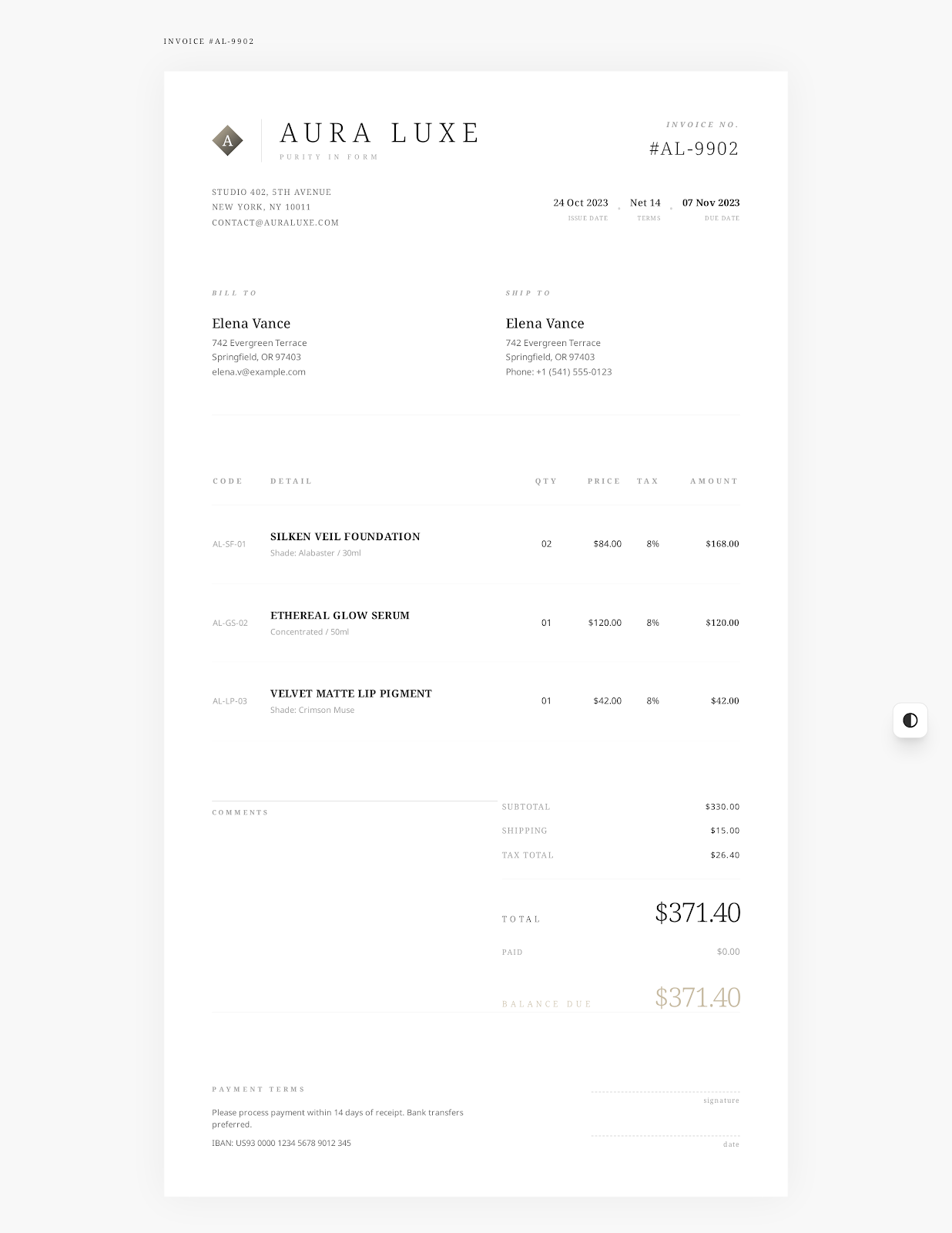
Freelance invoice template
Detail fixed project fees, billable hours and client-approved reimbursable expenses separately. Record prepayment received, payment timing and agreed delivery terms.
View template
Consulting invoice template
Itemize charges by service period, phase, deliverable. Differentiate consulting hours and accepted fixed-fee milestones. Detail agreement, acceptance and payment records.
View template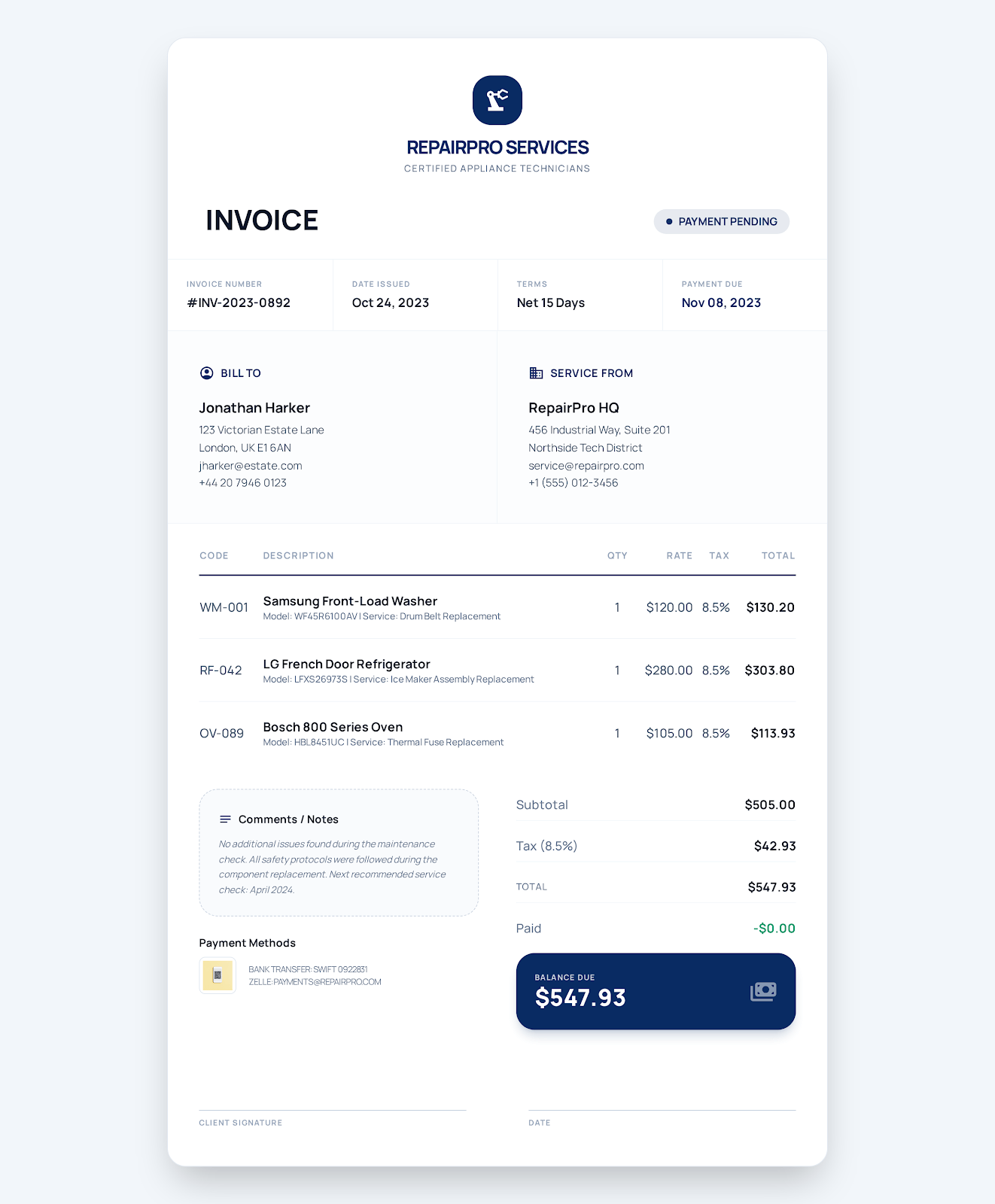
Service business invoice template
Detail work order, service address, work done. List labor, parts, callout fees. Add tax. Indicate payment due date and payment status.
View templateFAQ
Common hourly billing questions
What time details should be shown on the invoice?
Indicate the service period and approved tasks. Detail billable hours and hourly rates. Show line item amounts and the related timesheet reference. Show approved expenses. Display payments received. Show remaining balance.
Is it OK to have different hourly rates in one invoice?
Yes, itemize line by line for each role, task or rate so that the client can verify each charge against the hours and hourly rate.
Should I include the full timesheet with the invoice?
Make sure the client can understand the charges. If it's required by the agreement, provide an approved timesheet suitable for the client. Do not include internal notes or unapproved hours in the invoice.
Create an hourly service invoice online
Select a template. Fill in the provider, client and charge details. Review. Export as PDF.