
- self-employed business
- client
- invoice number
- service period
- services
- hours or fees
- expenses
- amount paid
- balance due
Professional style · free downloads
Self-Employed Invoice Template
What this template covers
A self-employed invoice template should identify the independent business and client, connect charges to the agreed work, and clearly show hours, project fees, expenses, tax, payments and balance due.
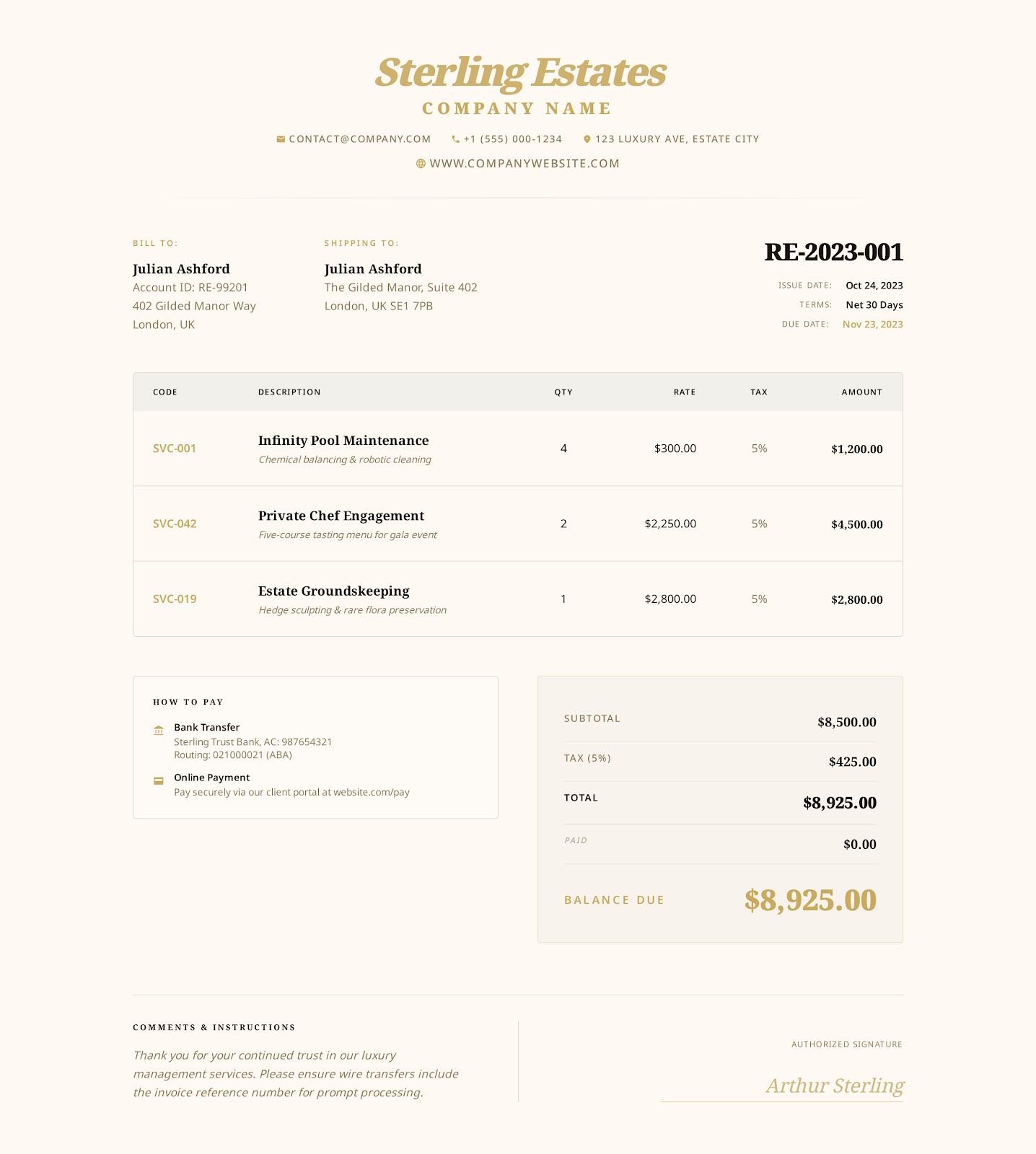 Use Professional online →
Built for self employed work
Fields that match the invoice workflow
- contract reference
- hourly work
- fixed project fee
- reimbursable expense
- tax identifier
- payment reference
- all business and client details
- contract and project
- dates
- hours
- fees
- expenses
- tax
- payments
- notes
- terms
Worked example
Example line items in the download
The files contain realistic example values so the structure is clear. Replace every example before issuing an invoice.
| Item | Quantity | Rate | Details |
|---|---|---|---|
| Operations consulting | 12 hours | $140.00 | Process review and implementation support |
| Written recommendations | 1 project | $450.00 | Final action plan and supporting notes |
| Approved travel expense | 1 expense | $86.00 | Documented local travel |
How to use it
From example file to customer-ready invoice
Choose the Professional online style or download Word, Excel or fillable PDF.
Replace every example business, customer, project, date and payment field with the real transaction details.
Review quantities, rates, tax, discounts, payments and the balance against the agreement and applicable rules.
Save a final copy, reopen it to verify the content and send it through the agreed customer channel.
Related invoice templates
Compare templates for similar work.
Choose the page that most closely matches how you describe, price and deliver the work.
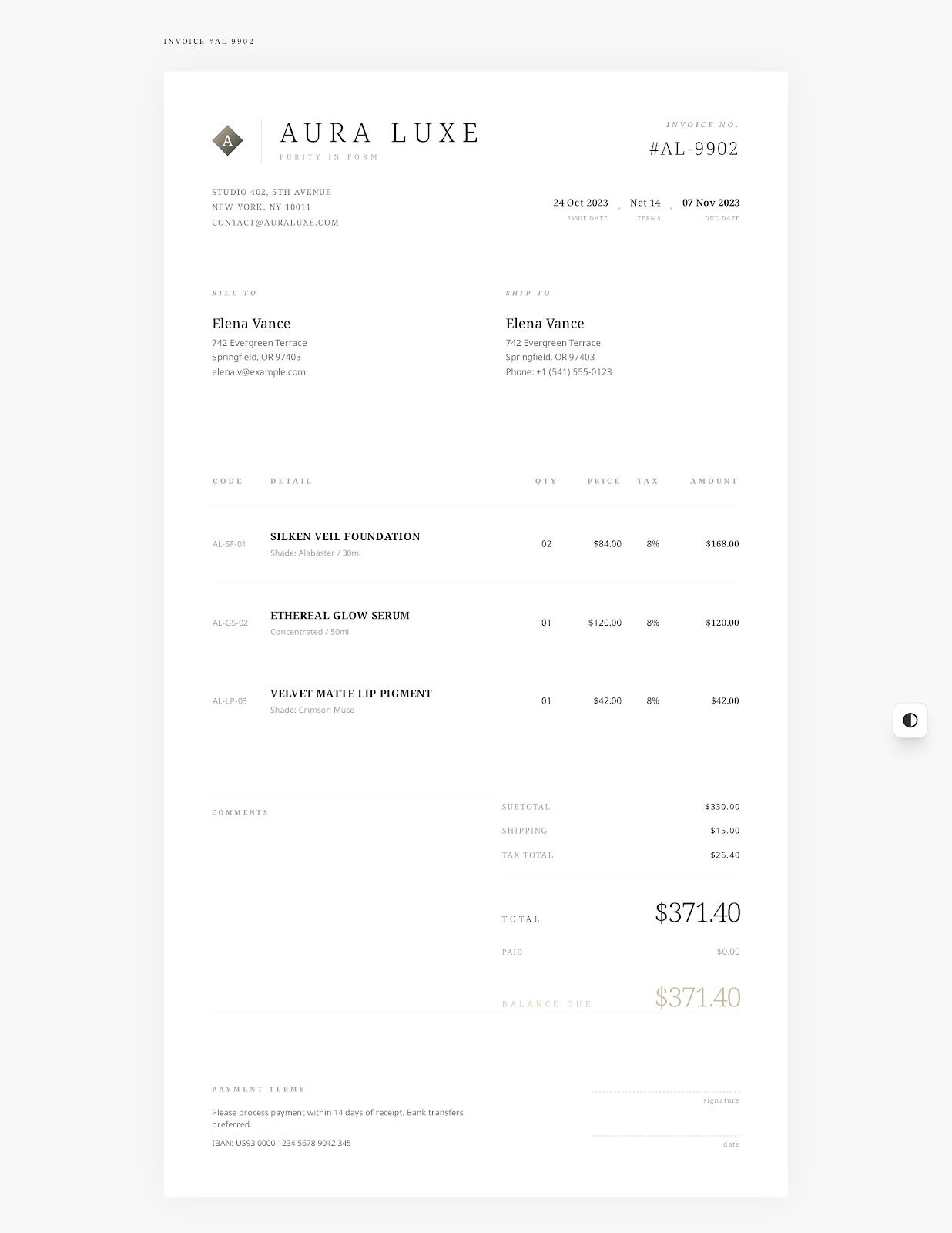
Freelance Invoice Template
A freelance invoice template should connect charges to a client agreement, support fixed fees and billable hours, list approved expenses, and state when and how the client should pay.
View industry template
Consulting Invoice Template
A consulting invoice template should connect each charge to the engagement, phase and service period, separate hourly work from fixed milestones, and reference the agreement, acceptance record and payment terms.
View industry template
Simple Invoice Template
A simple invoice template provides the essential billing fields in a clean one-page layout: seller and customer details, invoice number, dates, line items, totals and payment instructions.
View industry templateFrequently asked questions
Questions about self-employed invoice template
What should a self-employed invoice include?
Include your trading details, the client, invoice number, service dates, hourly or fixed charges, approved expenses, tax where applicable, due date and payment instructions.
Can a self-employed person invoice without a company?
A sole trader can usually invoice under their own legal or trading name, subject to the registration and tax information required in their jurisdiction.
Can this template show both hourly and fixed-price work?
Yes. Use separate lines for billable hours, fixed project fees, products and approved reimbursable expenses.
No sign-up required
Create a self employed invoice online.
Choose a visual style, enter your business and customer details, and export the finished invoice as a PDF.