
- Seller Details
- Customer Details
- Invoice No.
- Issue Date
- Due Date
- Charge Items
- Subtotal
- Total
- Payment Details
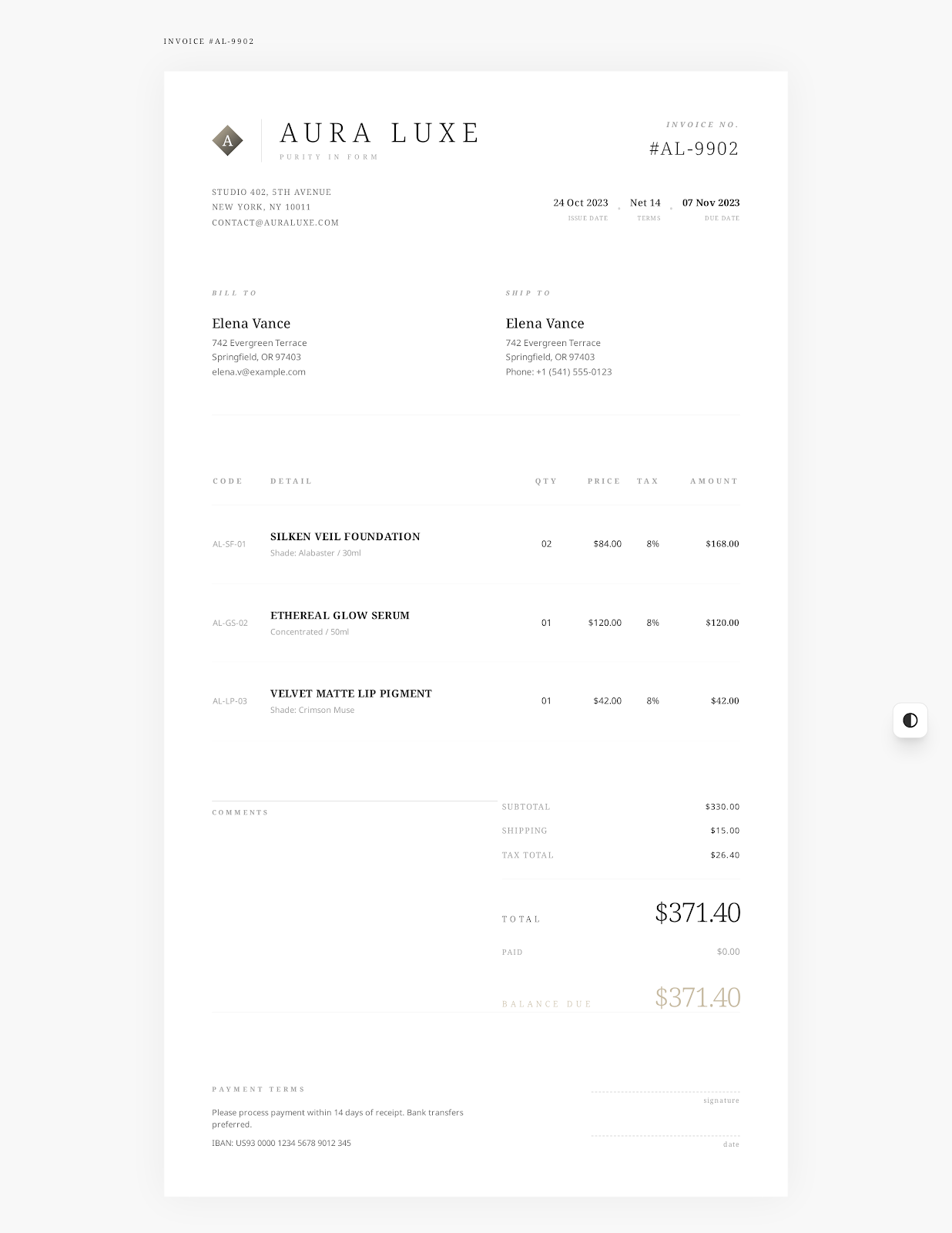
Elegant Minimal style · free download
Simple Invoice Template
Clear Details for Each Charge
One service fee? Or just a few extra hours of work? Itemize your work, quantity and unit price separately. Simple Invoice Template: seller, customer, dates, item list, total and payment details on the same page. Enter your information. Check payments received and the balance due. Present it to your customer.
 Use Elegant Minimal Online →
Invoice Information
Who's invoicing? What's the charge?
- Short Service Description
- Quantity
- Unit Price
- Approved Expenses
- Payment Reference
- Seller and Customer Details
- Dates
- Items
- Quantity
- Unit Price
- Tax
- Payments Received
- Notes
- Terms
Examples in Files
One Service, plus Hours and Project Expenses
This example shows three items. Services completed under the monthly agreement. Approved extra hours worked beyond the agreed scope of work. Documented client expense. Change the names, work and amounts in the sample to your actual details before presenting it to your customer.
| Item | Quantity | Unit Price | Description |
|---|---|---|---|
| Business Support Service | 1 service | $850.00 | Completed work under the monthly agreement |
| Additional Support Hours | 4 hours | $75.00 | Approved work beyond the agreed scope |
| Approved Project Expense | 1 item | $42.00 | Documented client expense |
How to use
From example to invoice
Create online with Elegant Minimal or download Word, Excel or fillable PDF.
Replace sample company, client, project, date and payment info with actual details. Add specific charges by item.
Confirm the quantities, unit prices, taxes, discounts, payments received and balance due in line with the agreement and applicable rules.
Save. Reopen to verify. Send it by a suitable method agreed with your client.
Templates for your invoice
Blank or more billing info?
Complete a blank, self-employed or freelance template to suit the work.
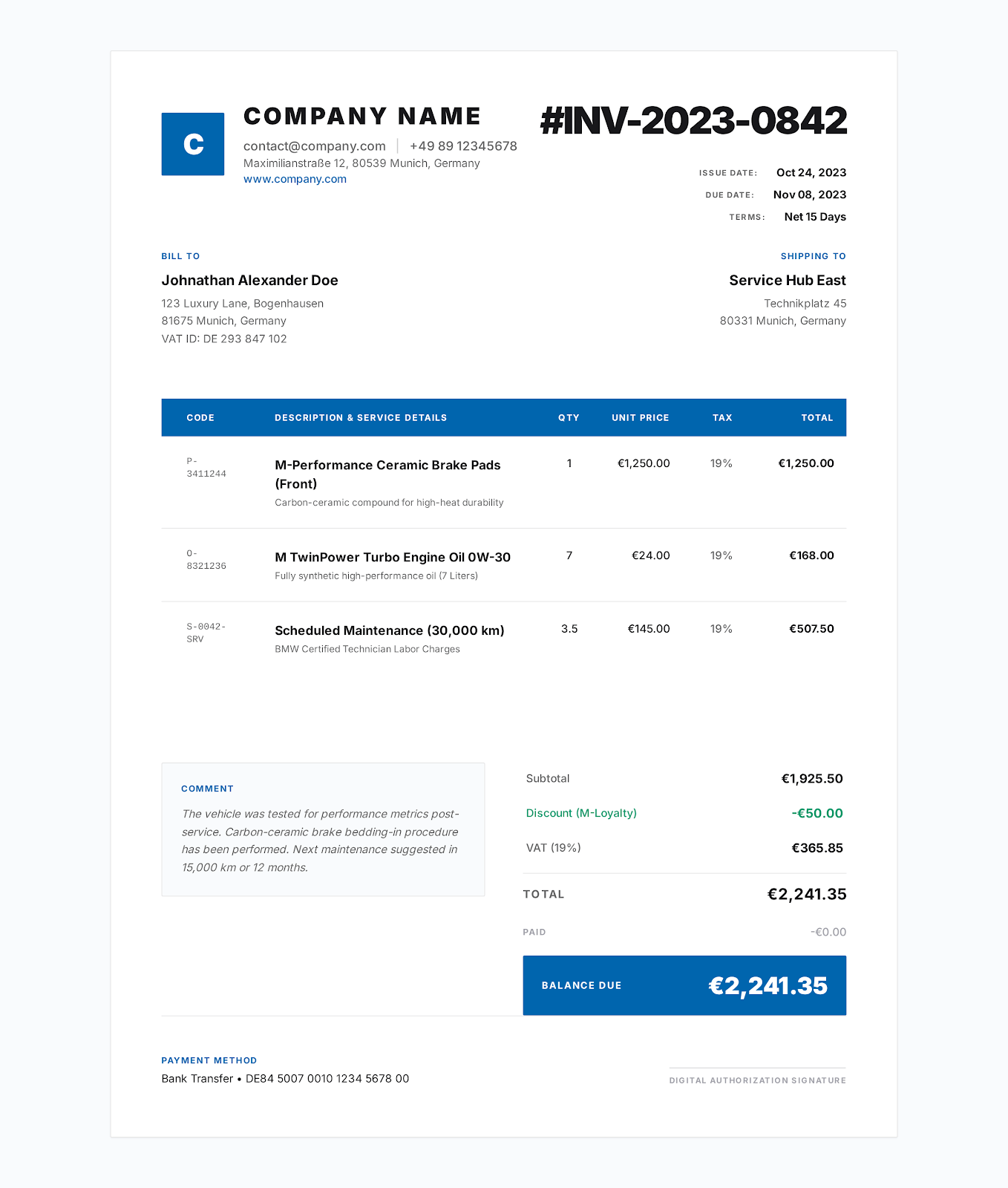
Blank Printable Invoice Template
Add details of the seller and the customer, dates, items, total, payment instructions. Enter your products and services. Print.
View the template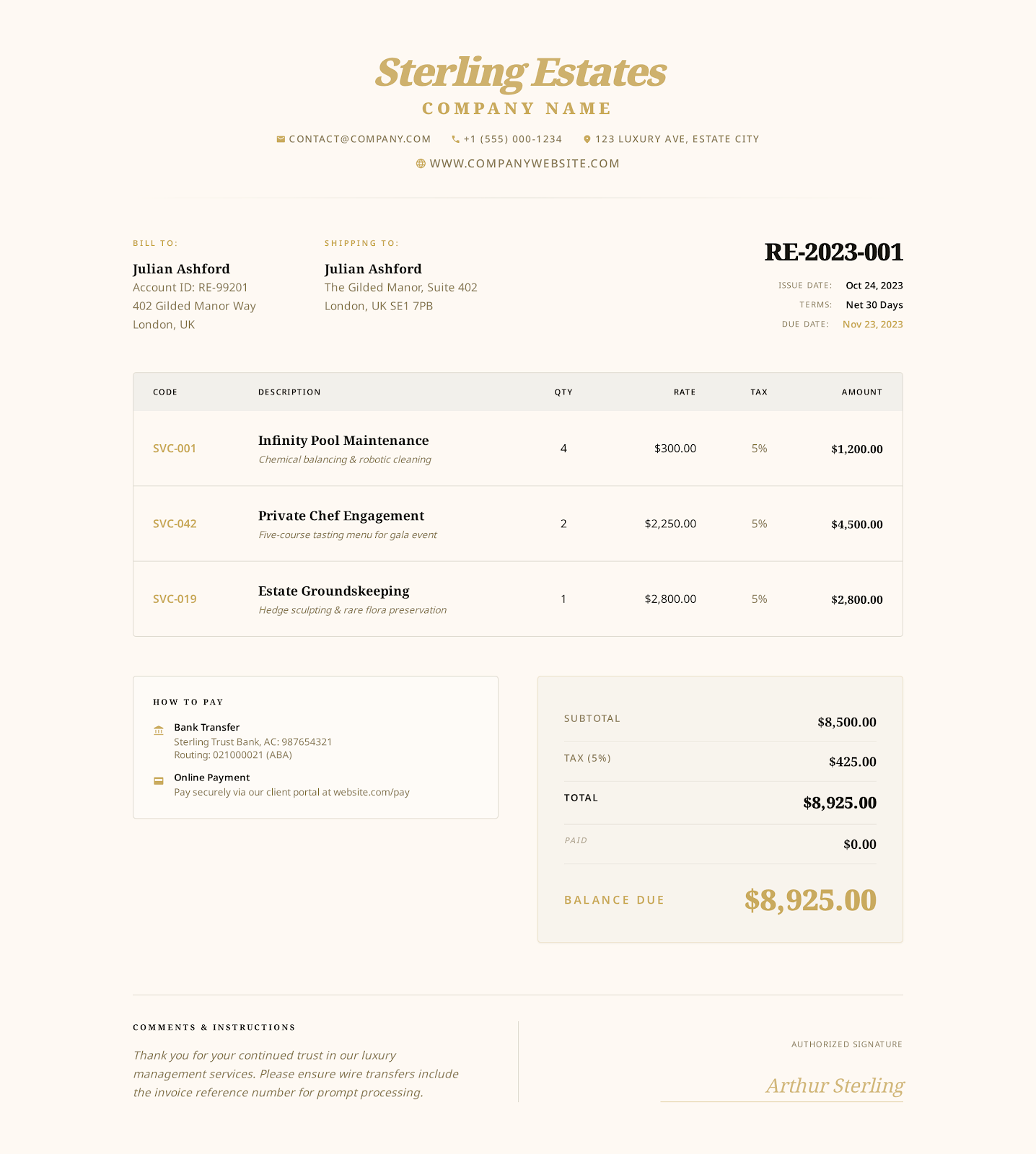
Self-Employed Invoice Template
Combine your business and client info. Differentiate billable hours, project fees and reimbursable expenses. Enter applicable tax, payments received and balance due.
View the template
Freelance Invoice Template
Detail fixed project fees, billable hours and expenses approved by the client separately. Include payment terms. Specify delivery as per the client's agreement.
View the templateFAQs
Simple invoice: how to fill it in?
What should be included?
Seller info. Client info. Invoice number (unique). Issue date, due date. Detailed charges with quantity, unit price, applicable taxes, total. Payment instructions.
For which businesses?
Freelancers. Sole traders. Small businesses that need to list charges on a single page. In particular, when the invoice doesn't require other industry-specific information.
Can I print it?
Of course! Word, Excel and PDF files use a one-page layout. You can edit, save, and print. If you include a lot of details or items, double-check pagination before you send it.
Create a simple invoice online
Select a style. Add seller and client details, and charges by item. Verify the details. Export PDF.