
- Who provided plumbing services?
- Who is the customer?
- What was the service address?
- Invoice number?
- When did the service take place?
- What were the labor charges?
- What were the parts charges?
- Tax?
- What is the amount due?
DOWNLOAD FOR FREE · Service Business Style
Plumbing Invoice Template
What were the charges for labor, parts and removal?
Some services, such as leak inspection and valve replacement, might have charges for labor, parts and removal of old parts. List them out. State the service address, date and work-order number. Clients can compare quantities, units and prices with the repair description. List callout fees as agreed. Enter warranty terms according to the written service terms and manufacturer's documentation. Separate payments received from the remaining amount due.
 Try Service Business Online →
Details of plumbing services
Make the work orders and charges match
- What is the work-order number?
- Who did the service?
- What is the fixture or plumbing system?
- Diagnostic hours?
- Repair hours?
- Parts and fittings?
- Callout fee?
- Warranty notes?
- Provider and client details
- Work order, site details
- Dates
- Labor
- Parts
- Quantities
- Prices
- Tax
- Payments received
- Notes
- Terms
File example
Three lines: repair hours, valve parts and old-part removal
So here is an example of hours for repair, sets for valve parts, and a service for old-part removal. Enter your own work order and prices instead. Not every example fee applies to every type of repair.
| Item | Quantity | Rate | Details |
|---|---|---|---|
| Plumbing and diagnostic labor | 2.5 hours | $135.00 | Leak inspection, isolation and valve replacement |
| Brass shutoff valve and fittings | 1 set | $96.00 | Approved replacement parts installed on site |
| Old-part removal and disposal | 1 service | $45.00 | Old parts removed from the property after service |
Usage
Fill in details and make sure the payment amounts match
Pick Service Business online or download a Word, Excel or fillable PDF template.
Replace the example provider, customer, project, date and payment details. Enter the work order, work performed and parts details for this service.
Verify quantities, rates, taxes, discounts, payments received and balance due against the agreement and applicable rules.
Save the final file. Reopen it to verify the contents, and send it via the channel agreed with your customer.
Other Invoice templates
How to list the charges for other services?
Select the appropriate invoice template depending on how you bill for this job: on-site service, a contracting project or hourly work.
Service Business Template for Invoices
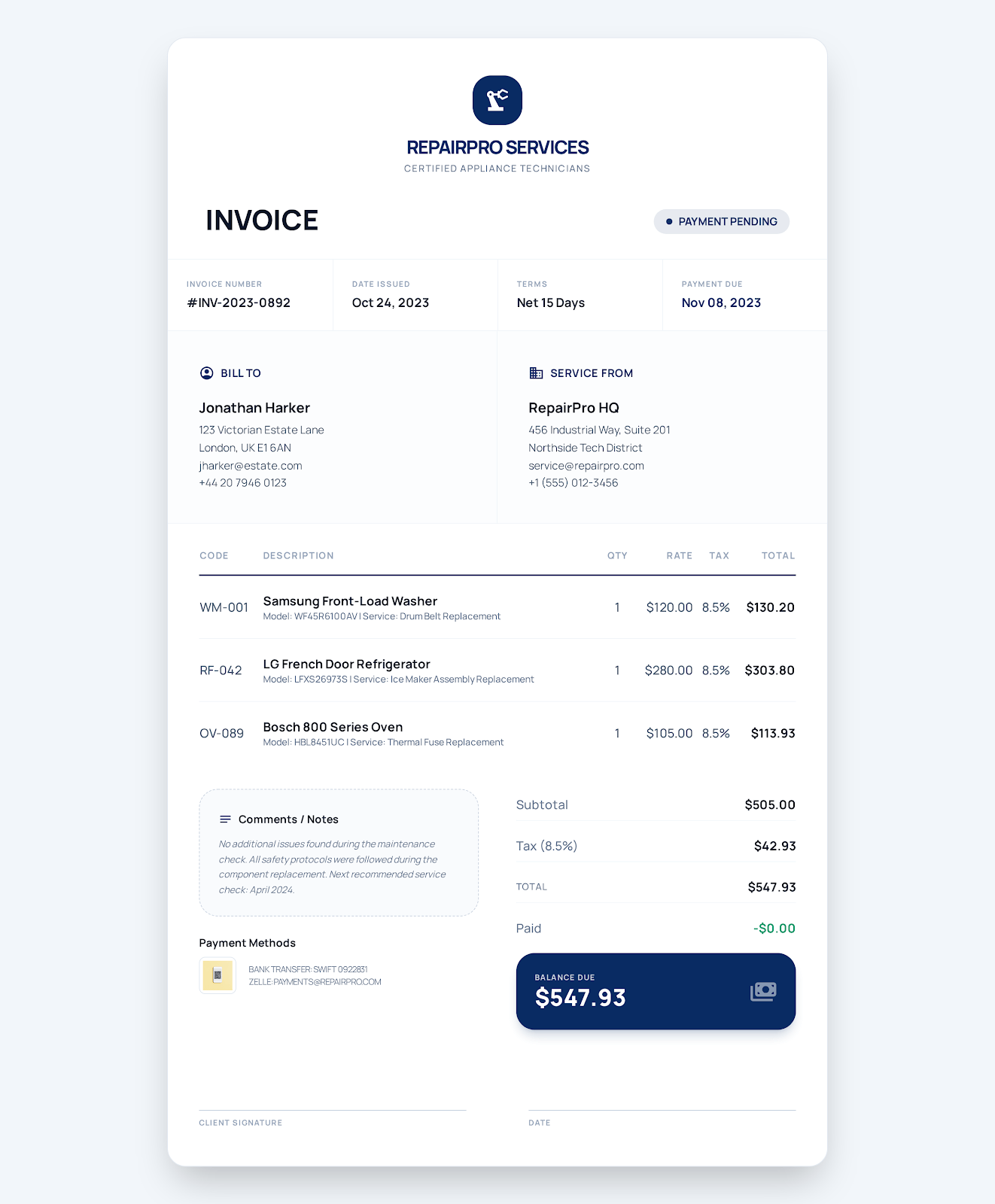
Add the service location and completed work to the work order. Enter labor, parts and callout fees. Tax. Payment due date and status.
View the template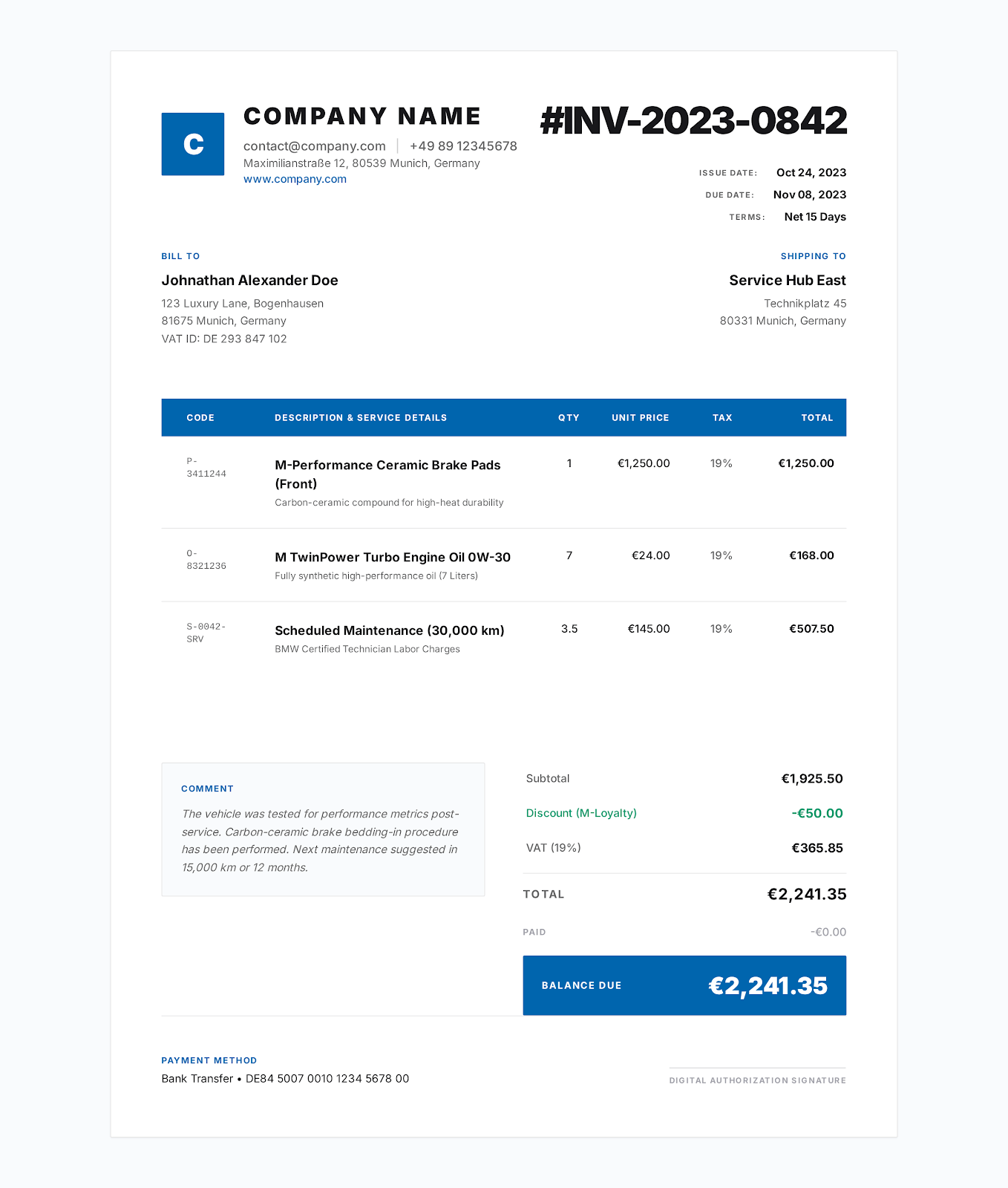
Template for contractor invoices
Enter labor, material and equipment charges. Add the service location and approved scope of work. Tax. Payments received and balance due.
View the template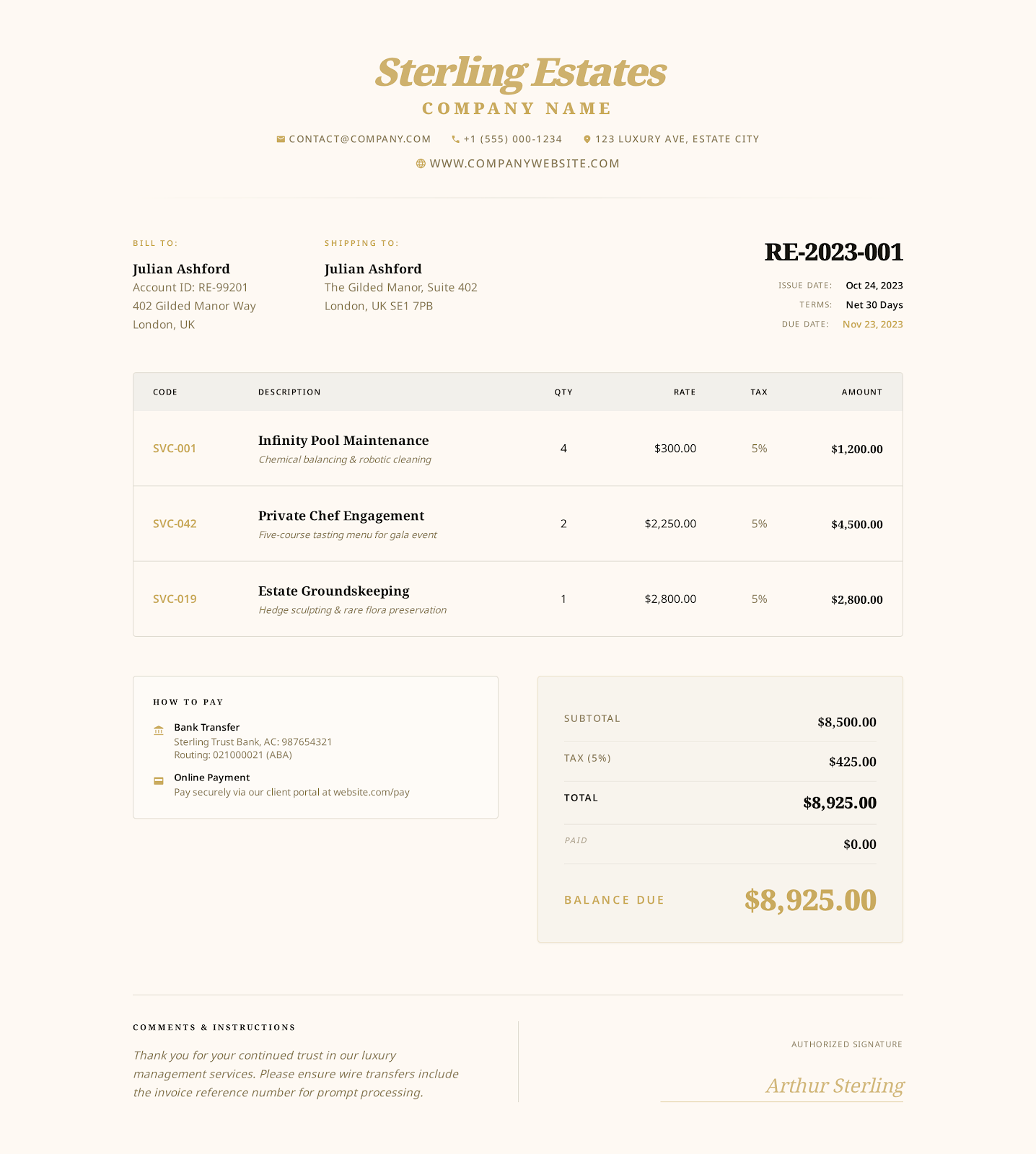
Template for hourly service invoices
Approved tasks. Service period. Billable hours. Hourly rates. Check timesheets, reimbursable expenses, payments received and balance due.
View the templateFAQ
How to fill out a plumbing invoice
What info is needed?
Service address. Date. Work-order number. Tech hours. Parts installed. Callout or disposal fees. Tax. Payments received. Warranty notes.
Should labor and parts be separate?
Best to list them separately. Labor hours. Hourly rates. Parts quantities. Charges. So the customer can check each charge against the repair work.
Can I use this template for emergency plumbing service visits?
Yes. Enter the emergency callout charge at the agreed price. Include arrival and completion details. Labor and parts on separate lines. Reference the relevant written authorization.
Create an online plumbing invoice
Select the invoice style. Add provider, customer and charge details. Review. Export as PDF.