
- Seller
- Buyer
- Invoice number
- Sales order number
- Issue date
- Product
- Quantity
- Unit price
- Tax
- Total amount
Detailed Business style · free download
Sales Invoice Template
What order? What products?
When the buyer receives the sales invoice, they may cross-check it with the purchase order. Verify the product. Sales order number of the seller, purchase order number of the buyer. The name of the product or SKU. Quantity, unit price, separate. Freight and other agreed delivery charges should be separately listed. Discount. Tax. Payment details for this sale. Record the shipping address and shipping date. It is easy to find the record later.
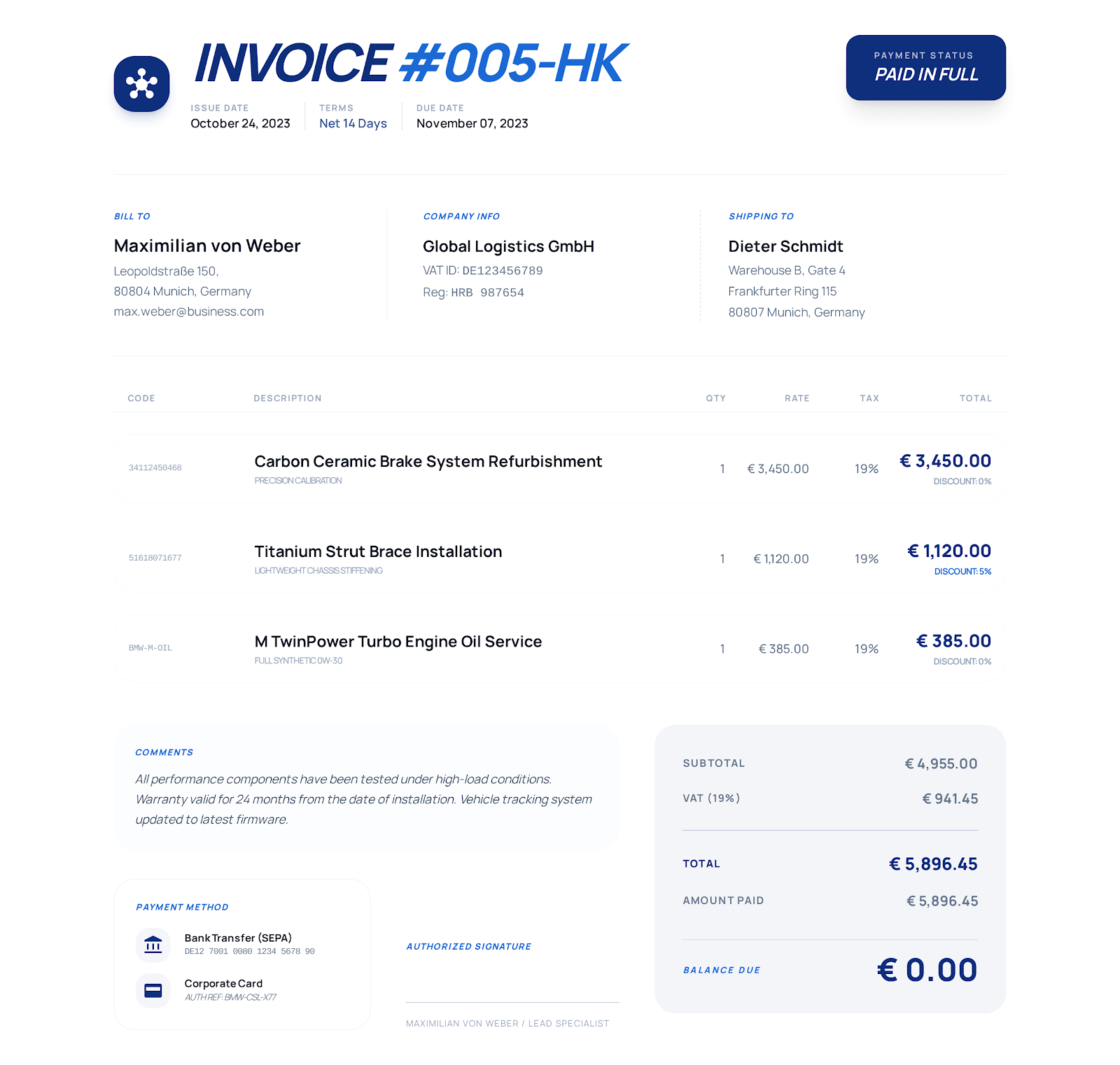 Use Detailed Business online. →
Sales and order information
Confirm products against order numbers
- Purchase order number
- SKU
- Shipping address
- Shipping date
- Freight
- Discount
- Return terms
- Seller and buyer information
- Sales order number, purchase order number
- Date
- Product
- Quantity
- Price
- Freight
- Tax
- Payment received
- Notes
- Terms
List of examples
Product quantities and freight by shipment
Notice that in this example there are three items on the invoice. Work light items. Extension cord items. Freight and handling items. All have their own quantity, unit and unit price. Change the example products, specs and prices to the particulars of this sale before submitting it to the buyer.
| Item | Qty. | Unit price | Description |
|---|---|---|---|
| Portable work light | 6 units | $148.00 | Rechargeable commercial LED work light |
| Heavy-duty extension cord | 8 units | $42.00 | 25-foot outdoor cord |
| Freight & handling | 1 shipment | $165.00 | Commercial ground shipment |
How to use
Fill in seller and buyer information. Review payments.
Select Detailed Business online. Or use a Word or Excel template download. Or use a fillable PDF.
Replace the example seller, buyer, order, date and payment information with actual information. Insert products, freight charges and payment details.
Verify quantities, unit prices, tax, discounts, payments received and balance due against the agreement and applicable rules.
Save the file and open it to review. After review, submit in the format agreed with the buyer.
List of suggested invoices
Any other business you need to record?
Note that blank invoice, service and construction invoice templates highlight different information. Select as required for the transaction.
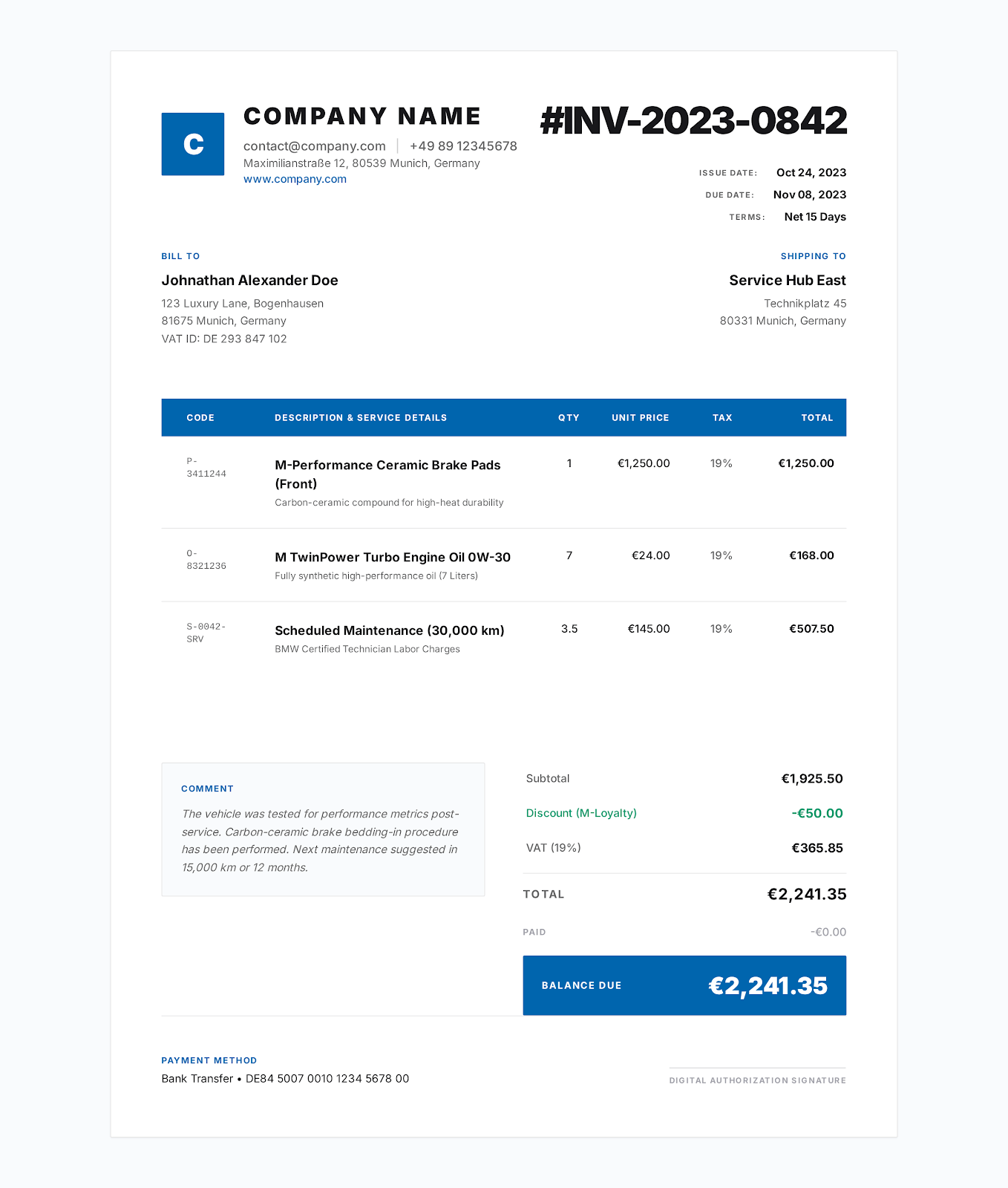
Blank Printable Invoice Template
This template has fields you fill in for seller, customer, dates, line items, total, payment notes. List your products or services. Print.
See template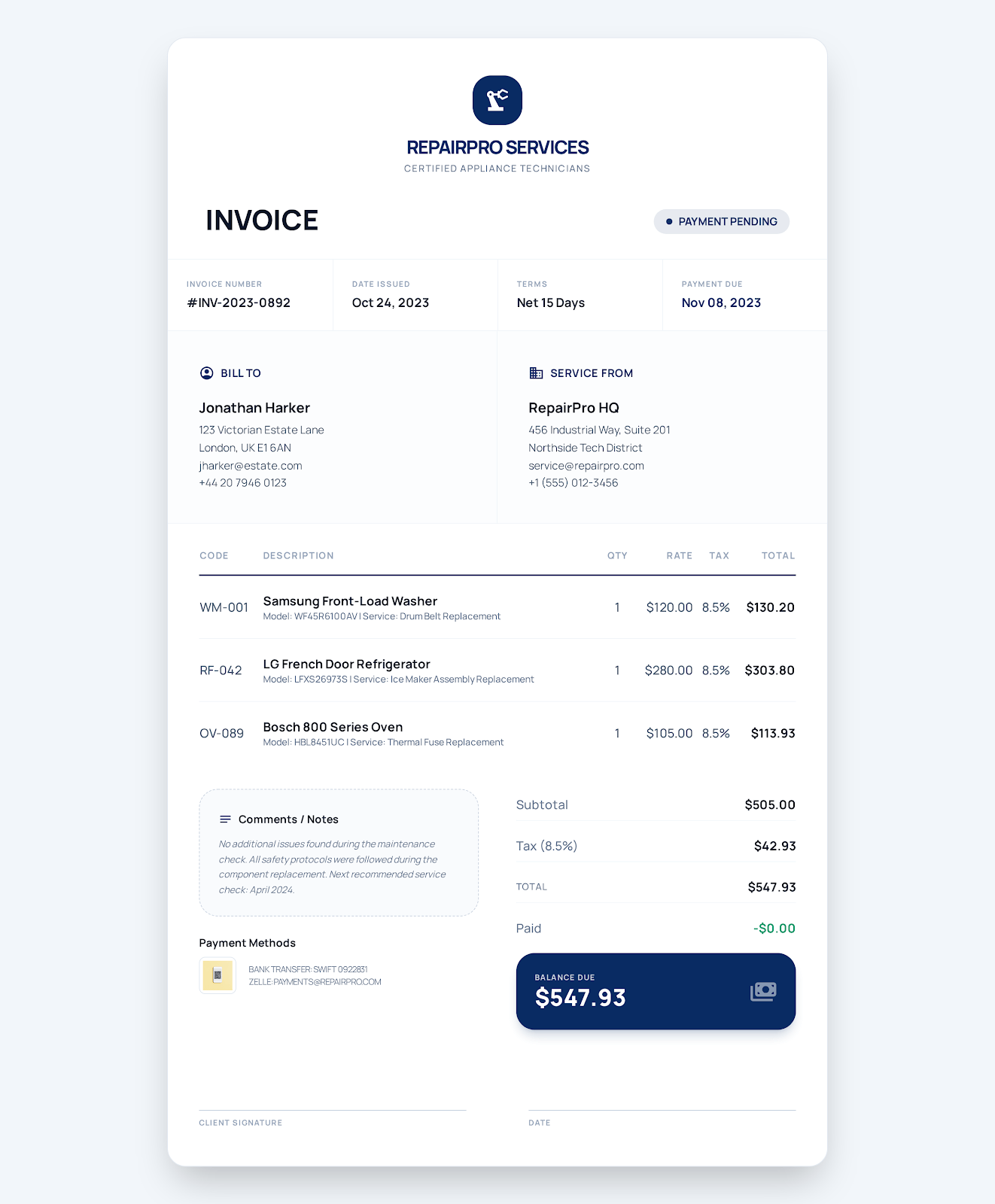
Service Business Invoice Template
Use a work order to document where you did the work and what work you did. Detail labor, parts and call-out charges. Double-check taxes. Be aware of payment due dates. Know the status of payment.
See template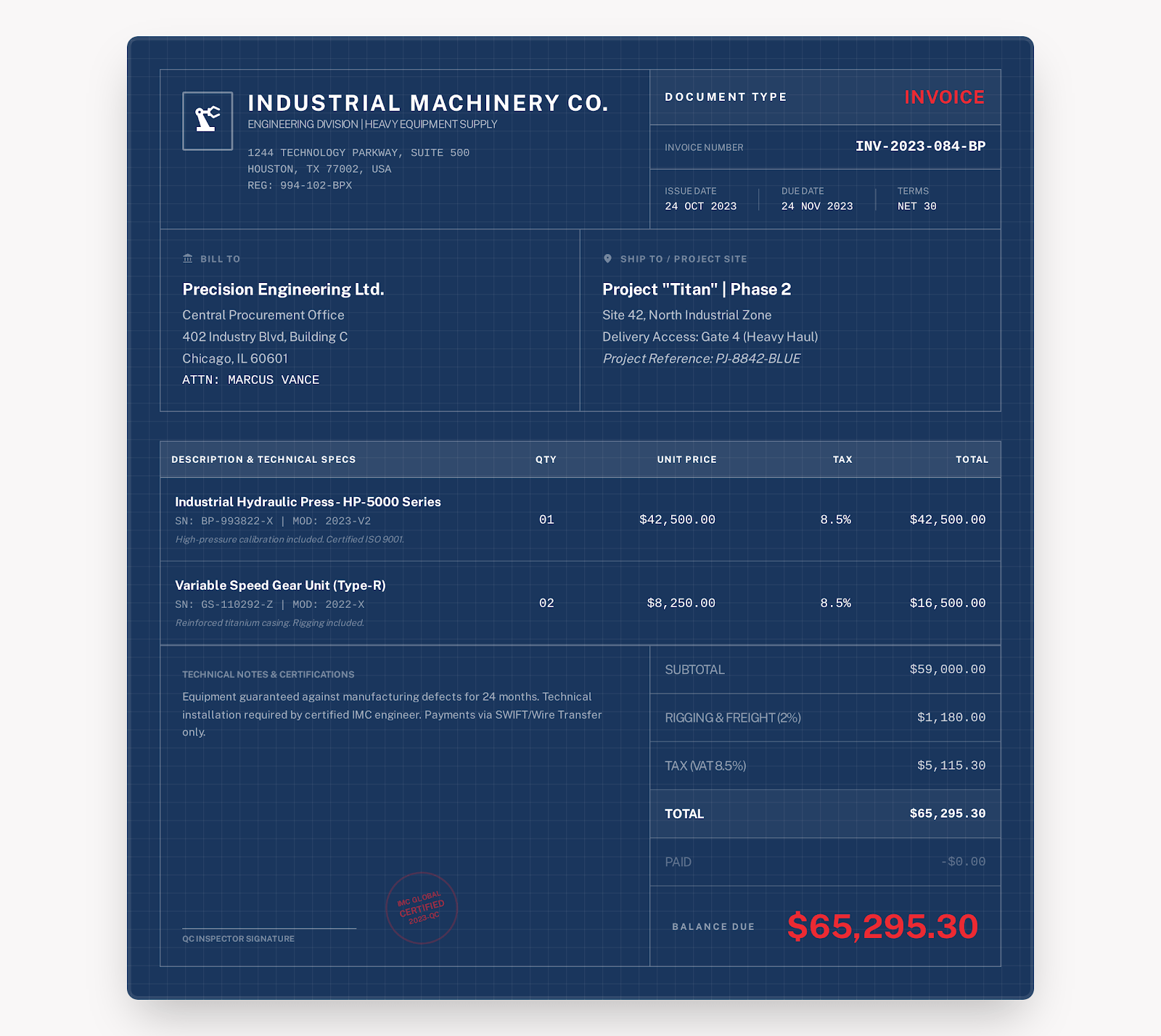
Construction Invoice Template
Note where you did the work and at what stage the work is. Quantify labor and materials by quantity and unit. Keep track of progress payments. Monitor retainage. Account for change orders. Be aware of taxes. Know what's still owed.
See templateFAQs
How do you complete a sales invoice?
What is on the sales invoice?
Seller and buyer information. Sales and purchase order numbers. Product names or SKUs. Quantities. Unit prices. Discounts. Freight. Taxes. Total. Payment terms.
Is a sales invoice the same as a receipt?
No. A sales invoice lets the buyer know how much they owe for the sale. A receipt confirms you've been paid. Issuing a sales invoice does not mean you've received the payment.
Can I include shipping charges on a sales invoice?
Yes. Include freight, handling and other agreed delivery charges. So the buyer can verify the total against the order.
Online sales invoice creation
Pick a style. Add seller info. Add buyer info. Add product charges. Review. Export PDF.