
- HVAC service provider
- Customer
- Location of service
- Invoice number
- Service date
- Labor charges
- Parts charges
- Tax
- Balance due
Service Business style · Download free
HVAC Invoice Template
What is the cost of this repair?
Service calls can include diagnostics, tech labor and replacement parts. Enter service details in terms of quantity, unit and rate. Include information about equipment and location of the service. Customers can review the work order to know what was performed and what parts were replaced. Include maintenance and warranty information based on service performed and written terms. Detail payments received and balance due.
 Service Business online →
Details of the HVAC service
Match charges for the service to equipment and work order
- Work-order number
- Equipment or unit
- Fee for diagnostics
- Tech hours
- Replacement parts
- Refrigerant or supplies
- Details of maintenance
- Warranty terms
- Provider and customer details
- Location, equipment
- Dates
- Diagnostic service
- Labor
- Replacement parts
- Rates
- Tax
- Payments received
- Notes
- Terms
Download information
List diagnostics per visit. Record repair labor by hour.
In this example, you'll find 3 lines for diagnostics, repair labor and parts/supplies. The quantities and units can be different. Adjust these as needed based on your work order. Before you send your invoice, change the example names, amounts and services.
| Item | Quantity | Rate | Details |
|---|---|---|---|
| HVAC diagnostic service | 1 visit | $165.00 | System test, diagnosis, report |
| Work by certified technician | 2.5 hours | $145.00 | Contactor replacement, operating checks |
| Replacement contactor and supplies | 1 lot | $238.00 | Approved parts, connectors, shop supplies |
Usage instructions
Enter work-order info and verify amounts
Select Service Business online style or get a Word, Excel or fillable PDF file.
Change the sample provider, customer, project, date and payment data. Add equipment, work and charge info.
Confirm quantities, rates, tax, discounts, payments received and outstanding balance against your agreement and applicable rules.
After finishing the file, save and reopen it to check the content. Send it via the channel agreed with your customer.
Other related invoice templates
Repair and contracting work
If you need to separate labor and materials into different lines, use these templates and pick the most suitable one according to your billing.
Service Business Invoice Template
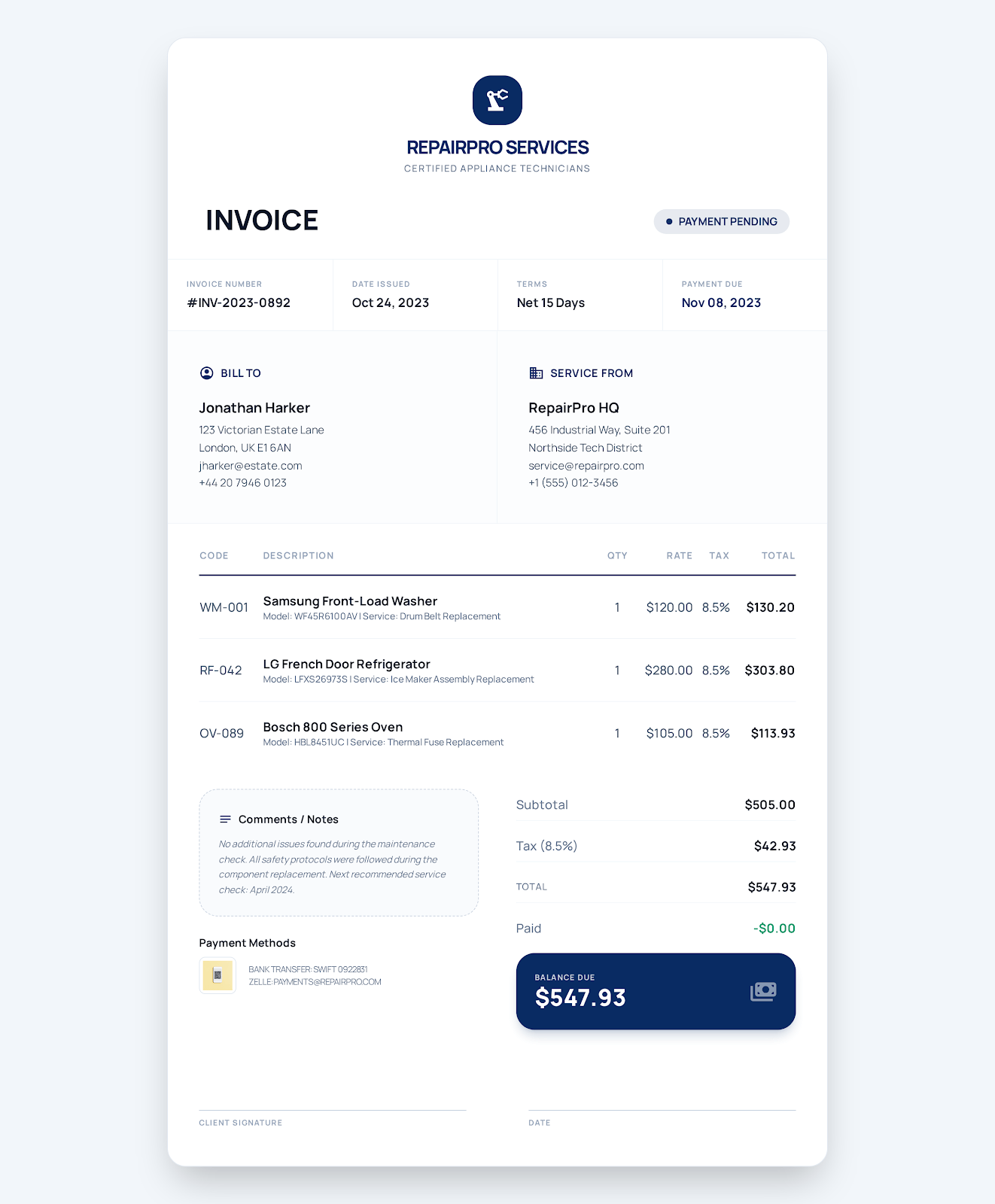
Write the service location and completed work in the work order. Provide separate lines for labor, parts and callout charges. Add tax and payment due date. Show payment status.
View template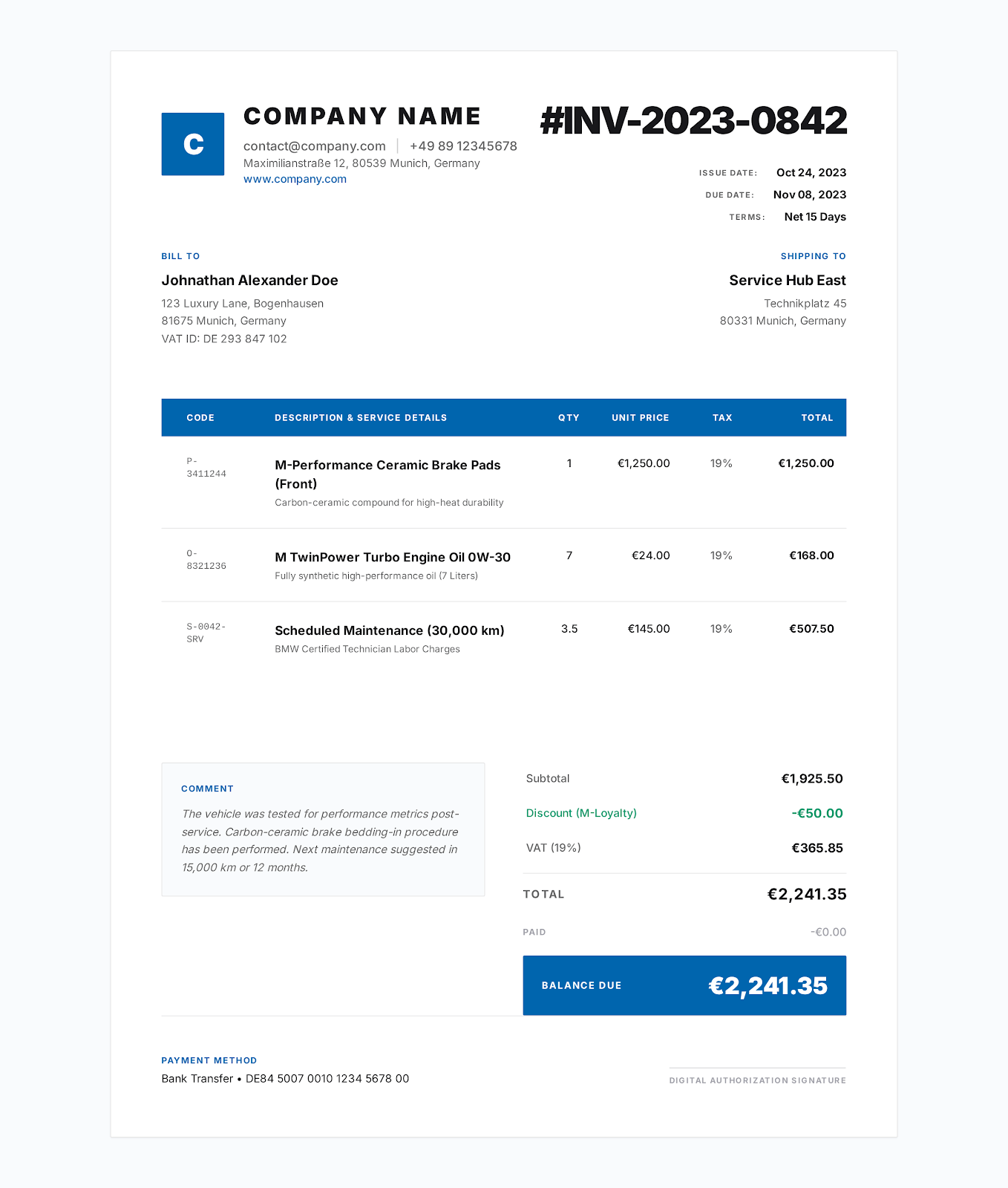
Contractor Invoice Template
Separate labor, materials and equipment. Include the site and approved scope of work. Tax, payments received and outstanding balance.
View template
Auto Repair Invoice Template
Car details and repair order. Parts vs. labor. Customer authorization. Written warranty terms. Payment details.
View templateFAQ
How do you fill out an HVAC invoice?
What information should be on the invoice?
Where the service was performed. Equipment. Work-order number. Diagnostic charge. Technician time. Parts and supplies. Tax. Payment status. Maintenance notes. Warranty terms.
Do labor and parts need to be itemized?
Ideally yes. If you charged for diagnostics, labor, equipment or parts, refrigerant or supplies, callout fees, then itemize those charges. This allows your customer to see a breakdown of the repair done.
Do I have a way to document preventive maintenance?
Yes, you can include line items for the maintenance service call, filters, testing and materials. Indicate which unit you've serviced and when the next recommended maintenance should occur.
Make an HVAC online invoice
Pick a style. Specify the service provider, customer and charges. Review and export PDF.