
- Photographer or studio
- Client
- Invoice number
- Shoot date
- Services
- Rate
- Prepayment received
- Outstanding balance
- Payment terms
Elegant Minimal style | Free downloads
Photography Invoice Template
How many shoot hours? How many images? What usage rights?
You can bill by different units for shooting, retouching and usage licensing. Give project details, dates, location, deliverables, as well as prices for the agreed work. Include travel or equipment fees as agreed. Record prepayments received in the amount paid. Display the outstanding balance. Indicate usage rights according to the agreement signed by both parties.
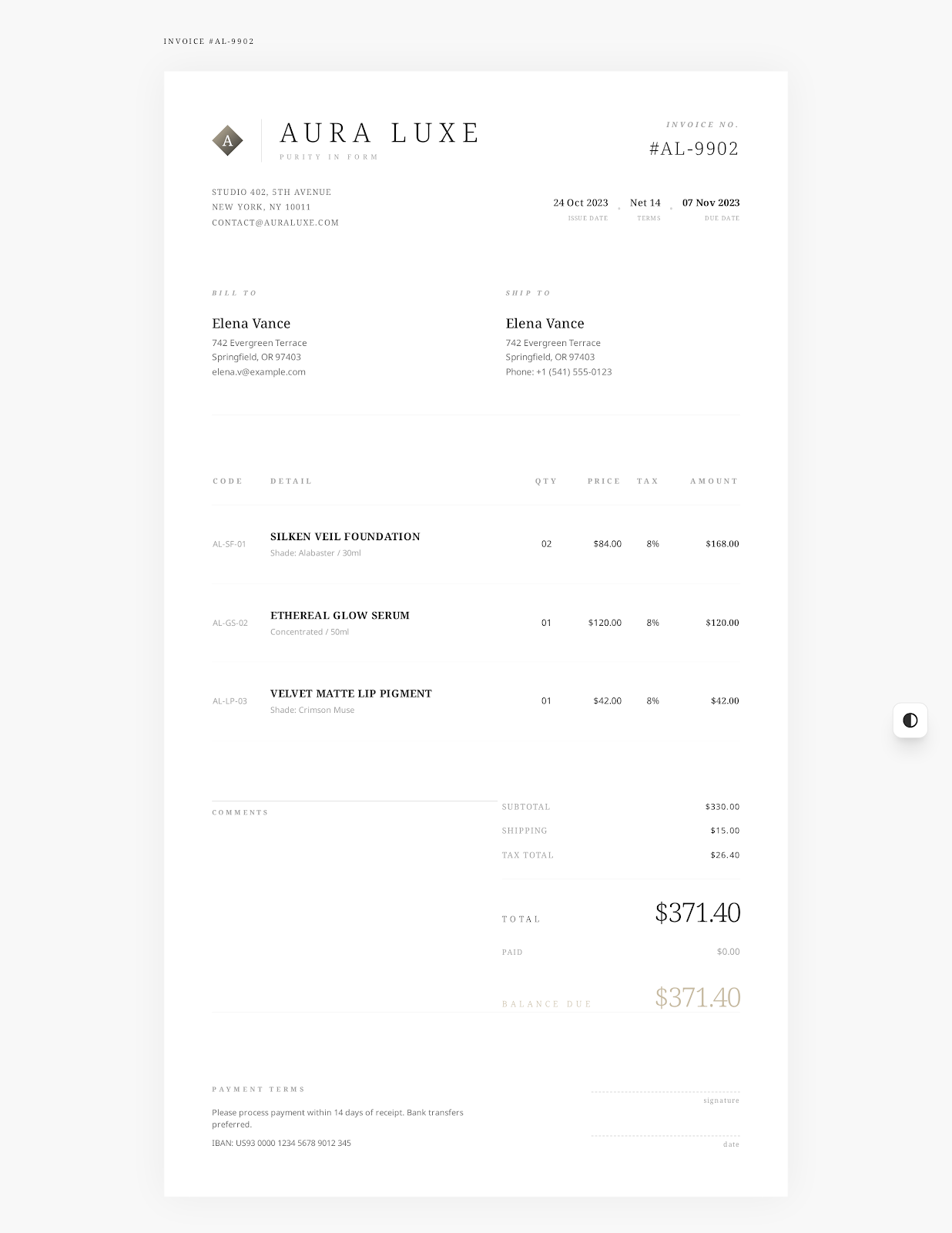 Use Elegant Minimal online →
Photography project information
Track shooting, delivery, and payments on one invoice
- Shoot type
- Shoot hours
- Shoot location
- Deliverables
- Editing or retouching
- Usage license
- Travel expenses
- Prepayment
- Studio and client information
- Project and agreement references
- Dates
- Sessions
- Image quantities and descriptions
- License details
- Rates
- Expenses
- Payments received
- Notes
- Terms
Download Examples
Separate shooting hours from the number of retouched images
A simple example shows three lines for product photography, retouching and a commercial usage license. Say 6 hours of shooting and 30 retouched images, each with its own pricing. In the license line you will see the usage period and media for this example. Change the examples to the specific information, prices and license terms agreed by you and your client before sending the invoice.
| Item | Qty | Rate | Details |
|---|---|---|---|
| Product Photography Shooting | 6 hrs | $225.00 | Studio and location shooting according to the approved shot list |
| Image selection and retouching | 30 images | $28.00 | 30 final high-resolution product images |
| Commercial Usage License | 1 license | $650.00 | 12 months of web and social campaign use |
Instructions
Change the shoot details and verify payments received and balance due
You may choose Elegant Minimal online or download a Word, Excel or even a fillable PDF document.
Replace the sample studio, client, project, date and payment data with actual details. Add information about shooting, delivery and licensing.
Compare quantities, rates, tax, discounts, payments received and balance due with the agreement and applicable rules.
Save the final file. After saving, open it again to verify the content. Finally send it to your client in the agreed way.
Related Invoice templates
Other projects or hourly fees?
Please select a freelance, consulting or hourly service template, depending on the billing terms for this engagement.
Freelance Invoice Template
List fixed project fees, billable hours, client-approved reimbursable expenses. Add prepayments received, payment timing, terms of delivery.
See template
Consulting Invoice Template
Break down charges by service period, project phase, deliverables. Separate consultation hours and accepted fixed-fee milestones. Add agreement, acceptance, payment records.
See template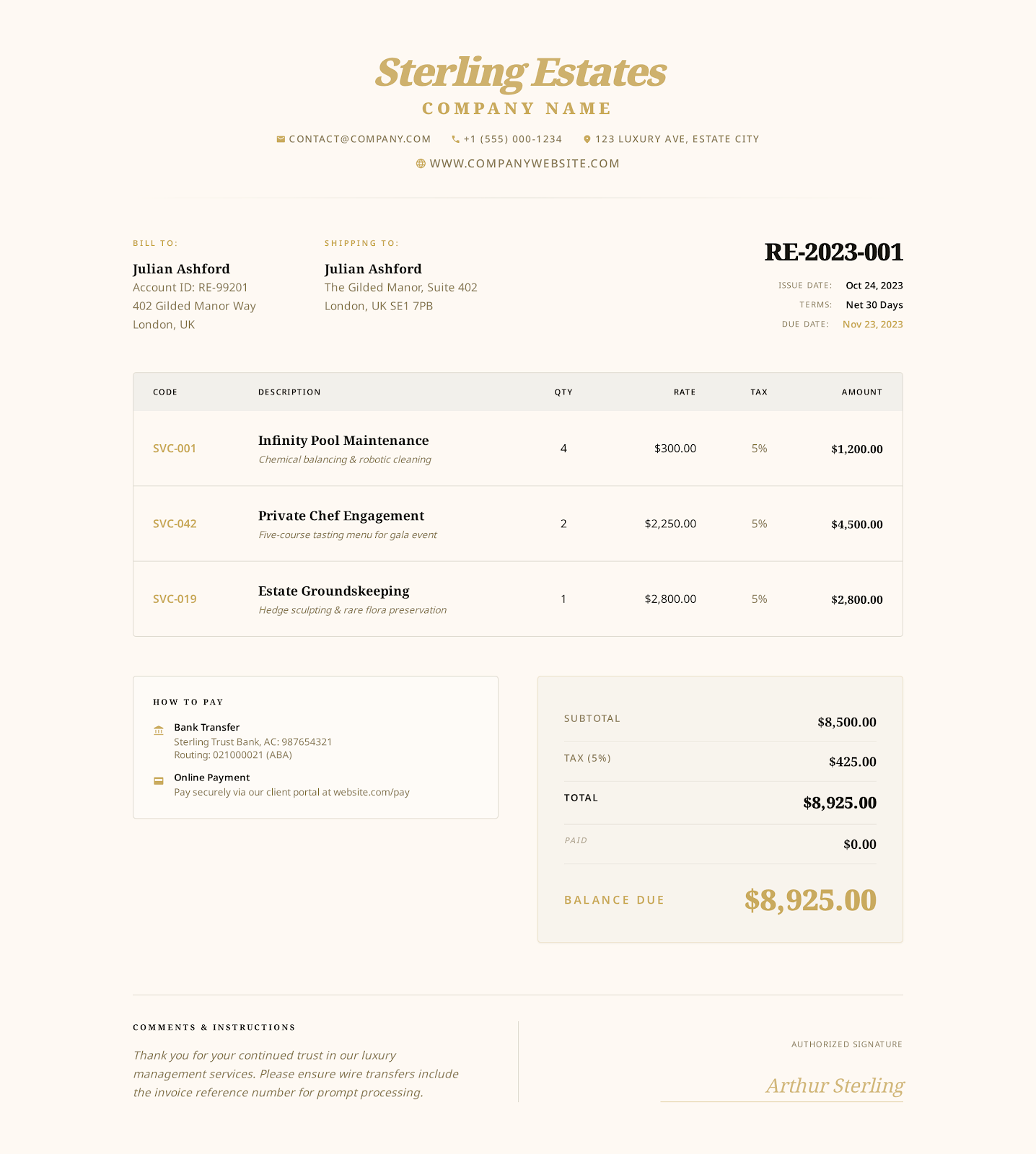
Hourly Service Invoice Template
List approved tasks, service period, billable hours, hourly rates. Verify time records, reimbursable expenses, payments received, outstanding balance.
See templateFAQ
How to Write a Photography Invoice
What information should I include?
The shoot or project name, shoot hours, editing, deliverables, travel or equipment fees, usage license, prepayment received, balance due, terms of payment.
How do I include a prepayment in my invoice?
First show all services and the total amount. Then enter the prepayment you've received in the amount-paid field. Specify the balance due and payment due date so you don't double-charge for that prepayment.
Should I show the usage license on a separate line?
Use a separate line for the usage license charge. Include permitted media, territory and duration as agreed in the agreement signed by both parties. Keep invoice details consistent with that agreement.
Create Online Photography Invoice
Select a style. Add your studio, client and charge details. Review. Export PDF.