
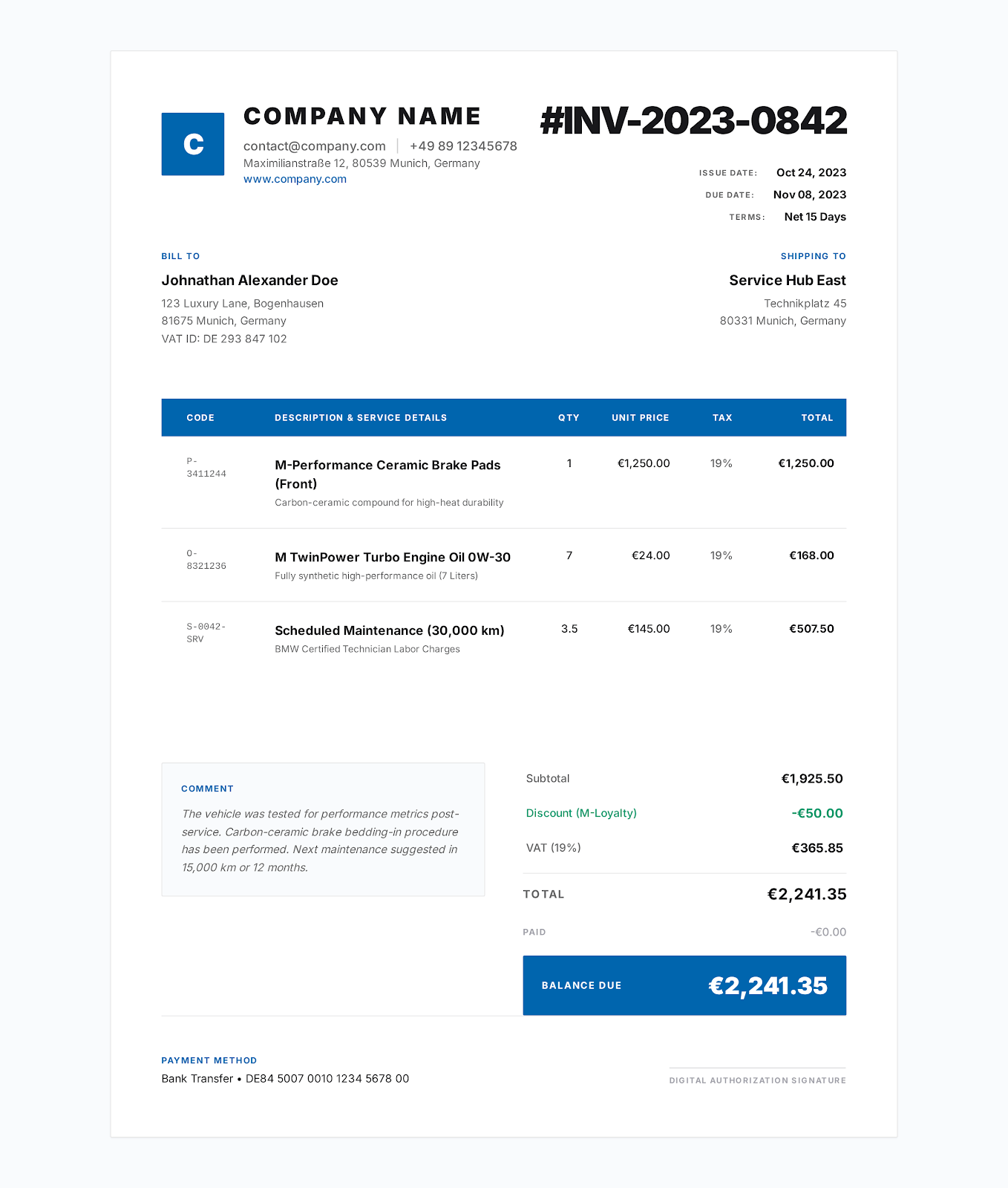
Modern Blue na istilo
Template ng Invoice ng Contractor
I-import ang DOCX sa Google Docs o formula XLSX sa Google Sheets, saka i-verify ang finished invoice.
Compatible sa Google Docs at Google Sheets
Gamitin ang editable DOCX bilang Google Docs invoice template o ang formula-driven XLSX bilang Google Sheets invoice template. I-upload sa Google Drive, buksan sa tamang editor, at suriin ang format, formulas, at print output bago ipadala ang invoice.
Pumili ng industriya
Ang DOCX ay para sa text editing sa Google Docs. Ang XLSX ay para sa calculations sa Google Sheets. Hindi kailangan ng alinmang file ang access sa shared Pocket Invoice drive.
Modern Blue na istilo
I-import ang DOCX sa Google Docs o formula XLSX sa Google Sheets, saka i-verify ang finished invoice.
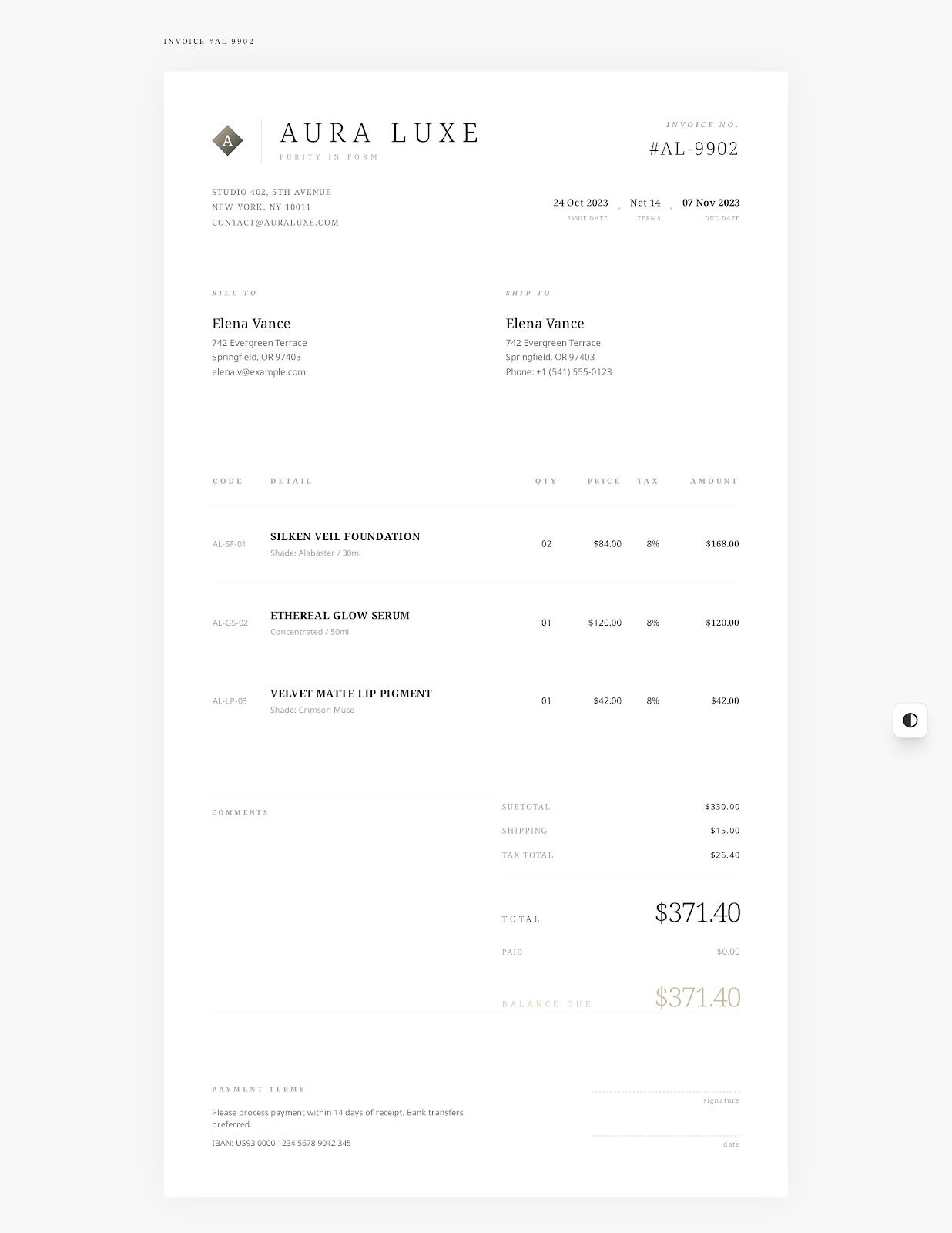
Elegant Minimal na istilo
I-import ang DOCX sa Google Docs o formula XLSX sa Google Sheets, saka i-verify ang finished invoice.
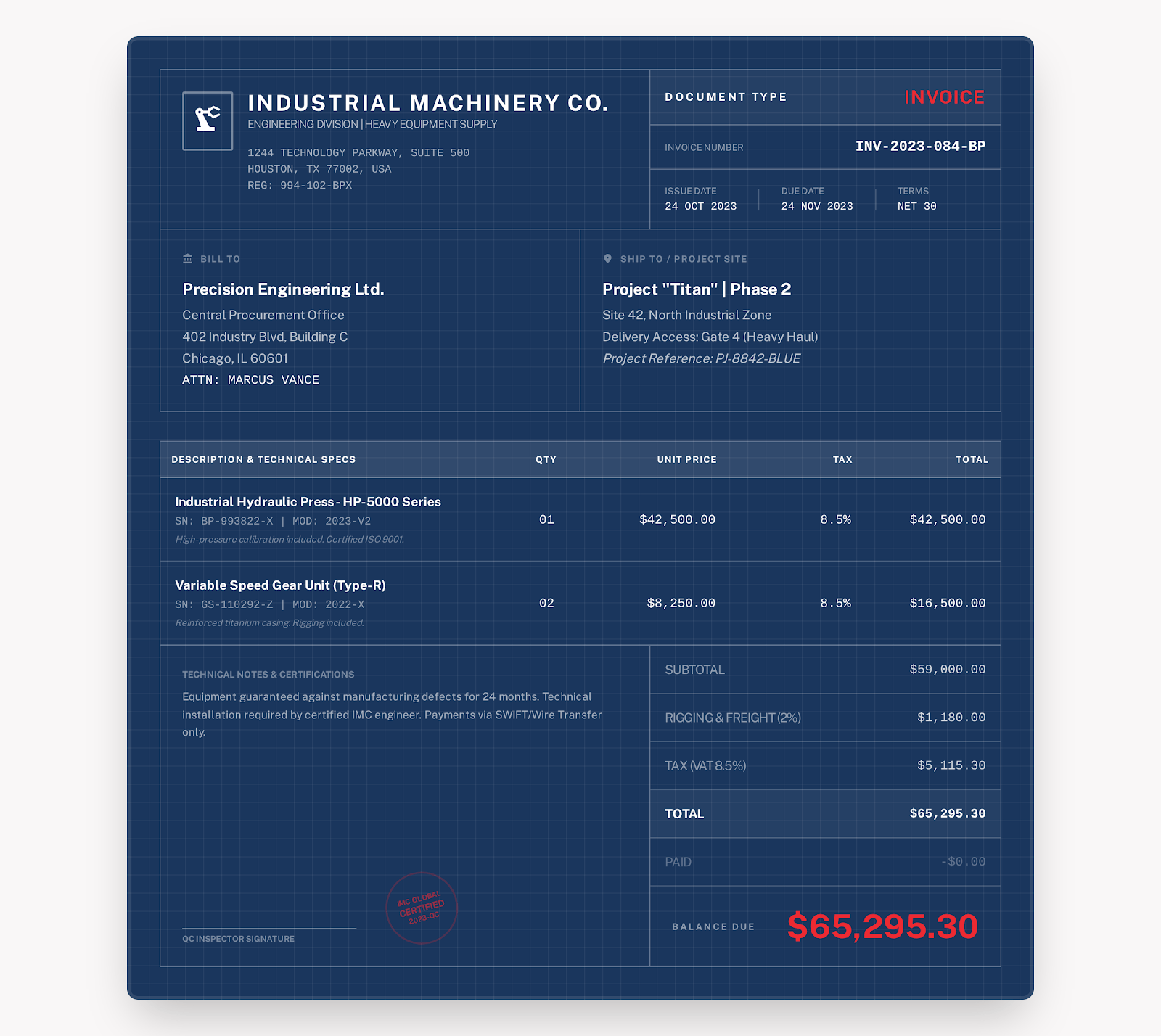
Industrial na istilo
I-import ang DOCX sa Google Docs o formula XLSX sa Google Sheets, saka i-verify ang finished invoice.
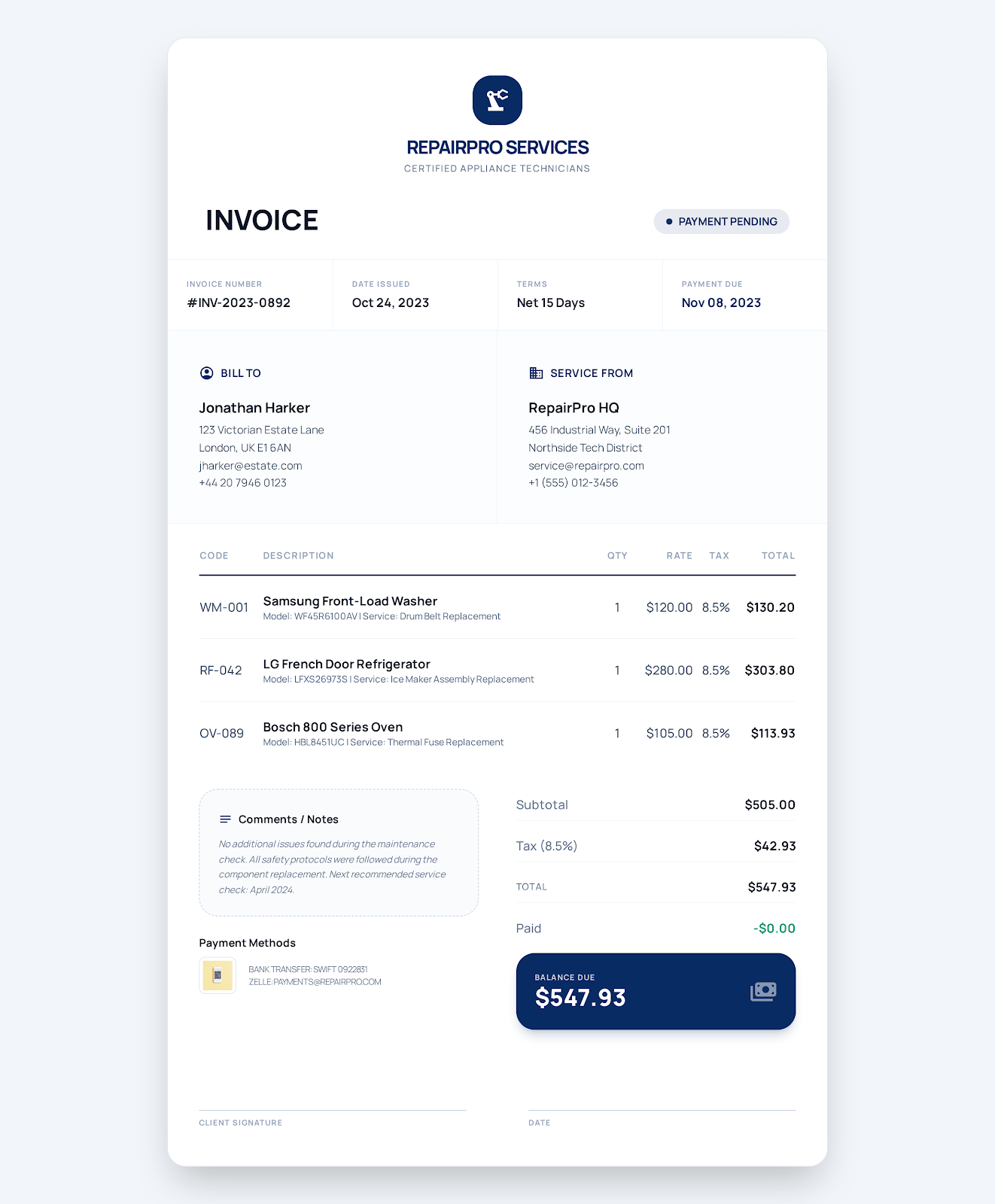
Service Business na istilo
I-import ang DOCX sa Google Docs o formula XLSX sa Google Sheets, saka i-verify ang finished invoice.
Elegant Minimal na istilo
I-import ang DOCX sa Google Docs o formula XLSX sa Google Sheets, saka i-verify ang finished invoice.
Service Business na istilo
I-import ang DOCX sa Google Docs o formula XLSX sa Google Sheets, saka i-verify ang finished invoice.
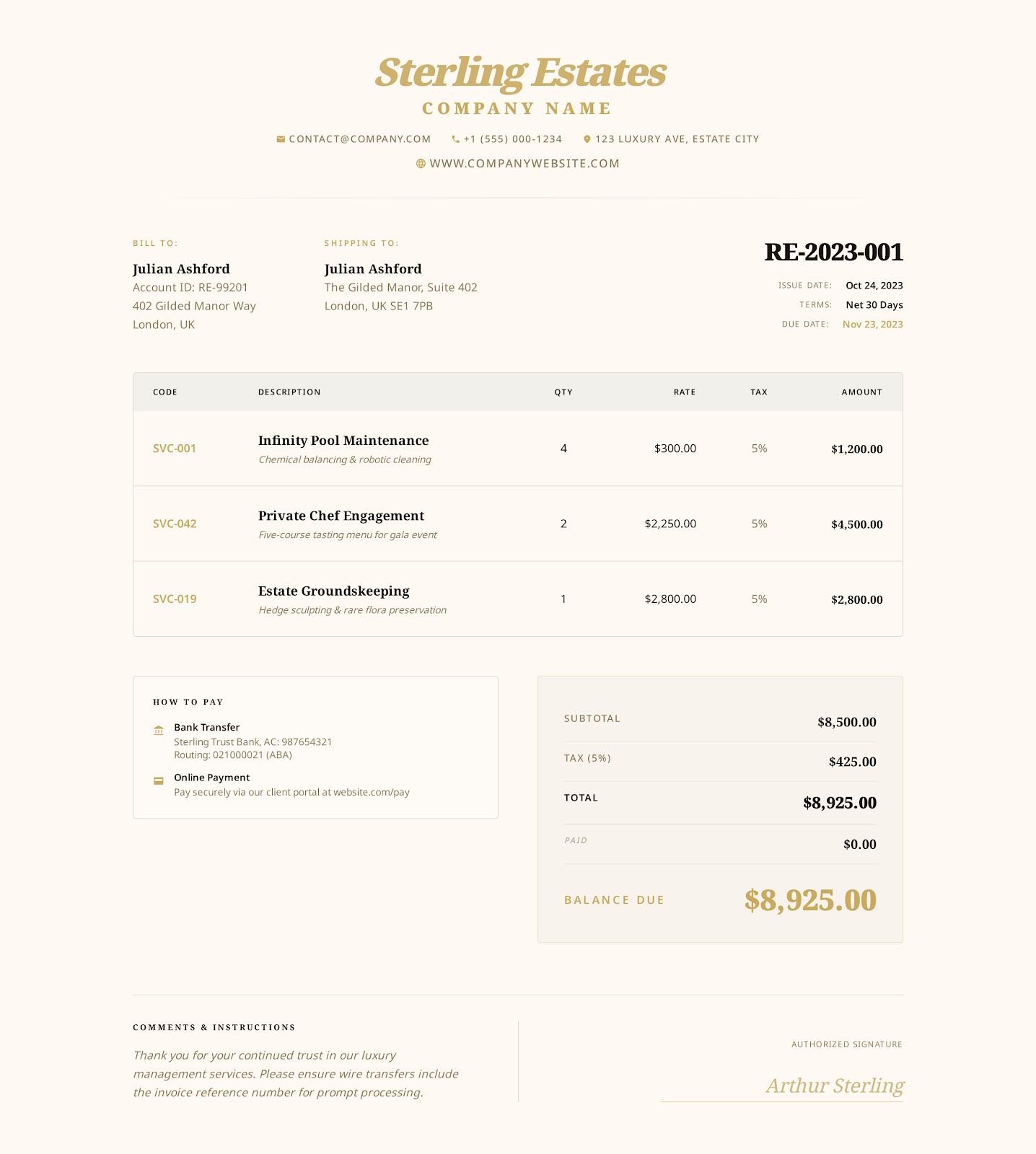
Luxury Gold na istilo
I-import ang DOCX sa Google Docs o formula XLSX sa Google Sheets, saka i-verify ang finished invoice.
Service Business na istilo
I-import ang DOCX sa Google Docs o formula XLSX sa Google Sheets, saka i-verify ang finished invoice.
Industrial na istilo
I-import ang DOCX sa Google Docs o formula XLSX sa Google Sheets, saka i-verify ang finished invoice.
Modern Blue na istilo
I-import ang DOCX sa Google Docs o formula XLSX sa Google Sheets, saka i-verify ang finished invoice.
Elegant Minimal na istilo
I-import ang DOCX sa Google Docs o formula XLSX sa Google Sheets, saka i-verify ang finished invoice.
Service Business na istilo
I-import ang DOCX sa Google Docs o formula XLSX sa Google Sheets, saka i-verify ang finished invoice.
Elegant Minimal na istilo
I-import ang DOCX sa Google Docs o formula XLSX sa Google Sheets, saka i-verify ang finished invoice.
Modern Blue na istilo
I-import ang DOCX sa Google Docs o formula XLSX sa Google Sheets, saka i-verify ang finished invoice.
Professional style
I-import ang DOCX sa Google Docs o formula XLSX sa Google Sheets, saka i-verify ang finished invoice.
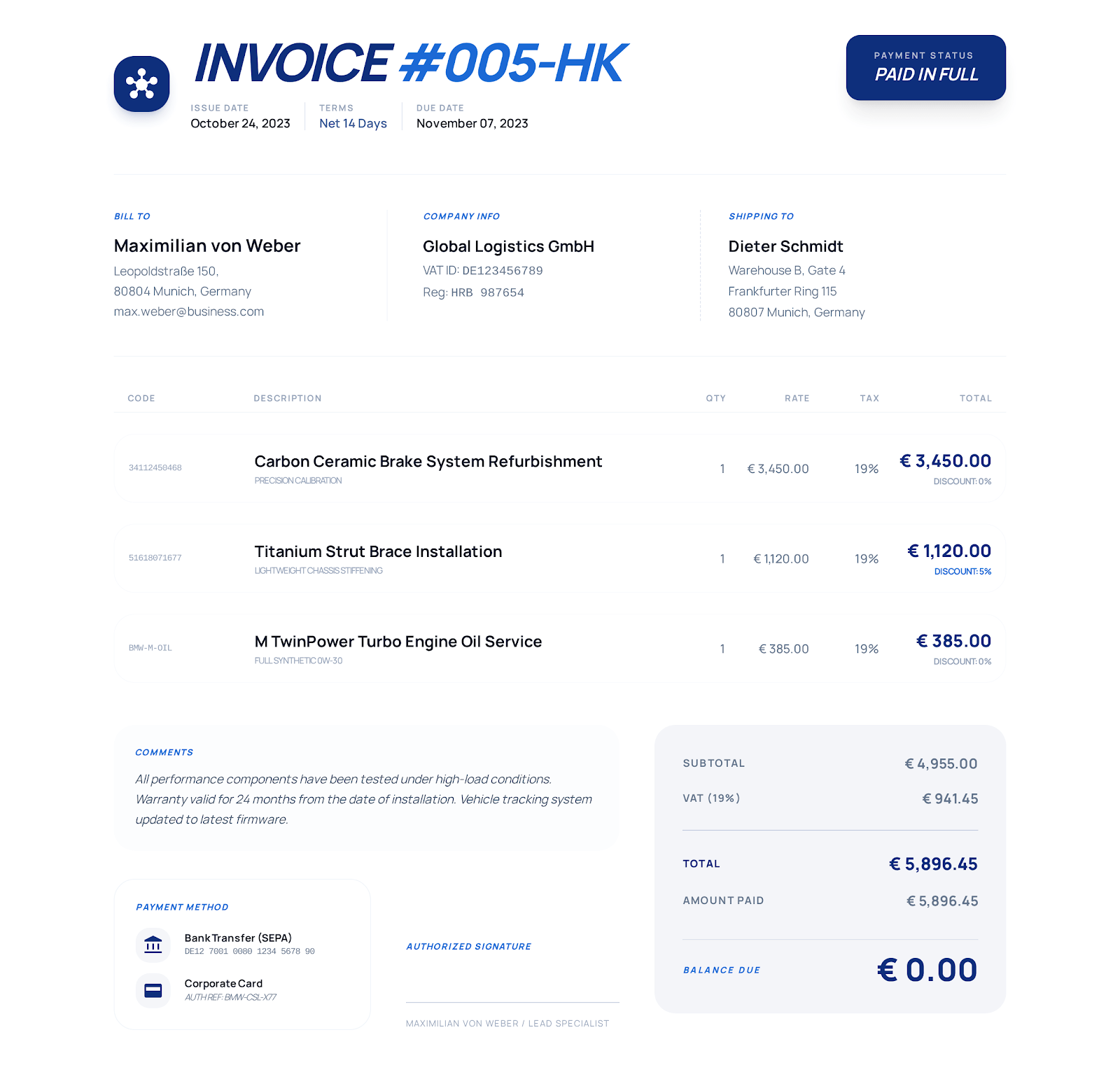
Detailed Business style
I-import ang DOCX sa Google Docs o formula XLSX sa Google Sheets, saka i-verify ang finished invoice.
Service Business na istilo
I-import ang DOCX sa Google Docs o formula XLSX sa Google Sheets, saka i-verify ang finished invoice.
I-import at i-verify
Pumili ng industriya at i-download ang DOCX o XLSX file nito.
I-upload ang file sa Google Drive.
Buksan ang DOCX sa Google Docs o XLSX sa Google Sheets.
Palitan ang examples, i-verify ang totals at formatting, saka i-download o i-print ang completed invoice bilang PDF.
Mga madalas itanong
Ang files ay editable DOCX at XLSX downloads na ginawa para i-import sa Google Docs at Google Sheets. Hindi shared Google Drive files ang mga ito, kaya kontrolado mo ang copy na ina-upload mo.
Gamitin ang DOCX version para sa document-style editing. Mai-import ito ng Google Docs, pero maaaring magbago ang fonts at spacing.
Gamitin ang XLSX version kapag mahalaga ang automatic line totals, subtotal, discount, tax, payment, at balance calculations.
Oo. Libreng i-download ang lahat ng listed DOCX at XLSX invoice templates, at libre rin ang online invoice creator nang walang sign-up.