
Free delivery note generator
List the goods being delivered so the recipient can check the shipment. Add the address, items and quantities, then download a delivery note without prices.
- No sign-up required
- Quantity
- Download PDF
Your details are sent securely to our PDF service only when you preview or download. This tool does not save documents to an account.
How to create a delivery note
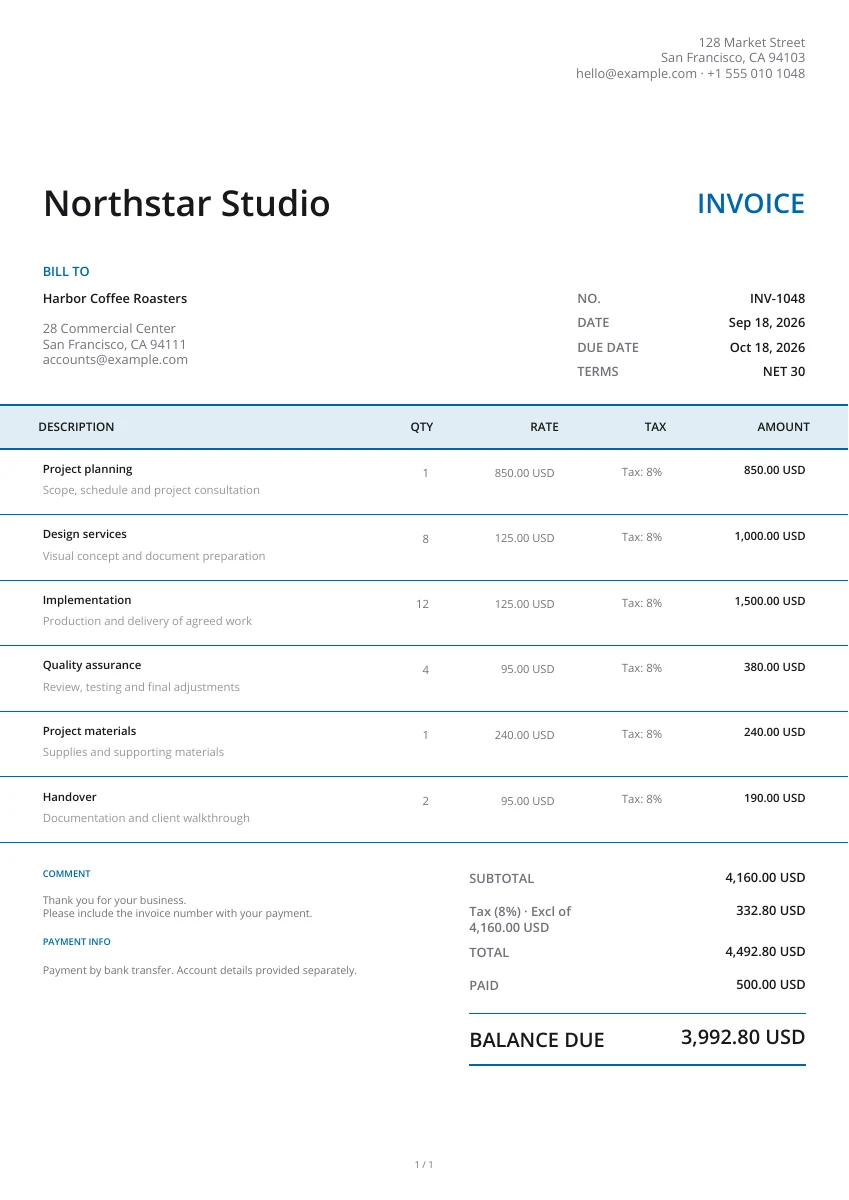
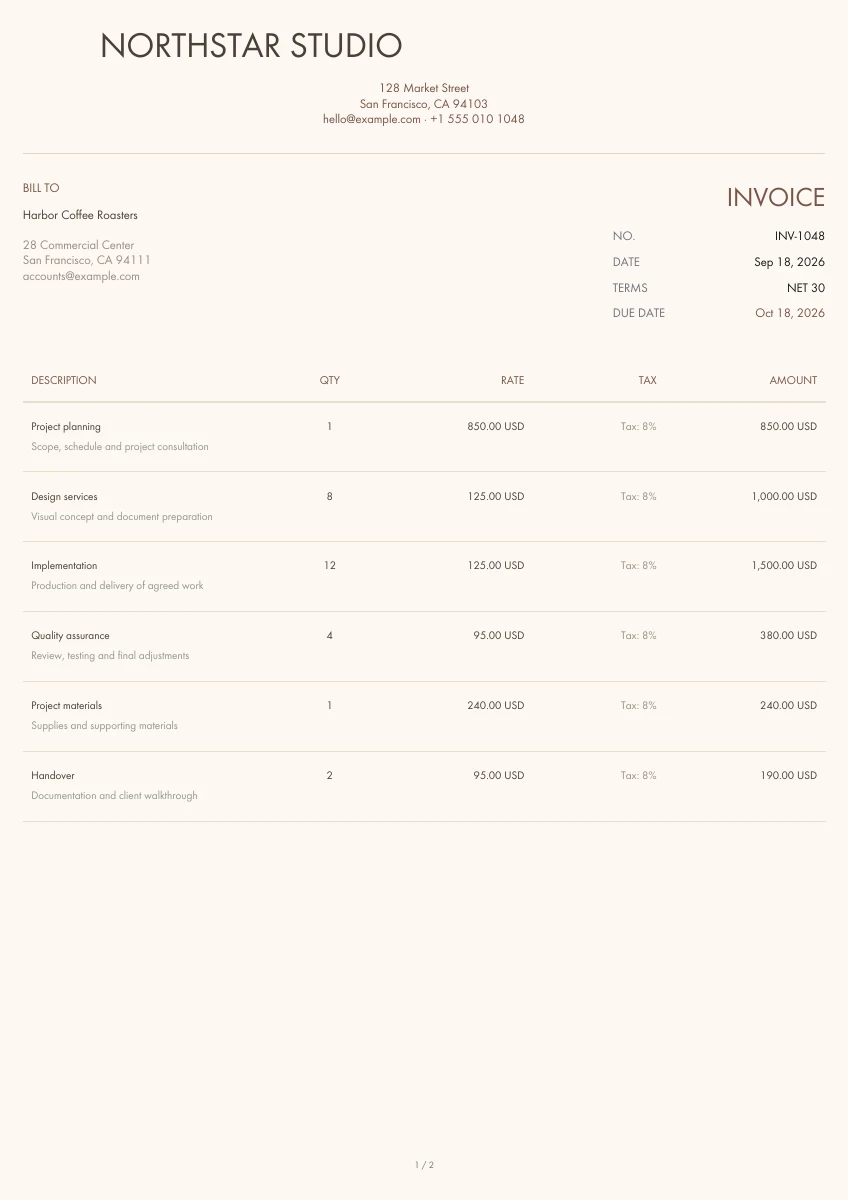
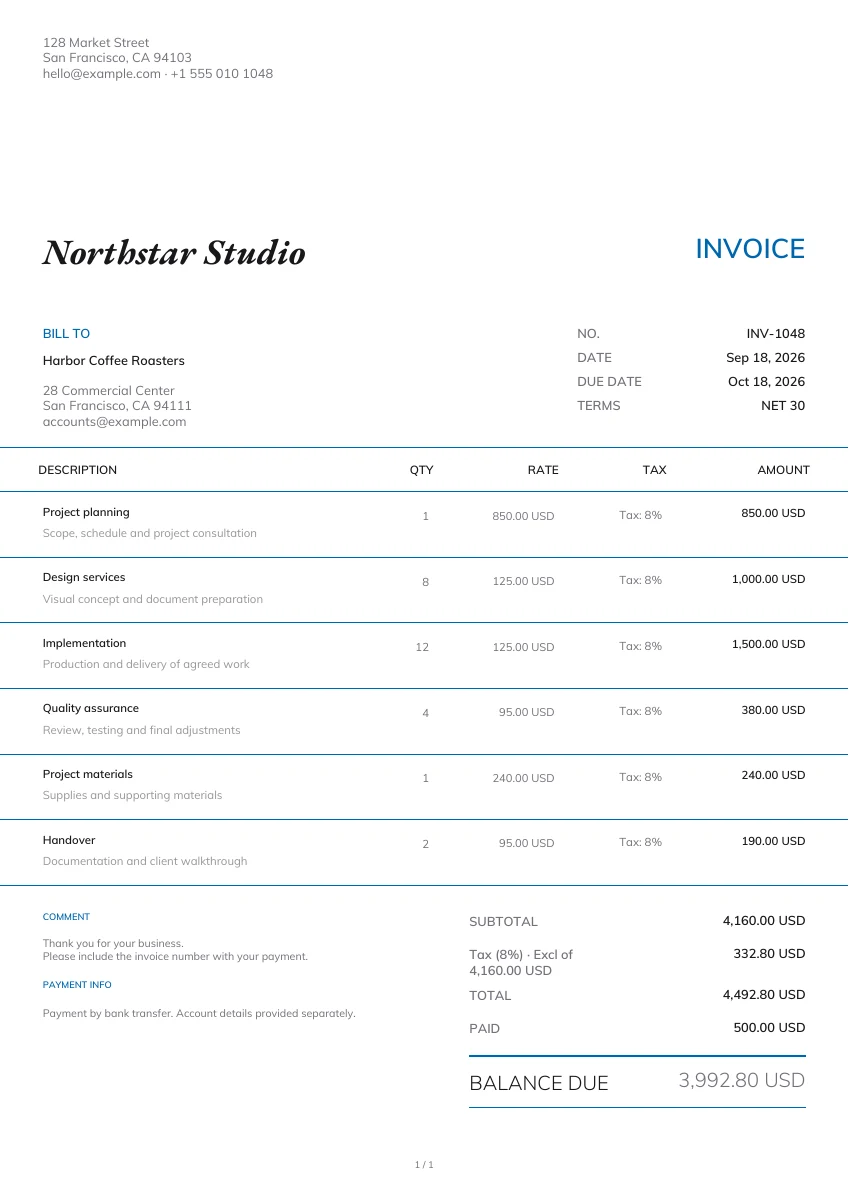
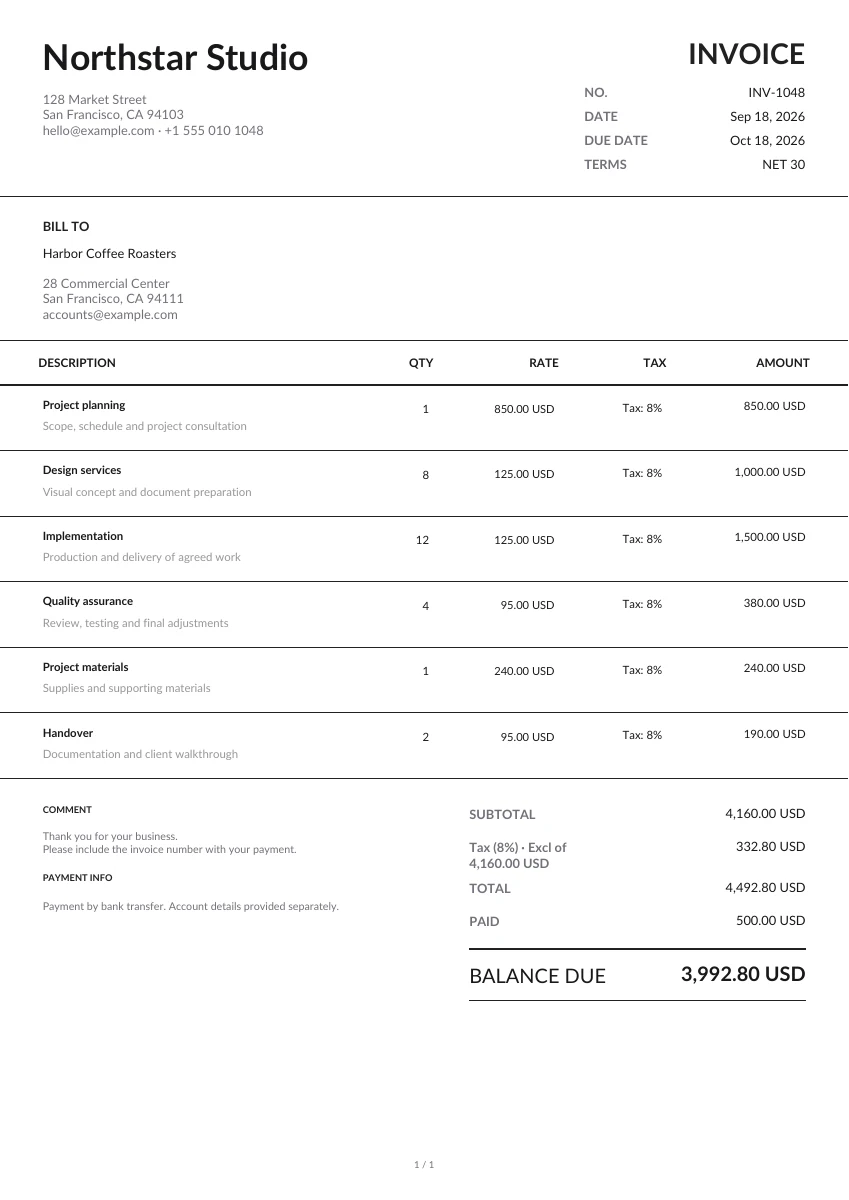
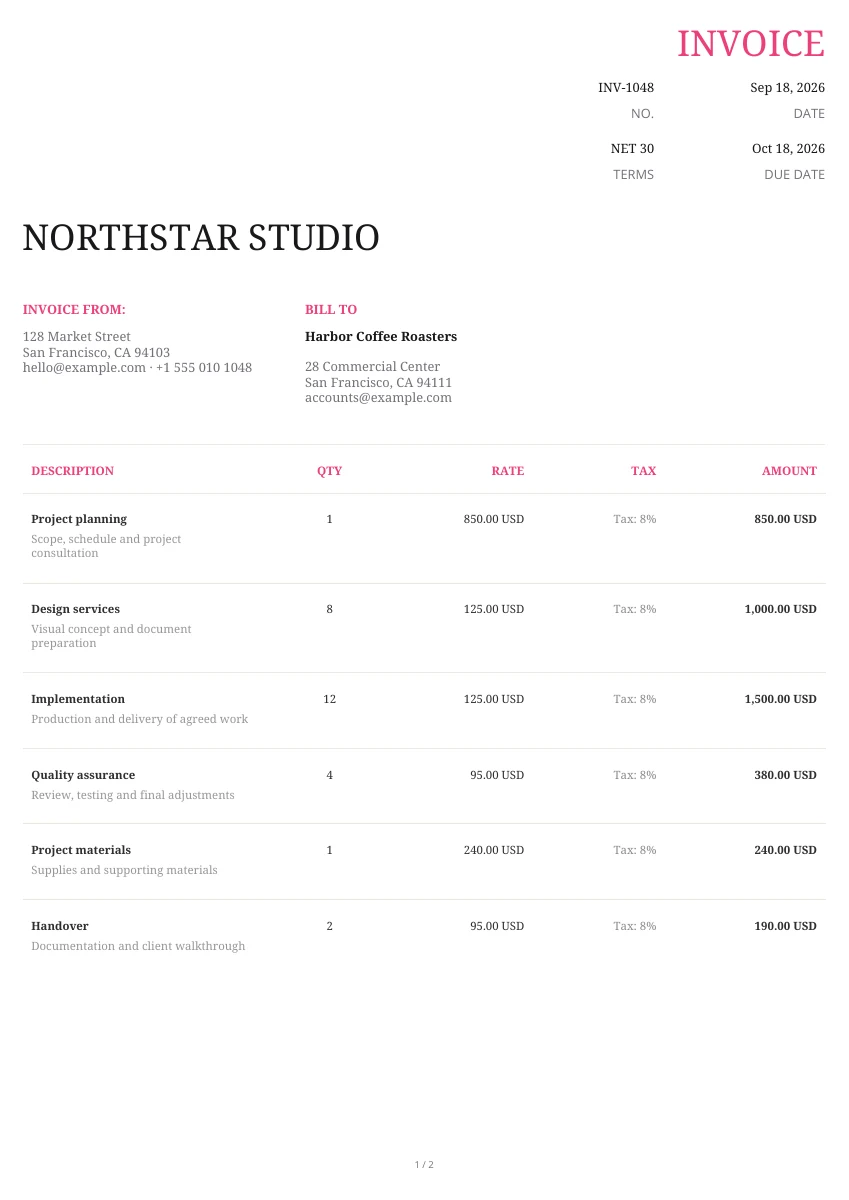
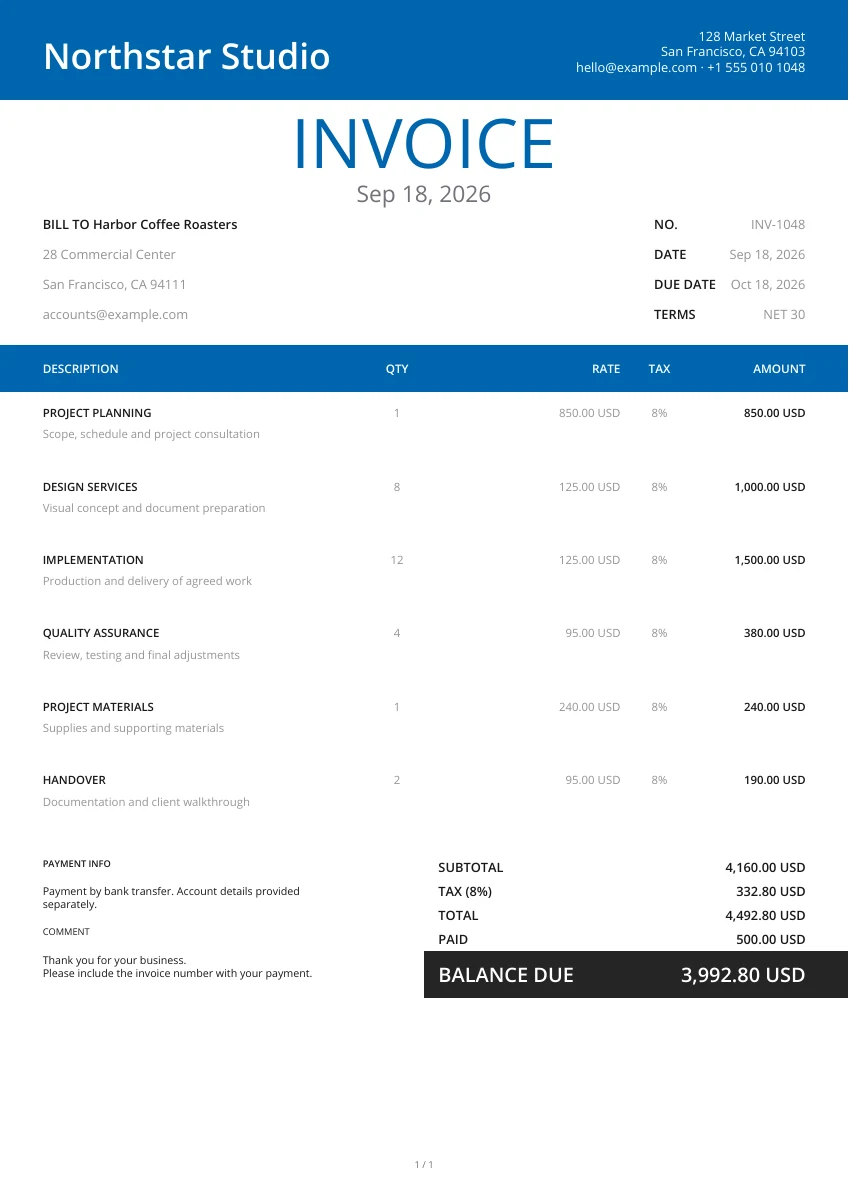
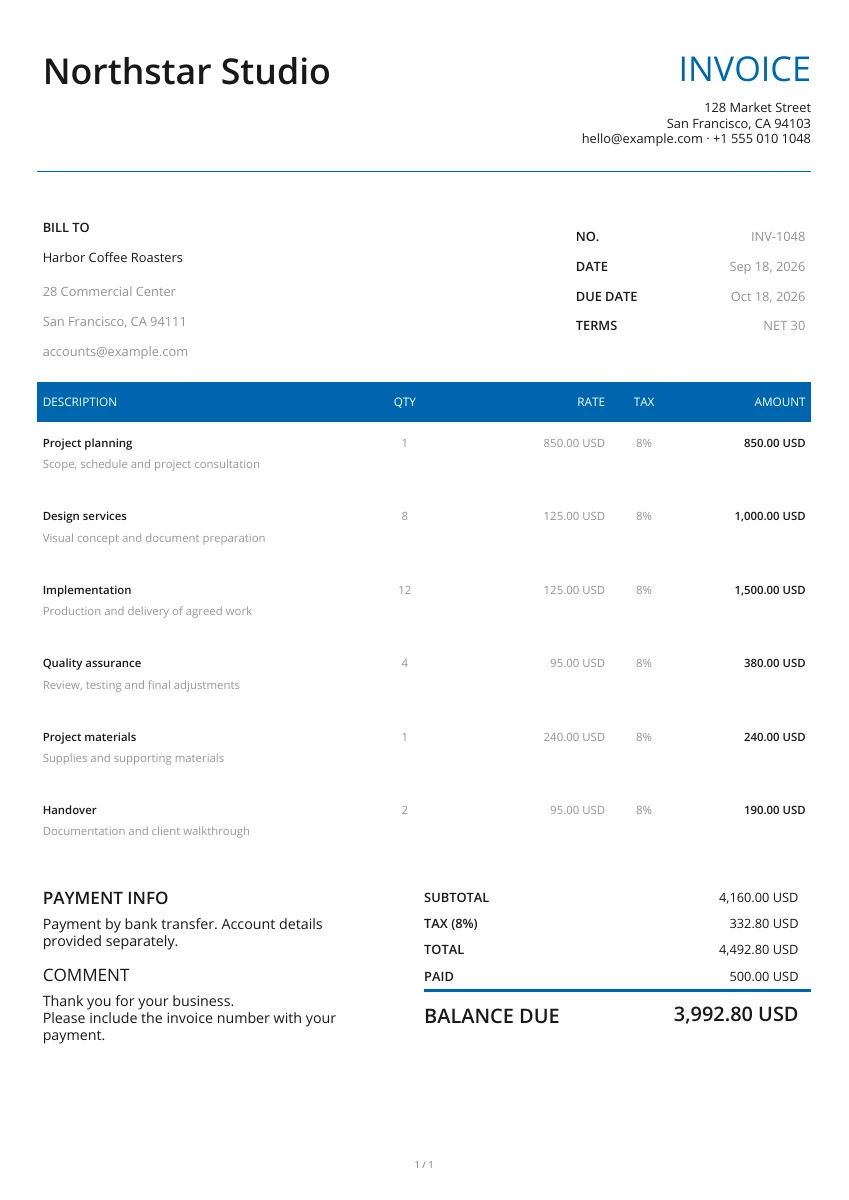
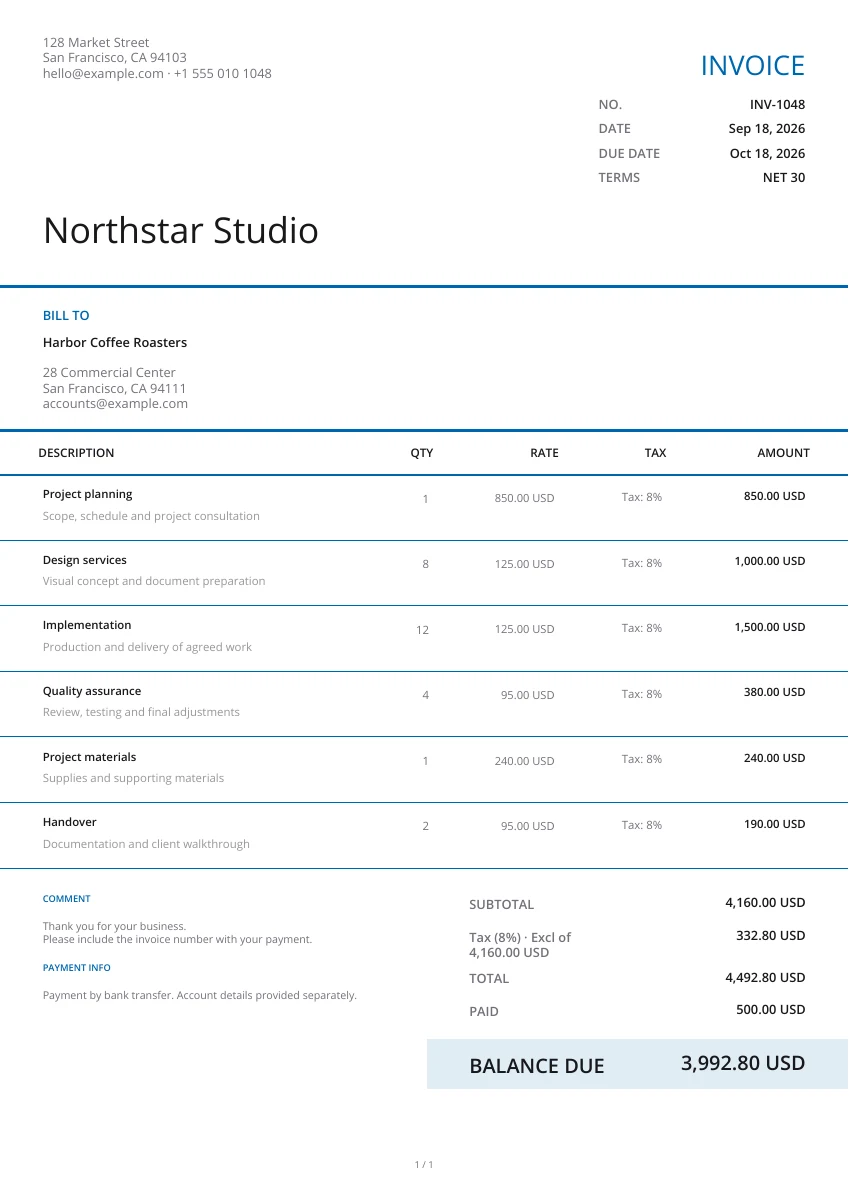
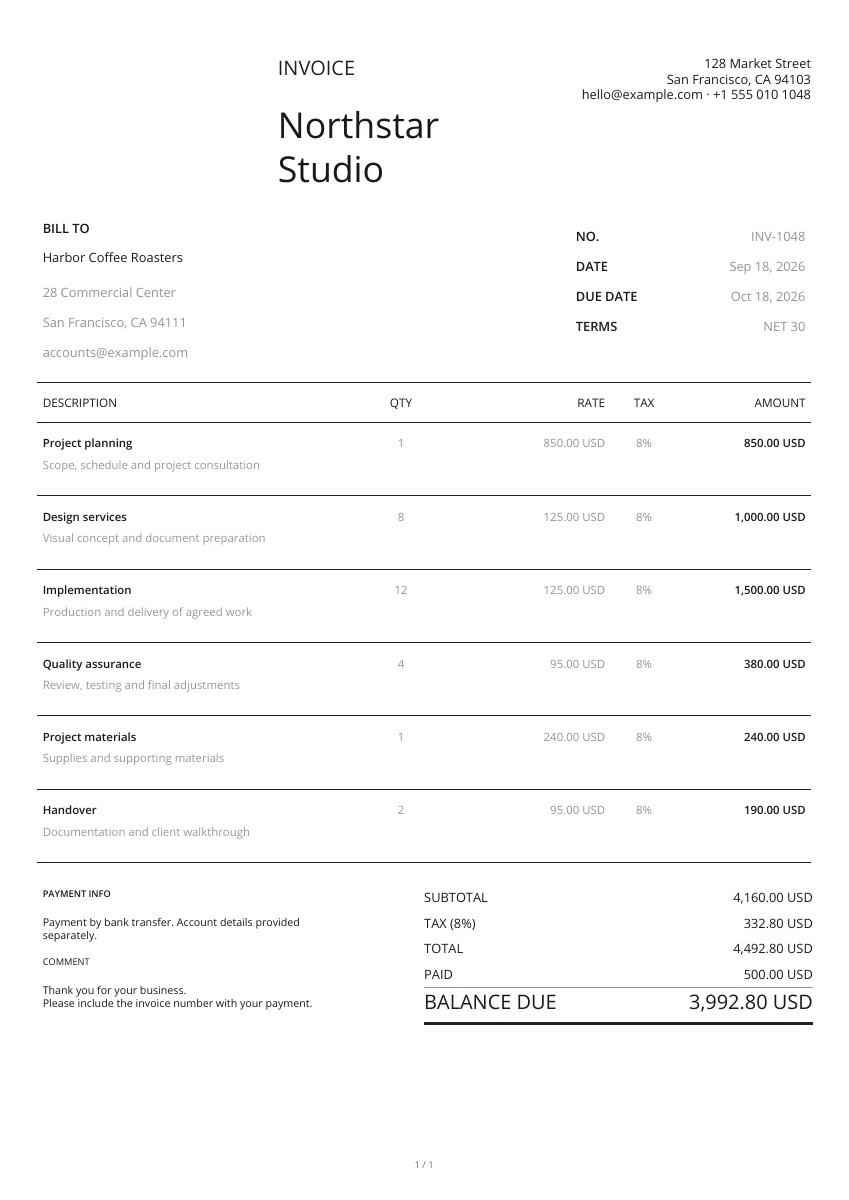
Start with a layout from the gallery. Add your logo and pick a header and color; you can change the design without retyping your details.
Enter the sender, recipient and delivery address. List the goods and quantities being shipped, then add the order reference and any handling instructions.
Open the PDF preview to check the finished pages, not just the form. Download the file when it is ready, then attach it to your own email or print a copy.
Prepare a delivery note for the shipment
Header design
Choose the layout, header and color for the delivery note. The PDF shows items and quantities without prices.
Add your logo
Add the sender’s logo and contact details so the recipient can identify the shipment and report any discrepancies.
Preview PDF
Review the full item list in the PDF preview. Attach product or packing images when they help identify the goods.
Keep delivery details with the order
On your phone or computer
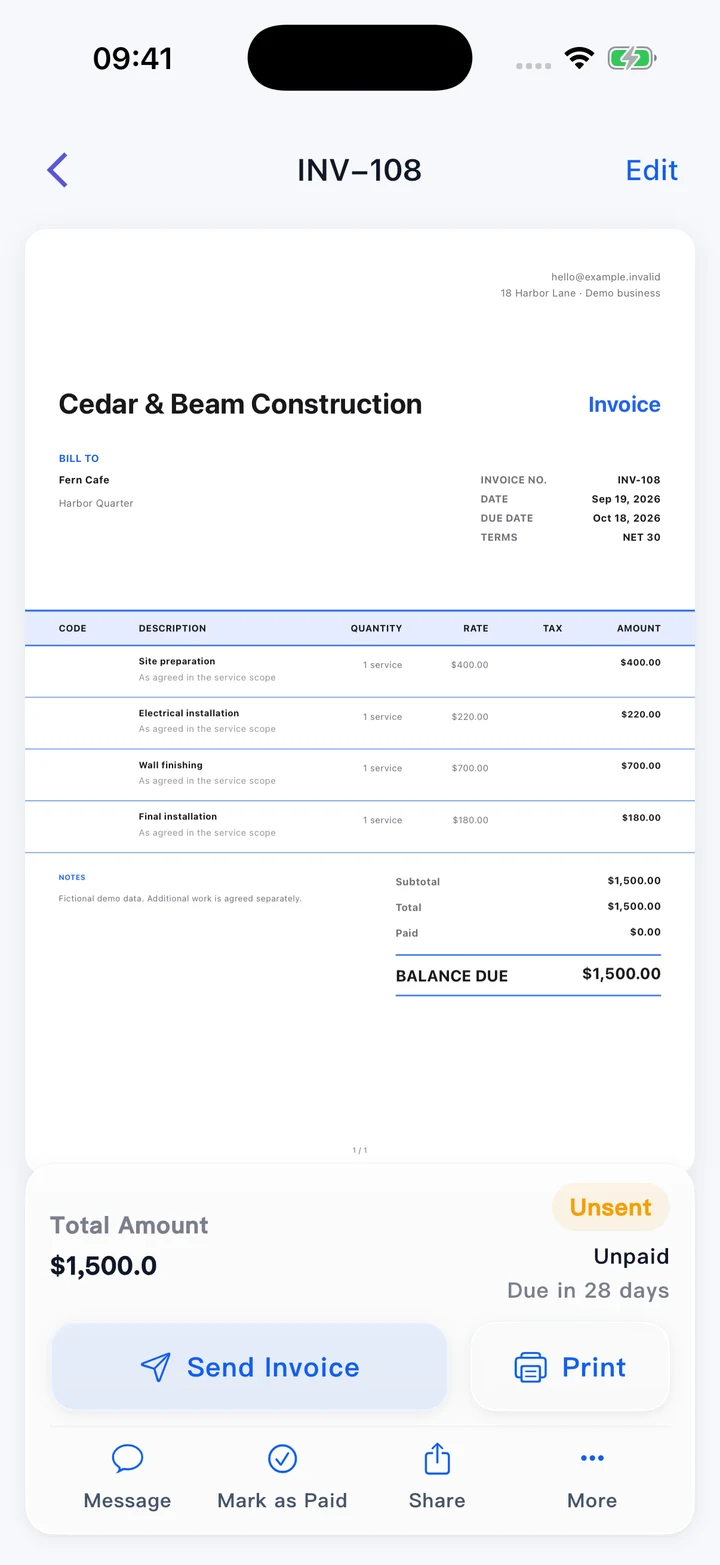
Use this editor in your browser. A downloaded PDF keeps its page layout when viewed on a phone, opened on a computer or printed.
Record what was actually delivered
Match the delivery note to the order reference. Keep any report of missing or damaged goods separately with the delivery records.
Keep business records in the app
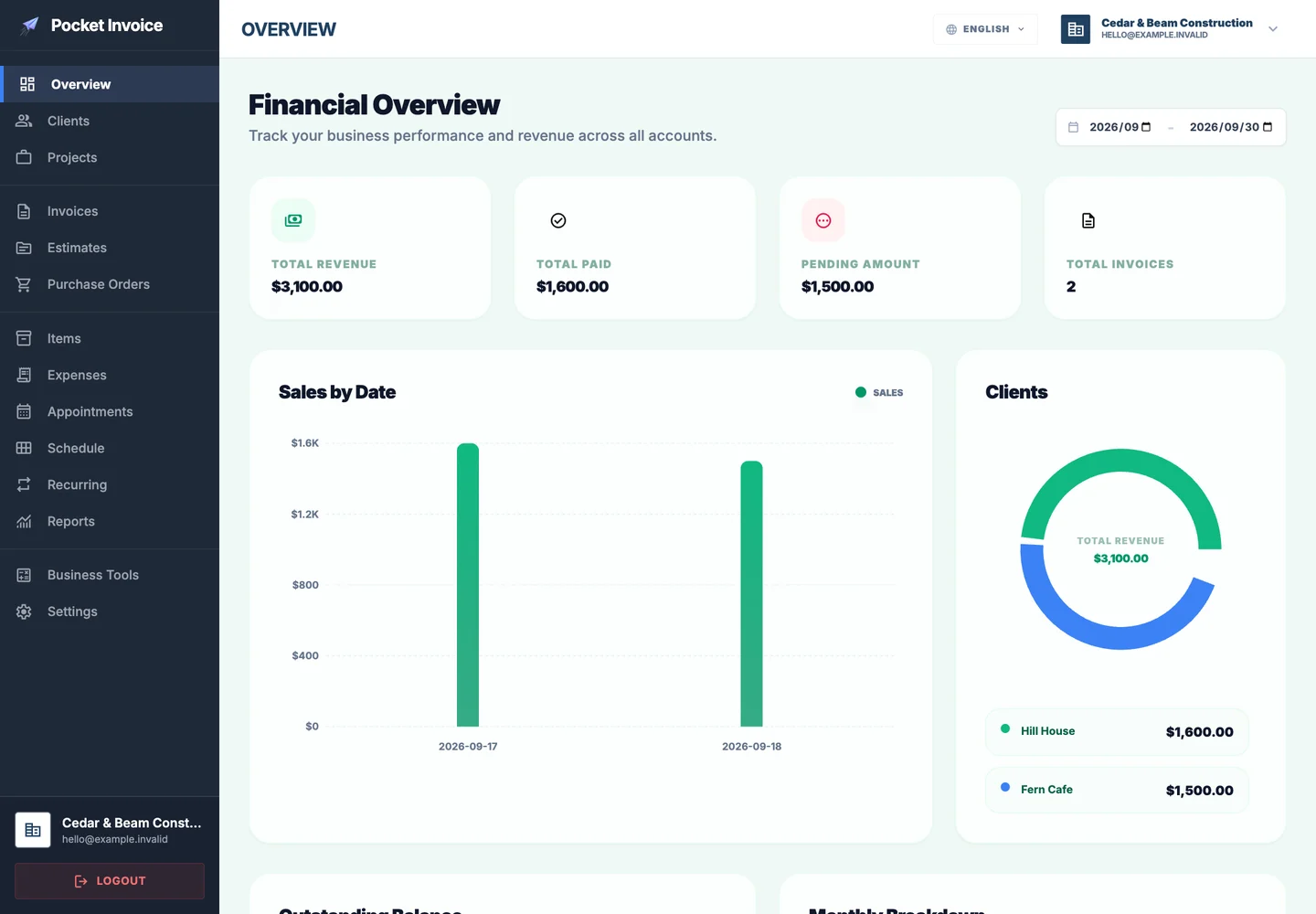
Use Pocket Invoice for customer, invoice and expense records. This free page prepares the delivery PDF; it does not track stock or confirm delivery.
What to include in a delivery note
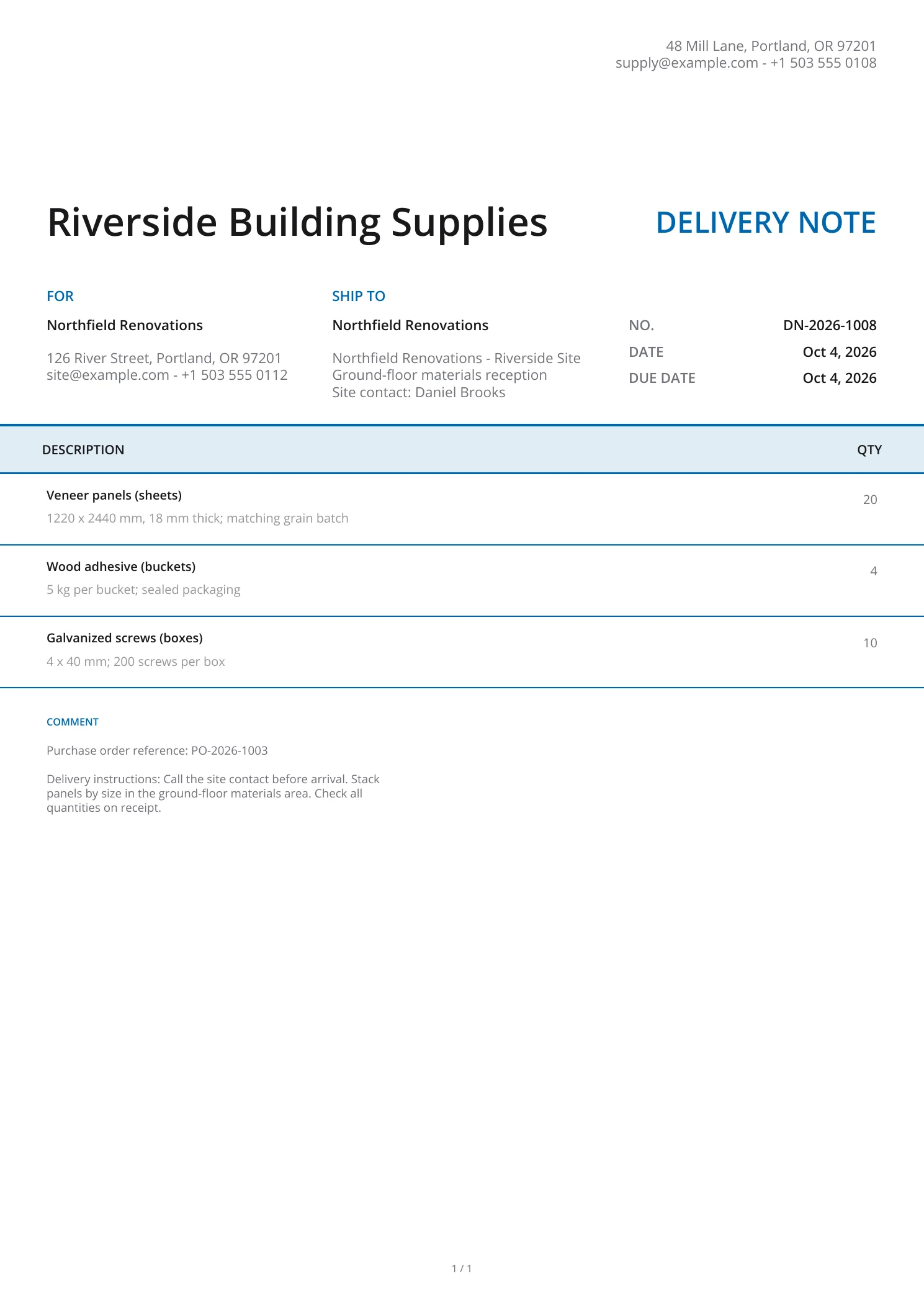
A delivery note lists the goods accompanying a shipment. It helps the recipient compare what arrived with the order without showing the selling prices.
- 01
Sender and recipient
Include the dispatching business and the person or business receiving the goods, with useful contact details.
- 02
Delivery note and order numbers
Give the delivery note a unique reference and include the related order or purchase order number.
- 03
Delivery date and address
Enter the issue date, receiving address and the planned delivery date in the notes if it differs.
- 04
Goods and quantities
List the items in this shipment with quantities and units. Add product codes or packaging details to the descriptions where needed.
- 05
Handling instructions
State access details, storage needs or other instructions relevant to delivering and receiving the goods.
- 06
Supporting images
Attach photos when they help the recipient identify the contents. Check the finished PDF before sending or printing it.
Choose a delivery note template
Enlarge a preview to inspect the layout. Choose Use template to enter the shipment details in that design.
Browse templatesFrequently asked questions
Is the delivery note generator free?
Yes. You can create, preview and download a delivery note PDF without an account.
Does the delivery note show prices?
No. This delivery note PDF lists the goods and quantities without unit prices or invoice totals.
Can I download the items as a spreadsheet?
Yes. Download CSV exports the item descriptions, quantities and additional details. Download PDF creates the formatted delivery note.
Will this page remember my draft?
No. The form stays in this open page and is not saved as an account document. Download your PDF before leaving; use the Web app for saved records.
Does the tool record a signature or confirm delivery?
No. It creates the delivery note from your entries. Any signature, proof of delivery or discrepancy report must be obtained and retained separately.
How are my details used?
Your details are sent securely to our PDF service only when you preview or download. This tool does not save documents to an account.
Create another document
Create your delivery note
Check the address, goods and quantities, then download the delivery note for the shipment.