
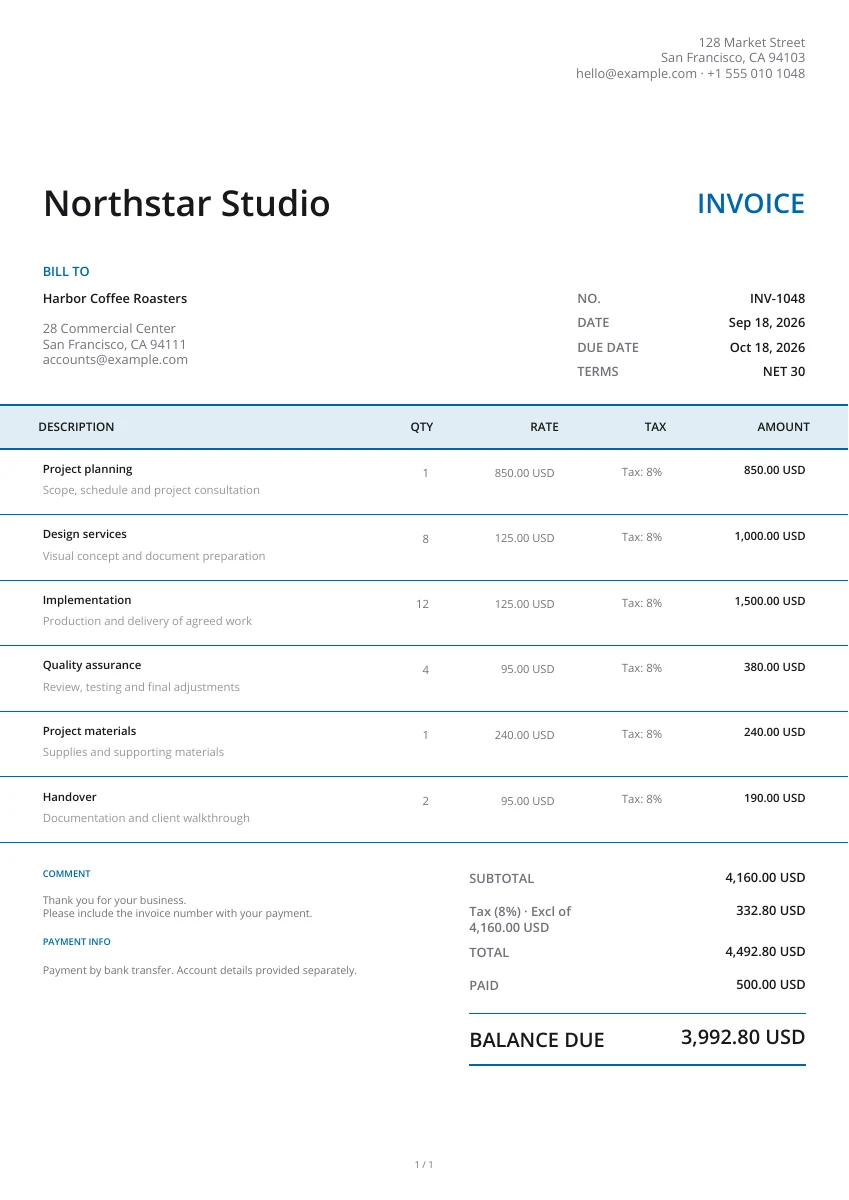
Classic
Classic
Choose the document you need, compare the layouts and open a template in the free editor. Add your details, check the finished document and download a PDF.
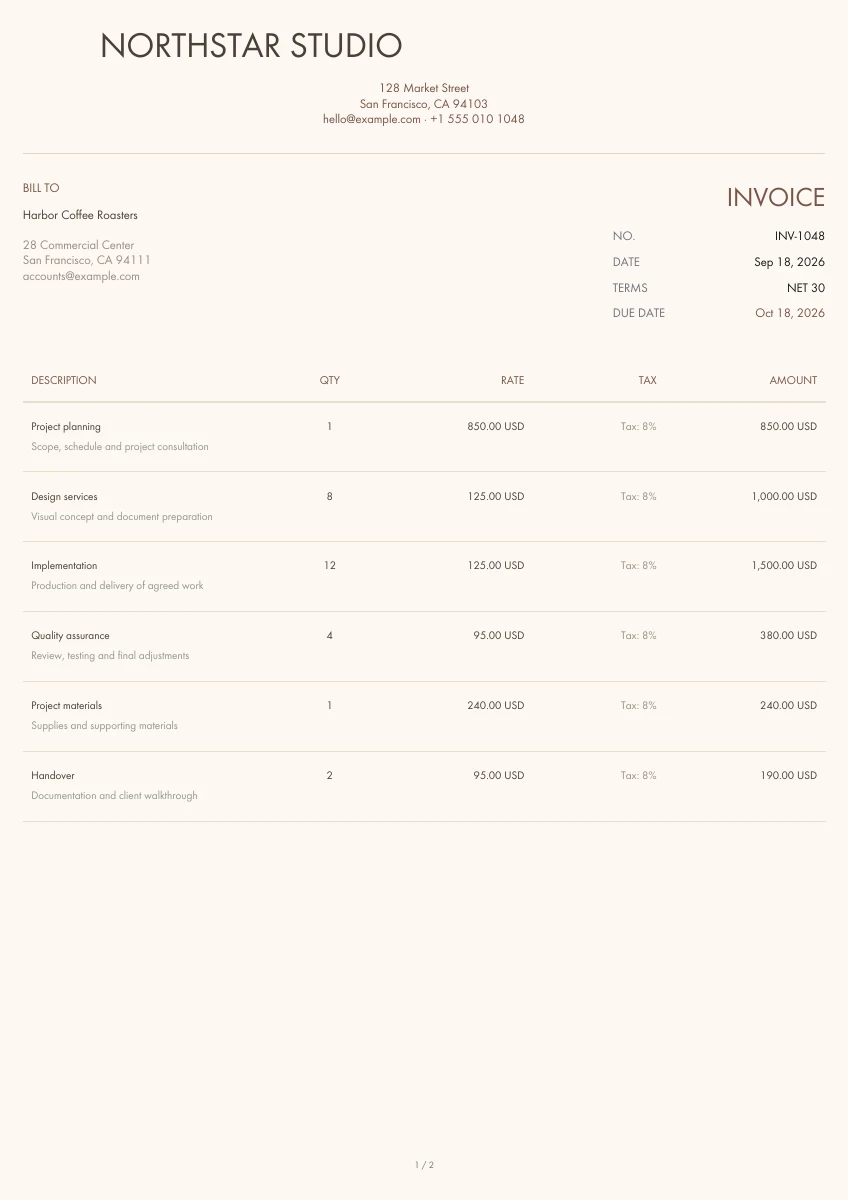
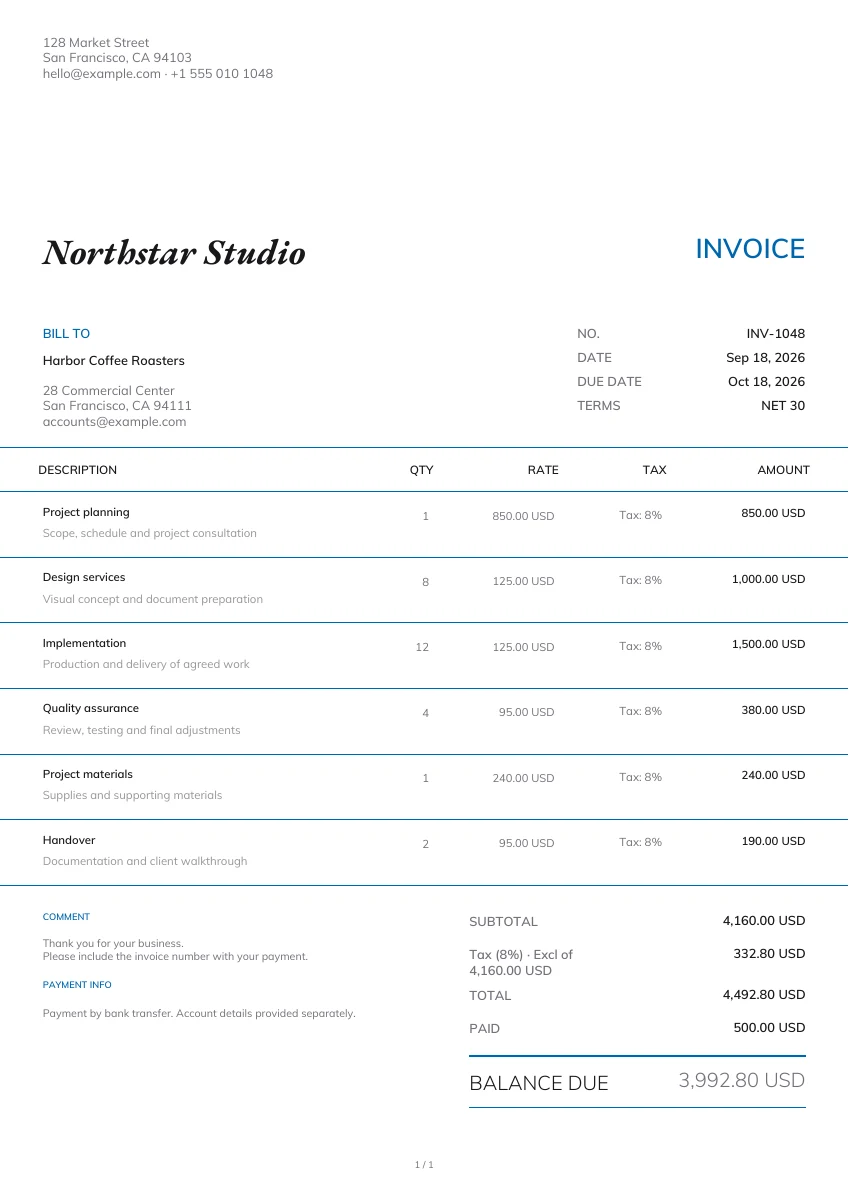
Request payment for goods or services. Add the customer, itemized charges, due date and payment instructions, then download the invoice PDF.
21 templates
Classic
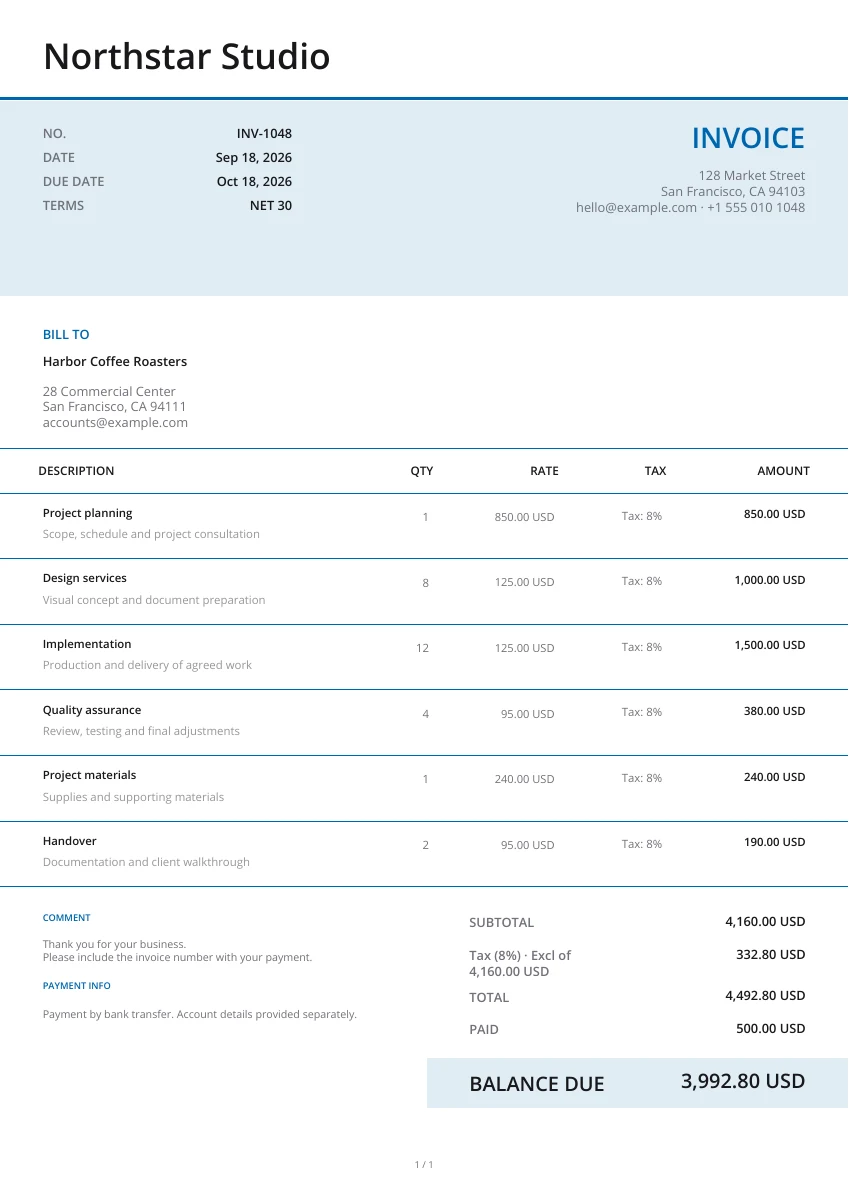
Modern
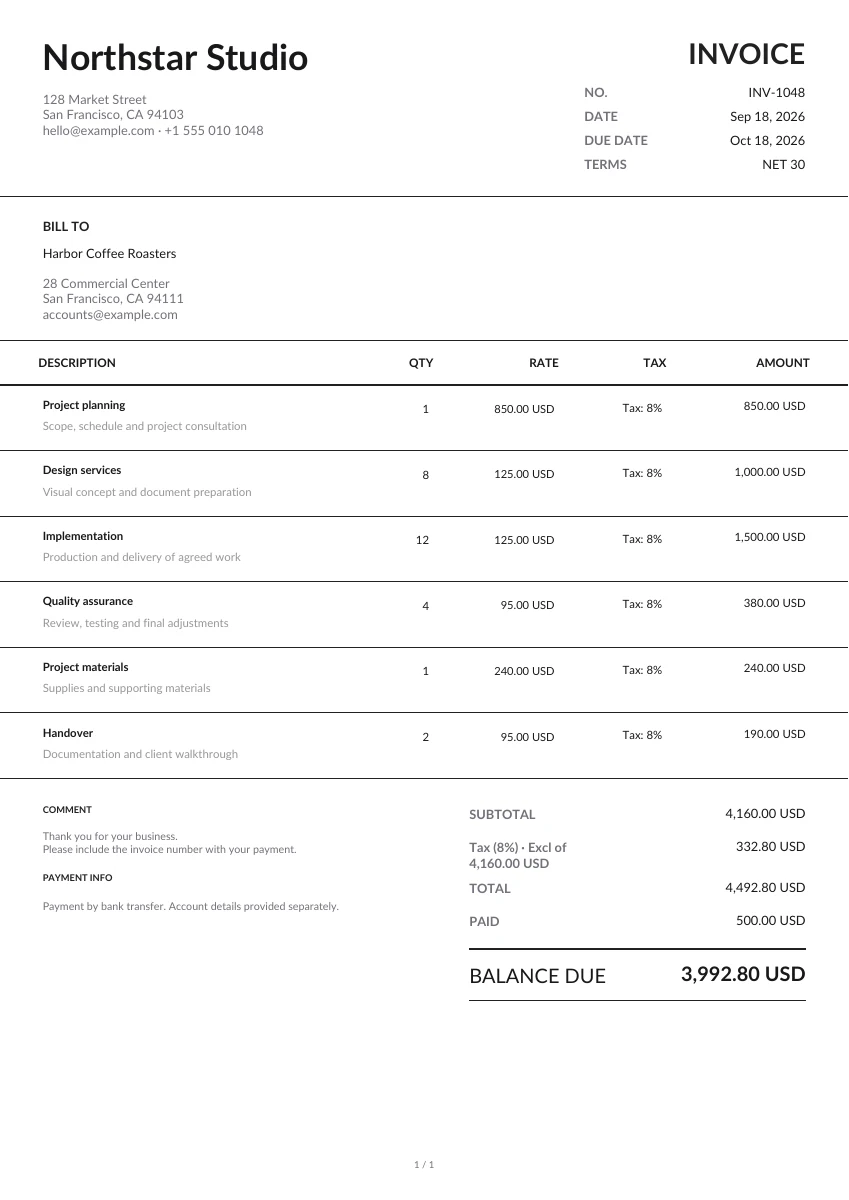
Minimal
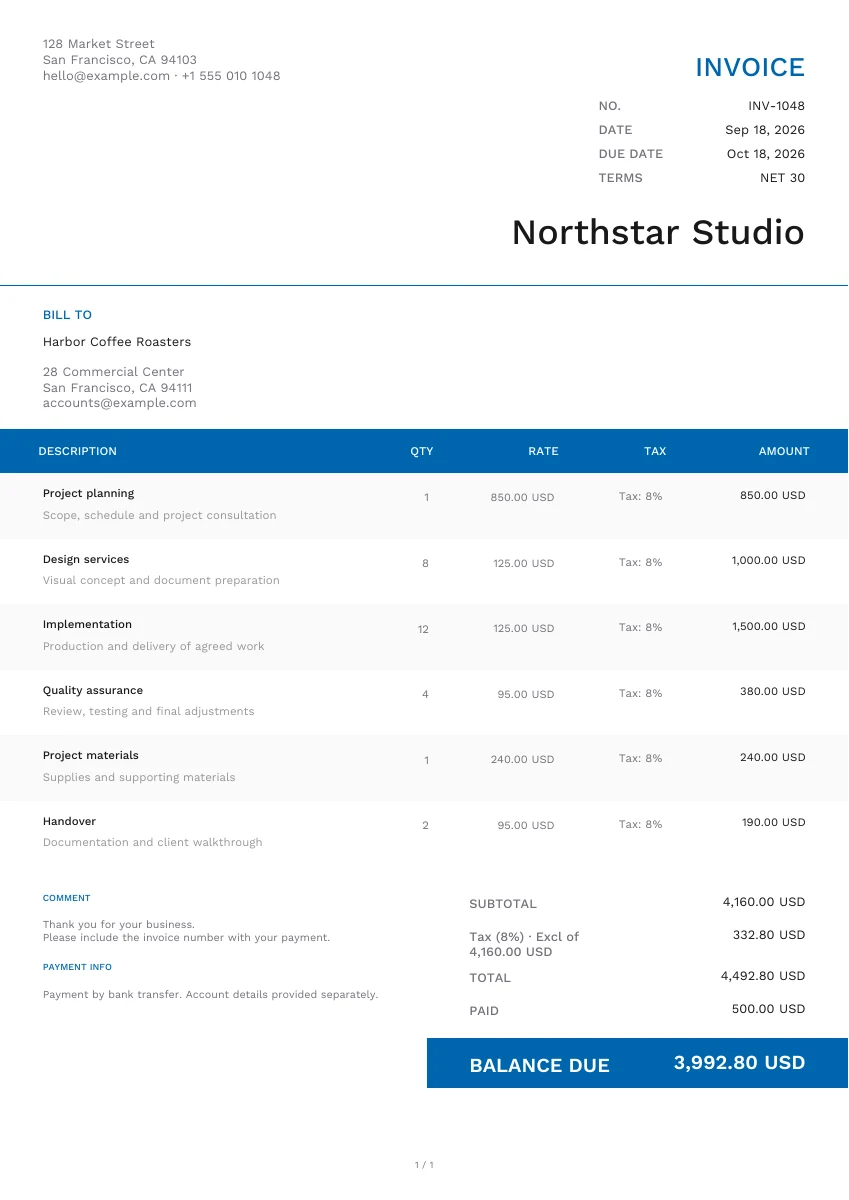
Modern
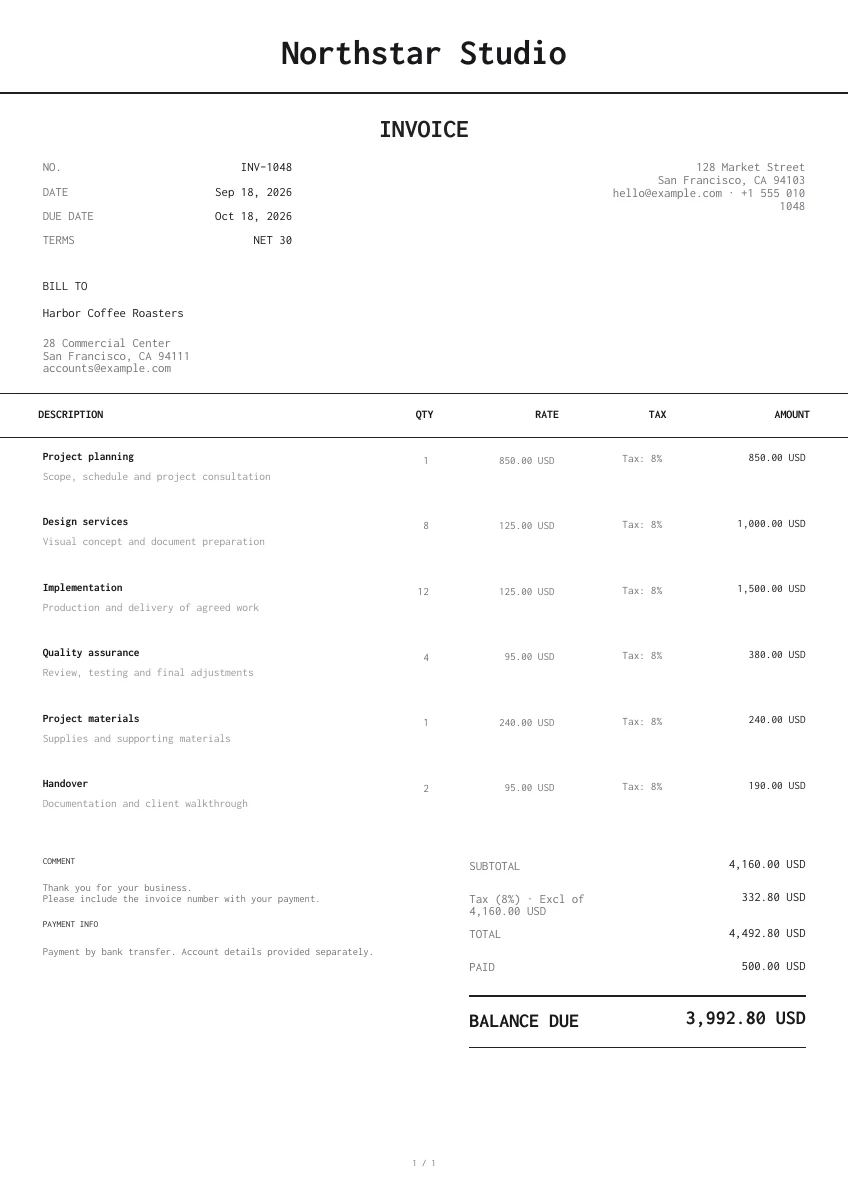
Minimal
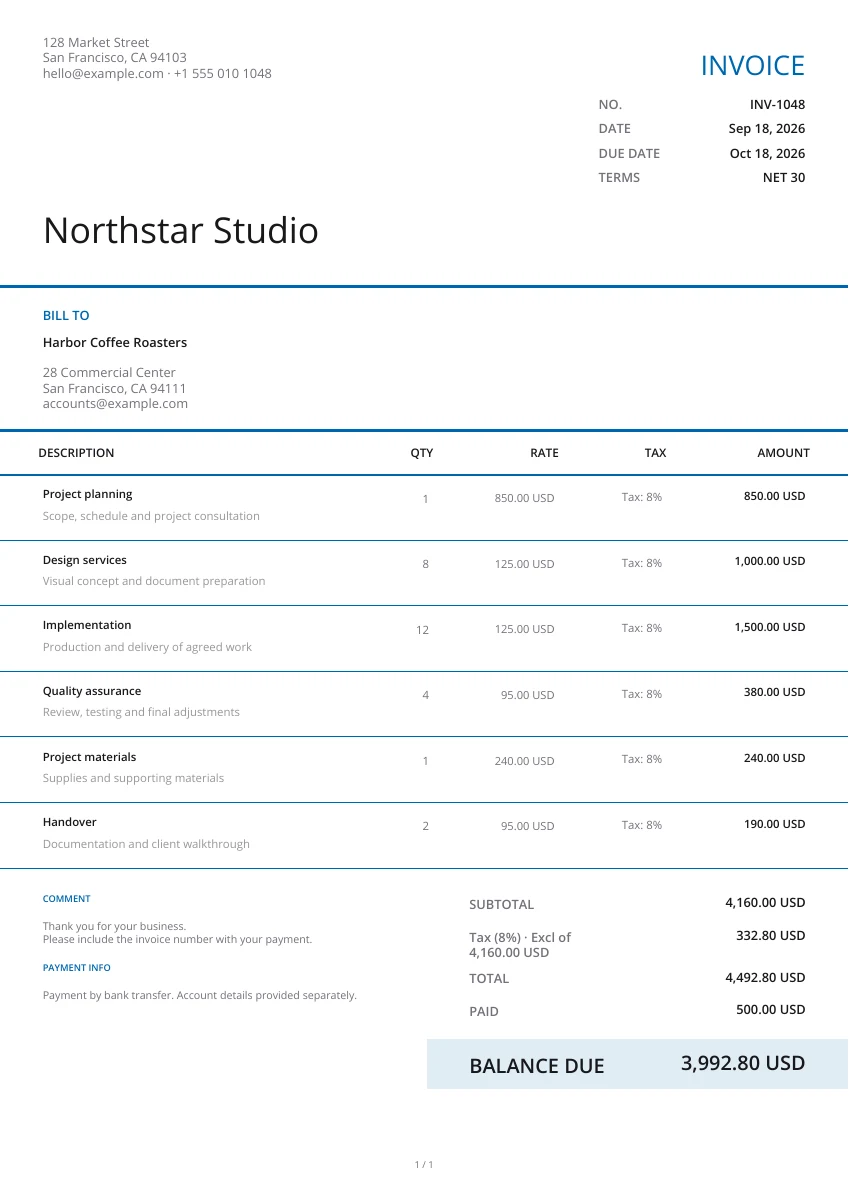
Modern
Creative
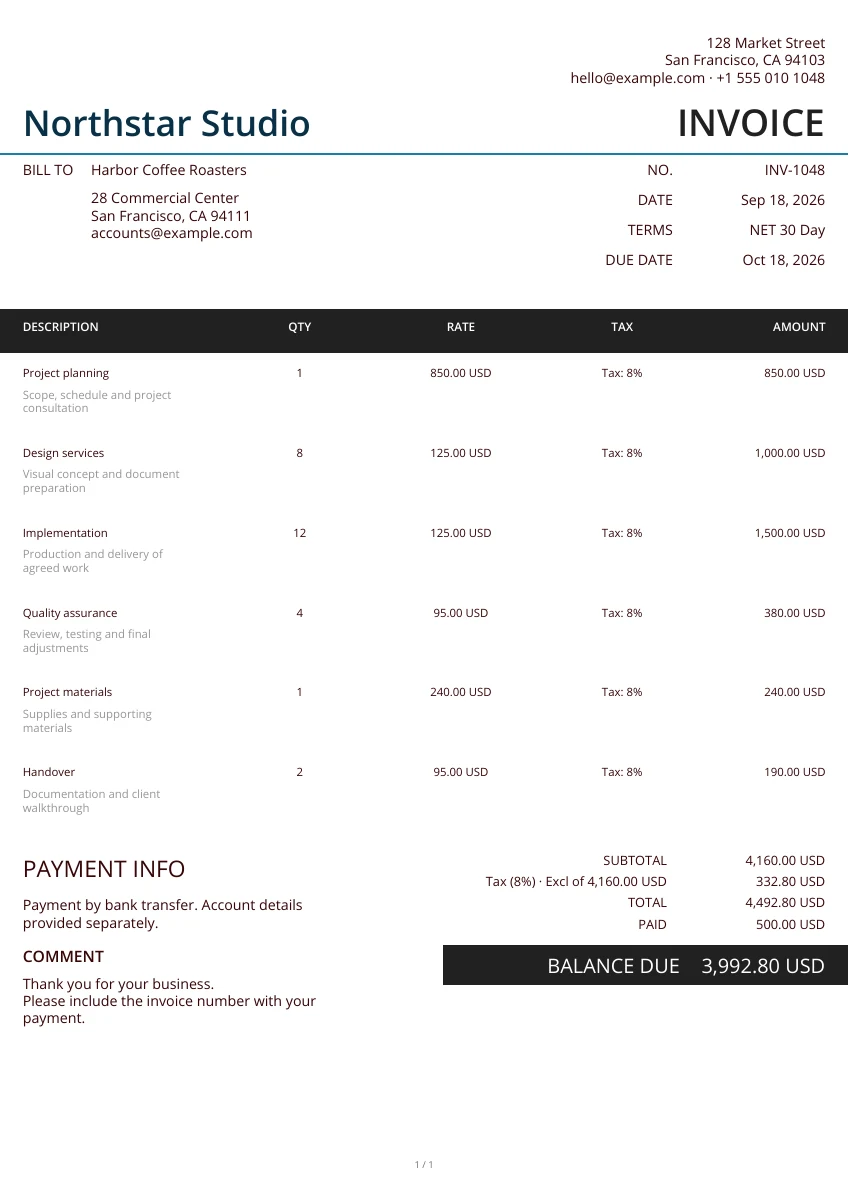
Minimal
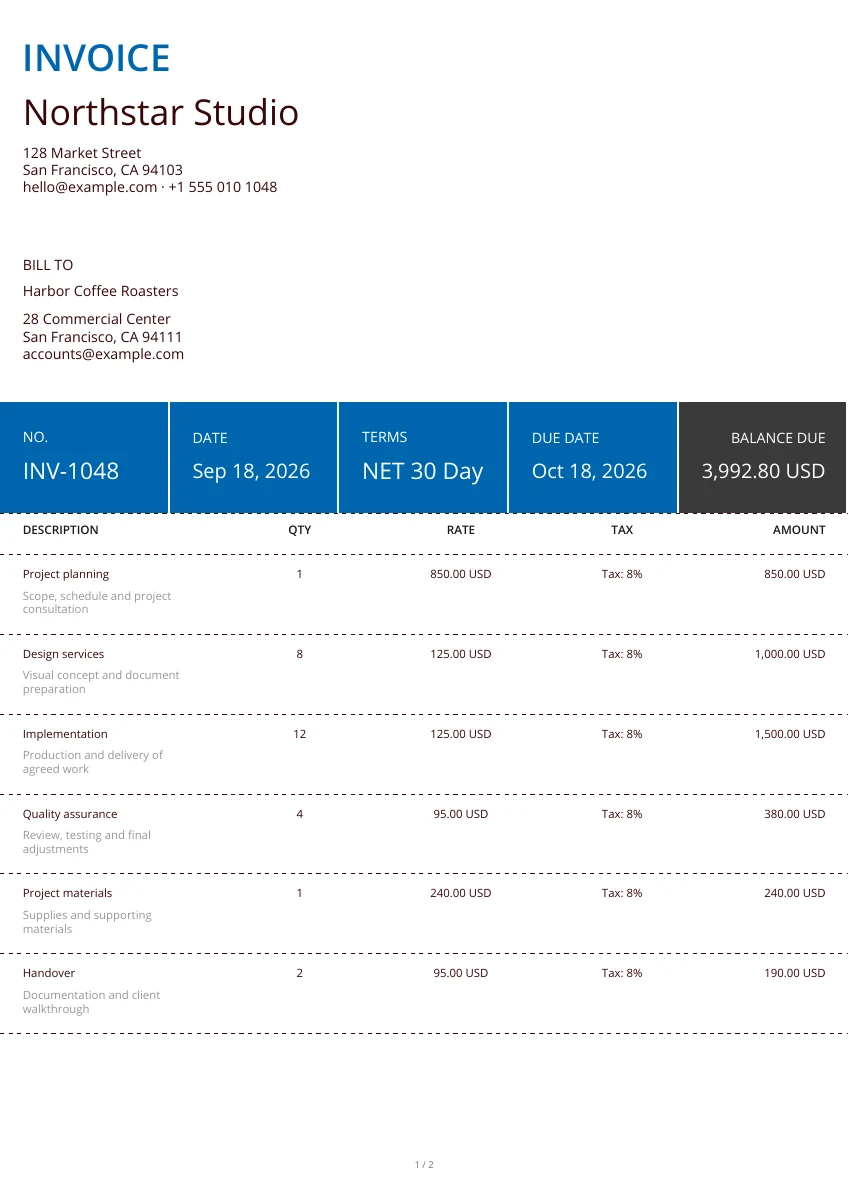
Classic
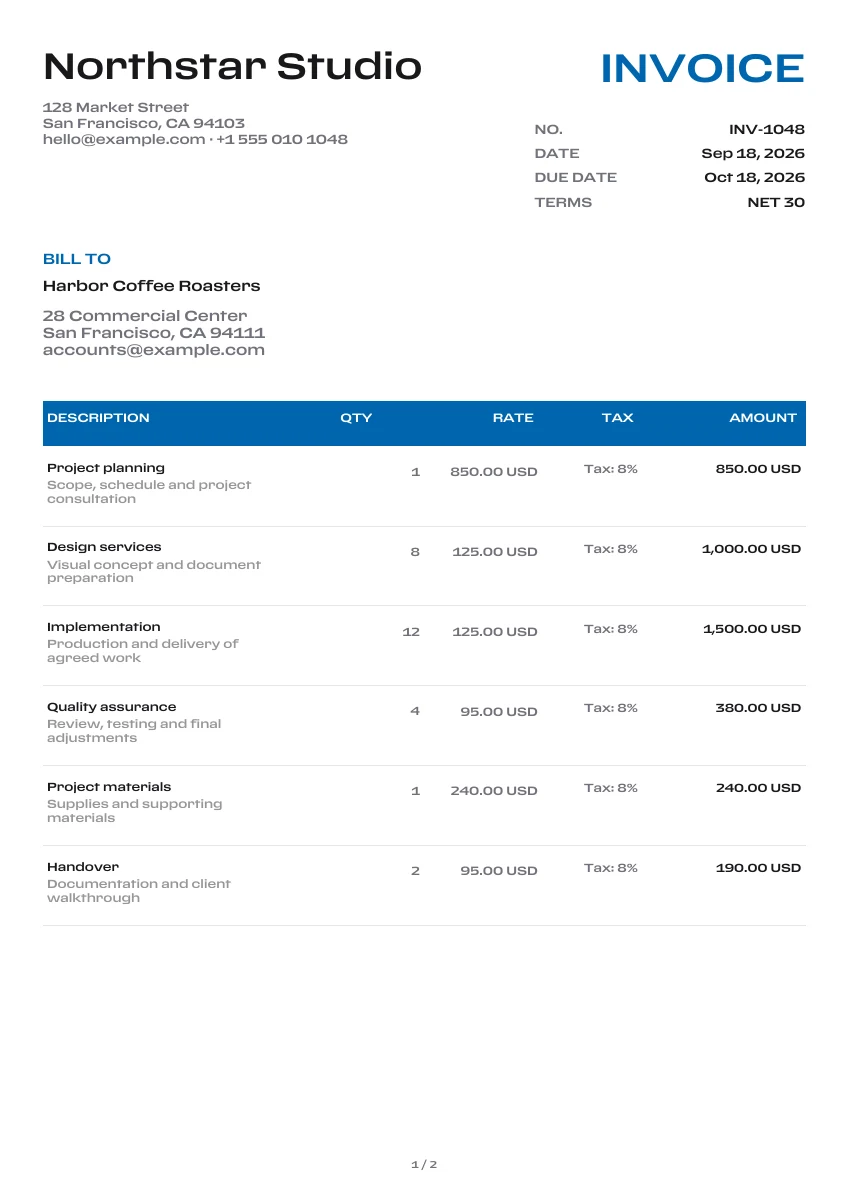
Classic
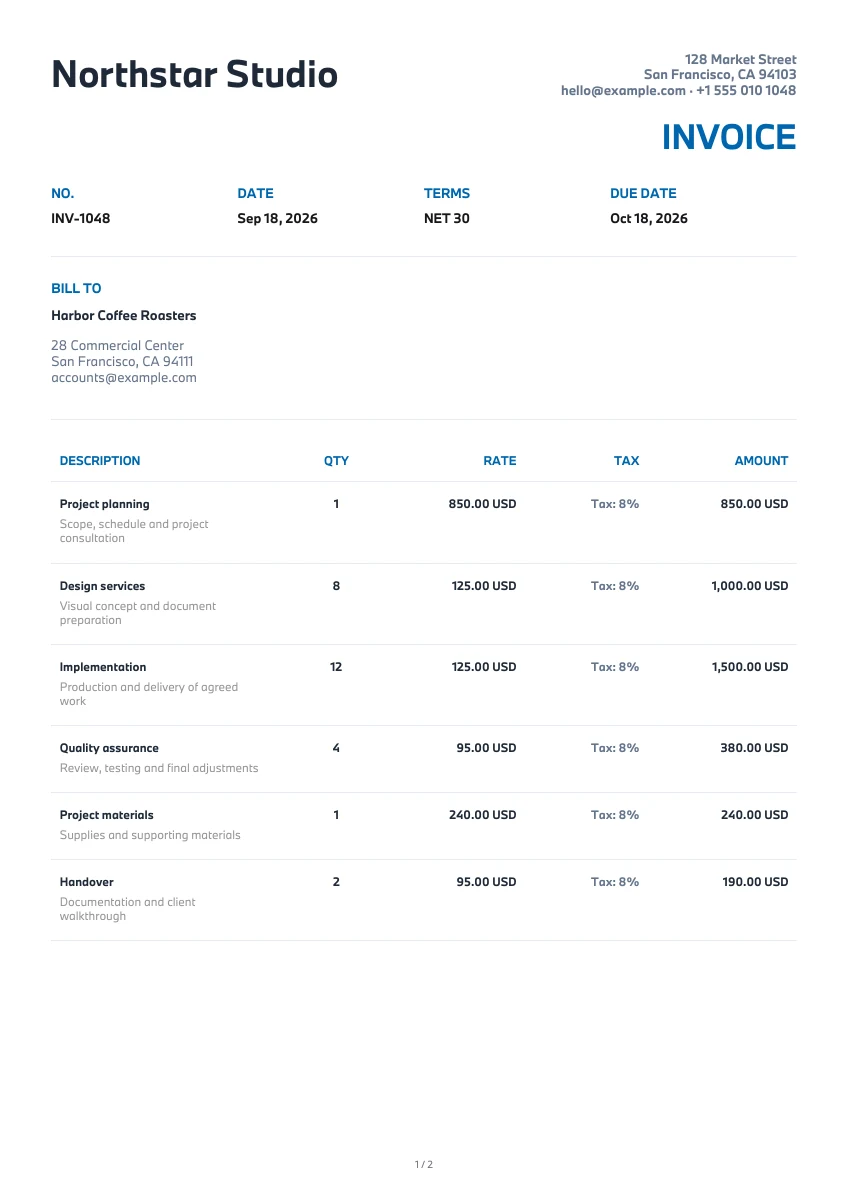
Modern
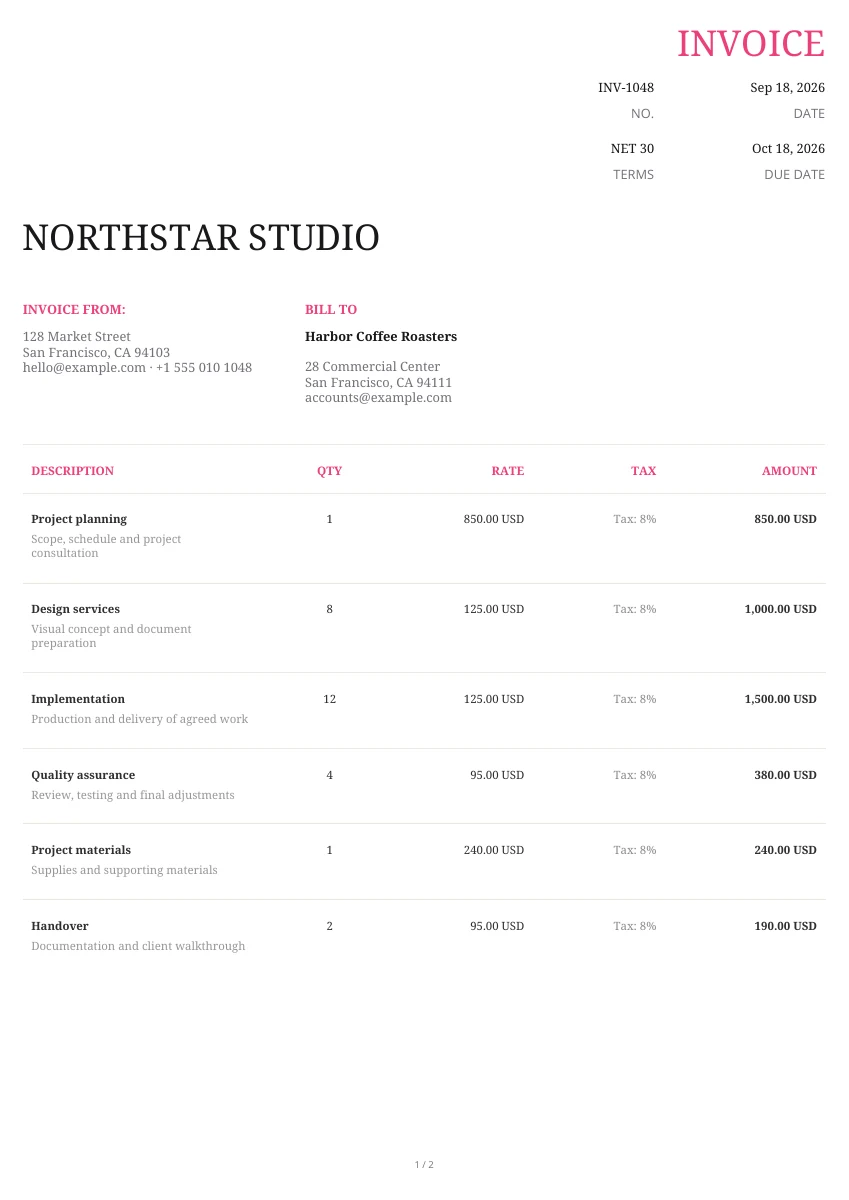
Creative
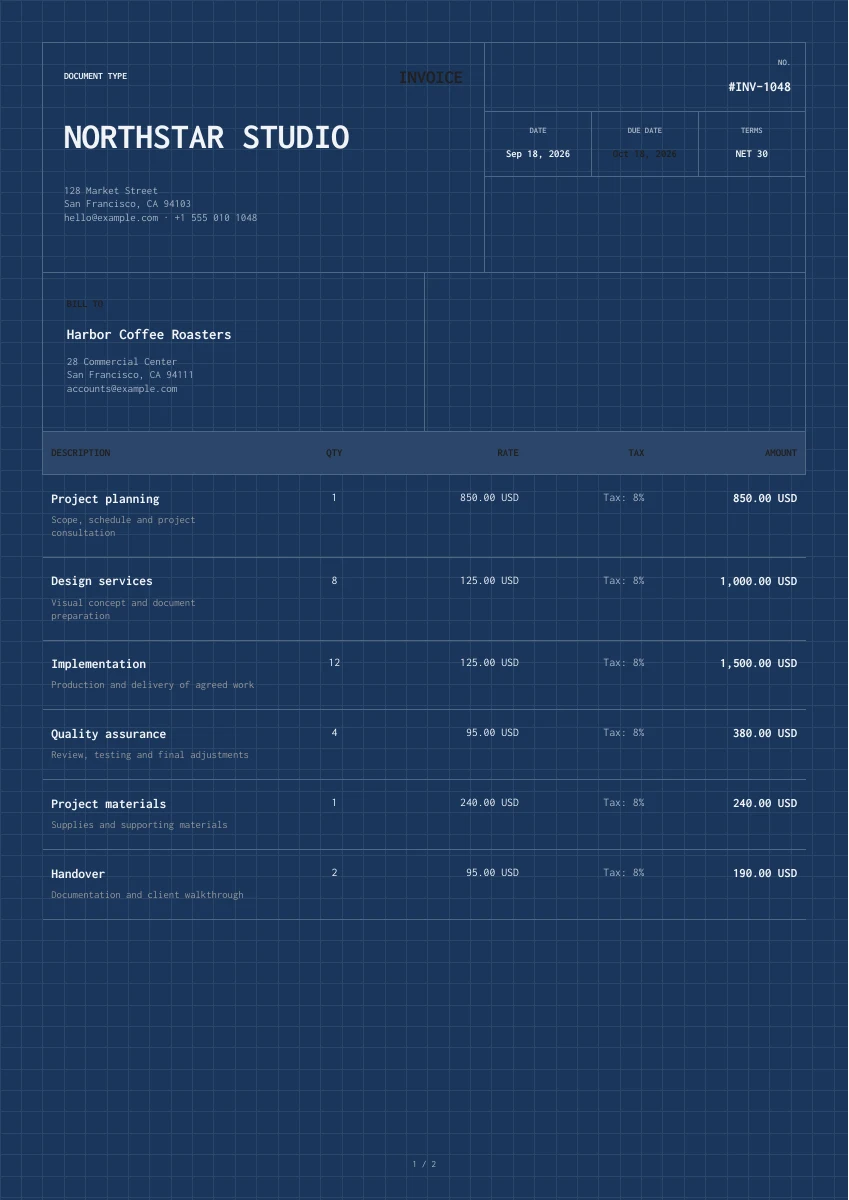
Classic
Creative
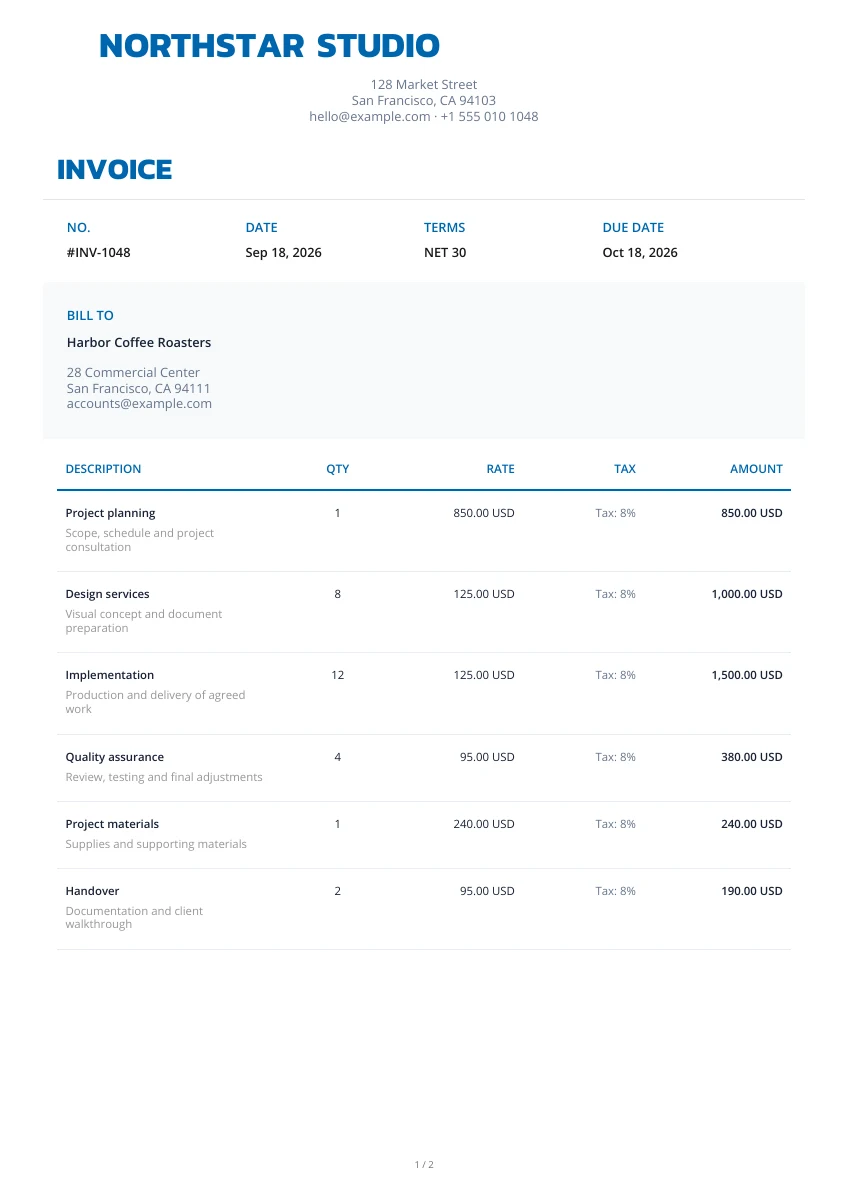
Classic
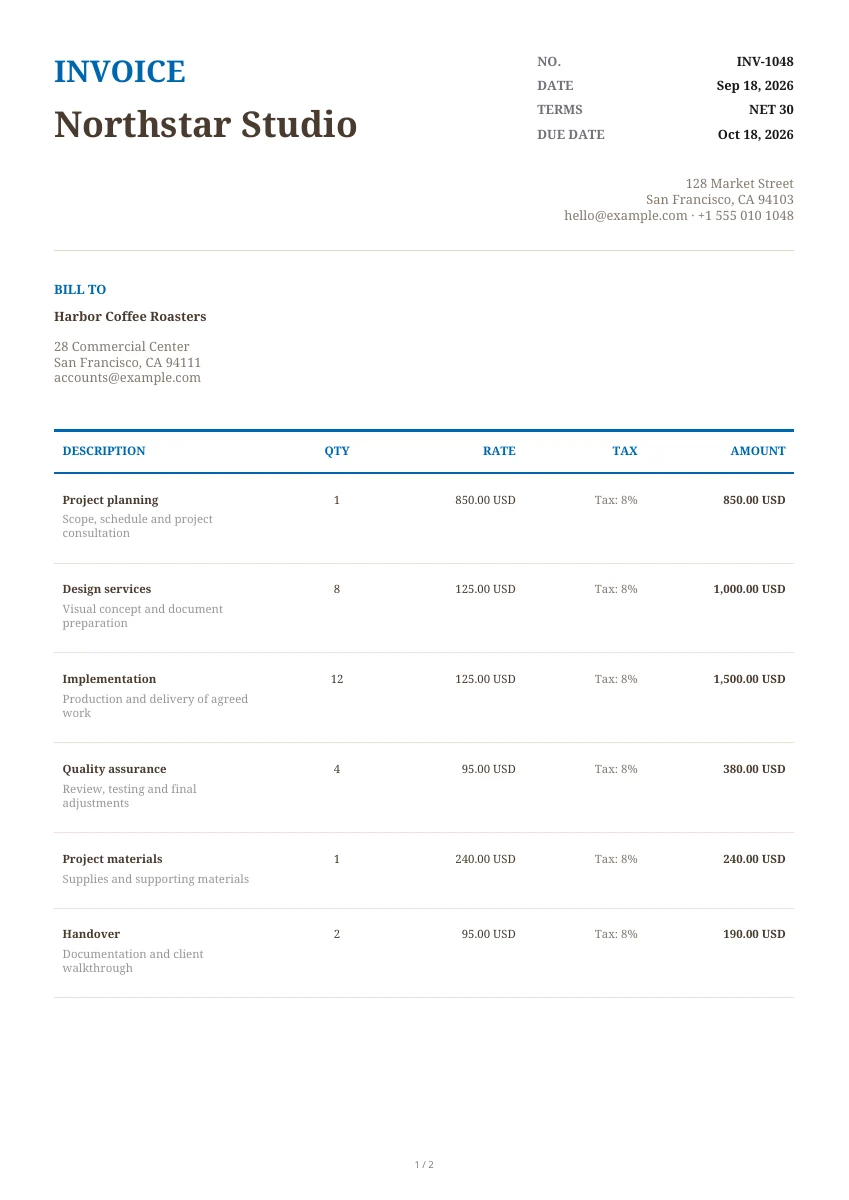
Classic
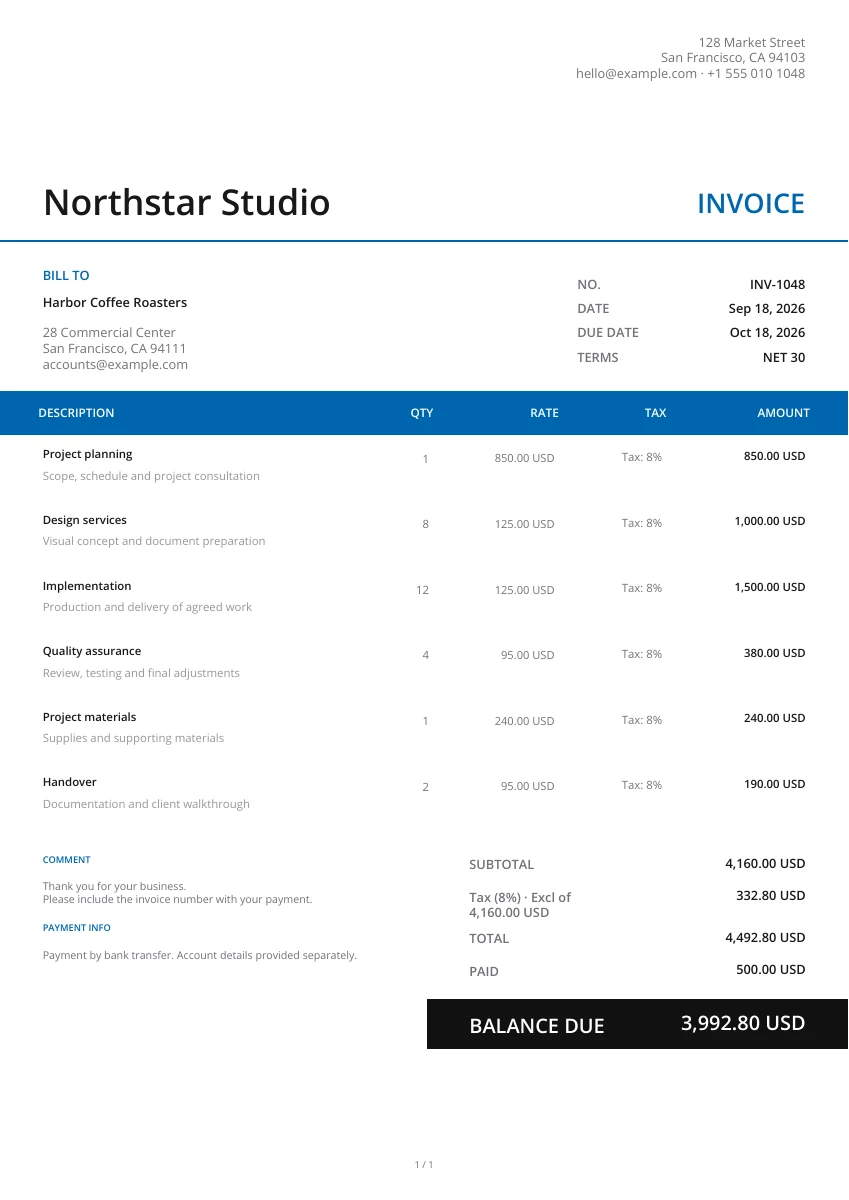
Modern
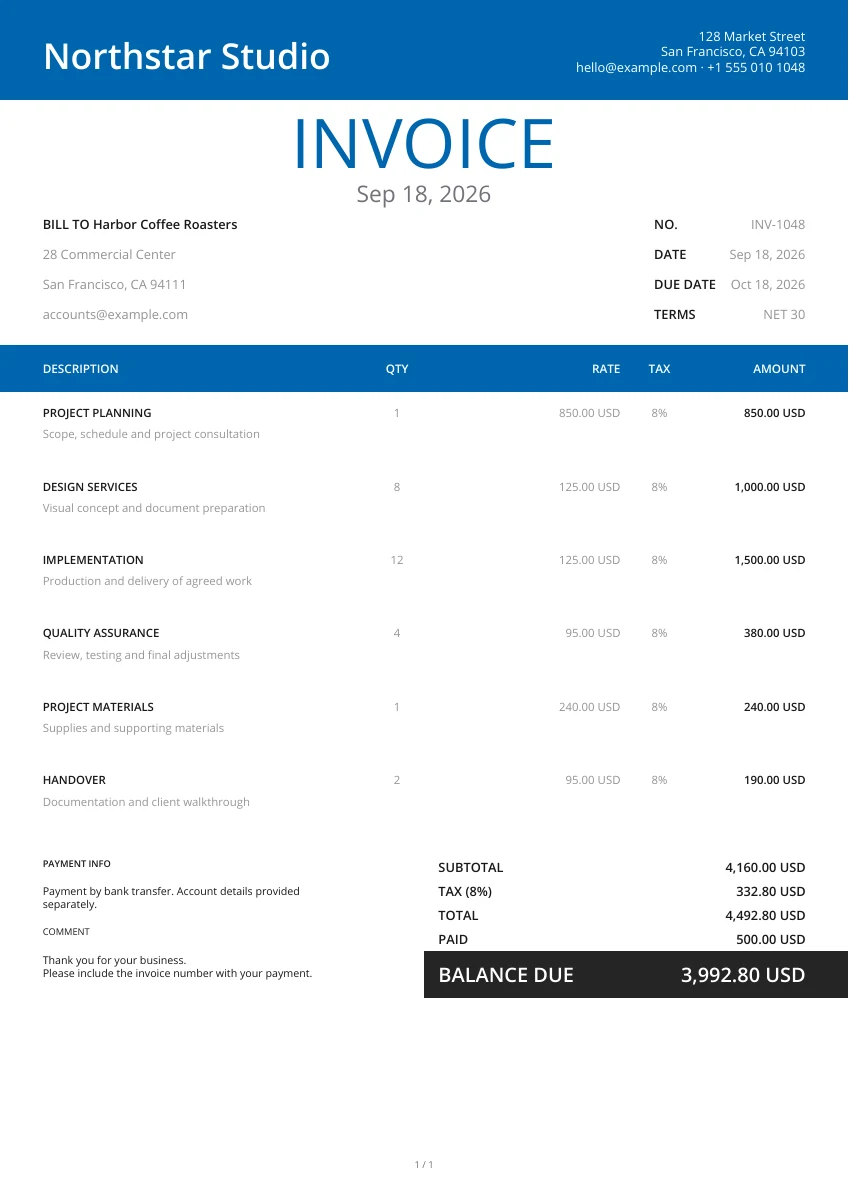
Modern
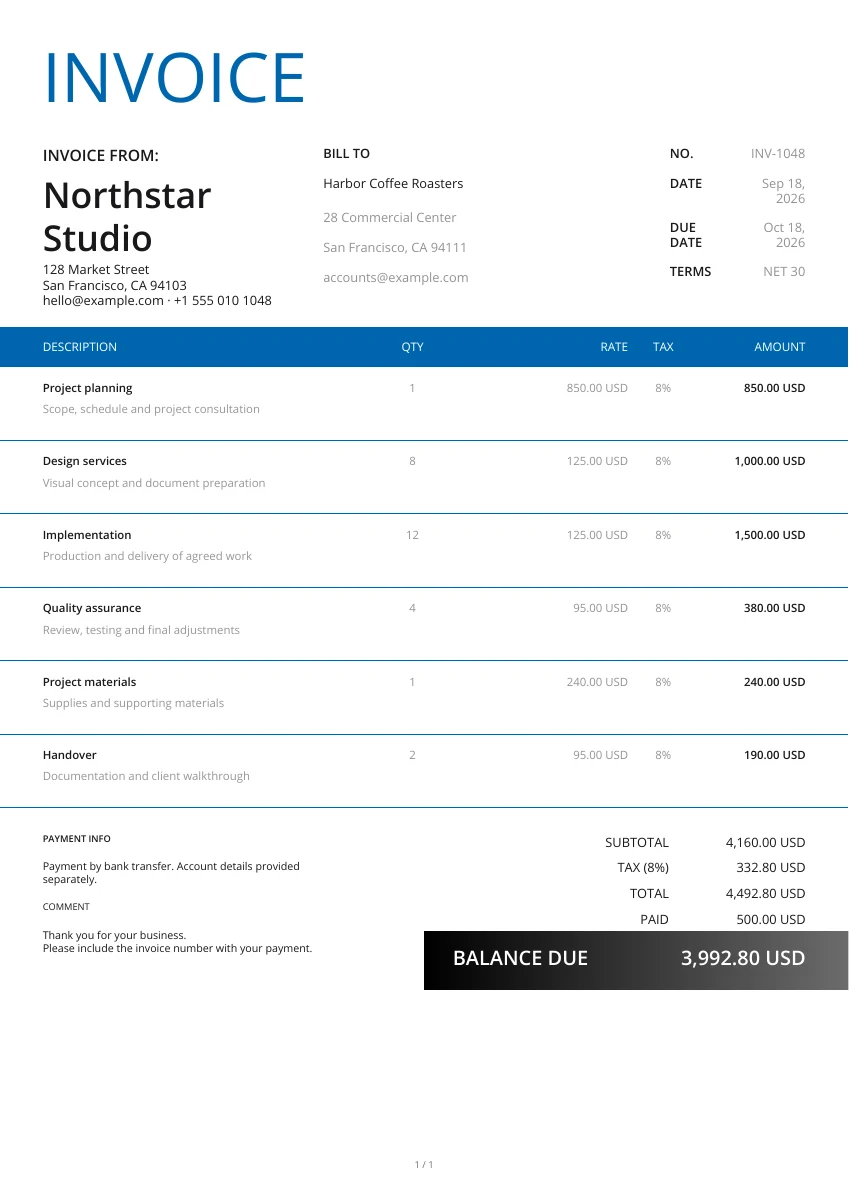
Classic
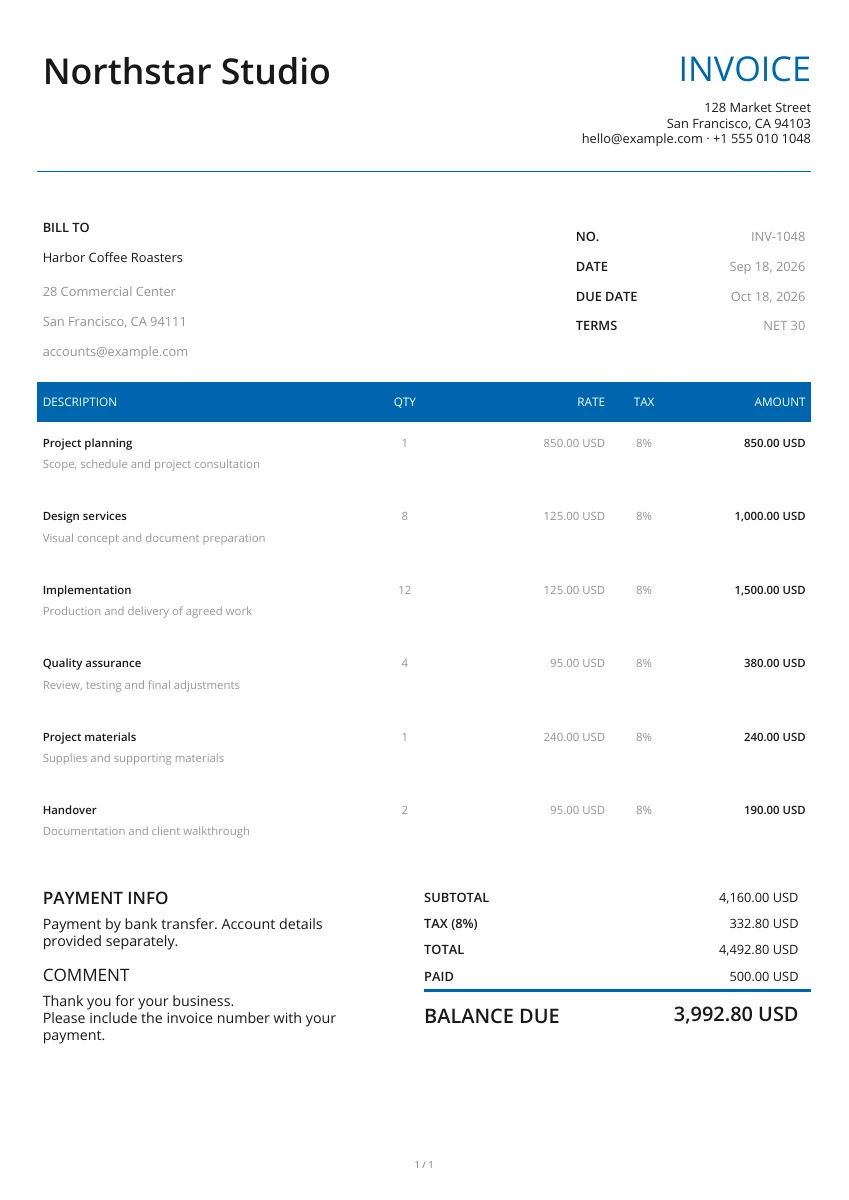
Minimal
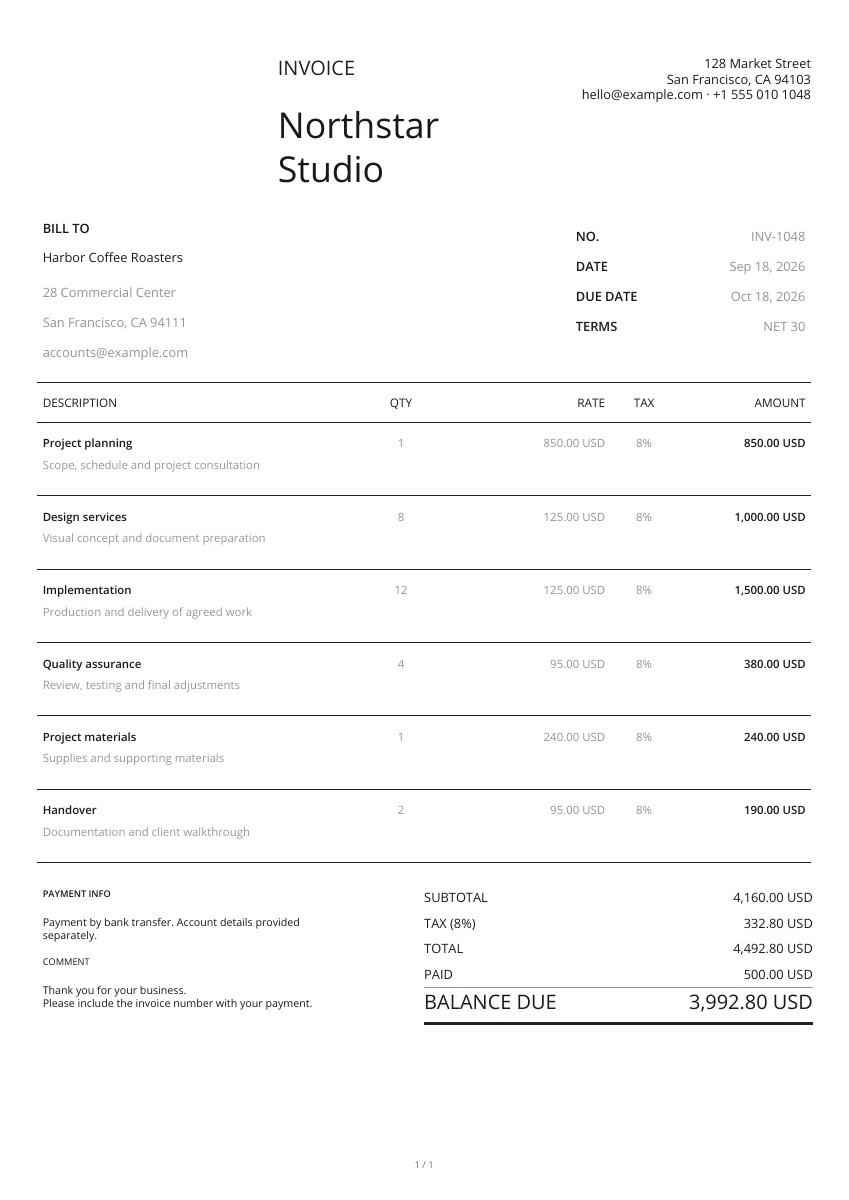
Minimal
No matching templates. Try another search or clear the filters.
Yes. Choose a layout, open the free editor and download a completed PDF without registering an account.
Use Enlarge preview to inspect the layout. Use template opens the editor for your selected document type with that design ready to edit.
These layouts are used by the online PDF editor. The estimate, quote, receipt and purchase order tool pages also offer separate blank Word, Excel and fillable PDF files.
Yes. Select the document type above the gallery before choosing a layout. The editor opens an invoice, estimate, quote, receipt or another selected document.
Yes. You can switch the layout, add a logo and adjust the header, color or watermark in the editor without re-entering your details.
The free editor does not save an account document. Download the PDF before leaving the page. Use the Pocket Invoice app when you need saved customer and document records.
Select the right document type and a layout, then add the details for your customer or supplier.