
Free tax invoice generator
Create an invoice PDF that shows the subtotal, tax and final amount. Add your business and customer details, enter the applicable rate and check the calculation before downloading.
- No sign-up required
- Automatic calculations
- Download PDF
Your details are sent securely to our PDF service only when you preview or download. This tool does not save documents to an account.
How to create an invoice with tax
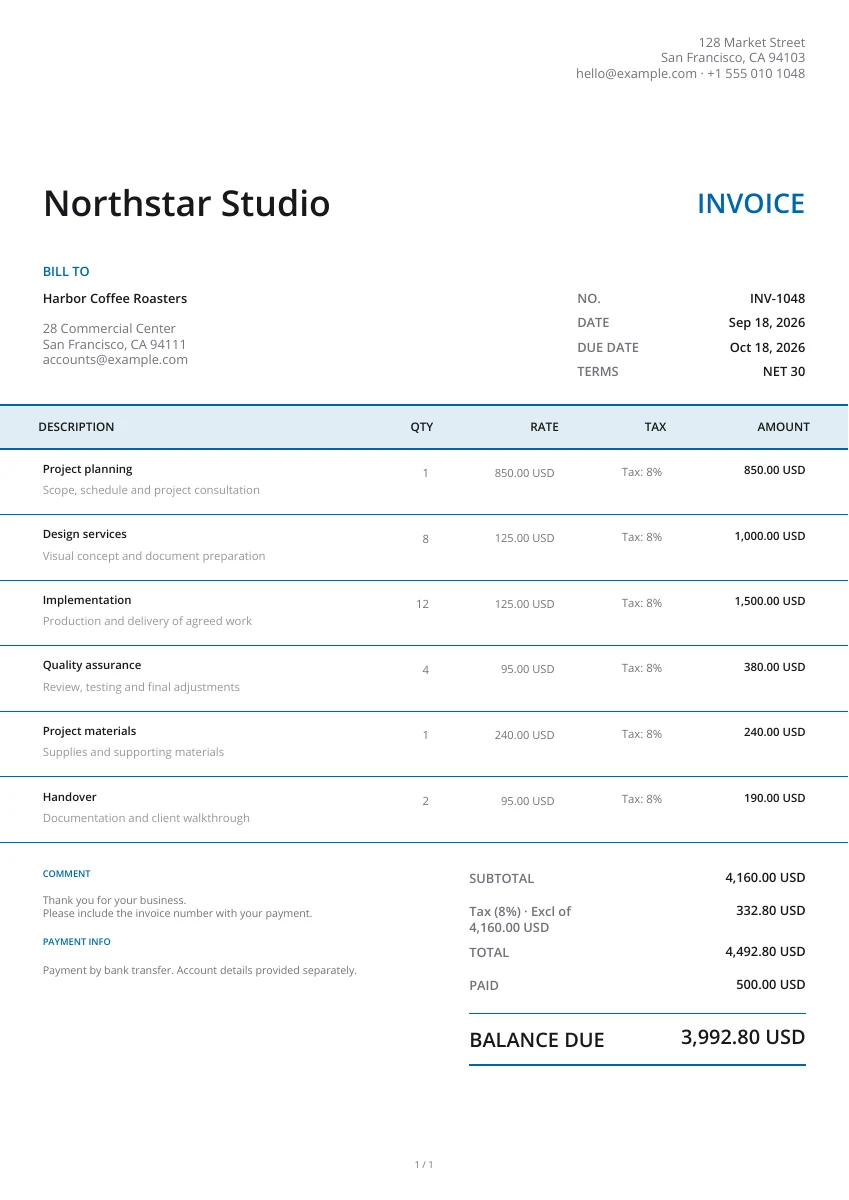
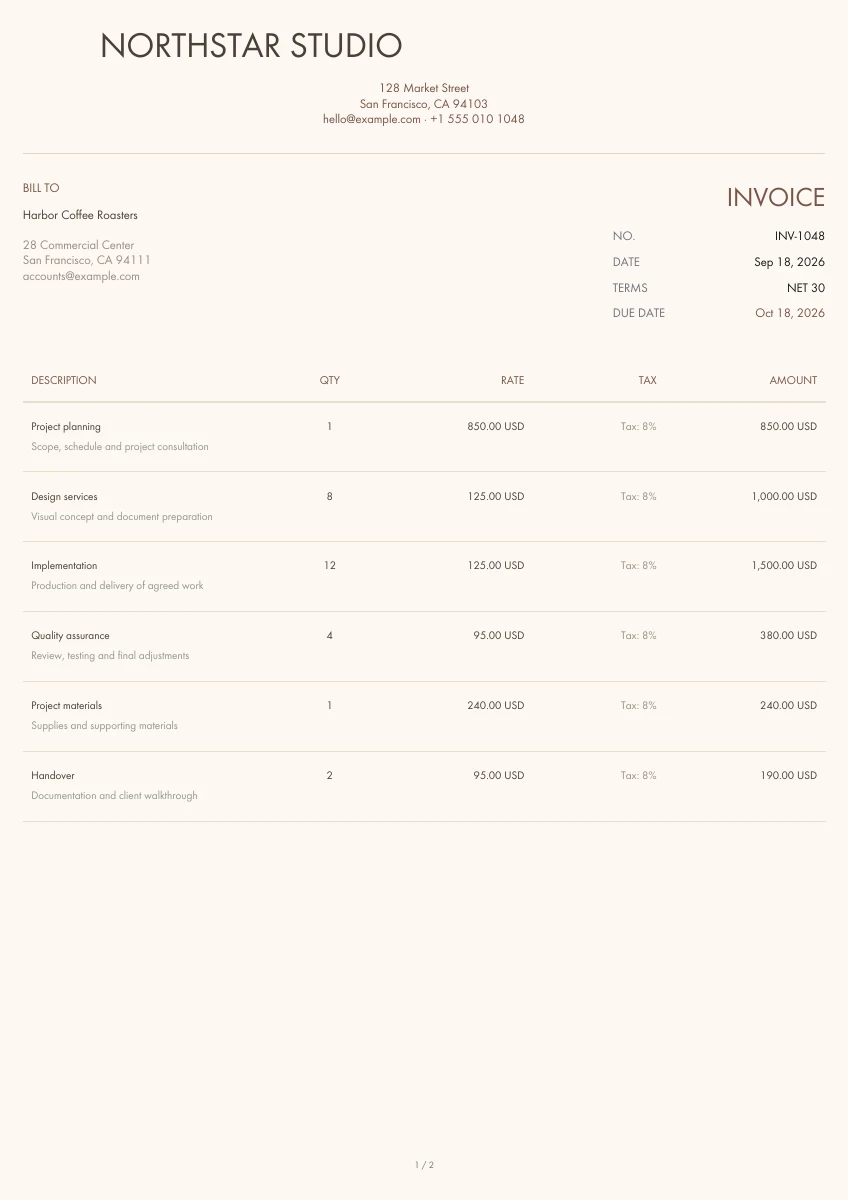
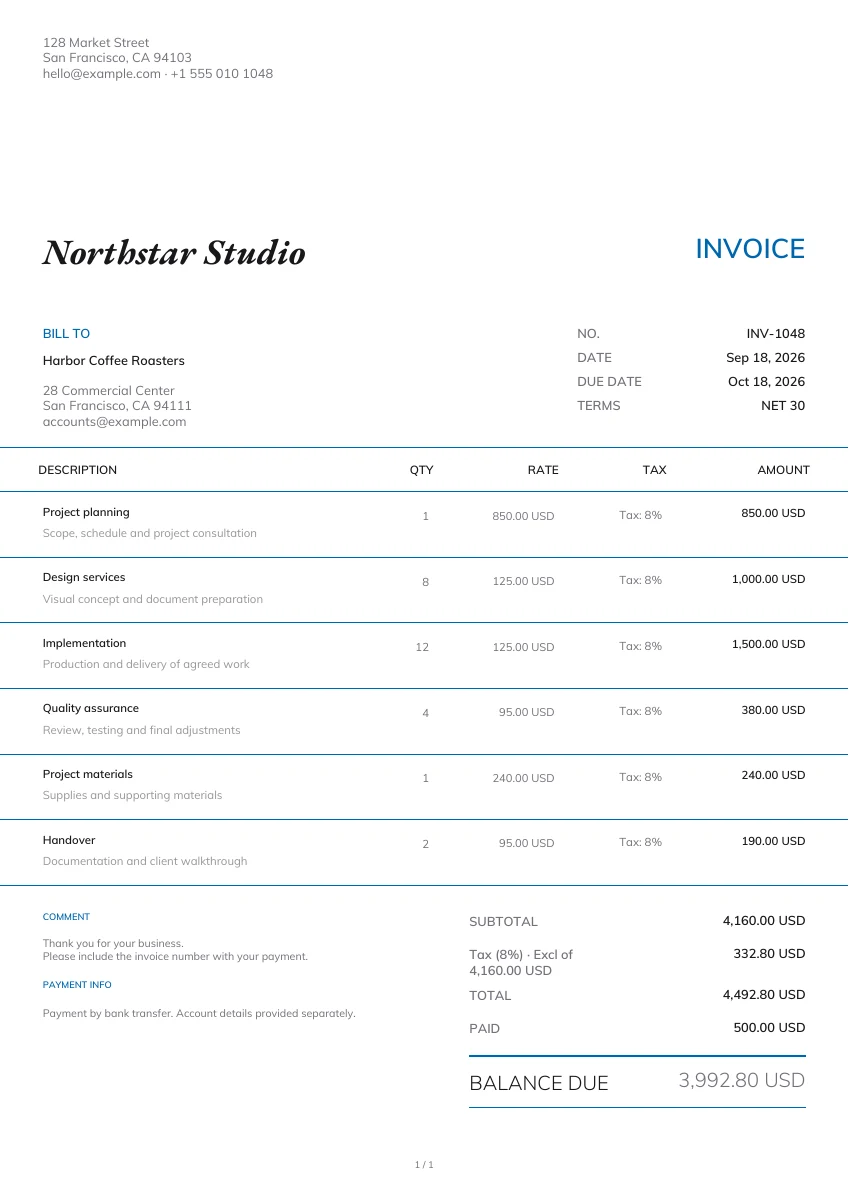
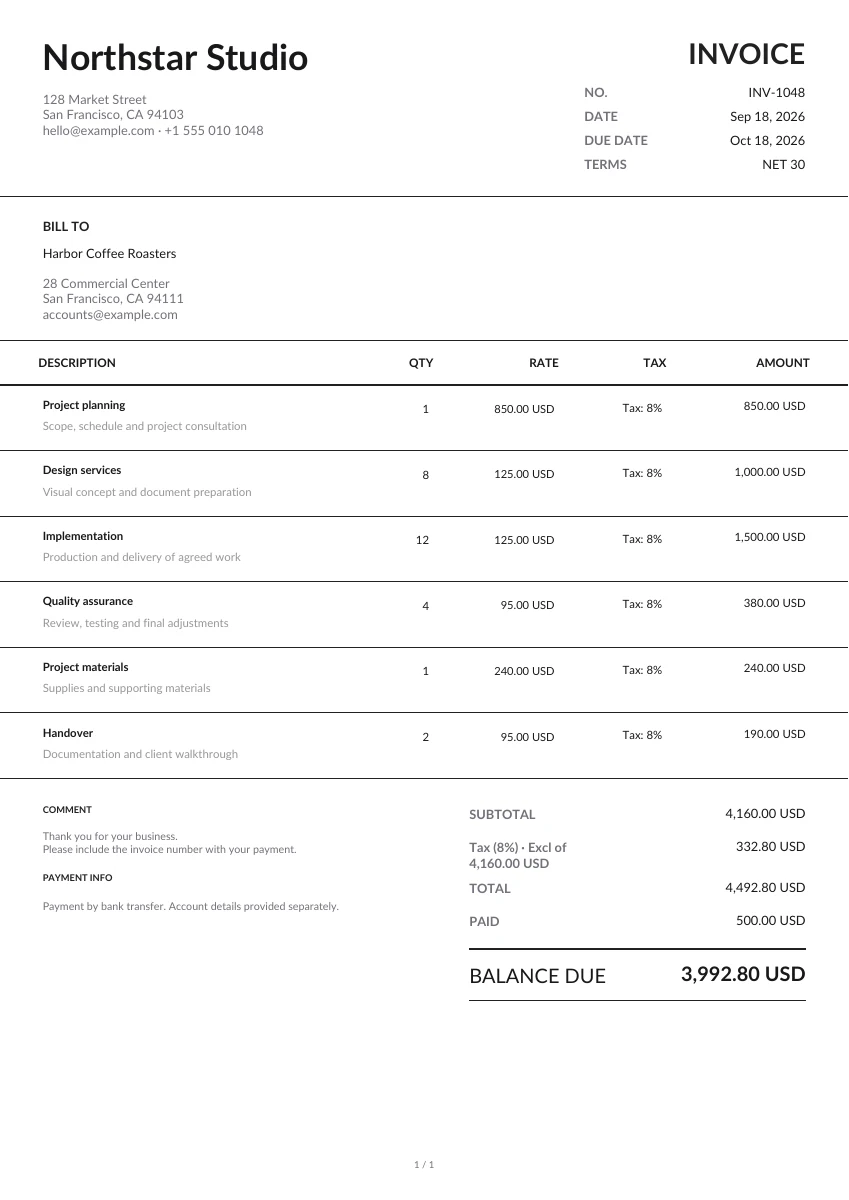
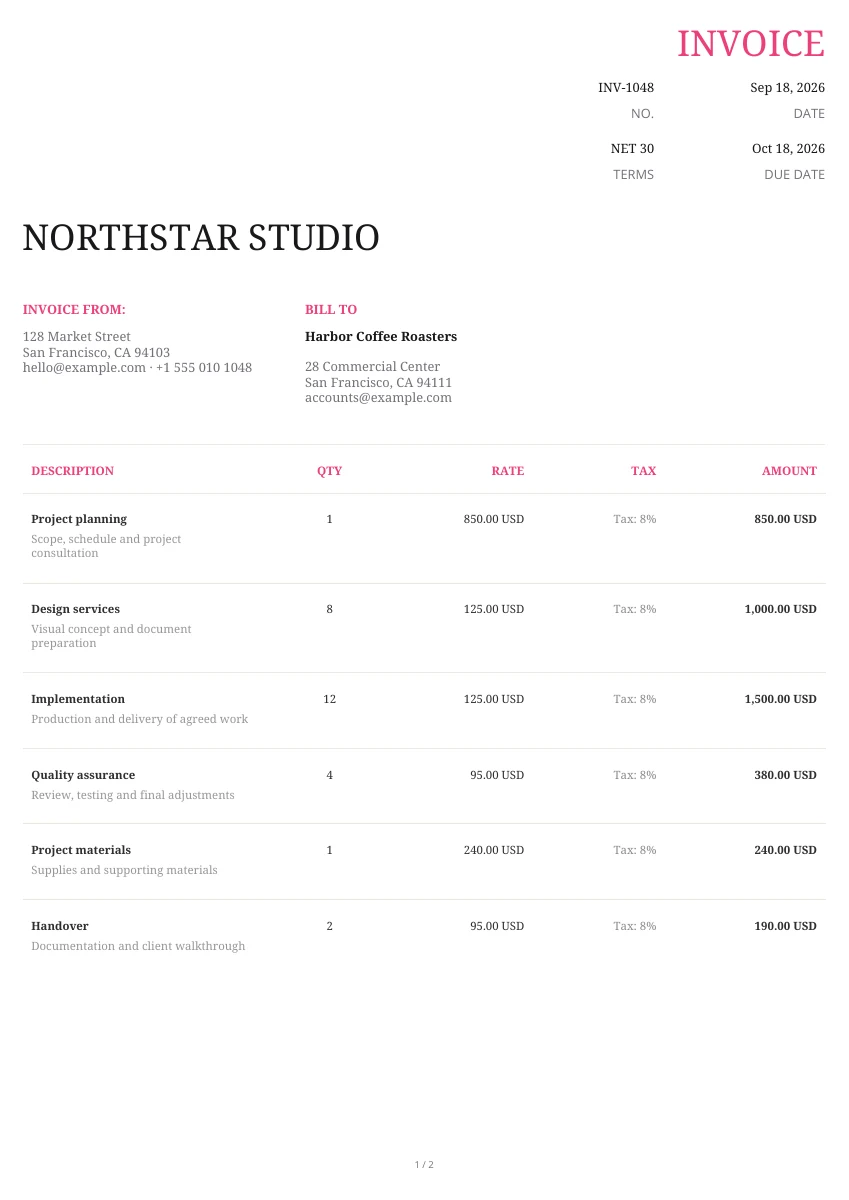
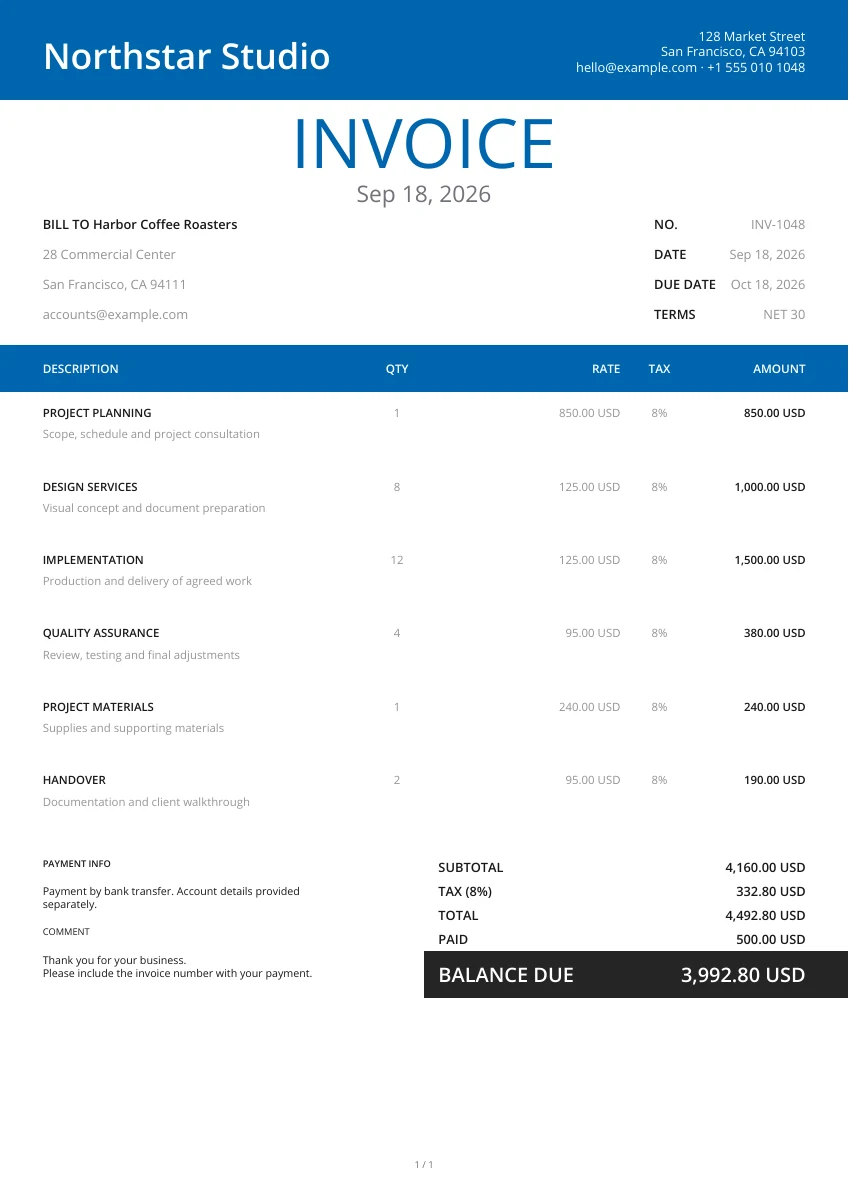
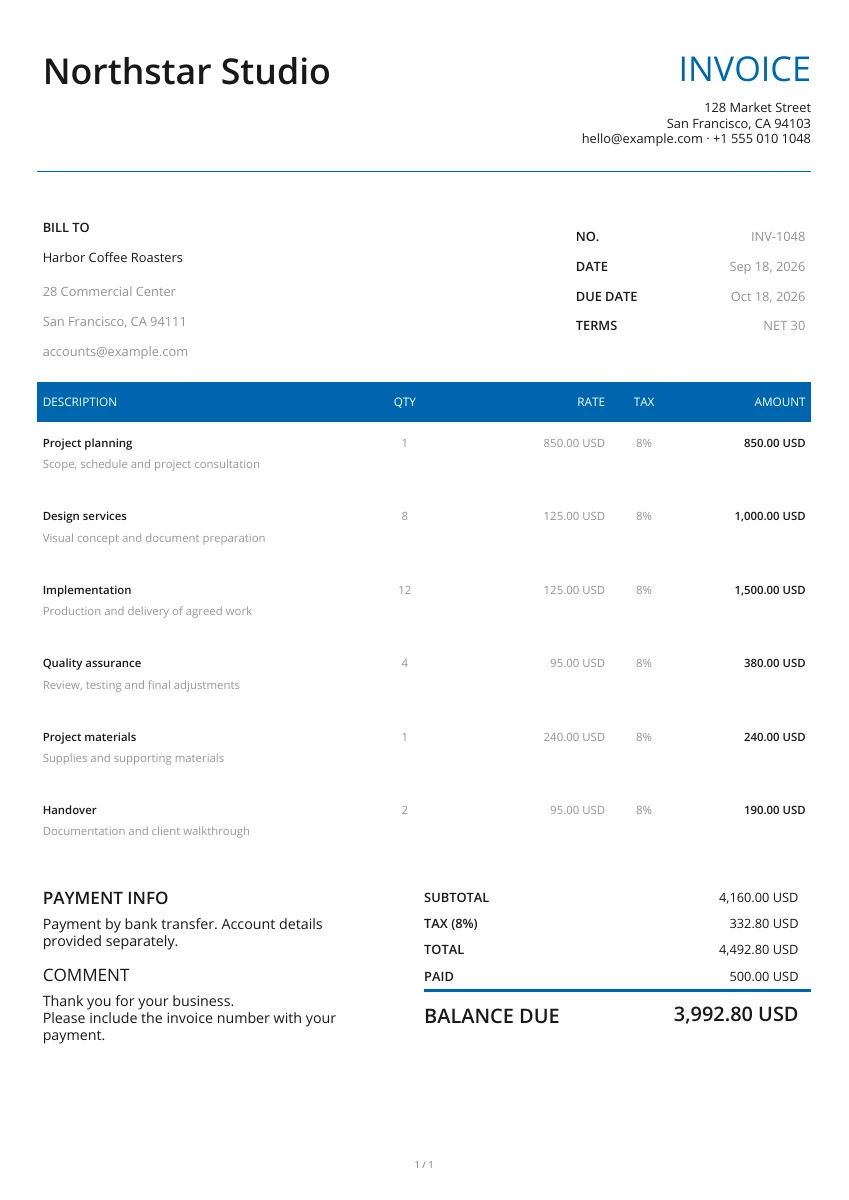
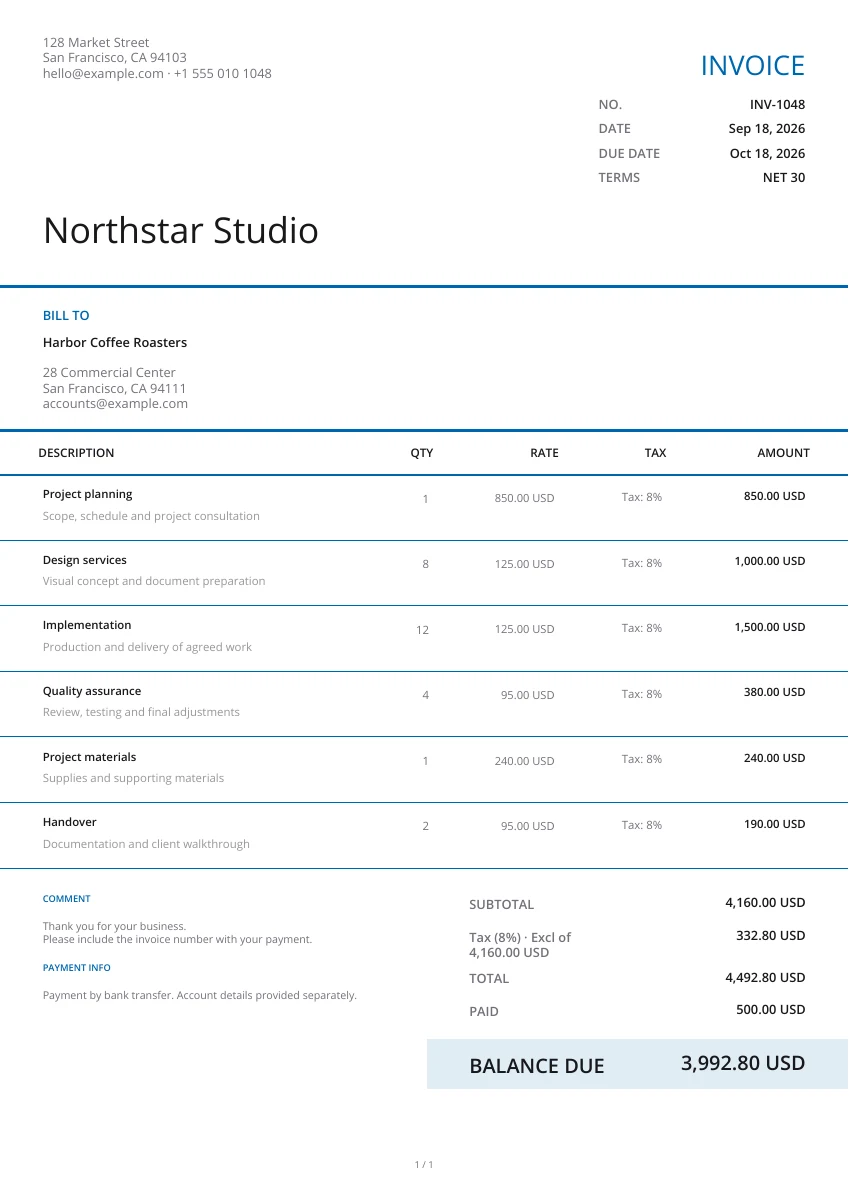
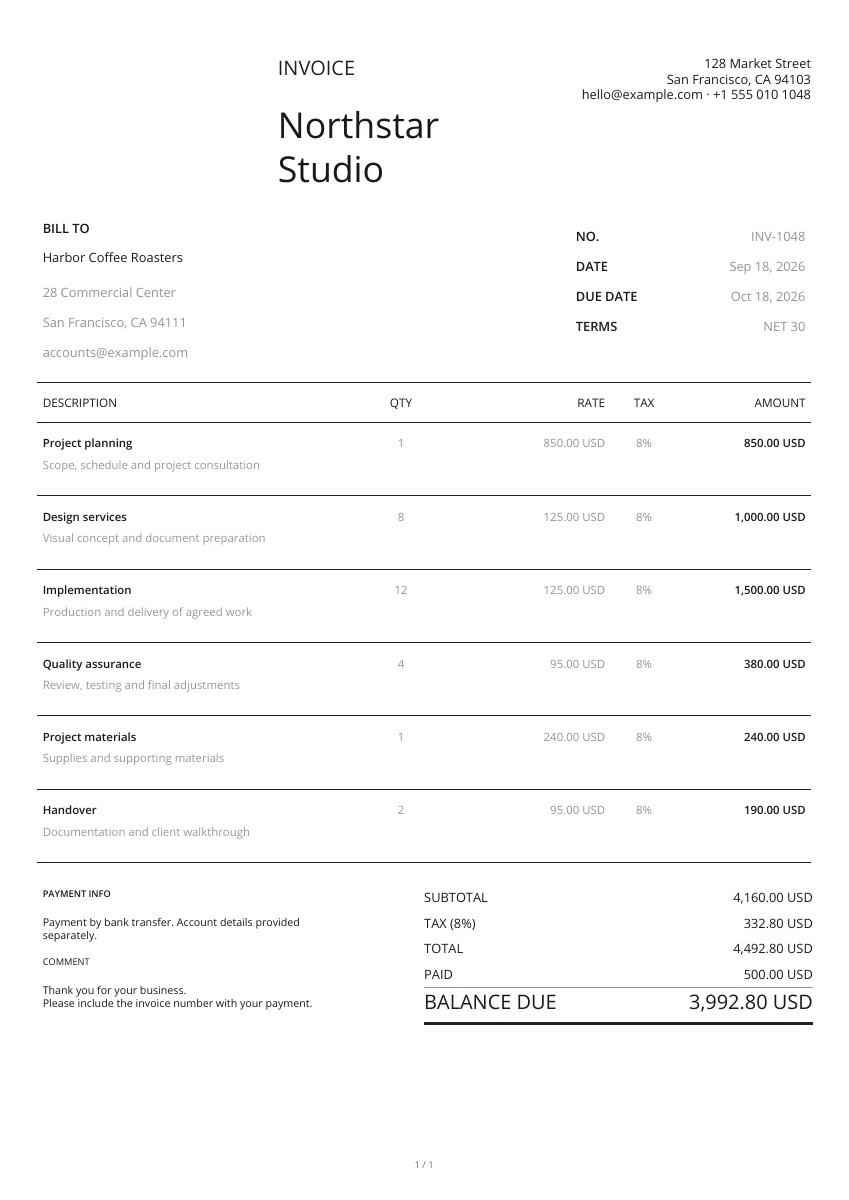
Start with a layout from the gallery. Add your logo and pick a header and color; you can change the design without retyping your details.
Enter the seller and customer information, then list the items and prices. Enter the tax rate and any discount, shipping or payment already received.
Open the PDF preview to check the finished pages, not just the form. Download the file when it is ready, then attach it to your own email or print a copy.
Show the invoice and tax details clearly
Header design
Choose a layout, header and color. The invoice details and entered tax rate stay in place when you change the design.
Add your logo
Add your logo and business contact details. Include the relevant tax registration reference in the business information where needed.
Preview PDF
Check the subtotal, discount, tax, shipping and final total in the PDF preview before you issue the invoice.
Keep invoice and tax records together
On your phone or computer
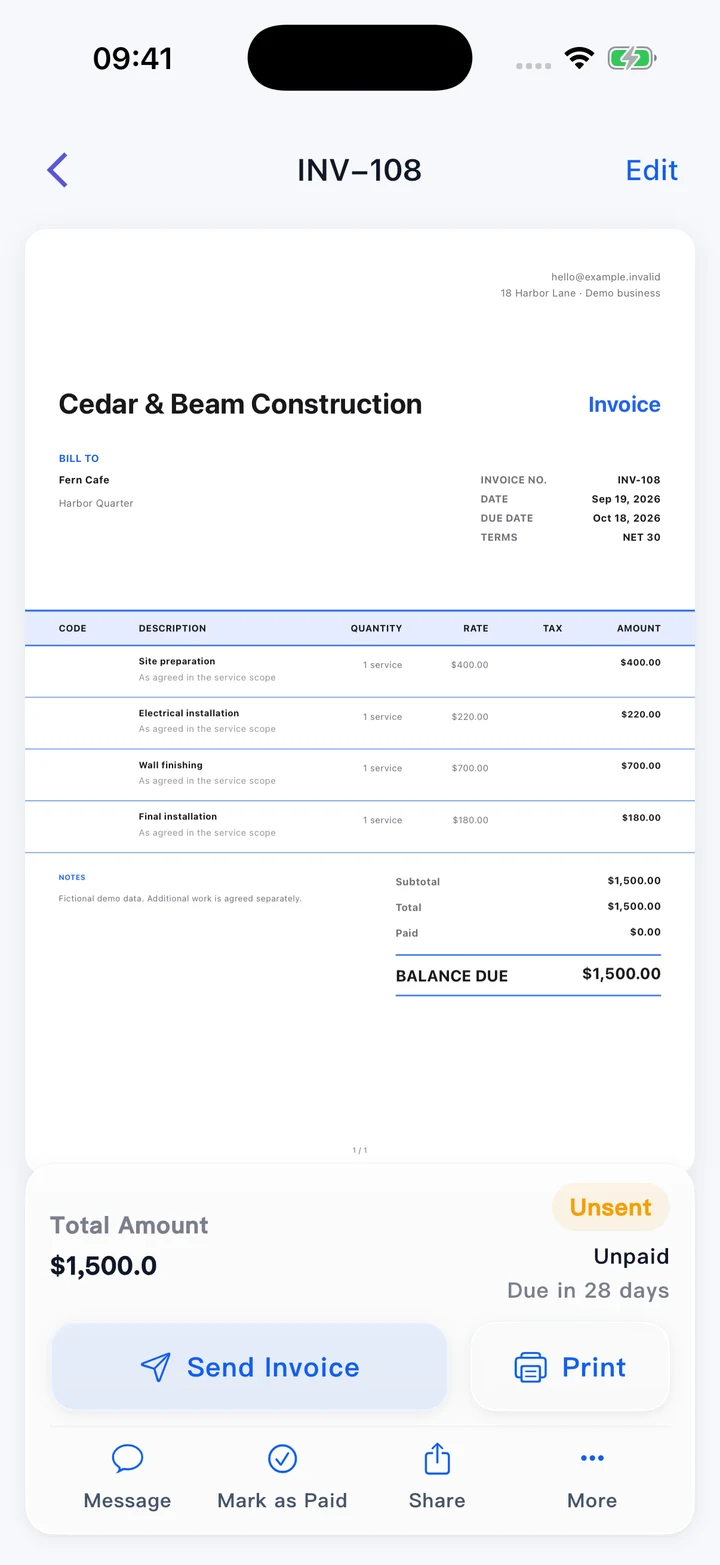
Use this editor in your browser. A downloaded PDF keeps its page layout when viewed on a phone, opened on a computer or printed.
Retain the invoice you issue
Use a unique invoice number and keep the issued PDF with its transaction records. Confirm the required invoice details for your business and location.
Manage invoices and expenses in the app
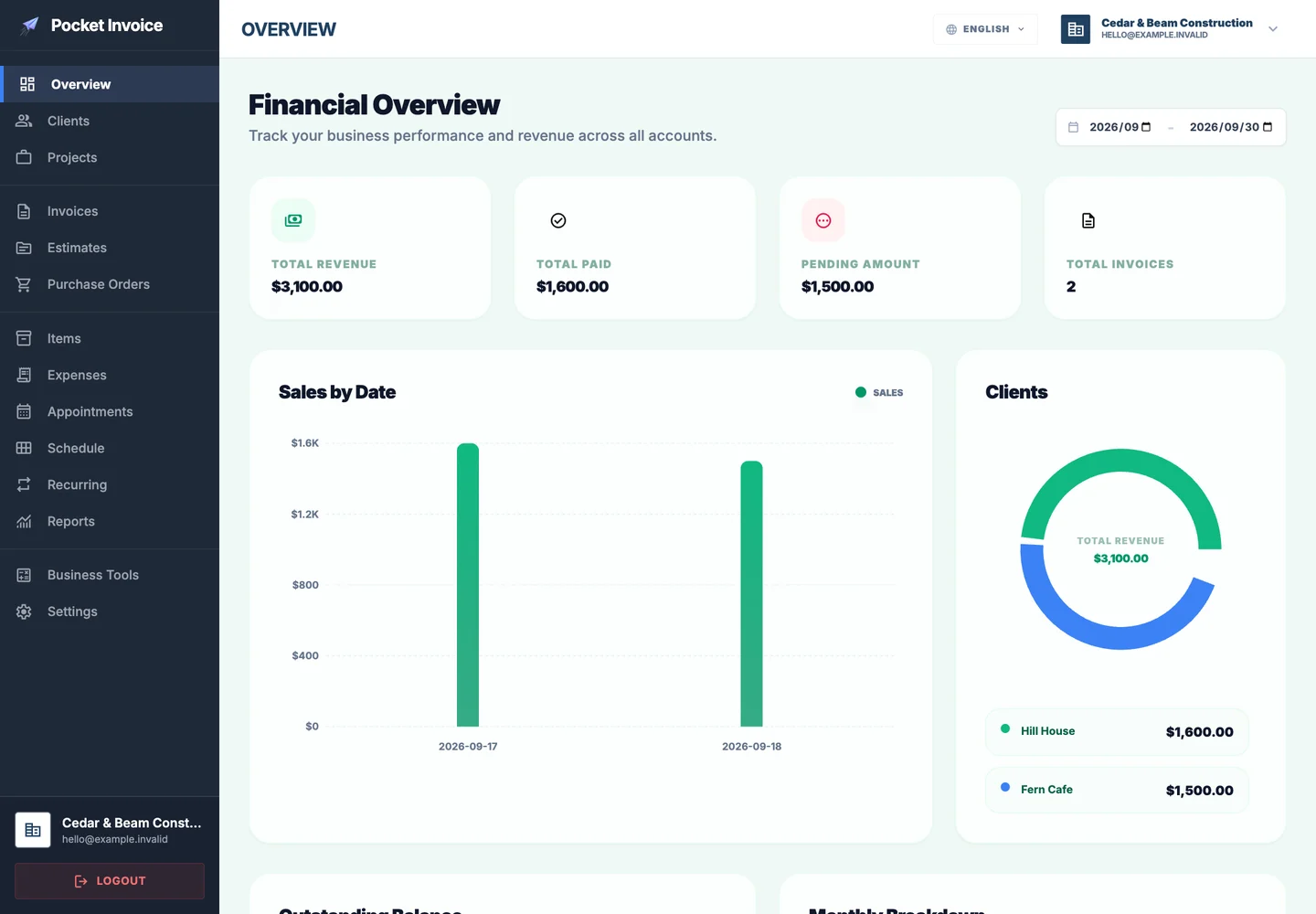
The Pocket Invoice app keeps customer, invoice, payment and expense records. This free editor prepares a PDF and does not submit it to a tax authority.
What to check on an invoice with tax
Show the transaction and calculation clearly. This tool creates a commercial PDF from your entries; it does not select the correct tax treatment or verify local invoice requirements.
- 01
Business and customer details
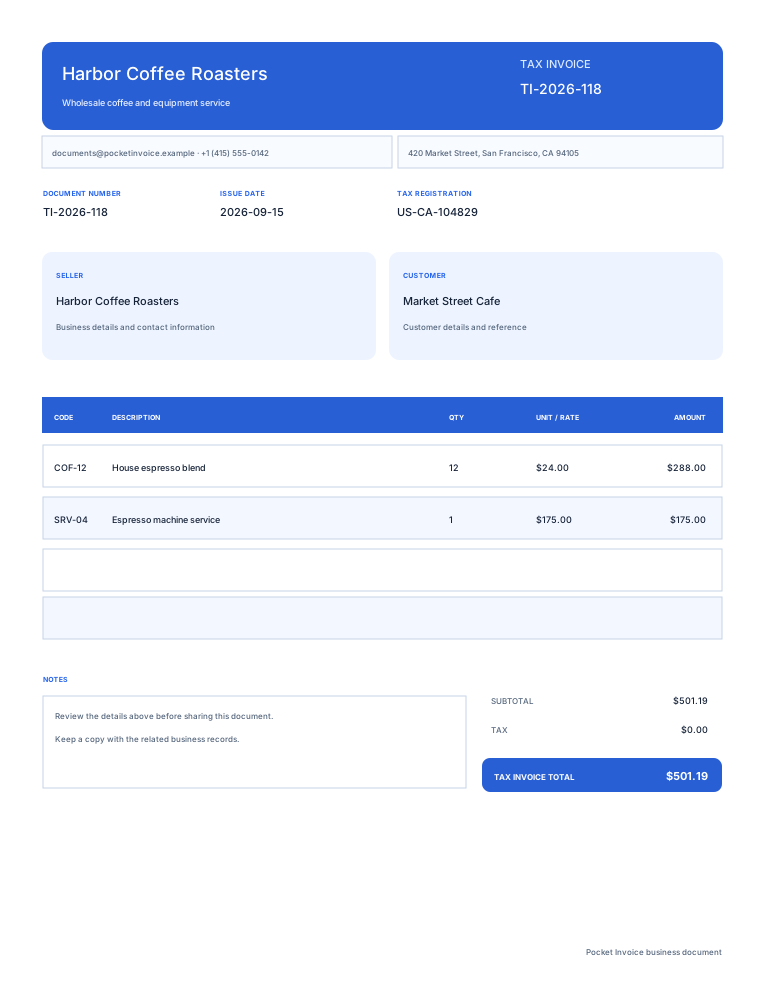
Enter the legal or trading names, addresses and relevant tax registration references for the transaction.
- 02
Invoice number and dates
Use a unique invoice number, issue date and payment due date. Include the order reference when required by the customer.
- 03
Items and unit prices
List the goods or services, quantities and prices before the tax applied by this editor. Describe the charges clearly.
- 04
Entered tax rate
The editor applies one rate to the subtotal after discount. Enter the rate appropriate to your transaction; the tool does not choose it for you.
- 05
Adjustments and total
Review the discount, calculated tax and shipping. Shipping is added after the tax calculation in this editor.
- 06
Currency, payments and balance
Select the currency, record any payment received and add payment instructions. Check the remaining balance in the PDF.
Choose an invoice layout
Enlarge the previews to compare layouts. Choose Use template to enter your transaction and tax details.
Browse templatesFrequently asked questions
Is this tax invoice generator free?
Yes. Create, preview and download an invoice PDF showing your entered tax rate without signing up.
Does this tool choose the tax rate?
No. You enter the rate for your transaction. The editor calculates one rate on the subtotal after discount, then adds shipping to the result.
Can I use multiple rates or tax-inclusive pricing?
This editor uses one tax rate for the document. It does not support different item tax rates or calculate the tax component backwards from tax-inclusive prices.
Will this page remember my draft?
No. The form stays in this open page and is not saved as an account document. Download your PDF before leaving; use the Web app for saved records.
Does the PDF meet every local tax invoice requirement?
The tool creates a commercial PDF from your entries. It does not verify legal invoice requirements, submit tax filings or connect to an official invoicing system. Check the requirements that apply to your transaction.
How are my details used?
Your details are sent securely to our PDF service only when you preview or download. This tool does not save documents to an account.
Create another document
Create your invoice with tax
Enter the transaction, check the tax calculation and download your invoice PDF.